
Multi Window Side Bar
DVG Tech Apps
4.1 ★
1K ratings
100,000+
downloads
Free
+ in-app
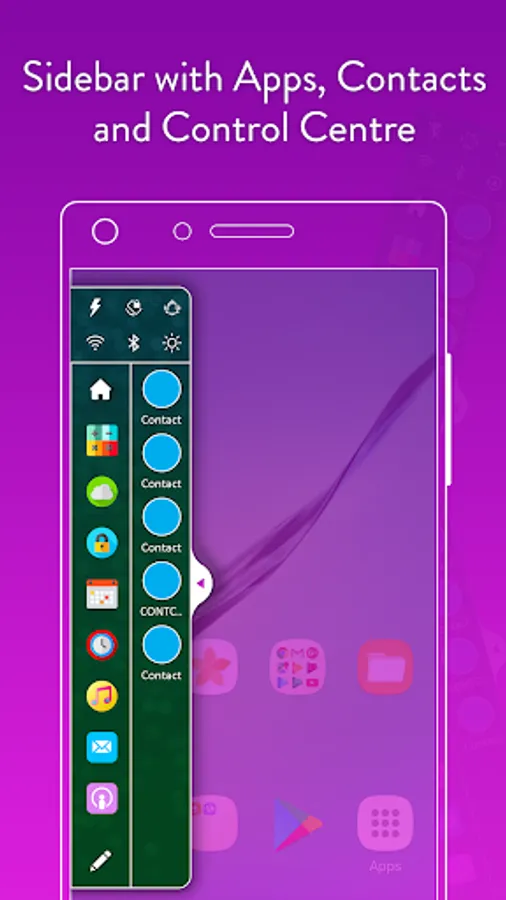
In this multitasking tool, you can quickly access your favorite apps, contacts, and control center features. Includes options to customize themes and set the sidebar position.
AppRecs review analysis
AppRecs rating 3.7. Trustworthiness 78 out of 100. Review manipulation risk 33 out of 100. Based on a review sample analyzed.
★★★☆☆
3.7
AppRecs Rating
Ratings breakdown
5 star
64%
4 star
14%
3 star
8%
2 star
1%
1 star
14%
What to know
✓
Credible reviews
78% trustworthiness score from analyzed reviews
✓
High user satisfaction
77% of sampled ratings are 4+ stars (4.1★ average)
⚠
Ad complaints
Many low ratings mention excessive ads
About Multi Window Side Bar
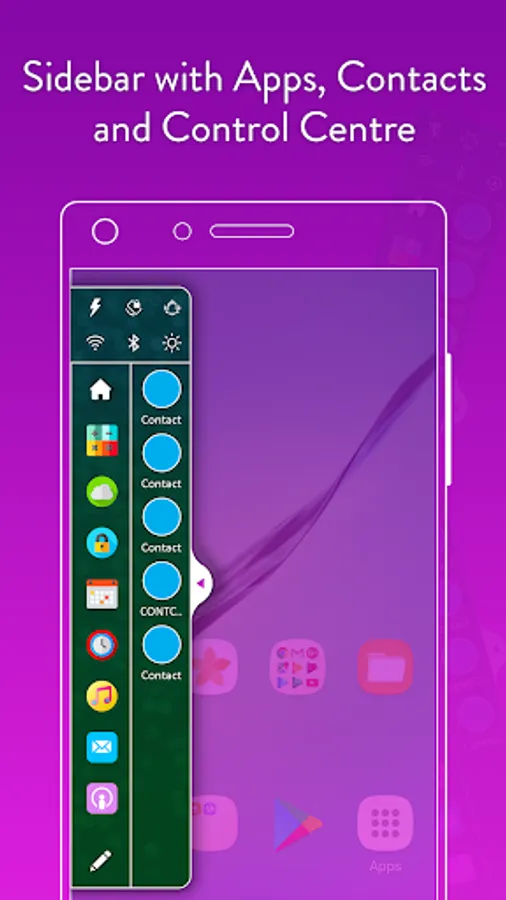
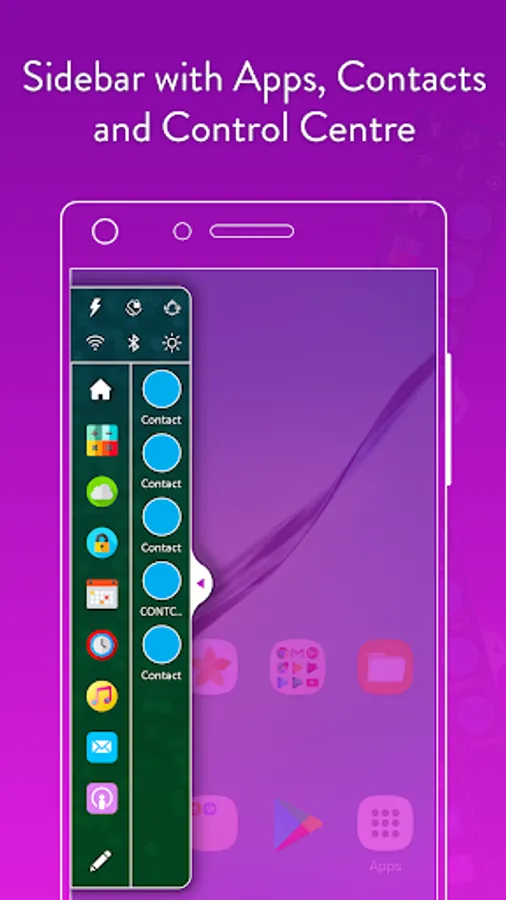
Now easily access to your favorite apps and contacts with Multi Window Side Bar. Multi Window Side bar overlays all screens on your mobile. It always lays on top of all the mobile screens of apps or games, so that you can access it anytime. You don't have to exit or minimize any current screen to access Multi Window Side Bar.
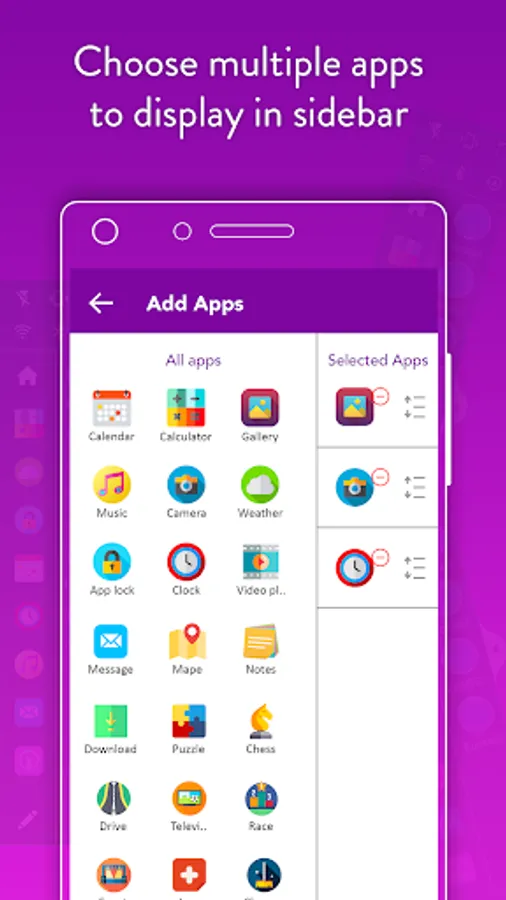
You can add apps, contacts or enable control center in Multi Window Side Bar.
App Features :
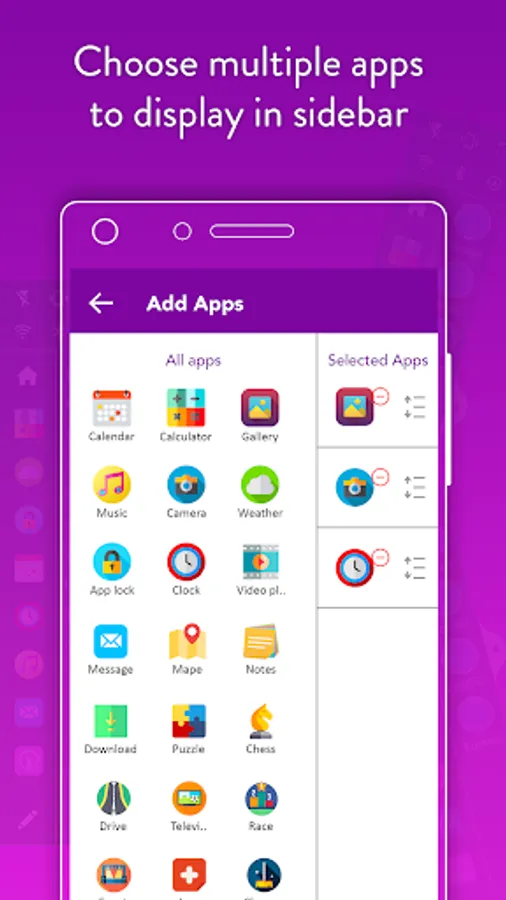
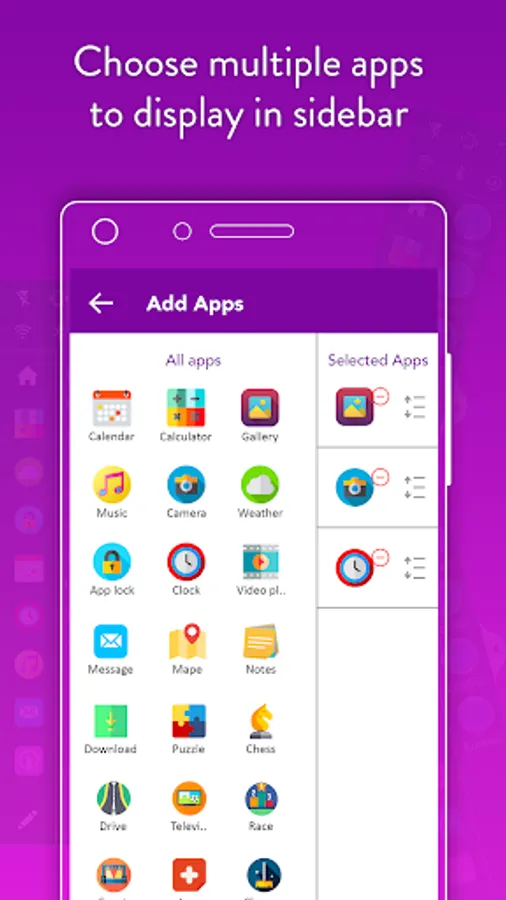
- Add list of favorite apps to side bar try.
- Add favorite contacts to side bar try.
- Side bar with control center like wifi, sound, bluetooth, torch, flight mode, mobile data etc.
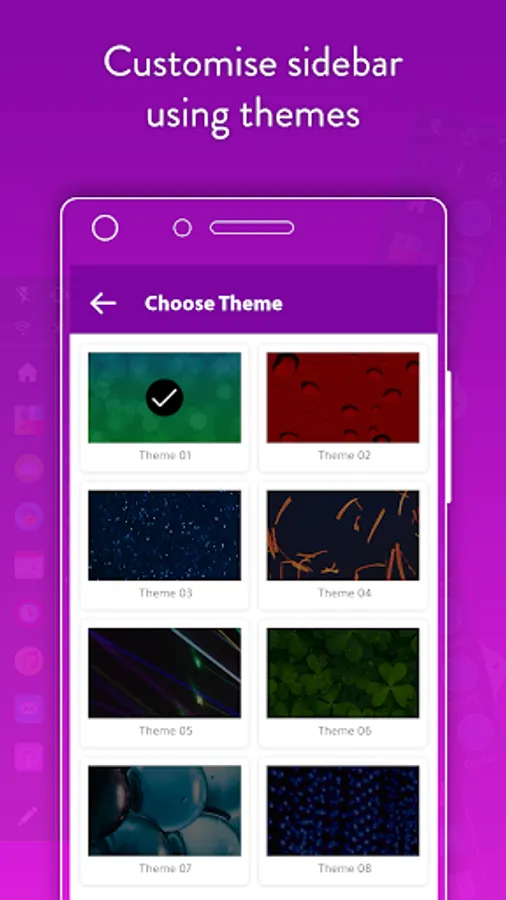
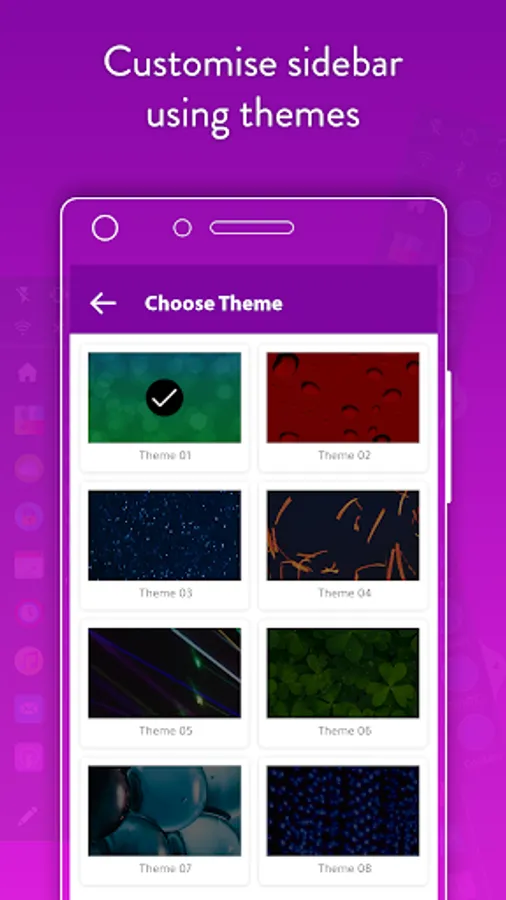
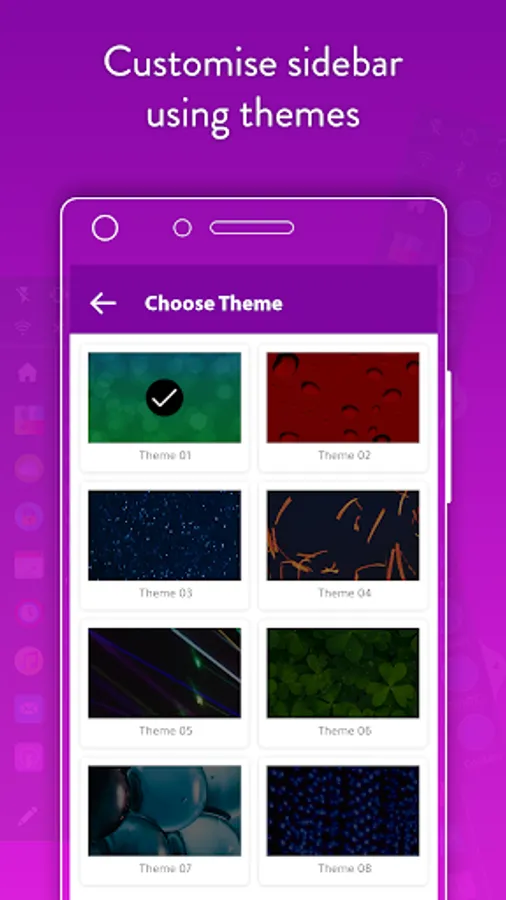
- Choose themes from many given default themes within the app for side bar.
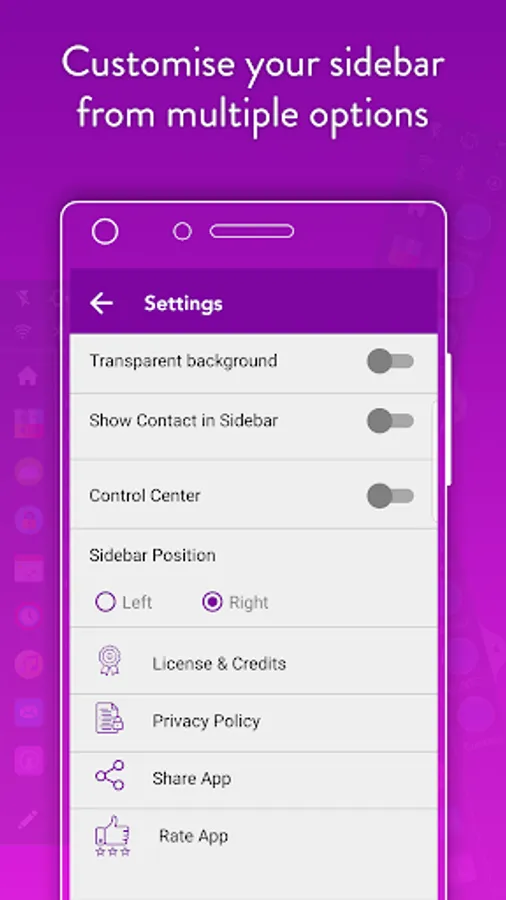
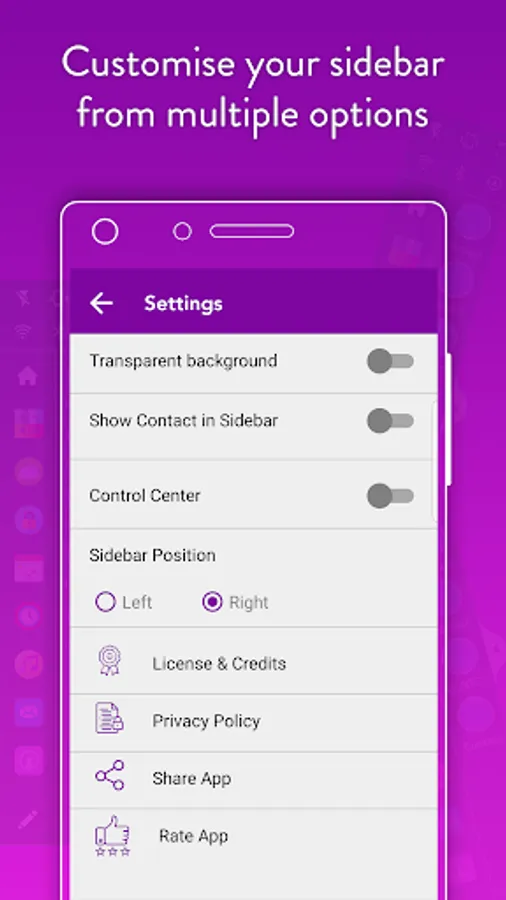
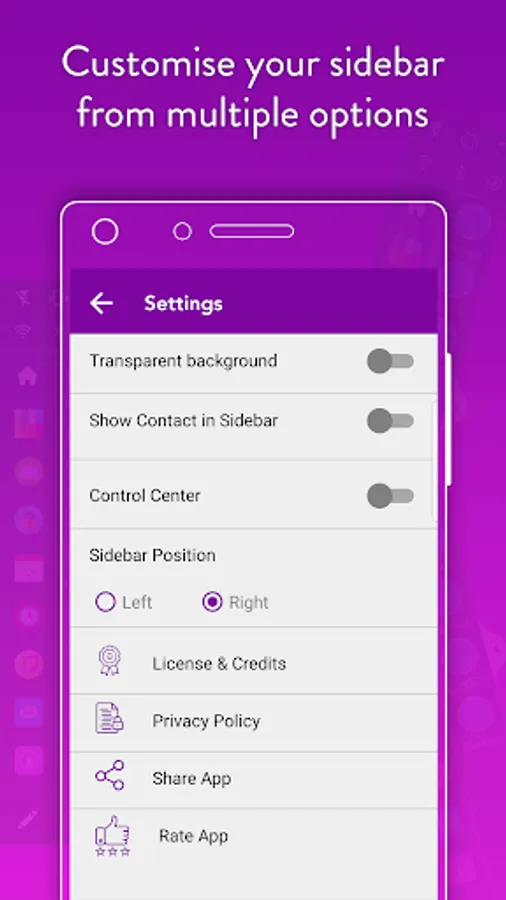
- Option for side bar positions left or right.
You can add apps, contacts or enable control center in Multi Window Side Bar.
App Features :
- Add list of favorite apps to side bar try.
- Add favorite contacts to side bar try.
- Side bar with control center like wifi, sound, bluetooth, torch, flight mode, mobile data etc.
- Choose themes from many given default themes within the app for side bar.
- Option for side bar positions left or right.
Multi Window Side Bar Screenshots
Tap to Rate:
Reviews for Multi Window Side Bar
dn rajababu
12/17/2025
okay but next time try
Rajeev Kumar
12/5/2025
very good experience