
In this app, you can map controller buttons to touch inputs for Android games and applications. Includes support for major gamepads and customizable key mappings.
AppRecs review analysis
AppRecs rating 3.3. Trustworthiness 82 out of 100. Review manipulation risk 27 out of 100. Based on a review sample analyzed.
★★★☆☆
3.3
AppRecs Rating
Ratings breakdown
5 star
49%
4 star
8%
3 star
4%
2 star
3%
1 star
36%
What to know
✓
Low review manipulation risk
27% review manipulation risk
⚠
Ad complaints
Many low ratings mention excessive ads
⚠
High negative review ratio
39% of sampled ratings are 1–2 stars
About Gamepad Pro
🏆GamePad Pro has been specifically tested with Major Android Games like Apex Legends, Genshin Impact, PUBG, CODM, World War Heroes, Pokemon Unite, Wild Rift, Mobile Legends, etc to give you the Pro Console Level Gaming Experience on Android.👍👍
💯Free to use all features.
✅ ADB permission is not necessary: Avoid cumbersome activation settings, use the barrier-free permissions, and start the game after half a minute of setting.
✅ No Cloning - Ban-Safe Gaming : GamePad Pro doesn't require cloning of Apps and instead uses our Proprietary Peripheral Mapping Tech to function. Our tech keeps your data and Google Account safe.
✅ Great Gamepad Compatibility 🎮 : GamePad Pro supports almost all Gamepads supported by Android. Xbox, Playstation, Razer, iPega, GameSir, Logitech, etc.
✅ Steps:
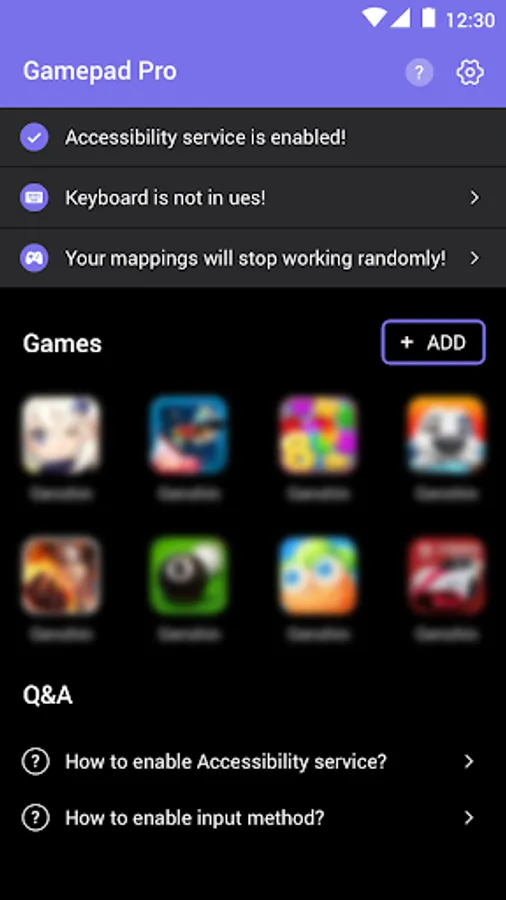
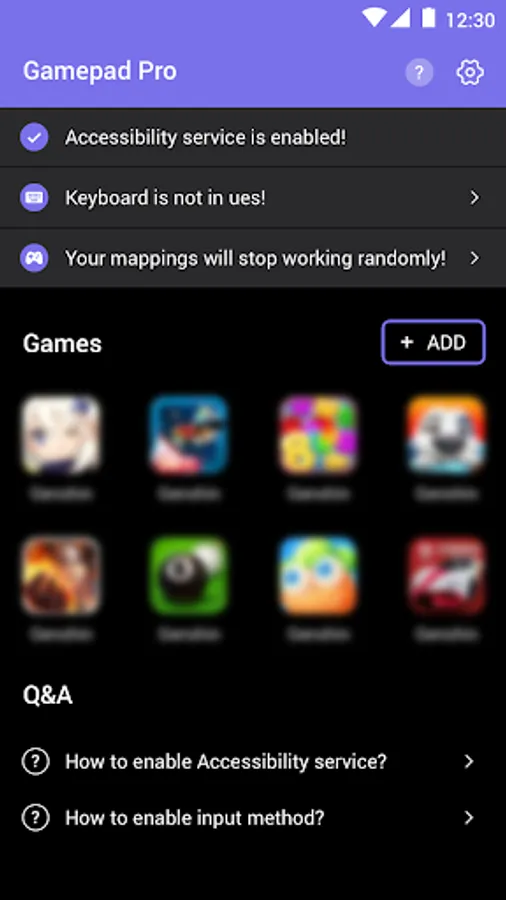
1. Open the app, set permissions and connect the controller device according to the instructions;
2. Click the add button and select your target app;
3. Click the target app icon on the homepage to enter the target app;
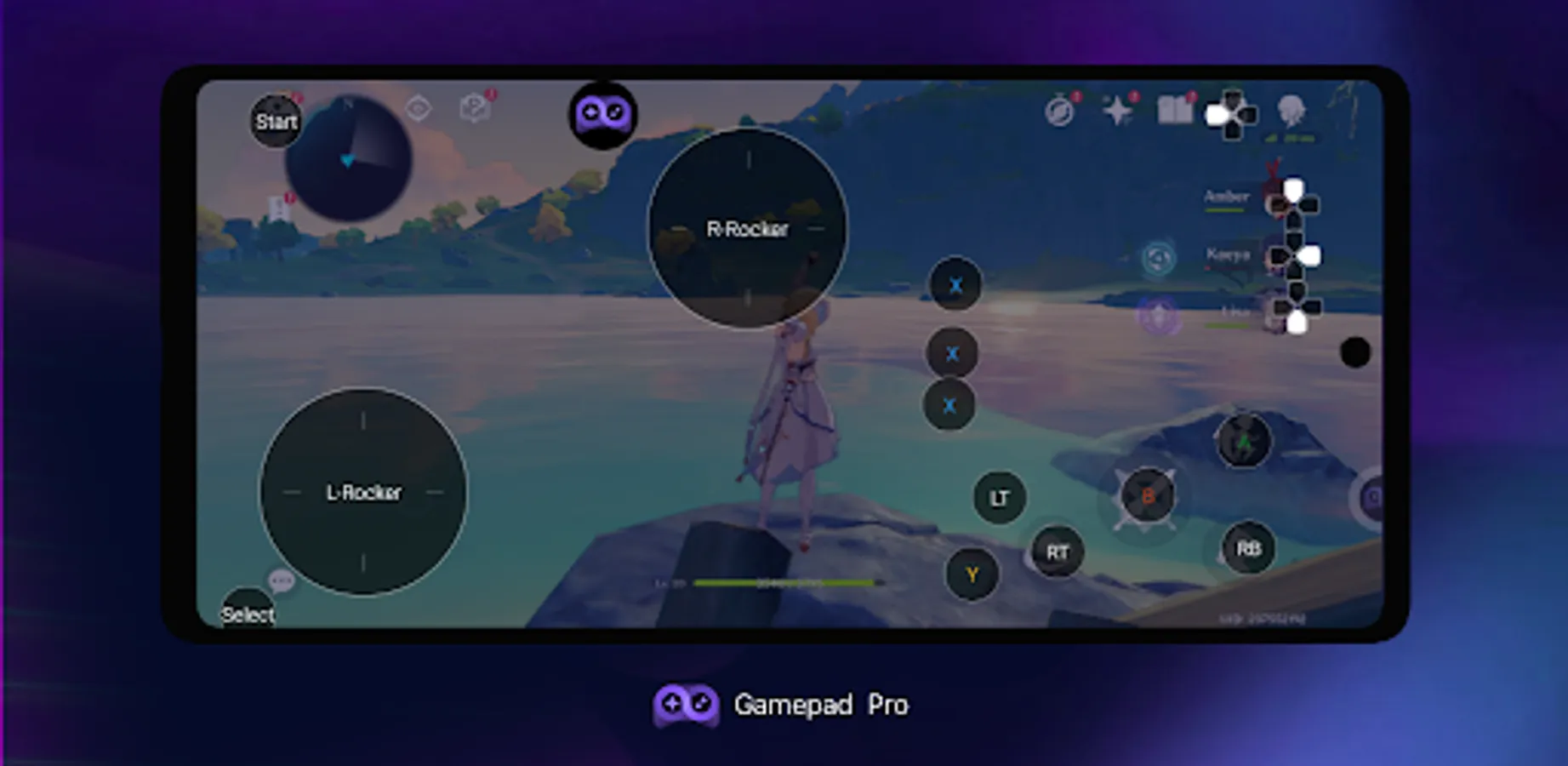
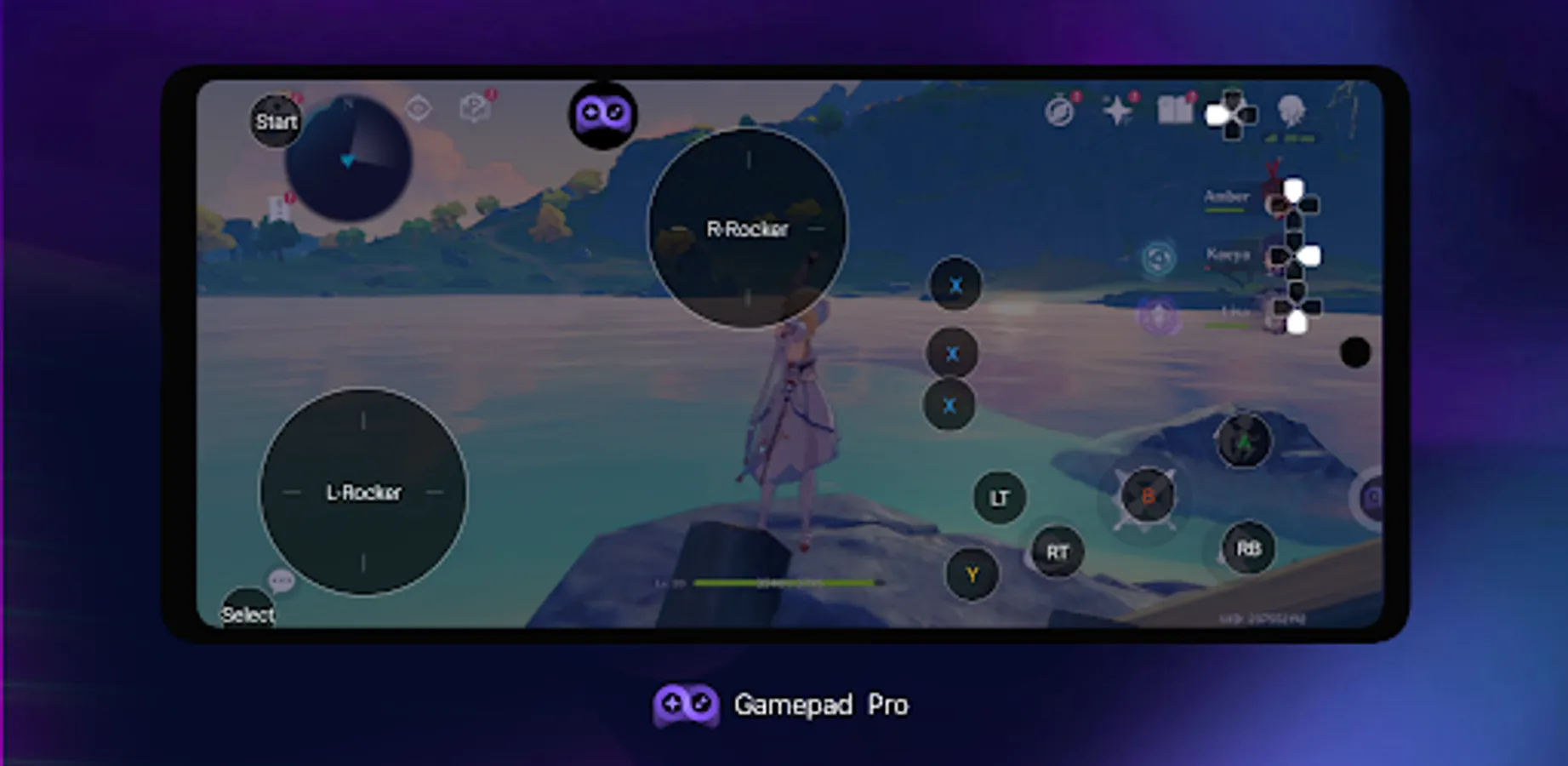
4. After entering, click the floating ball to display the mapping button and adjust the mapping position as needed;
5. Click the floating ball to hide the mapping button and start using the controller mapping operation.
❤️️It's not possible to fix problems reported via Play Store Comments so please use the "Feedback” option in the app > Settings to do so.
⚠️⚠️Permissions
Accessibility Service: Basic requirement for remapping to work. It is needed so the app can listen to and block keyevents.
Gamepad Pro Screenshots
Tap to Rate:
Reviews for Gamepad Pro
Maple Syrup
12/20/2025
I keep hesitating whether to download this app because of past experiences but I kind of gave in when I got a Gamepad myself. Just when I thought I found a Great Gamepad Keymapper that works, it can't do Multi Touch Inputs. In other words, Complex Games like FPS, MMORPGs, and/or MOBA are a no go because you need to constantly press buttons. TLDR: Multi Touch Inputs are Necessary. Note: Multi Touch Inputs means you press 2 - 6 Fingers on the Screen at the Same Time. But you can't in this App.
REBAR
12/20/2025
BAD right stick mapping