SSTP Max
John Vincent Diaz
4.0 ★
827 ratings
100,000+
downloads
Free
+ in-app
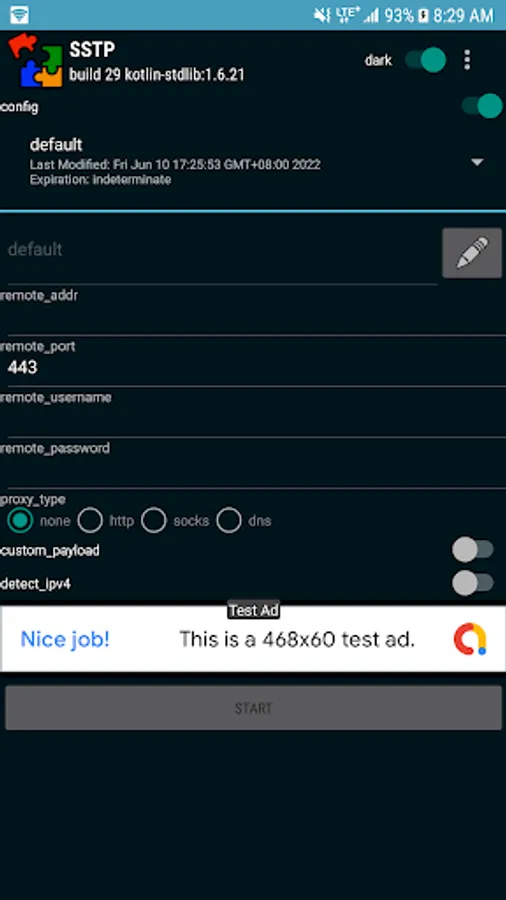
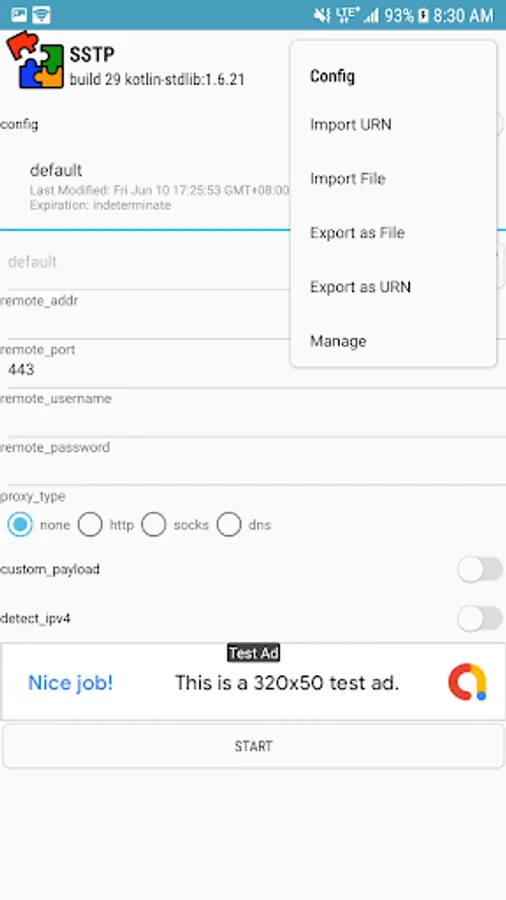
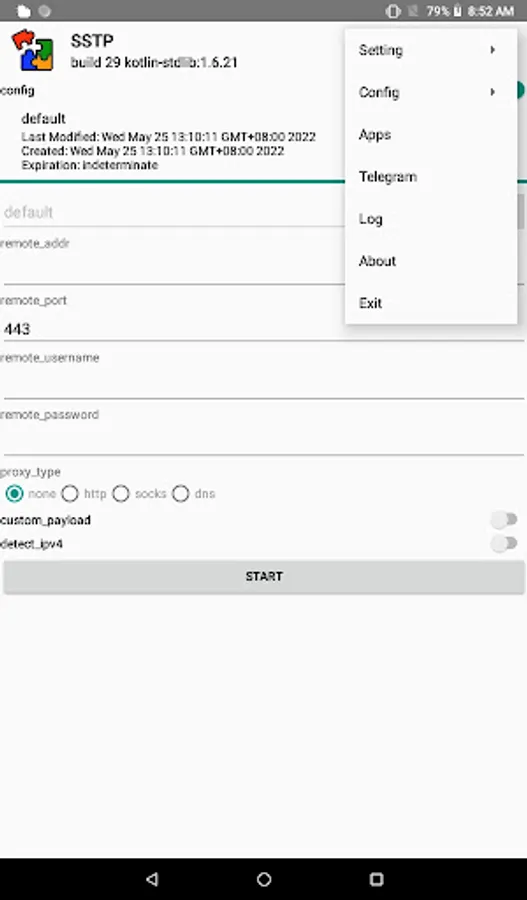
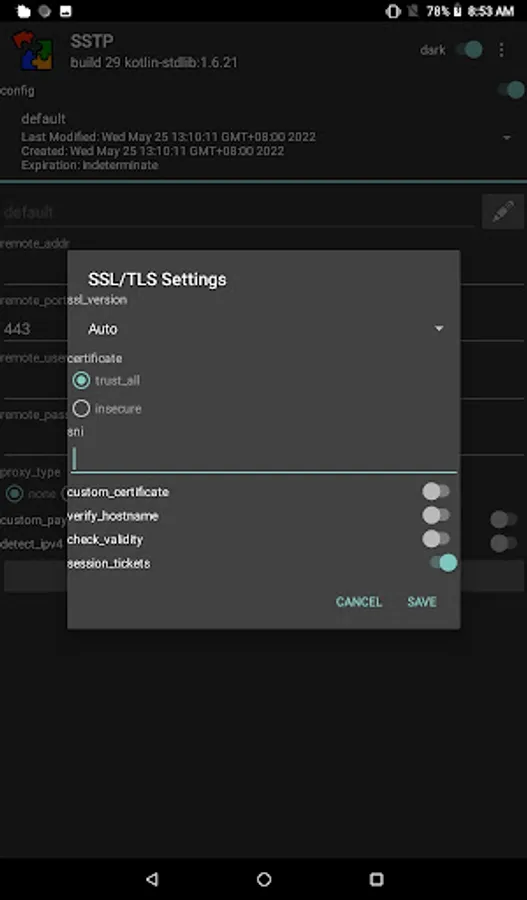
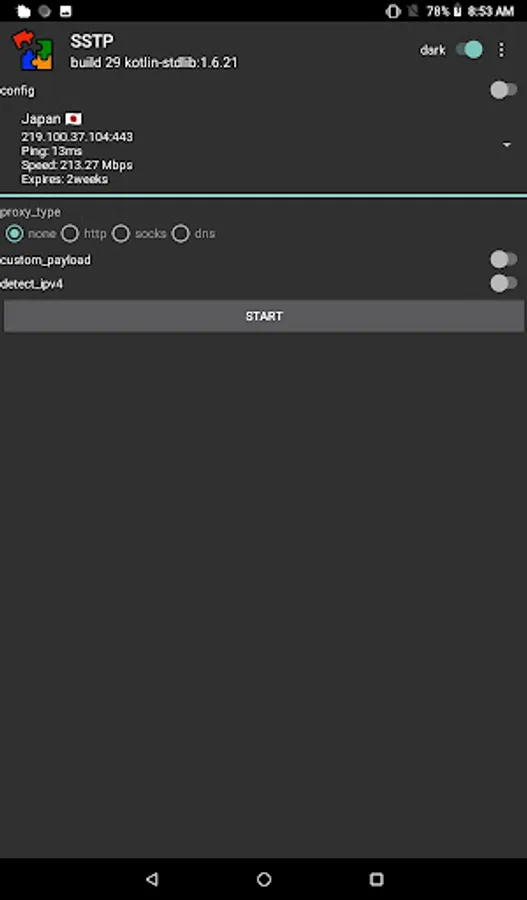
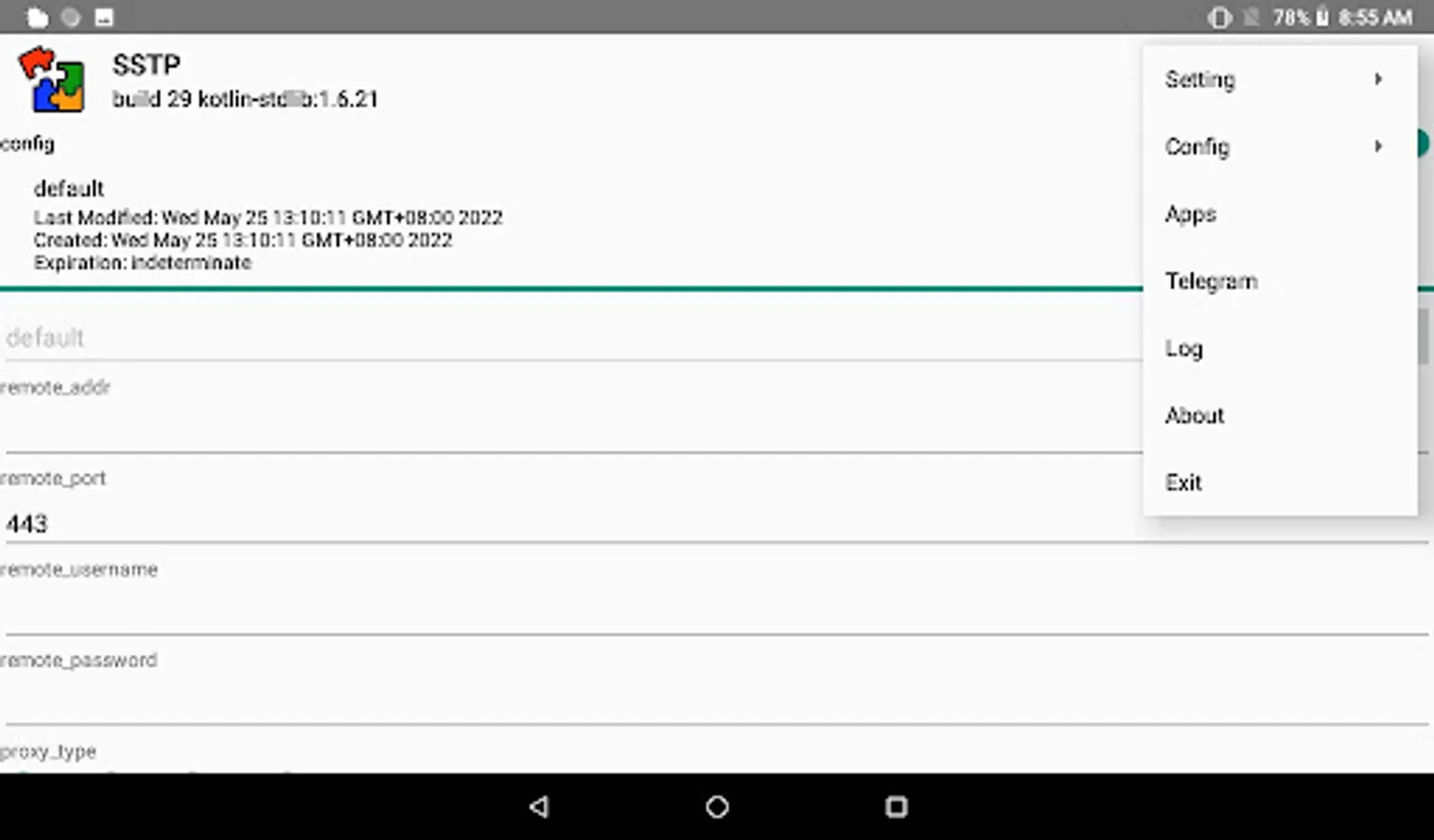
With this networking app, you can configure PPP over HTTPS connections and adjust TLS parameters for supported server providers. Includes server management options and authentication settings.
AppRecs review analysis
AppRecs rating 4.1. Trustworthiness 83 out of 100. Review manipulation risk 23 out of 100. Based on a review sample analyzed.
★★★★☆
4.1
AppRecs Rating
Ratings breakdown
5 star
64%
4 star
8%
3 star
8%
2 star
8%
1 star
13%
What to know
✓
Low review manipulation risk
23% review manipulation risk
✓
Credible reviews
83% trustworthiness score from analyzed reviews
✓
High user satisfaction
72% of sampled ratings are 4+ stars (4.0★ average)
About SSTP Max
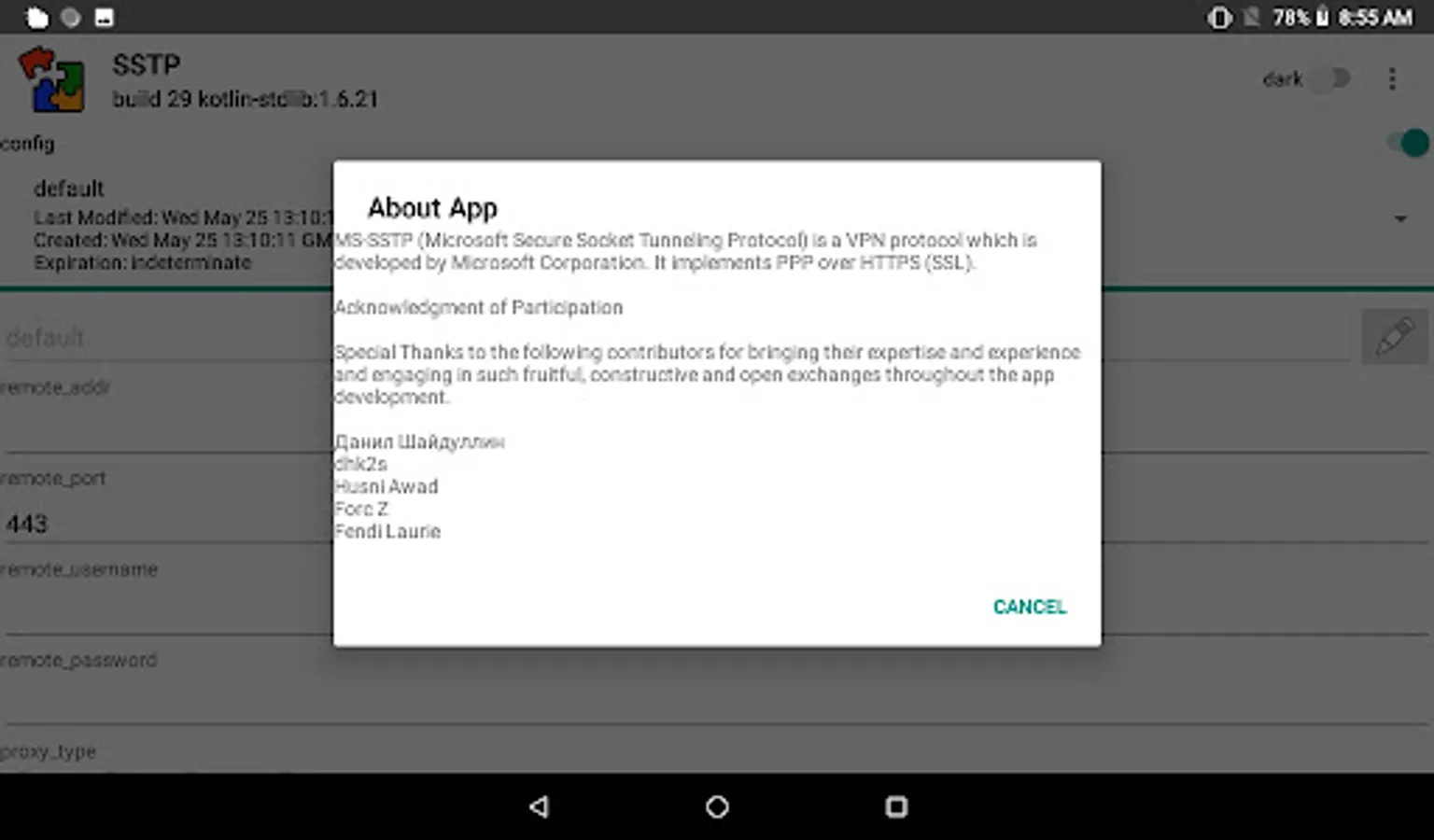
The app implements PPP over HTTPS (SSL).
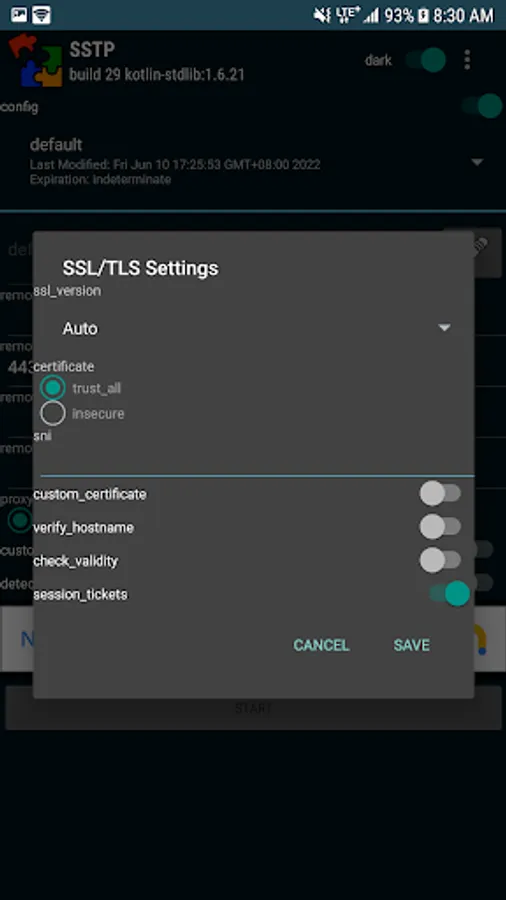
SSTP Max lets you configure or spoil TLS parameters for FBT/UBT.
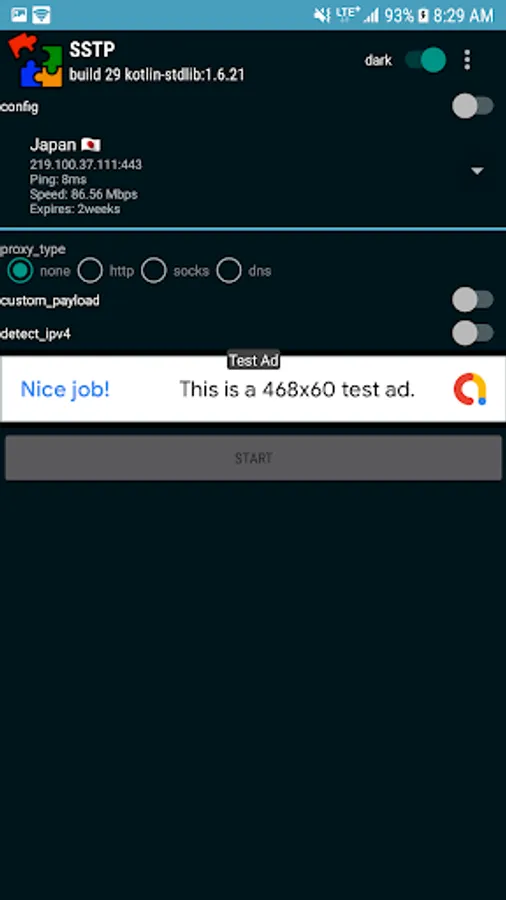
Currently Supported Server Providers:
1. Mikrotik
2. Hideme
3. VPN Gate
4. Azure
5. SoftEther
also works with Keenetic
The speed and performance may depend on the server provider.
If you don't know where to get those servers, please don't install this app or rate inappropriately. For bugs, queries and suggestions, do send me an email or do report in the Telegram Channel listed below.
email: dzebb.handler@gmail.com
telegram: https://t.me/sstpchannel
Troubleshooting Tip:
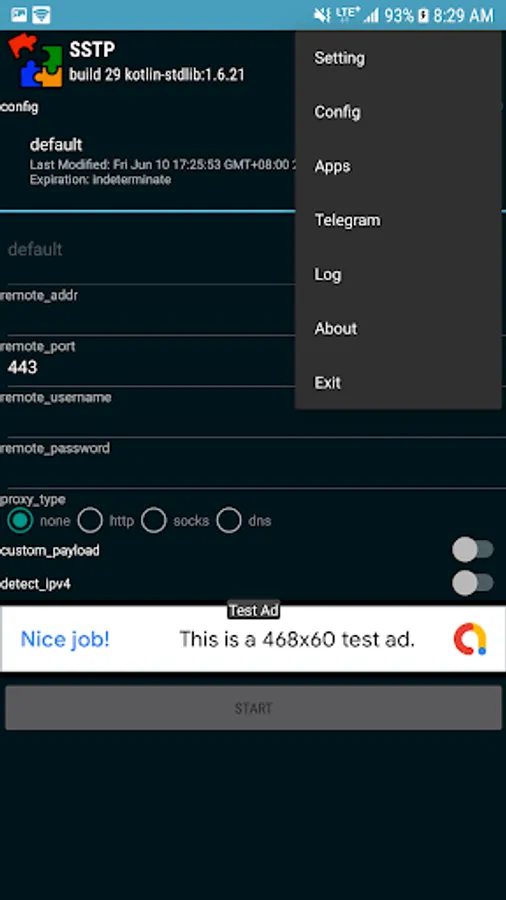
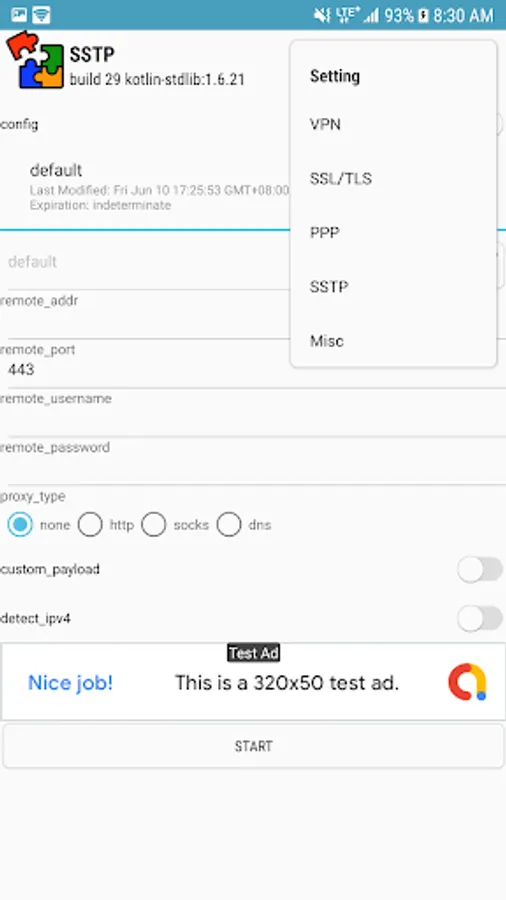
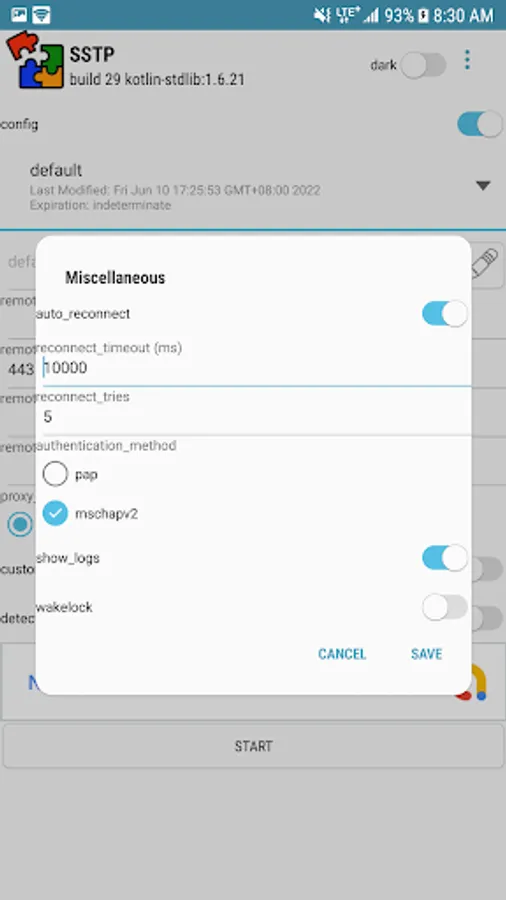
Some server provider doesn't provide support for PAP authentication so we need to disable it, go to Setting > Misc > Authentication Method, then uncheck PAP, and Save.
SSTP Max lets you configure or spoil TLS parameters for FBT/UBT.
Currently Supported Server Providers:
1. Mikrotik
2. Hideme
3. VPN Gate
4. Azure
5. SoftEther
also works with Keenetic
The speed and performance may depend on the server provider.
If you don't know where to get those servers, please don't install this app or rate inappropriately. For bugs, queries and suggestions, do send me an email or do report in the Telegram Channel listed below.
email: dzebb.handler@gmail.com
telegram: https://t.me/sstpchannel
Troubleshooting Tip:
Some server provider doesn't provide support for PAP authentication so we need to disable it, go to Setting > Misc > Authentication Method, then uncheck PAP, and Save.