
MobiSaver: Data&Photo Recovery
EaseUS
2.1 ★
31K ratings
10,000,000+
downloads
Free
+ in-app
In this data recovery app, users can scan their device for deleted photos, videos, contacts, and SMS and recover selected files. Includes features for previewing files during scan and filtering results by size, type, or date.
AppRecs review analysis
AppRecs rating 2.1. Trustworthiness 80 out of 100. Review manipulation risk 30 out of 100. Based on a review sample analyzed.
★★☆☆☆
2.1
AppRecs Rating
Ratings breakdown
5 star
24%
4 star
3%
3 star
2%
2 star
4%
1 star
67%
What to know
⚠
Pricing complaints
Many low ratings mention paywalls or pricing
⚠
Mixed user feedback
Average 2.1★ rating suggests room for improvement
⚠
High negative review ratio
71% of sampled ratings are 1–2 stars
About MobiSaver: Data&Photo Recovery
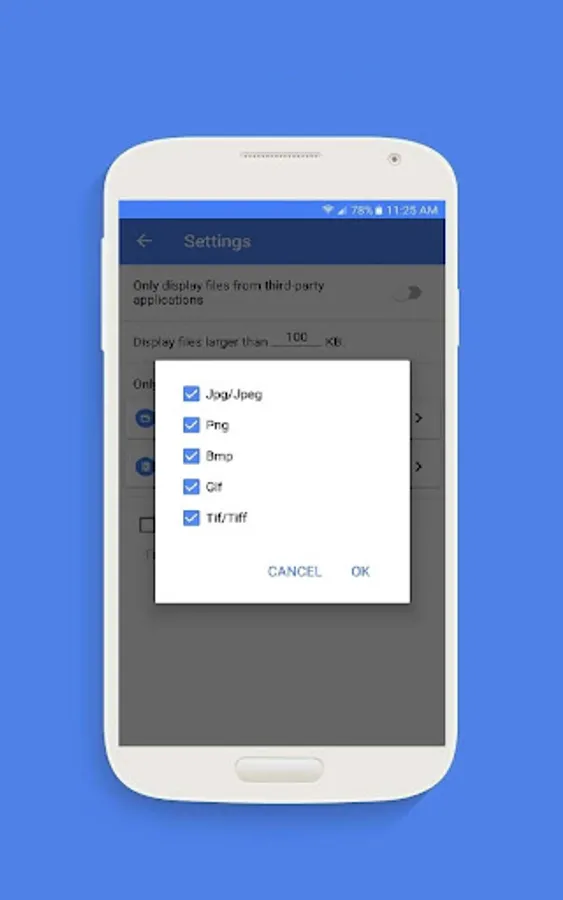
Supported photo formats: JPG/JPEG, PNG, GIF, BMP, TIF/TIFF.
Supported video formats: MP4, 3GP, AVI, MOV.
Recent updates:
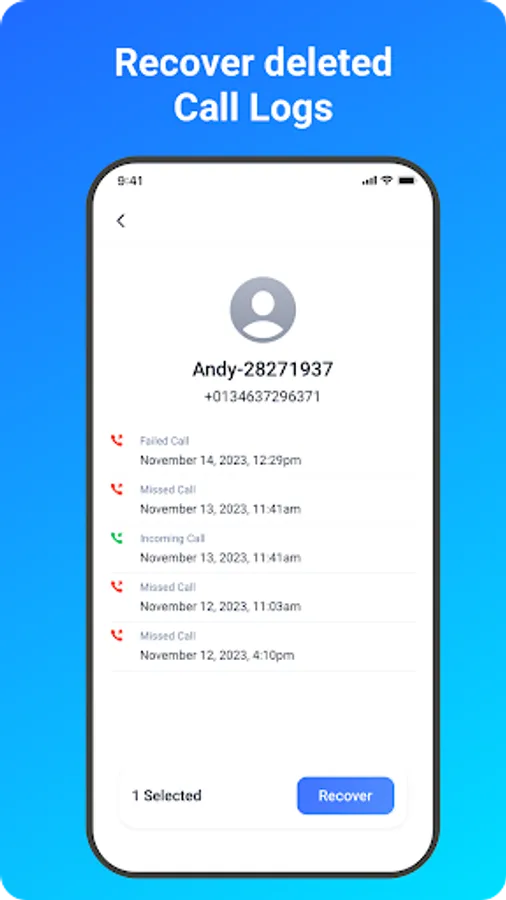
Enable messages & call logs backup and recovery.
Enable photos & videos recovery on Android SD card.
Improve the device's scan performance for lost data.
So far, EaseUS MobiSaver has been recognized as a top-ranking Android data recovery app for photos, videos, contacts. At any time, Android users removed files akin to the mentioned types, don't hesitate to let the software help! Only a few taps will do.
How to Use?
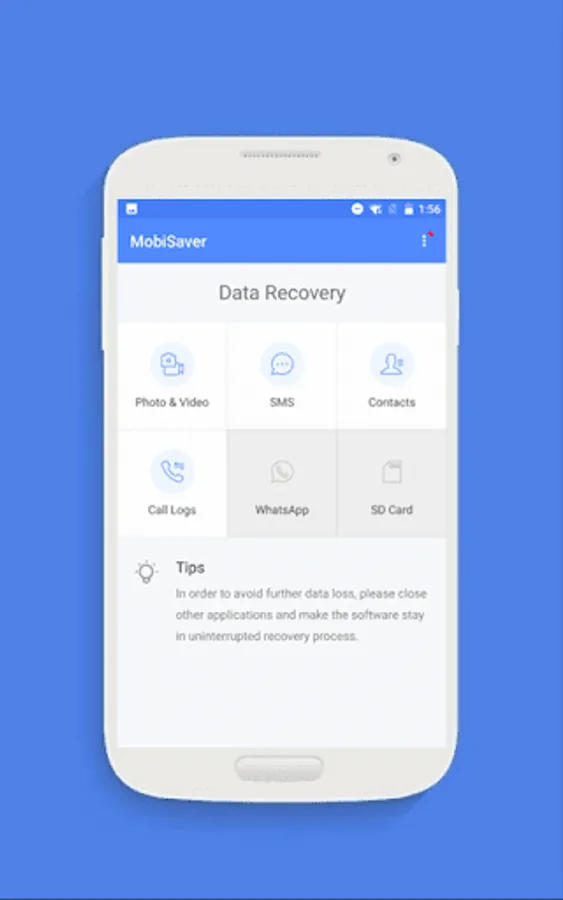
Choose a recovery mode among Photo & Video, SMS, Contacts, Call Logs, SD Card. Now, let's start.
★ Scan - The app is very fast to scan your device for deleted photos, videos, contacts in a few minutes.
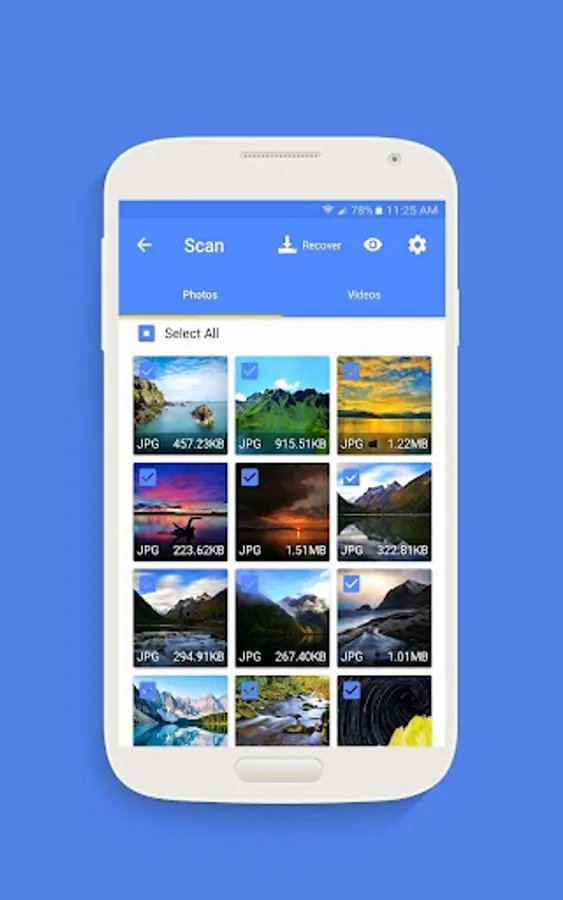
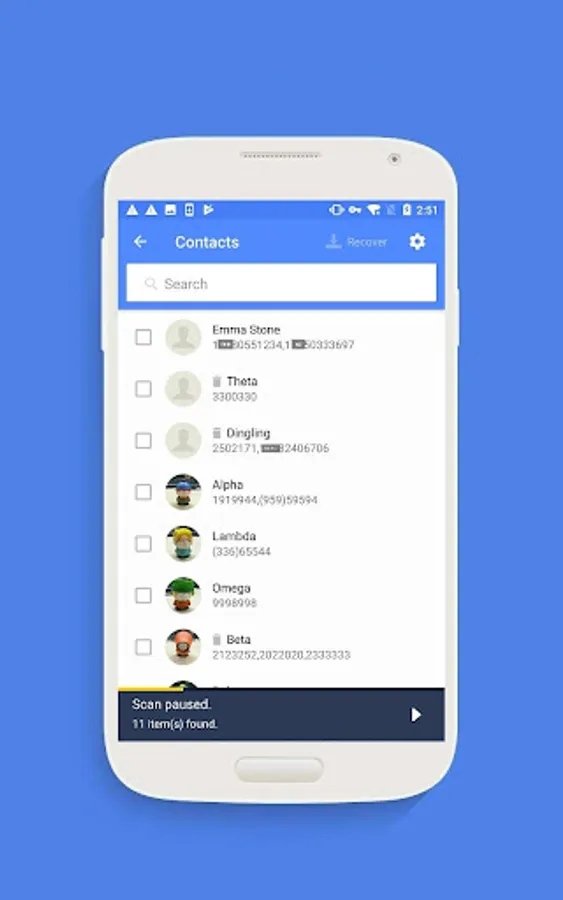
★ Display - Files that have been found will be listed and allow for preview during the scanning process.
Pictures and photos are shown in thumbnails with file format and file size.
Contacts are shown in detail with the exact person name and phone number.
★ Filter - After the scan process or even midway, you can filter files in a straightforward way in order to find your desired data precisely.
For pictures and videos, there are 3 options available in Settings: filter the files by size, file types and date.
★ Recover - Choose files and tap on Recover.
Data Security
* We value your privacy as much as you do. Your data is encrypted from start to finish, no more worries about data recovery and data transfer from mobile devices.
* In order to recover deleted data as much as possible,please allow access to manage all files.Otherwise the App can not scan and restore any data on the device.
Requirement
* Android not root - the app will perform a quick scan for your deleted files by searching cache and thumbnails.
* Android rooted - the app will search your device memory deeply for every missing photo and video.
For more information, please visit:
https://www.easeus.com/android-data-recovery-software/app-version.html
MobiSaver: Data&Photo Recovery Screenshots
Tap to Rate:
Reviews for MobiSaver: Data&Photo Recovery
Tabitha Meeks BLANTON
12/30/2025
It saved what the other app erased. Something were not there but it could have been worse.
Albert Black
12/26/2025
I've tried to download the App, message read this will download shortly. I'm still waiting after 15mins. It loaded to my phone (which I was forced to do and was not required) but not the laptop? It didn't allow me to tick the laptop device.