Assistive Touch for Android
Launcher Studio
4.6 ★
26K ratings
1,000,000+
downloads
Free
In this accessibility app, you can control your device using a customizable floating menu with quick access to functions like back, home, and notifications. Includes options for color customization, size adjustment, and quick system actions.
AppRecs review analysis
AppRecs rating 4.6. Trustworthiness 65 out of 100. Review manipulation risk 40 out of 100. Based on a review sample analyzed.
★★★★☆
4.6
AppRecs Rating
Ratings breakdown
5 star
84%
4 star
6%
3 star
3%
2 star
2%
1 star
5%
What to know
⚠
Questionable review patterns
40% review manipulation risk - some review patterns appear unusual
⚠
Rating authenticity concerns
High rating concentration (84% 5-star) in sampled ratings
⚠
Review quality concerns
84% of sampled 5-star reviews are very short
About Assistive Touch for Android
What is Assistive Touch?
Assistive Touch is an easy touch tool for Android devices. It's fast, it’s smooth, and it’s totally FREE.
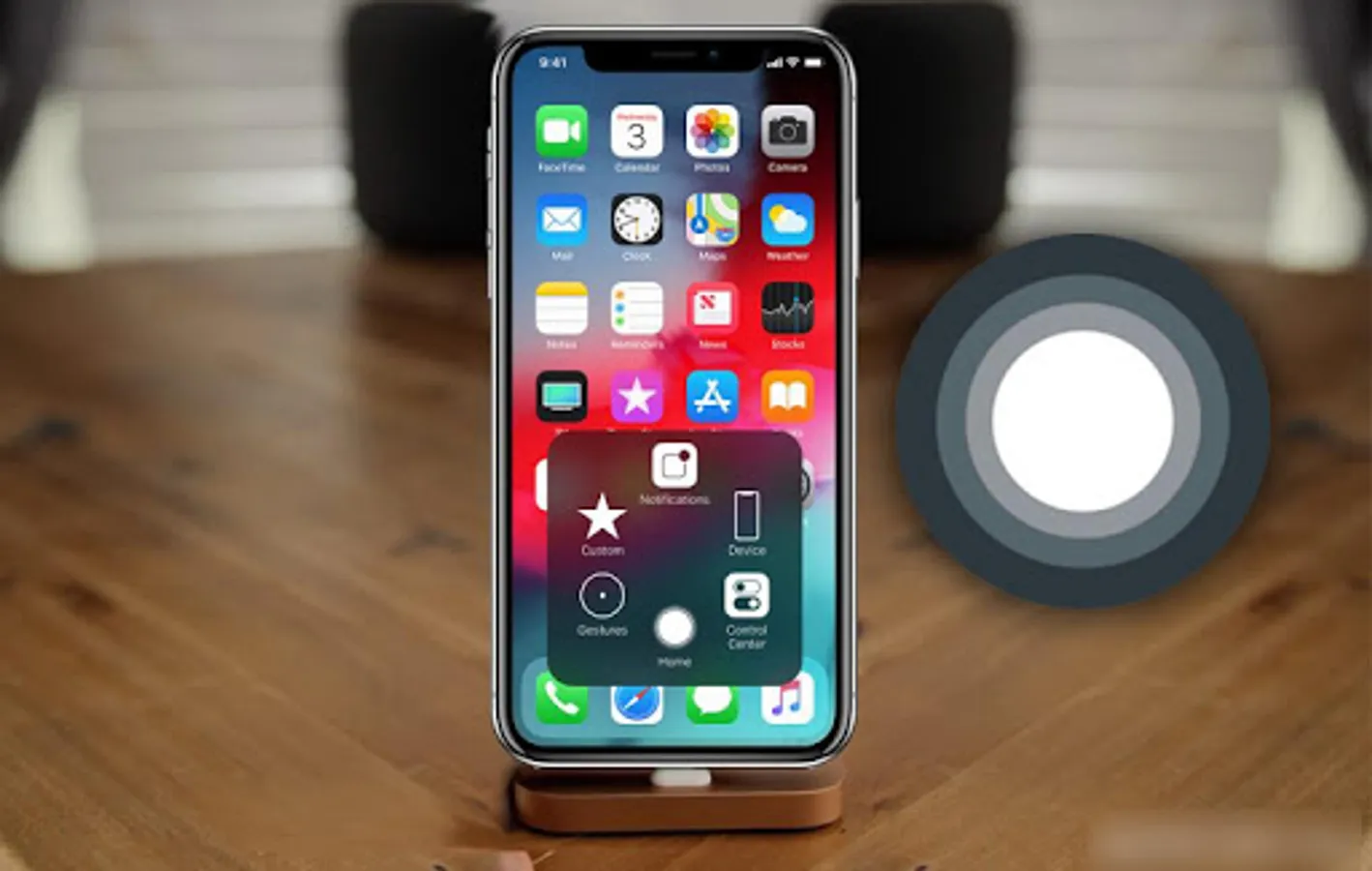
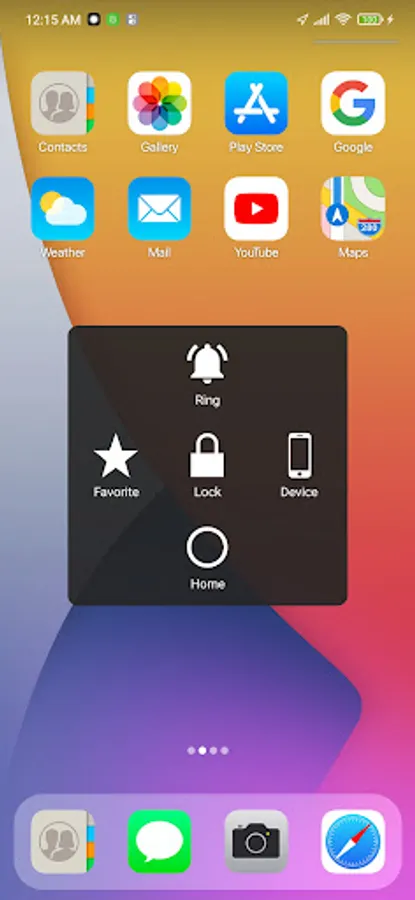
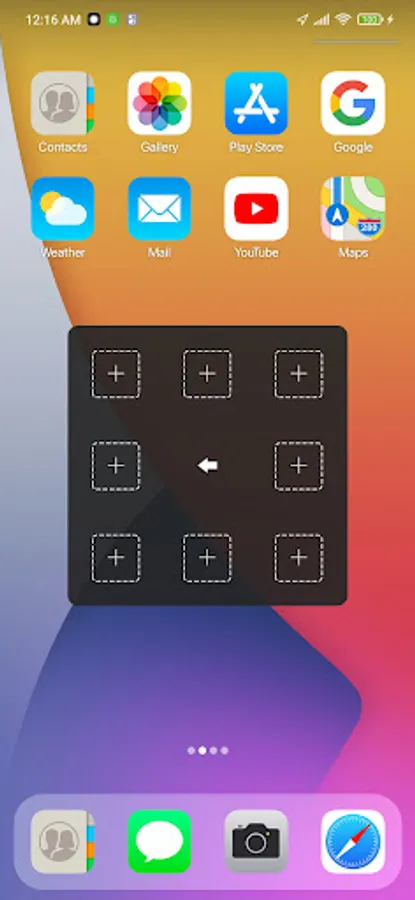
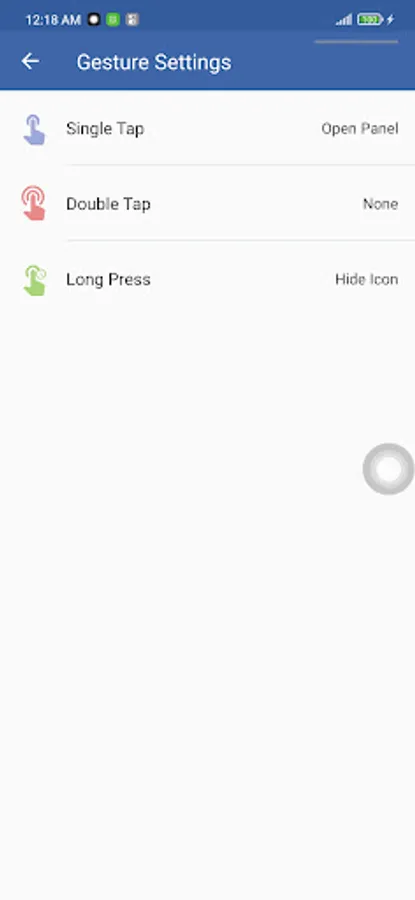
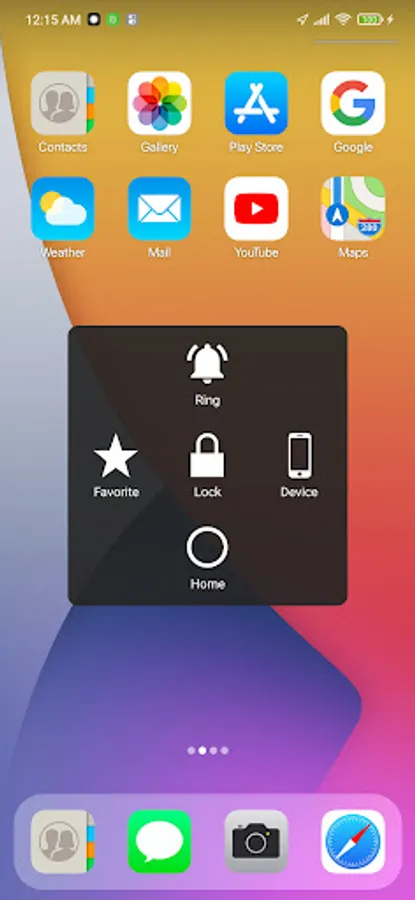
When you turn on Assistive Touch, you’ll see the Assistive Touch menu. You can drag it to any edge of the screen, then tap the menu to open it.
"This app uses Accessibility services." It is necessary and used only to perform a global action. For example: going back, going home, opening recent, power dialog, notification etc. You need grant this permission to use that action.
"This app uses the Device Administrator permission." It is necessary and used only for locking the device when you use feature turn off the screen. You need to enable Administration before it can be used that feature. To uninstall the app, please open my app and click the "Uninstall" button.
1. To turn on AssistiveTouch:
Open my app > Switch on AssistiveTouch enable item.
2. To use more actions:
Go to Settings > Accessibility > Services and turn on Assistive Touch.
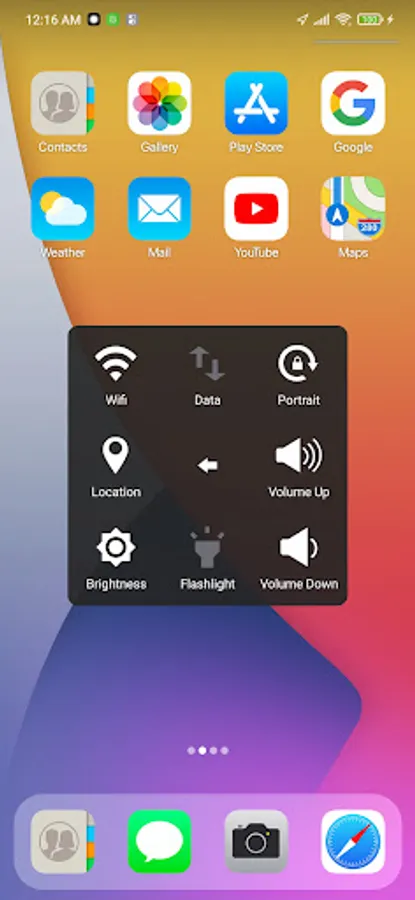
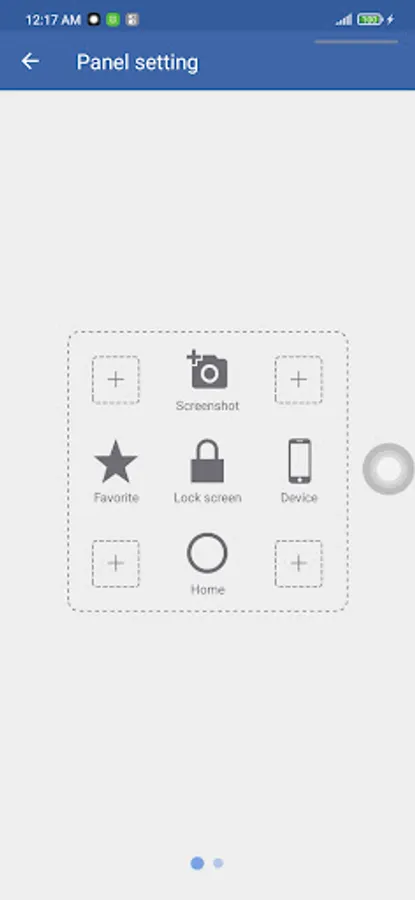
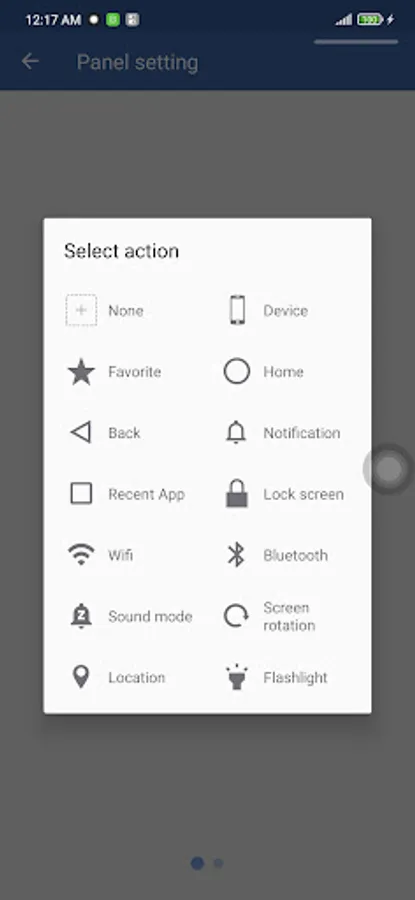
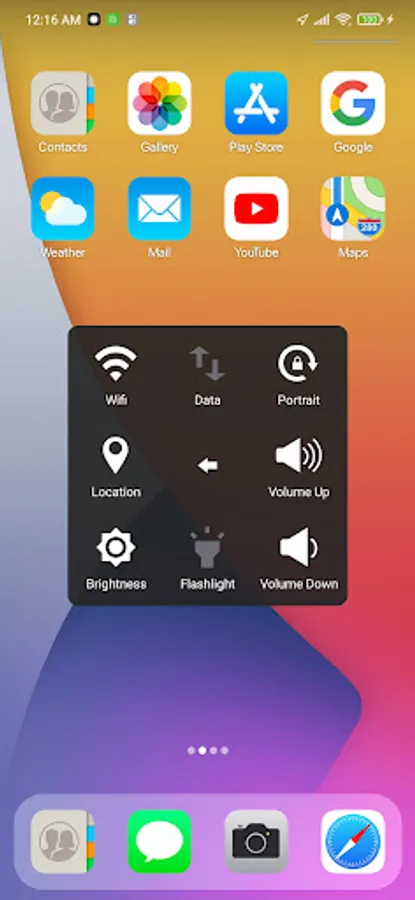
To access your Notifications, open the Assistive Touch menu and tap Notification. To get to the control, open the AssistiveTouch menu. From here, you'll be able to do things like turn Bluetooth on and off, use Wifi on and off, take screenshots, and more.
You can also use AssistiveTouch to access your Home screen, Recent screen and use Back Key. Just open the AssistiveTouch menu and tap Home, Recent, Back action.
FEATURES:
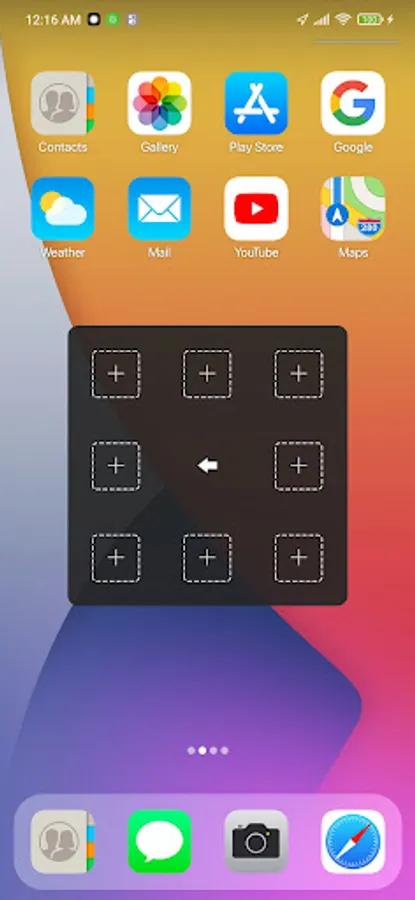
- Control your device with Assistive Touch menu.
- Custom color of Assistive Touch menu.
- Custom size and color Floating icon.
Support:
- Email: sp.launcherios13@gmail.com
THANK YOU FOR USING MY ASSISTIVE TOUCH APP.
Assistive Touch is an easy touch tool for Android devices. It's fast, it’s smooth, and it’s totally FREE.
When you turn on Assistive Touch, you’ll see the Assistive Touch menu. You can drag it to any edge of the screen, then tap the menu to open it.
"This app uses Accessibility services." It is necessary and used only to perform a global action. For example: going back, going home, opening recent, power dialog, notification etc. You need grant this permission to use that action.
"This app uses the Device Administrator permission." It is necessary and used only for locking the device when you use feature turn off the screen. You need to enable Administration before it can be used that feature. To uninstall the app, please open my app and click the "Uninstall" button.
1. To turn on AssistiveTouch:
Open my app > Switch on AssistiveTouch enable item.
2. To use more actions:
Go to Settings > Accessibility > Services and turn on Assistive Touch.
To access your Notifications, open the Assistive Touch menu and tap Notification. To get to the control, open the AssistiveTouch menu. From here, you'll be able to do things like turn Bluetooth on and off, use Wifi on and off, take screenshots, and more.
You can also use AssistiveTouch to access your Home screen, Recent screen and use Back Key. Just open the AssistiveTouch menu and tap Home, Recent, Back action.
FEATURES:
- Control your device with Assistive Touch menu.
- Custom color of Assistive Touch menu.
- Custom size and color Floating icon.
Support:
- Email: sp.launcherios13@gmail.com
THANK YOU FOR USING MY ASSISTIVE TOUCH APP.
Assistive Touch for Android Screenshots
Tap to Rate:
Reviews for Assistive Touch for Android
Hisila Moktan
12/27/2025
great for my Samsung phone
Tshokey tshotsho
12/24/2025
too much ads