Opptimo
eBEYONDS
100+
downloads
Free
About Opptimo
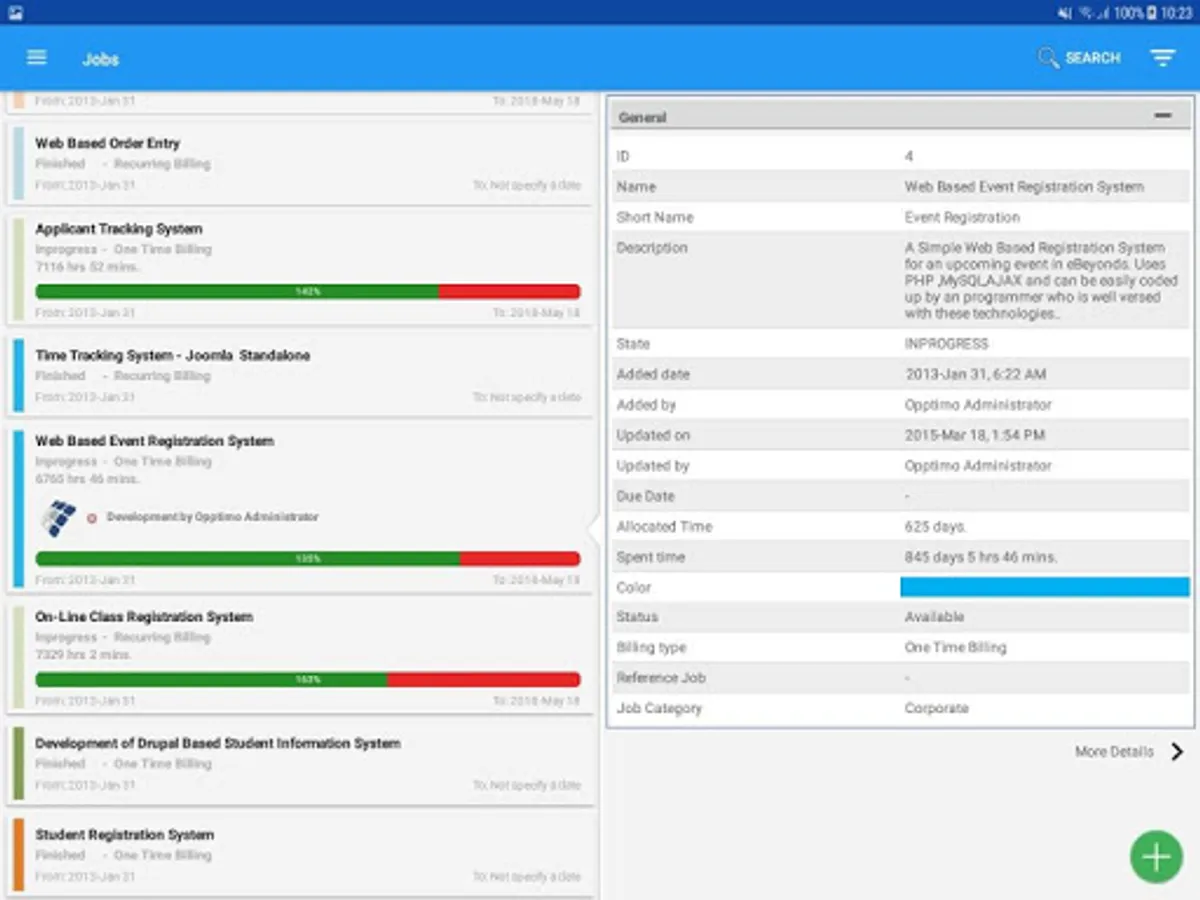
Of all the resources available to businesses today, time is perhaps the most valuable, because that all people in the business make the best use of time is crucial to its success. Given the sheer number of distractions people are constantly exposed to, visibility of the workforce - in terms of what projects people are working on, how much time do they spend on a particular task or a project? Whether people slack off is of paramount importance to the management. eBEYONDS OPPTIMO is a sophisticated tool that helps you track, compute or find out all these and a whole lot more. eBEYONDS OPPTIMO Mobile is a sophisticated android app that is synchronized with and depends upon the platform. OPPTIMO Mobile enabled on your smart-phone, it’s a snap for you to keep track of your employee performance and project progress.
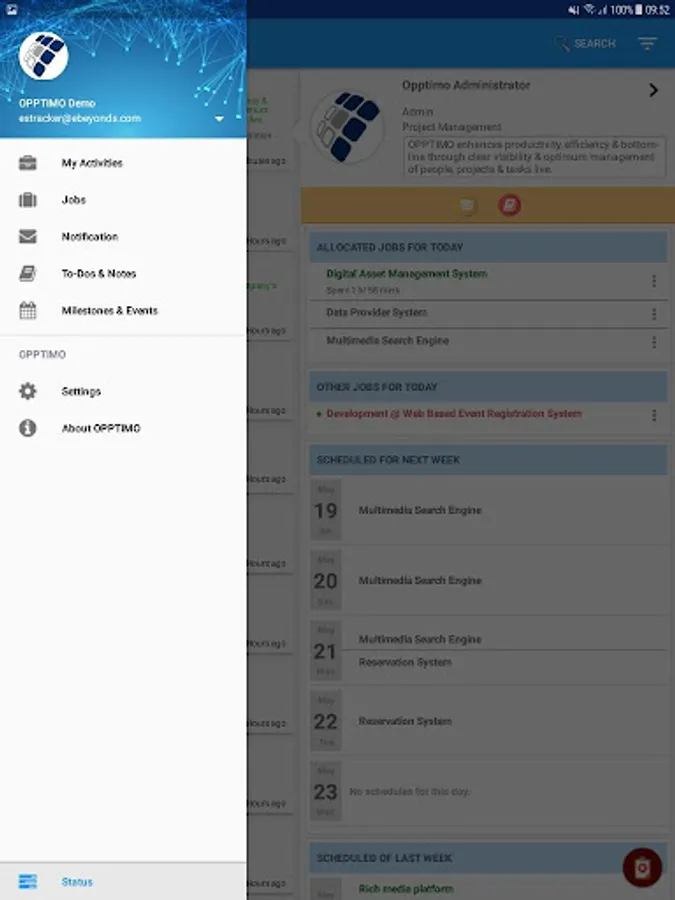
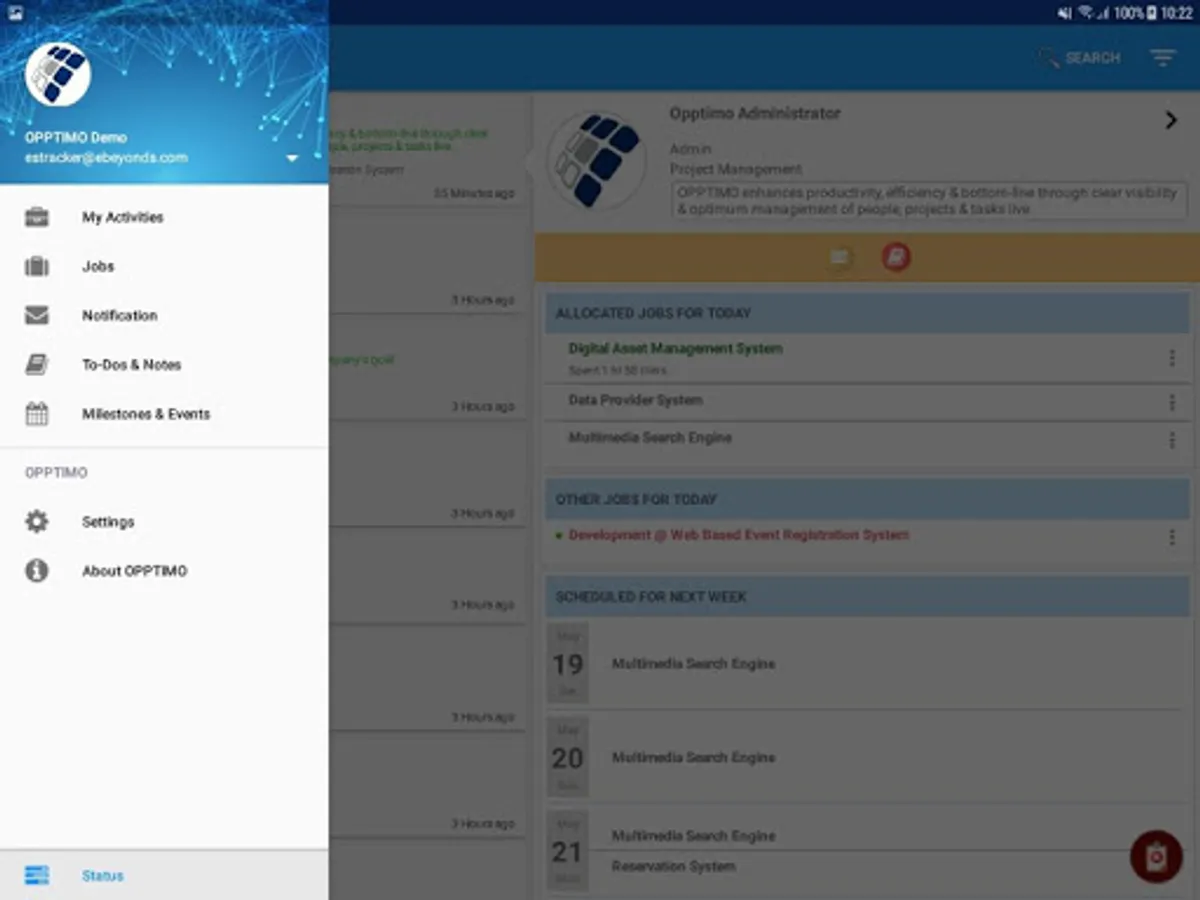
OPPTIMO Mobile has the following features & functionalities.
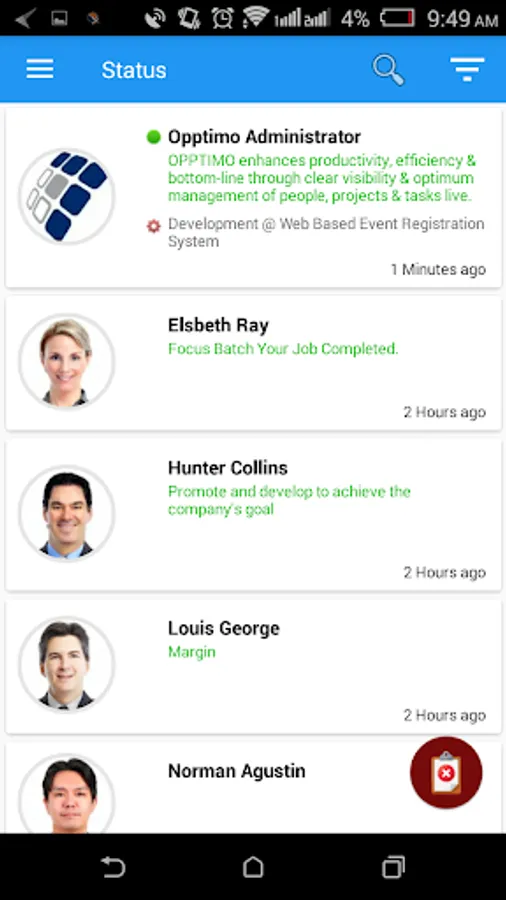
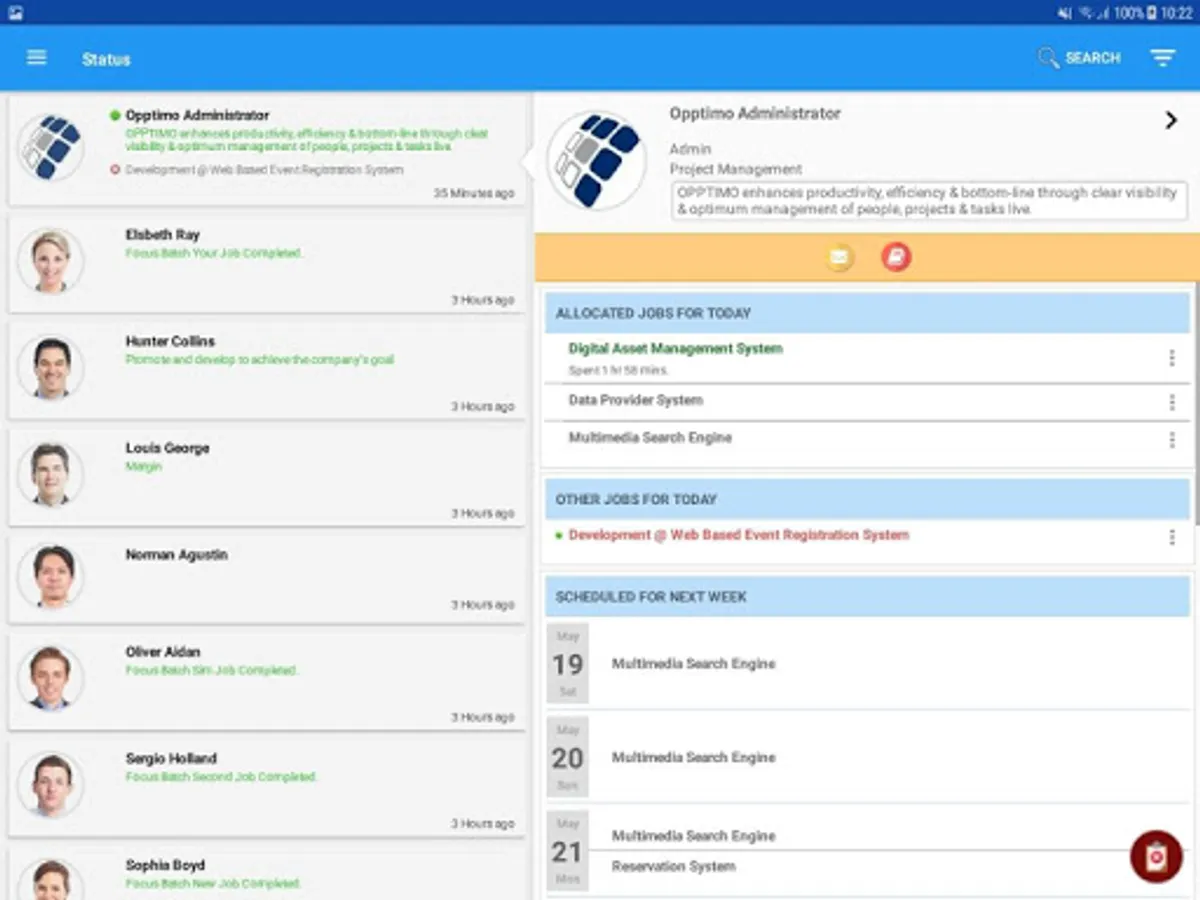
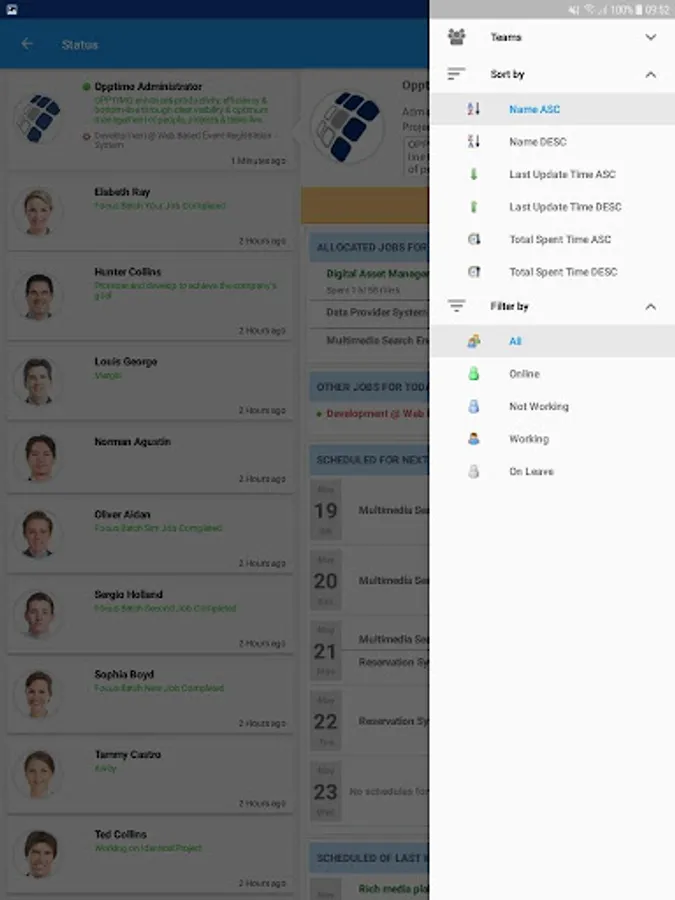
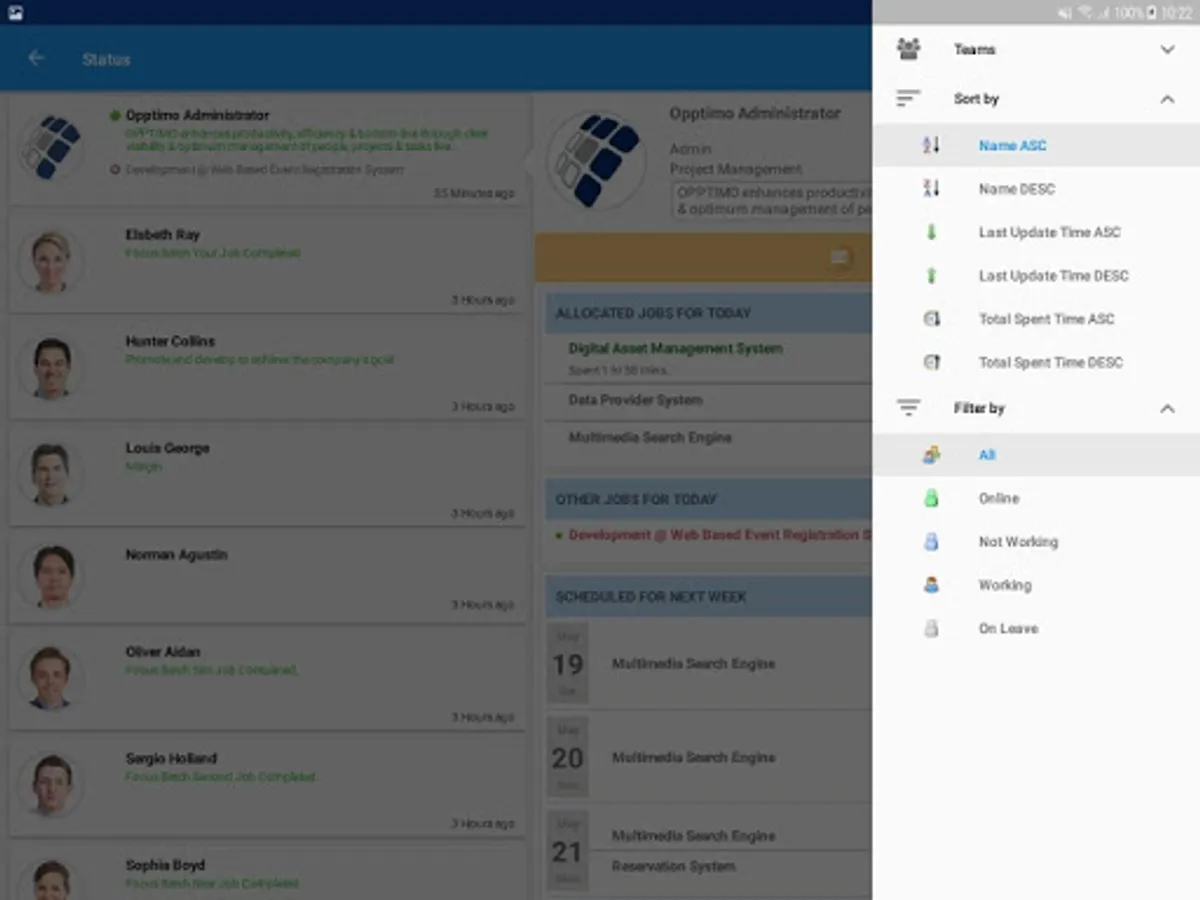
User List & Current Status
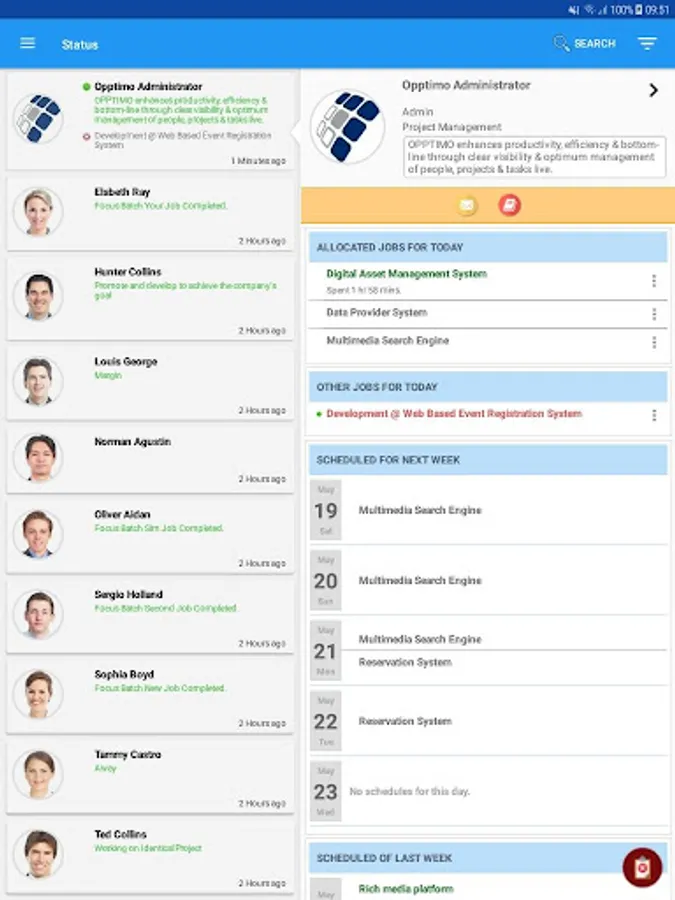
On OPPTIMO Mobile, those who install it on their android devices, can see the list of users and their current status, which indicates their progress at work.
Contact Info / User Info
If you have access to OPPTIMO Mobile as well as OPPTIMO Platform can view contact / user information.
Today’s Status View
At any given time, you can get the status view of the users during any day.
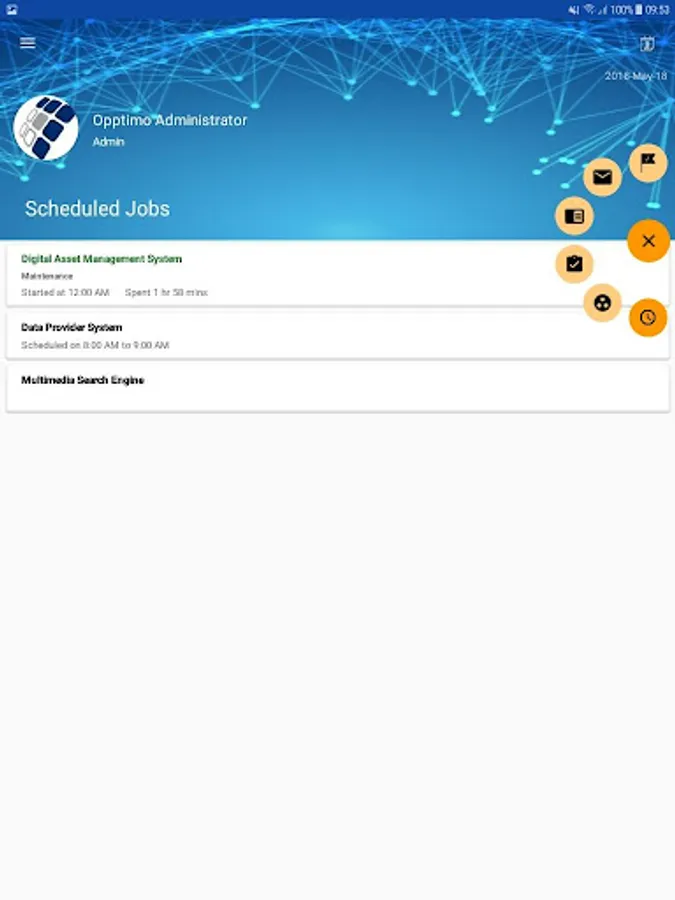
View Next 5 Day Schedule
You can see the user schedules for the next five days which can help you get an idea about work situation.
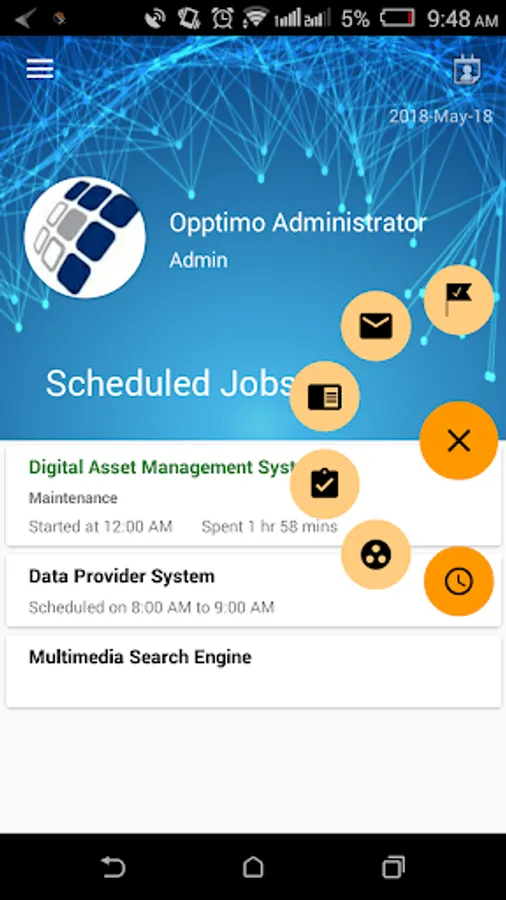
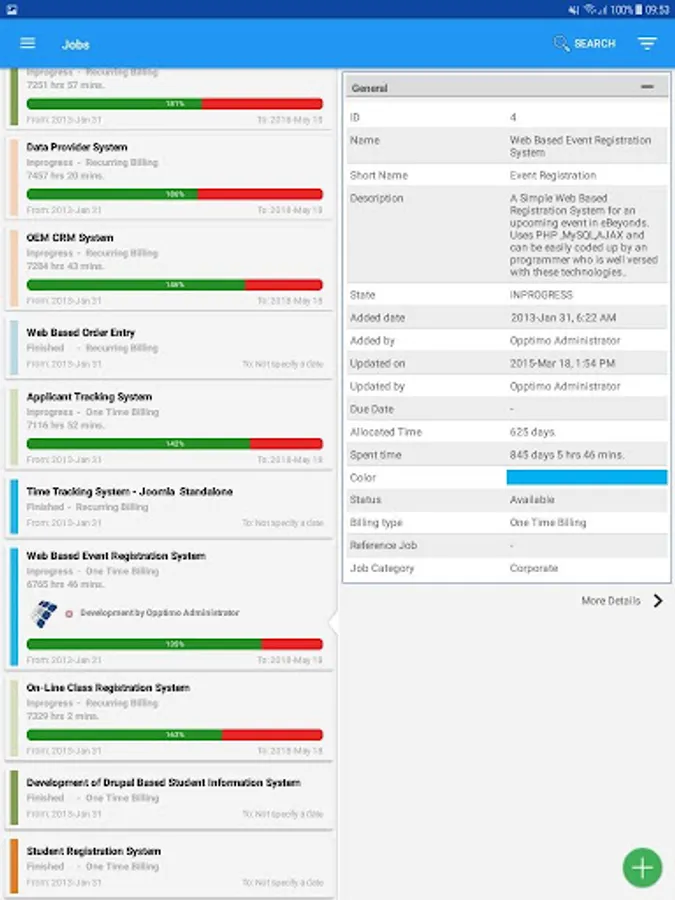
View Activities
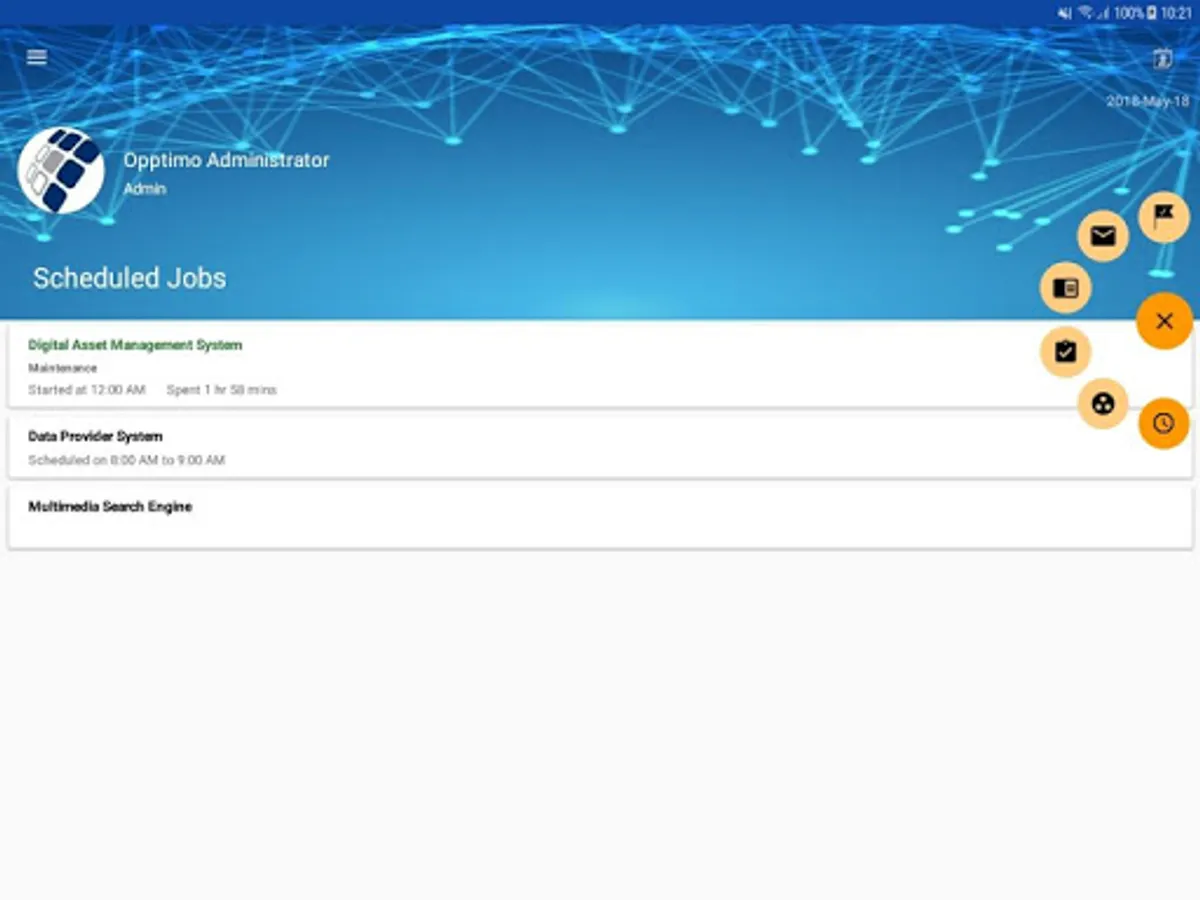
The users’ activities during a particular day are shown on OPPTIMO Mobile.
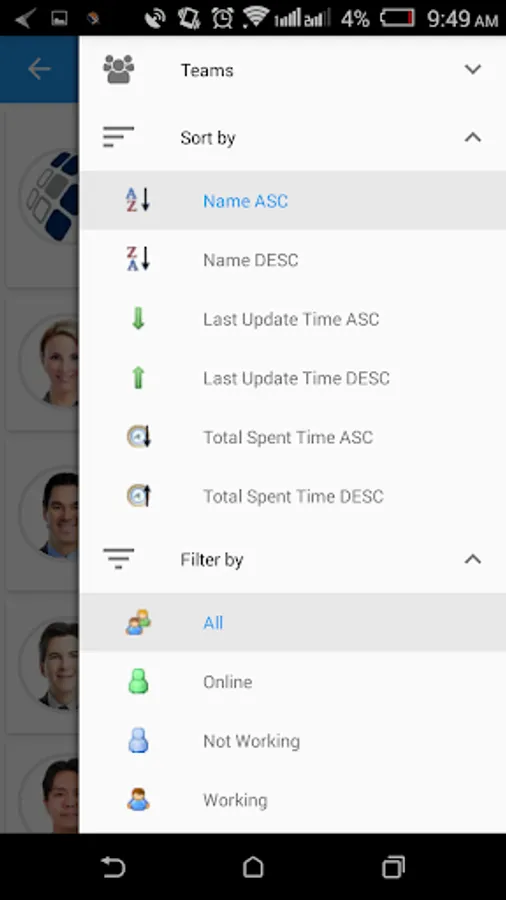
Filter users by team name
Filter users by team name for accessing the required information.
Show pinned users
The pinned users are clearly indicated so that you can check up on them easily
Pin / unpin for users
You can pin particular users to track them easily and unpin them when necessary
Search for a particular user
The search function is both reliable and convenient for you search for and locate a particular user.
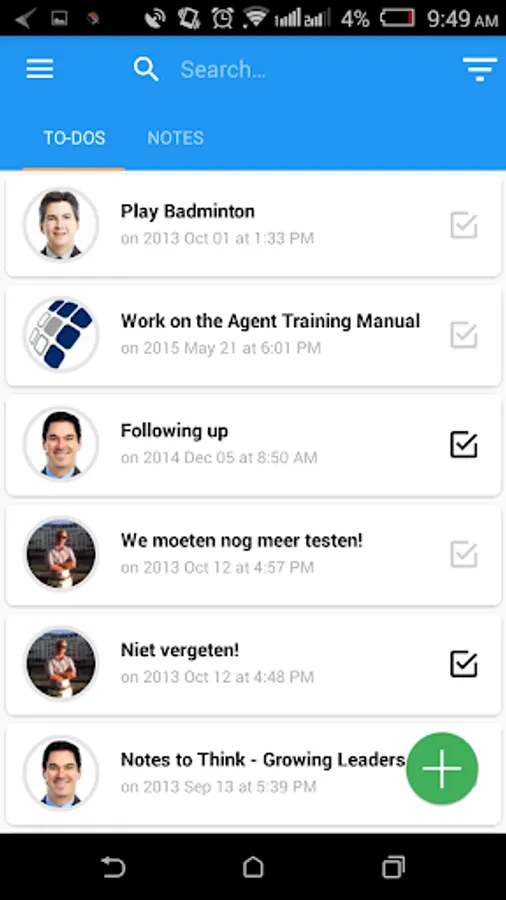
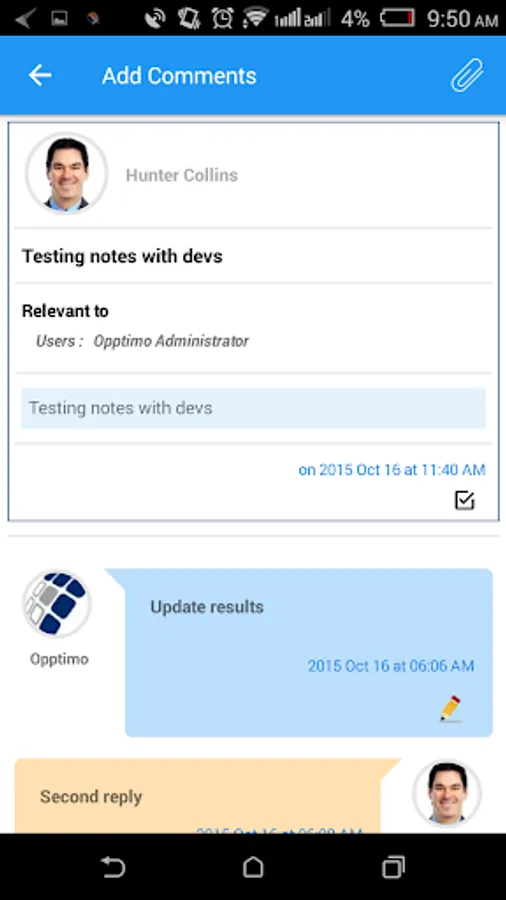
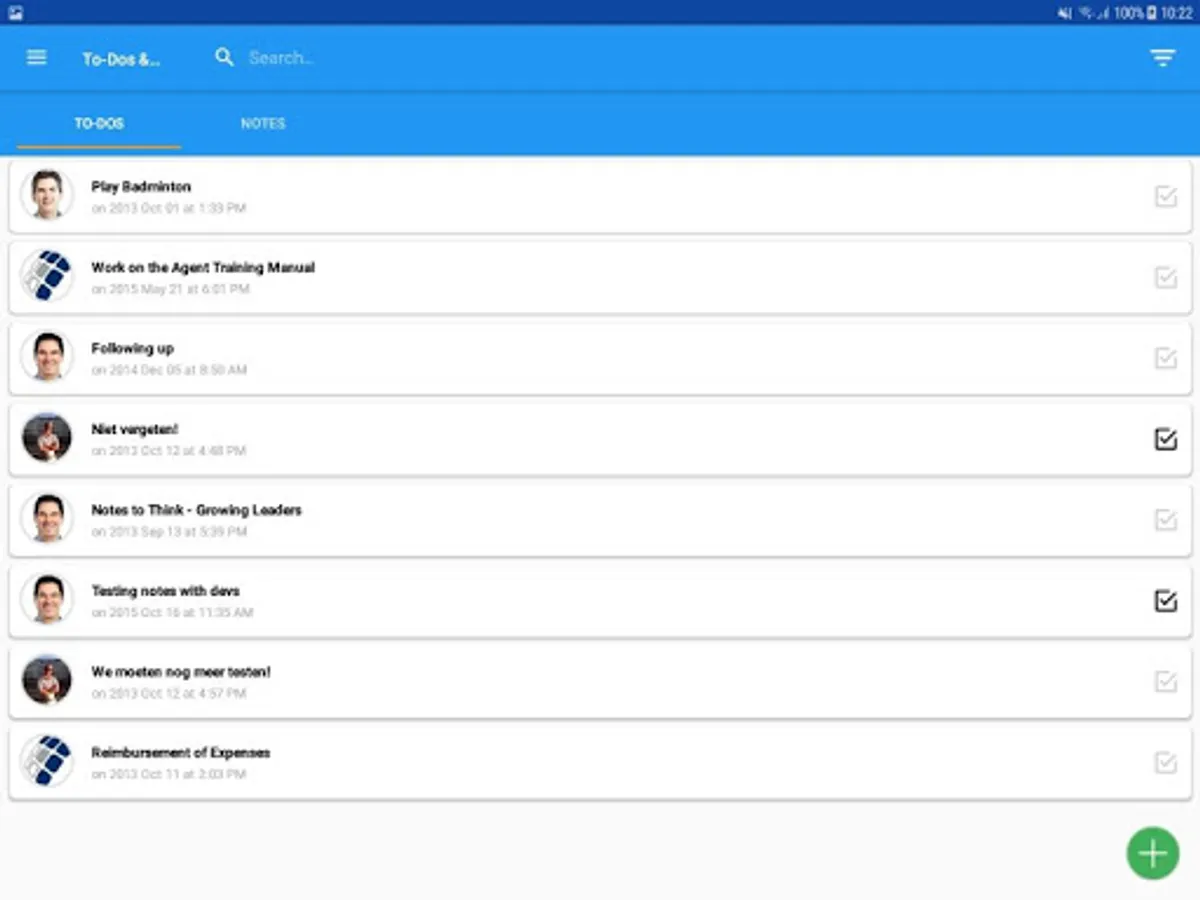
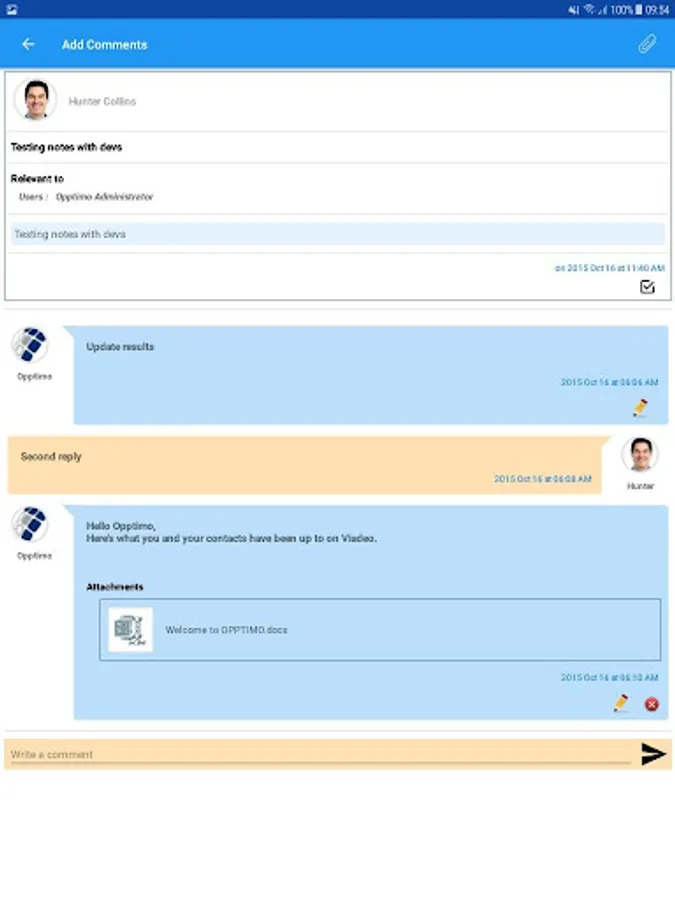
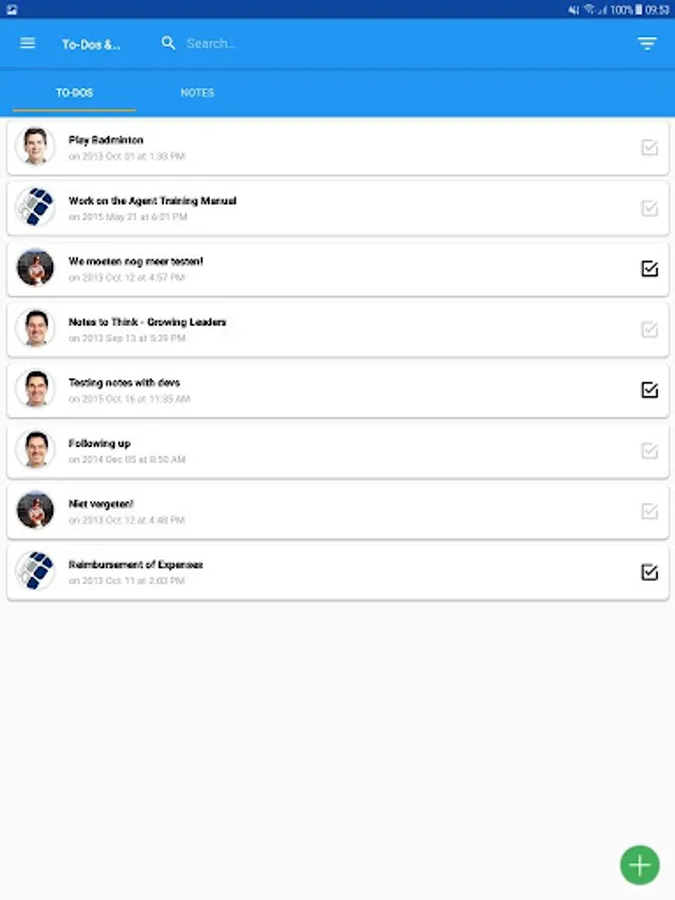
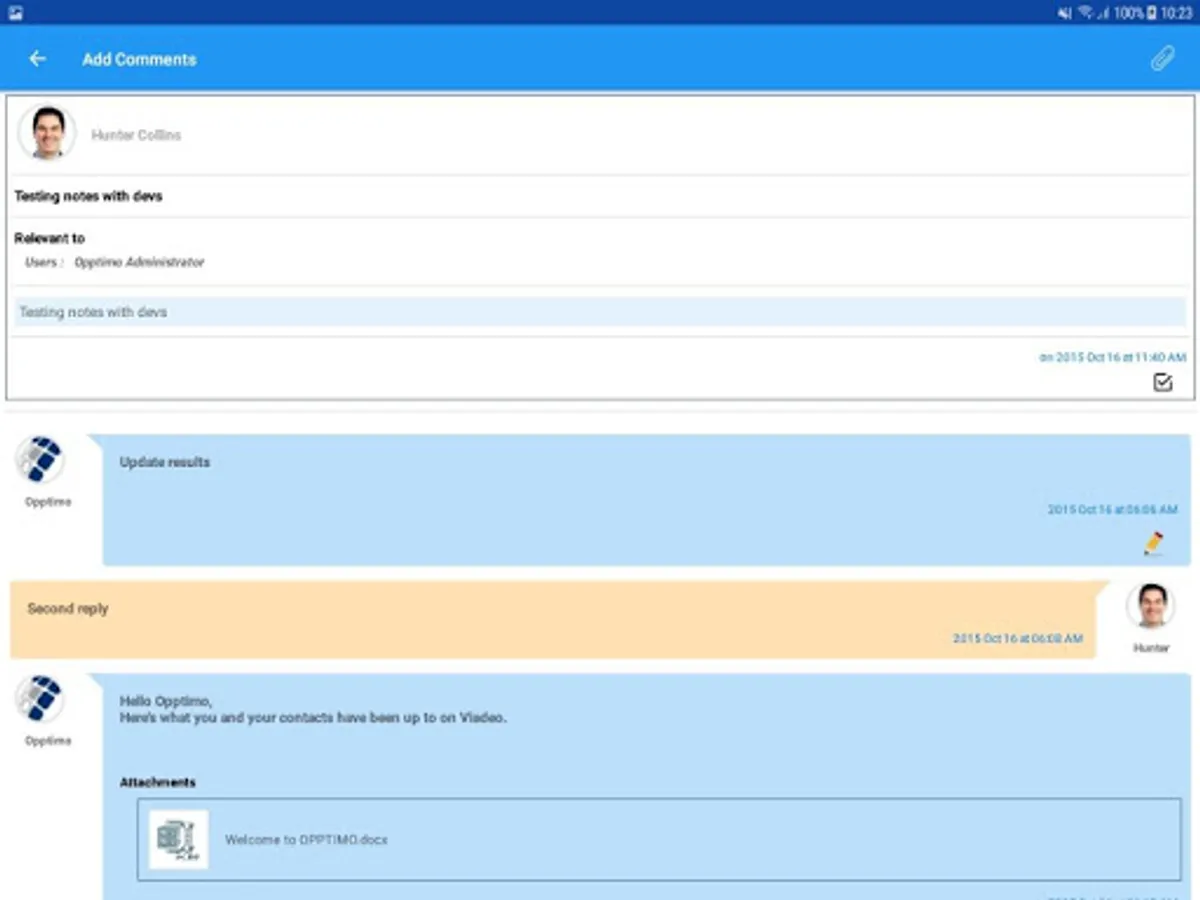
Add To-do / Note for users
Through OPPTIMO Mobile, you can add To-do / Notes for users so that you can assign particular tasks to them.
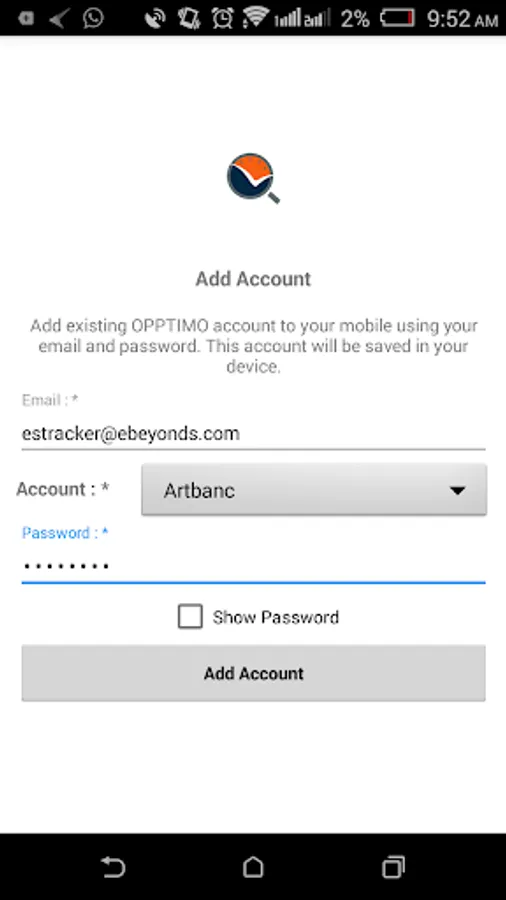
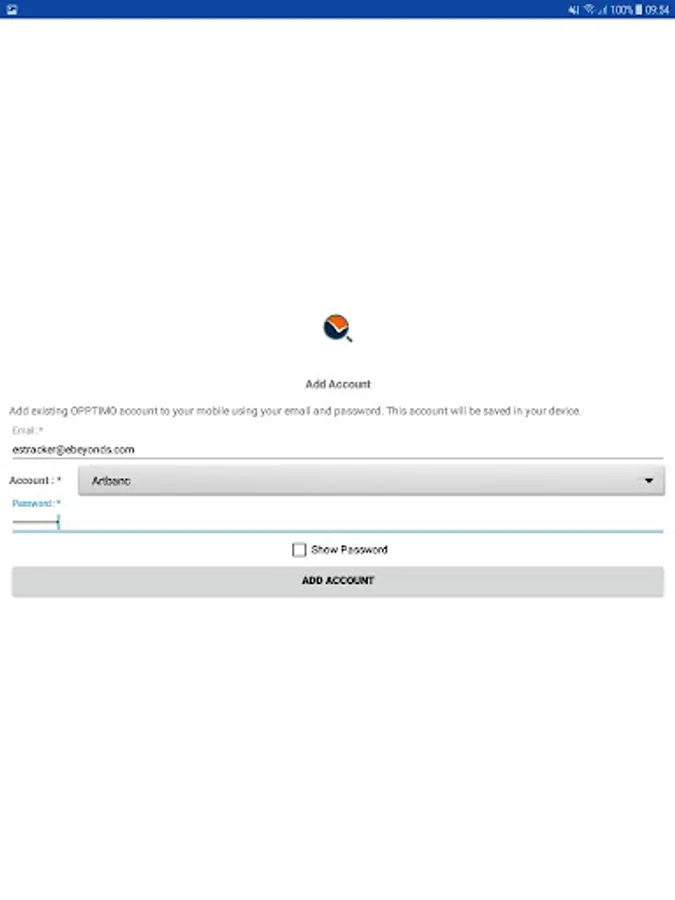
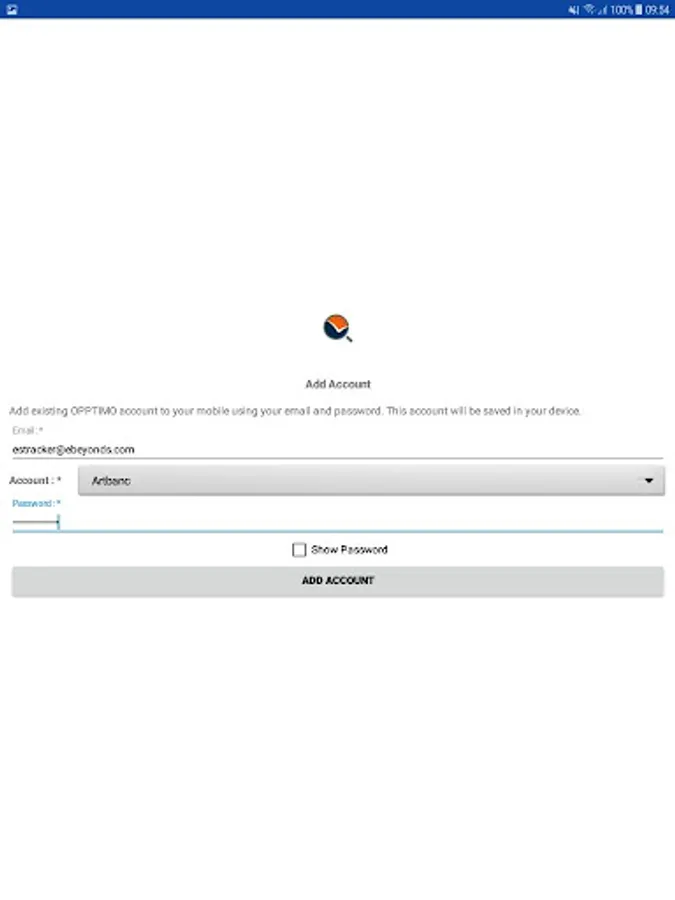
Add / remove multiple accounts
You are allowed to add or remove multiple user accounts.
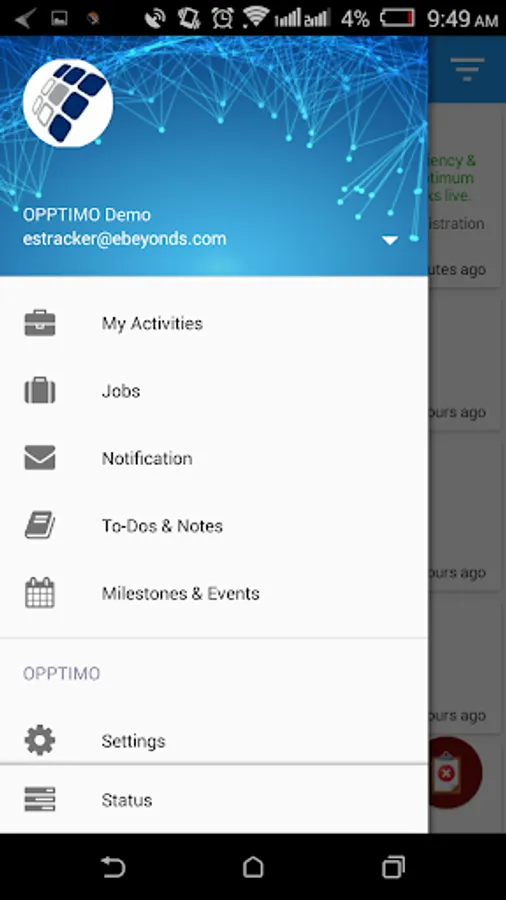
Switch Accounts
You can switch between multiple accounts
OPPTIMO Mobile has the following features & functionalities.
User List & Current Status
On OPPTIMO Mobile, those who install it on their android devices, can see the list of users and their current status, which indicates their progress at work.
Contact Info / User Info
If you have access to OPPTIMO Mobile as well as OPPTIMO Platform can view contact / user information.
Today’s Status View
At any given time, you can get the status view of the users during any day.
View Next 5 Day Schedule
You can see the user schedules for the next five days which can help you get an idea about work situation.
View Activities
The users’ activities during a particular day are shown on OPPTIMO Mobile.
Filter users by team name
Filter users by team name for accessing the required information.
Show pinned users
The pinned users are clearly indicated so that you can check up on them easily
Pin / unpin for users
You can pin particular users to track them easily and unpin them when necessary
Search for a particular user
The search function is both reliable and convenient for you search for and locate a particular user.
Add To-do / Note for users
Through OPPTIMO Mobile, you can add To-do / Notes for users so that you can assign particular tasks to them.
Add / remove multiple accounts
You are allowed to add or remove multiple user accounts.
Switch Accounts
You can switch between multiple accounts