
oneSafe 5 Password Manager
Lunabee Studio
3.3 ★
2K ratings
100,000+
downloads
Free
With this password manager, you can securely store and organize confidential information, generate strong passwords, and use biometric authentication. Includes AES 256 encryption, Dropbox sync, backup options, and customizable templates.
AppRecs review analysis
AppRecs rating 3.2. Trustworthiness 0 out of 100. Review manipulation risk 0 out of 100. Based on a review sample analyzed.
★★★☆☆
3.2
AppRecs Rating
Ratings breakdown
5 star
44%
4 star
11%
3 star
5%
2 star
8%
1 star
32%
What to know
✓
Authentic reviews
Natural distribution, no red flags
⚠
High negative review ratio
40% of sampled ratings are 1–2 stars
About oneSafe 5 Password Manager
Forgot your PIN? Can’t find your frequent flyer number? Need your passport scan? Struggling to remember all those usernames and passwords to your bank accounts, email and social media? Relax. oneSafe will take care of it.
oneSafe is a super-secure "password manager" app that lets you store all your confidential information in one place with complete security.
With its sleek design, adaptable templates and intuitive user interface, the app is a breeze to use on your device putting all your personal information at your fingertips whenever and wherever you may happen to need it.
oneSafe allows you to:
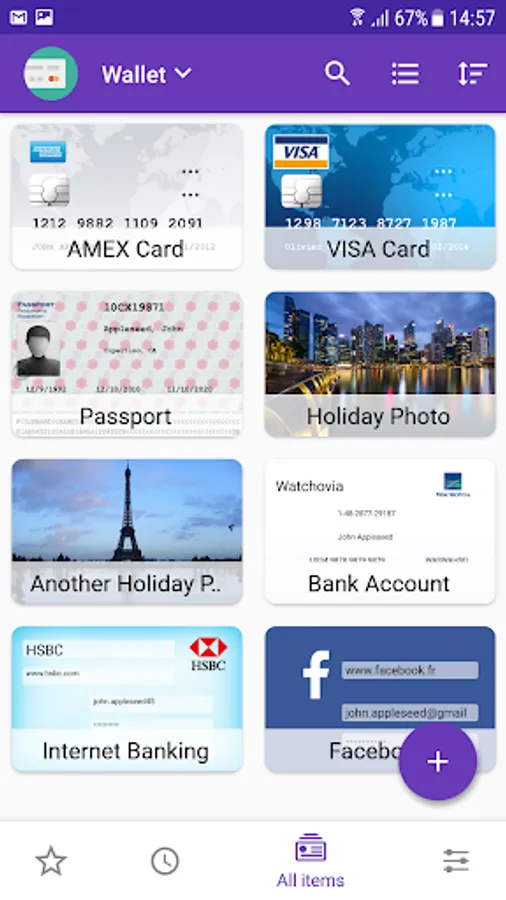
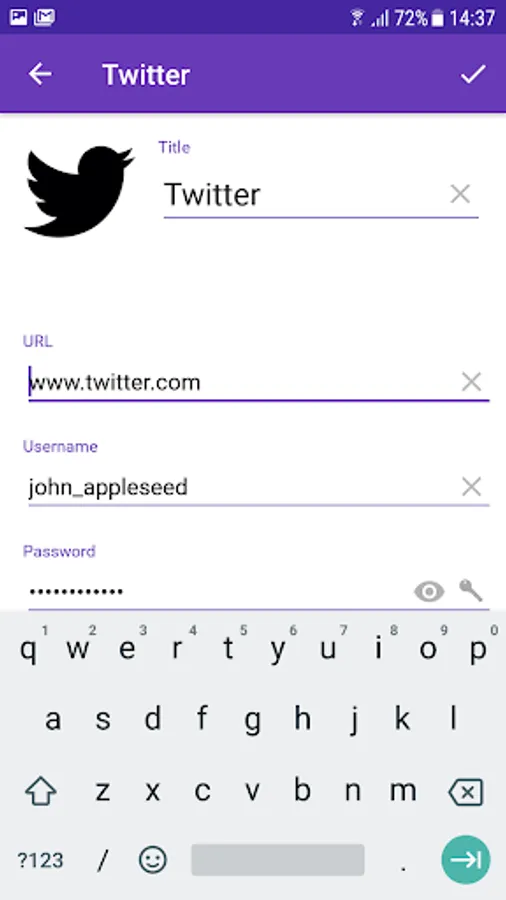
• Easily create, view and edit items (passwords, web accounts, ID, credit cards, passport scan ...) and keep them well organized
• Take advantage of ready-made templates to enter details quickly
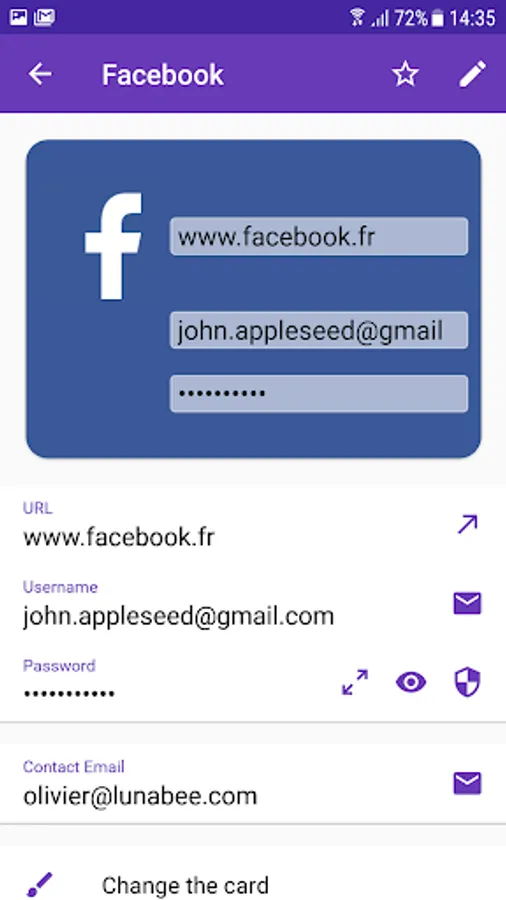
• Easily copy and paste complex usernames and passwords
• Mark any item as a favorite for quick access
• Share your data securely in a password protected archive
• Secure highly secure information in double-protection categories
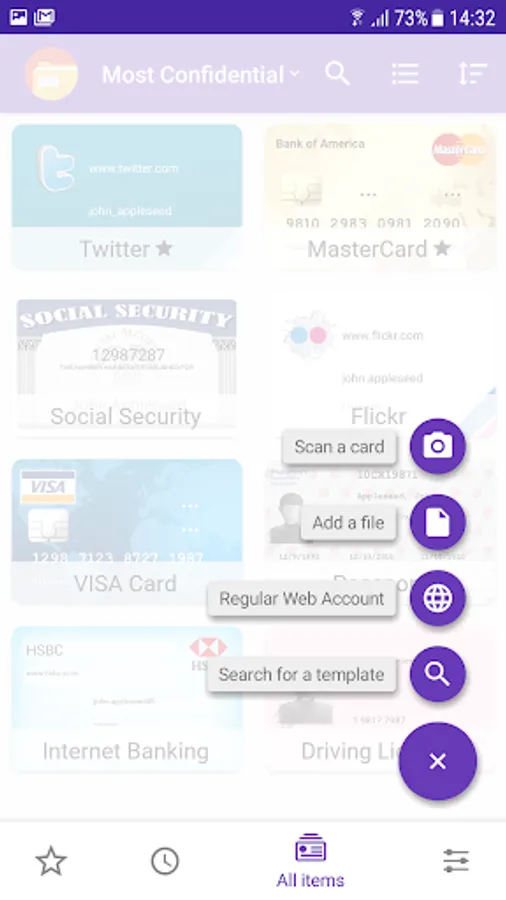
• Quickly capture information using the 'Scan a Card' feature
Features:
• The highest level of encryption available on mobile device; AES 256 to give watertight protection from any possible cyber attack
• Dropbox integration to allow synchronization with multiple devices (Android, iOS and Mac versions of oneSafe)
• Email and device backup function to safeguard your information
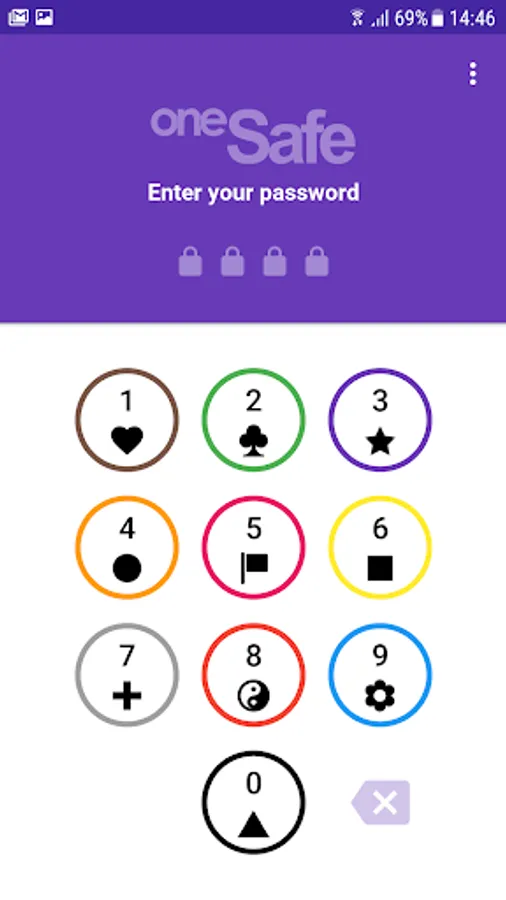
• Multiple authentication methods to choose from
• Ready-made categories to better organize your information
• In-built password generator to create strong passwords.
• Quickly capture information via your camera
oneSafe combines security, simplicity and a sleek design in a password storage application. Download it now and protect any hackers or wandering eyes from getting a sneak peek at your personal data!
oneSafe 5 Password Manager Screenshots
Tap to Rate:
Reviews for oneSafe 5 Password Manager
Mariann Lamoreaux
12/17/2025
I LOVE THIS APP BUT PLEASE FIX THE BUGS The icon finder rarely worked on my old phone. So I thought when I purchased my new Samsung Galaxy S25 Ultra. That the Icon feature would start working as it should. But, everytime I try. The app actually crashes and says it has a bug. I verified that that the app has been updated to its most current version 4.5.7
Chaiwat Tiptiamrat
10/31/2025
I have problem when I add new card. Phone camera (Samsung Galaxy S25 Ultra) did not focus.