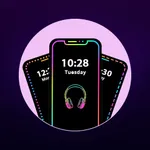
Edge Lighting on Music Play
happytime inc
3.8 ★
store rating
1,000+
downloads
Free
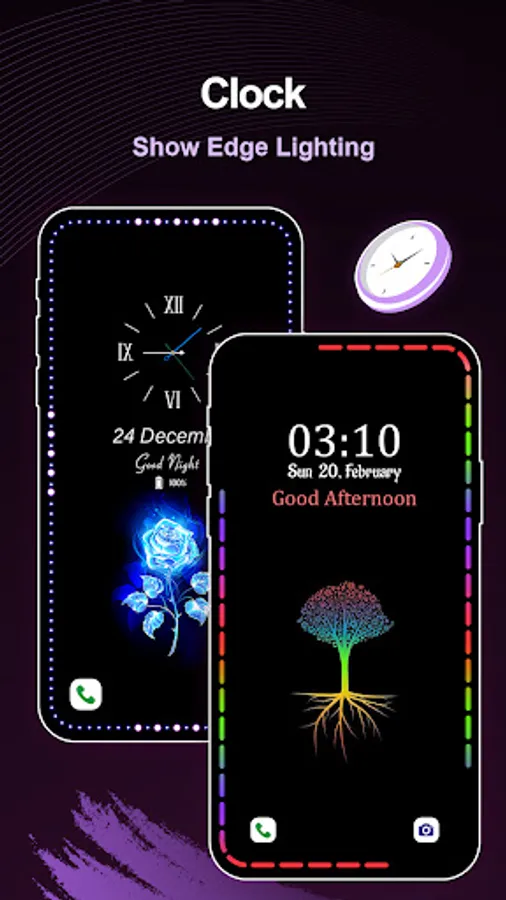
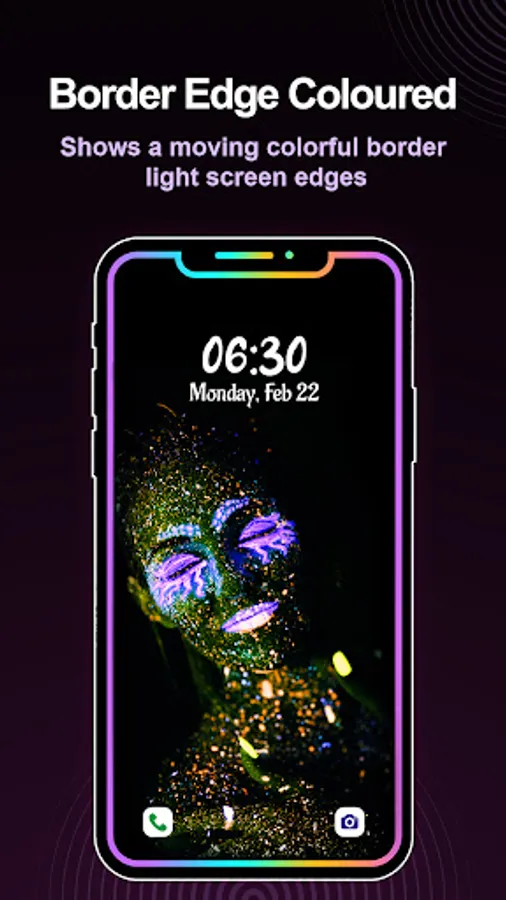
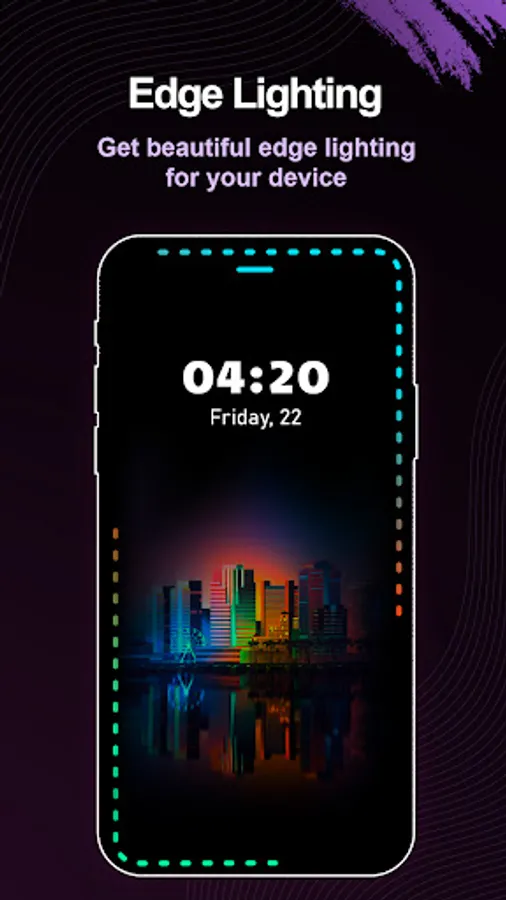
In this app, you can enable and customize always-on edge lighting effects while listening to music along with notification and charging indicators. Includes various light patterns, color options, and adjustable settings for style and speed.
AppRecs review analysis
AppRecs rating 3.8. Trustworthiness 0 out of 100. Review manipulation risk 0 out of 100. Based on a review sample analyzed.
★★★☆☆
3.8
AppRecs Rating
Ratings breakdown
5 star
41%
4 star
41%
3 star
0%
2 star
0%
1 star
18%
What to know
✓
Good user ratings
82% positive sampled reviews
About Edge Lighting on Music Play
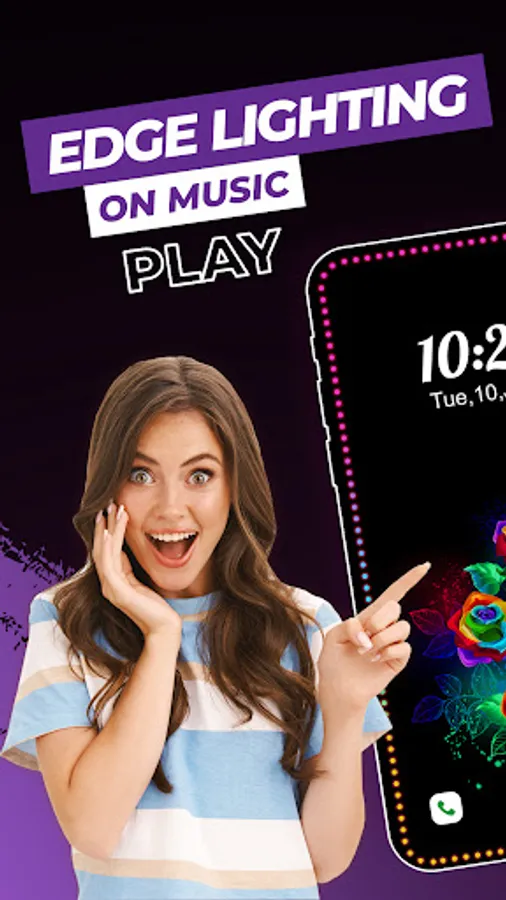
Want to impress others with the colorful border light on music play?
Looking for an app to enable the always ON edge lighting while music?
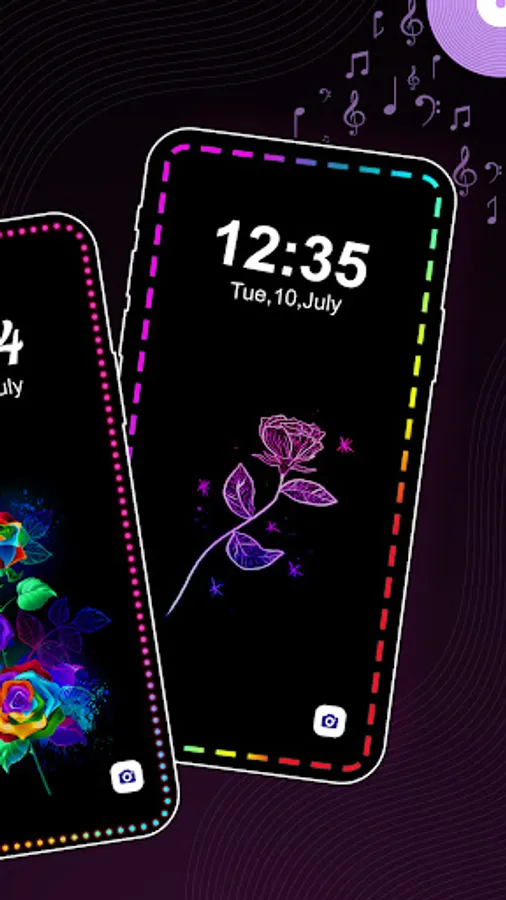
Now impress others and enable the LED border lighting by using this Always ON edge lighting application.
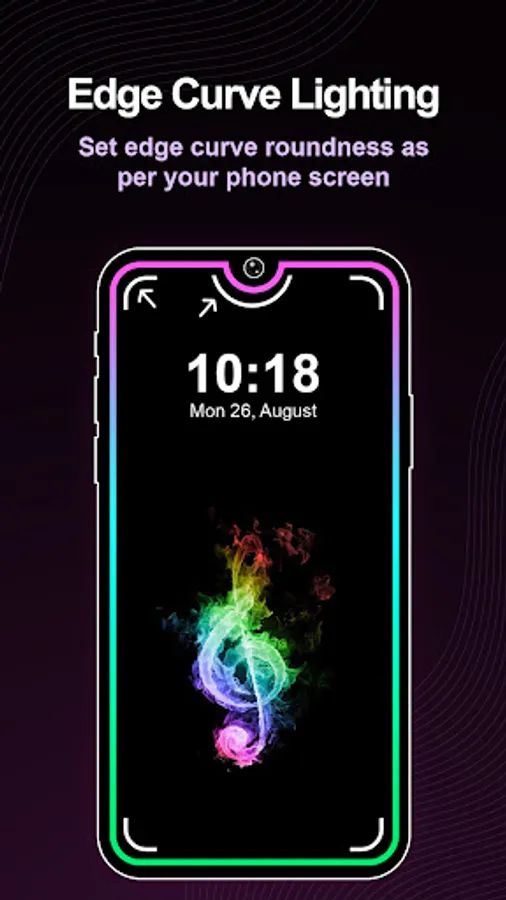
Enjoy smooth and beautiful round corners lighting on the screen while listening to music on the music player.
Enable the Always On Display mode with a black screen with edge lighting and enjoy the edge lighting when the screen goes off.
The application gives different edge light patterns with a huge collection like lines, waves, emojis, zodiac, stickers, love, Christmas, shape, fruits, vegetables, flowers, animals, god, and flags.
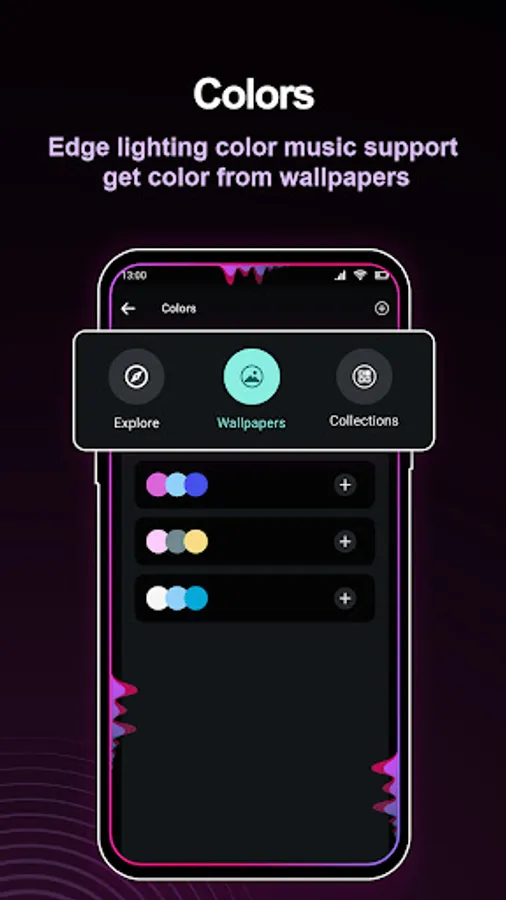
There are huge collections of colors in explore and wallpaper options. In the explore option there will be 3 colors pattern, select them, and display them on the edge light. In the wallpaper option, there will be 3 colors, that will be based on the wallpaper. It will be the one best part of the attraction as the wallpaper and the edge lights will be similar.
A black screen with edge lighting gives the various AOD themes. You can take a preview of the themes. Select the AOD theme and apply it.
Edge Lighting on Music Play Application gives the bundle of features:
1. Music Overlay:
- It will enable the border edge lighting on playing music.
2. AOD on Music
- Always on the display and corner lighting while playing music.
3. AOD Notification
- Always on display and border light on the notification.
4. AOD Charging
- Always on display and edge lighting on getting the notification.
Edit feature of Edge Lighting on Music Play:
1. Run Style
- 100%, 50% & 25%
2. Direction
- clockwise & anticlockwise
- Sweep
- Linear in a different direction
3. Different notch setting
- Notch, hole, and infinity with circle and round options.
4. Thickness
5. Speed
- Border radius top
6. Border radius top
7. Border radius botton
8. Notification light duration
Enjoy the black screen with colorful edge lighting while playing to music player..!
Looking for an app to enable the always ON edge lighting while music?
Now impress others and enable the LED border lighting by using this Always ON edge lighting application.
Enjoy smooth and beautiful round corners lighting on the screen while listening to music on the music player.
Enable the Always On Display mode with a black screen with edge lighting and enjoy the edge lighting when the screen goes off.
The application gives different edge light patterns with a huge collection like lines, waves, emojis, zodiac, stickers, love, Christmas, shape, fruits, vegetables, flowers, animals, god, and flags.
There are huge collections of colors in explore and wallpaper options. In the explore option there will be 3 colors pattern, select them, and display them on the edge light. In the wallpaper option, there will be 3 colors, that will be based on the wallpaper. It will be the one best part of the attraction as the wallpaper and the edge lights will be similar.
A black screen with edge lighting gives the various AOD themes. You can take a preview of the themes. Select the AOD theme and apply it.
Edge Lighting on Music Play Application gives the bundle of features:
1. Music Overlay:
- It will enable the border edge lighting on playing music.
2. AOD on Music
- Always on the display and corner lighting while playing music.
3. AOD Notification
- Always on display and border light on the notification.
4. AOD Charging
- Always on display and edge lighting on getting the notification.
Edit feature of Edge Lighting on Music Play:
1. Run Style
- 100%, 50% & 25%
2. Direction
- clockwise & anticlockwise
- Sweep
- Linear in a different direction
3. Different notch setting
- Notch, hole, and infinity with circle and round options.
4. Thickness
5. Speed
- Border radius top
6. Border radius top
7. Border radius botton
8. Notification light duration
Enjoy the black screen with colorful edge lighting while playing to music player..!