AppRecs review analysis
AppRecs rating . Trustworthiness 65 out of 100. Review manipulation risk 19 out of 100. Based on a review sample analyzed.
★
AppRecs Rating
Ratings breakdown
5 star
100%
4 star
0%
3 star
0%
2 star
0%
1 star
0%
What to know
✓
Low review manipulation risk
19% review manipulation risk
✓
High user satisfaction
100% of sampled ratings are 5 stars
About BLE Terminal PRO
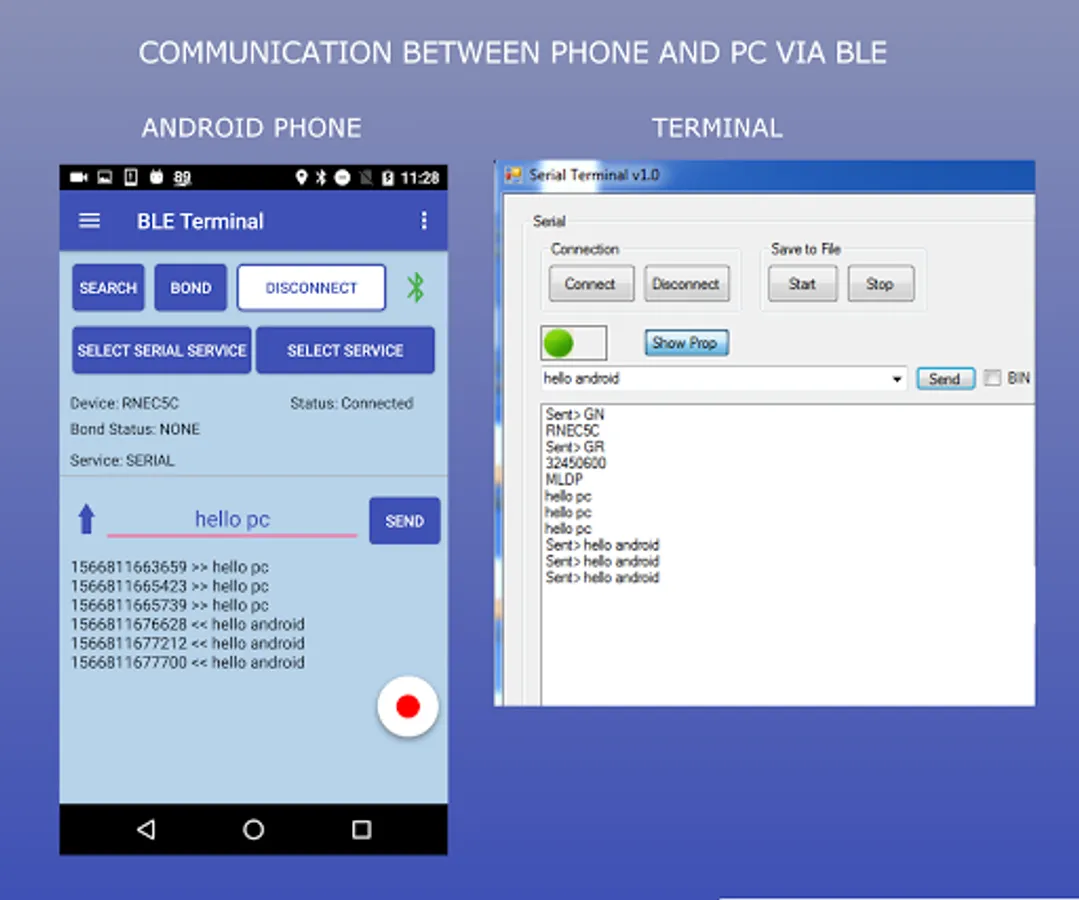
"BLE Terminal" is a Bluetooth client where you can send and receive data via Bluetooth BLE using the GATT profile or "serial".
The "serial" profile can only be used if the Bluetooth device supports it.
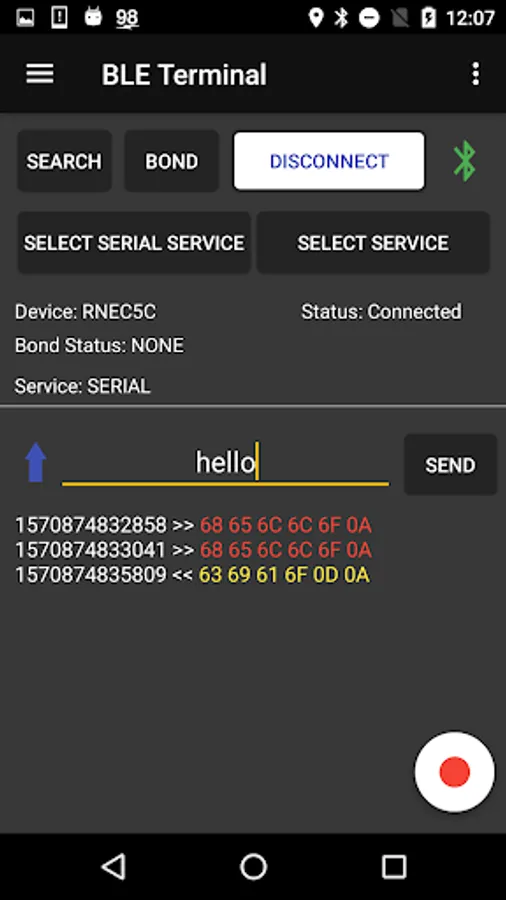
With this App is possible save the log sessions to a file.
NB: This App work only with devices with BLUETOOTH LOW ENERGY (Ex: SimbleeBLE, Microchip, Ublox, ...)
Instructions:
1) Enable bluetooth
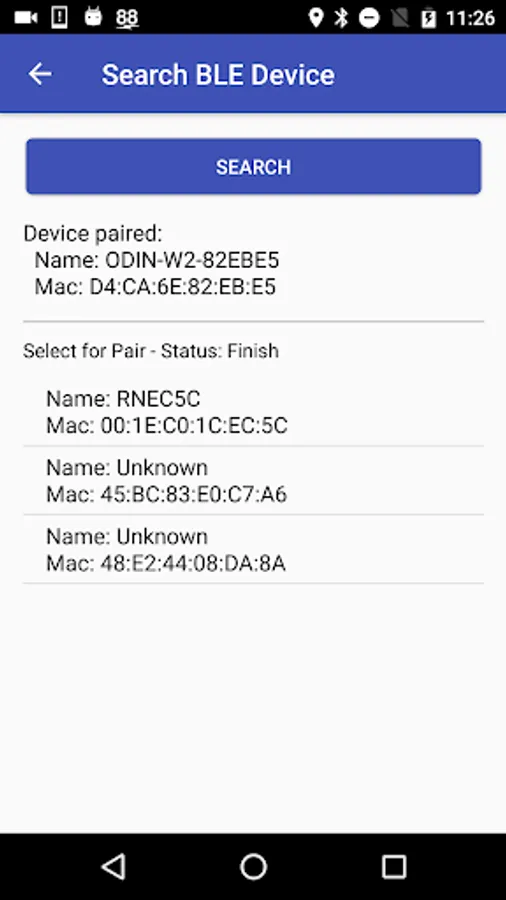
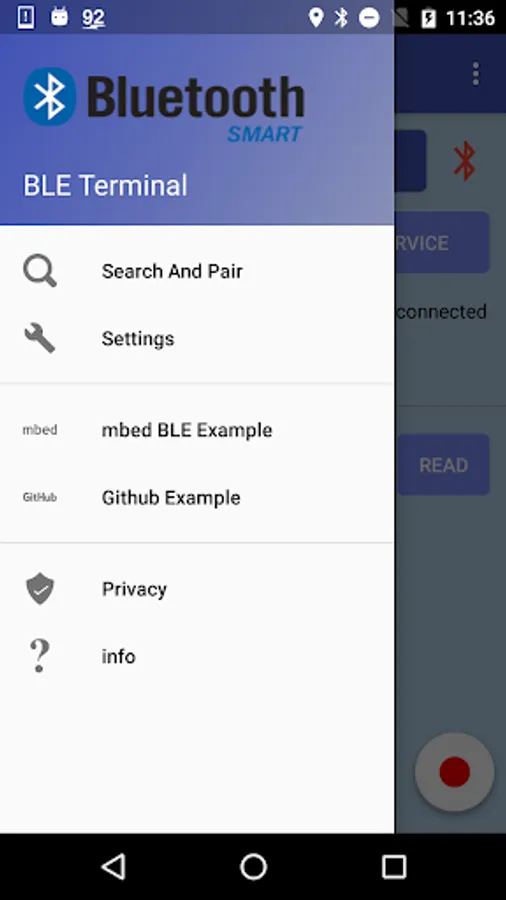
2.1) Open the Search menu and Pair the device
or
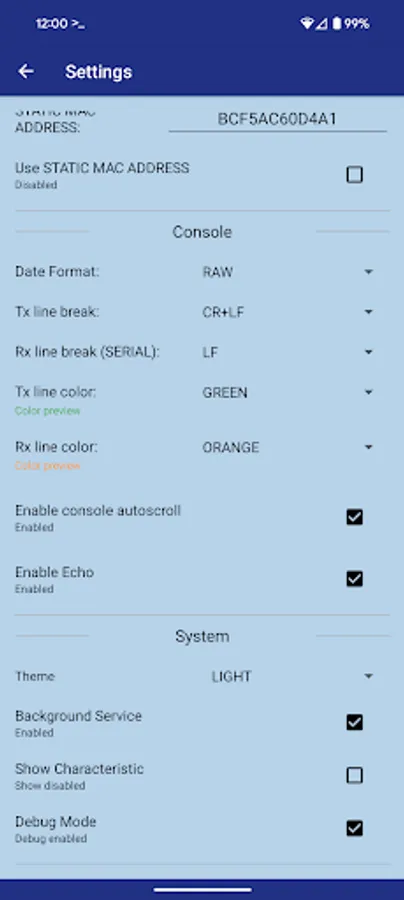
2.2) Open the Settings menu and insert a MAC Address (with checkbox "Enabled MAC REMOTE" checked)
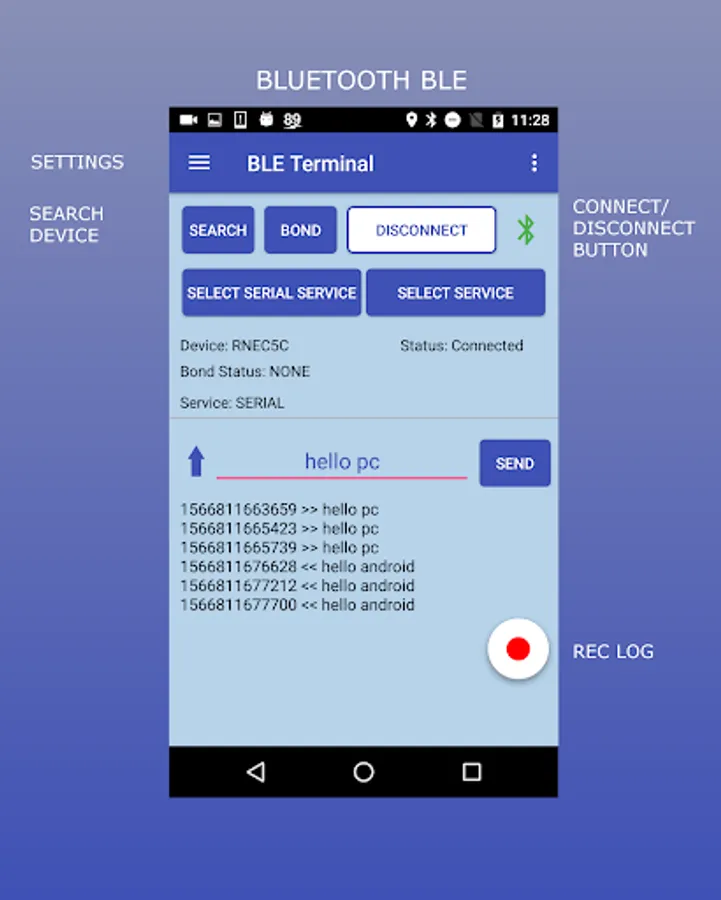
3) In the main windown press the "CONNECT" button
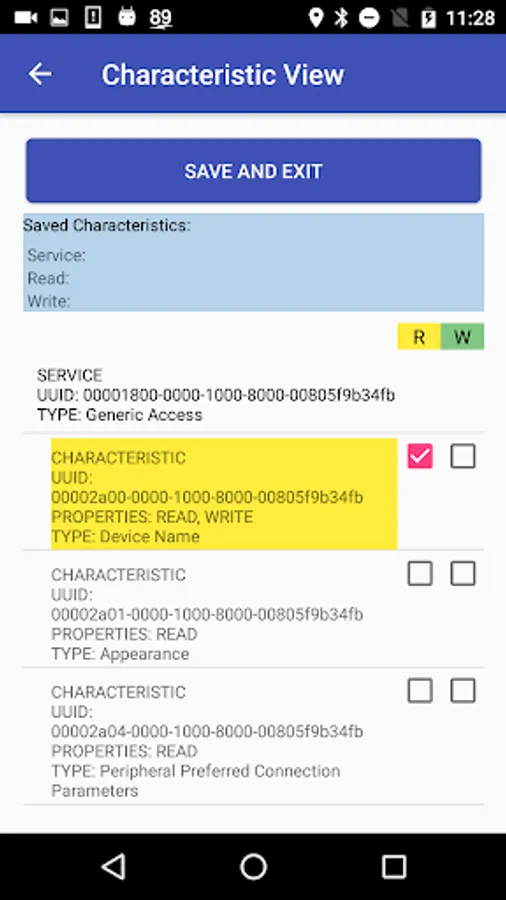
4) If necessary add Service/Characteristics with the "SELECT SERVICE" button
5) Send and receive the messages
This App asks to enable this two services:
- Location service: is required for some devices (ex: my nexus 5) for the BLE searching function
- Storage service: is required if you want save the logs session
You can try example here:
- SimbleeBLE example: http://bit.ly/2wkCFiN
- RN4020 example: http://bit.ly/2o5hJIH
I tested this App with these devices:
Simblee: 0000fe84-0000-1000-8000-00805f9b34fb
RFDUINO: 00002220-0000-1000-8000-00805F9B34FB
RedBearLabs: 713D0000-503E-4C75-BA94-3148F18D941E
RN4020: custom characteristics
NB: For custom App contact me.
Please rate and review so I can make it better!
The "serial" profile can only be used if the Bluetooth device supports it.
With this App is possible save the log sessions to a file.
NB: This App work only with devices with BLUETOOTH LOW ENERGY (Ex: SimbleeBLE, Microchip, Ublox, ...)
Instructions:
1) Enable bluetooth
2.1) Open the Search menu and Pair the device
or
2.2) Open the Settings menu and insert a MAC Address (with checkbox "Enabled MAC REMOTE" checked)
3) In the main windown press the "CONNECT" button
4) If necessary add Service/Characteristics with the "SELECT SERVICE" button
5) Send and receive the messages
This App asks to enable this two services:
- Location service: is required for some devices (ex: my nexus 5) for the BLE searching function
- Storage service: is required if you want save the logs session
You can try example here:
- SimbleeBLE example: http://bit.ly/2wkCFiN
- RN4020 example: http://bit.ly/2o5hJIH
I tested this App with these devices:
Simblee: 0000fe84-0000-1000-8000-00805f9b34fb
RFDUINO: 00002220-0000-1000-8000-00805F9B34FB
RedBearLabs: 713D0000-503E-4C75-BA94-3148F18D941E
RN4020: custom characteristics
NB: For custom App contact me.
Please rate and review so I can make it better!
BLE Terminal PRO Screenshots
Tap to Rate:
Reviews for BLE Terminal PRO
Geoffrey Stephens
9/10/2022
I like the interface. Works well
Stephan Markus Schmid
3/1/2022
The developer is very responsive and created a fix in no time. Now after updating to version 1.5.2, the JDY-08 works perfectly!