Control Screen Rotation
Ekana Developer
3.6 ★
store rating
10,000+
downloads
Free
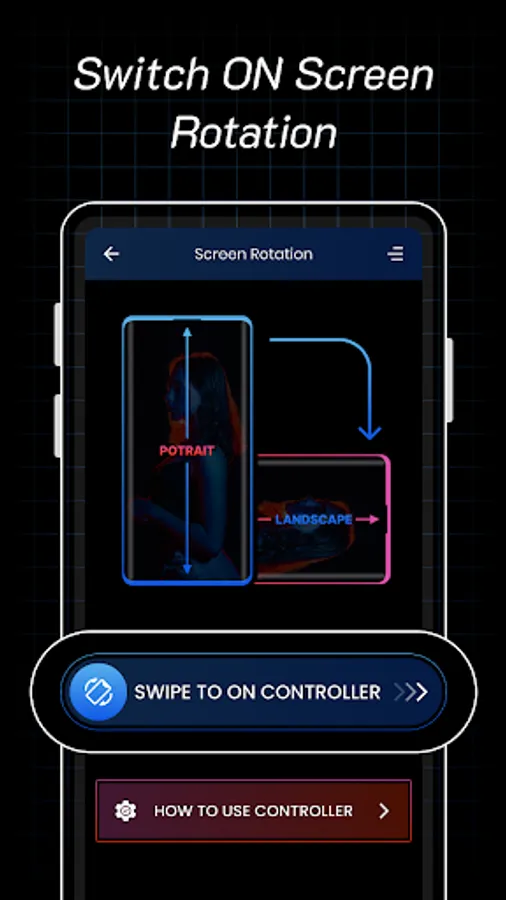
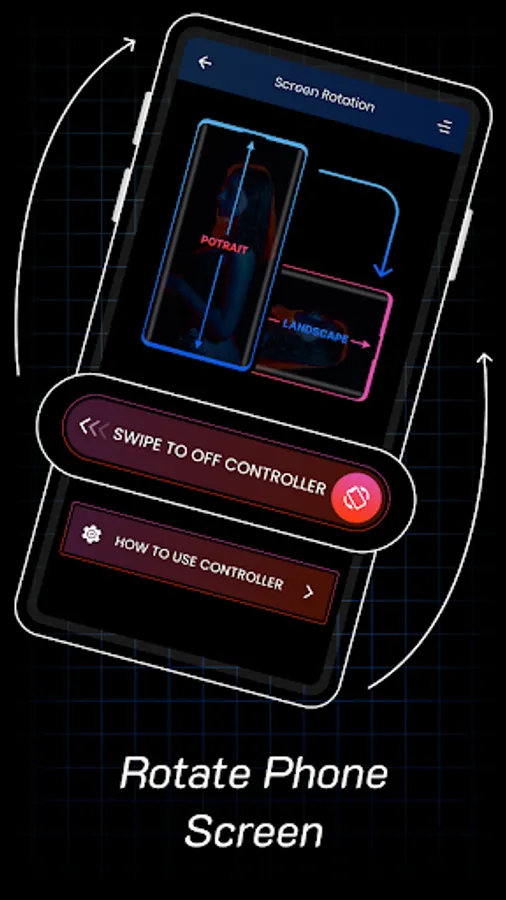
In this app, you can easily control and lock your device's screen orientation using the notification bar or app settings. Includes custom rotation options, app-specific configurations, and automatic orientation management.
AppRecs review analysis
AppRecs rating 3.6. Trustworthiness 0 out of 100. Review manipulation risk 0 out of 100. Based on a review sample analyzed.
★★★☆☆
3.6
AppRecs Rating
Ratings breakdown
5 star
40%
4 star
20%
3 star
20%
2 star
0%
1 star
20%
What to know
✓
Good user ratings
60% positive sampled reviews
✓
Authentic reviews
Natural distribution, no red flags
About Control Screen Rotation
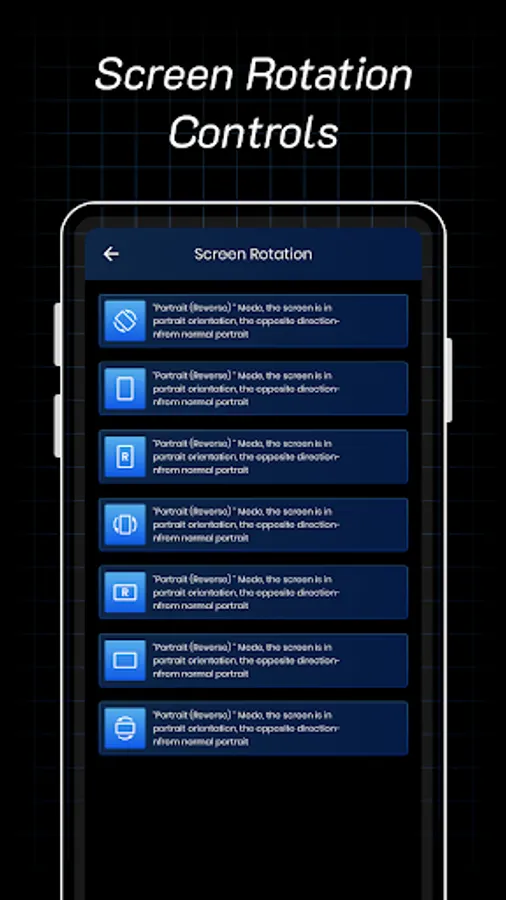
Screen Rotation Control is an amazing screen controller tool to easily control your mobile screen. Screen controller tool that can change the orientation and rotation of the screen. You can change the screen orientation from the notification bar.
Available orientations:
• Landscape
• Reverse landscape
• Sensor landscape
• Portrait
• Reveres portrait
• Sensor portrait
• Sensor orientation (auto rotation)
Rotated your screen by default your phone orientation, if you need it as per your choice to rotate your phone screen you can use and install this Screen Rotation Control application.
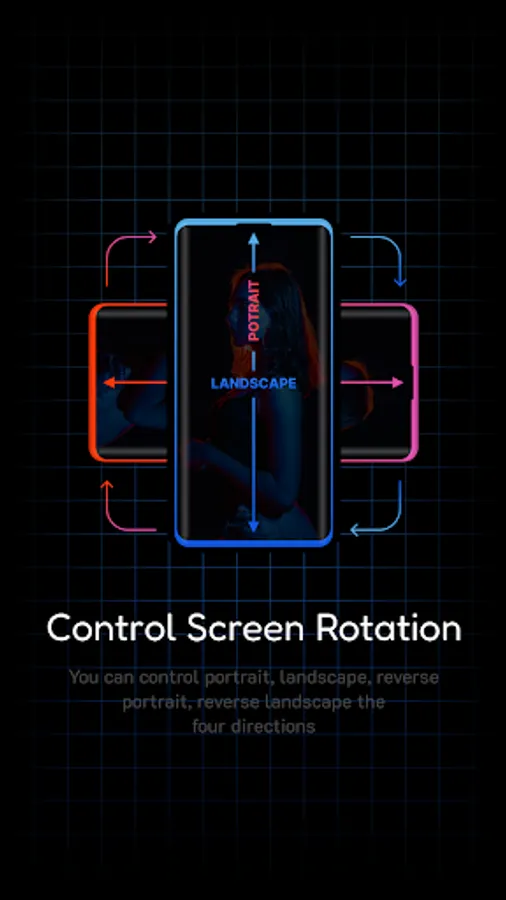
In this application easy to control your phone Screen Orientation Portrait, Landscape, Horizontal, Vertical, Reverse portrait, and Reverse landscape.
Screen Orientation is easy to rotate your screen on all sides and easy to change the rotation of your notification area. Prevent screen auto rotation and choose the screen orientation that you want with any application
Rotation Control is a screen control tool that can change the screen orientation. It provides all modes supported by Android and can be configured according to different events such as an app or call, lock, headset, charging, and docking.
Screen Rotation Control Ultimate App is a Screen Rotation Control Ultimate app that will allow you to control your mobile screen. This is the best way to lock your screen orientation via the buttons on the notification panel. This is an amazing Screen Rotation Control Ultimate app that will allow you to rotate and lock your screen orientation easily through the buttons on the notification panel. You can also set up a smart rotation event of your choice.
Main Feature of Screen Rotation Control:-
Just control your screen.
Changing rotation is easy.
You can configure the rotation of the screen in all directions.
Easily control the rotation of the screen from the notification bar.
Can configure rotation for each app individually.
Set automatic orientation.
Landscape orientation.
Landscape (reverse) orientation.
Landscape (Auto) orientation.
Portrait orientation.
Portrait (reverse) orientation.
Portrait (Auto) orientation.
Allows app locking orientation.
Notification panel to control orientation.
Easy controls all around.
Rotate based on sensor information.
💥💥 We hope you like this Screen Rotation Control Ultimate application download and if you like our work then share with your friends also.
Thank you!! 😇
Available orientations:
• Landscape
• Reverse landscape
• Sensor landscape
• Portrait
• Reveres portrait
• Sensor portrait
• Sensor orientation (auto rotation)
Rotated your screen by default your phone orientation, if you need it as per your choice to rotate your phone screen you can use and install this Screen Rotation Control application.
In this application easy to control your phone Screen Orientation Portrait, Landscape, Horizontal, Vertical, Reverse portrait, and Reverse landscape.
Screen Orientation is easy to rotate your screen on all sides and easy to change the rotation of your notification area. Prevent screen auto rotation and choose the screen orientation that you want with any application
Rotation Control is a screen control tool that can change the screen orientation. It provides all modes supported by Android and can be configured according to different events such as an app or call, lock, headset, charging, and docking.
Screen Rotation Control Ultimate App is a Screen Rotation Control Ultimate app that will allow you to control your mobile screen. This is the best way to lock your screen orientation via the buttons on the notification panel. This is an amazing Screen Rotation Control Ultimate app that will allow you to rotate and lock your screen orientation easily through the buttons on the notification panel. You can also set up a smart rotation event of your choice.
Main Feature of Screen Rotation Control:-
Just control your screen.
Changing rotation is easy.
You can configure the rotation of the screen in all directions.
Easily control the rotation of the screen from the notification bar.
Can configure rotation for each app individually.
Set automatic orientation.
Landscape orientation.
Landscape (reverse) orientation.
Landscape (Auto) orientation.
Portrait orientation.
Portrait (reverse) orientation.
Portrait (Auto) orientation.
Allows app locking orientation.
Notification panel to control orientation.
Easy controls all around.
Rotate based on sensor information.
💥💥 We hope you like this Screen Rotation Control Ultimate application download and if you like our work then share with your friends also.
Thank you!! 😇