AppRecs review analysis
AppRecs rating 3.6. Trustworthiness 74 out of 100. Review manipulation risk 32 out of 100. Based on a review sample analyzed.
★★★☆☆
3.6
AppRecs Rating
Ratings breakdown
5 star
43%
4 star
14%
3 star
14%
2 star
14%
1 star
14%
What to know
✓
Credible reviews
74% trustworthiness score from analyzed reviews
About Voice Screen Locker
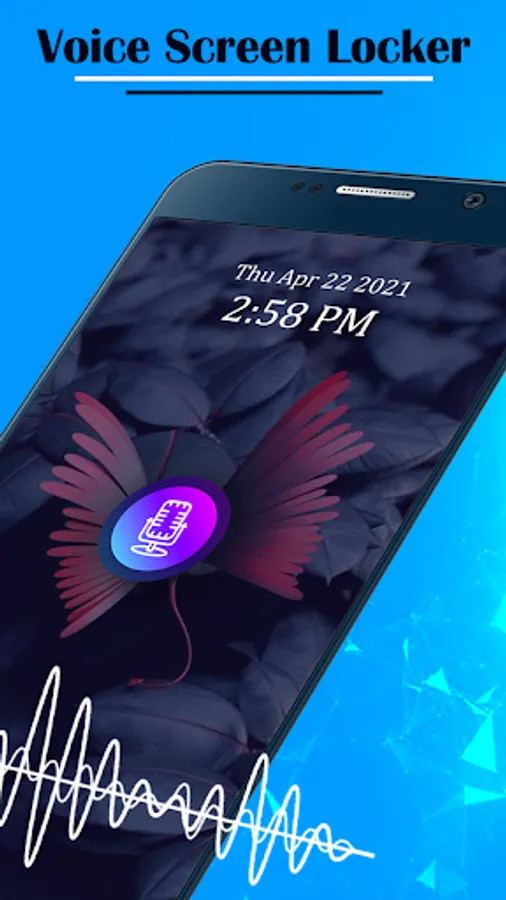
Voice Screen Lockerapplication gives you new style of lock screen you just need to speak your password and open your lock.
This is the Best Screen Lock application which is also very fun to use.
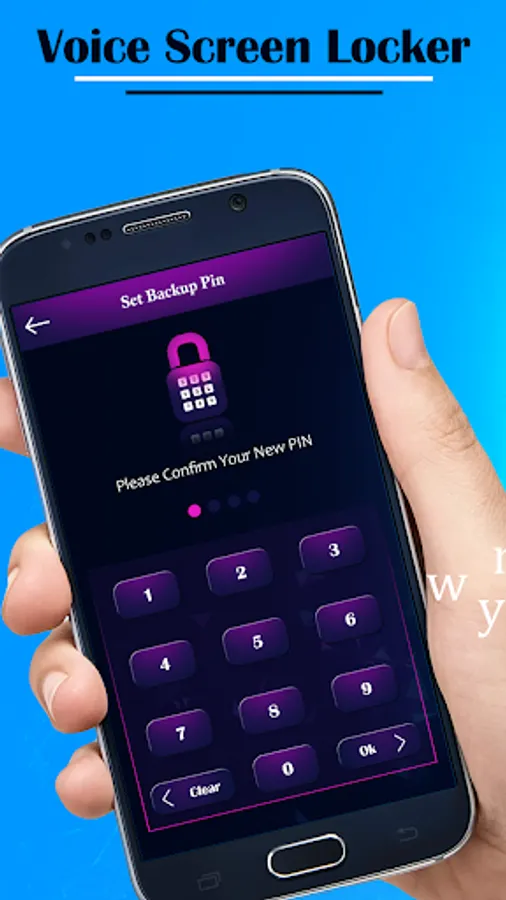
Once you Set Voice Password for the Screen Lock then After you can set PIN Password for the security.
when you unlock the phone and if you forget the Voice password then you can also unlock screen using PIN that is so easy to use the phone.
How to use Voice Screen Locker:
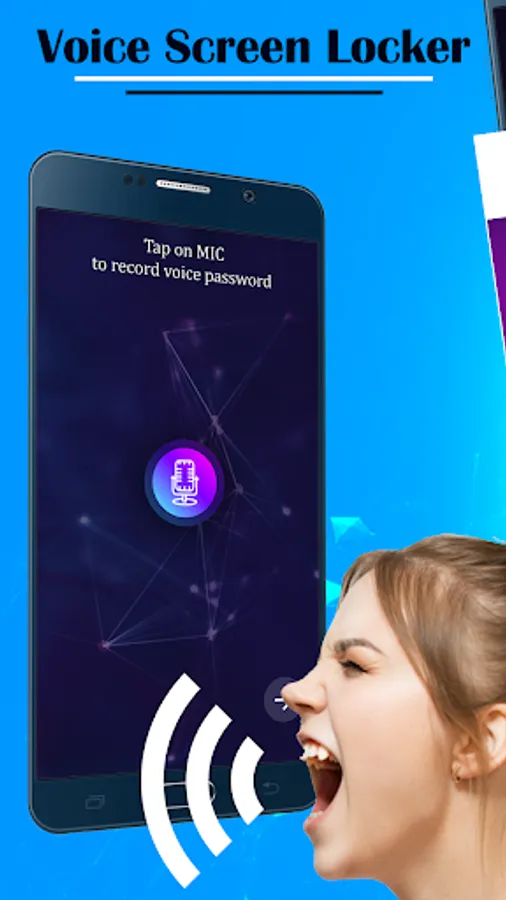
1)Click on the mic to speak.
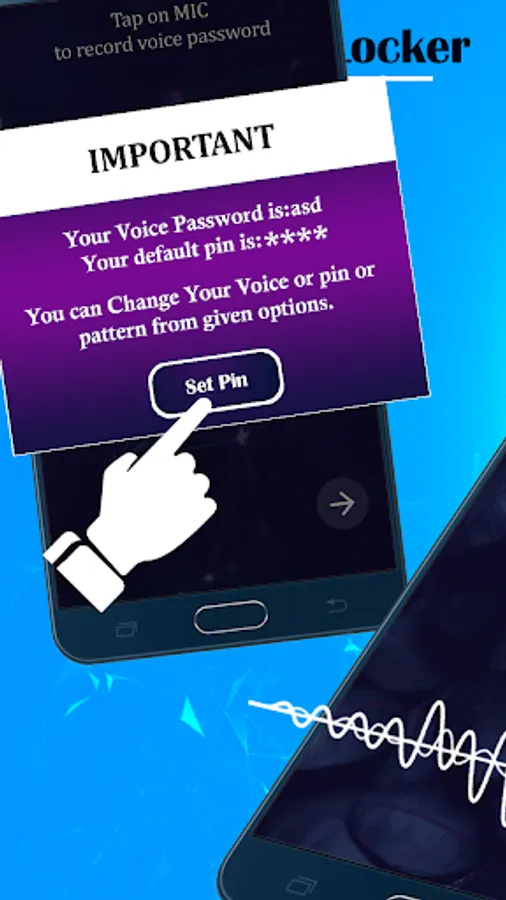
2)Speak your password.
3)Then Enter the PIN You want to set.
4)Use your voice to unlock your phone.
Features:
_Enable Voice Lock Screen with a single click on mic and set Voice password.
_Enhance Security using Home Key options given in setting.
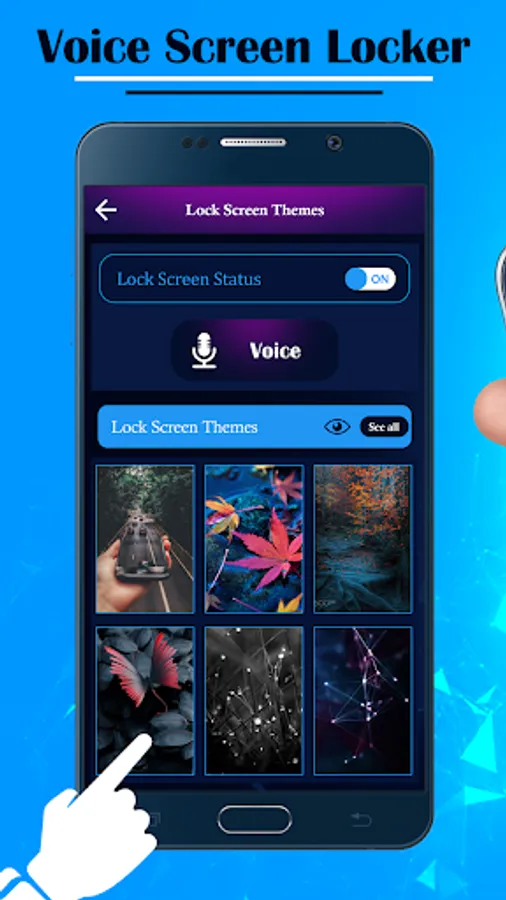
_You can Select HD Theme As you screen lock Background.
_Set your own any type of voice password.
_You can also set numeric PIN password if voice password doesn’t work.
_Easy Userinterface and best Voice Unlocker.
_Show Date and time on screen.
_Free For All.
Our Team is working very hard to this product more impressive so if you have suggestion you can email us on ekanadevelopers@gmail.com
And if you like our team work then your one like or Rating inspire our team to deliver good product for all.
Thank you..
This is the Best Screen Lock application which is also very fun to use.
Once you Set Voice Password for the Screen Lock then After you can set PIN Password for the security.
when you unlock the phone and if you forget the Voice password then you can also unlock screen using PIN that is so easy to use the phone.
How to use Voice Screen Locker:
1)Click on the mic to speak.
2)Speak your password.
3)Then Enter the PIN You want to set.
4)Use your voice to unlock your phone.
Features:
_Enable Voice Lock Screen with a single click on mic and set Voice password.
_Enhance Security using Home Key options given in setting.
_You can Select HD Theme As you screen lock Background.
_Set your own any type of voice password.
_You can also set numeric PIN password if voice password doesn’t work.
_Easy Userinterface and best Voice Unlocker.
_Show Date and time on screen.
_Free For All.
Our Team is working very hard to this product more impressive so if you have suggestion you can email us on ekanadevelopers@gmail.com
And if you like our team work then your one like or Rating inspire our team to deliver good product for all.
Thank you..