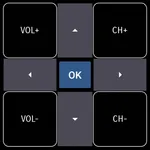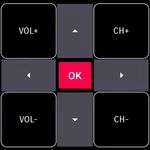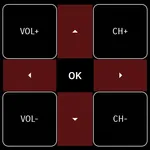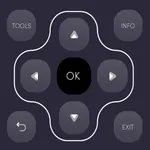
Use this remote app to control Element Smart TVs via Wi-Fi or IR, adjusting volume, channels, and navigating screens. Includes support for Android OS, traditional IR devices, and multimedia functions.
AppRecs review analysis
AppRecs rating 4.6. Trustworthiness 78 out of 100. Review manipulation risk 24 out of 100. Based on a review sample analyzed.
★★★★☆
4.6
AppRecs Rating
Ratings breakdown
5 star
81%
4 star
9%
3 star
3%
2 star
3%
1 star
5%
What to know
✓
Low review manipulation risk
24% review manipulation risk
✓
Credible reviews
78% trustworthiness score from analyzed reviews
⚠
Ad complaints
Many low ratings mention excessive ads
About Element Smart TV Remote
Why Element Smart TV Remote Control
Convert your mobile device into Element Smart TV Remote and get rid of drained batteries and broken plastic remotes.
Supported Element Smart TV's
- - Supports All Element Smart TV with Android OS OR Android TV Remote
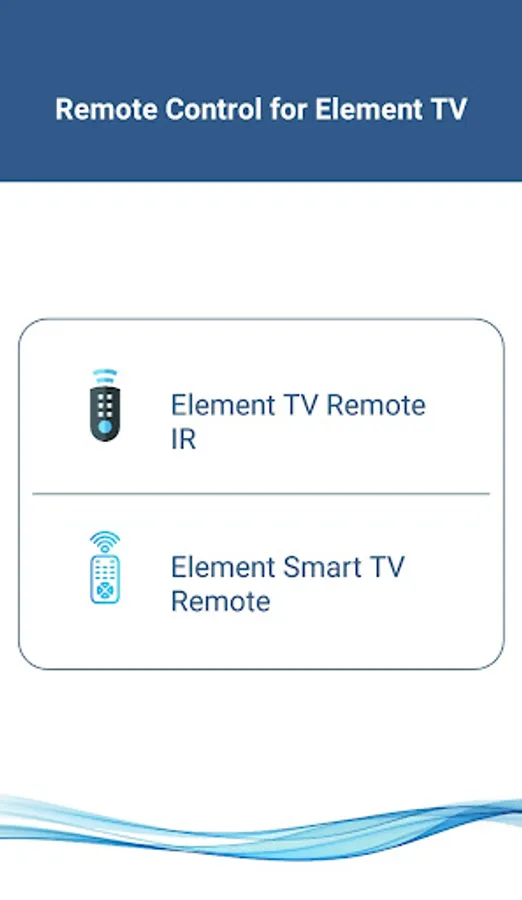
This remote control for Element Smart TV supports Android OS and Traditional IR devices.
Network Compatibility
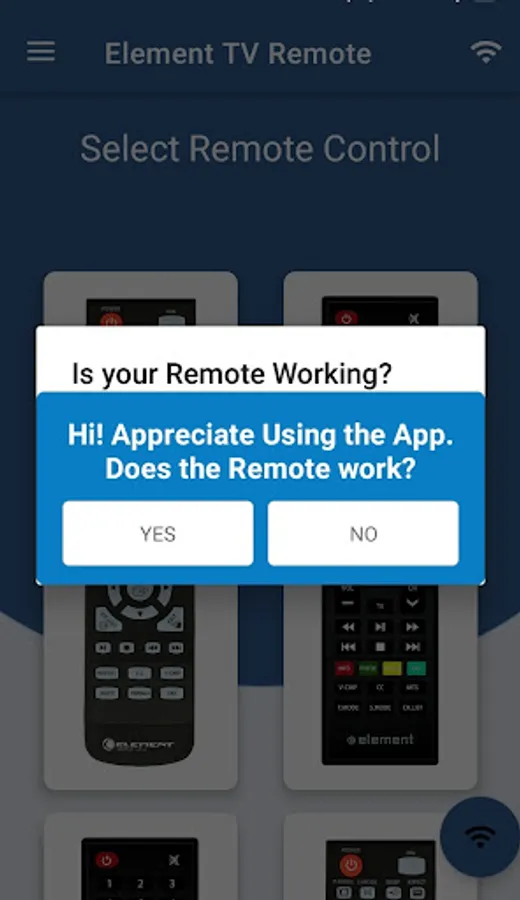
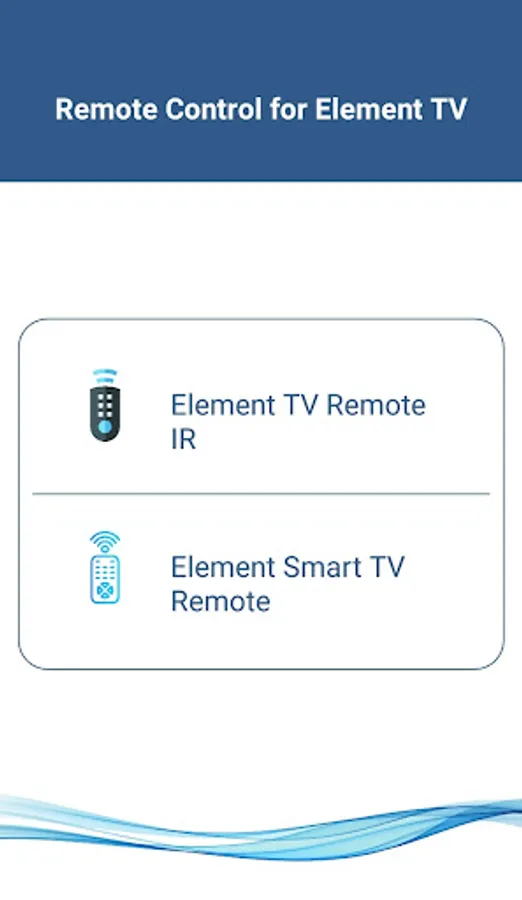
To use Element Smart TV Remote your Element Smart TV and your mobile device must be on the same Wi-Fi Network, once the Smart TV is detected then you will have to Enter the PIN shown on TV to start using Element Smart TV Remote.
Traditional IR Devices
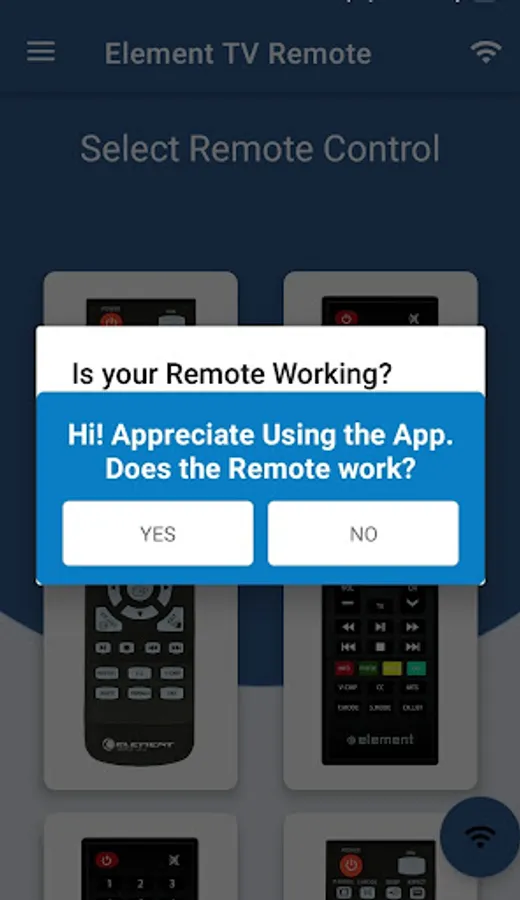
Supports all traditional Element TV's, your phone must have IR blaster in it for using the Element TV Remote Control .
Functionality
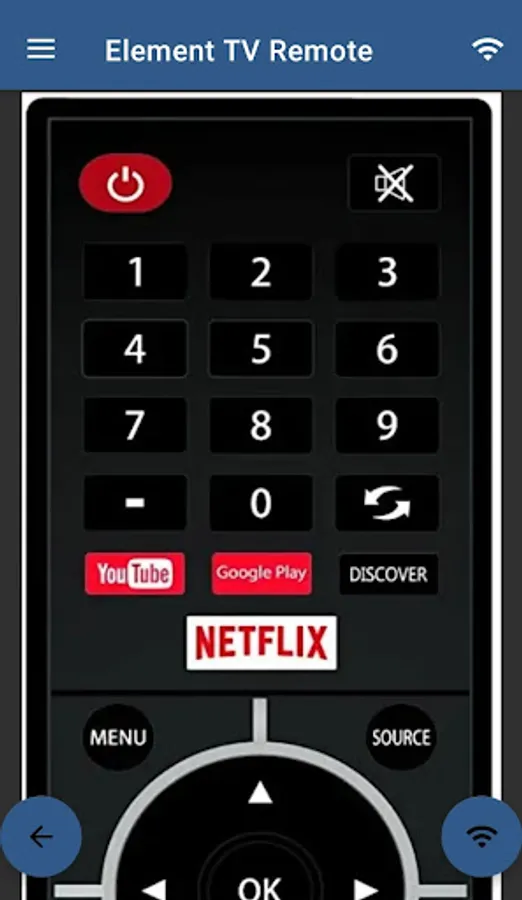
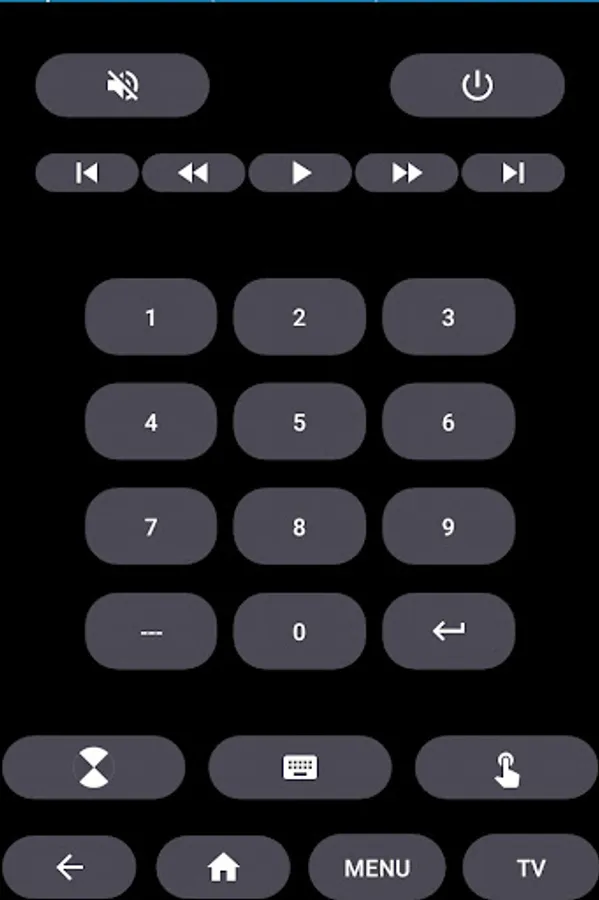
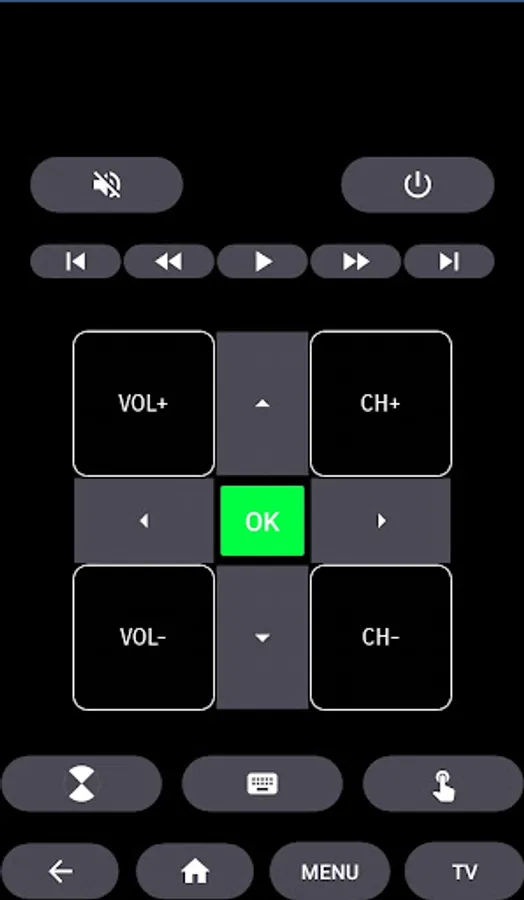
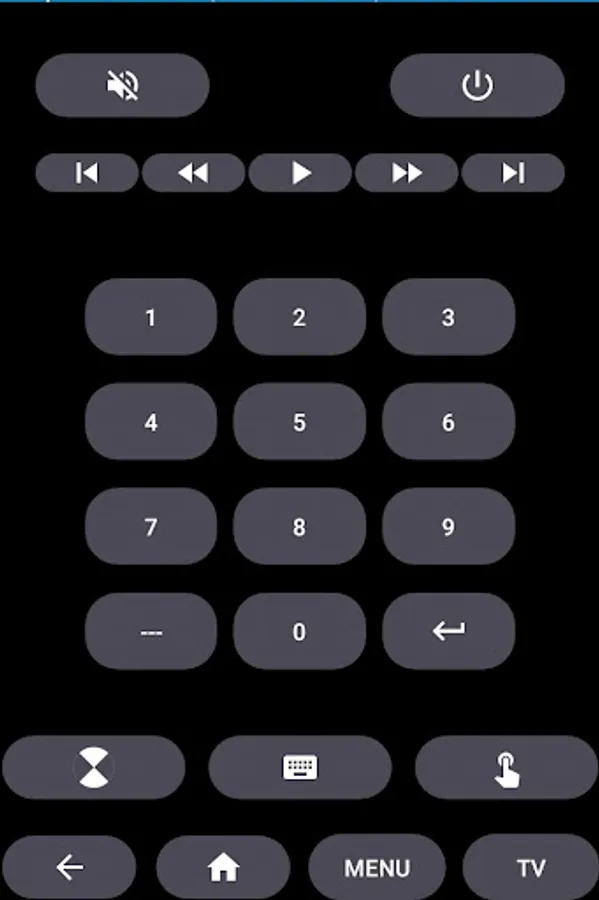
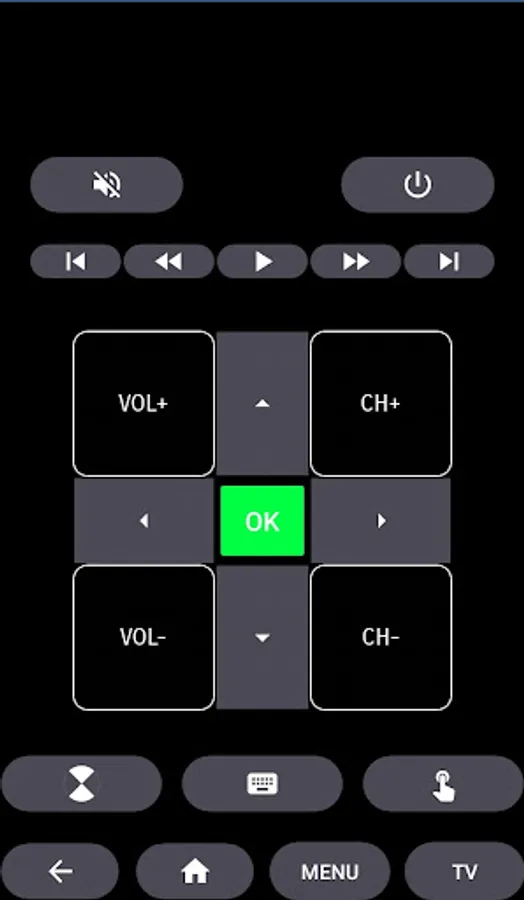
- ON / OFF
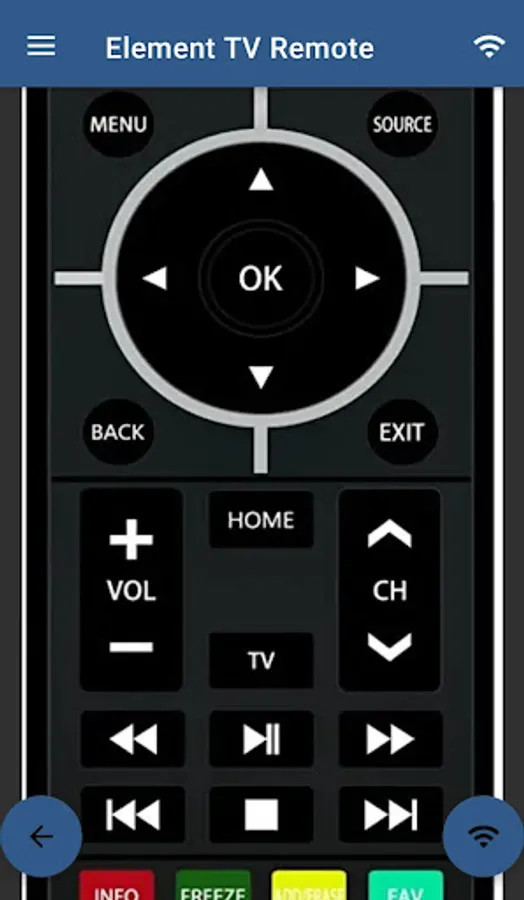
- Volume Control's
- Channel Control's
- Mute
- Navigation Control's
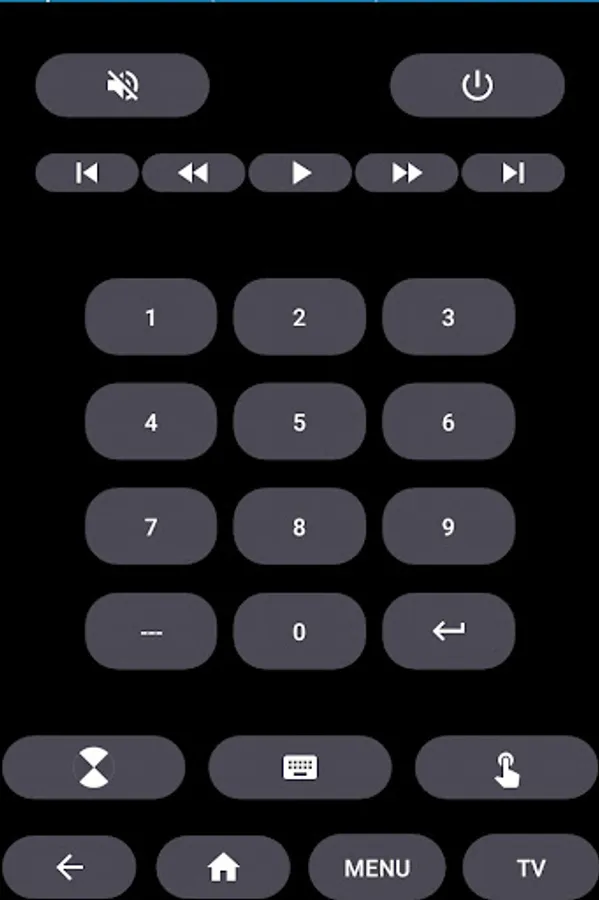
- Multi Media Control's
- Home
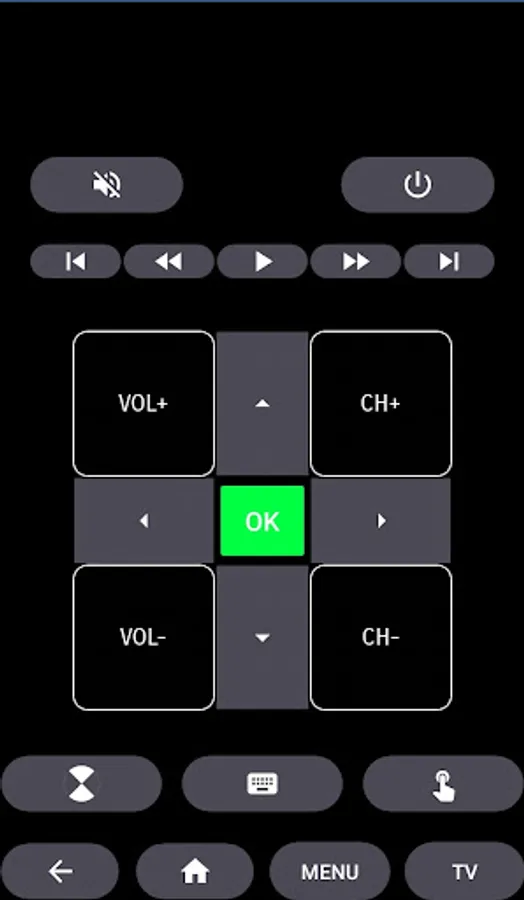
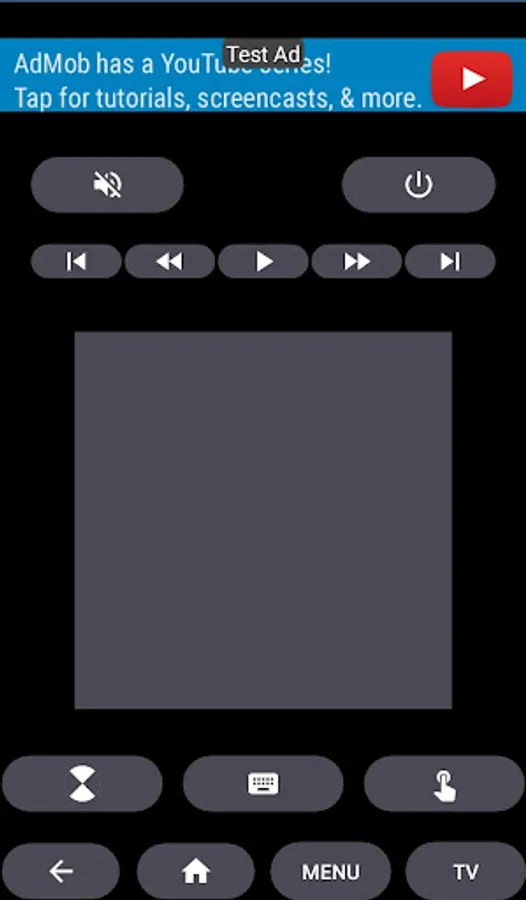
- Touch Pad
- Many More
- For Traditional Element TV Remote, supports all the functions in the remote.
Android TV
In addition to Element Smart TV, our Remote Control for Element Smart TV Supports Android Chromecast OS.
Element TV Remote Can be used
- Element Android TV Remote
- Element Remote Smart TV
Disclaimer
This app is not an official Element application. We are not affiliated with Element Electronics in any way, we have just presented it in a better way.
Reach Us
If in any case your Element Smart TV Remote is not getting connected please reach us at nabasmarttvremote@gmail.com. We are always working to improve our product.
Convert your mobile device into Element Smart TV Remote and get rid of drained batteries and broken plastic remotes.
Supported Element Smart TV's
- - Supports All Element Smart TV with Android OS OR Android TV Remote
This remote control for Element Smart TV supports Android OS and Traditional IR devices.
Network Compatibility
To use Element Smart TV Remote your Element Smart TV and your mobile device must be on the same Wi-Fi Network, once the Smart TV is detected then you will have to Enter the PIN shown on TV to start using Element Smart TV Remote.
Traditional IR Devices
Supports all traditional Element TV's, your phone must have IR blaster in it for using the Element TV Remote Control .
Functionality
- ON / OFF
- Volume Control's
- Channel Control's
- Mute
- Navigation Control's
- Multi Media Control's
- Home
- Touch Pad
- Many More
- For Traditional Element TV Remote, supports all the functions in the remote.
Android TV
In addition to Element Smart TV, our Remote Control for Element Smart TV Supports Android Chromecast OS.
Element TV Remote Can be used
- Element Android TV Remote
- Element Remote Smart TV
Disclaimer
This app is not an official Element application. We are not affiliated with Element Electronics in any way, we have just presented it in a better way.
Reach Us
If in any case your Element Smart TV Remote is not getting connected please reach us at nabasmarttvremote@gmail.com. We are always working to improve our product.
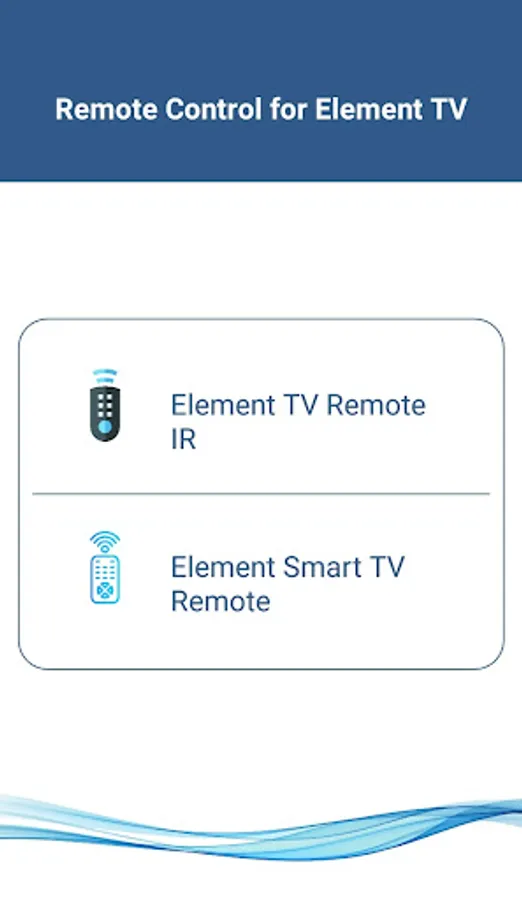
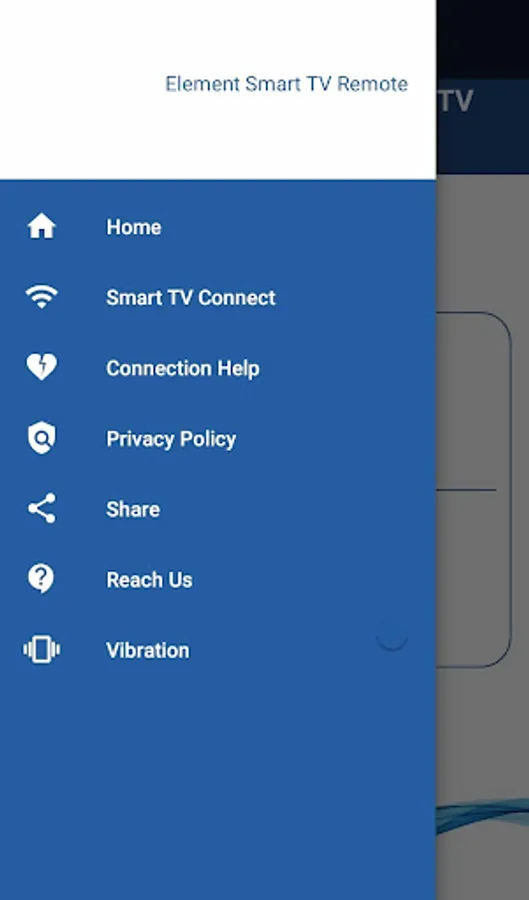
Element Smart TV Remote Screenshots
Tap to Rate:
Reviews for Element Smart TV Remote
Akin Richardson
12/26/2025
it works!
D Davis
12/14/2025
It did work, too bad It gives me like 90 seconds of unskippable, screen hogging mobile game ads (Literally the worst kind of ad.) every 10 presses or so, making it rather unusable. But it did connect, so have two stars.