Eli Remote Viewer
Elisoft dev
1,000+
downloads
Free
AppRecs review analysis
AppRecs rating 3.2. Trustworthiness 51 out of 100. Review manipulation risk 44 out of 100. Based on a review sample analyzed.
★★★☆☆
3.2
AppRecs Rating
Ratings breakdown
5 star
80%
4 star
0%
3 star
0%
2 star
0%
1 star
20%
What to know
⚠
Questionable review patterns
44% review manipulation risk - some review patterns appear unusual
About Eli Remote Viewer
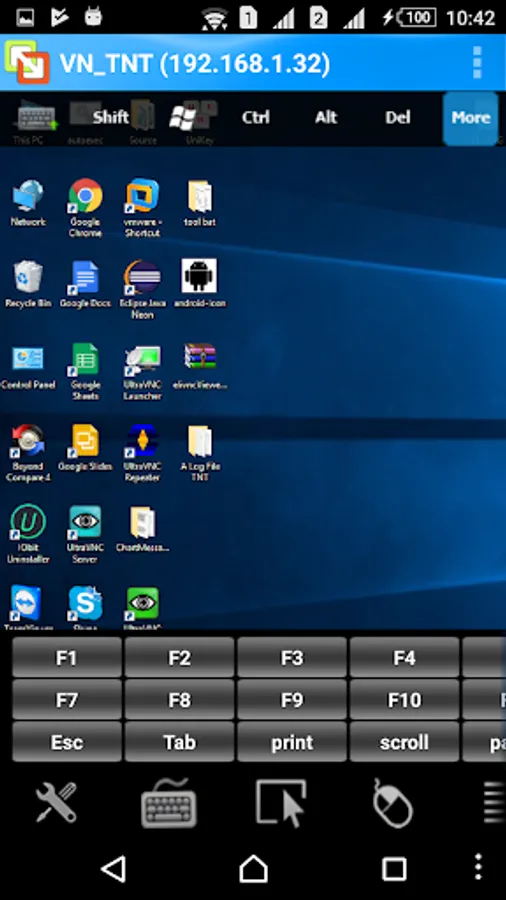
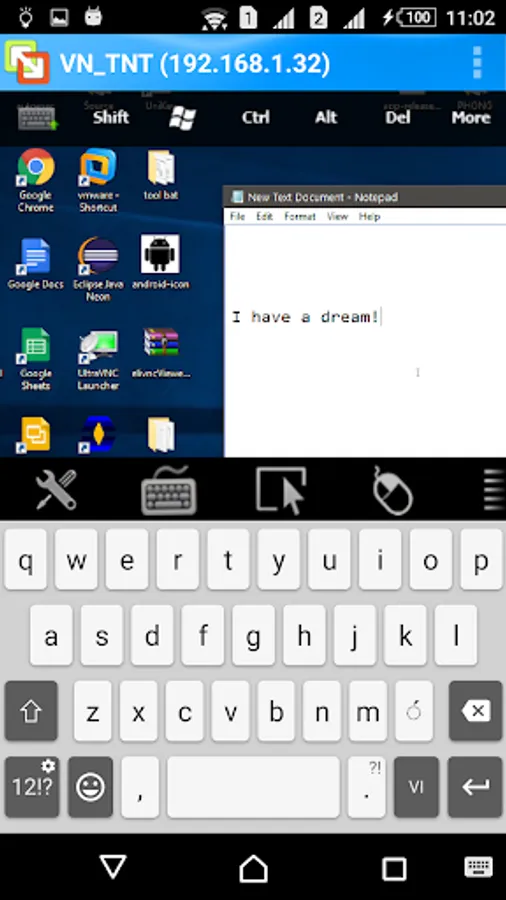
With the Eliremote app, you can use an Android device to remotely control and transfer files to a remote PC.
Key features:
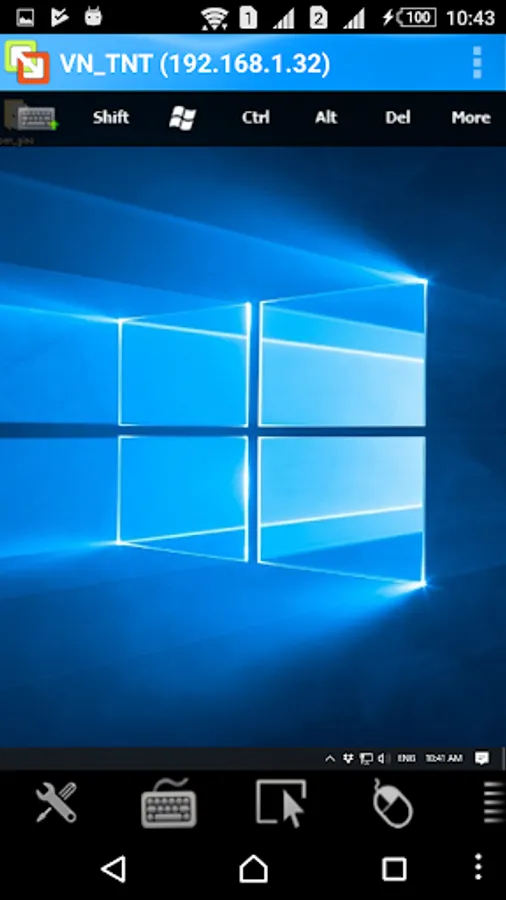
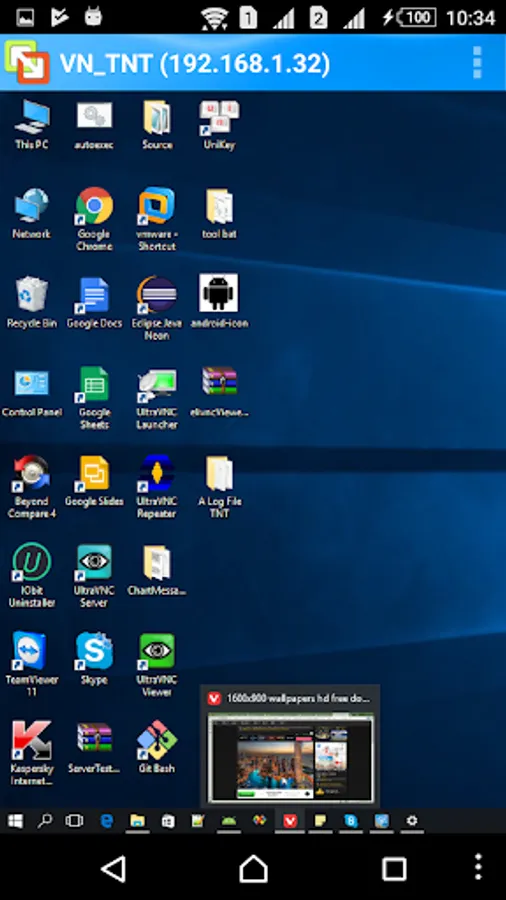
- Control a computer as if you were sitting right in front of it.
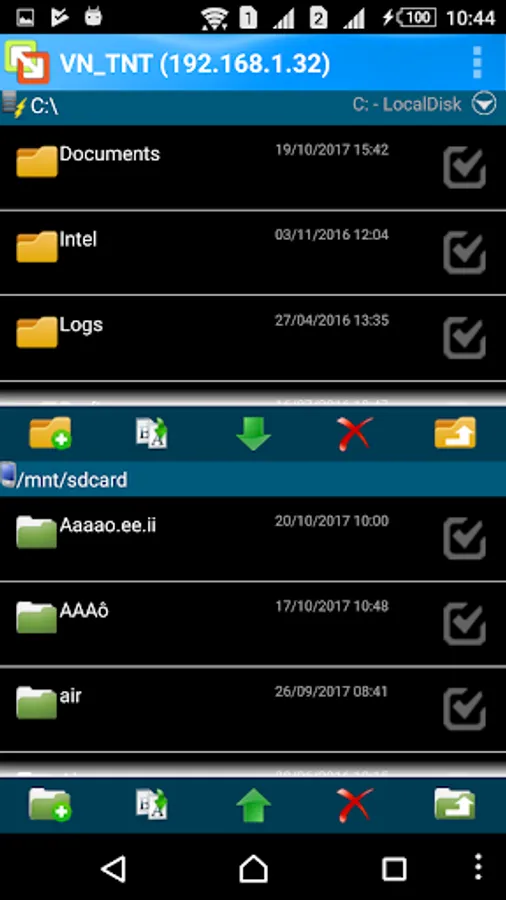
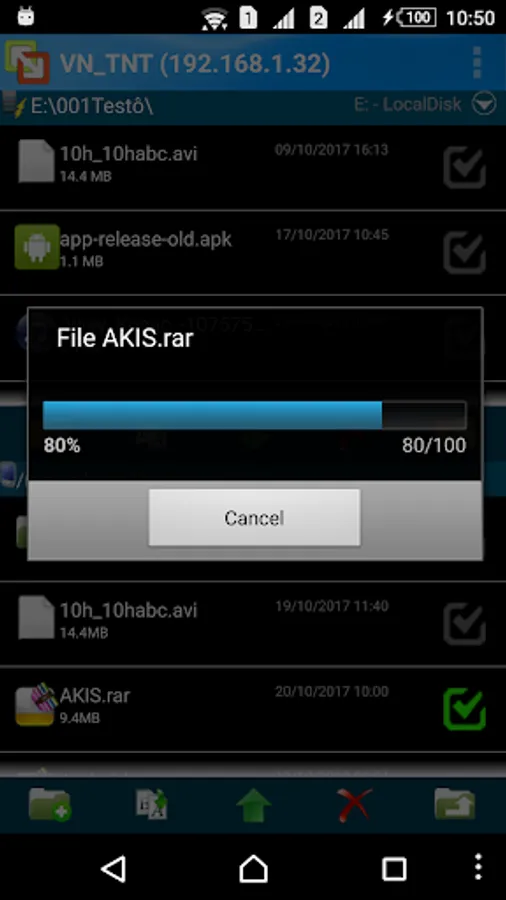
- Transfer files to a server, both cases upload and download.
- Users can choose one in two connection options:
+ TCP: slower, more reliable
+ UDP: faster, data may be lost
and more than, users can set their own relay server.
- Support full color and the best-qualified screen.
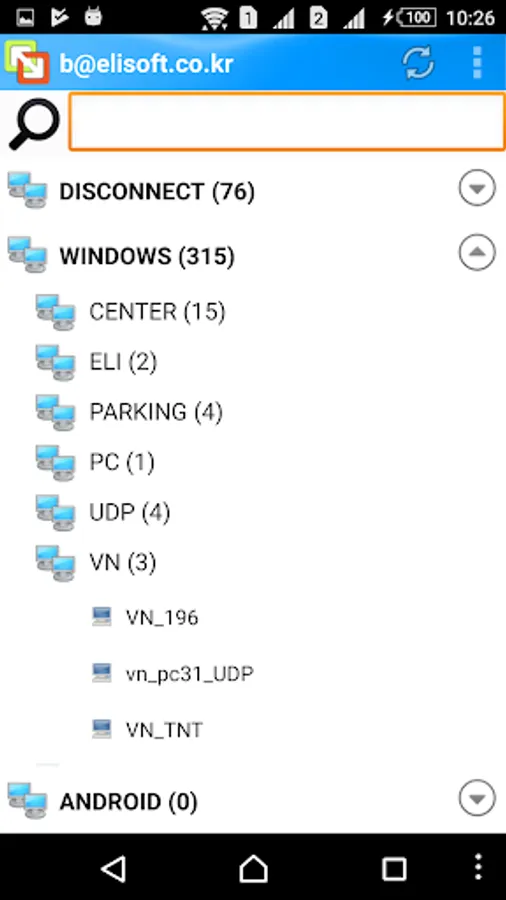
- File manager
- Painting on a server screen using an android device
Strong features in comparison with other apps:
- Users can easily use their finger like a mouse on the remote PC.
- Apk size is very small.
Quick guide:
1. Install Eliremote Server on a PC (download from eliremote.com),
2. Create a new account and run,
3. Install Eliremote Viewer on a mobile device,
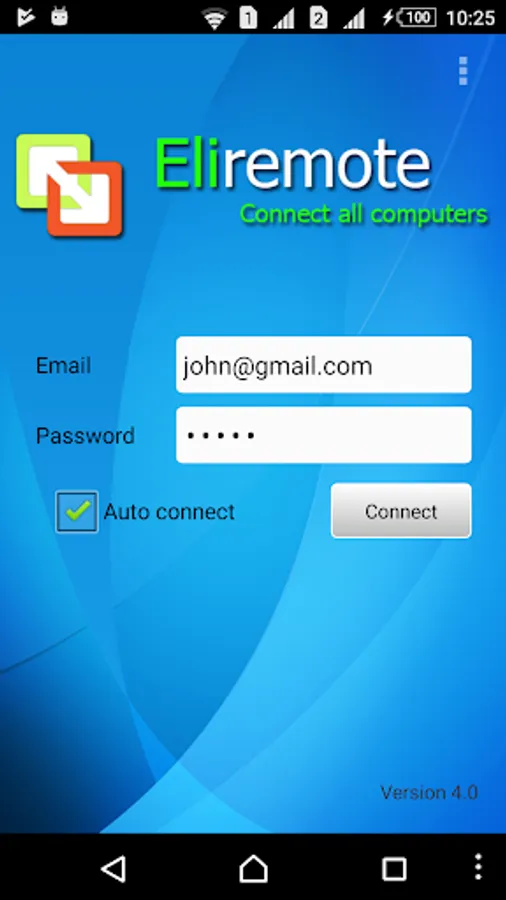
4. Fill in account info on the device and log in,
5. Now you can remotely control PC.
Enjoy!
Key features:
- Control a computer as if you were sitting right in front of it.
- Transfer files to a server, both cases upload and download.
- Users can choose one in two connection options:
+ TCP: slower, more reliable
+ UDP: faster, data may be lost
and more than, users can set their own relay server.
- Support full color and the best-qualified screen.
- File manager
- Painting on a server screen using an android device
Strong features in comparison with other apps:
- Users can easily use their finger like a mouse on the remote PC.
- Apk size is very small.
Quick guide:
1. Install Eliremote Server on a PC (download from eliremote.com),
2. Create a new account and run,
3. Install Eliremote Viewer on a mobile device,
4. Fill in account info on the device and log in,
5. Now you can remotely control PC.
Enjoy!