Remote7 Desktop Viewer
Elisoft dev
100+
downloads
Free
About Remote7 Desktop Viewer
With the Remote7 remote desktop control app, you can use an Android device to control and transfer files to a remote computer.
Main function:
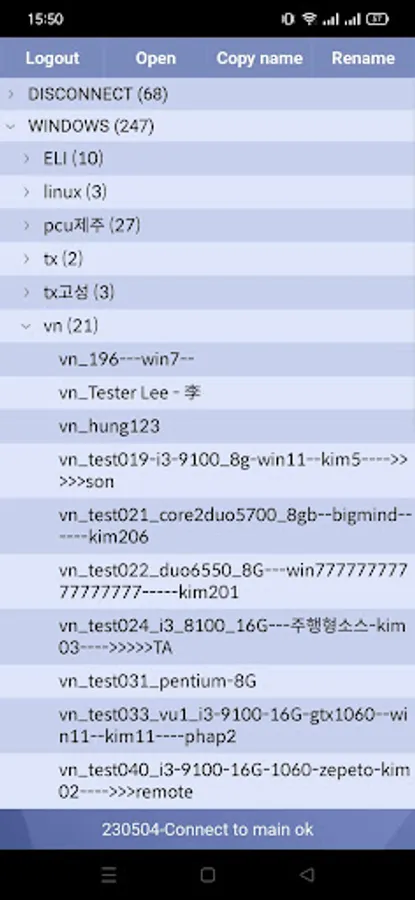
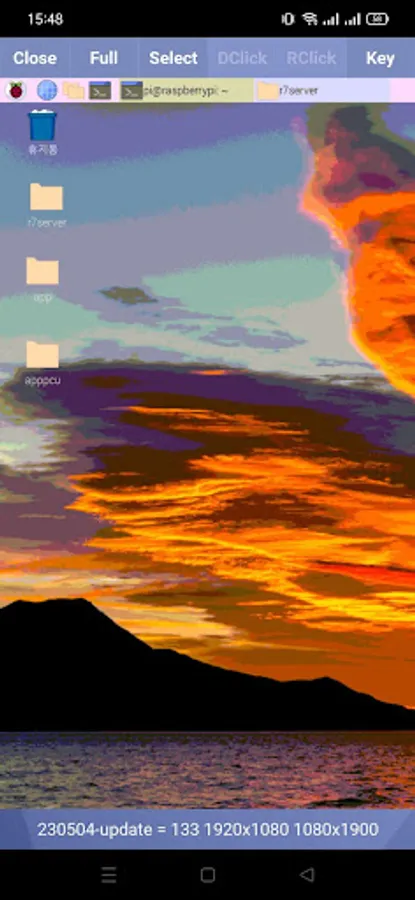
- Control your computer remotely as if you were sitting right in front of it.
- File management, file transfer to a server, both upload and download cases.
Powerful features compared to other applications:
- Users can easily use their fingers as a mouse on the remote computer.
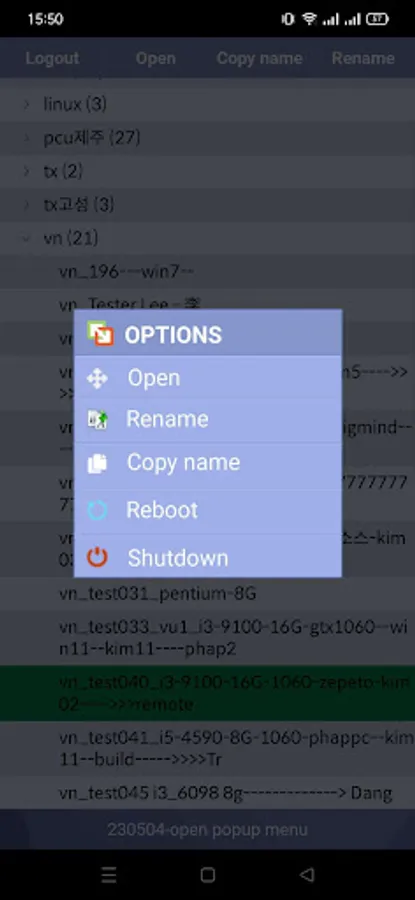
- You can Reboot, Shutdown the device remotely.
- Apk capacity is very small.
Quick start Guide:
1. Install r7server on a computer (download from https://remote7.com/download.html).
2. Create a new account and run.
3. Install Remote7 on a mobile device.
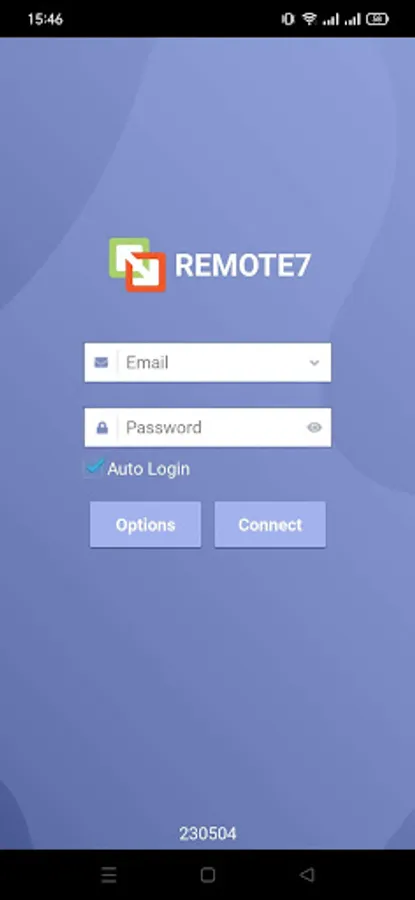
4. Fill in the account information on the device and log in.
5. Now you can remotely control the computer.
You can visit https://remote7.com/how-to-use-android.html for more specific instructions. Good luck!
Main function:
- Control your computer remotely as if you were sitting right in front of it.
- File management, file transfer to a server, both upload and download cases.
Powerful features compared to other applications:
- Users can easily use their fingers as a mouse on the remote computer.
- You can Reboot, Shutdown the device remotely.
- Apk capacity is very small.
Quick start Guide:
1. Install r7server on a computer (download from https://remote7.com/download.html).
2. Create a new account and run.
3. Install Remote7 on a mobile device.
4. Fill in the account information on the device and log in.
5. Now you can remotely control the computer.
You can visit https://remote7.com/how-to-use-android.html for more specific instructions. Good luck!