In this navigation app, you can save and locate your parked car using GPS, maps, and compass navigation. Includes position sharing, photo storage, import/export features, and an emergency alert function.
AppRecs review analysis
AppRecs rating 3.8. Trustworthiness 58 out of 100. Review manipulation risk 45 out of 100. Based on a review sample analyzed.
★★★☆☆
3.8
AppRecs Rating
Ratings breakdown
5 star
55%
4 star
10%
3 star
7%
2 star
2%
1 star
26%
What to know
✓
Authentic reviews
Natural distribution, no red flags
⚠
Questionable review patterns
45% review manipulation risk - some review patterns appear unusual
⚠
Review quality concerns
52% of sampled 5-star reviews are very short
About Find My Car
Tired of searching where you have parked your car?
Use this app to:
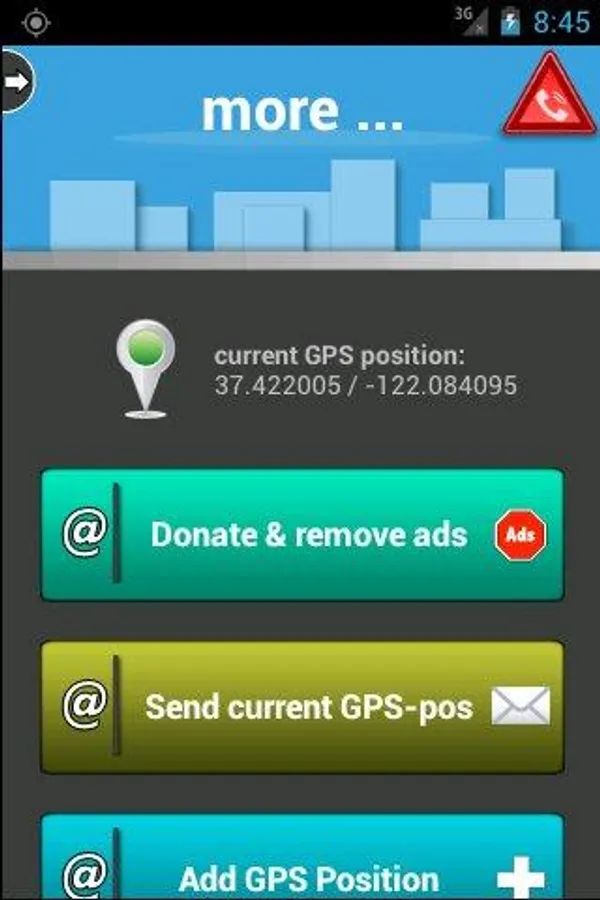
- remember the GPS position of your car, hotel or any other location (with GPS)
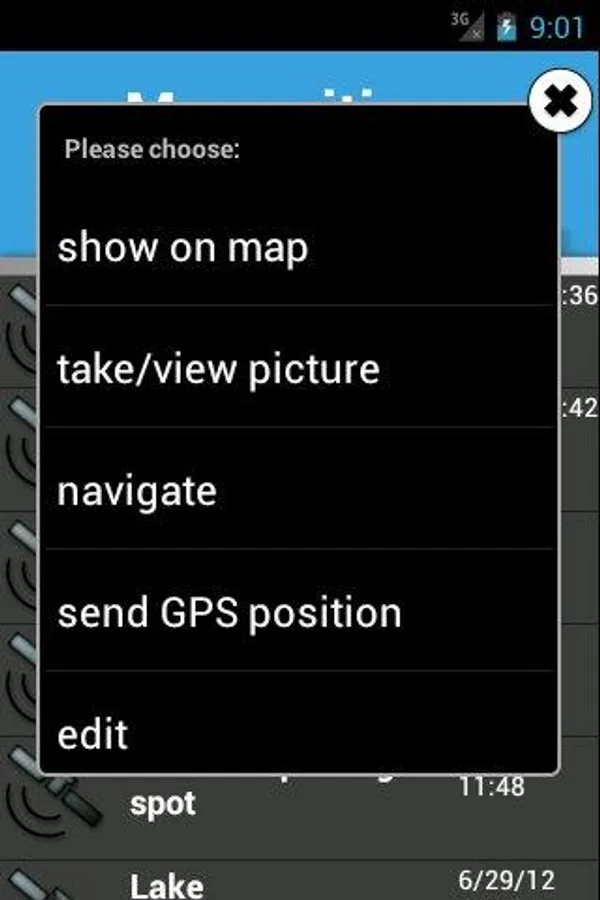
- show your current position and your car position on the map (or open an external app with the GPS position)
- use Google Navigation (or an external app) to navigate to your car
- compass navigation: offline navigation with a compass
- share your stored positions (or your current position) with your friends
- take a picture of your parking spot (eg: in underground parking)
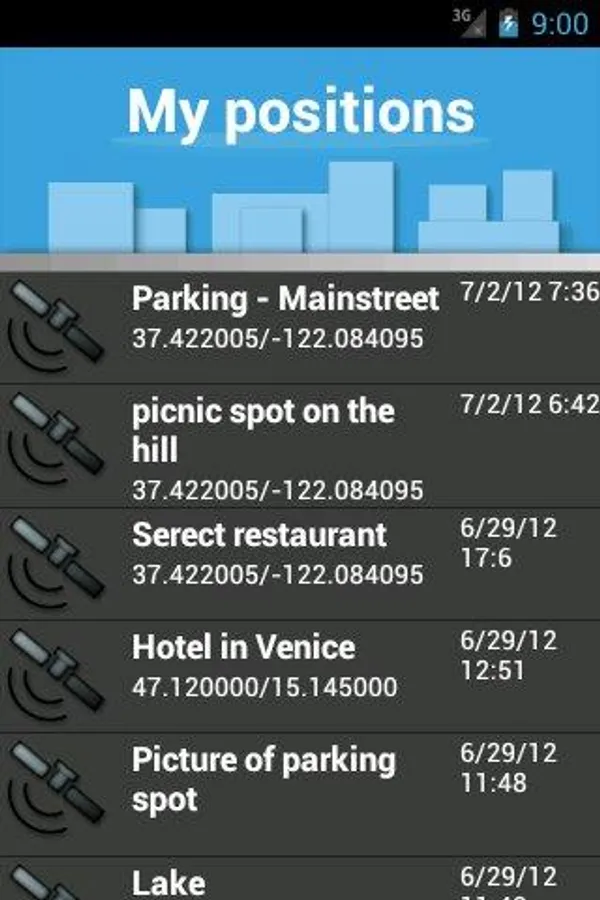
- store as many positions as you want. Use import/export-feature for backup
- emergency button: send a pre-configured SMS with your current position to a family member to notify them about your whereabouts with only 2 clicks (must be activated in the settings first)
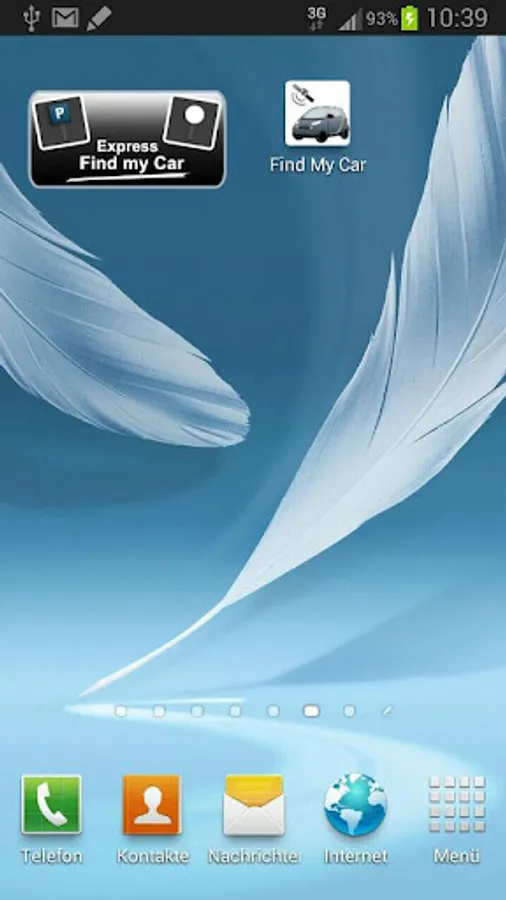
- Widget: Store your current parking position with one-click (and find it again with 1-click). Attention: DO NOT install the app on your external SD card! The app must be installed on the internal memory, otherwise the widget WON'T work!!!
Tip: very useful for hiking to find your car again or to tell your friends where to meet. This app is soo much more than just a simple GPS car-parking app, try it out now, it's free!
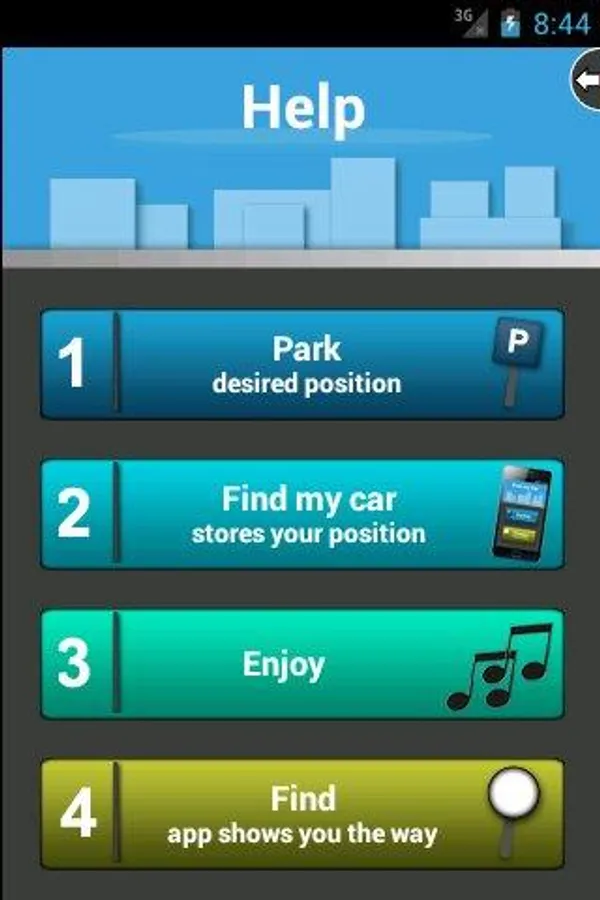
All features are explained on the help-page (swipe to the left to get there) as well as how the app works! The additional features can be found on the right side (swipe to the right).
Explanation for the permissions:
- GPS is of course mandatory for this app
- The Network-Permission is only needed for the coupon system, Google Ads and the internal map (We do not transfer anything else! We do not collect any personal data like other apps do!)
- The access for the SD card is only needed to store the pictures you record in this app, as well as for the import/export feature (we do not read any other files!)
This app has always been a free of charge app and will continue to be so. To finance the development we decided to show a few ads in the app. If you do not like the advertising, you can remove the ads completely by donating 0.99€ or 1.21$ (US-Dollar). (An explanation on how to donate can be found in the app)
Use this app to:
- remember the GPS position of your car, hotel or any other location (with GPS)
- show your current position and your car position on the map (or open an external app with the GPS position)
- use Google Navigation (or an external app) to navigate to your car
- compass navigation: offline navigation with a compass
- share your stored positions (or your current position) with your friends
- take a picture of your parking spot (eg: in underground parking)
- store as many positions as you want. Use import/export-feature for backup
- emergency button: send a pre-configured SMS with your current position to a family member to notify them about your whereabouts with only 2 clicks (must be activated in the settings first)
- Widget: Store your current parking position with one-click (and find it again with 1-click). Attention: DO NOT install the app on your external SD card! The app must be installed on the internal memory, otherwise the widget WON'T work!!!
Tip: very useful for hiking to find your car again or to tell your friends where to meet. This app is soo much more than just a simple GPS car-parking app, try it out now, it's free!
All features are explained on the help-page (swipe to the left to get there) as well as how the app works! The additional features can be found on the right side (swipe to the right).
Explanation for the permissions:
- GPS is of course mandatory for this app
- The Network-Permission is only needed for the coupon system, Google Ads and the internal map (We do not transfer anything else! We do not collect any personal data like other apps do!)
- The access for the SD card is only needed to store the pictures you record in this app, as well as for the import/export feature (we do not read any other files!)
This app has always been a free of charge app and will continue to be so. To finance the development we decided to show a few ads in the app. If you do not like the advertising, you can remove the ads completely by donating 0.99€ or 1.21$ (US-Dollar). (An explanation on how to donate can be found in the app)
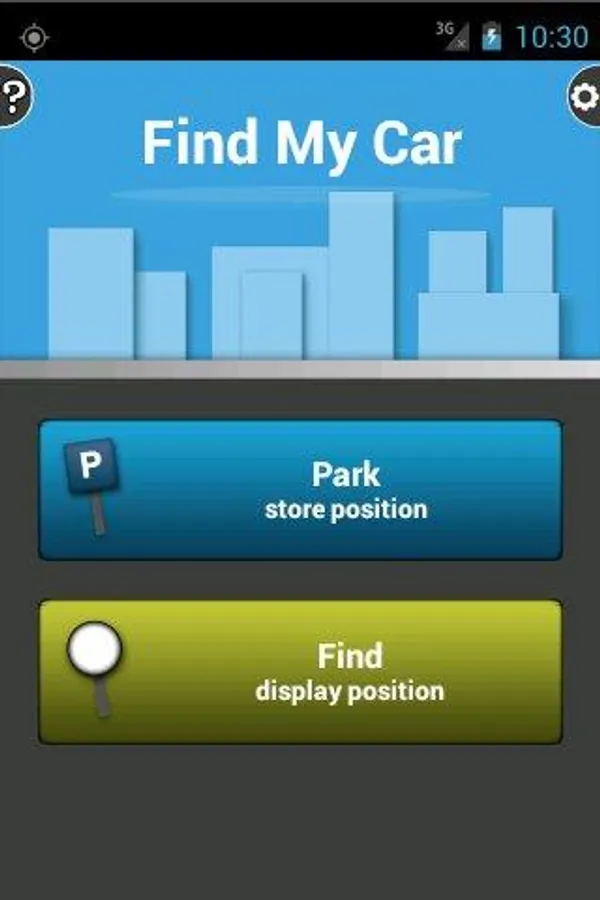
Find My Car Screenshots
Tap to Rate:
Reviews for Find My Car
M. S.
7/4/2024
Inconsistent performance
Jaichandran S
9/23/2023
dont work properly