
AppRecs review analysis
AppRecs rating . Trustworthiness 86 out of 100. Review manipulation risk 18 out of 100. Based on a review sample analyzed.
★
AppRecs Rating
Ratings breakdown
5 star
0%
4 star
67%
3 star
0%
2 star
0%
1 star
33%
What to know
✓
Low review manipulation risk
18% review manipulation risk
✓
Credible reviews
86% trustworthiness score from analyzed reviews
About Slope Calculator
How does the slope calculator help us?
The following terms can be calculated with the help of a slope calculator
• The slope of a line
• Slope intercept form
• Percentage grade, distance, and angle
• 𝚫X and 𝚫Y
• Graph of the slope
Features of slope calculator
The slope calculator has a variety of features such as:
Input box
The input field of this calculator is very easy to use, you can enter any input with or without negative signs easily.
Methods option
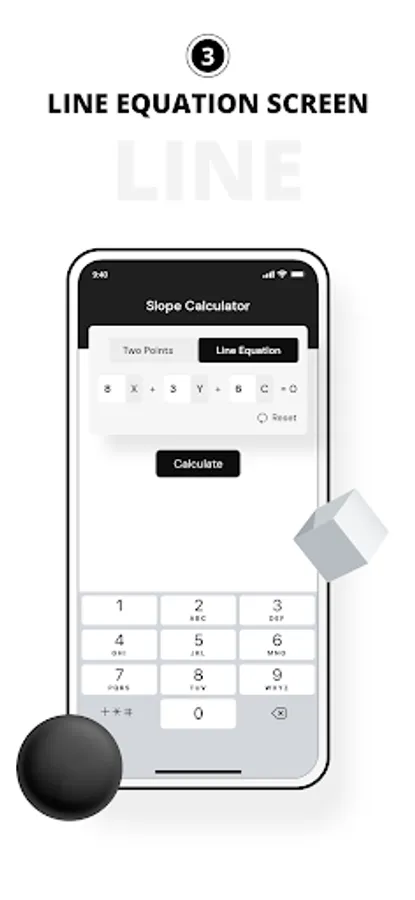
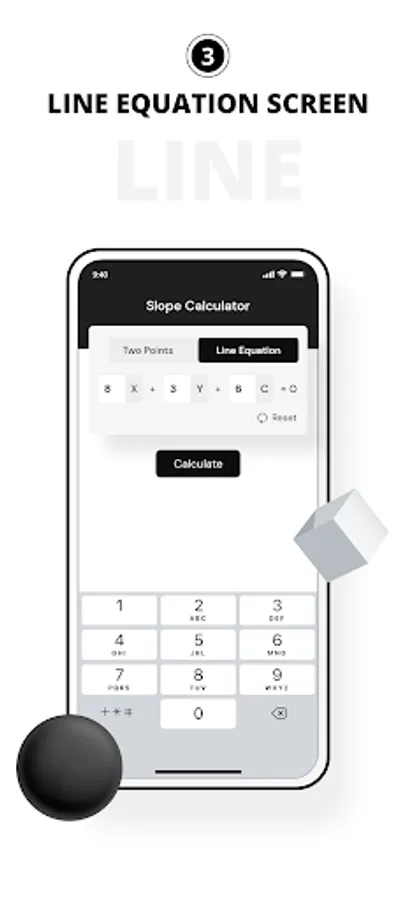
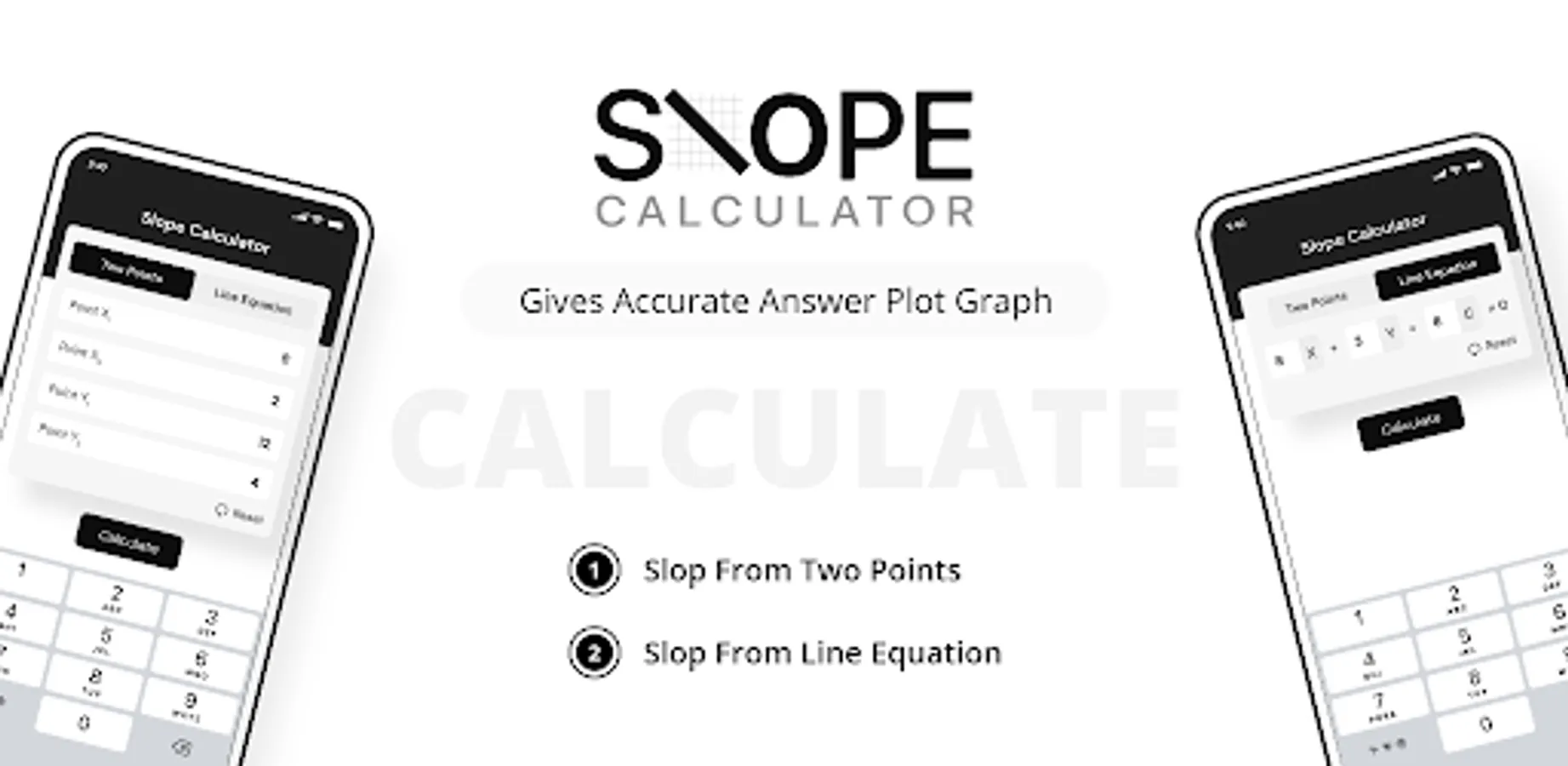
There are two methods for finding the slope i.e., “two points” and “line equation”. User can select their desired input method option above the input boxes, enter the inputs, and get the required slope of the line.
Calculate button
The calculate button is for evaluating the results of the given inputs. As soon as users press the calculate button, they will get the output in a couple of seconds with steps
Reset button
The reset button is helpful for entering the new input values. As soon as a user hit a reset button, it will take him to the new input boxes for entering new data values.
How to use a slope calculator?
This slope calculator application will help you to evaluate the slope with steps with a single click. Here are a few steps to follow for calculating the slope of a line.
1. Select the method for calculating the slope i.e., “two points” and “line equation”.
2. Enter the coordinate points of the line into the required input fields.
3. Click the “Calculate” button.
4. Press the reset button to recalculate the slope of a line.
This application is very helpful for teachers and students. Install this amazing app and make the calculation of slope easy.
The following terms can be calculated with the help of a slope calculator
• The slope of a line
• Slope intercept form
• Percentage grade, distance, and angle
• 𝚫X and 𝚫Y
• Graph of the slope
Features of slope calculator
The slope calculator has a variety of features such as:
Input box
The input field of this calculator is very easy to use, you can enter any input with or without negative signs easily.
Methods option
There are two methods for finding the slope i.e., “two points” and “line equation”. User can select their desired input method option above the input boxes, enter the inputs, and get the required slope of the line.
Calculate button
The calculate button is for evaluating the results of the given inputs. As soon as users press the calculate button, they will get the output in a couple of seconds with steps
Reset button
The reset button is helpful for entering the new input values. As soon as a user hit a reset button, it will take him to the new input boxes for entering new data values.
How to use a slope calculator?
This slope calculator application will help you to evaluate the slope with steps with a single click. Here are a few steps to follow for calculating the slope of a line.
1. Select the method for calculating the slope i.e., “two points” and “line equation”.
2. Enter the coordinate points of the line into the required input fields.
3. Click the “Calculate” button.
4. Press the reset button to recalculate the slope of a line.
This application is very helpful for teachers and students. Install this amazing app and make the calculation of slope easy.
Slope Calculator Screenshots






Tap to Rate:
Reviews for Slope Calculator
Macho King 에벨리오
3/24/2025
doesn't support fraction points (i.e, 3½), which holds this app back. otherwise, not bad
Water_idk3 Sanyasi
11/30/2023
When I took a picture of my math work it told me that i and to pay before I could see the answers. This is the worst math App I had. 0 STARS.