AppRecs review analysis
AppRecs rating . Trustworthiness 79 out of 100. Review manipulation risk 30 out of 100. Based on a review sample analyzed.
★
AppRecs Rating
Ratings breakdown
5 star
33%
4 star
0%
3 star
0%
2 star
0%
1 star
67%
What to know
✓
Low review manipulation risk
30% review manipulation risk
✓
Credible reviews
79% trustworthiness score from analyzed reviews
⚠
Mixed user feedback
Average 2.3★ rating suggests room for improvement
About Convertir PDF a PPT
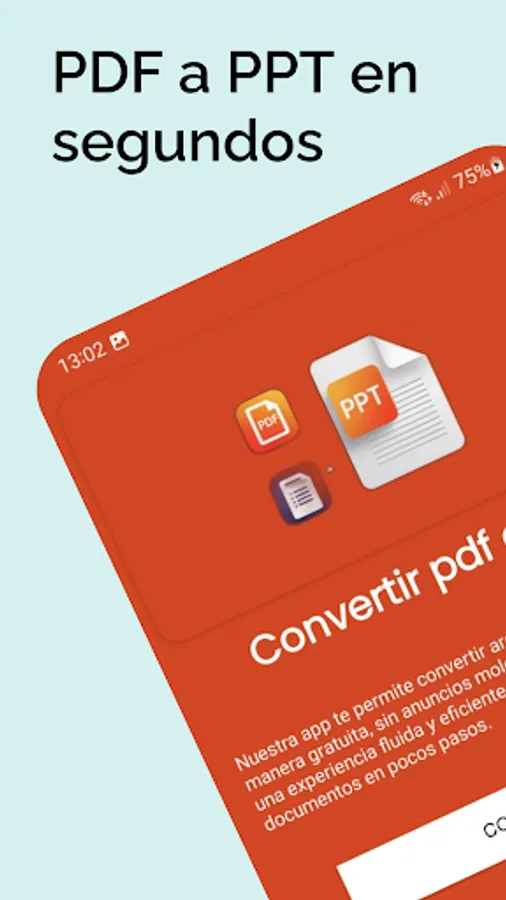
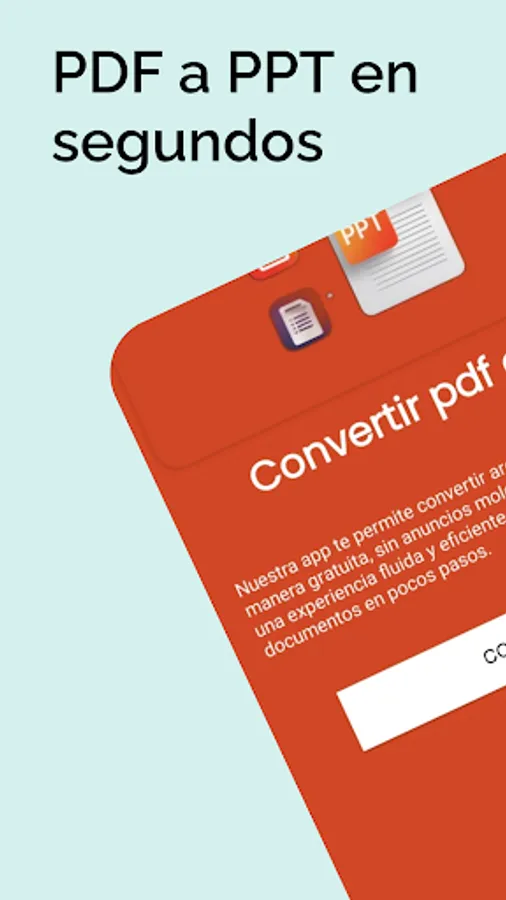
🎯 Convert PDF to PPT and PPTX quickly and easily
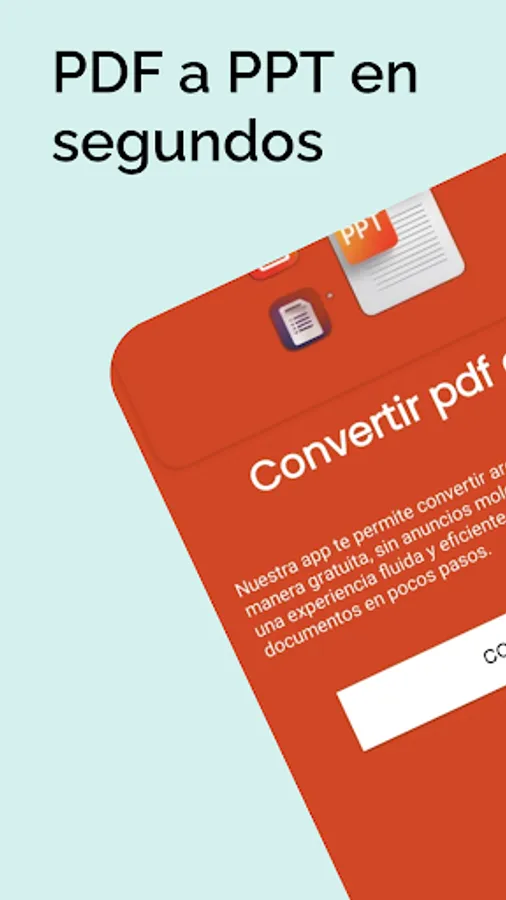
Do you need to transform your PDF files into PowerPoint (PPT) or PPTX presentations quickly and easily? Convert PDF to PPT is the perfect tool for students, professionals, and anyone who wants to turn documents into editable presentations in seconds. ⏱️📄➡️📊
Forget about wasting time copying and pasting information: our app does all the work for you efficiently and securely. ✅🔒
✨ Highlighted features: ✨
⚡ Fast and accurate conversion: Transform your PDFs into PPT and PPTX presentations while preserving the original formatting, images, and text.
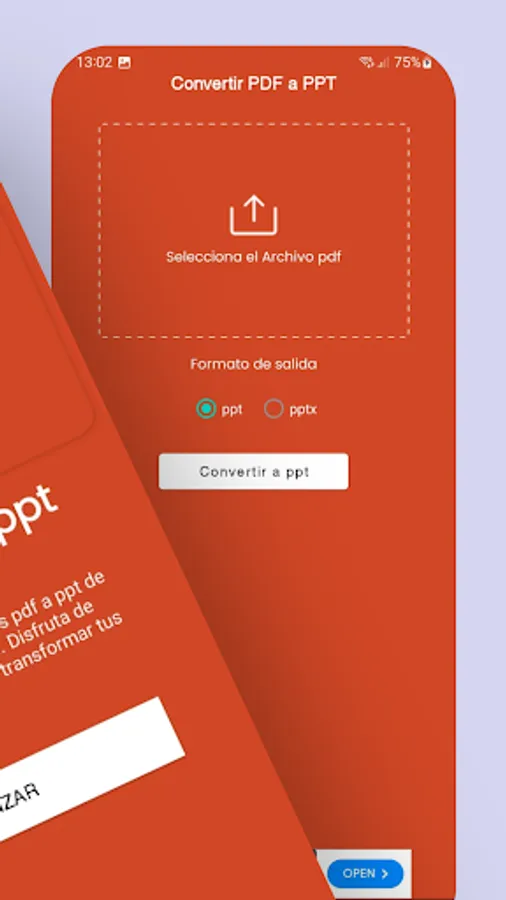
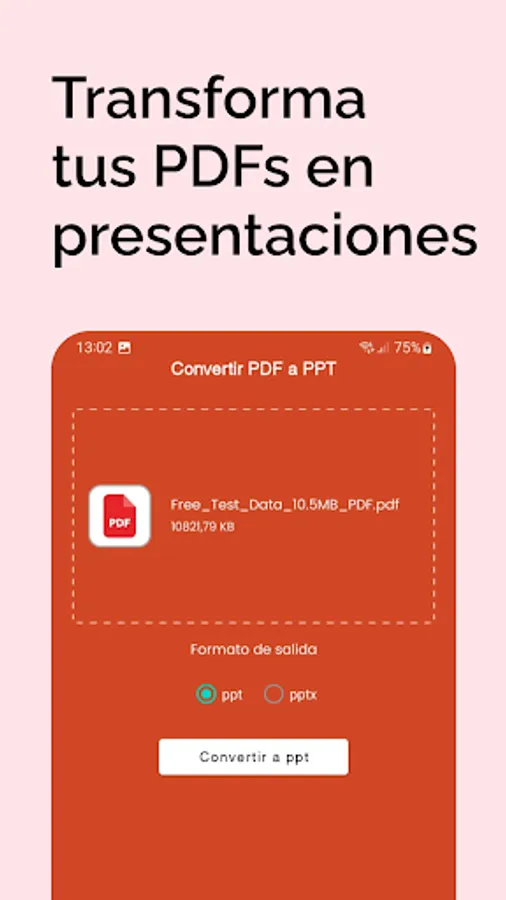
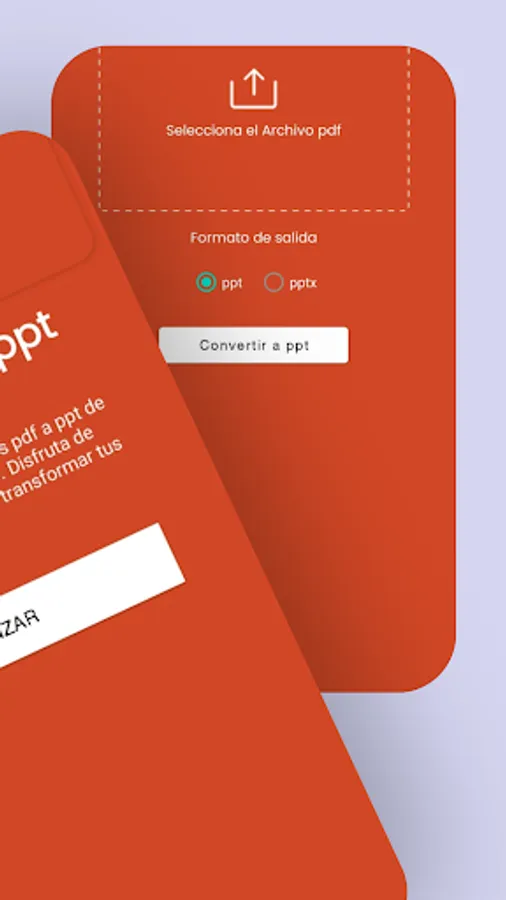
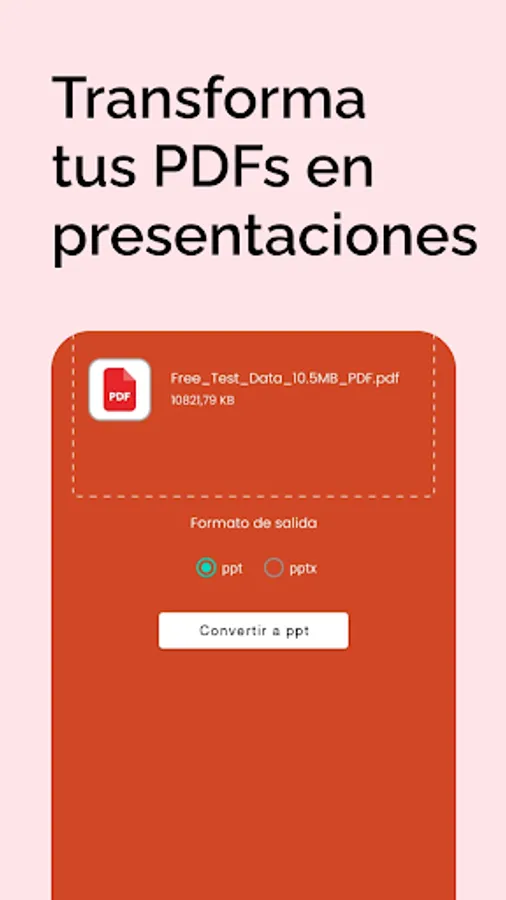
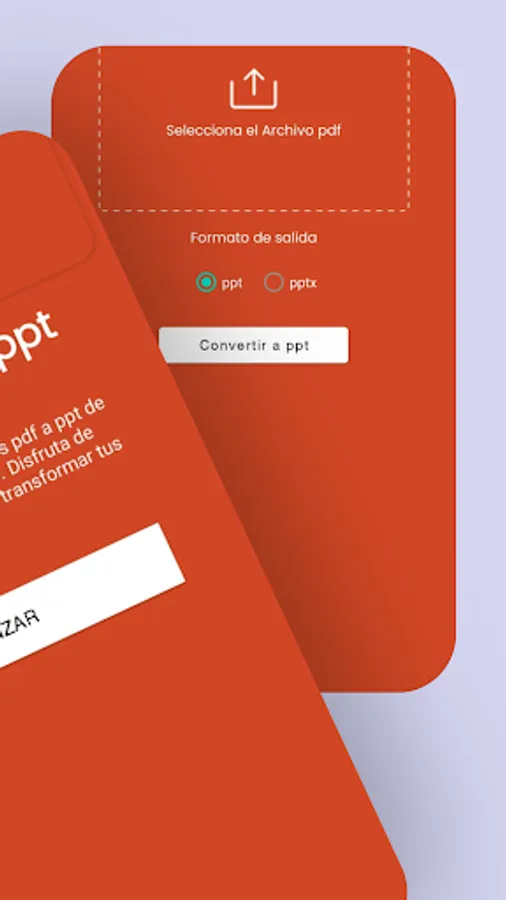
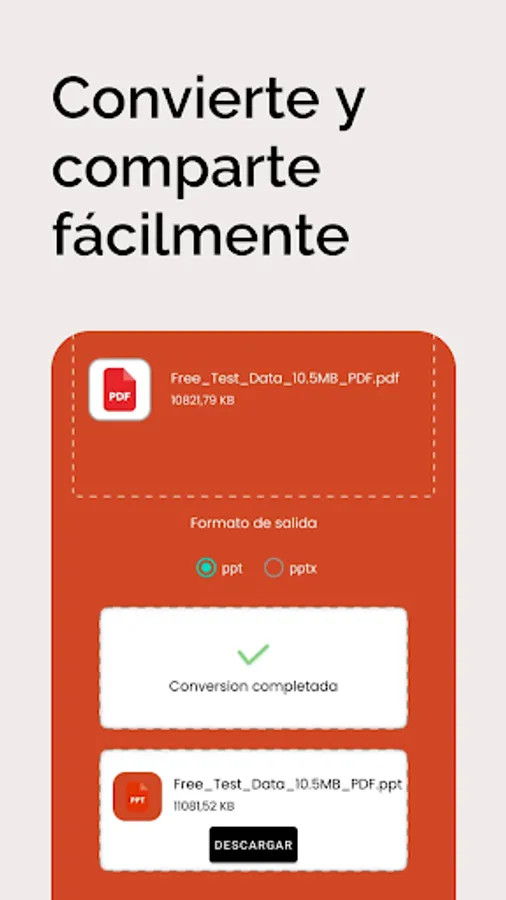
🖱️ Easy to use: Simply select your PDF file and press a button to have your presentation ready.
📱 Compatible with multiple devices: Works perfectly on Android tablets and smartphones.
🔒 Security and privacy: Your files are not shared or stored on external servers without your consent.
📊 Support for complex PDFs: Accurately convert documents containing charts, tables, and images.
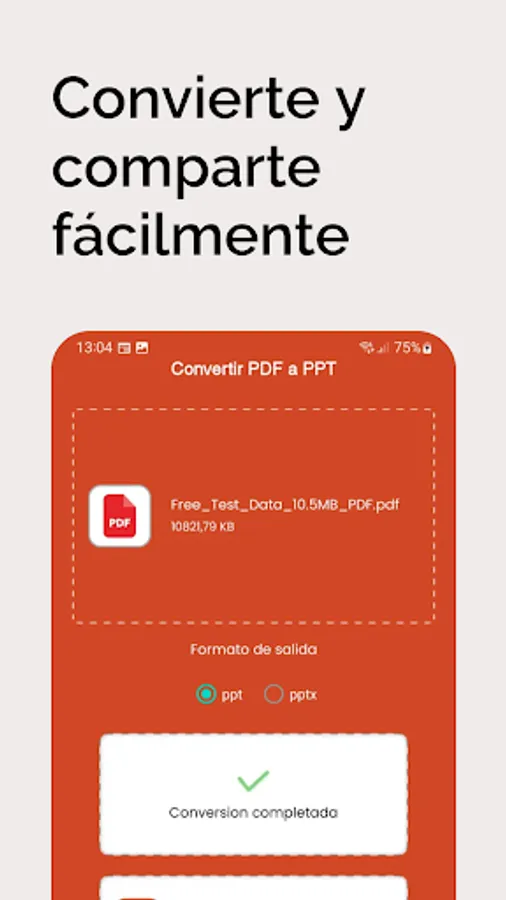
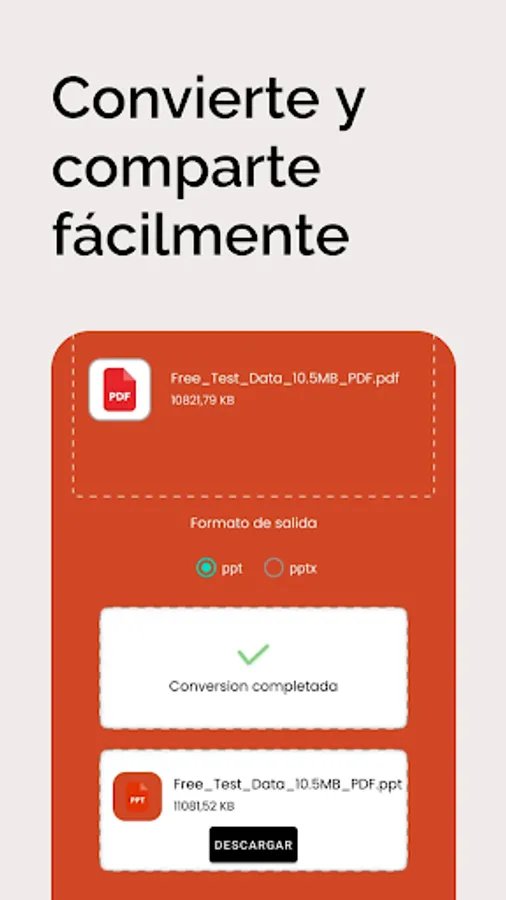
💾 Easily download and share: Once converted, save your presentation to your device or share it via email, WhatsApp, Google Drive, and more.
🚀 Advantages of using Convert PDF to PPT:
⏳ Save time creating presentations.
📑 Instantly convert documents for meetings, classes, or projects.
🎨 Maintain the original quality and design of your PDFs.
🧑💻 No technical knowledge required: Anyone can use it.
💡 Converts to both PPT and PPTX for greater compatibility with modern versions of PowerPoint.
📌 How it works:
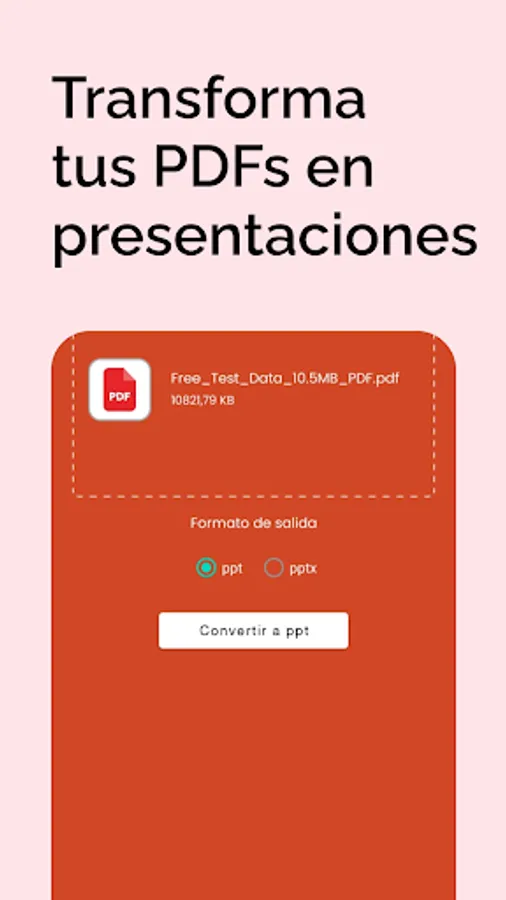
1️⃣ Open the app and select the PDF you want to convert.
2️⃣ Click the "Convert" button.
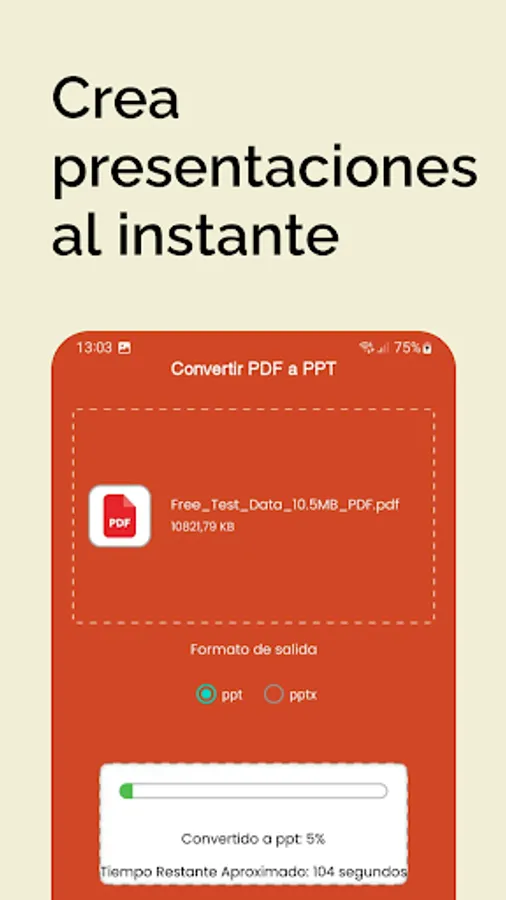
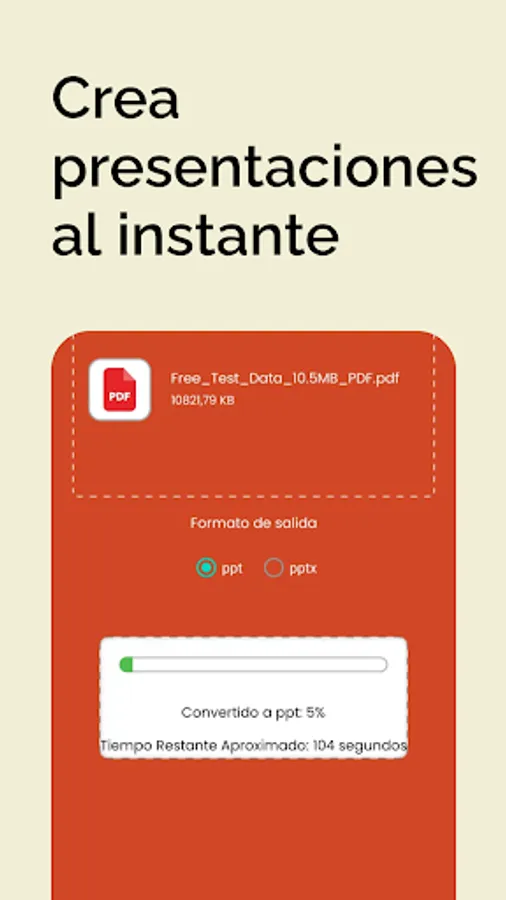
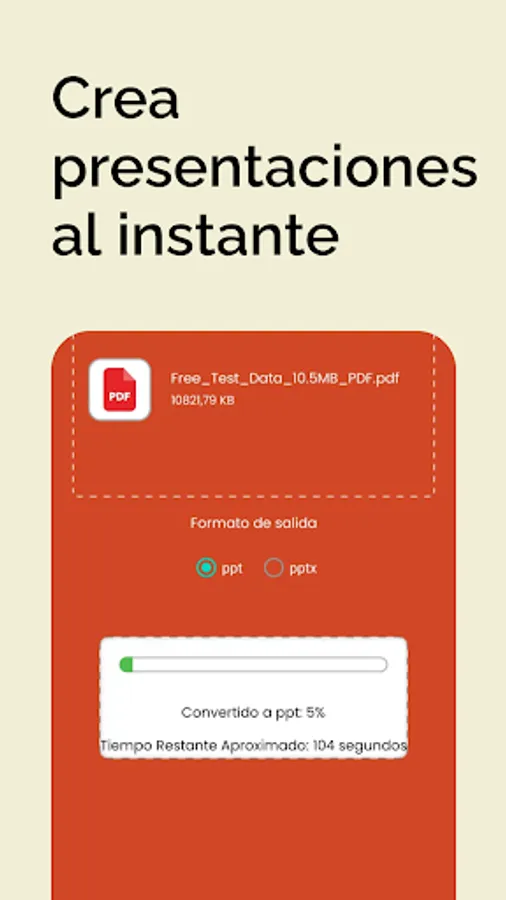
3️⃣ Wait a few seconds while your PDF is transformed into an editable PPT or PPTX presentation.
4️⃣ 💾 Download or share your file immediately.
👩🎓 Ideal for:
🎓 Students who need to prepare presentations from notes or papers.
💼 Professionals looking to convert reports and documents into engaging presentations.
👩🏫 Teachers who want to quickly transform class materials into slides.
With Convert PDF to PPT, converting documents into presentations has never been easier. Optimize your productivity and simplify your daily work with just a few taps, now with additional support for PPTX. ✨📊
Do you need to transform your PDF files into PowerPoint (PPT) or PPTX presentations quickly and easily? Convert PDF to PPT is the perfect tool for students, professionals, and anyone who wants to turn documents into editable presentations in seconds. ⏱️📄➡️📊
Forget about wasting time copying and pasting information: our app does all the work for you efficiently and securely. ✅🔒
✨ Highlighted features: ✨
⚡ Fast and accurate conversion: Transform your PDFs into PPT and PPTX presentations while preserving the original formatting, images, and text.
🖱️ Easy to use: Simply select your PDF file and press a button to have your presentation ready.
📱 Compatible with multiple devices: Works perfectly on Android tablets and smartphones.
🔒 Security and privacy: Your files are not shared or stored on external servers without your consent.
📊 Support for complex PDFs: Accurately convert documents containing charts, tables, and images.
💾 Easily download and share: Once converted, save your presentation to your device or share it via email, WhatsApp, Google Drive, and more.
🚀 Advantages of using Convert PDF to PPT:
⏳ Save time creating presentations.
📑 Instantly convert documents for meetings, classes, or projects.
🎨 Maintain the original quality and design of your PDFs.
🧑💻 No technical knowledge required: Anyone can use it.
💡 Converts to both PPT and PPTX for greater compatibility with modern versions of PowerPoint.
📌 How it works:
1️⃣ Open the app and select the PDF you want to convert.
2️⃣ Click the "Convert" button.
3️⃣ Wait a few seconds while your PDF is transformed into an editable PPT or PPTX presentation.
4️⃣ 💾 Download or share your file immediately.
👩🎓 Ideal for:
🎓 Students who need to prepare presentations from notes or papers.
💼 Professionals looking to convert reports and documents into engaging presentations.
👩🏫 Teachers who want to quickly transform class materials into slides.
With Convert PDF to PPT, converting documents into presentations has never been easier. Optimize your productivity and simplify your daily work with just a few taps, now with additional support for PPTX. ✨📊
Convertir PDF a PPT Screenshots
Tap to Rate:
Reviews for Convertir PDF a PPT
Jasper Meek
11/8/2025
A total waste of time and resources
Lijalem Teferi
10/5/2025
good