AppRecs review analysis
AppRecs rating . Trustworthiness 68 out of 100. Review manipulation risk 17 out of 100. Based on a review sample analyzed.
★
AppRecs Rating
Ratings breakdown
5 star
0%
4 star
0%
3 star
0%
2 star
33%
1 star
67%
What to know
✓
Low review manipulation risk
17% review manipulation risk
⚠
Mixed user feedback
Average 1.3★ rating suggests room for improvement
About Steam Deck: Game Settings
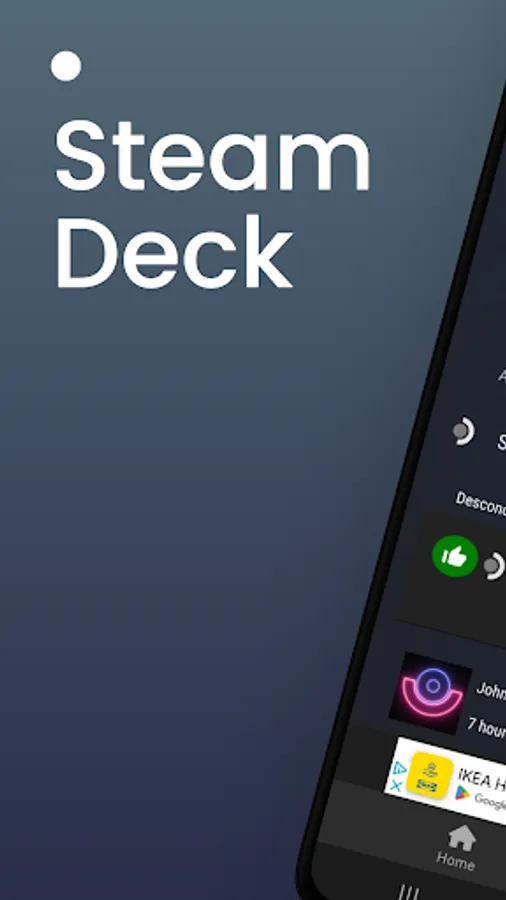
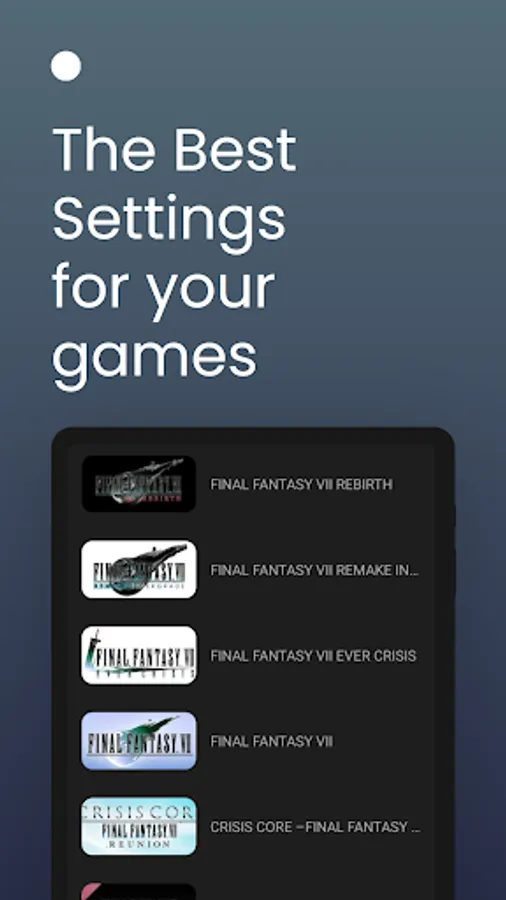
SteamDeck: Game Settings is the ultimate app for gamers who own a Steam Deck console and want to explore and optimize their gaming experience. With this app, you'll gain access to an extensive catalog of Steam games, along with detailed information on each game's compatibility with the Steam Deck, powered by reliable data from ProtonDB and the official Steam API, helping you ensure your favorite titles run smoothly on your console.
Key Features:
Explore Thousands of Steam Games
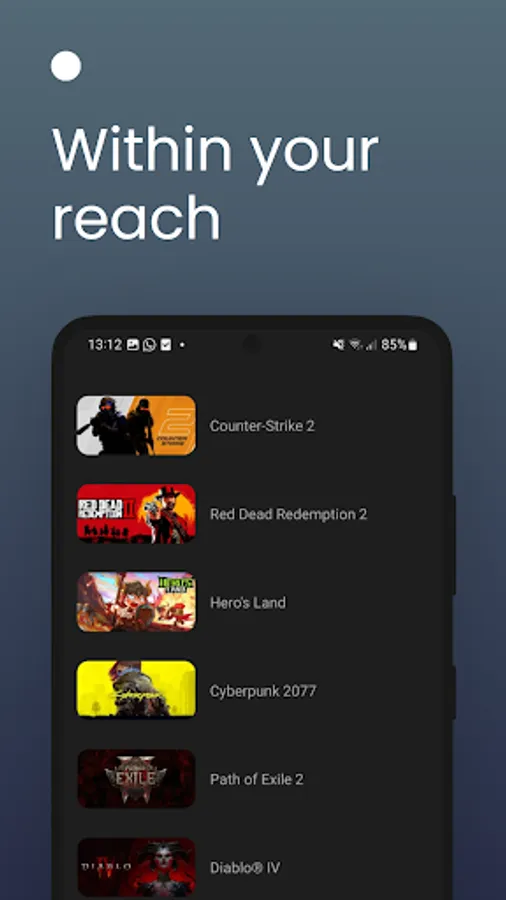
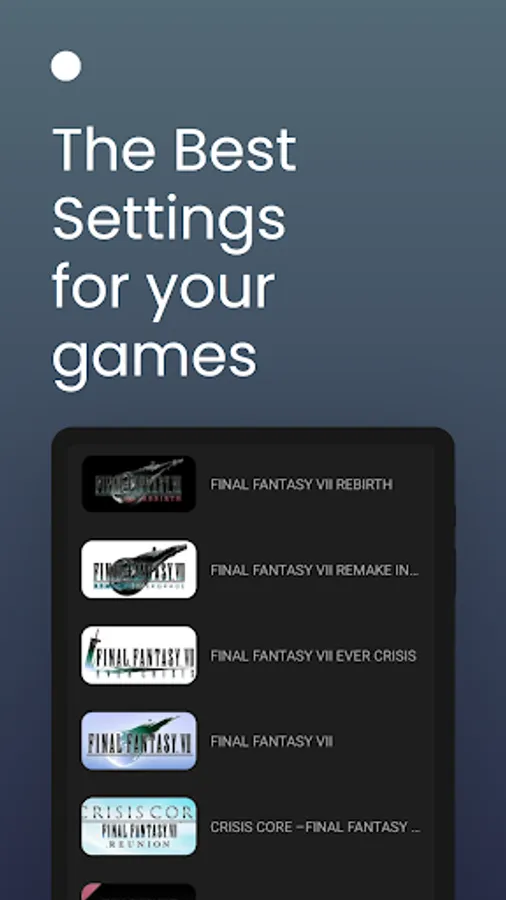
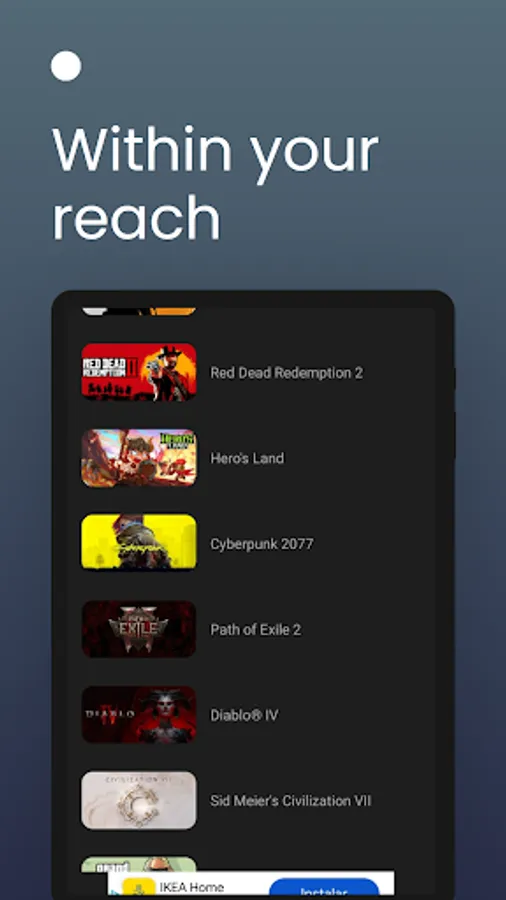
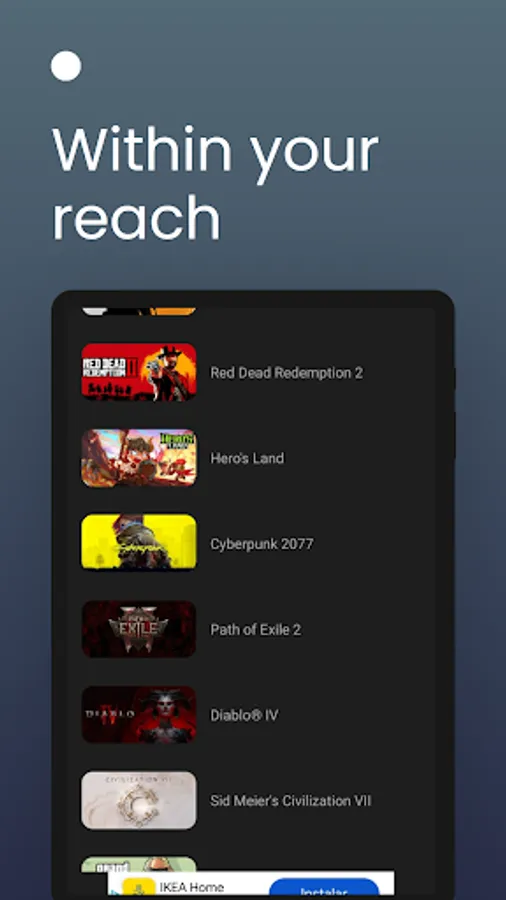
Browse the vast Steam catalog to discover new games or find the ones you already own. The app offers an easy-to-use interface for quick access to the information you need.
Detailed Compatibility Information
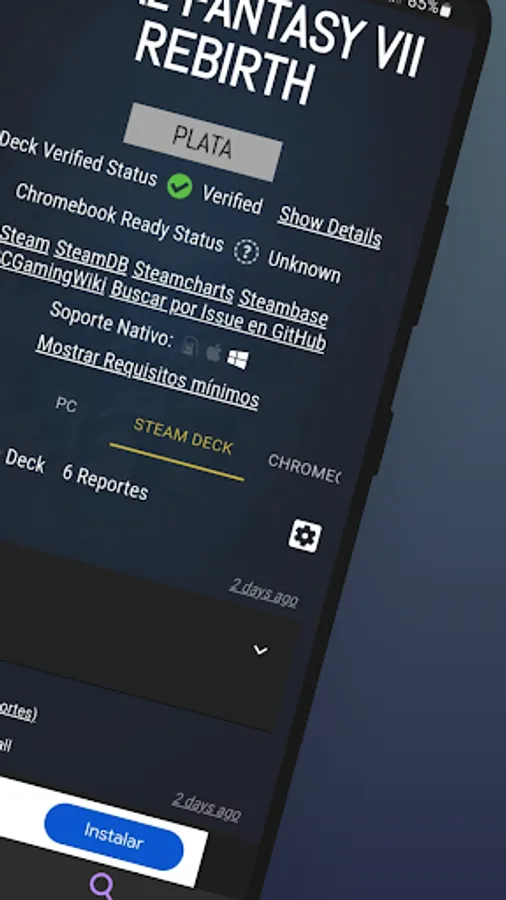
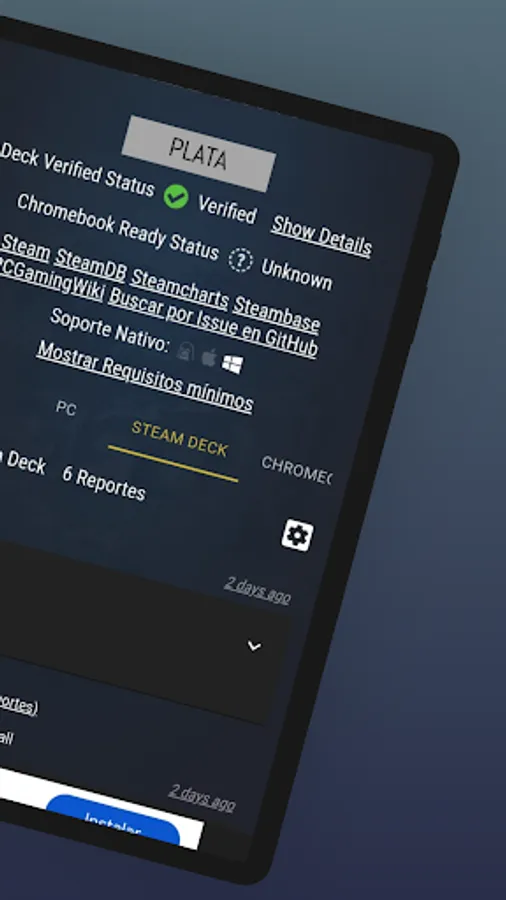
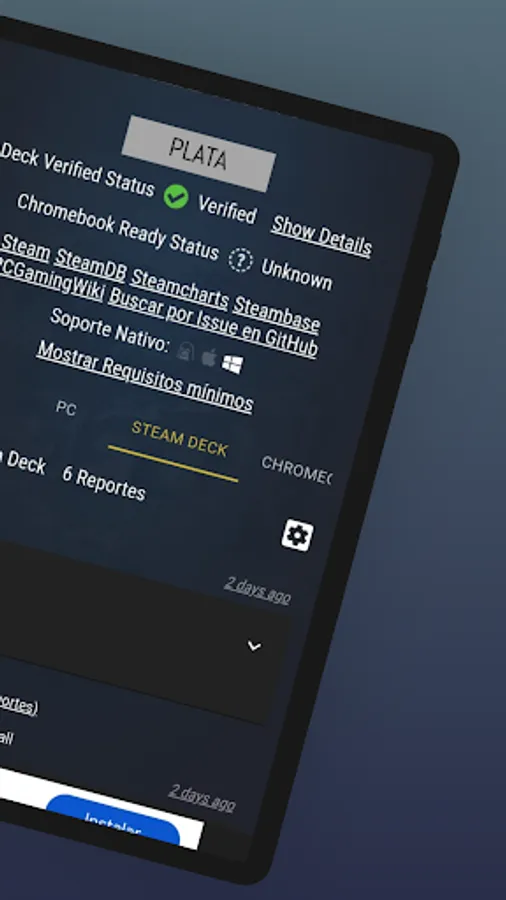
With the help of the official Steam API and ProtonDB data, you’ll receive accurate details about whether games will run optimally on your Steam Deck. This allows you to make informed decisions before downloading or playing.
Easy Search and Filters
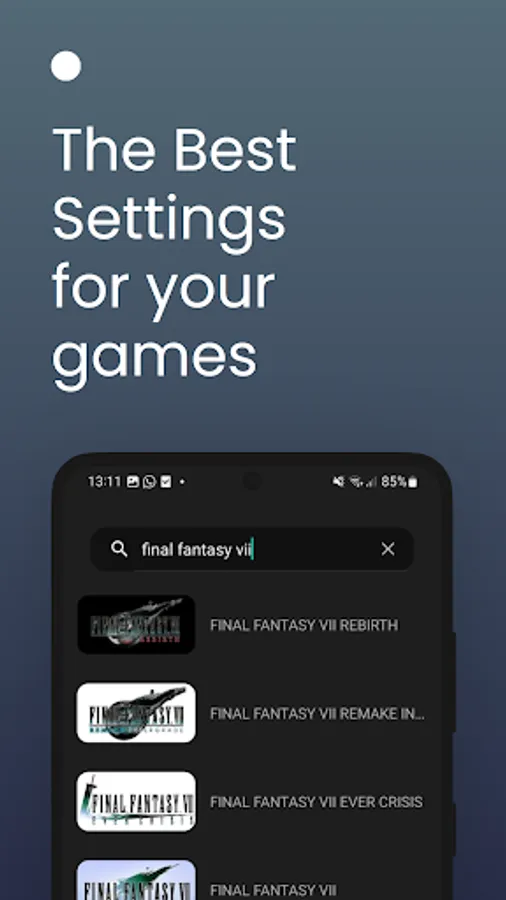
Find games that interest you effortlessly with search and filtering options. Search by name, genre, or specific compatibility features.
Verify Your Favorite Games
Do you have favorite games and aren’t sure if they’ll work properly on the Steam Deck? Simply search for them and check their compatibility. The app provides a detailed assessment to ensure a smooth gaming experience.
Add Your Steam Account
Connect your Steam account to explore the games you already own and get specific information about their compatibility with your Steam Deck. This way, you can discover new games and know if the ones you already have will perform well on your console.
Intuitive and User-Friendly Interface
The app is designed to be simple and intuitive, featuring a modern design that makes exploring games and checking their compatibility a fast and enjoyable process.
Regular Updates
Thanks to integration with the Steam API and ProtonDB, SteamDeck: Game Compatibility is regularly updated to keep you informed about the latest compatible games and improvements in the compatibility of existing titles.
With SteamDeck: Game Compatibility, you can enjoy an optimized gaming experience, ensuring your games run smoothly and without issues on your Steam Deck. Say goodbye to compatibility worries—the app provides all the information you need to ensure each game is a perfect fit for your console.
Additionally, the app helps you stay updated with compatibility improvements and new releases, allowing you to enjoy the best possible experience on your Steam Deck. Explore, play, and optimize your gaming experience with SteamDeck: Game Compatibility!
Download the app today and start exploring the Steam game catalog with the peace of mind that every game you choose fits perfectly with your Steam Deck’s capabilities. With SteamDeck: Game Compatibility, your gaming experience will be smoother and more satisfying than ever.
Key Features:
Explore Thousands of Steam Games
Browse the vast Steam catalog to discover new games or find the ones you already own. The app offers an easy-to-use interface for quick access to the information you need.
Detailed Compatibility Information
With the help of the official Steam API and ProtonDB data, you’ll receive accurate details about whether games will run optimally on your Steam Deck. This allows you to make informed decisions before downloading or playing.
Easy Search and Filters
Find games that interest you effortlessly with search and filtering options. Search by name, genre, or specific compatibility features.
Verify Your Favorite Games
Do you have favorite games and aren’t sure if they’ll work properly on the Steam Deck? Simply search for them and check their compatibility. The app provides a detailed assessment to ensure a smooth gaming experience.
Add Your Steam Account
Connect your Steam account to explore the games you already own and get specific information about their compatibility with your Steam Deck. This way, you can discover new games and know if the ones you already have will perform well on your console.
Intuitive and User-Friendly Interface
The app is designed to be simple and intuitive, featuring a modern design that makes exploring games and checking their compatibility a fast and enjoyable process.
Regular Updates
Thanks to integration with the Steam API and ProtonDB, SteamDeck: Game Compatibility is regularly updated to keep you informed about the latest compatible games and improvements in the compatibility of existing titles.
With SteamDeck: Game Compatibility, you can enjoy an optimized gaming experience, ensuring your games run smoothly and without issues on your Steam Deck. Say goodbye to compatibility worries—the app provides all the information you need to ensure each game is a perfect fit for your console.
Additionally, the app helps you stay updated with compatibility improvements and new releases, allowing you to enjoy the best possible experience on your Steam Deck. Explore, play, and optimize your gaming experience with SteamDeck: Game Compatibility!
Download the app today and start exploring the Steam game catalog with the peace of mind that every game you choose fits perfectly with your Steam Deck’s capabilities. With SteamDeck: Game Compatibility, your gaming experience will be smoother and more satisfying than ever.
Steam Deck: Game Settings Screenshots
Tap to Rate:
Reviews for Steam Deck: Game Settings
All Gaming
12/14/2025
plz make it's easier to play
Duncan Bell
10/13/2025
doesn't work. infinite loading content