With this enterprise security app, you can generate one-time passwords and approve push notifications for multi-factor authentication. Includes QR code scanning, supports various integrations like VPNs, remote desktop, and cloud services.
AppRecs review analysis
AppRecs rating 4.1. Trustworthiness 85 out of 100. Review manipulation risk 23 out of 100. Based on a review sample analyzed.
★★★★☆
4.1
AppRecs Rating
Ratings breakdown
5 star
65%
4 star
14%
3 star
6%
2 star
4%
1 star
12%
What to know
✓
Low review manipulation risk
23% review manipulation risk
✓
Credible reviews
85% trustworthiness score from analyzed reviews
✓
High user satisfaction
79% of sampled ratings are 4+ stars (4.2★ average)
About ESET Secure Authentication
NOTE: Before installing ESET Secure Authentication, please note that the product requires server-side installation. This is a companion app and will not work independently. Contact your company‘s network administrator to receive your enrollment link.
ESET Secure Authentication is an easy-to-install, deploy, and manage, multi-factor authentication (MFA) solution for businesses. The additional factor—received or generated by the mobile app—complements and strengthens the standard authentication process and secures access to your company’s systems and data.
The ESET Secure Authentication app allows you to:
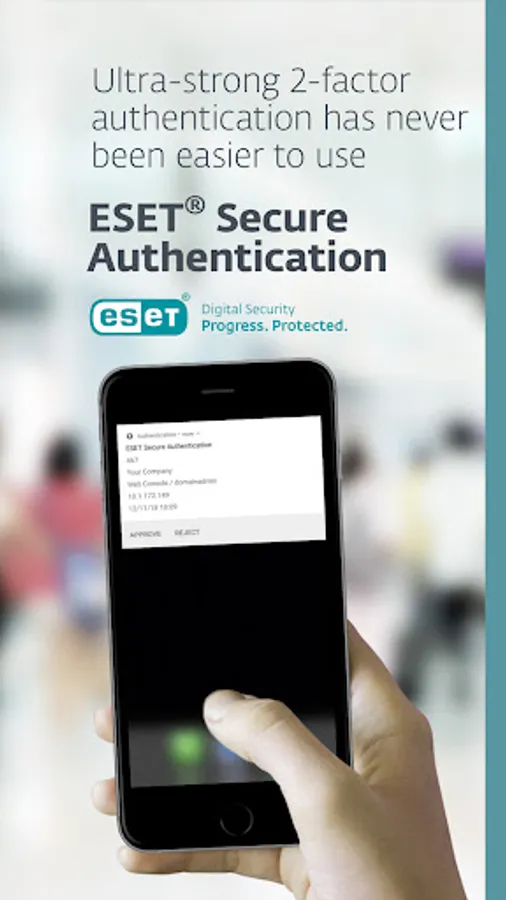
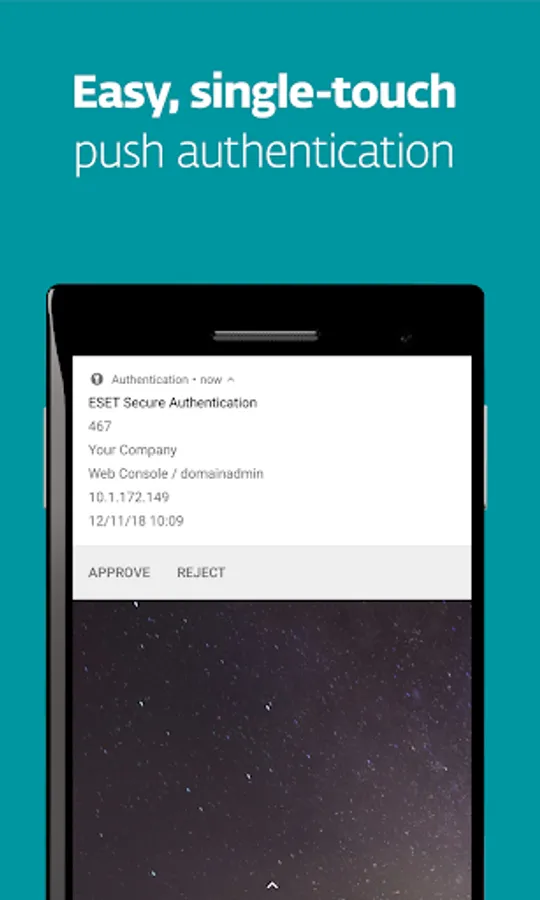
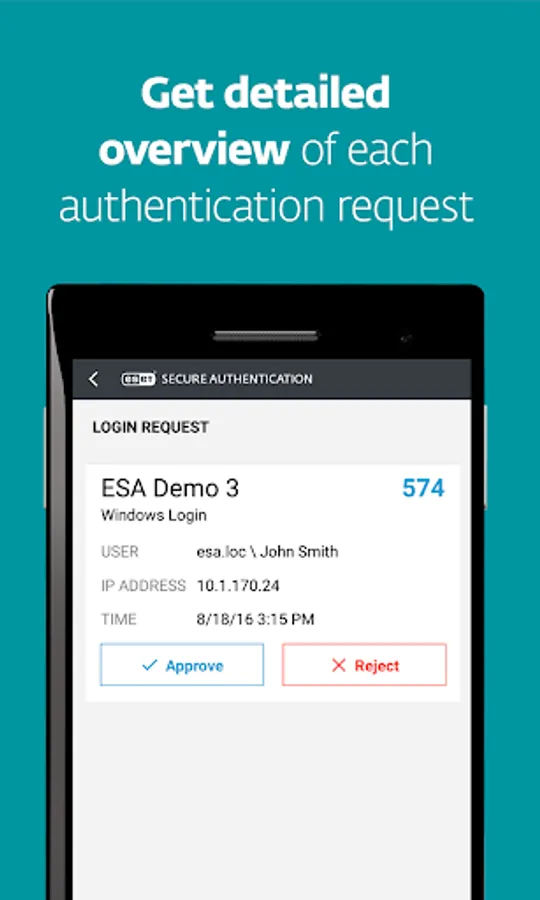
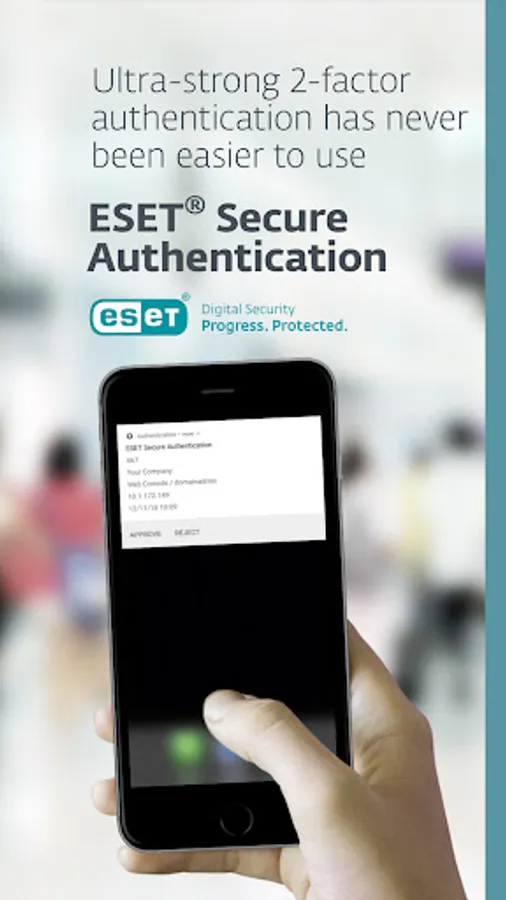
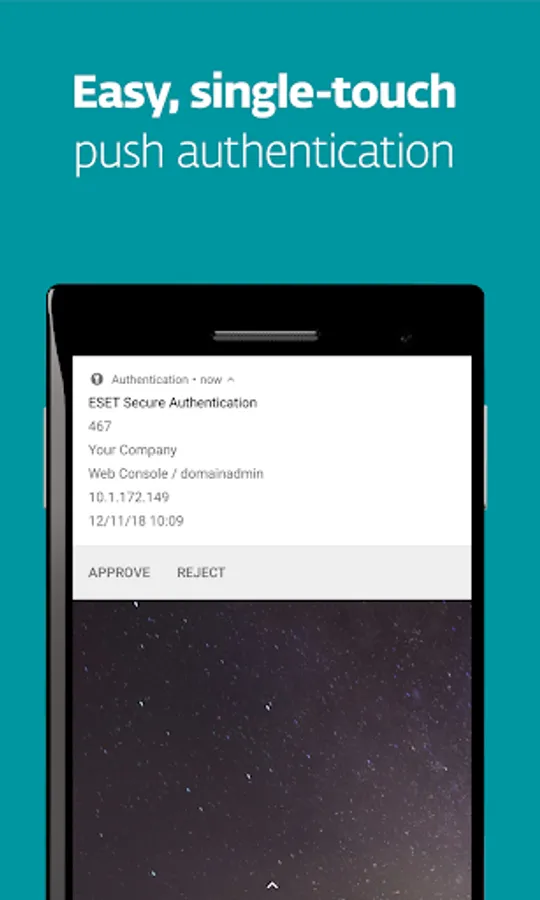
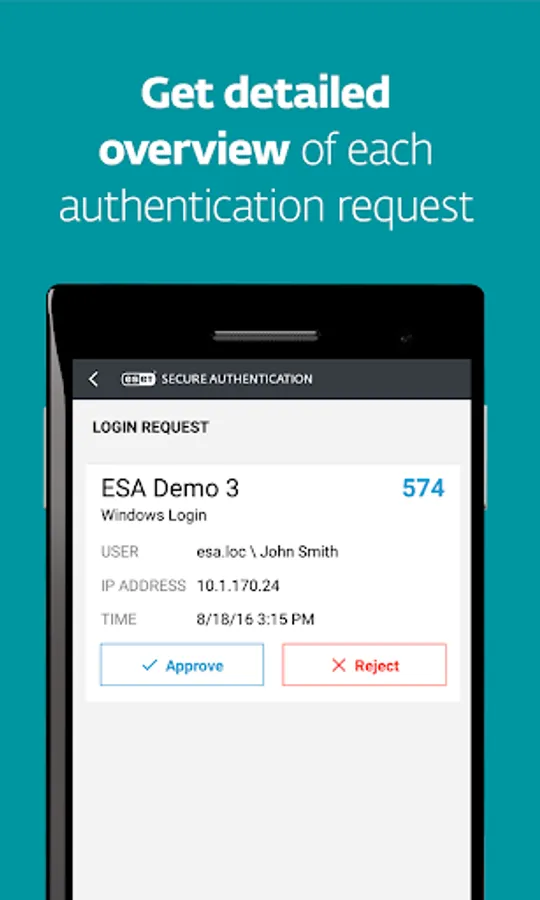
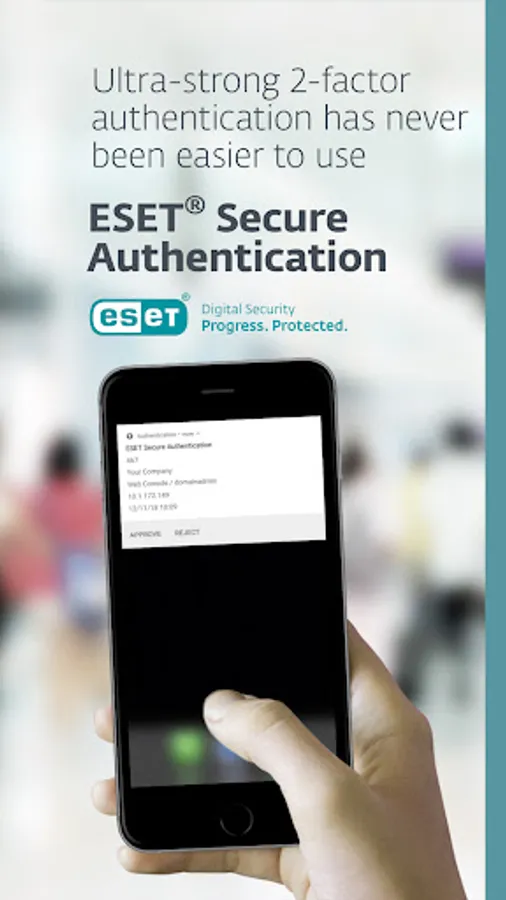
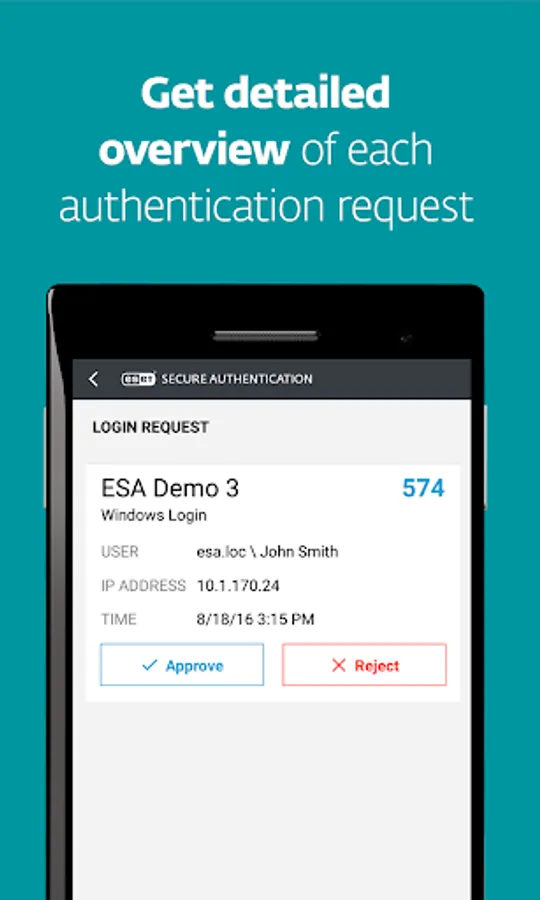
✔ Receive push notifications on your device that you can approve to complete authentication
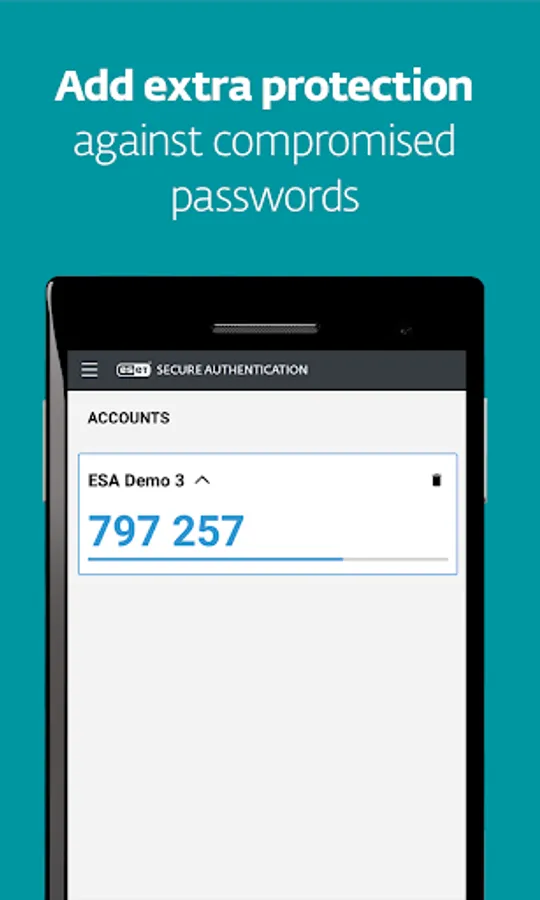
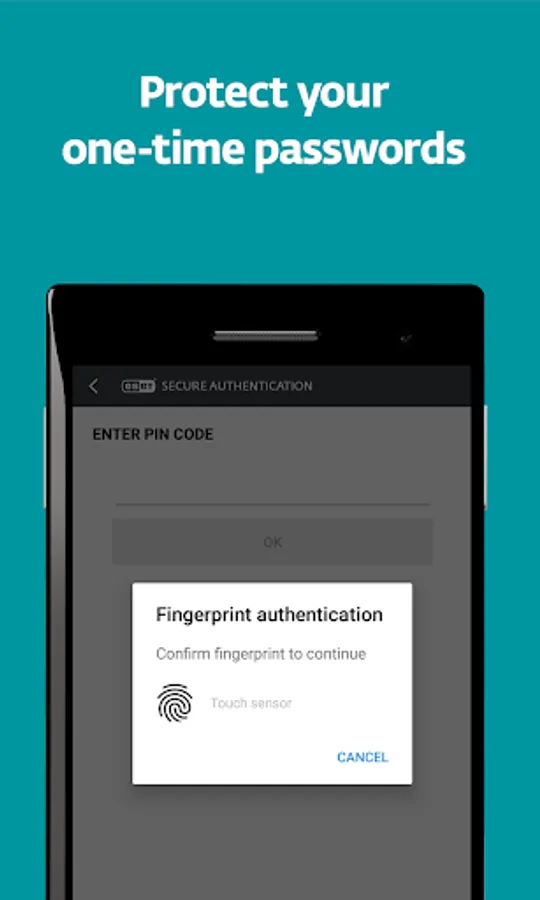
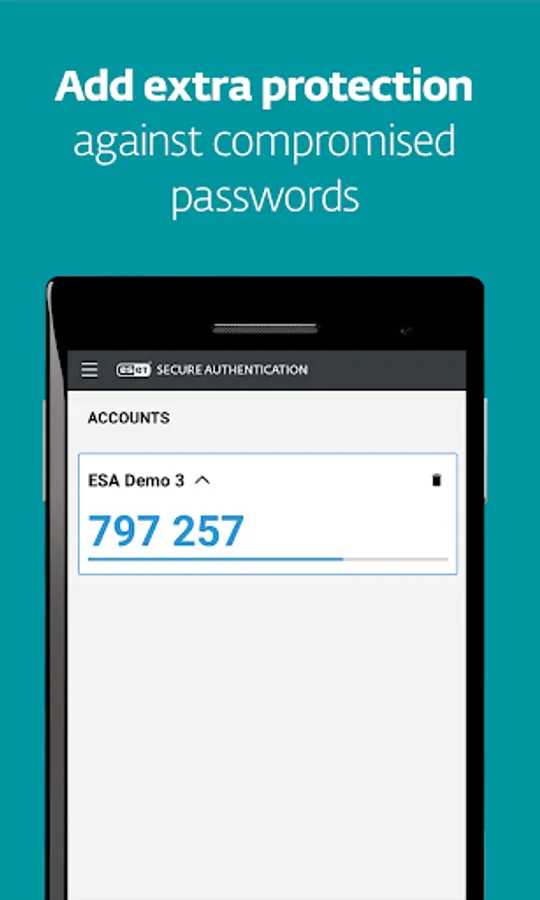
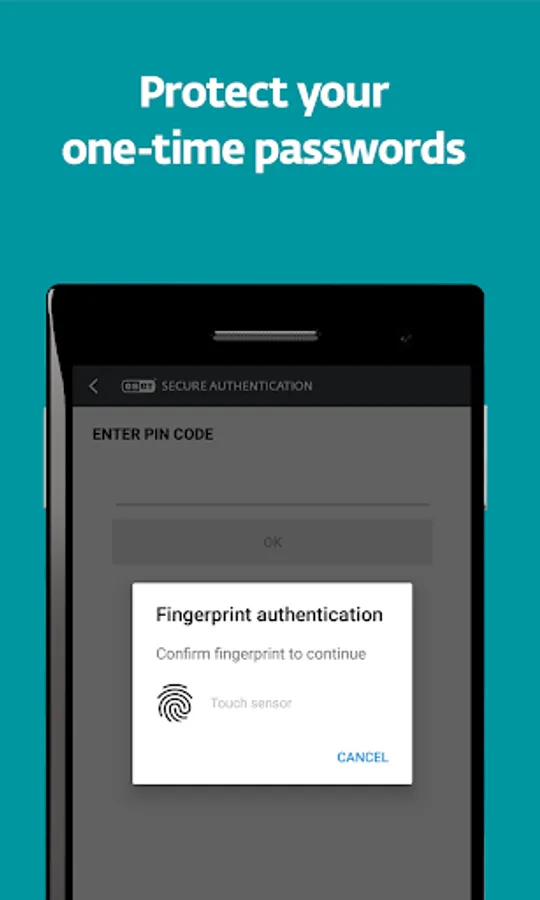
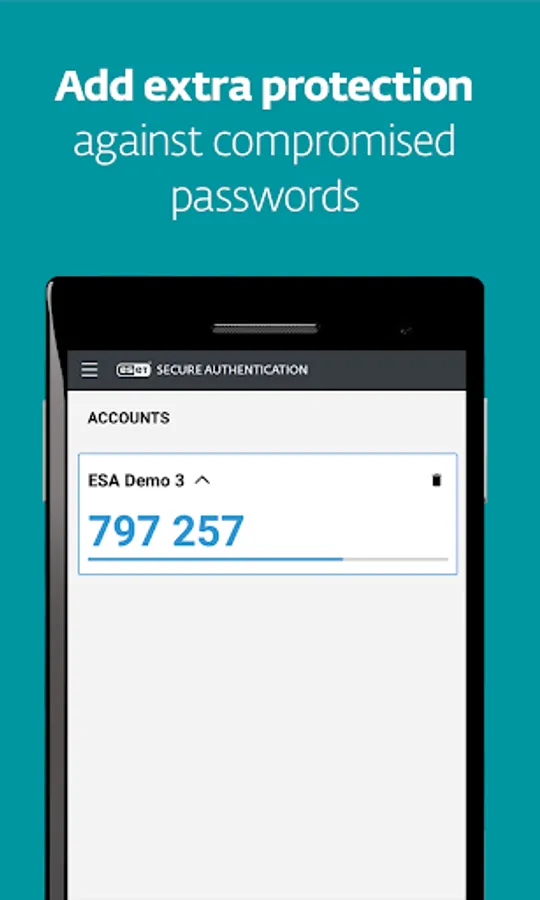
✔ Generate one-time passwords to use alongside your username and password
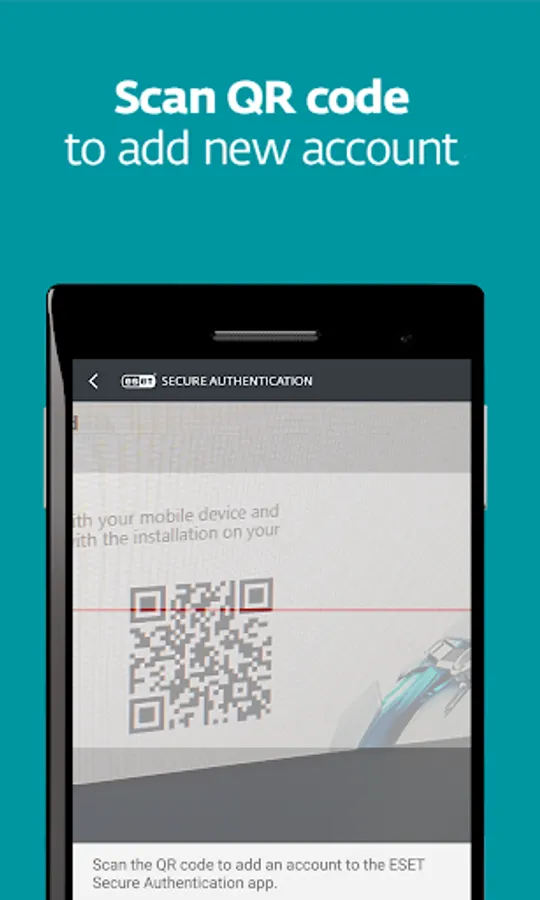
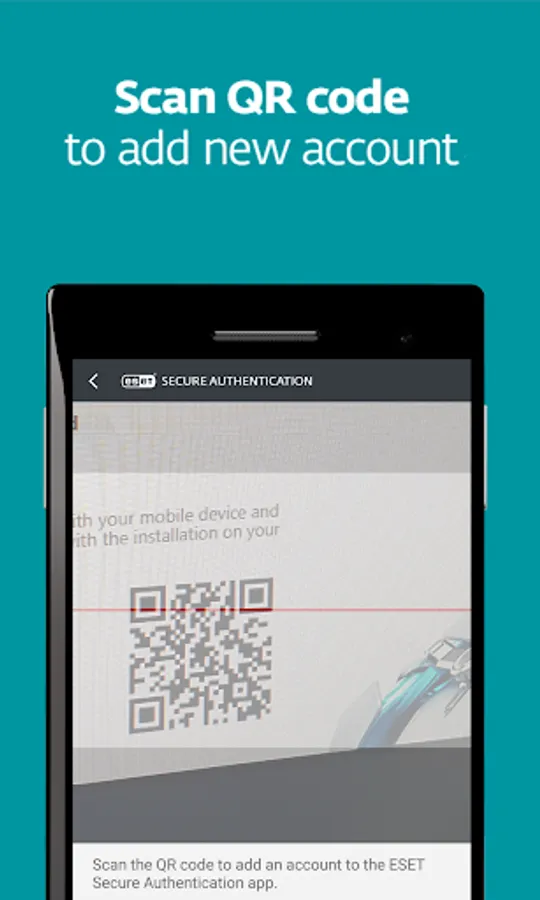
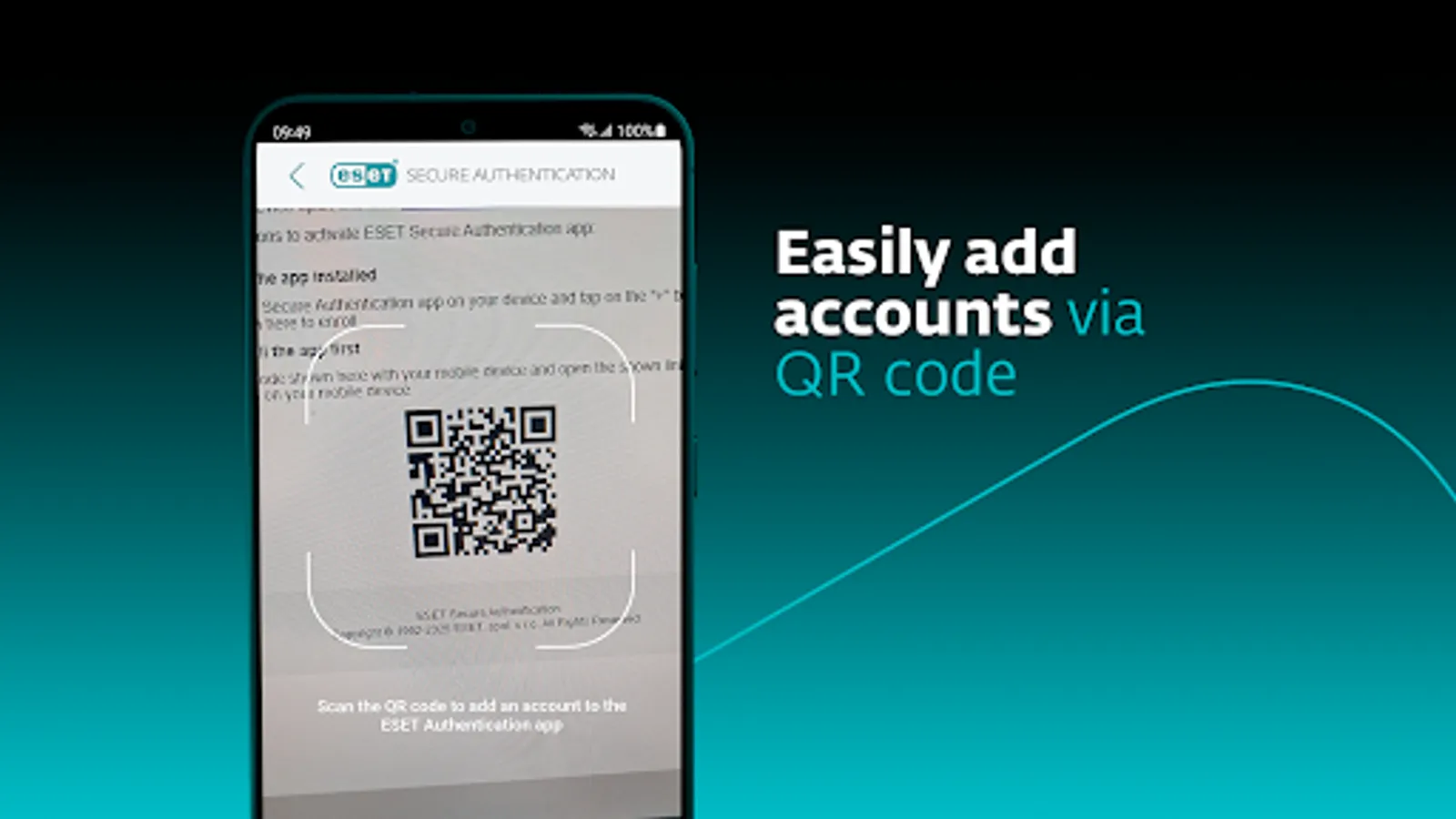
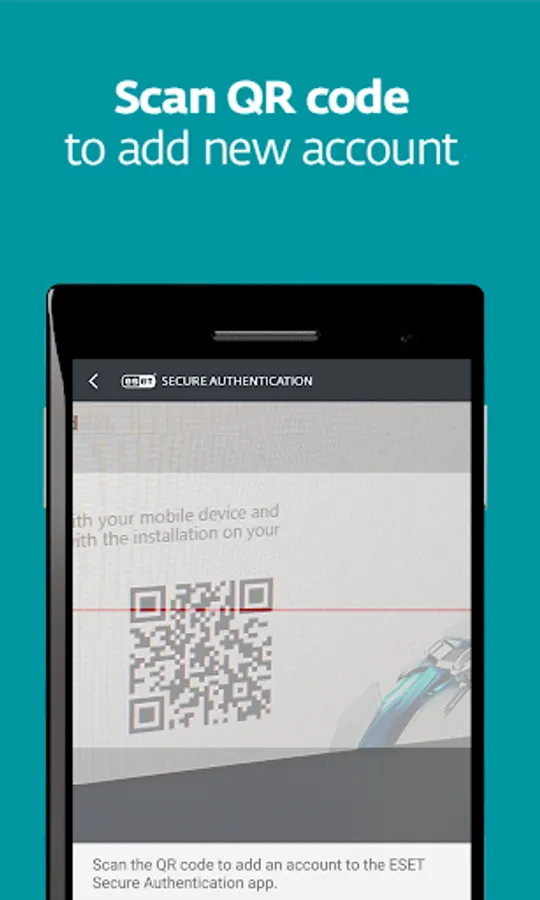
✔ Add a new account simply by scanning a QR code
Supported integrations:
✔ Microsoft Web Apps
✔ Local Windows logins
✔ Remote Desktop Protocol
✔ VPNs
✔ Cloud services via AD FS
✔ Mac/Linux
✔ Custom apps
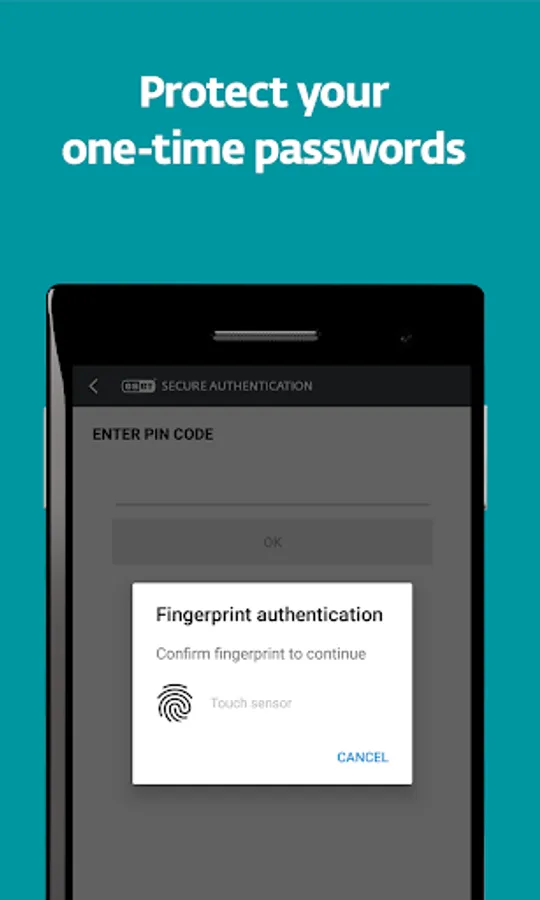
Multi-factor authentication is a combination of two or more security factors—“something the user knows” (e.g., a password), “something the user has” (such as a mobile phone to generate a one-time password or receive a push notification), and even “something the user is” (when approving push notifications via biometrics).
Find out more about ESET Secure Authentication for businesses: https://www.eset.com/us/business/solutions/multi-factor-authentication/
This app uses the Device Administrator permission.
This app uses Accessibility services.
ESET Secure Authentication is an easy-to-install, deploy, and manage, multi-factor authentication (MFA) solution for businesses. The additional factor—received or generated by the mobile app—complements and strengthens the standard authentication process and secures access to your company’s systems and data.
The ESET Secure Authentication app allows you to:
✔ Receive push notifications on your device that you can approve to complete authentication
✔ Generate one-time passwords to use alongside your username and password
✔ Add a new account simply by scanning a QR code
Supported integrations:
✔ Microsoft Web Apps
✔ Local Windows logins
✔ Remote Desktop Protocol
✔ VPNs
✔ Cloud services via AD FS
✔ Mac/Linux
✔ Custom apps
Multi-factor authentication is a combination of two or more security factors—“something the user knows” (e.g., a password), “something the user has” (such as a mobile phone to generate a one-time password or receive a push notification), and even “something the user is” (when approving push notifications via biometrics).
Find out more about ESET Secure Authentication for businesses: https://www.eset.com/us/business/solutions/multi-factor-authentication/
This app uses the Device Administrator permission.
This app uses Accessibility services.
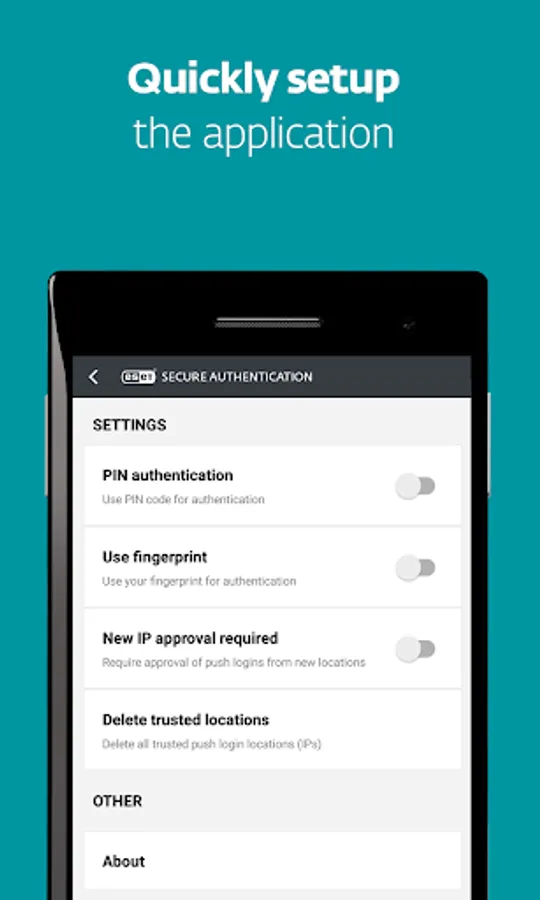
ESET Secure Authentication Screenshots
Tap to Rate:
Reviews for ESET Secure Authentication
Allen Swalling
10/20/2025
good program for mobile devices but the text msg security should offer a delete all option. only warns of possible phishing but no delete configuration.
Julie Clarke
9/21/2025
I love this app, and so far, I have had no problems and find it works well