ALPDF:Edit, View & Convert PDF
ESTsoft Corp.
4.3 ★
402 ratings
50,000+
downloads
Free
+ in-app
In this app, users can view, edit, and convert PDFs with tools for extracting, merging, and protecting documents. Includes AI summarization and chat features for understanding complex content.
AppRecs review analysis
AppRecs rating 4.3. Trustworthiness 85 out of 100. Review manipulation risk 29 out of 100. Based on a review sample analyzed.
★★★★☆
4.3
AppRecs Rating
Ratings breakdown
5 star
83%
4 star
0%
3 star
0%
2 star
0%
1 star
17%
What to know
✓
Low review manipulation risk
29% review manipulation risk
✓
Credible reviews
85% trustworthiness score from analyzed reviews
✓
High user satisfaction
83% of sampled ratings are 4+ stars (4.3★ average)
About ALPDF:Edit, View & Convert PDF
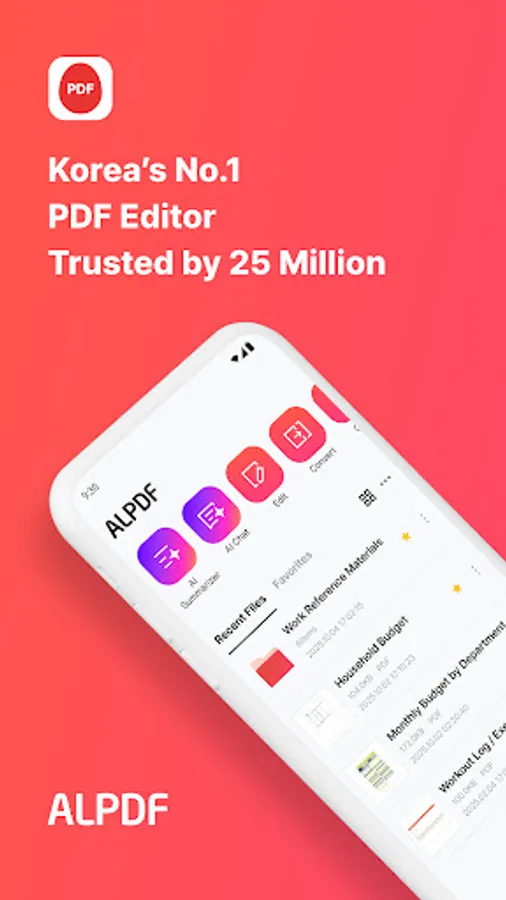
ALPDF, The PDF Editing App Chosen by 25 Million Users in Korea
● ALPDF is a mobile version of South Korea’s most trusted utility software suite, ALTools—used by over 25 million people.
● Now, you can enjoy the same powerful, PC-proven PDF editing tools—right on your phone & tablet
● Quickly and easily understand long documents with AI PDF Summarizer & AI PDF Chat
● This all-in-one PDF solution offers comprehensive features including viewing, editing, converting, splitting, merging, protecting, and now AI-powered summarization.
● Edit documents quickly and boost your productivity—anytime, anywhere.
───
[AI PDF – Summarizer / Chat]
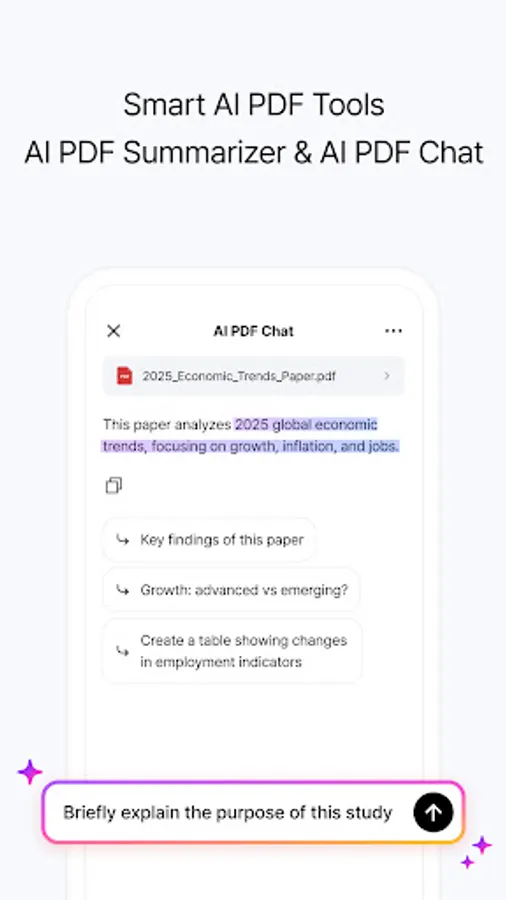
● AI-powered PDF analysis that helps you understand long and complex documents at a glance.
● Capable of summarizing graphs, images, and tables — and even works with foreign-language documents!
● Now available with the ALTools AI Subscription — enjoy AI features in ALPDF with a higher usage limit.
· AI PDF Summarizer: Quickly condenses long PDFs into key points using AI.
· AI PDF Chat: Ask questions conversationally and get accurate answers from your PDF content.
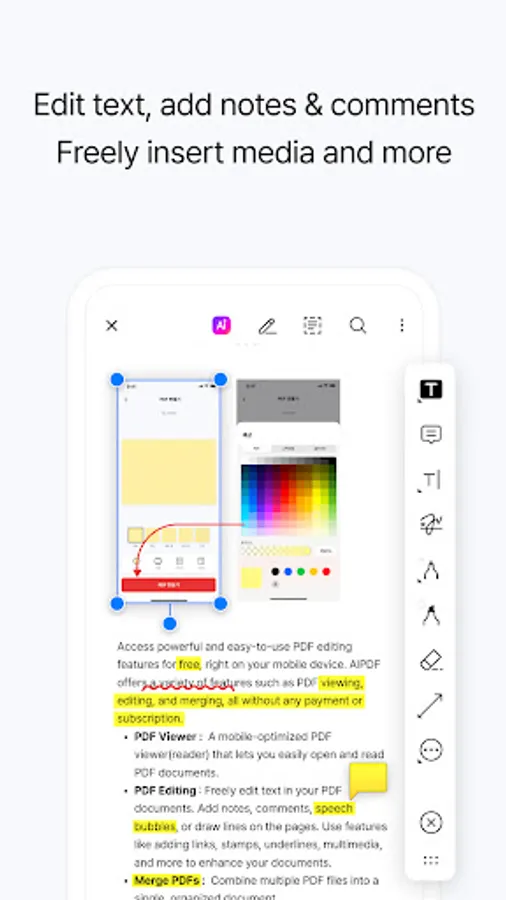
[PDF Document Editor – Viewer/Editing]
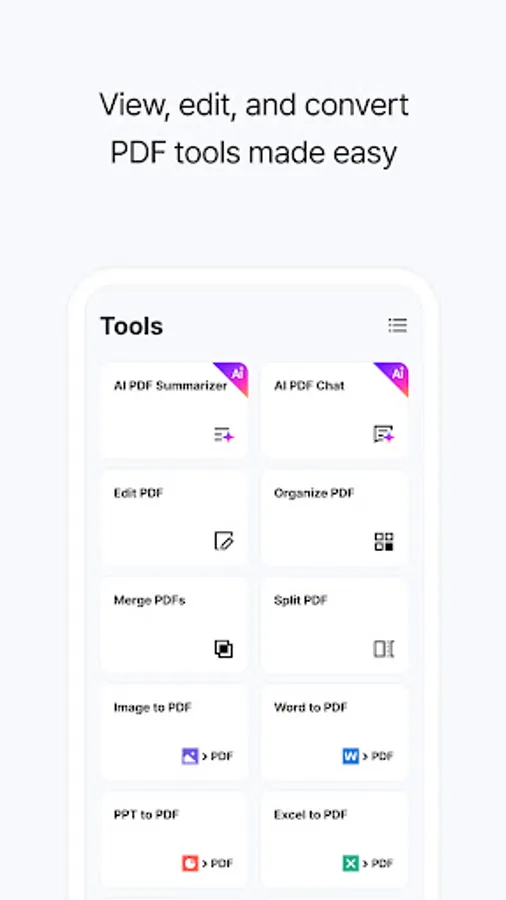
● Access powerful yet easy-to-use editing tools for free on mobile.
● Edit, merge, split, or create PDFs exactly how you need.
· PDF Viewer: A mobile-optimized reader to view PDF files on the go.
· PDF Editing: Freely edit text in your documents. Add annotations, notes, bubbles, lines, hyperlinks, stamps, underlines, or multimedia.
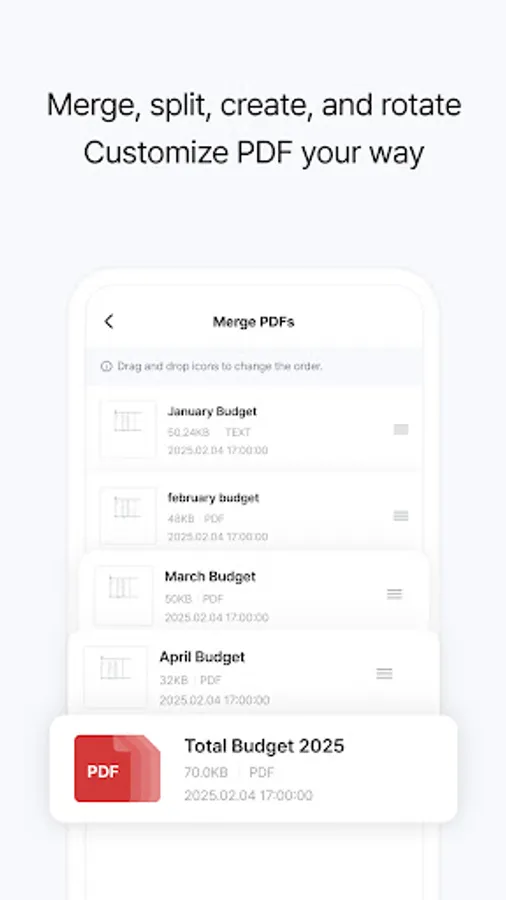
· Merge PDFs: Combine multiple PDF files into one.
· Split PDFs: Split or delete pages within a PDF and extract them as separate high-quality files.
· Create PDFs: Make new PDF files with customizable size, color, and page count.
· Rotate PDFs: Rotate PDF pages to landscape or portrait view.
· Page Numbers: Add page numbers anywhere on the page—choose the font, size, and position.
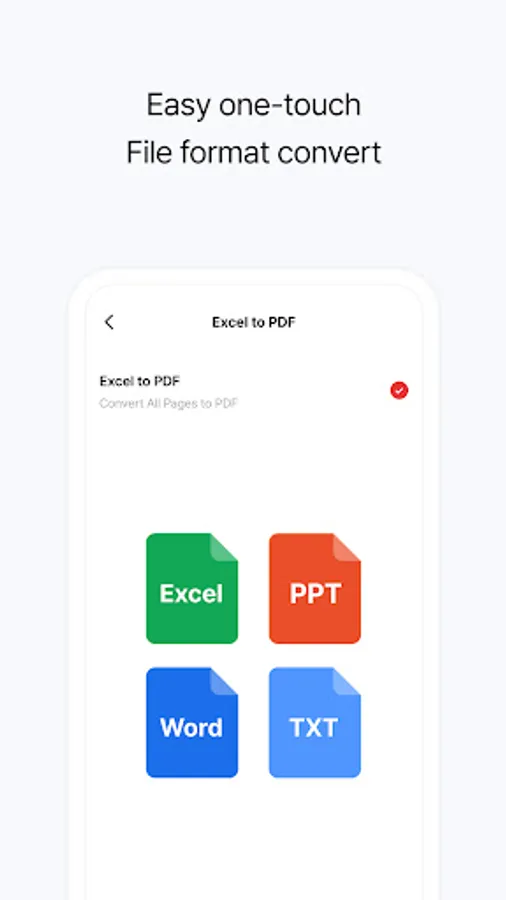
[PDF File Converter / Creator – Convert Between Different Formats]
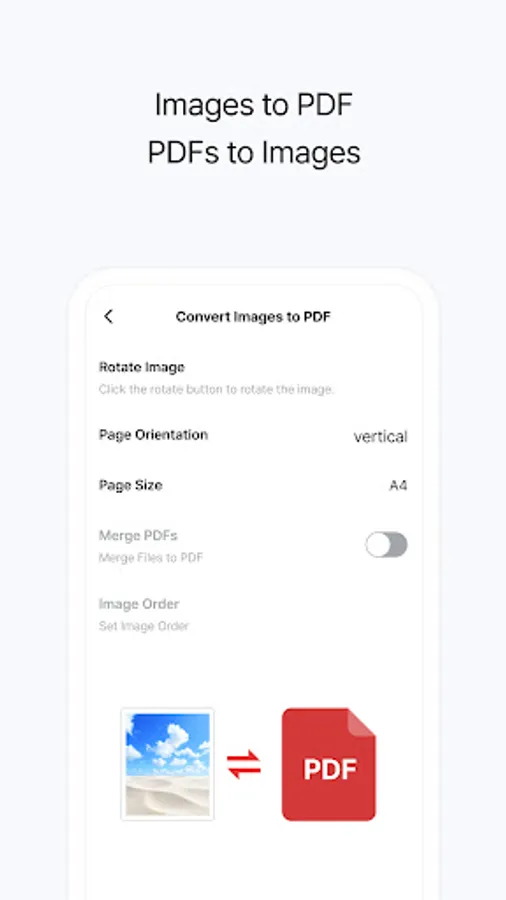
● Convert various documents and images to PDF—or turn PDFs into other document and image formats—with fast and powerful file conversion features.
● Easily transform files into your desired format, including Word, PowerPoint, Excel, text, and image files.
· Convert from PDF to other formats: Convert PDF documents into JPG, Word, PPT, Excel, or TXT files.
· Create and convert documents to PDF: Generate PDF files from images (JPG/PNG), Word, PPT, or Excel documents.
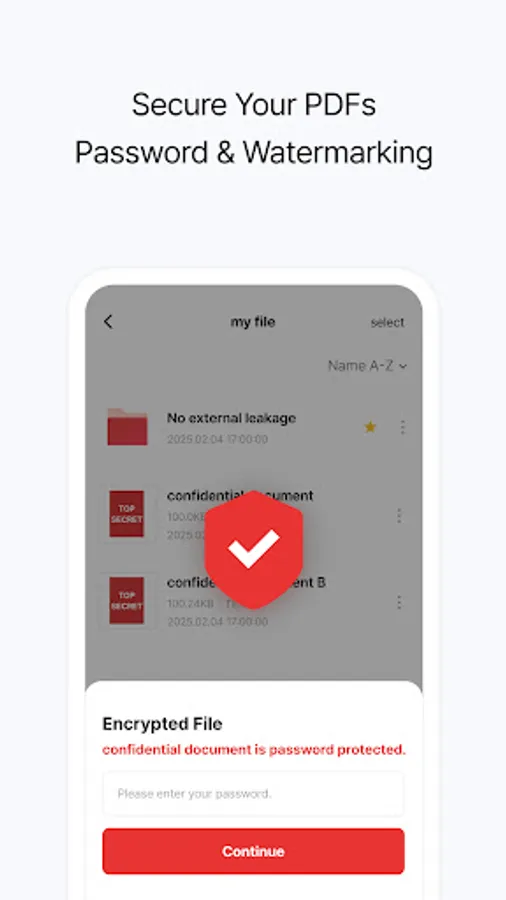
[PDF Security Protector - Protection/Watermarks]
● Safely manage PDF files with password protection, watermarking, and more—powered by ESTsoft’s robust security technology.
· Set PDF Password: Secure important PDFs with a password.
· Remove PDF Password: Unlock encrypted PDFs when needed.
· Organize PDF: Rearrange, delete, or insert pages into your documents.
· Watermark: Add image or text watermarks to protect your file’s copyright.
● ALPDF is a mobile version of South Korea’s most trusted utility software suite, ALTools—used by over 25 million people.
● Now, you can enjoy the same powerful, PC-proven PDF editing tools—right on your phone & tablet
● Quickly and easily understand long documents with AI PDF Summarizer & AI PDF Chat
● This all-in-one PDF solution offers comprehensive features including viewing, editing, converting, splitting, merging, protecting, and now AI-powered summarization.
● Edit documents quickly and boost your productivity—anytime, anywhere.
───
[AI PDF – Summarizer / Chat]
● AI-powered PDF analysis that helps you understand long and complex documents at a glance.
● Capable of summarizing graphs, images, and tables — and even works with foreign-language documents!
● Now available with the ALTools AI Subscription — enjoy AI features in ALPDF with a higher usage limit.
· AI PDF Summarizer: Quickly condenses long PDFs into key points using AI.
· AI PDF Chat: Ask questions conversationally and get accurate answers from your PDF content.
[PDF Document Editor – Viewer/Editing]
● Access powerful yet easy-to-use editing tools for free on mobile.
● Edit, merge, split, or create PDFs exactly how you need.
· PDF Viewer: A mobile-optimized reader to view PDF files on the go.
· PDF Editing: Freely edit text in your documents. Add annotations, notes, bubbles, lines, hyperlinks, stamps, underlines, or multimedia.
· Merge PDFs: Combine multiple PDF files into one.
· Split PDFs: Split or delete pages within a PDF and extract them as separate high-quality files.
· Create PDFs: Make new PDF files with customizable size, color, and page count.
· Rotate PDFs: Rotate PDF pages to landscape or portrait view.
· Page Numbers: Add page numbers anywhere on the page—choose the font, size, and position.
[PDF File Converter / Creator – Convert Between Different Formats]
● Convert various documents and images to PDF—or turn PDFs into other document and image formats—with fast and powerful file conversion features.
● Easily transform files into your desired format, including Word, PowerPoint, Excel, text, and image files.
· Convert from PDF to other formats: Convert PDF documents into JPG, Word, PPT, Excel, or TXT files.
· Create and convert documents to PDF: Generate PDF files from images (JPG/PNG), Word, PPT, or Excel documents.
[PDF Security Protector - Protection/Watermarks]
● Safely manage PDF files with password protection, watermarking, and more—powered by ESTsoft’s robust security technology.
· Set PDF Password: Secure important PDFs with a password.
· Remove PDF Password: Unlock encrypted PDFs when needed.
· Organize PDF: Rearrange, delete, or insert pages into your documents.
· Watermark: Add image or text watermarks to protect your file’s copyright.
ALPDF:Edit, View & Convert PDF Screenshots
Tap to Rate:
Reviews for ALPDF:Edit, View & Convert PDF
EDMUND WISDOM KEMUAL KEBBIE
9/7/2025
good
Walt
7/15/2025
very very good for a cellphone .. one recommend would be to add exporting pdf as rtf and try to improve 'screen handling' or 'sensitivity' a bit to make screen access a bit more accurate