ShareFi - Share Wifi via QR
eudaiTec
1,000+
downloads
Free
AppRecs review analysis
AppRecs rating 1.0. Trustworthiness 55 out of 100. Review manipulation risk 23 out of 100. Based on a review sample analyzed.
★☆☆☆☆
1.0
AppRecs Rating
Ratings breakdown
5 star
0%
4 star
0%
3 star
0%
2 star
0%
1 star
100%
What to know
⚠
Mixed user feedback
Average 1.0★ rating suggests room for improvement
About ShareFi - Share Wifi via QR
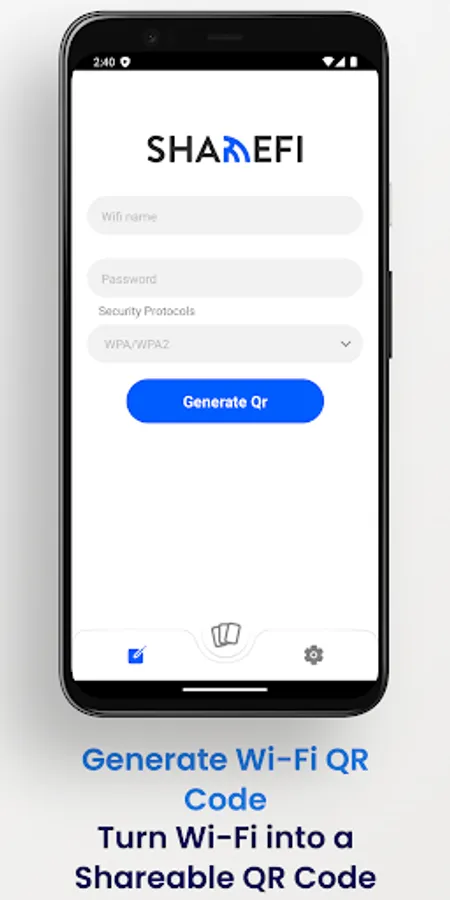
Easily create and share Wi-Fi QR codes with our app for Apple devices. Simplify the process of connecting to your Wi-Fi network by generating a QR code that contains essential network details, such as the Wi-Fi name, password, and security type.
Quick Wi-Fi Setup :
Save your friends and family the hassle of typing in lengthy Wi-Fi credentials. With our app, you can swiftly generate a QR code that encapsulates all the necessary connection information.
Secure Your Network :
Choose from a range of security types, including WEP, WPA, and WPA2, to ensure your network remains protected. The app supports various security configurations to match your network's specific requirements.
Easy Sharing :
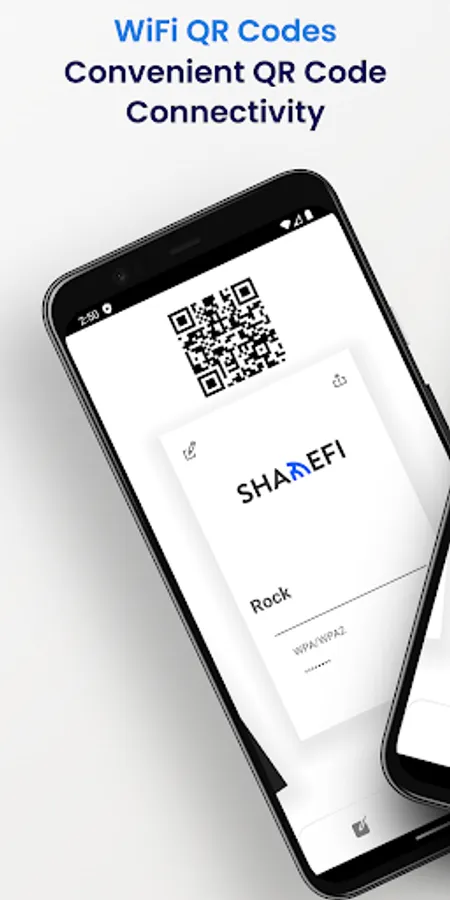
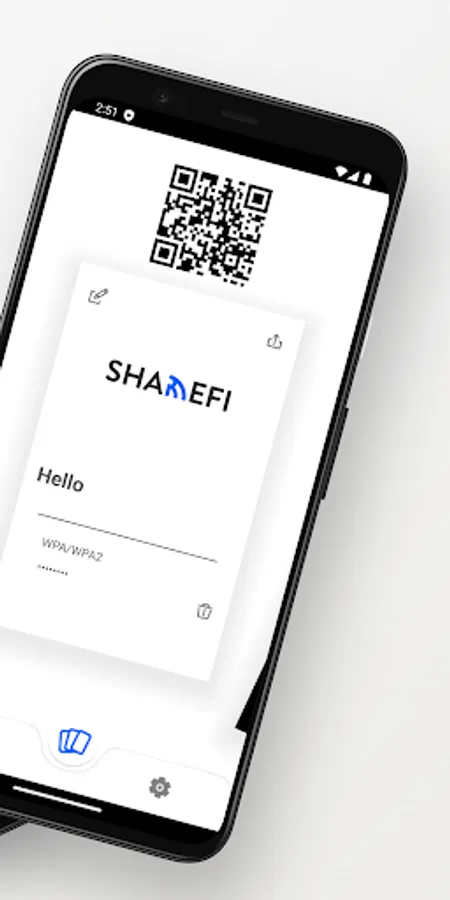
Share the generated QR code with your guests or within your household through messaging apps making it a breeze for them to connect to your Wi-Fi network.
Scan and Connect :
Simply open the app and scan the QR code with your Apple device's camera. No more manual entry – it's as easy as pointing and connecting.
This App offers a straightforward and efficient way to share your Wi-Fi credentials securely. Say goodbye to complicated Wi-Fi setups and hello to hassle-free connections.
Download now and enhance your Wi-Fi sharing experience!
Quick Wi-Fi Setup :
Save your friends and family the hassle of typing in lengthy Wi-Fi credentials. With our app, you can swiftly generate a QR code that encapsulates all the necessary connection information.
Secure Your Network :
Choose from a range of security types, including WEP, WPA, and WPA2, to ensure your network remains protected. The app supports various security configurations to match your network's specific requirements.
Easy Sharing :
Share the generated QR code with your guests or within your household through messaging apps making it a breeze for them to connect to your Wi-Fi network.
Scan and Connect :
Simply open the app and scan the QR code with your Apple device's camera. No more manual entry – it's as easy as pointing and connecting.
This App offers a straightforward and efficient way to share your Wi-Fi credentials securely. Say goodbye to complicated Wi-Fi setups and hello to hassle-free connections.
Download now and enhance your Wi-Fi sharing experience!