
In this clipboard management app, you can organize, search, and manage multiple clipboard entries and notes. Includes features like data sorting, note creation, and backup options.
AppRecs review analysis
AppRecs rating 3.0. Trustworthiness 82 out of 100. Review manipulation risk 22 out of 100. Based on a review sample analyzed.
★★★☆☆
3.0
AppRecs Rating
Ratings breakdown
5 star
36%
4 star
11%
3 star
12%
2 star
5%
1 star
36%
What to know
✓
Low review manipulation risk
22% review manipulation risk
✓
Credible reviews
82% trustworthiness score from analyzed reviews
⚠
High negative review ratio
41% of sampled ratings are 1–2 stars
About Clipboard CopyPaster
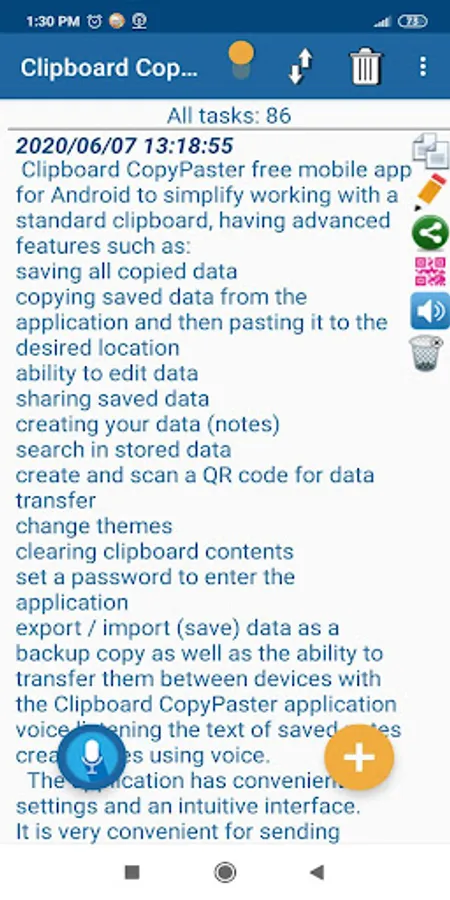
Clipboard CopyPaster is a powerful clipboard manager designed to improve productivity and efficiency by managing multiple clipboard entries and history. With the application, you can easily, simply, and effectively copy, paste various texts, links, images, and more, and create notes. Clipboard CopyPaster has many additional, useful, and necessary features such as:
✔ Save all copied data from the clipboard (texts, links, images, etc.), unlike the standard clipboard, which stores only the last copied item.
✔ Create an unlimited number of tabs.
✔ Copy from the Clipboard CopyPaster application saved data to the clipboard and then paste it to the desired location in just a few taps.
✔ Convenient content editing.
✔ Add notes to favorites for quick access.
✔ Duplicate Check (select in menu)
✔ Share saved data via instant messengers, social networks, etc.
✔ Easily manage the clipboard history, which allows you to quickly, conveniently access and reuse previous clipboard contents.
✔ Sorting of contents.
✔ Easy creation of notes.
✔ Convenient editing of notes.
✔ Merging of notes.
✔ Search for quickly finding specific entries in saved data.
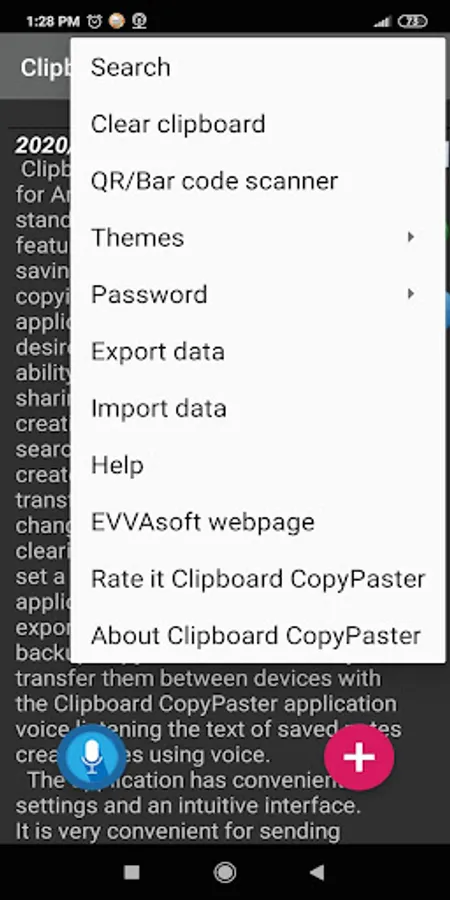
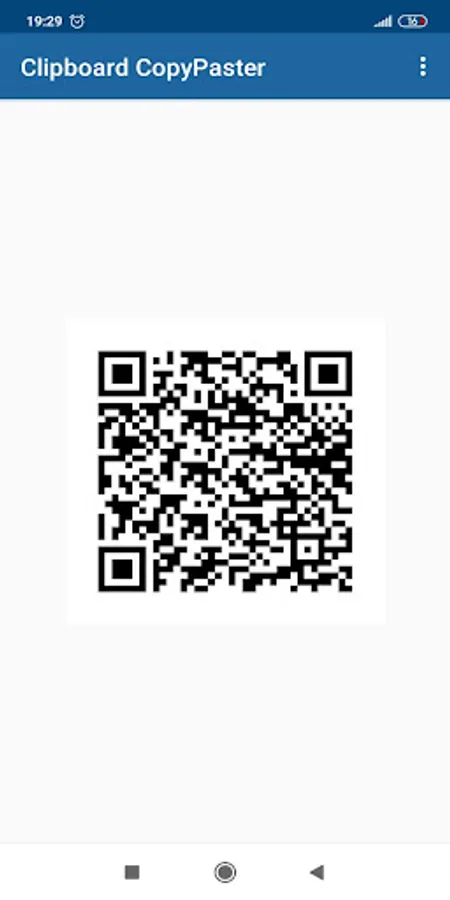
✔ Creating (generating) and scanning a QR code for data exchange.
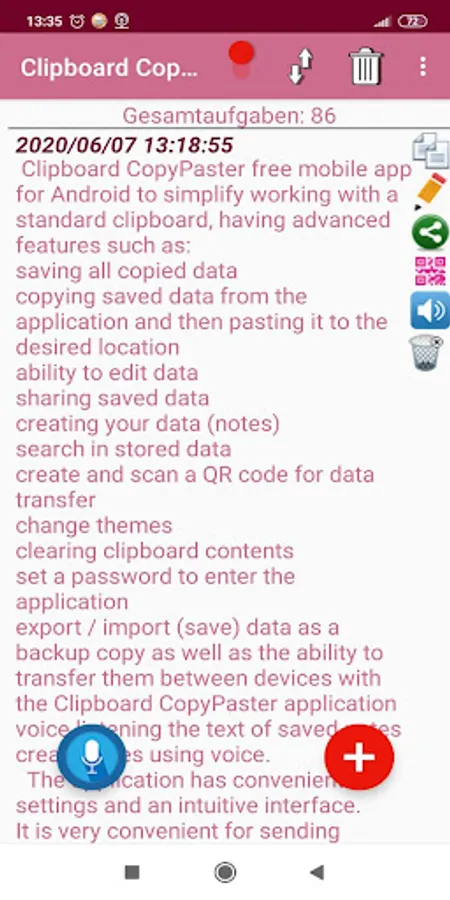
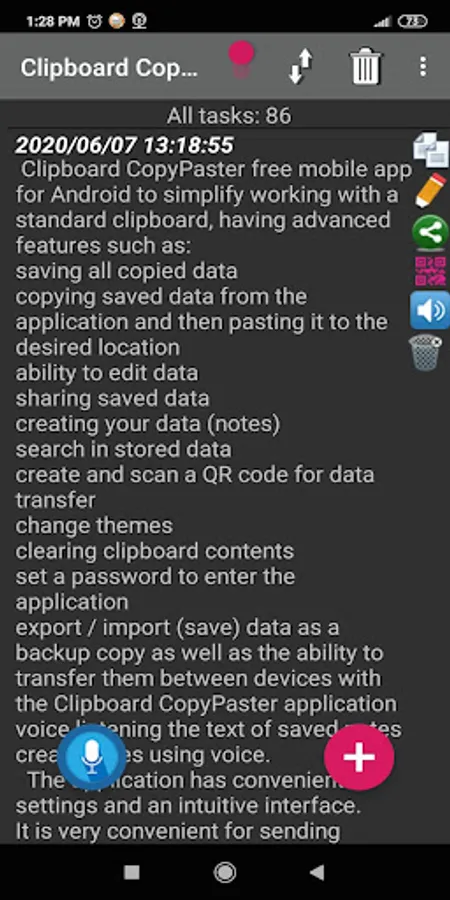
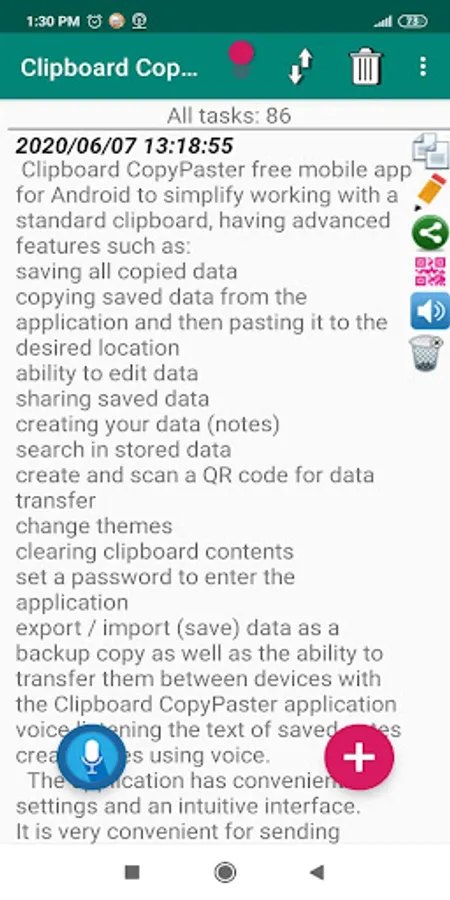
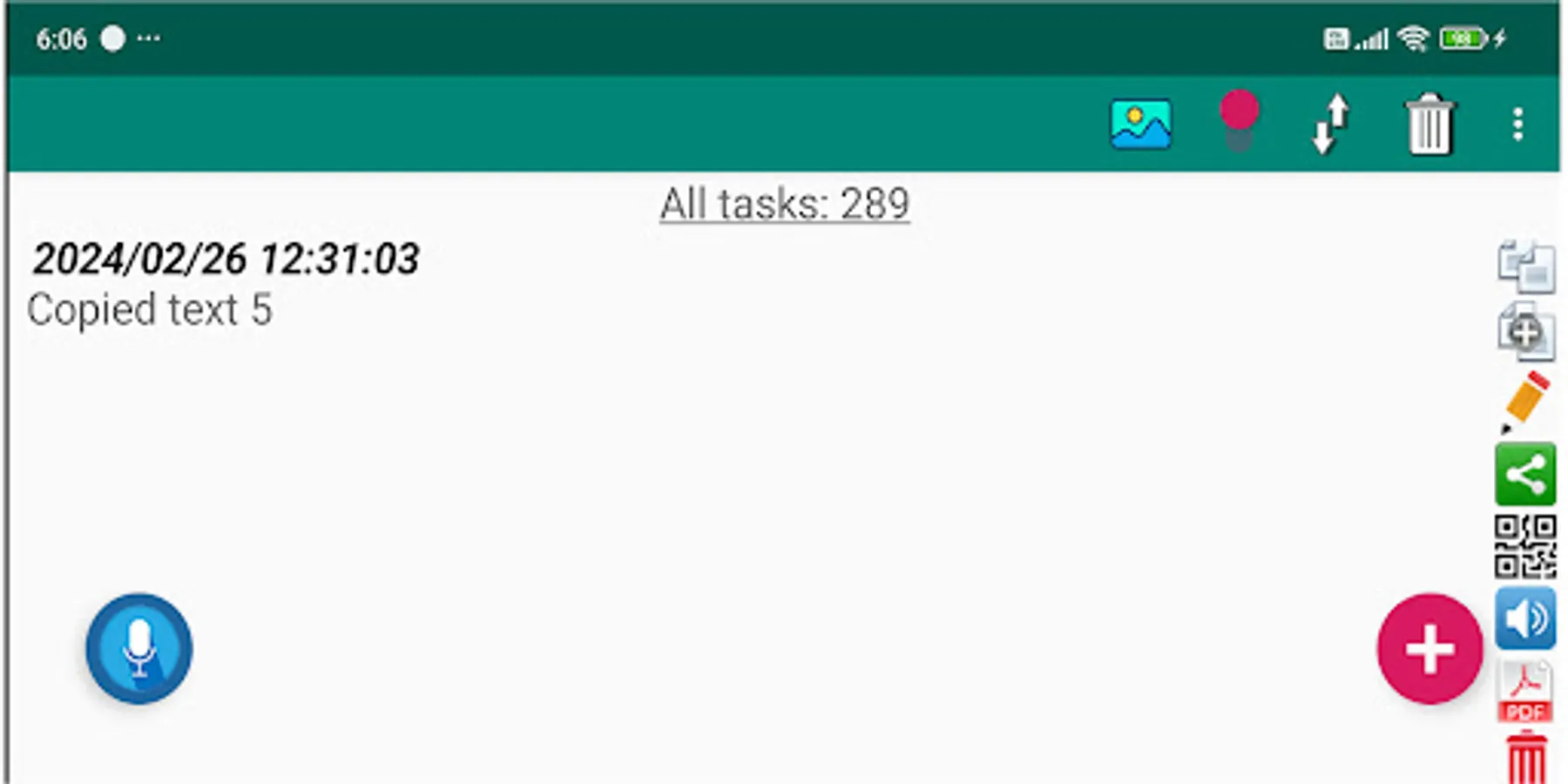
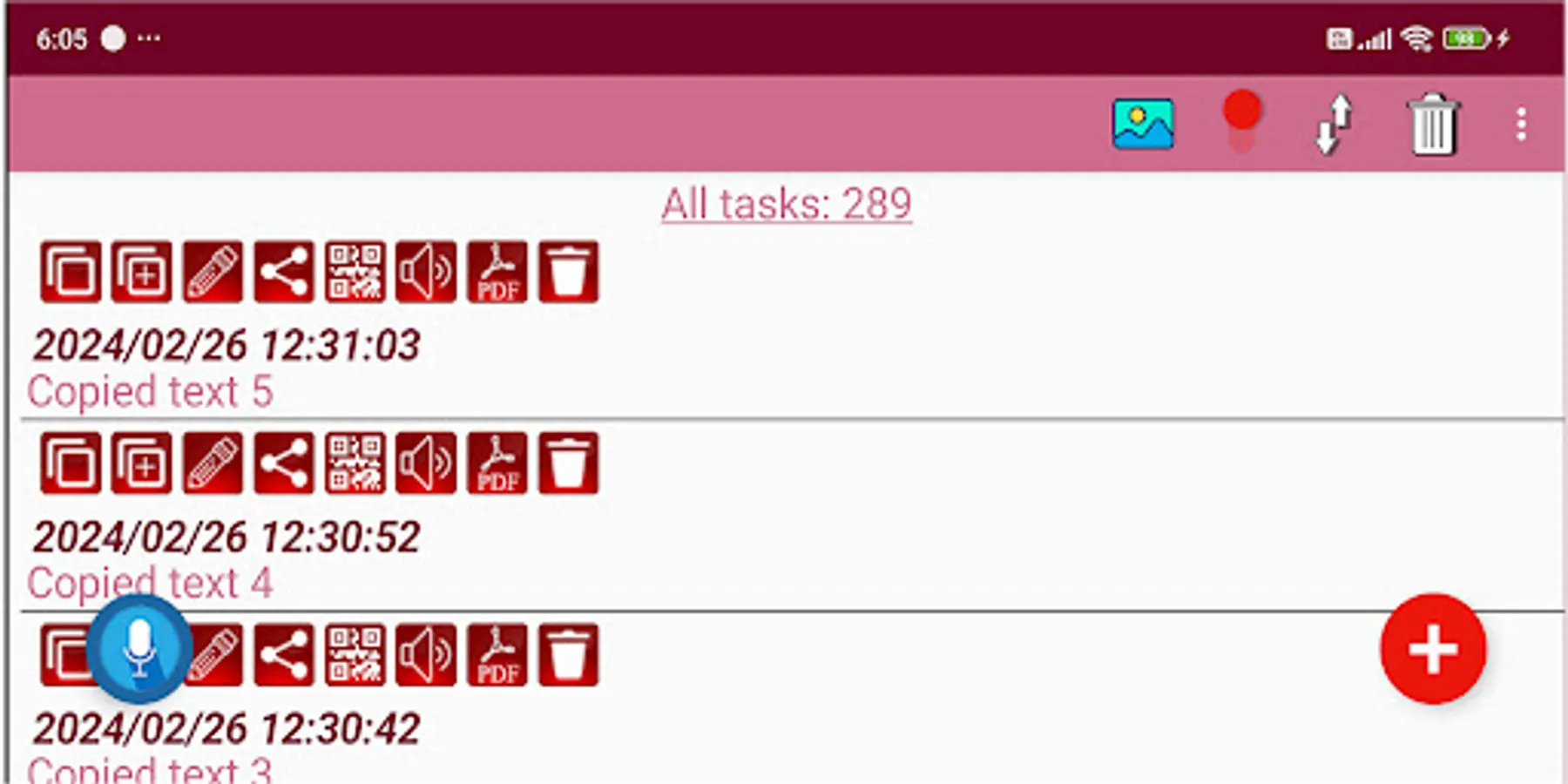
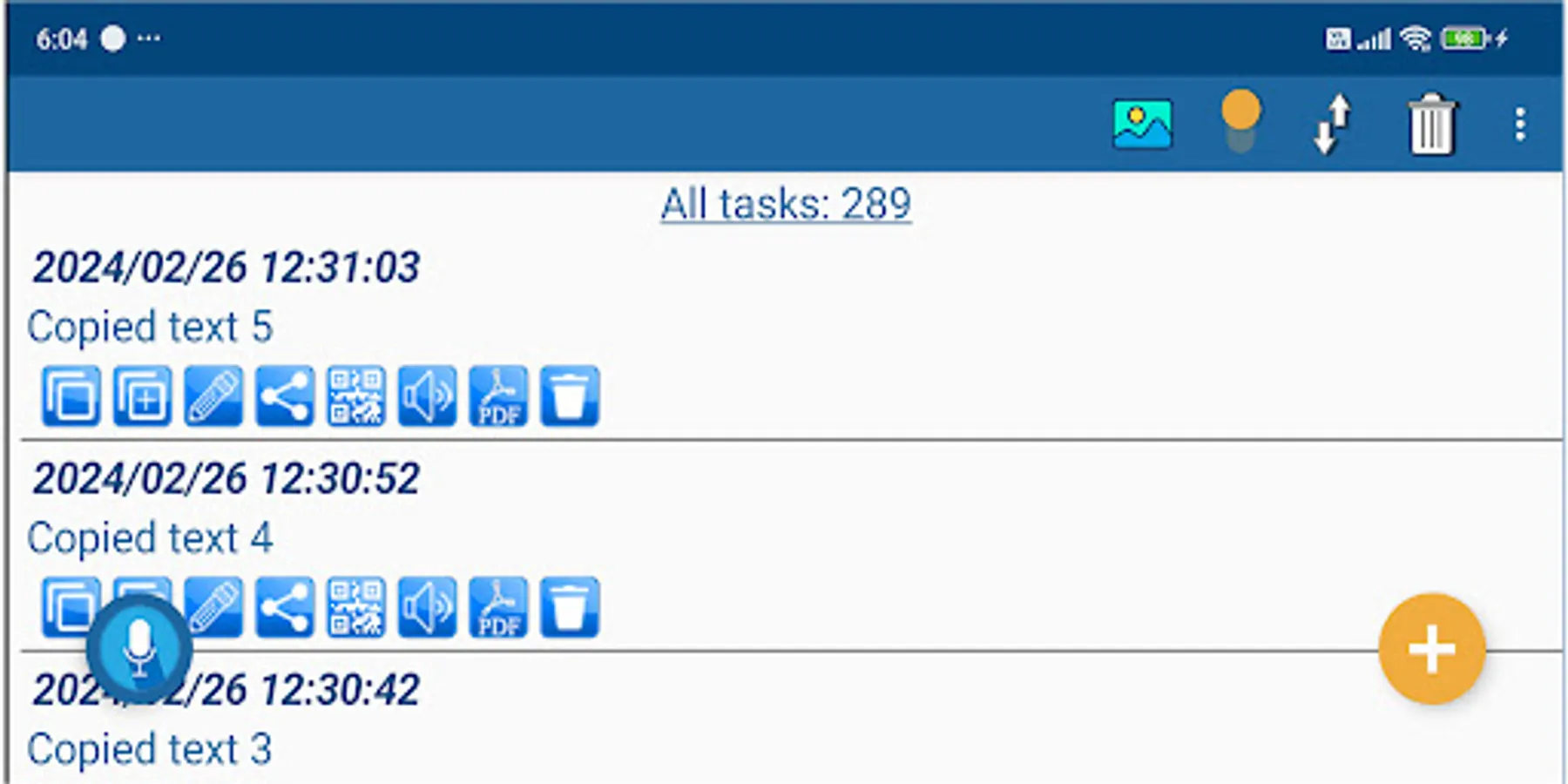
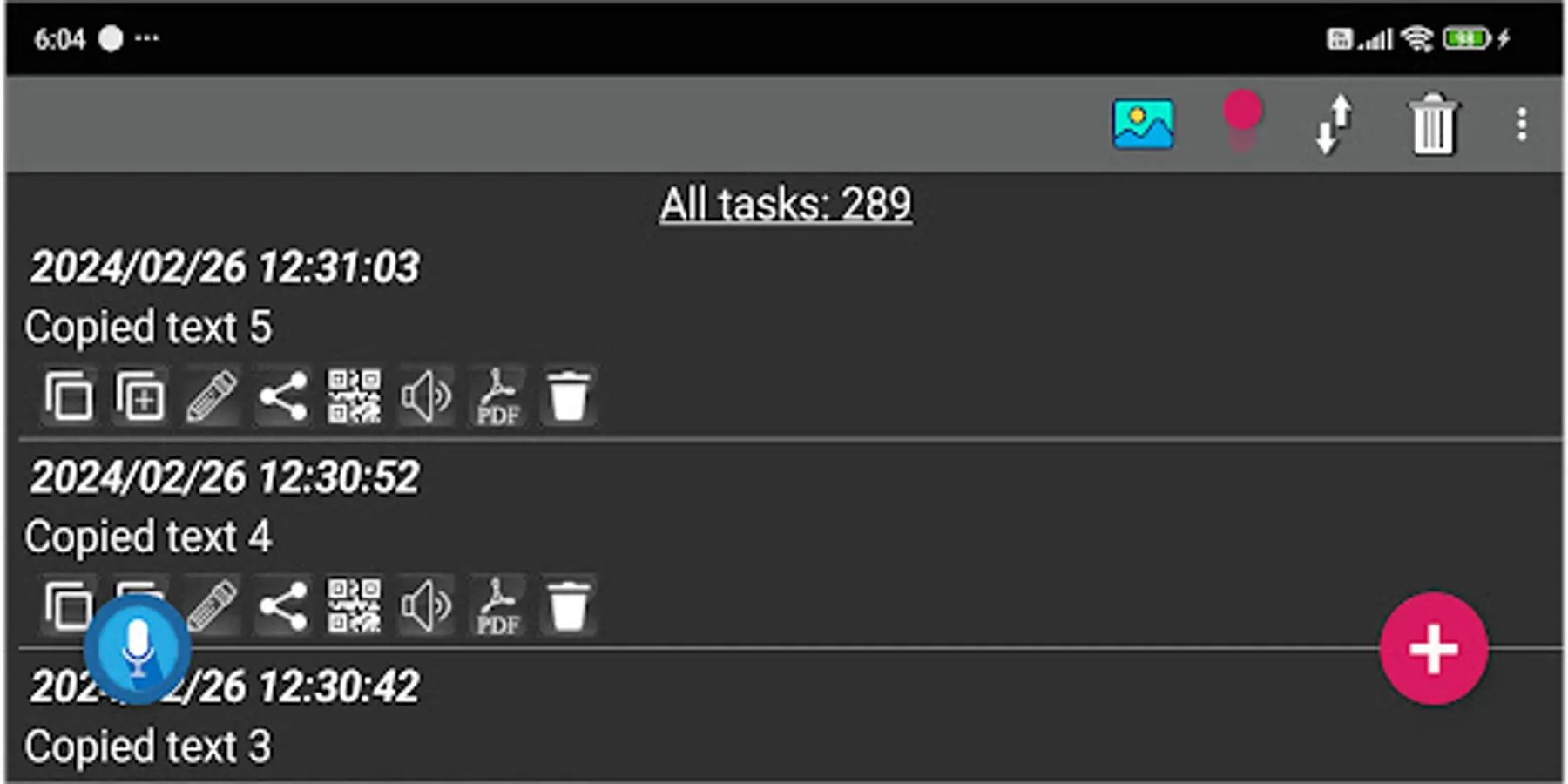
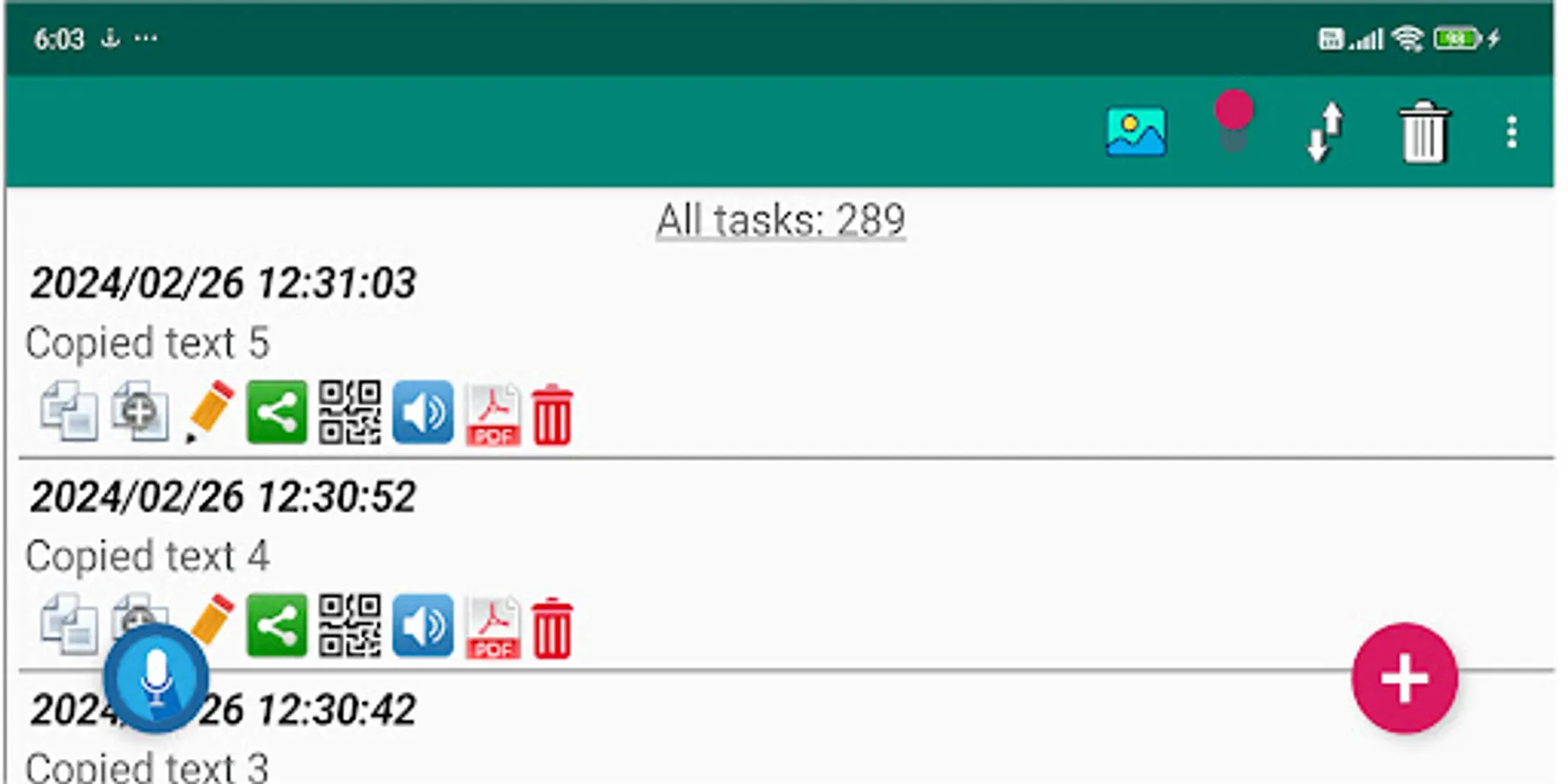
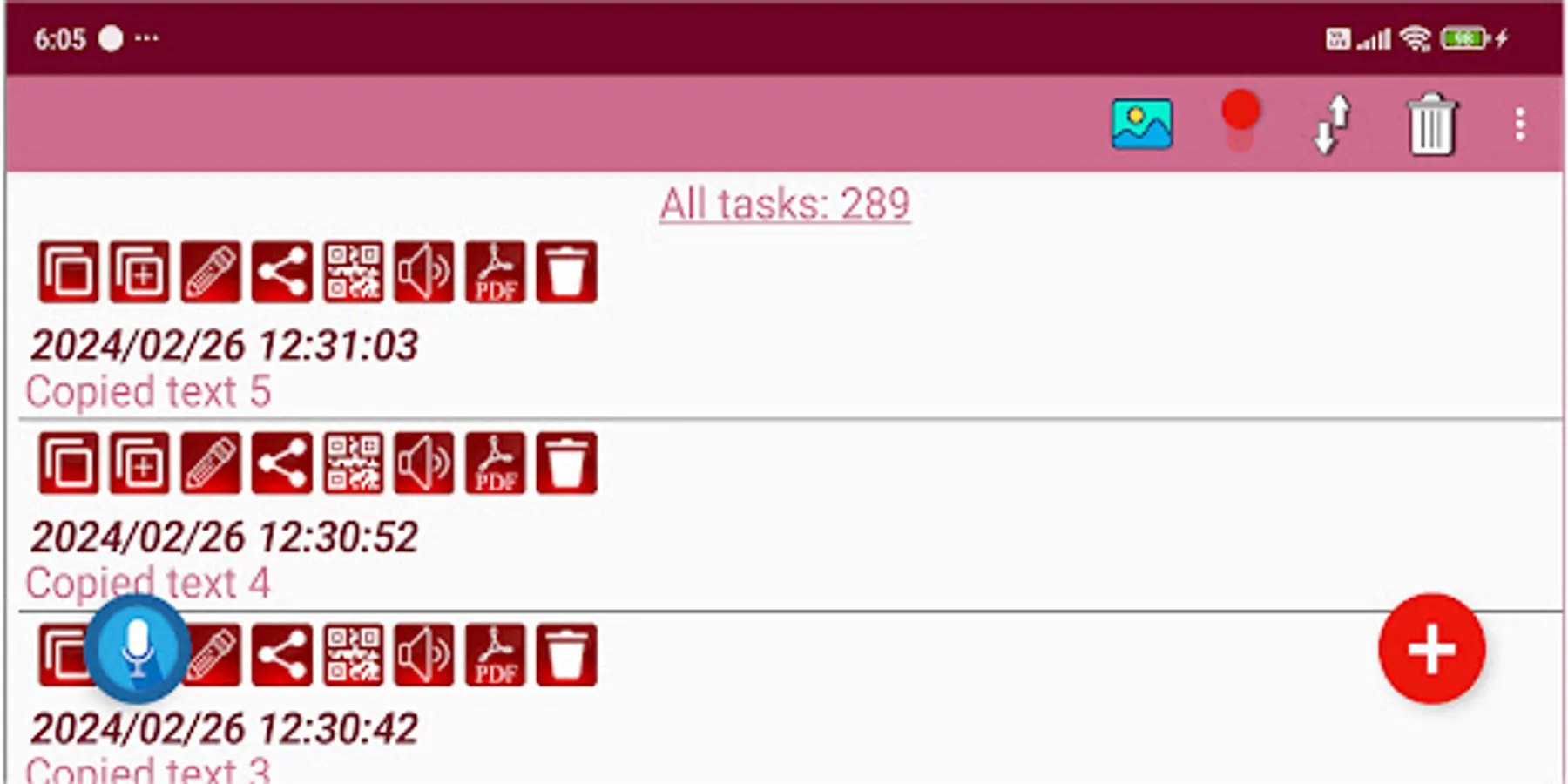
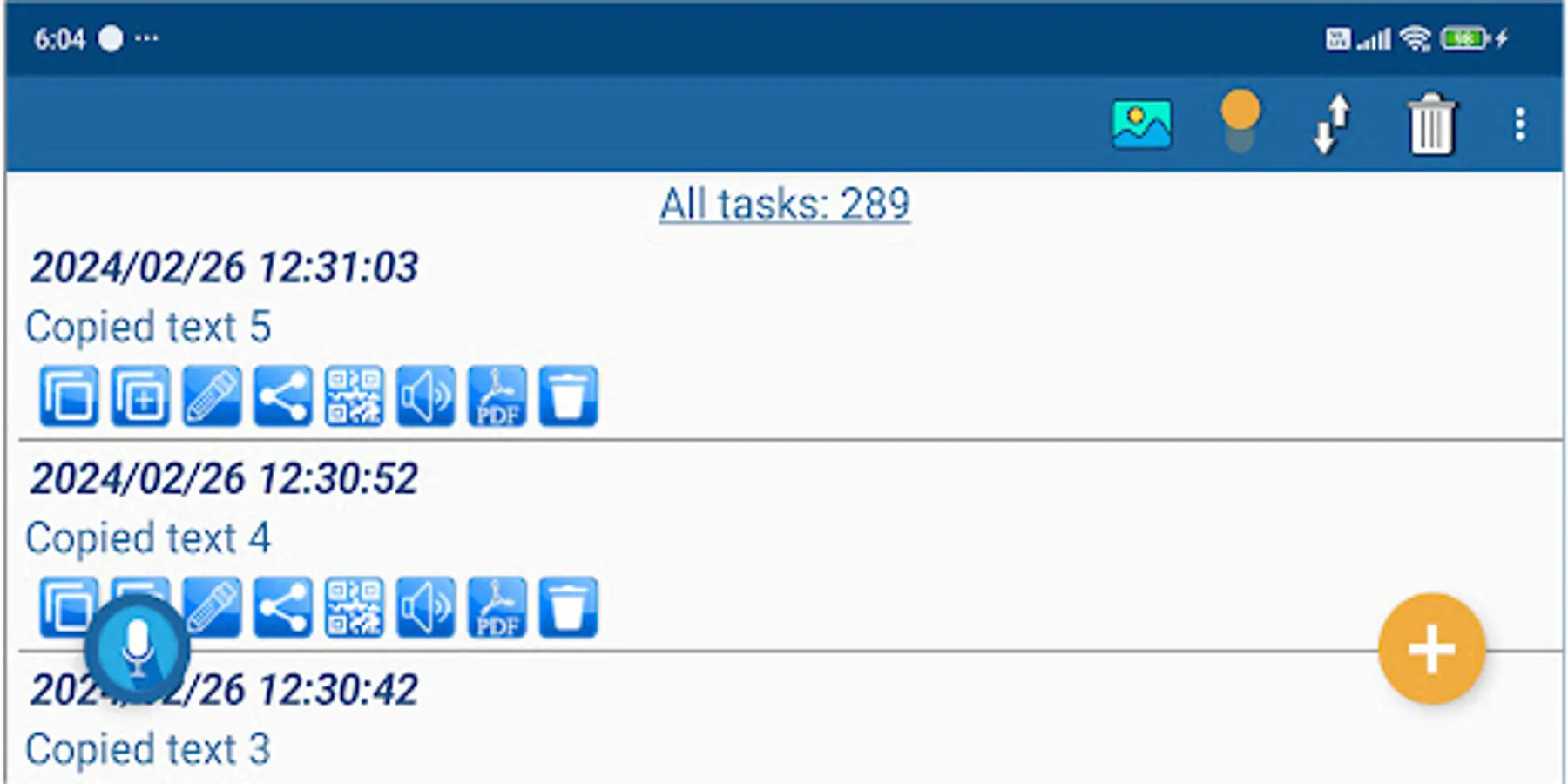
✔ Selecting the theme and icons of the application design for individualization.
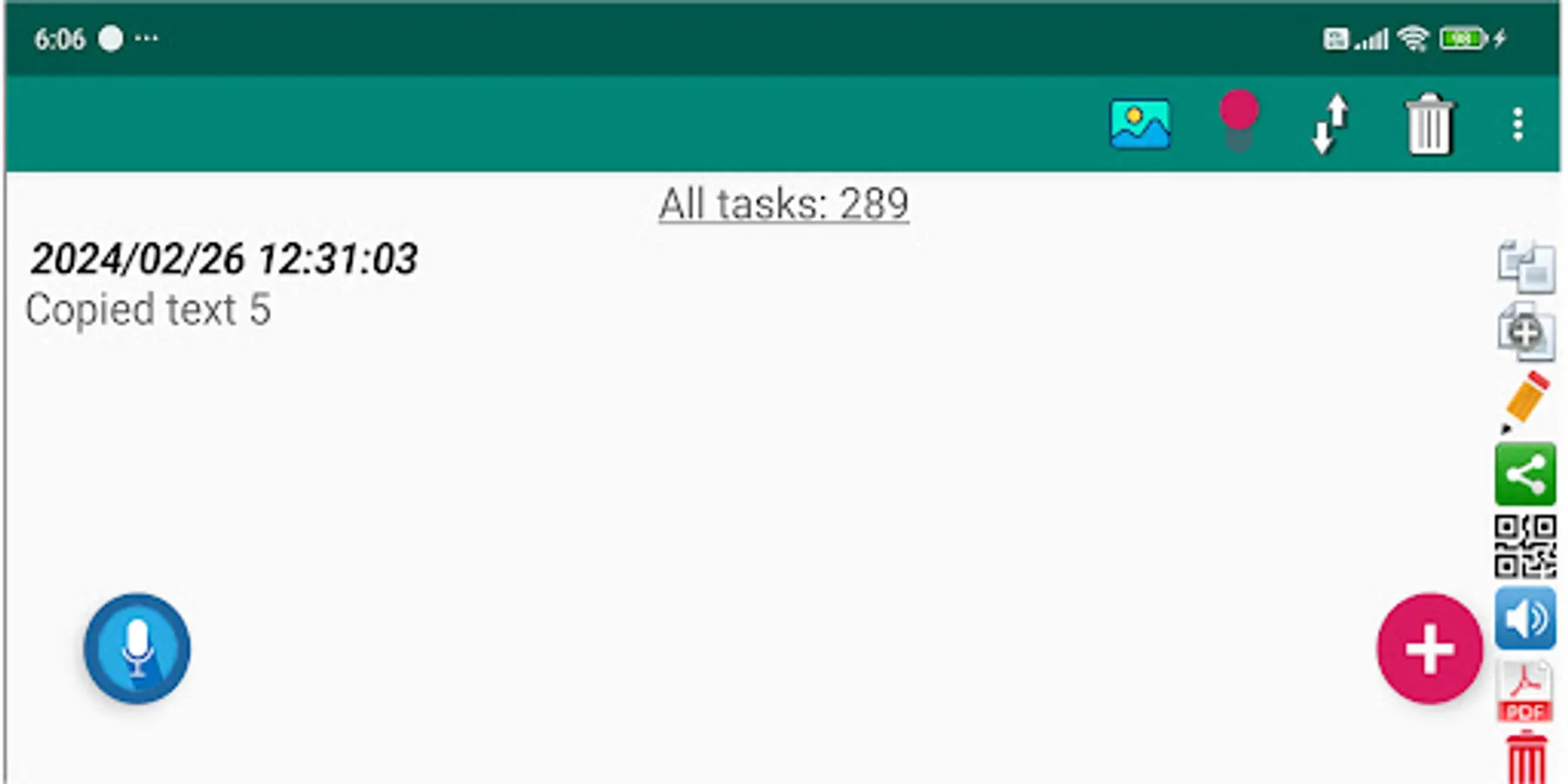
✔ The ability to select the position of icons.
✔ Selecting the font size of the text.
✔ Instantly clearing the contents of the clipboard.
✔ For security, set a password to log in to the application.
✔ The ability to use biometrics when logging in to the application with a password.
✔ Export / import data as a backup copy and the ability to transfer them between devices with the Clipboard CopyPaster application
✔ Voice listening to the text of saved notes.
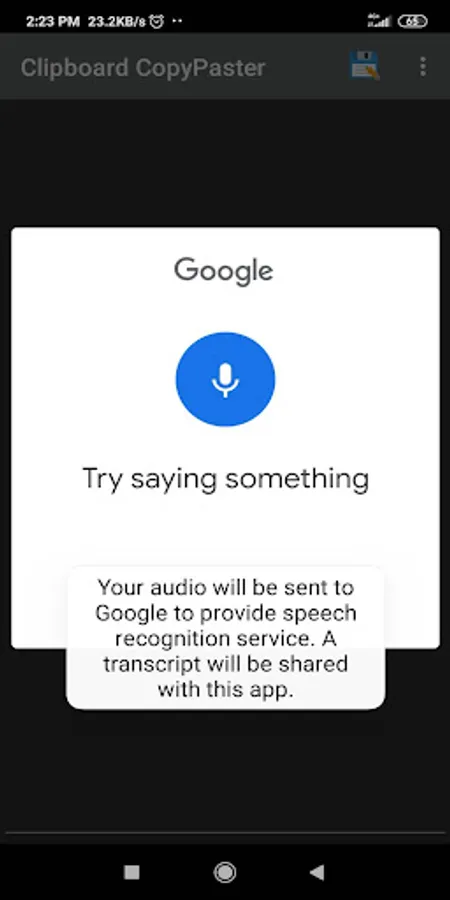
✔ Creating notes using voice.
✔ The ability to edit notes by voice.
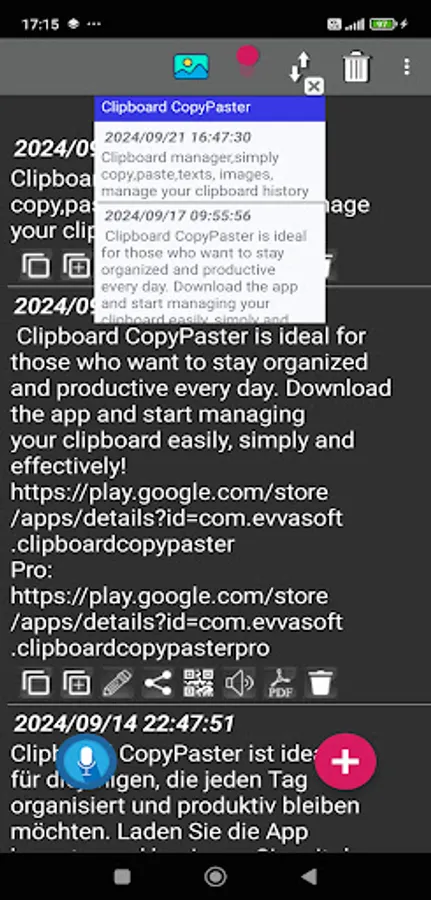
✔ Floating window (on top of all windows and applications for instant copying of saved Clipboard CopyPaster content to the clipboard)
✔ Easily convert data (text or image) to a PDF file
✔ It's easy, fast and convenient to translate saved text using Google Translate.
The application has convenient settings and an intuitive interface. Very convenient for working with content and sending information posts to WhatsApp, Facebook, Instagram, X (Twitter), etc. by saving, accessing, editing, organizing copied content. Clipboard CopyPaster is the perfect application for those who want to stay organized and productive every day. Start managing your clipboard easily, simply and effectively with the Clipboard CopyPaster application!
In Android 10 and above:
To save the clipboard content, after copying it, you need to launch or open the Clipboard CopyPaster application from the notification panel and you can see the saved content in the main window.
Try Clipboard CopyPaster and start managing your clipboard effectively today!
Thank you for using the application!
Pro version does not contain ads:
https://play.google.com/store/apps/details?id=com.evvasoft.clipboardcopypasterpro
✔ Save all copied data from the clipboard (texts, links, images, etc.), unlike the standard clipboard, which stores only the last copied item.
✔ Create an unlimited number of tabs.
✔ Copy from the Clipboard CopyPaster application saved data to the clipboard and then paste it to the desired location in just a few taps.
✔ Convenient content editing.
✔ Add notes to favorites for quick access.
✔ Duplicate Check (select in menu)
✔ Share saved data via instant messengers, social networks, etc.
✔ Easily manage the clipboard history, which allows you to quickly, conveniently access and reuse previous clipboard contents.
✔ Sorting of contents.
✔ Easy creation of notes.
✔ Convenient editing of notes.
✔ Merging of notes.
✔ Search for quickly finding specific entries in saved data.
✔ Creating (generating) and scanning a QR code for data exchange.
✔ Selecting the theme and icons of the application design for individualization.
✔ The ability to select the position of icons.
✔ Selecting the font size of the text.
✔ Instantly clearing the contents of the clipboard.
✔ For security, set a password to log in to the application.
✔ The ability to use biometrics when logging in to the application with a password.
✔ Export / import data as a backup copy and the ability to transfer them between devices with the Clipboard CopyPaster application
✔ Voice listening to the text of saved notes.
✔ Creating notes using voice.
✔ The ability to edit notes by voice.
✔ Floating window (on top of all windows and applications for instant copying of saved Clipboard CopyPaster content to the clipboard)
✔ Easily convert data (text or image) to a PDF file
✔ It's easy, fast and convenient to translate saved text using Google Translate.
The application has convenient settings and an intuitive interface. Very convenient for working with content and sending information posts to WhatsApp, Facebook, Instagram, X (Twitter), etc. by saving, accessing, editing, organizing copied content. Clipboard CopyPaster is the perfect application for those who want to stay organized and productive every day. Start managing your clipboard easily, simply and effectively with the Clipboard CopyPaster application!
In Android 10 and above:
To save the clipboard content, after copying it, you need to launch or open the Clipboard CopyPaster application from the notification panel and you can see the saved content in the main window.
Try Clipboard CopyPaster and start managing your clipboard effectively today!
Thank you for using the application!
Pro version does not contain ads:
https://play.google.com/store/apps/details?id=com.evvasoft.clipboardcopypasterpro
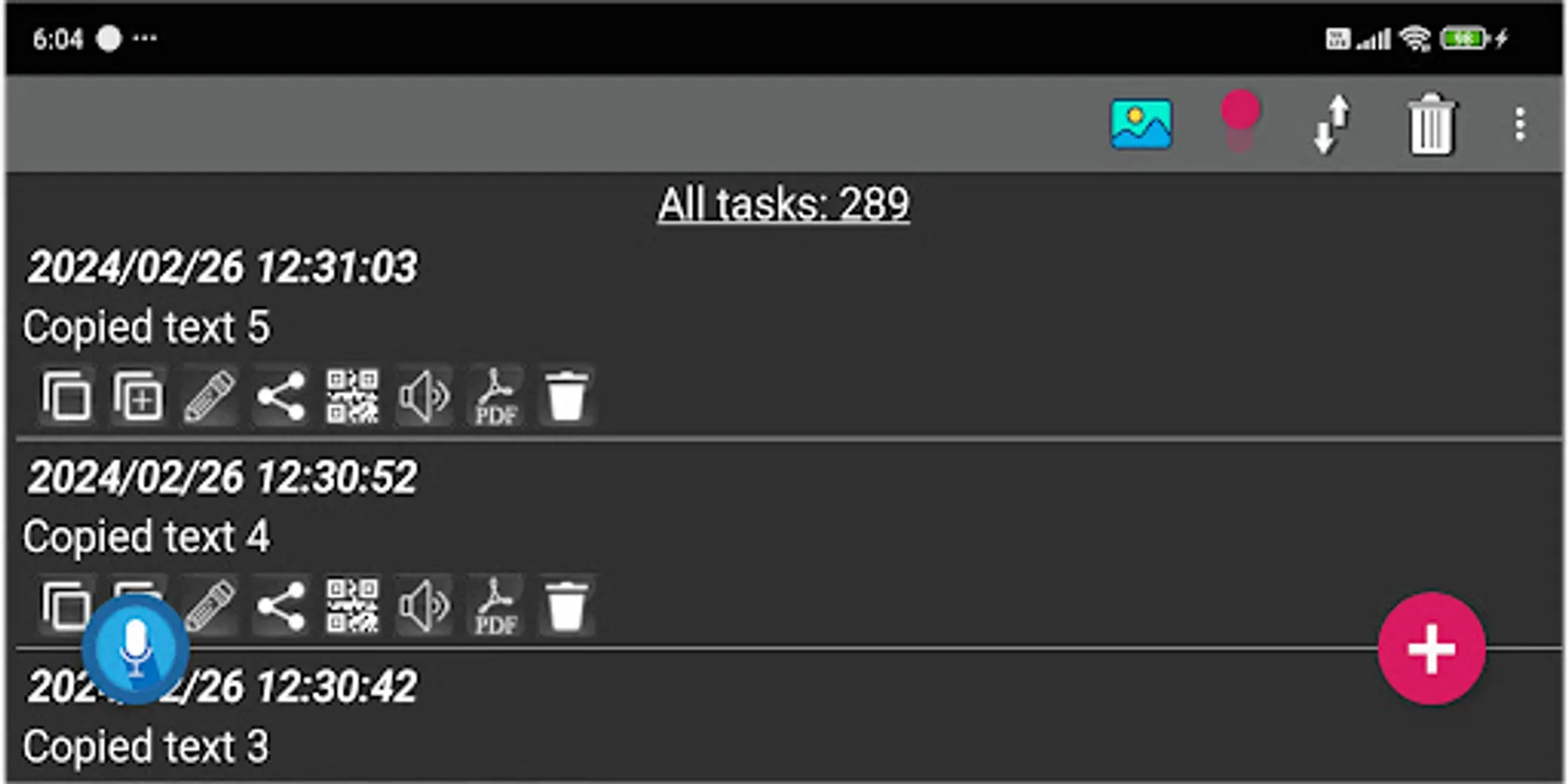
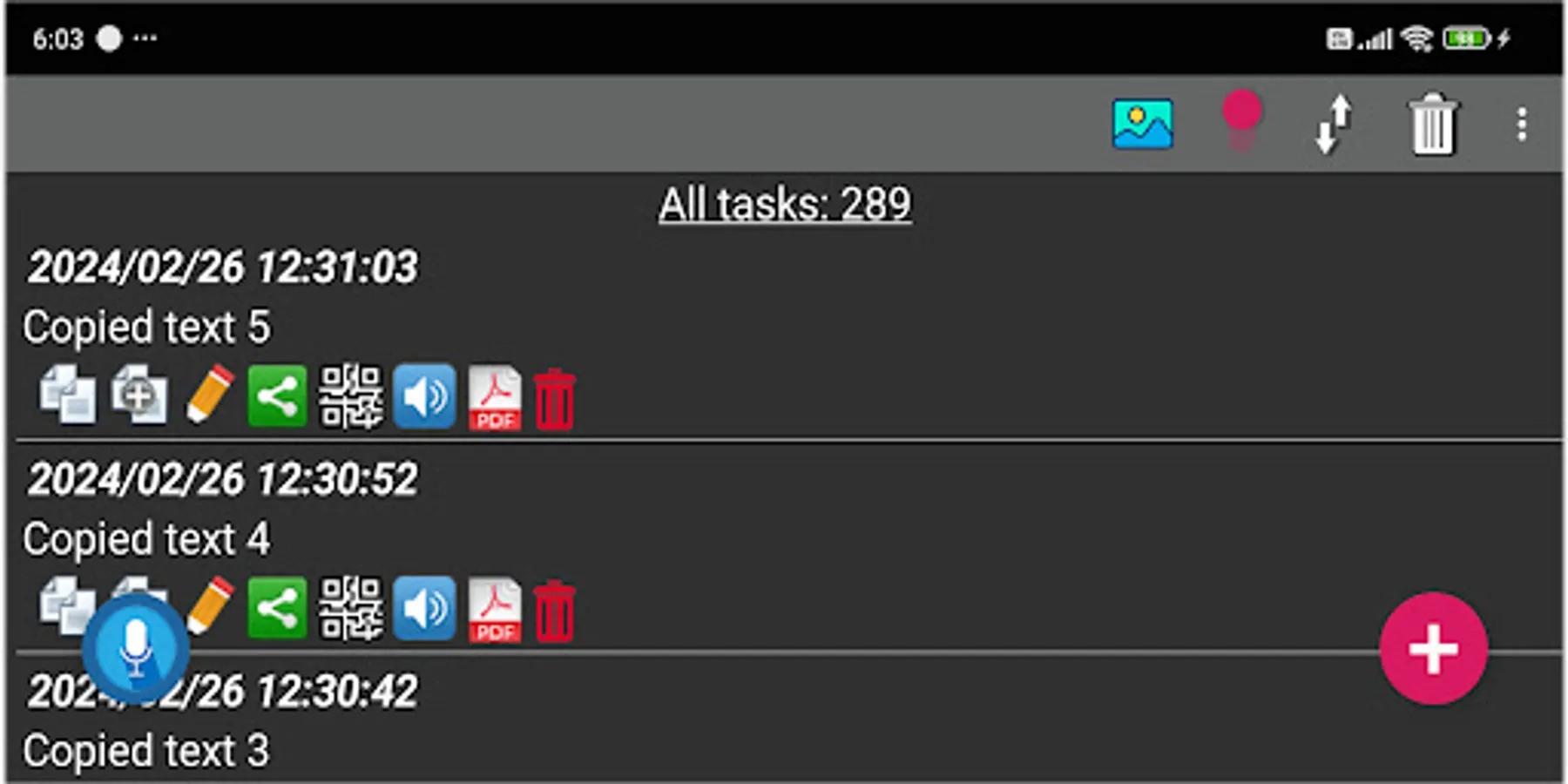
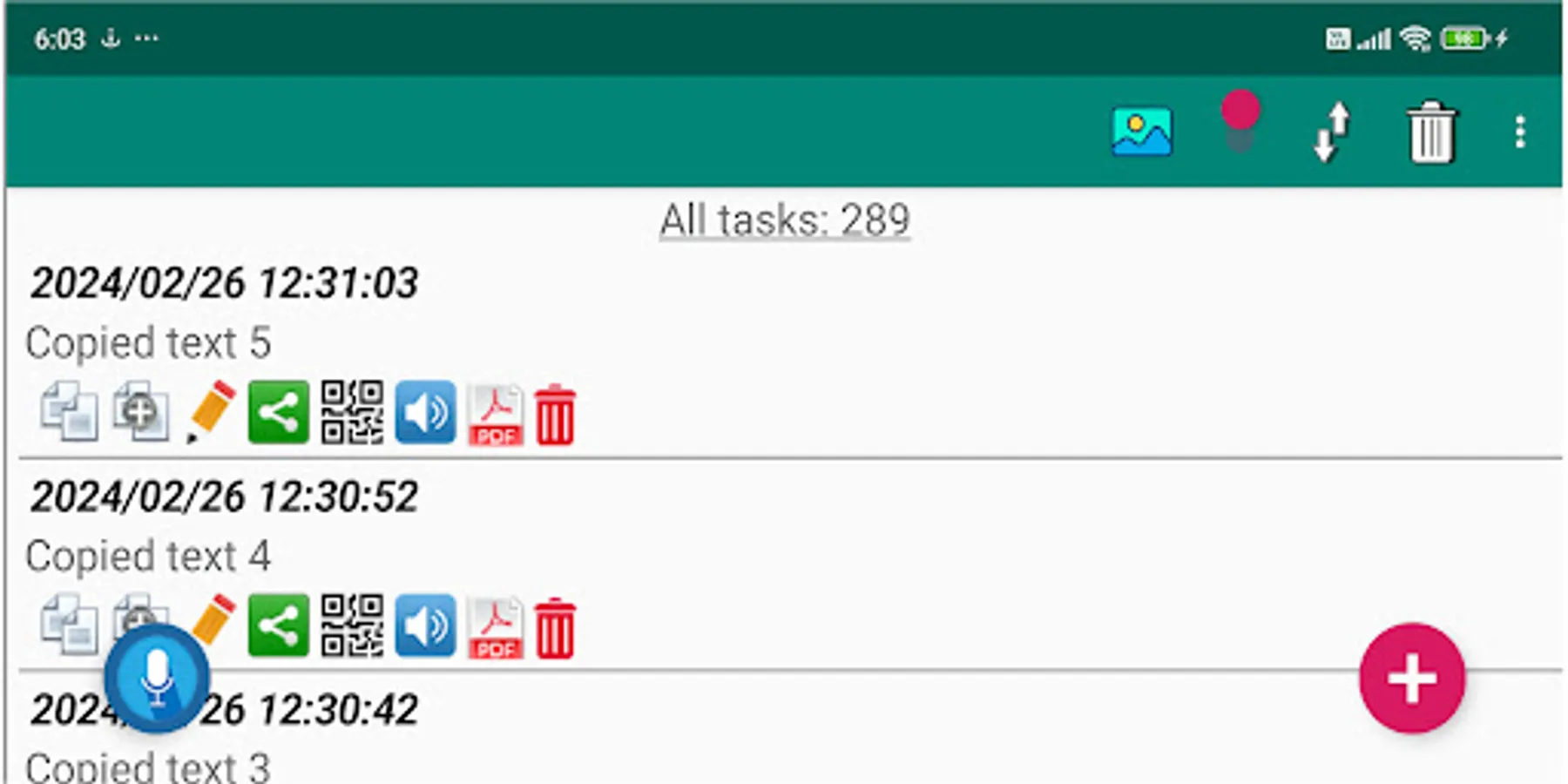
Clipboard CopyPaster Screenshots
Tap to Rate:
Reviews for Clipboard CopyPaster
Matthew Weatherman
6/11/2025
seems to be a great deal if the ads were gone.
sarjan singh
4/3/2025
बहुत ही अच्छा लग रहा है जी