
With this note-taking app, you can create, edit, and organize plain-text or rich-text notes with Markdown or HTML support. Includes import and export options, auto-save drafts, and a dual-pane view for tablets.
AppRecs review analysis
AppRecs rating 4.1. Trustworthiness 84 out of 100. Review manipulation risk 24 out of 100. Based on a review sample analyzed.
★★★★☆
4.1
AppRecs Rating
Ratings breakdown
5 star
66%
4 star
9%
3 star
5%
2 star
7%
1 star
13%
What to know
✓
Low review manipulation risk
24% review manipulation risk
✓
Credible reviews
84% trustworthiness score from analyzed reviews
✓
High user satisfaction
75% of sampled ratings are 4+ stars (4.1★ average)
About Notepad
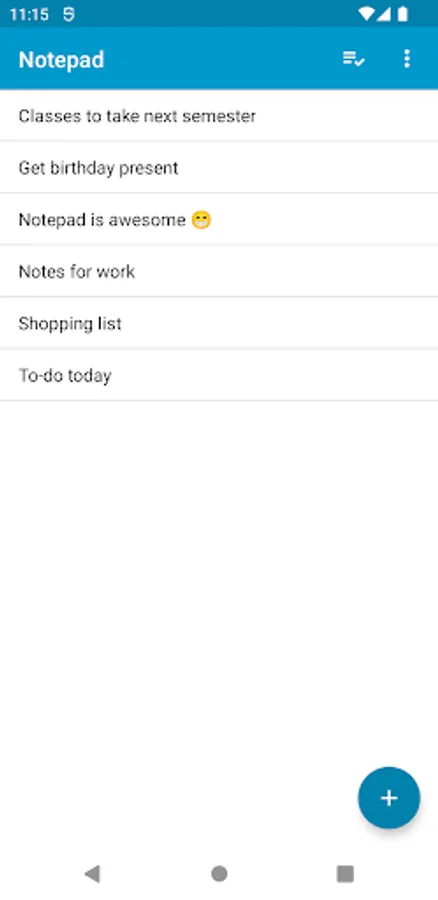
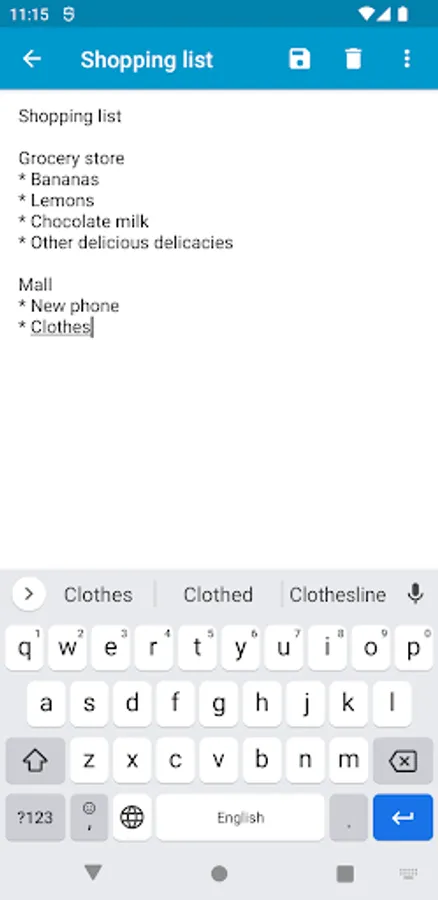
• Quickly create and save plain-text notes
• Optionally create rich-text notes using Markdown or HTML
• Beautiful, easy-to-use UI with Material Design elements
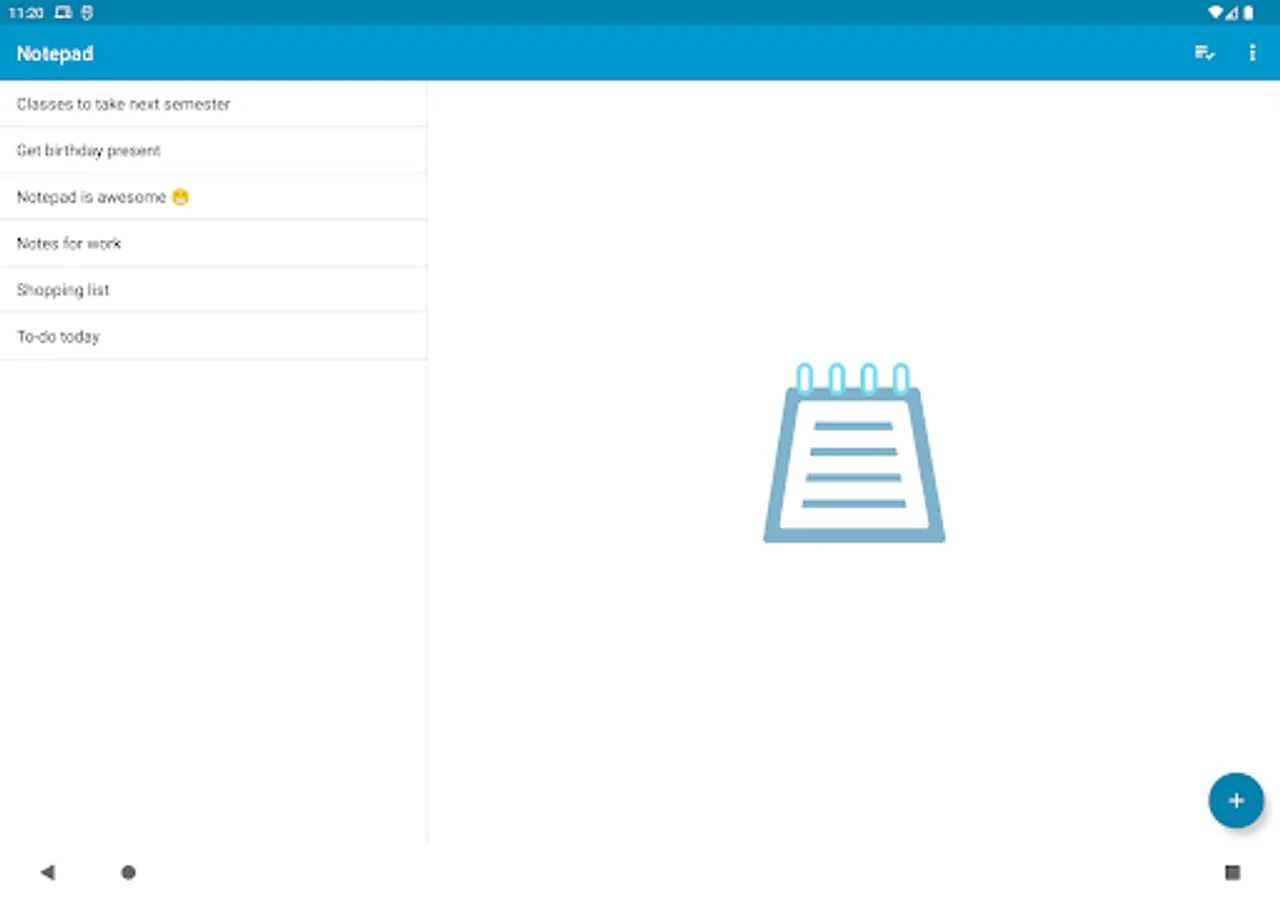
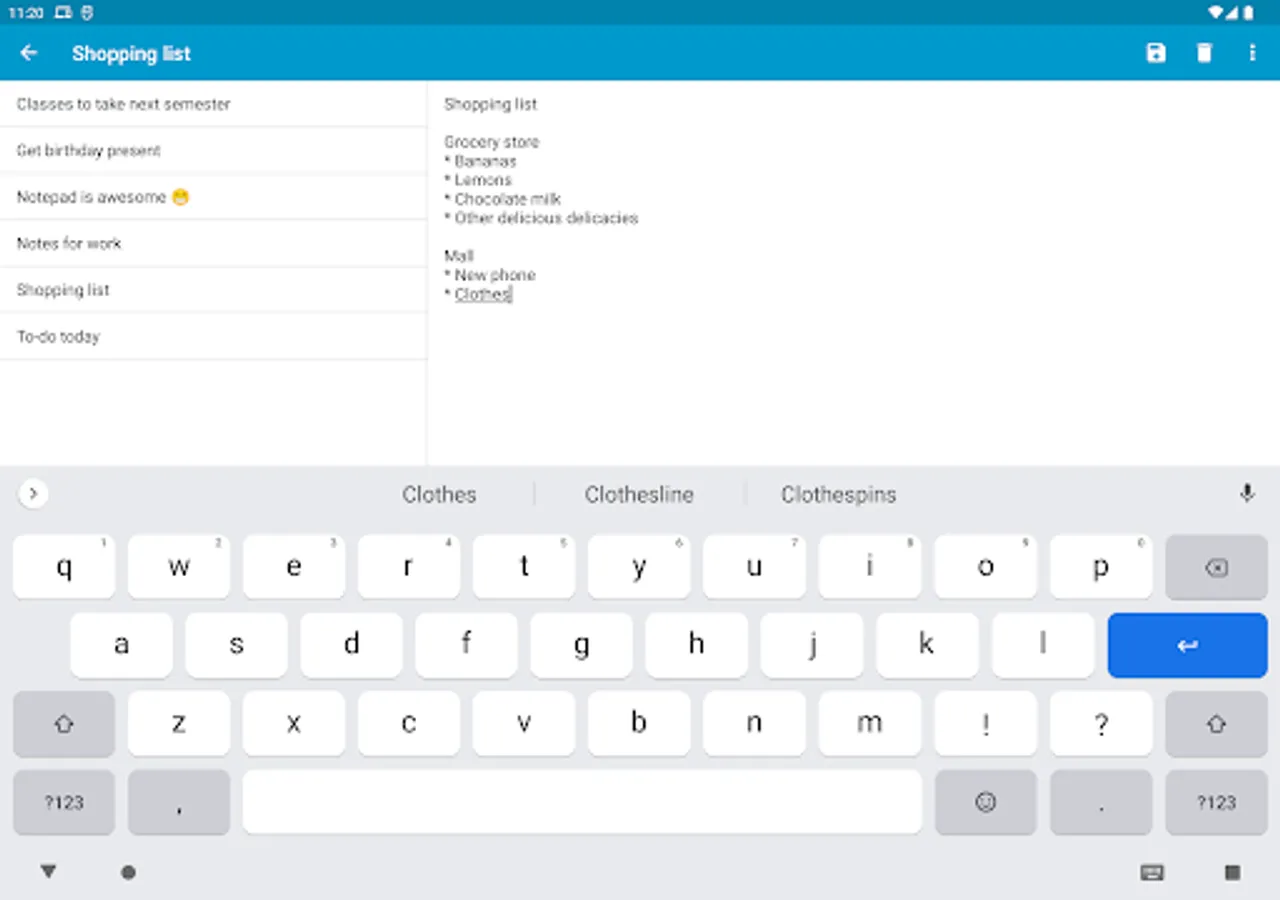
• Dual-pane view for tablets
• Share notes to and receive text from other apps
• Auto-saves drafts
• View Mode for notes with clickable links
• Sort notes by date or by name
• Keyboard shortcuts for common actions (see below)
• Import and export notes to external storage
• Zero permissions and absolutely zero ads
• Open-source
Keyboard shortcuts
Search+M: launch Notepad from any application
Ctrl+N: New Note
Ctrl+E: Edit Note
Ctrl+S: Save
Ctrl+D: Delete
Ctrl+H: Share
Notepad Screenshots
Tap to Rate:
Reviews for Notepad
Tony Tele
12/28/2025
why can't I transfer my notes to another new phone
Jaerri Autumn-Amethyst McKinnon
12/28/2025
** Adding another EDIT to emphasize, Please let us mass export files as basic text. I use this app alot to hit or speak random thoughts. **Edit: Please add the ability to export all files to text*** End edit. I love this app. It's as simplistic as the original notepad program in Windows. The only thing that would make it even better would be the ability to mass export all or some of the notes as TXT files into a zip file and be able to save it locally and in a preferred online backup.