Remote Control for TV - AC
Smarty App Solutions
4.2 ★
394 ratings
100,000+
downloads
Free
+ in-app
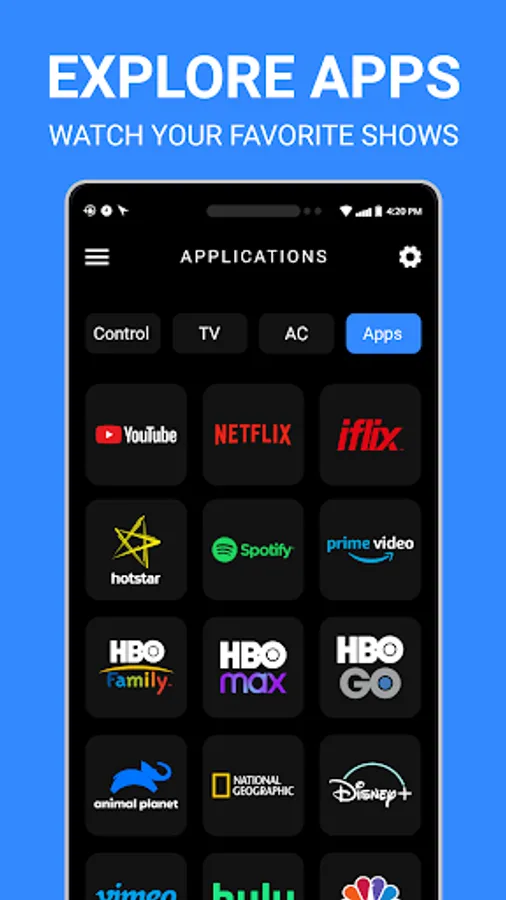
In this app, you can control your Android TV via Bluetooth and manage your air conditioning settings through IR remote functions. Includes Bluetooth pairing guides, temperature adjustment, and mode switching features.
AppRecs review analysis
AppRecs rating 4.3. Trustworthiness 76 out of 100. Review manipulation risk 24 out of 100. Based on a review sample analyzed.
★★★★☆
4.3
AppRecs Rating
Ratings breakdown
5 star
67%
4 star
17%
3 star
0%
2 star
0%
1 star
17%
What to know
✓
Low review manipulation risk
24% review manipulation risk
✓
Credible reviews
76% trustworthiness score from analyzed reviews
✓
High user satisfaction
83% of sampled ratings are 4+ stars (4.2★ average)
About Remote Control for TV - AC
Single app for Android TV Remote and AC Remote, Download “Remote Control for TV - AC!”
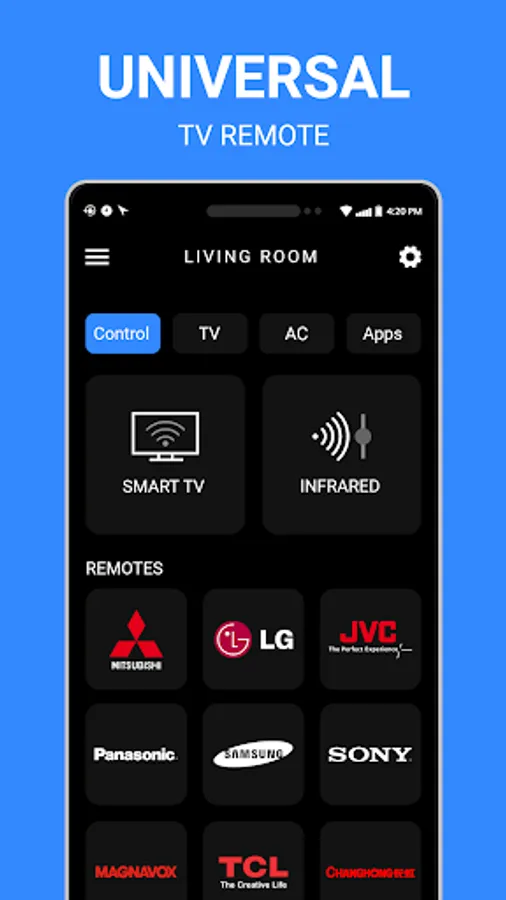
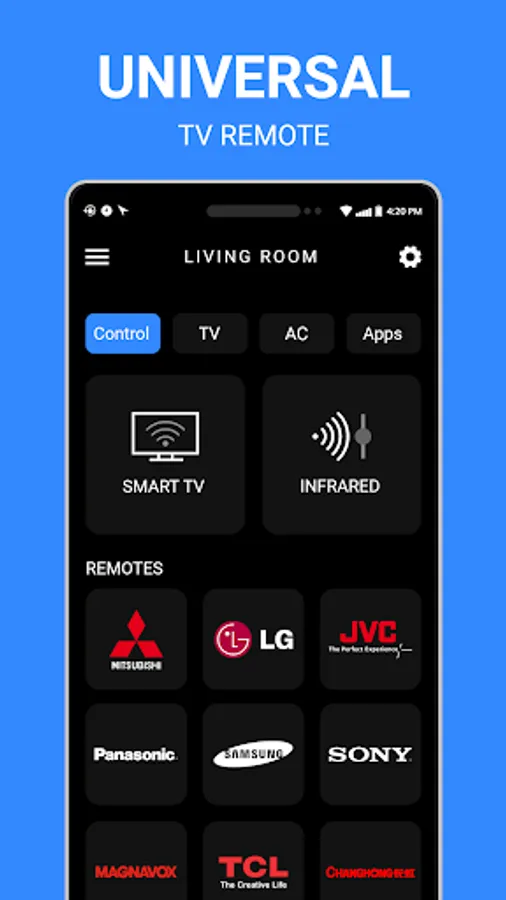
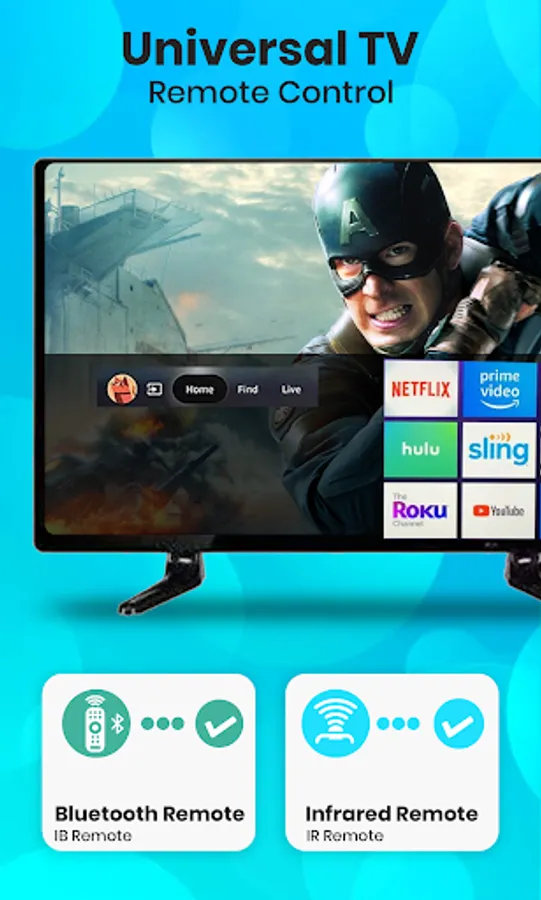
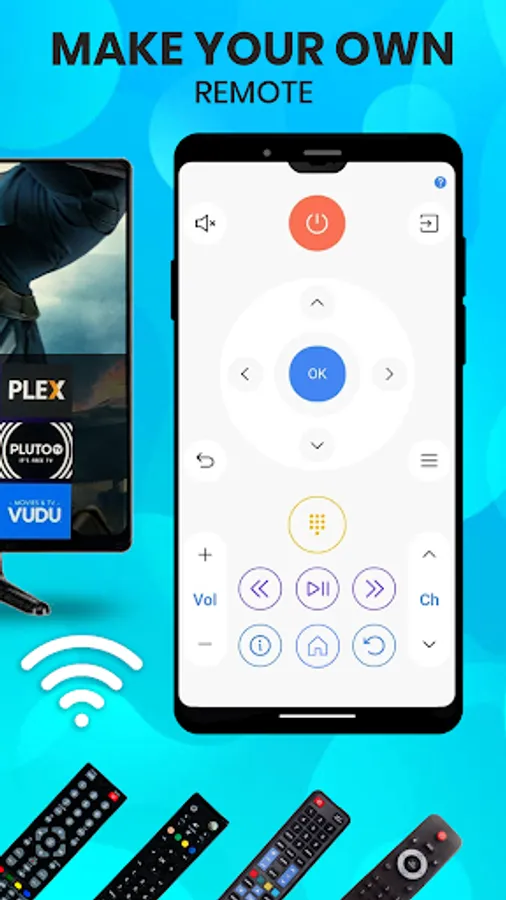
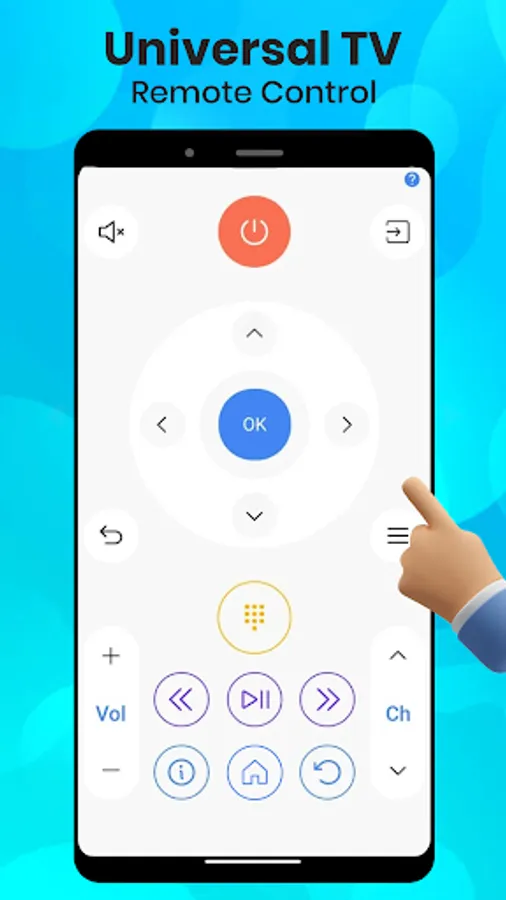
Whether you are looking for a Smart TV Remote, IR Remote or AC Remote. Remote Control for TV – AC is a complete solution. It is an excellent app with a simple interface and Bluetooth connectivity for your Smart TV and IR Remote for AC. It is a single app with a Universal TV Remote for IR and Android TV with a huge range of AC Remotes. Our TV Remote app converts your smartphone into Android TV Remote with a seamless and convenient experience. With advanced Bluetooth connectivity, intuitive design, and security features, our Universal TV Remote Control for TV and AC is your go-to app for simplifying your life.
Key Features:
1. Smart TV Control via Bluetooth:
o Easily connect your smartphone to your Android TV using Bluetooth. This converts your phone into Android TV Remote and let you control your Smart TV. Establish a Bluetooth connection between your phone and Android TV for faster response times and a wireless experience. This feature makes your phone an Smart TV remote and allows you to connect without relying on IR signals, or WIFI providing greater flexibility and convenience.
2. Bluetooth Connectivity Process:
o Connecting your smartphone to your Smart TV via Bluetooth is quick and straightforward:
1. Ensure your TV has Bluetooth enabled.
2. Open the Remote Control for TV - AC app and click the Smart TV option.
3. Follow the on-screen instructions to enable Bluetooth (if not already enabled).
4. Select TV from the list appearing on the mobile screen.
5. Pairing code appear on TV and Mobile.
6. Click Pair on mobile and also select Pair option with remote on TV.
7. Once connected, Remote automatically opens and you can control your Android TV.
3. Comprehensive AC Control:
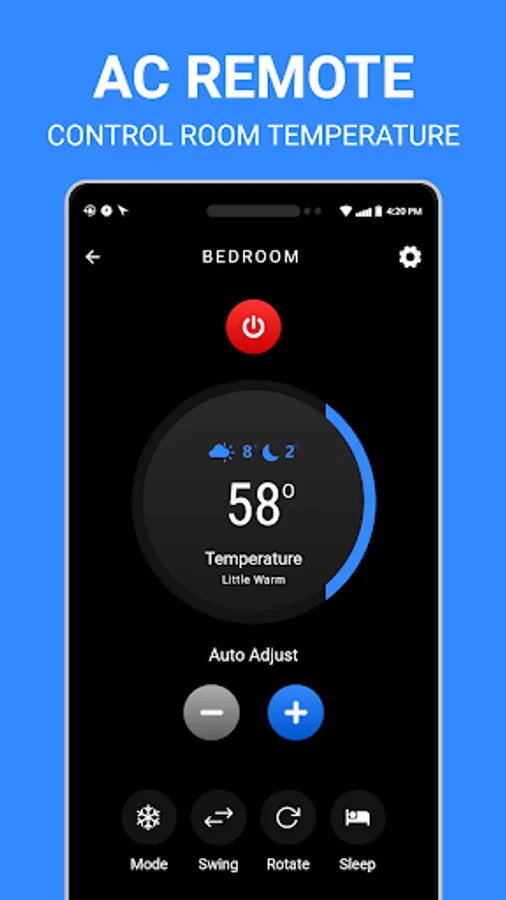
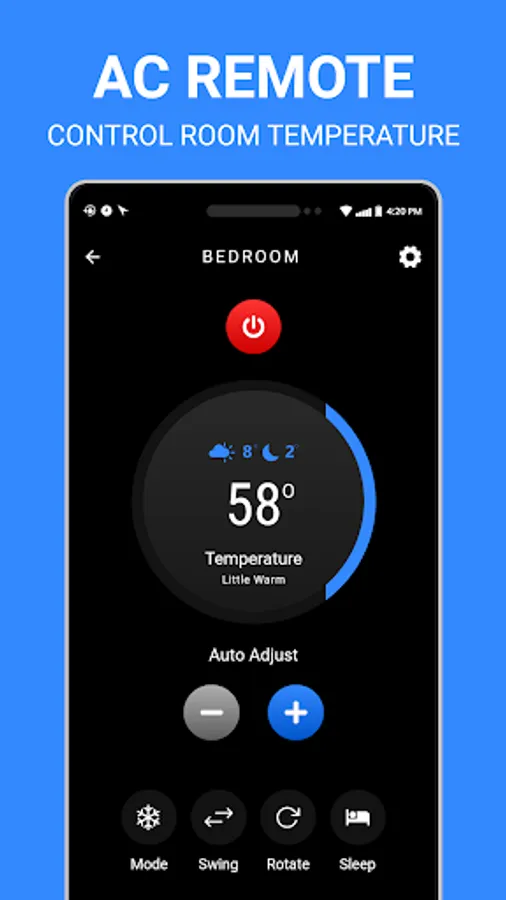
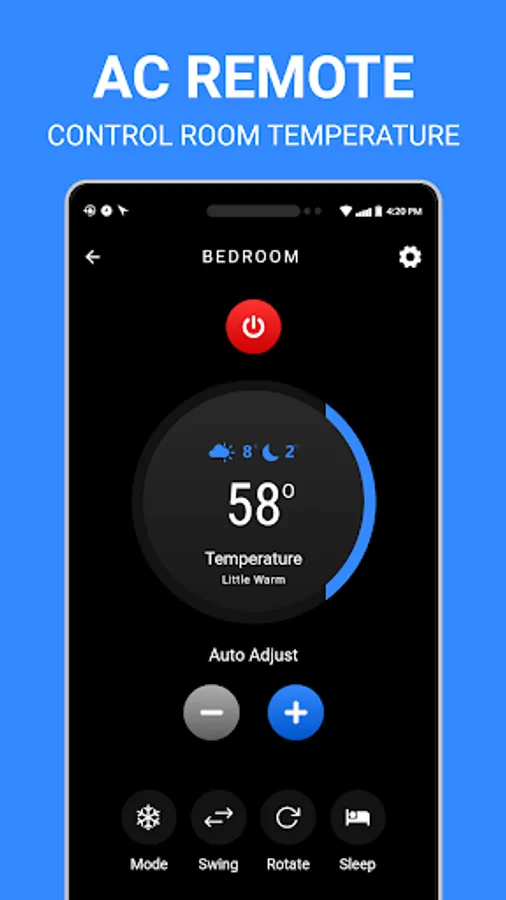
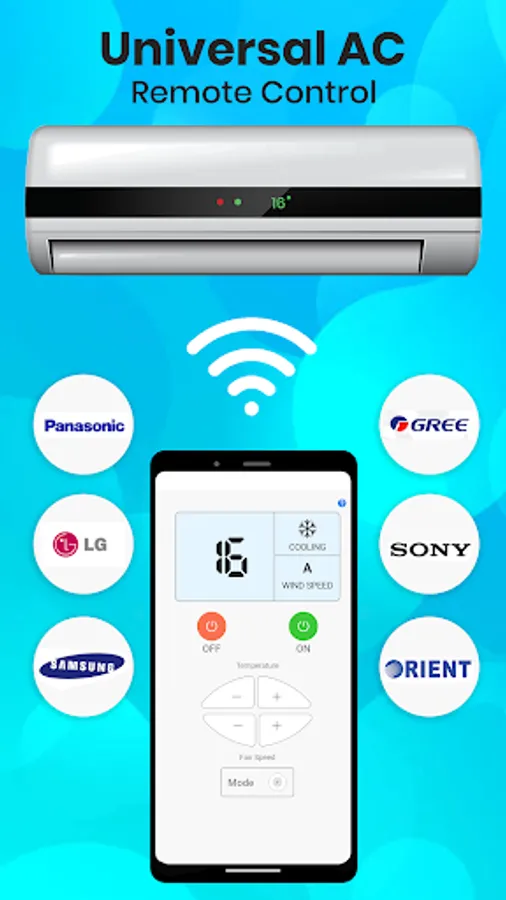
o Manage your air condition with ease through IR remote of our AC Remote Control. Adjust temperature settings, switch modes, and set timers to create the perfect indoor environment. This AC remote app supports a wide range of AC brands.
o AC Brand Compatibility: (Samsung AC Remote Control, LG AC Remote, Daikin AC Remote Control, Haier AC Remote, Carrier AC Remote Control, Hitachi AC Remote Control, Panasonic AC Remote Control, Voltas AC Remote Control, Siemens Remote AC, etc)
4. Universal IR Remote Control:
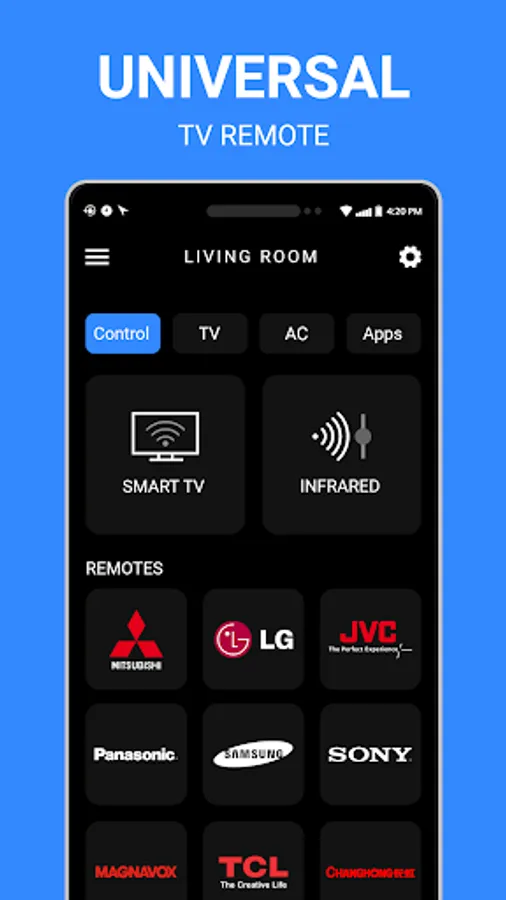
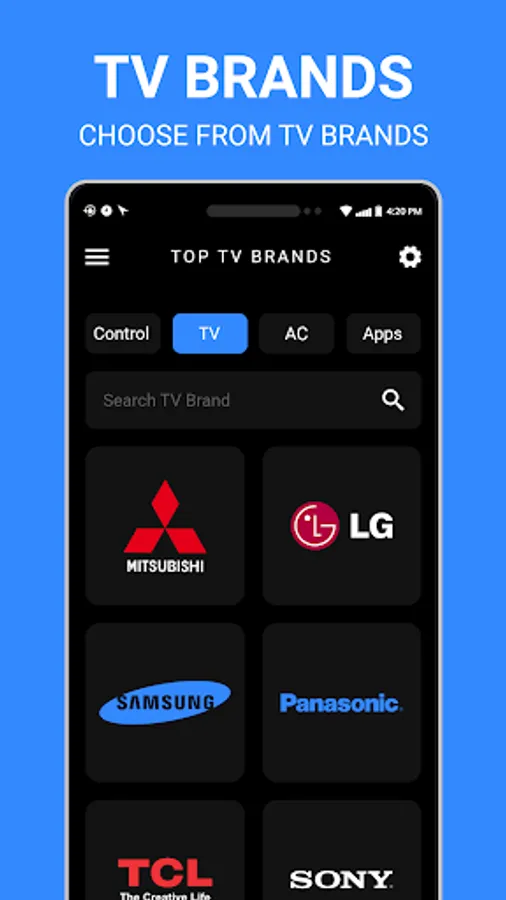
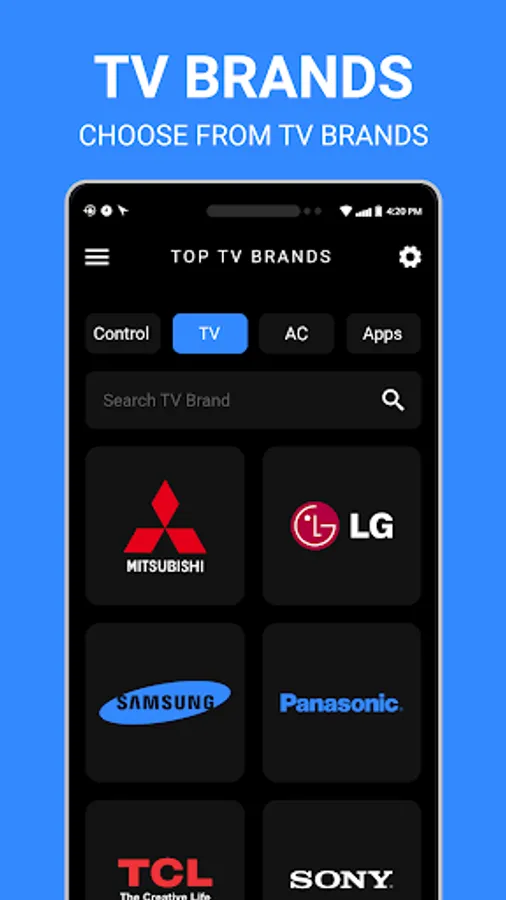
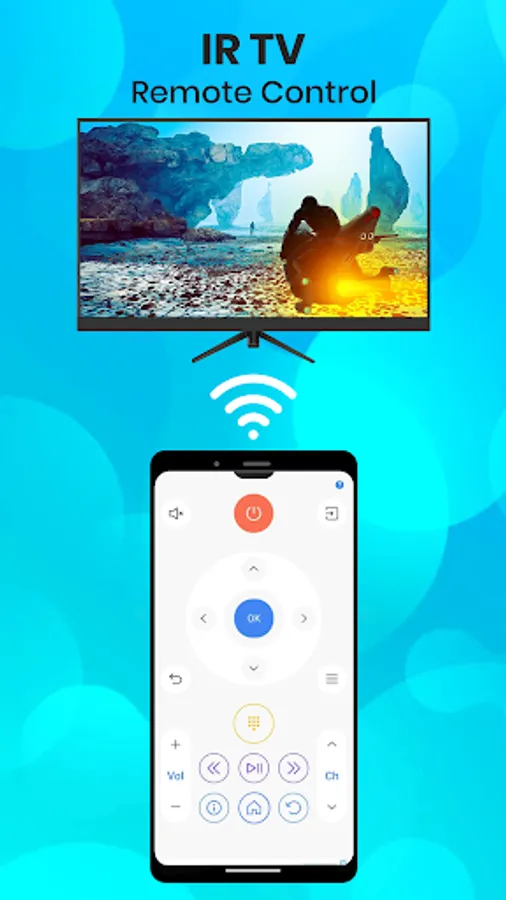
o Control all your famous TVs like Samsung, Sony etc. with IR remotes for TV. This remote control app is very convenient and easy to use. You have multiple IR TV remote for a single brand so you can test which remote connects with your TV.
Note: Your phone must have built-in IR (Infra Red) option for IR Remote feature to work as a remote control. It send signals to TV and work like a TV remote.
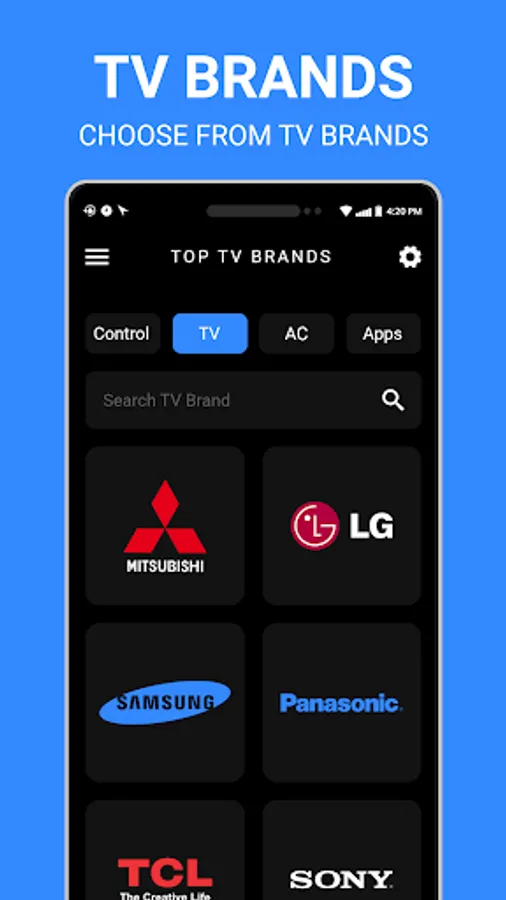
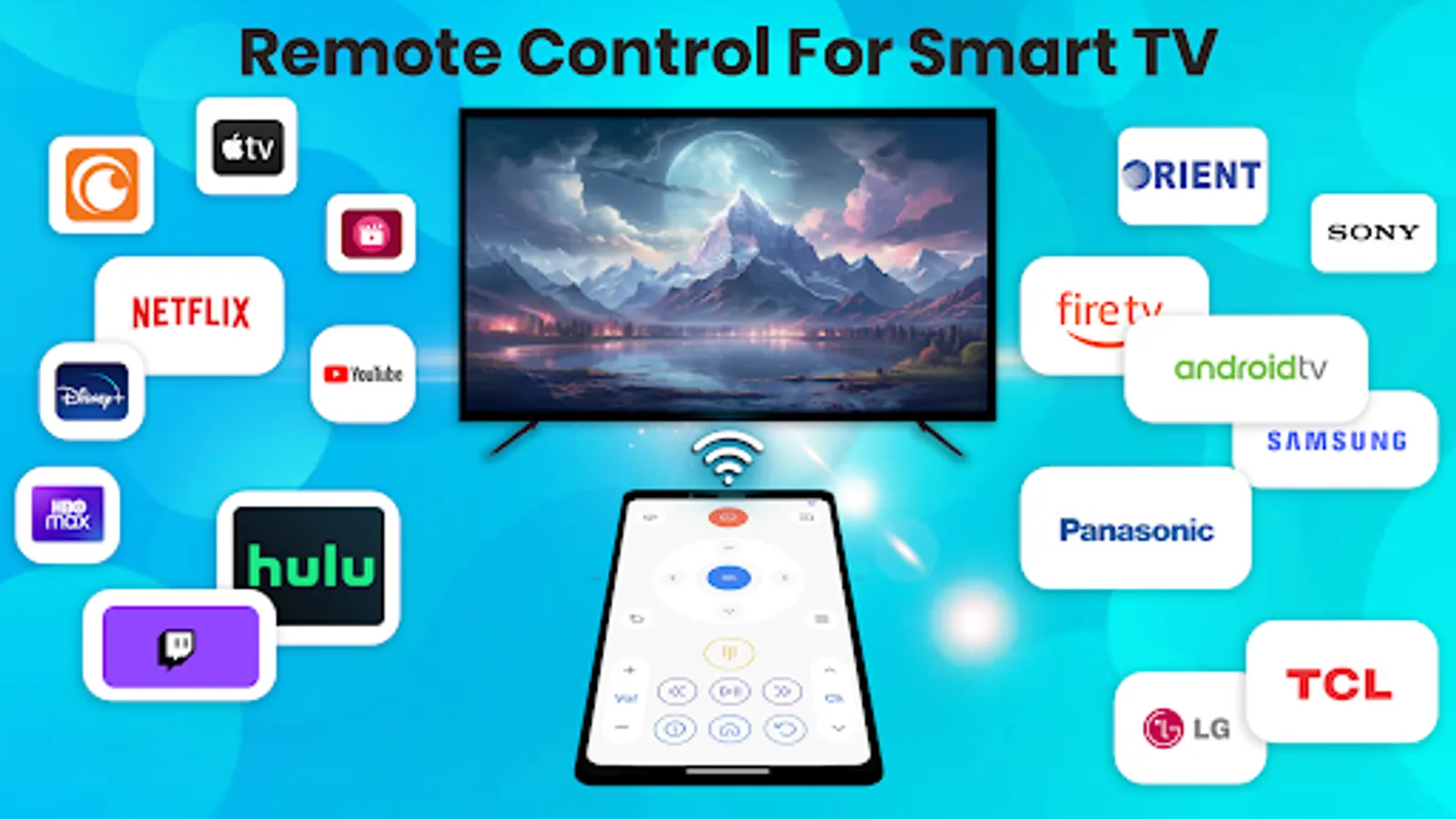
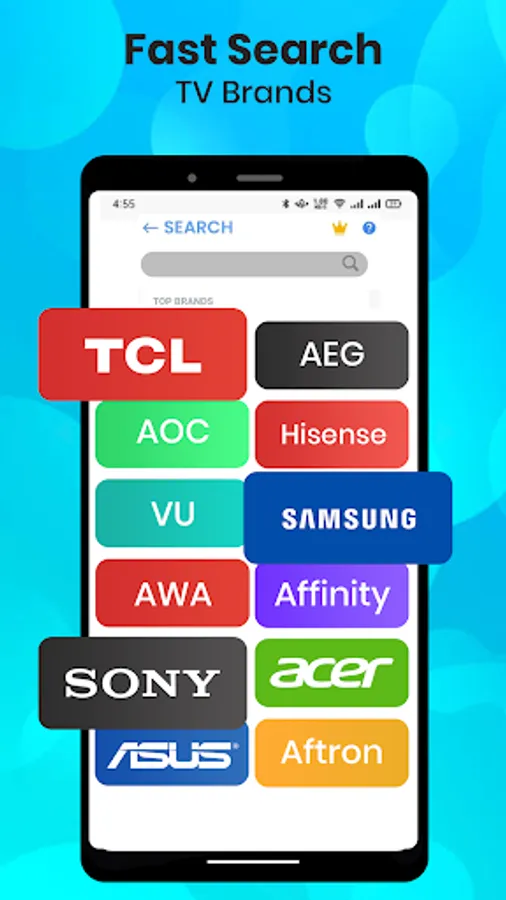
o TV brands support: (Samsung TV Remote Control, LG TV Remote Control, Sony TV Remote Control, Haier TV Remote Control, Vizio TV Remote Control, Hitachi TV Remote Control, Panasonic TV Remote Control, HIsense TV Remote Control, Toshiba TV Remote Control, Philips Remote TV, Sanyo TV Remote Control, TCL TV Remote, Universal TV Remote Sharp, etc.)
5. Assign Room to Remote:
o Assign your TV remote and AC remote a dedicated room for quick access to the assigned TV remote control. Simply select the desired room to view the corresponding Universal IR TV remote, Android TV remote control or AC remote.
Key benefits of the TV remote control app includes:
• Automatically detect all Android TVs with Bluetooth.
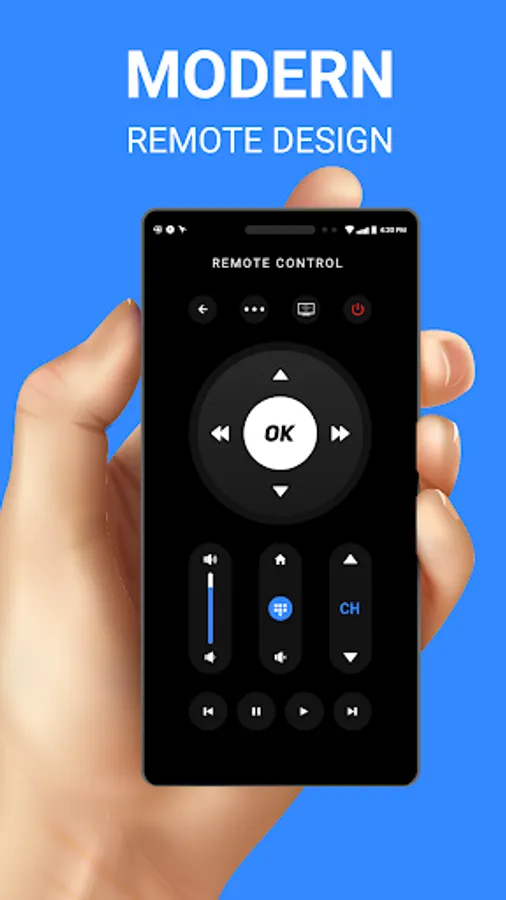
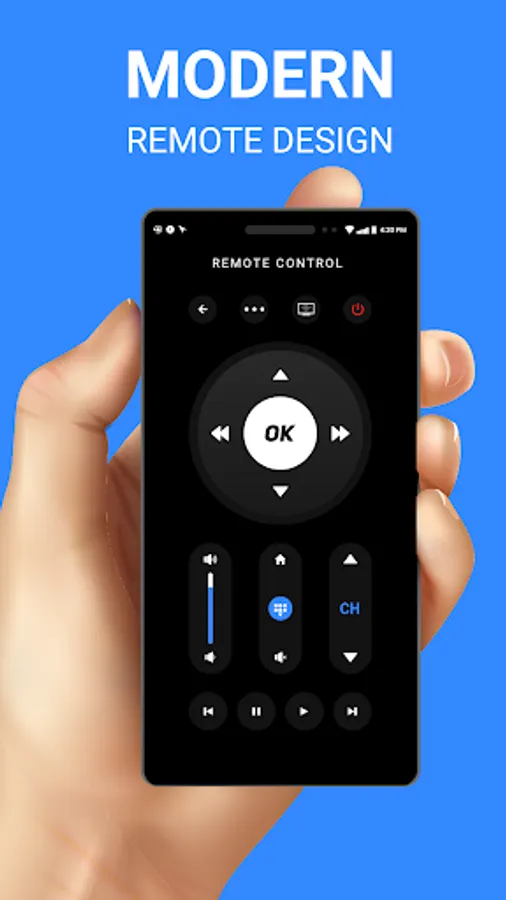
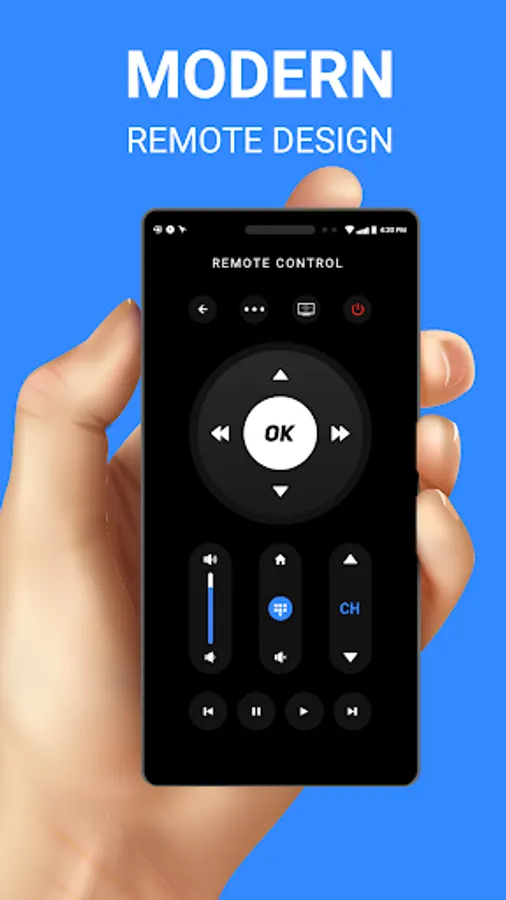
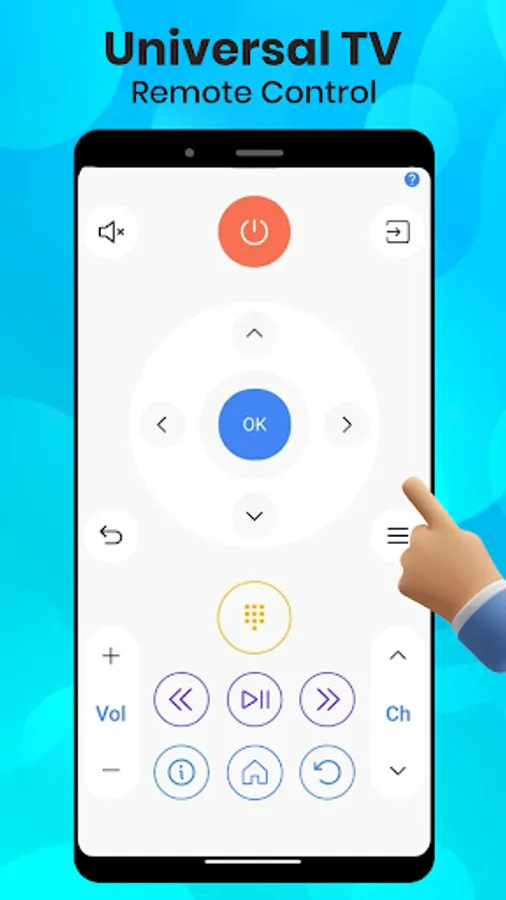
• Easily control TV volume, channel, and reverse & forward.
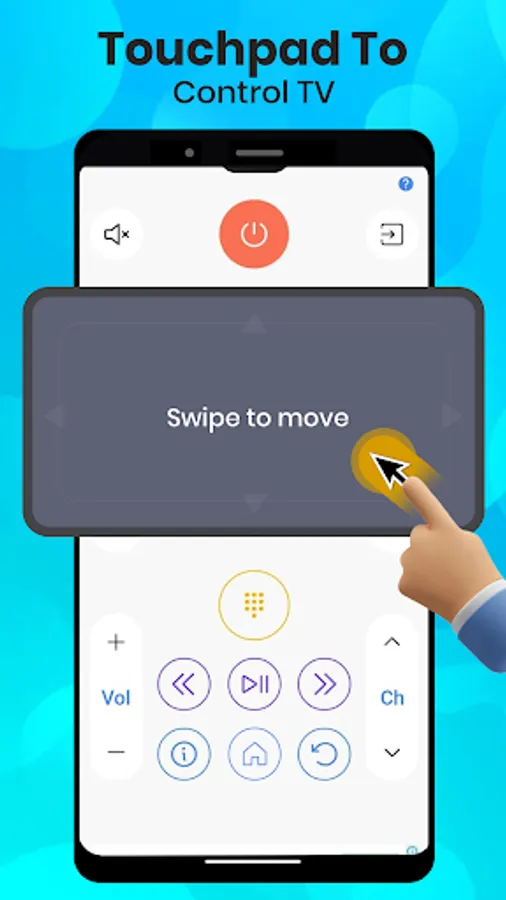
• Efficiently navigate on your Smart TV with a responsive touchpad.
Download Remote Control for TV - AC today and manage your TV and AC! Experience the convenience of a single remote app that offers unparalleled control, security, and ease of use. Simplify your life with Remote Control for TV - AC – your all-in-one solution for effortless device management
Whether you are looking for a Smart TV Remote, IR Remote or AC Remote. Remote Control for TV – AC is a complete solution. It is an excellent app with a simple interface and Bluetooth connectivity for your Smart TV and IR Remote for AC. It is a single app with a Universal TV Remote for IR and Android TV with a huge range of AC Remotes. Our TV Remote app converts your smartphone into Android TV Remote with a seamless and convenient experience. With advanced Bluetooth connectivity, intuitive design, and security features, our Universal TV Remote Control for TV and AC is your go-to app for simplifying your life.
Key Features:
1. Smart TV Control via Bluetooth:
o Easily connect your smartphone to your Android TV using Bluetooth. This converts your phone into Android TV Remote and let you control your Smart TV. Establish a Bluetooth connection between your phone and Android TV for faster response times and a wireless experience. This feature makes your phone an Smart TV remote and allows you to connect without relying on IR signals, or WIFI providing greater flexibility and convenience.
2. Bluetooth Connectivity Process:
o Connecting your smartphone to your Smart TV via Bluetooth is quick and straightforward:
1. Ensure your TV has Bluetooth enabled.
2. Open the Remote Control for TV - AC app and click the Smart TV option.
3. Follow the on-screen instructions to enable Bluetooth (if not already enabled).
4. Select TV from the list appearing on the mobile screen.
5. Pairing code appear on TV and Mobile.
6. Click Pair on mobile and also select Pair option with remote on TV.
7. Once connected, Remote automatically opens and you can control your Android TV.
3. Comprehensive AC Control:
o Manage your air condition with ease through IR remote of our AC Remote Control. Adjust temperature settings, switch modes, and set timers to create the perfect indoor environment. This AC remote app supports a wide range of AC brands.
o AC Brand Compatibility: (Samsung AC Remote Control, LG AC Remote, Daikin AC Remote Control, Haier AC Remote, Carrier AC Remote Control, Hitachi AC Remote Control, Panasonic AC Remote Control, Voltas AC Remote Control, Siemens Remote AC, etc)
4. Universal IR Remote Control:
o Control all your famous TVs like Samsung, Sony etc. with IR remotes for TV. This remote control app is very convenient and easy to use. You have multiple IR TV remote for a single brand so you can test which remote connects with your TV.
Note: Your phone must have built-in IR (Infra Red) option for IR Remote feature to work as a remote control. It send signals to TV and work like a TV remote.
o TV brands support: (Samsung TV Remote Control, LG TV Remote Control, Sony TV Remote Control, Haier TV Remote Control, Vizio TV Remote Control, Hitachi TV Remote Control, Panasonic TV Remote Control, HIsense TV Remote Control, Toshiba TV Remote Control, Philips Remote TV, Sanyo TV Remote Control, TCL TV Remote, Universal TV Remote Sharp, etc.)
5. Assign Room to Remote:
o Assign your TV remote and AC remote a dedicated room for quick access to the assigned TV remote control. Simply select the desired room to view the corresponding Universal IR TV remote, Android TV remote control or AC remote.
Key benefits of the TV remote control app includes:
• Automatically detect all Android TVs with Bluetooth.
• Easily control TV volume, channel, and reverse & forward.
• Efficiently navigate on your Smart TV with a responsive touchpad.
Download Remote Control for TV - AC today and manage your TV and AC! Experience the convenience of a single remote app that offers unparalleled control, security, and ease of use. Simplify your life with Remote Control for TV - AC – your all-in-one solution for effortless device management
Remote Control for TV - AC Screenshots
Tap to Rate:
Reviews for Remote Control for TV - AC
KARTICK GAYEN
10/28/2025
Hitachi AC not working.
Tapori Ustaad
10/20/2025
didn't work