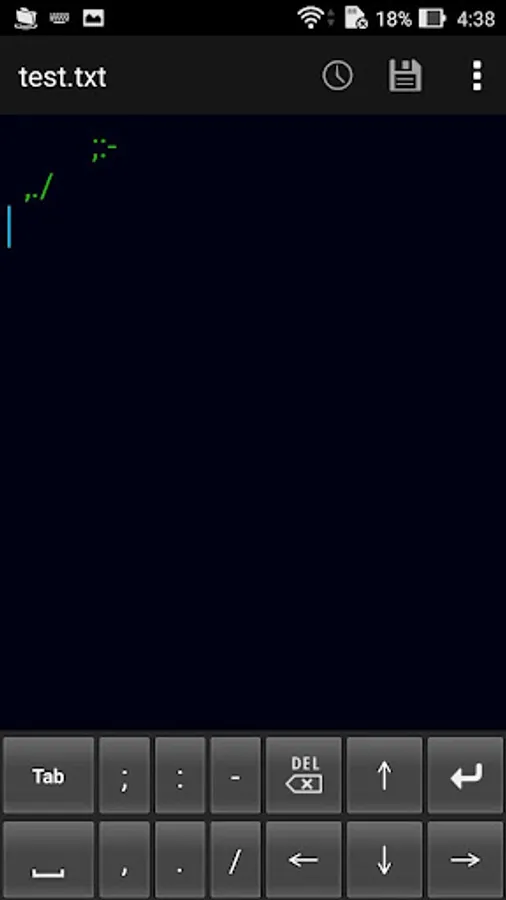
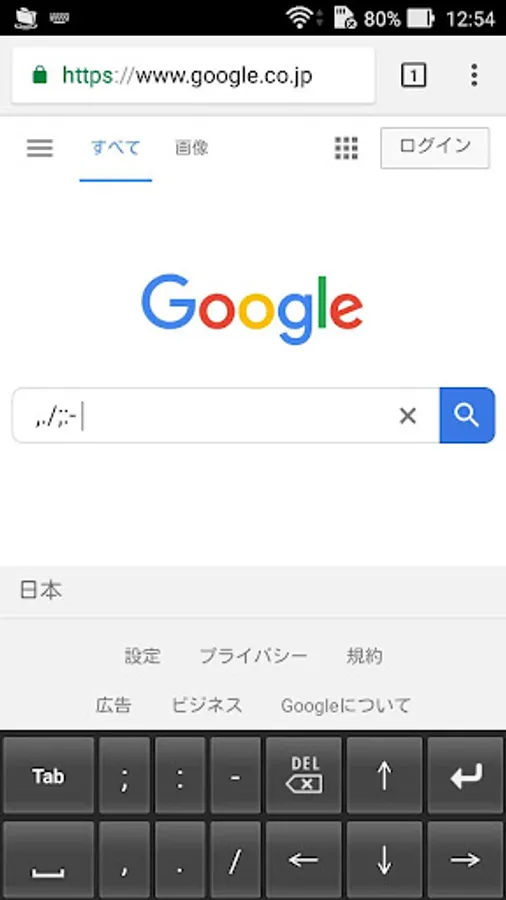
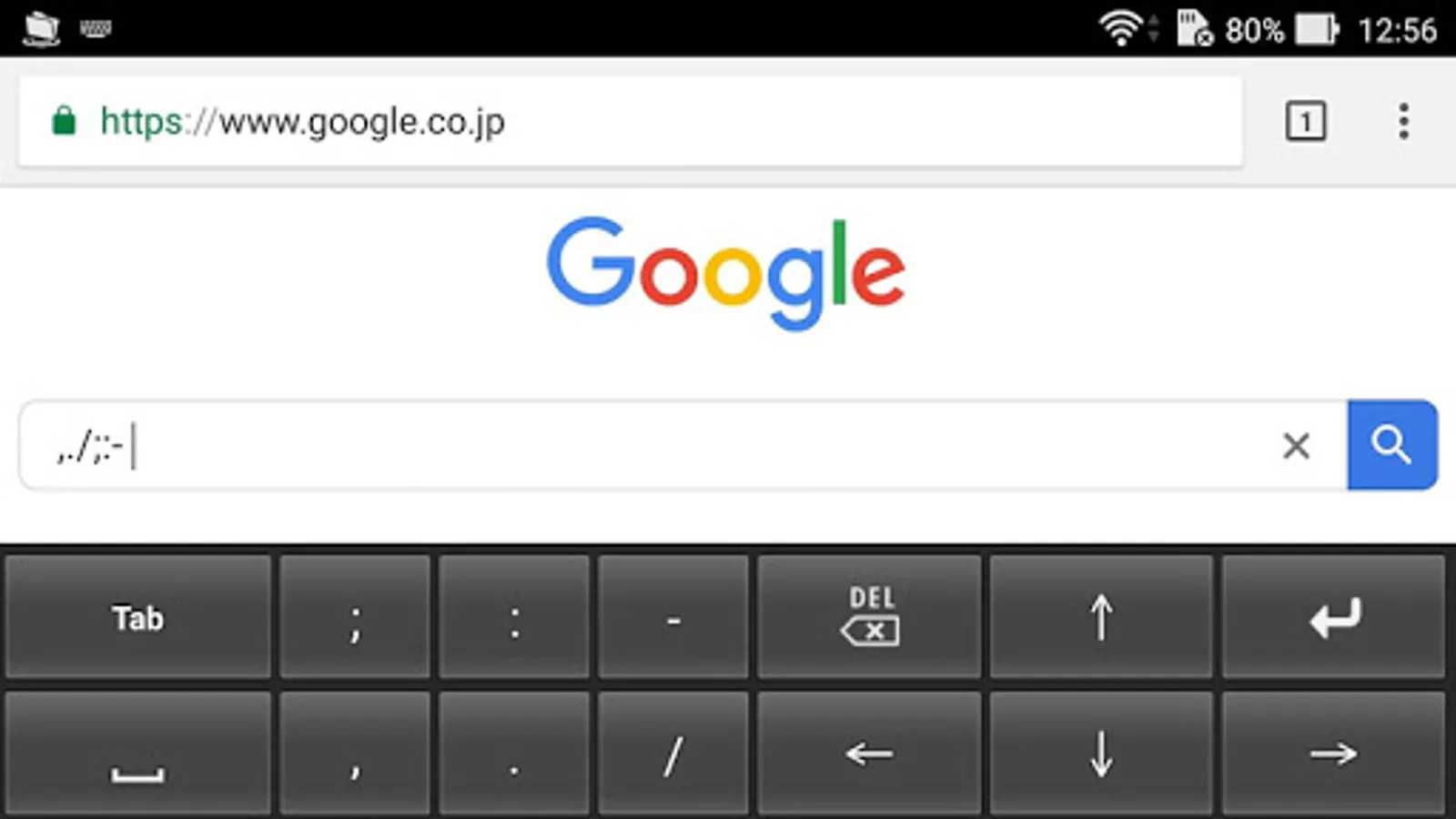
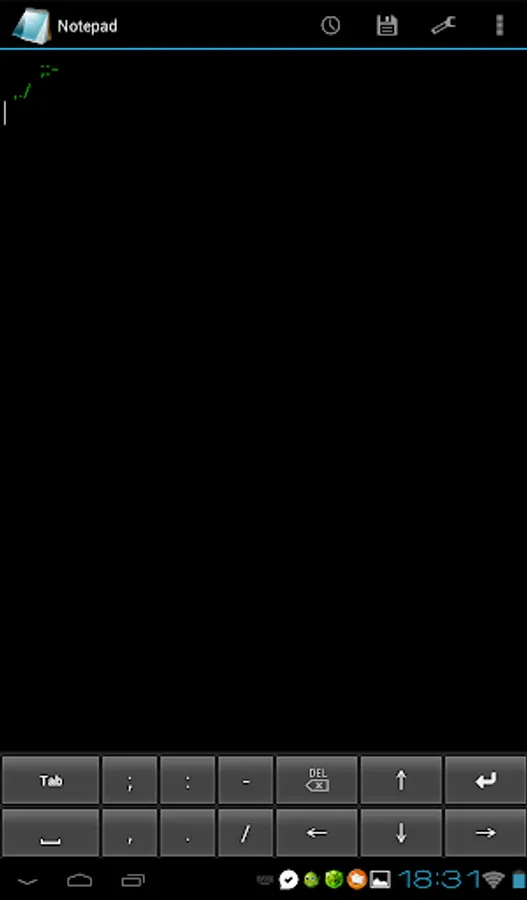
With this soft keyboard, you can efficiently input tabs, spaces, and special characters for text files and spreadsheets. Includes support for entering common punctuation and format-specific characters.
AppRecs review analysis
AppRecs rating 4.2. Trustworthiness 77 out of 100. Review manipulation risk 34 out of 100. Based on a review sample analyzed.
★★★★☆
4.2
AppRecs Rating
Ratings breakdown
5 star
80%
4 star
0%
3 star
0%
2 star
0%
1 star
20%
What to know
✓
Credible reviews
77% trustworthiness score from analyzed reviews
✓
High user satisfaction
80% of sampled ratings are 4+ stars (4.2★ average)
About Tab keyboard
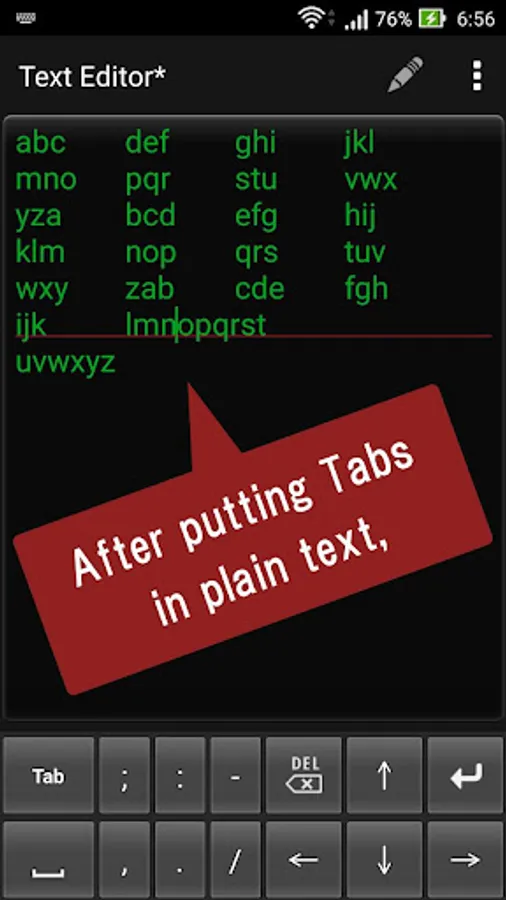
This is a soft keyboard specialized for entering tabs and spaces.
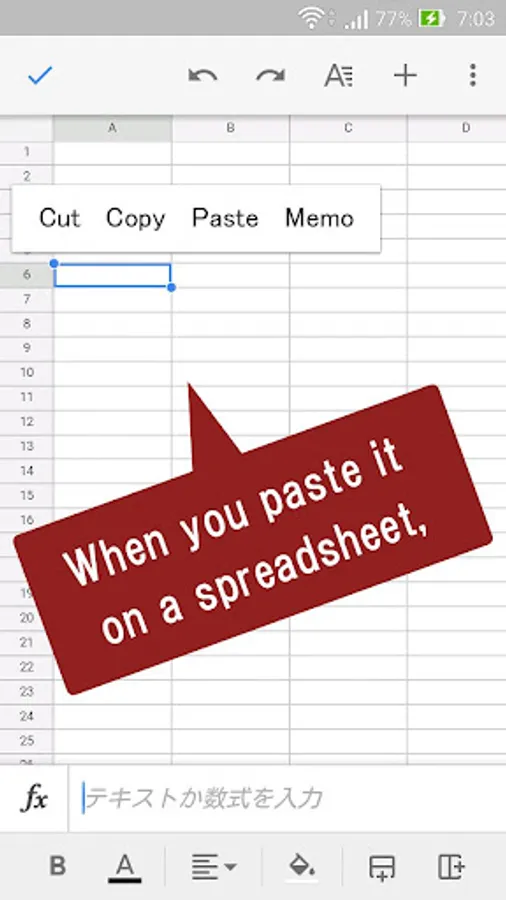
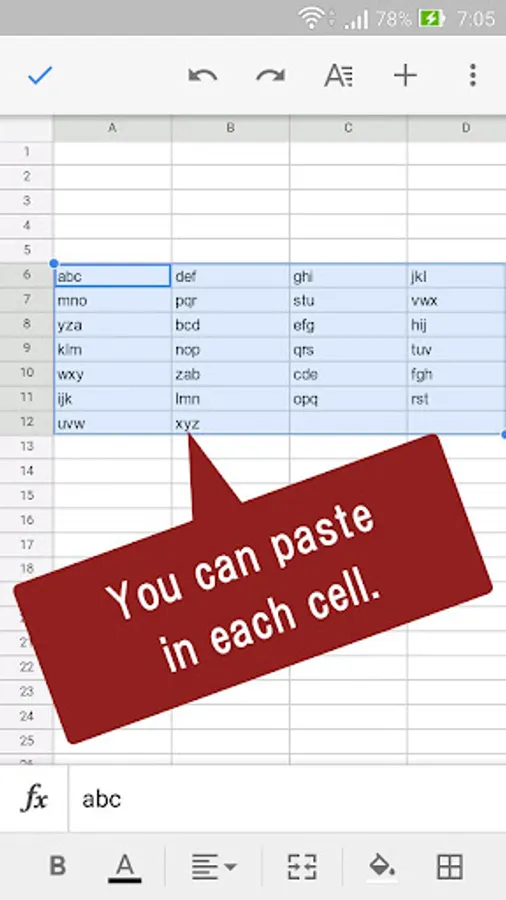
It is useful when making spreadsheet files such as Excel from plain text.
It is also useful for re-entering when newlines disappear due to differences in file format.
";:-,./" can also be entered.
Please note that you can not enter tabs depending on the application you use.
Enabling Keyboards
01
Go to Settings > System > Languages & input > and tap Virtual keyboard in the Keyboard & inputs section.
02
You'll see a list of each keyboard you've installed.
Tap "Manage keyboards".
03
Toggle on the new keyboard.
You might see a warning that this input method may collect the text you type including personal information.
But this app does not collect any input content.
This is not a warning specific to this application, it will always be displayed if you select a character input application other than the keyboard that is standard on the device.
If you're satisfied with the explanation, tap OK.
Note: Instructions will vary depending on your Android OS.
Switching Keyboards
01
Launch the app you want to type in.
02
Tap to bring up the keyboard.
03
Tap the keyboard icon on the bottom right.
(On some devices this icon isn't present, in that case pull down the notification bar when a keyboard is active.)
04
Choose the keyboard from the list that pops up.
It is useful when making spreadsheet files such as Excel from plain text.
It is also useful for re-entering when newlines disappear due to differences in file format.
";:-,./" can also be entered.
Please note that you can not enter tabs depending on the application you use.
Enabling Keyboards
01
Go to Settings > System > Languages & input > and tap Virtual keyboard in the Keyboard & inputs section.
02
You'll see a list of each keyboard you've installed.
Tap "Manage keyboards".
03
Toggle on the new keyboard.
You might see a warning that this input method may collect the text you type including personal information.
But this app does not collect any input content.
This is not a warning specific to this application, it will always be displayed if you select a character input application other than the keyboard that is standard on the device.
If you're satisfied with the explanation, tap OK.
Note: Instructions will vary depending on your Android OS.
Switching Keyboards
01
Launch the app you want to type in.
02
Tap to bring up the keyboard.
03
Tap the keyboard icon on the bottom right.
(On some devices this icon isn't present, in that case pull down the notification bar when a keyboard is active.)
04
Choose the keyboard from the list that pops up.
Tab keyboard Screenshots
Tap to Rate:
Reviews for Tab keyboard
Guruprasad Turlapati
1/6/2026
good
anandhan K
7/31/2024
Ok