With this app, you can manage multiple DOSBox profiles and launch DOS games easily. Includes configuration editing, profile organization, and icon customization features.
AppRecs review analysis
AppRecs rating 3.8. Trustworthiness 0 out of 100. Review manipulation risk 0 out of 100. Based on a review sample analyzed.
★★★☆☆
3.8
AppRecs Rating
Ratings breakdown
5 star
50%
4 star
21%
3 star
4%
2 star
4%
1 star
21%
What to know
✓
Good user ratings
71% positive sampled reviews
✓
Authentic reviews
Natural distribution, no red flags
About DosBox Manager
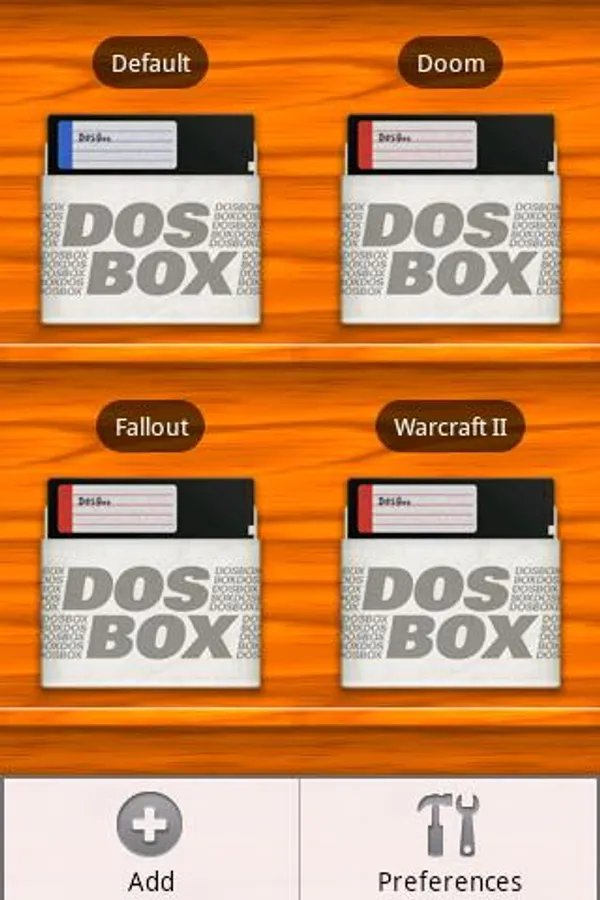
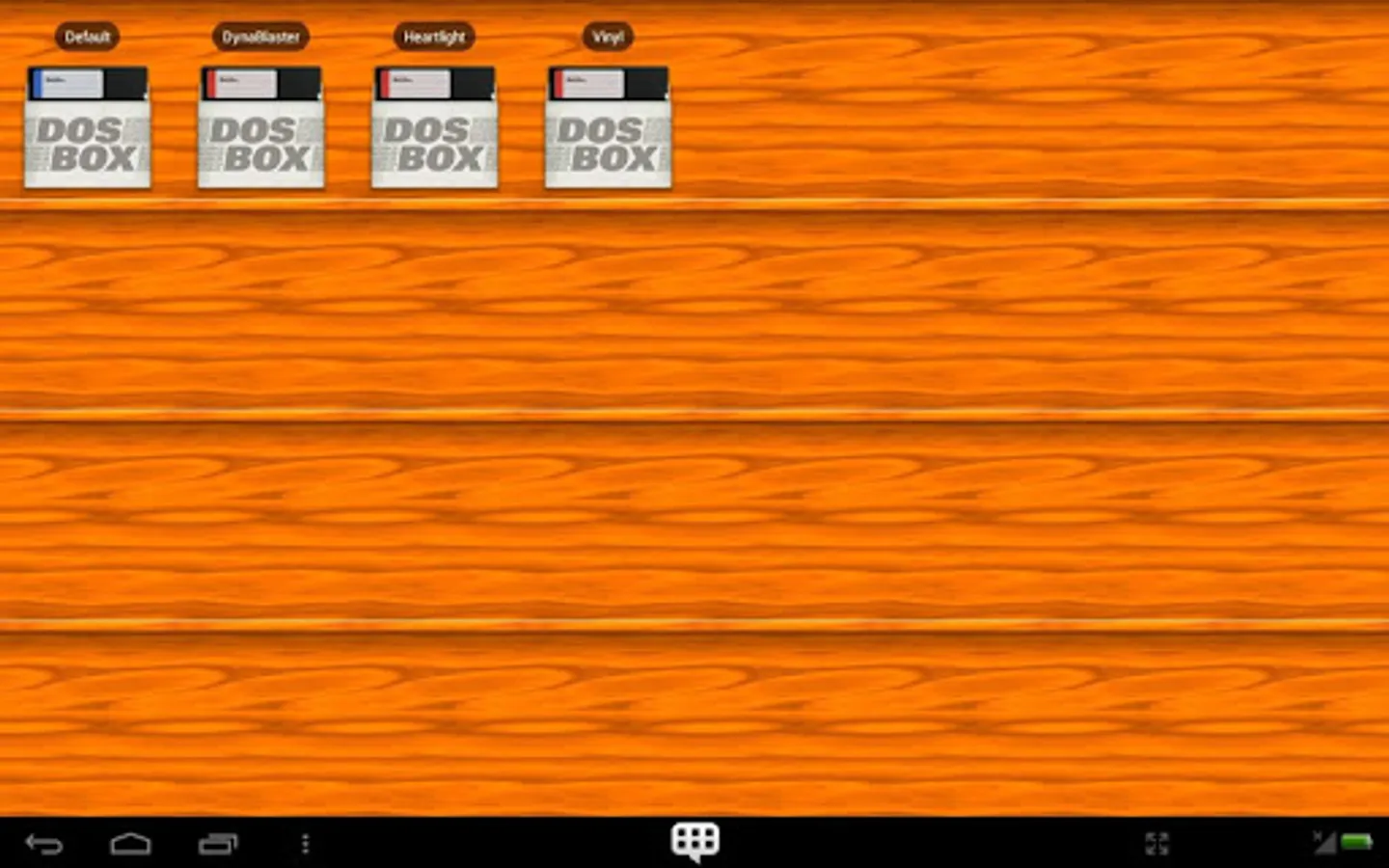
DosBox Manager serves as a Game/Profile Manager (similar to D-Fend Reloaded) add-on for DosBox Turbo (required). It makes managing multiple DOSBox configuration files easy by offering a clean interface, shortcuts and a graphical launcher. Once your DOS games are configured in DosBox Manager, its very easy to setup or start them, or alter their configuration.
★ REQUIRES PAID APP: DosBox Turbo (2.0.0+): http://goo.gl/PNNMe ★
Features:
=========
★ Manage Multiple DosBox Turbo Games/Profiles
★ Access to full DosBox Turbo Configuration for each profile
★ Launch Games with a single click
★ Edit autoexec.bat to allow automatic startup
★ Import custom icons (Dos Cover Art) - Android 2.1+
★ Use System Text editor (if installed) to edit config file.
Support:
========
Questions? Need Help? Please e-mail me for support.
★ REQUIRES PAID APP: DosBox Turbo (2.0.0+): http://goo.gl/PNNMe ★
Features:
=========
★ Manage Multiple DosBox Turbo Games/Profiles
★ Access to full DosBox Turbo Configuration for each profile
★ Launch Games with a single click
★ Edit autoexec.bat to allow automatic startup
★ Import custom icons (Dos Cover Art) - Android 2.1+
★ Use System Text editor (if installed) to edit config file.
Support:
========
Questions? Need Help? Please e-mail me for support.
DosBox Manager Screenshots
Tap to Rate: