My Password Manager
Fivestars Studio
4.4 ★
453 ratings
100,000+
downloads
Free
+ in-app
In this password manager app, you can store, generate, and autofill passwords for various accounts. Includes data encryption, password generation, backup, and offline access features.
AppRecs review analysis
AppRecs rating 4.4. Trustworthiness 0 out of 100. Review manipulation risk 0 out of 100. Based on a review sample analyzed.
★★★★☆
4.4
AppRecs Rating
Ratings breakdown
5 star
72%
4 star
16%
3 star
4%
2 star
0%
1 star
8%
What to know
✓
High user satisfaction
88% of sampled ratings are 4+ stars (4.4★ average)
✓
Authentic reviews
Natural distribution, no red flags
About My Password Manager
Tired of forgetting your login password?
Do you often get confused between passwords?
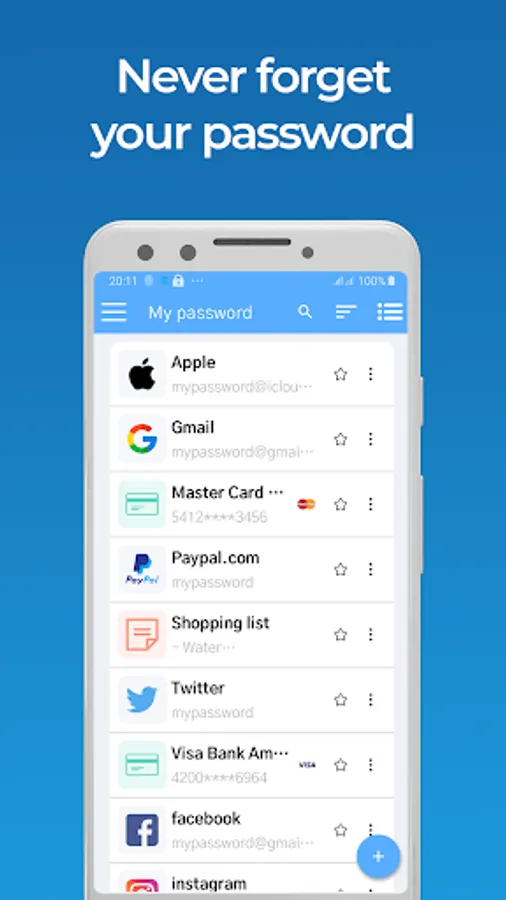
My Password Manager will help you manage all your logins, passwords and personal information safely and securely in an encrypted database.
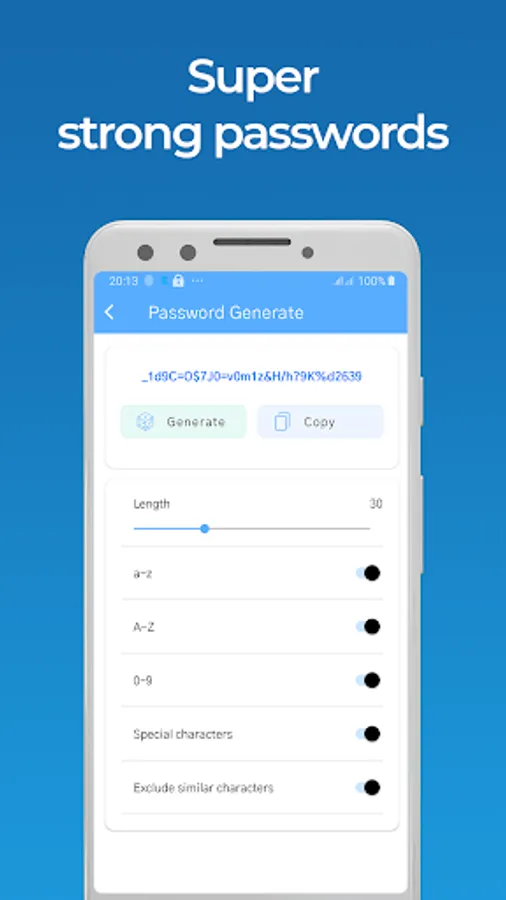
In addition, My Password Manager generates strong and unique passwords under any conditions.
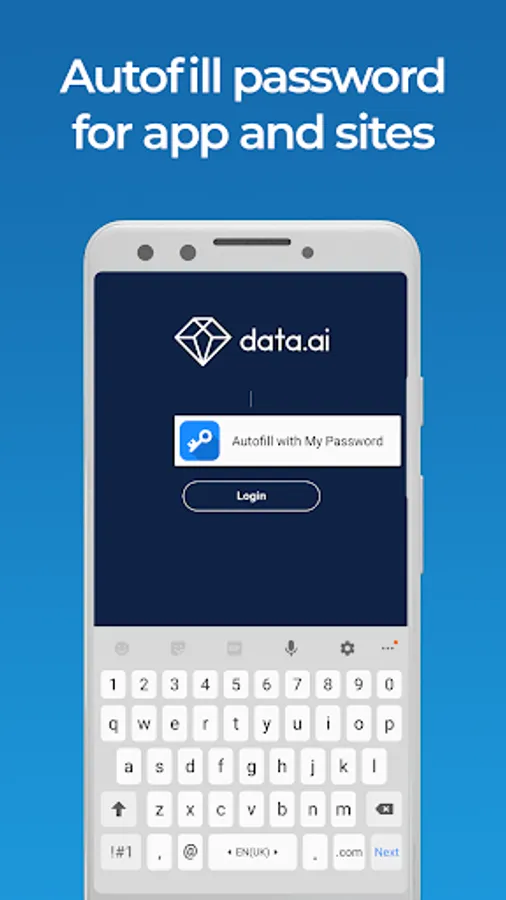
With the Autofill feature, You won't need to worry about typos and entering your data on the websites you visit, Password Keeper will help you fill them in.
Features Lastpass - Password Management:
■ Remember all your passwords
■ Keep all login information safe and secure.
■ Create virtual cards based on information
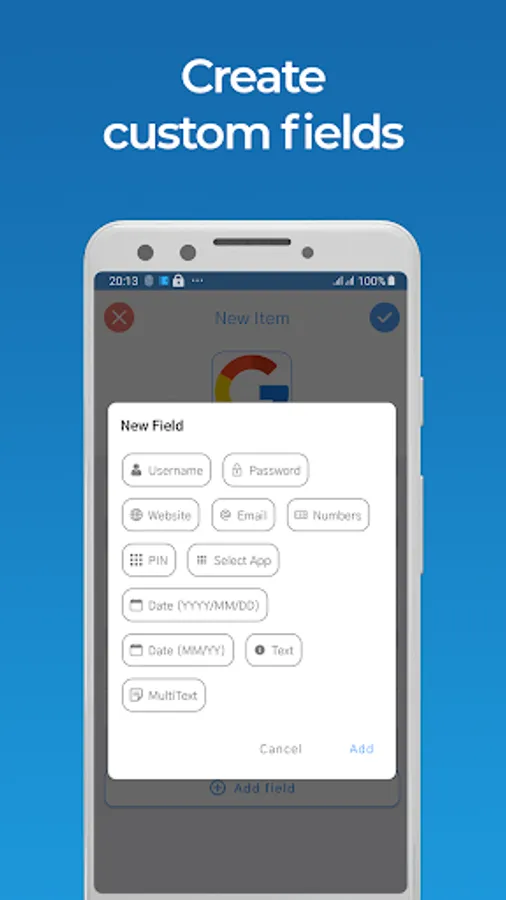
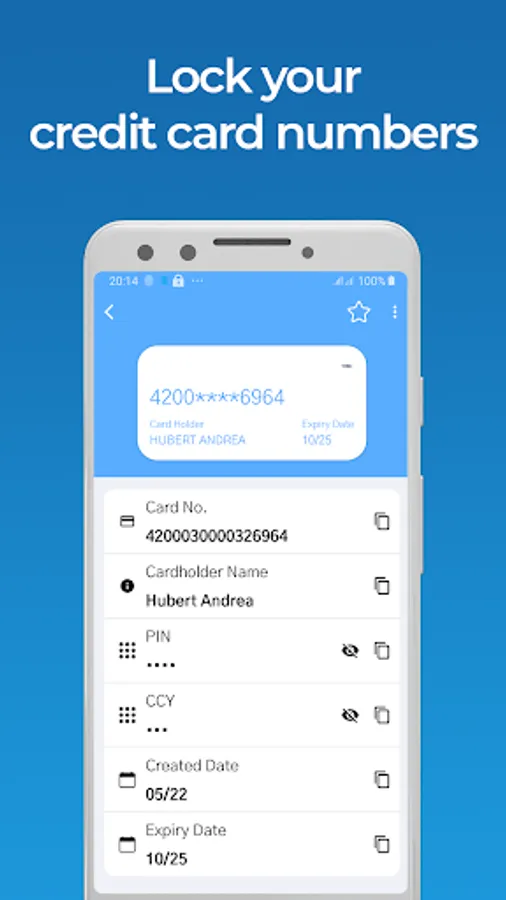
■ Store Credit Card information, website login details, e-Banking credentials and other details
■ Create notes for free
■ Strong data encryption using AES-256 bit
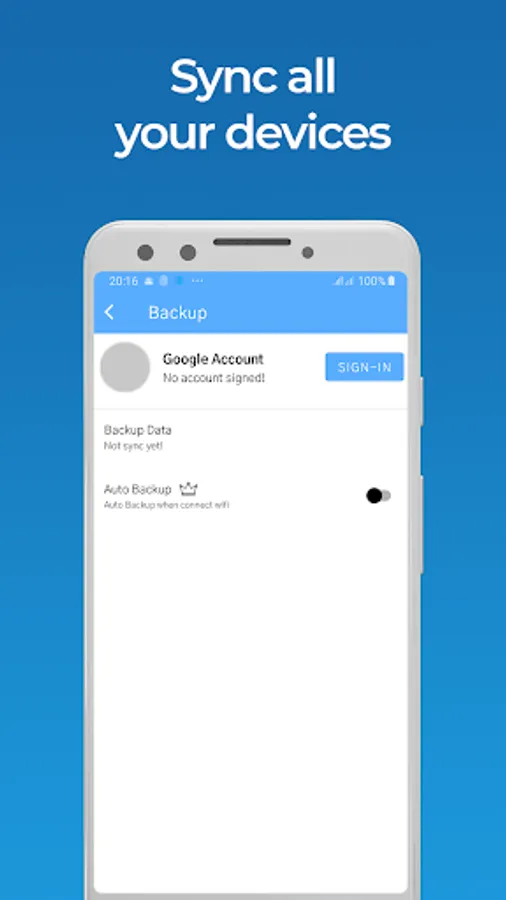
■ Backup and restore your data
■ Built-in password generator
■ Use your fingerprint or PIN to unlock the app
■ Autofill all passwords
■ Beautiful wallpapers and colorful themes
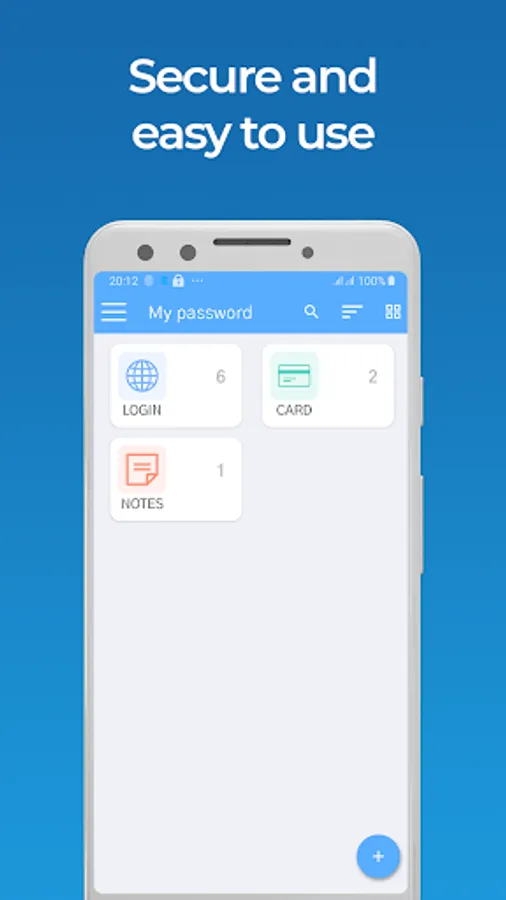
■ Easy to search and sort
■ Share passwords with others
■ Export passwords to TXT and PDF
■ Accessible offline (no internet required)
My Password Manager makes your life easy, less stressful when you have to remember or confuse passwords. Let us keep your passwords safe and secure!
USE OF ACCESSIBILITY FEATURES
My Password Manager uses the Accessibility features provided by Android to help you sign in to apps and websites using the credentials you store in My Password Manager. This is useful in browsers that don't yet support Android's Autofill features or on older Android versions where those features are not available.
Do you often get confused between passwords?
My Password Manager will help you manage all your logins, passwords and personal information safely and securely in an encrypted database.
In addition, My Password Manager generates strong and unique passwords under any conditions.
With the Autofill feature, You won't need to worry about typos and entering your data on the websites you visit, Password Keeper will help you fill them in.
Features Lastpass - Password Management:
■ Remember all your passwords
■ Keep all login information safe and secure.
■ Create virtual cards based on information
■ Store Credit Card information, website login details, e-Banking credentials and other details
■ Create notes for free
■ Strong data encryption using AES-256 bit
■ Backup and restore your data
■ Built-in password generator
■ Use your fingerprint or PIN to unlock the app
■ Autofill all passwords
■ Beautiful wallpapers and colorful themes
■ Easy to search and sort
■ Share passwords with others
■ Export passwords to TXT and PDF
■ Accessible offline (no internet required)
My Password Manager makes your life easy, less stressful when you have to remember or confuse passwords. Let us keep your passwords safe and secure!
USE OF ACCESSIBILITY FEATURES
My Password Manager uses the Accessibility features provided by Android to help you sign in to apps and websites using the credentials you store in My Password Manager. This is useful in browsers that don't yet support Android's Autofill features or on older Android versions where those features are not available.
My Password Manager Screenshots

Tap to Rate:
Reviews for My Password Manager
jerry. e dorrance
5/9/2024
Cuz it doesn't even work
Mohsin Mughal
5/6/2024
Very nice