AppRecs review analysis
AppRecs rating . Trustworthiness 74 out of 100. Review manipulation risk 22 out of 100. Based on a review sample analyzed.
★
AppRecs Rating
Ratings breakdown
5 star
83%
4 star
8%
3 star
0%
2 star
8%
1 star
0%
What to know
✓
Low review manipulation risk
22% review manipulation risk
✓
Credible reviews
74% trustworthiness score from analyzed reviews
✓
High user satisfaction
83% of sampled ratings are 5 stars
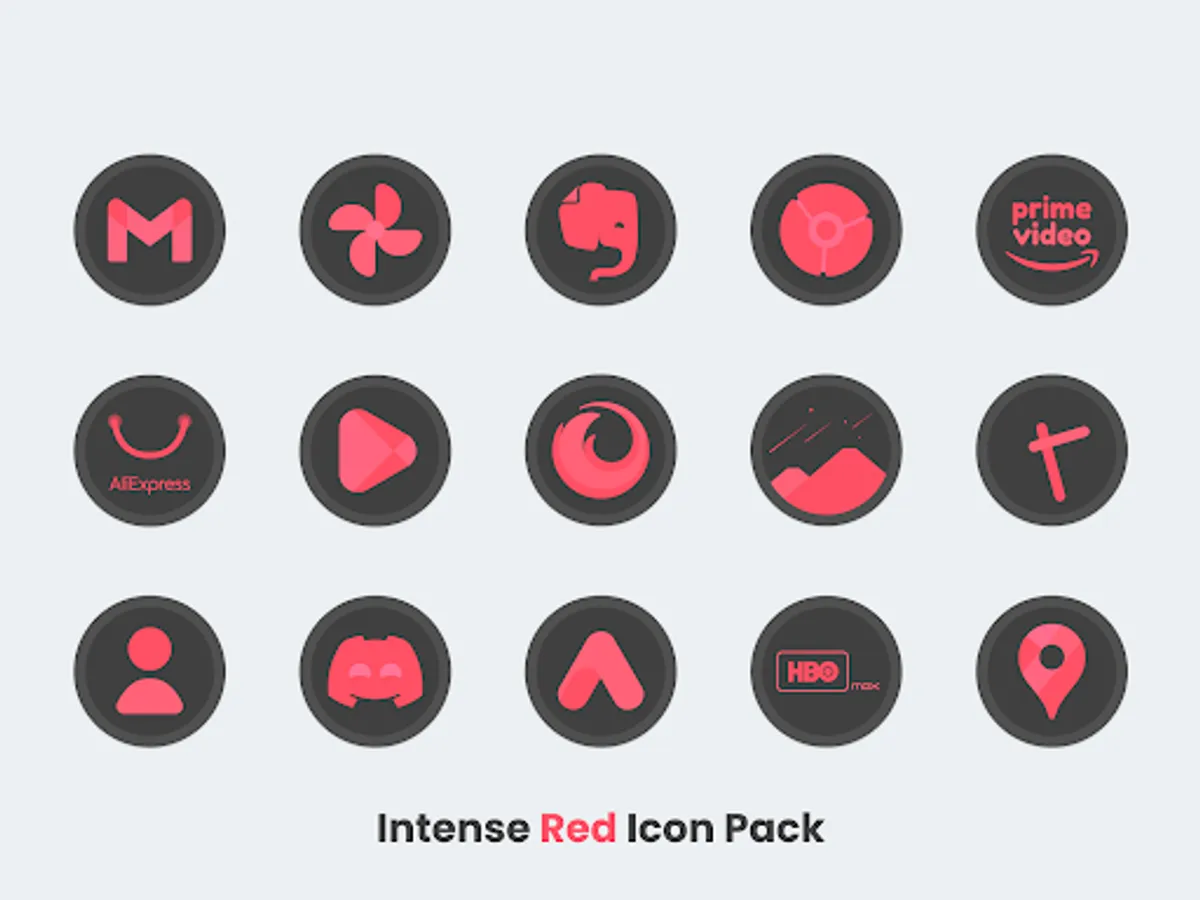
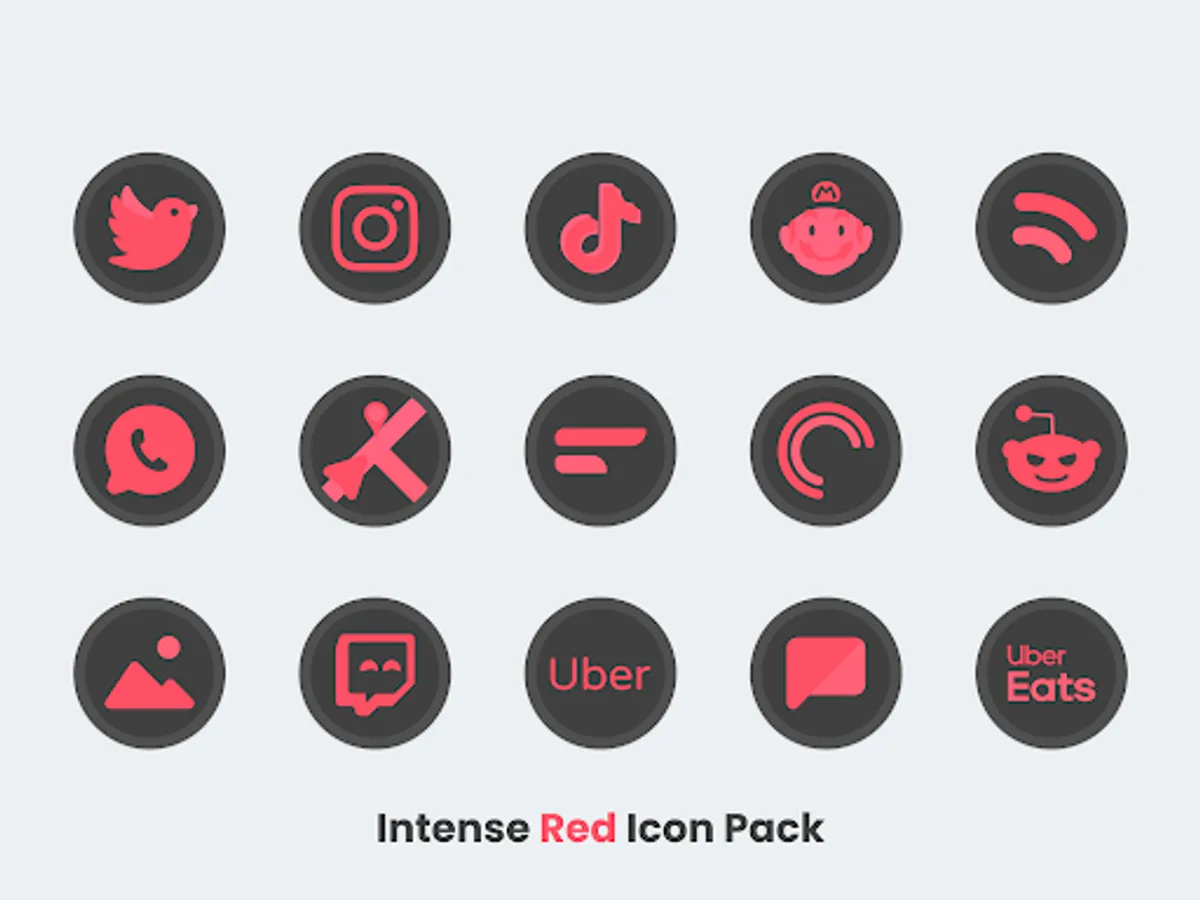
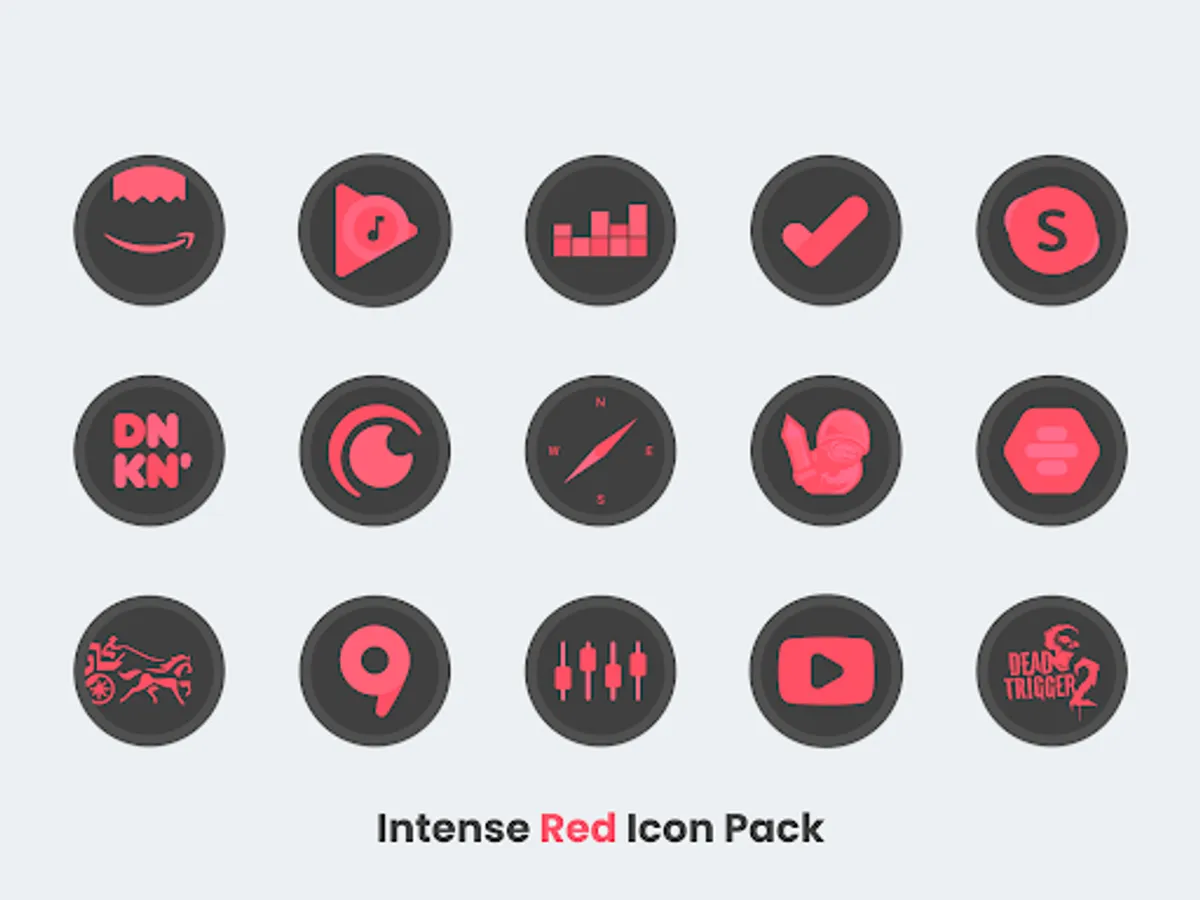
About Intense Red - Icon Pack
Features:
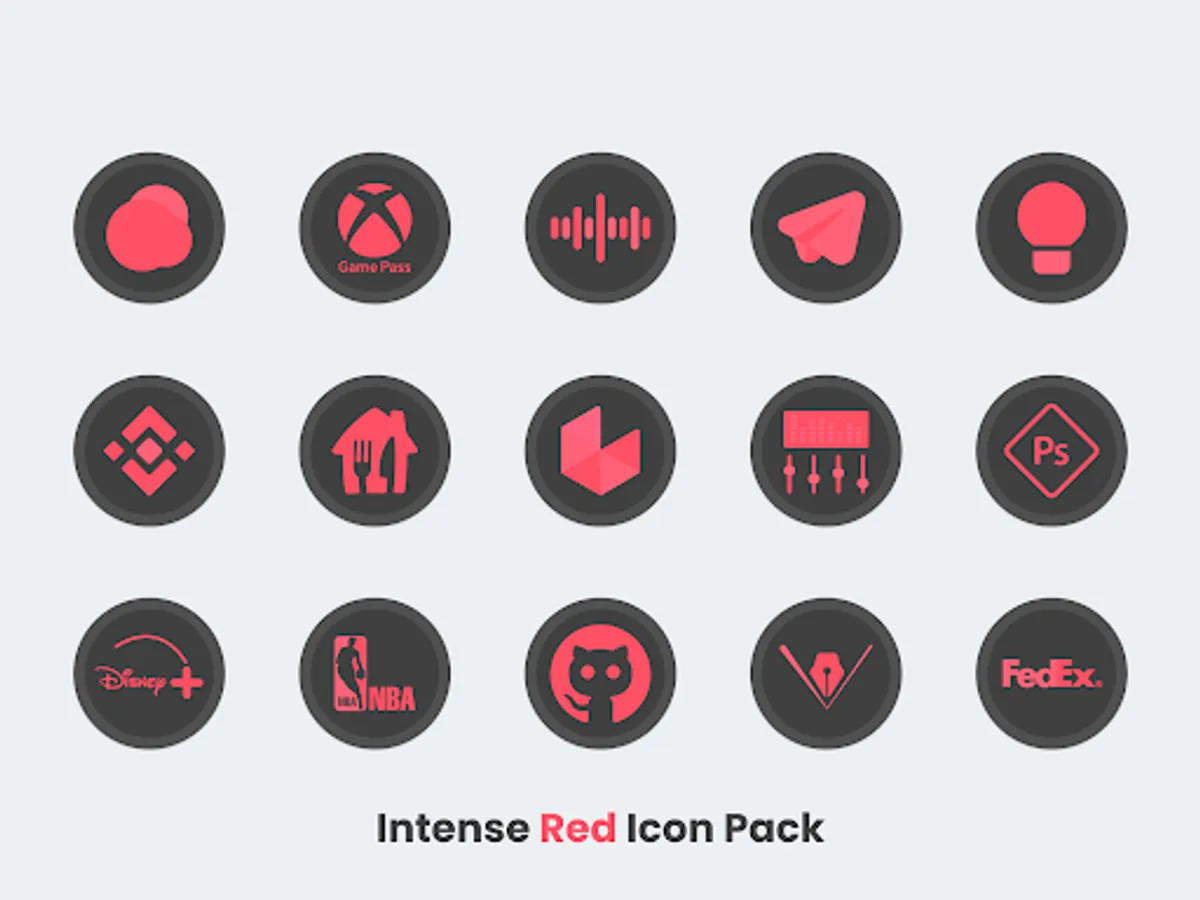
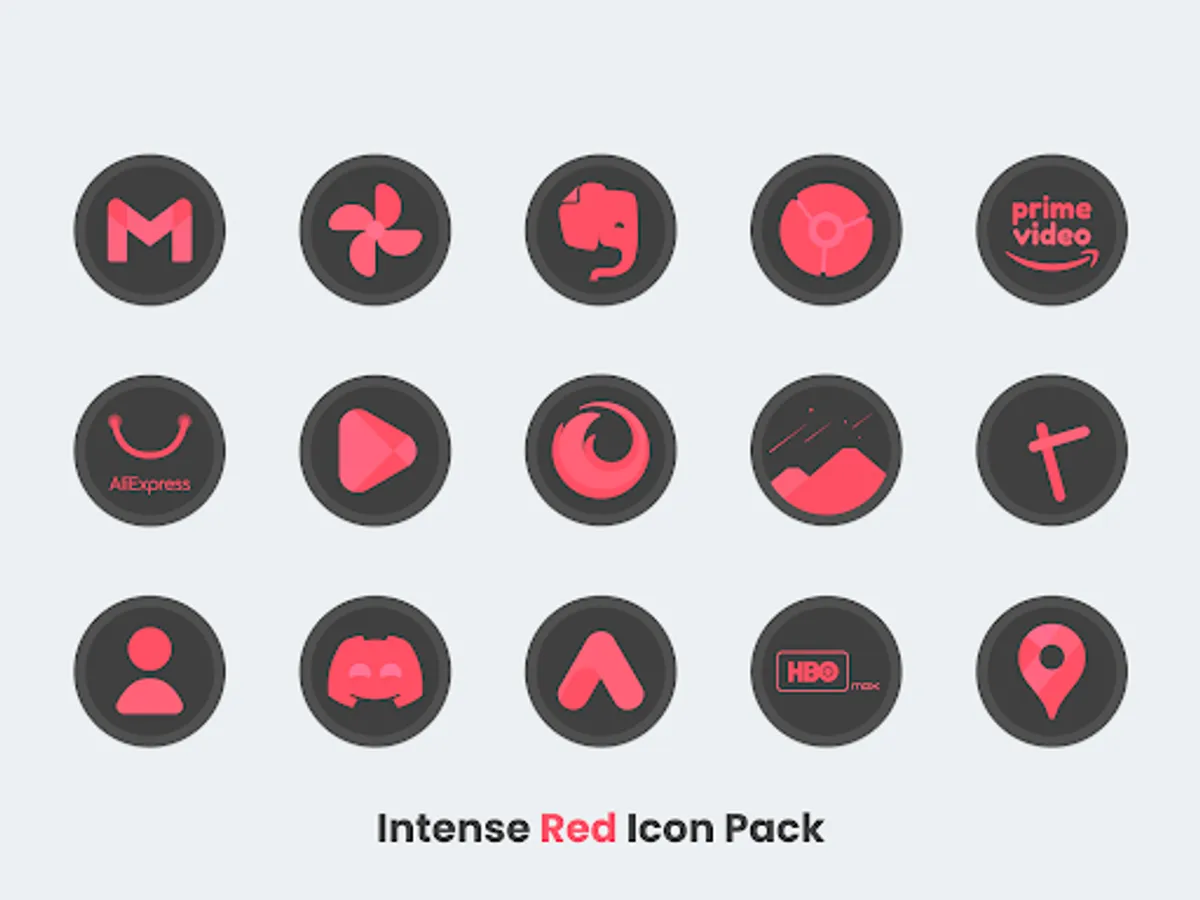
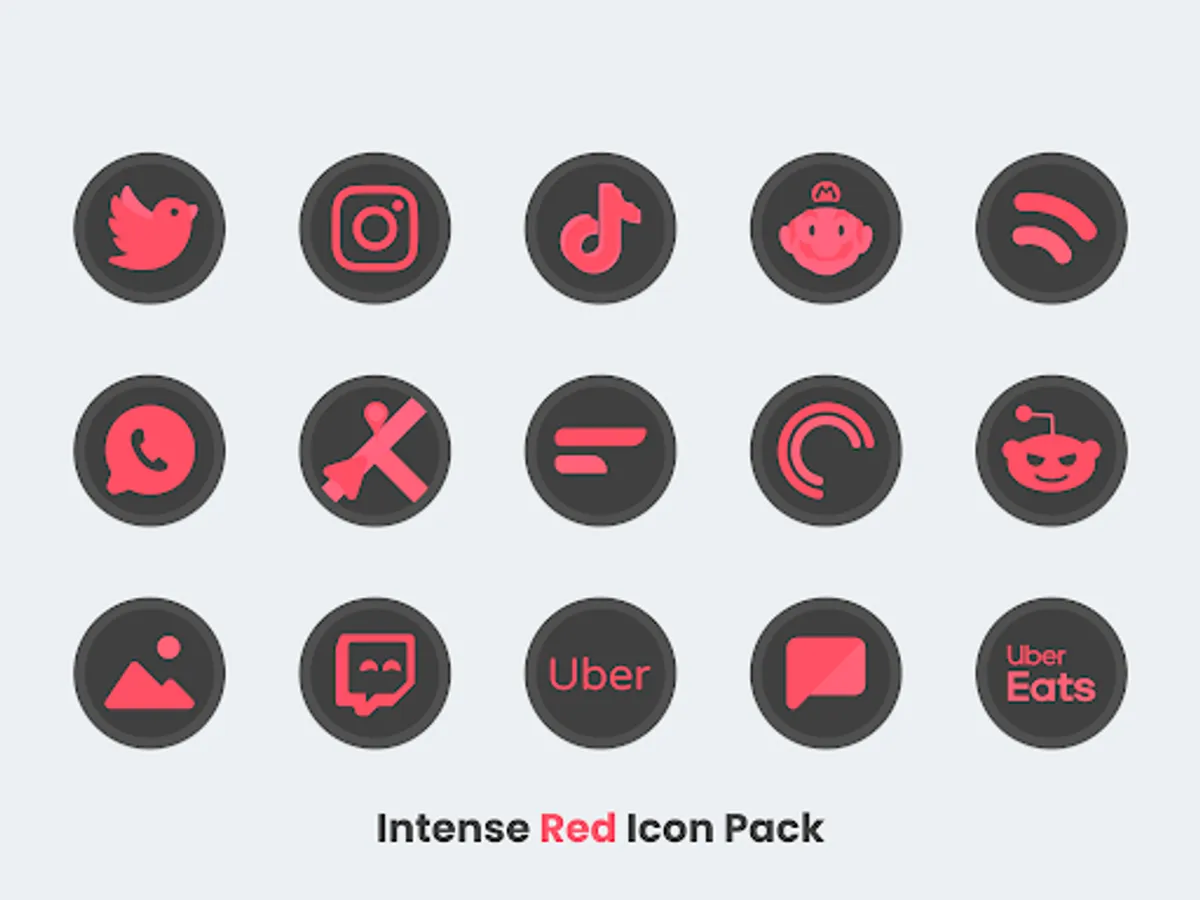
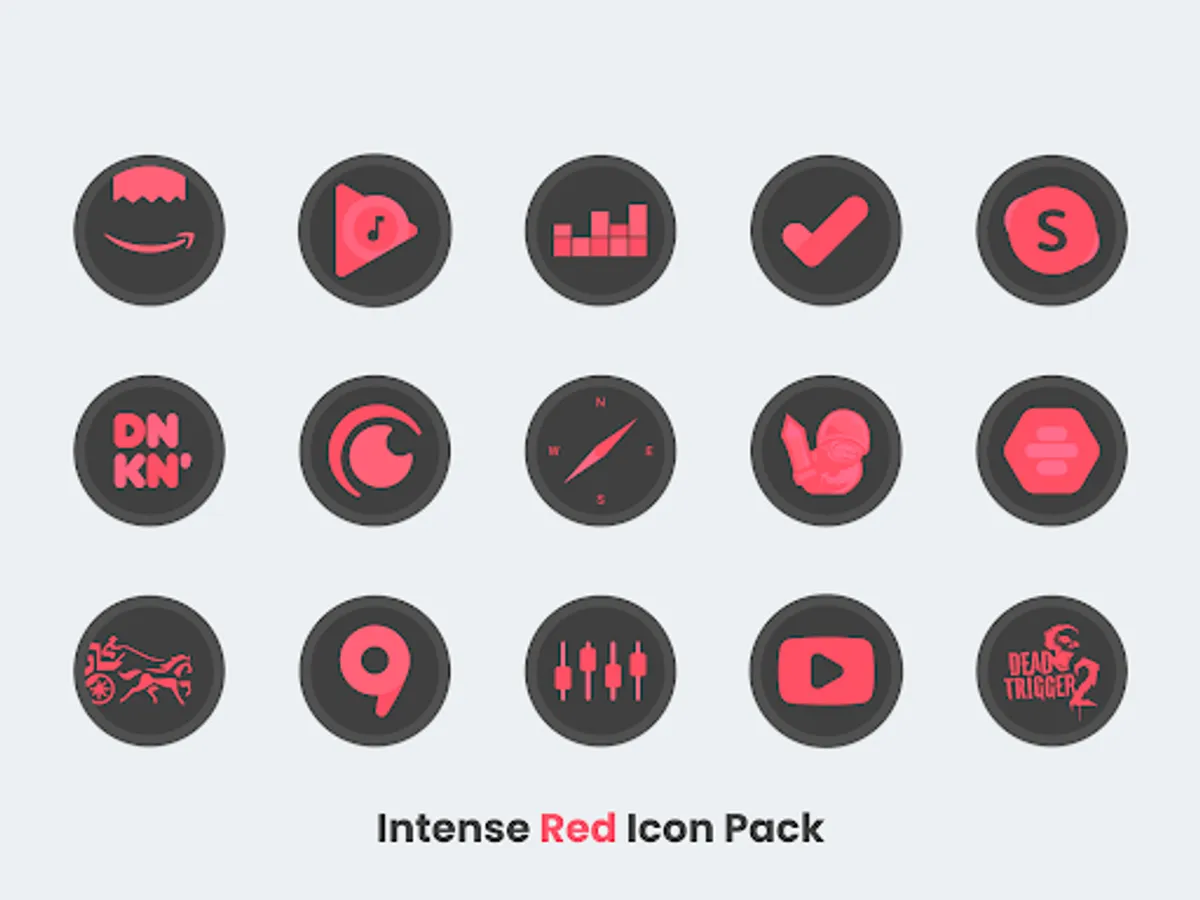
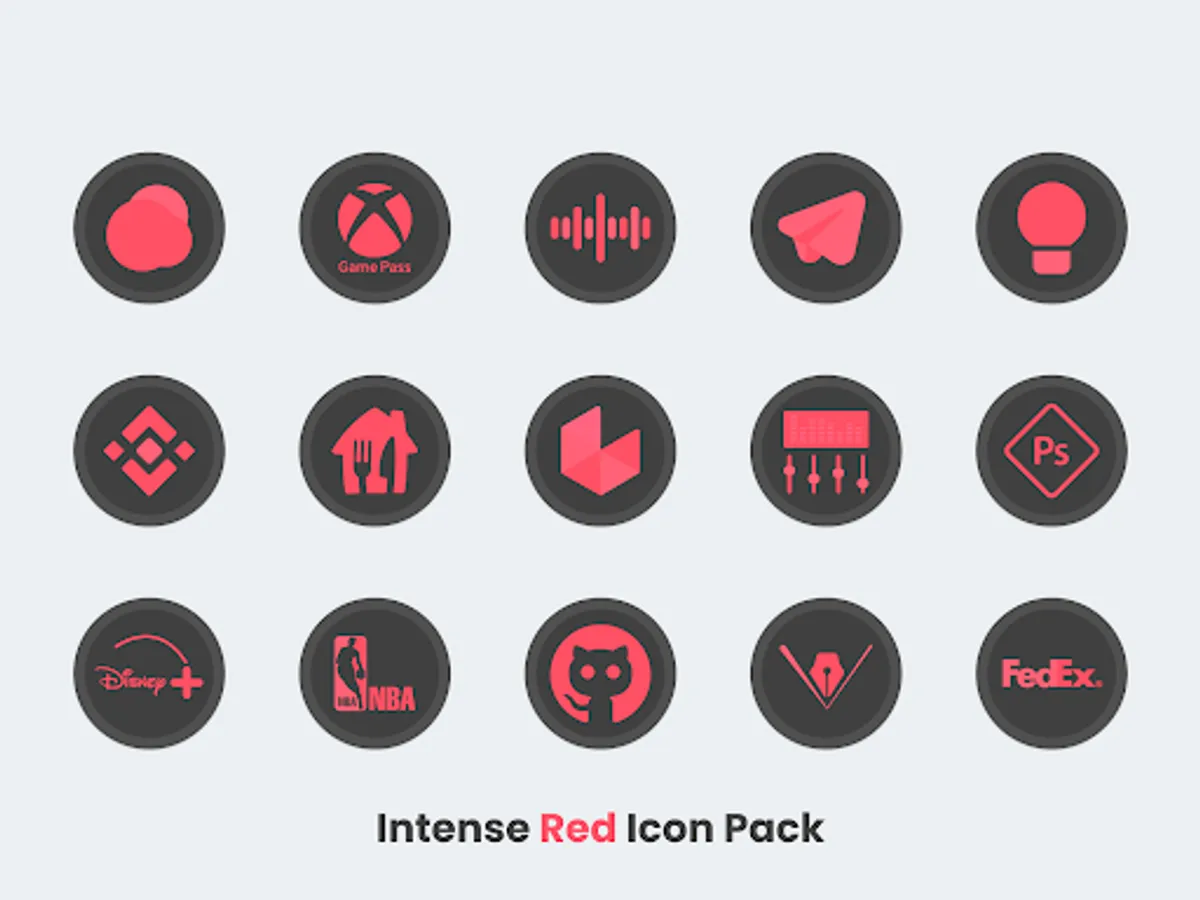
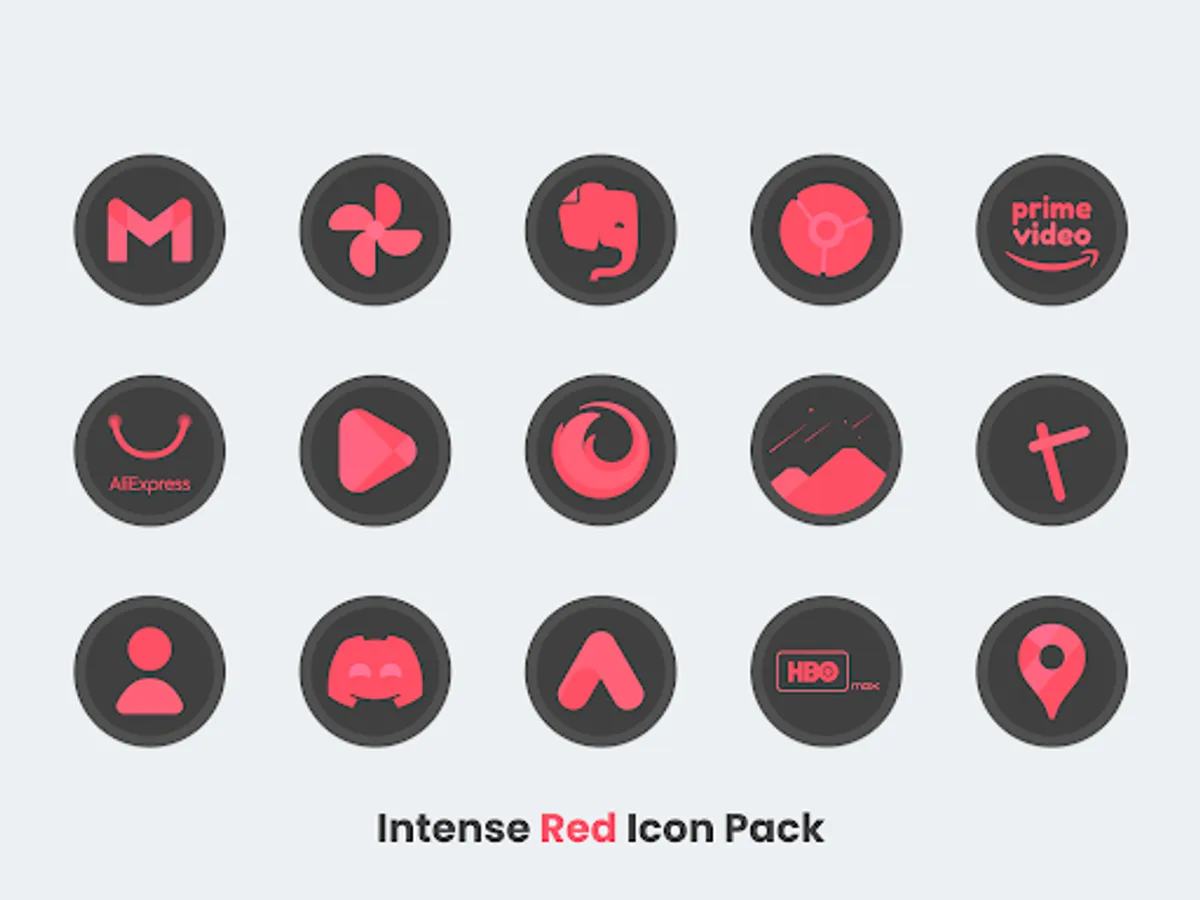
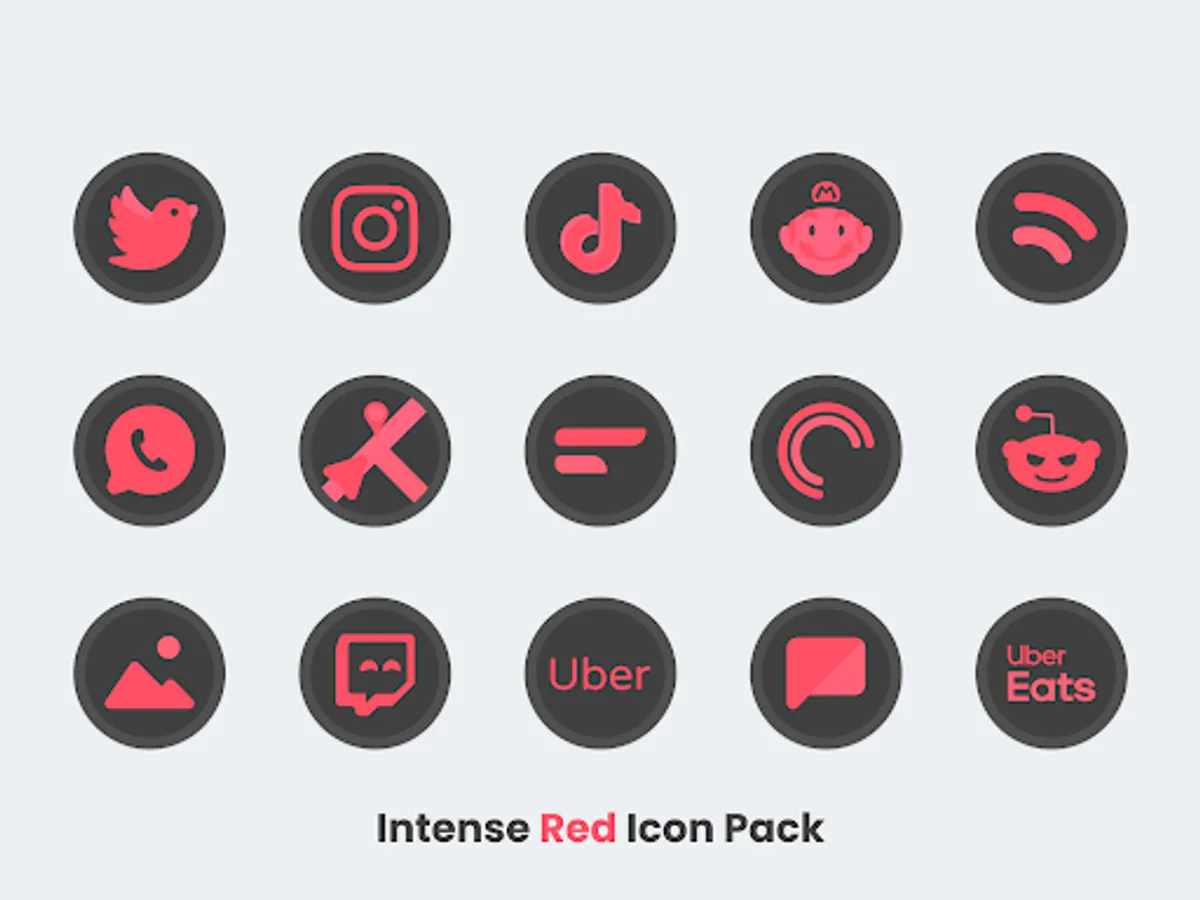
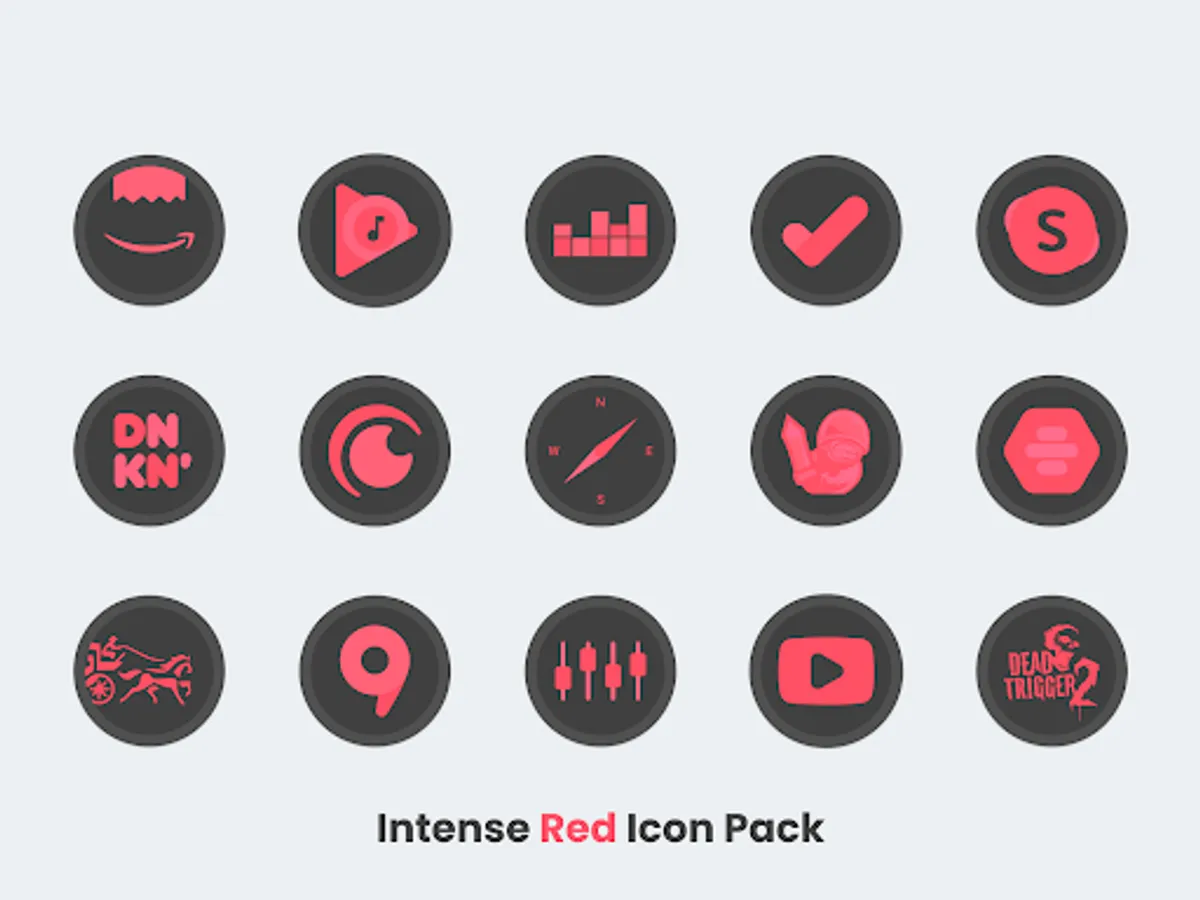
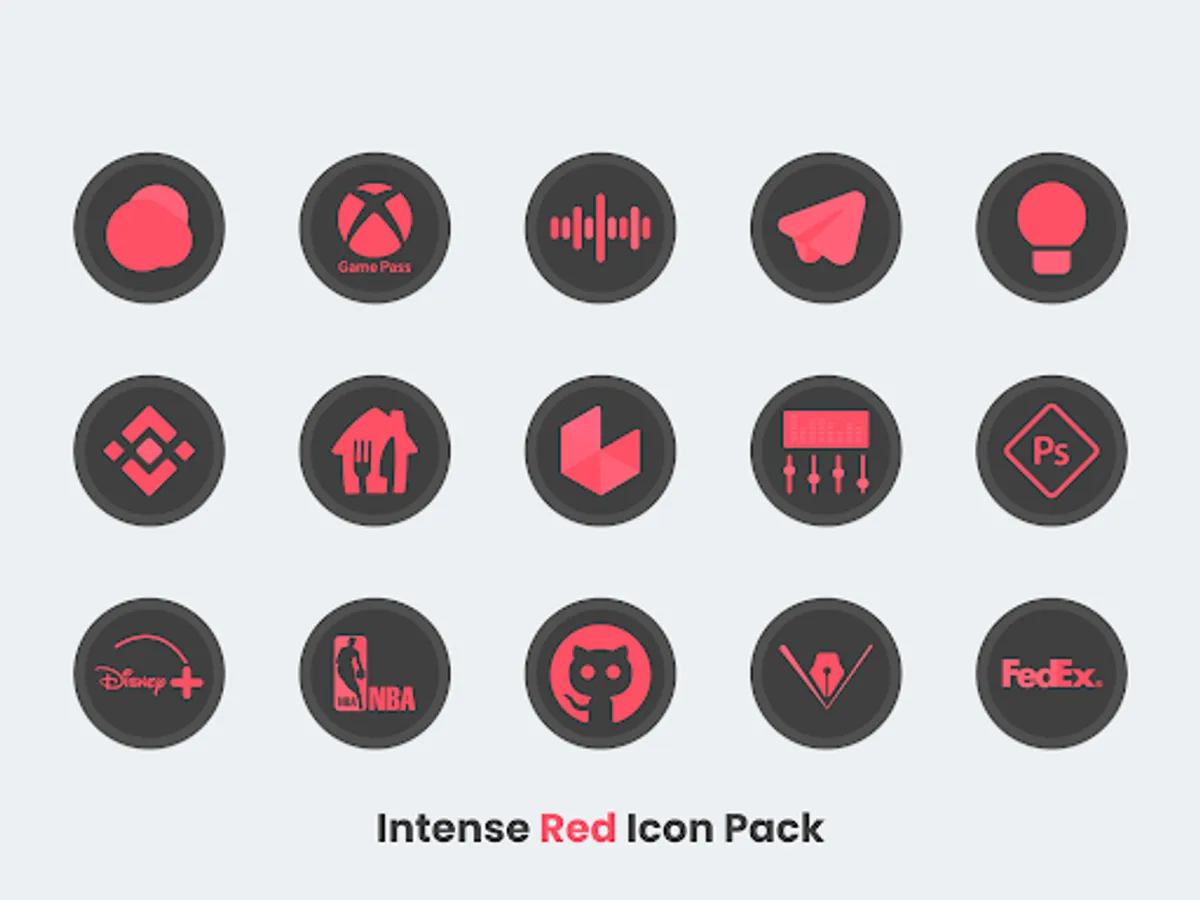
• 2700+ high quality Dark Red Icons.
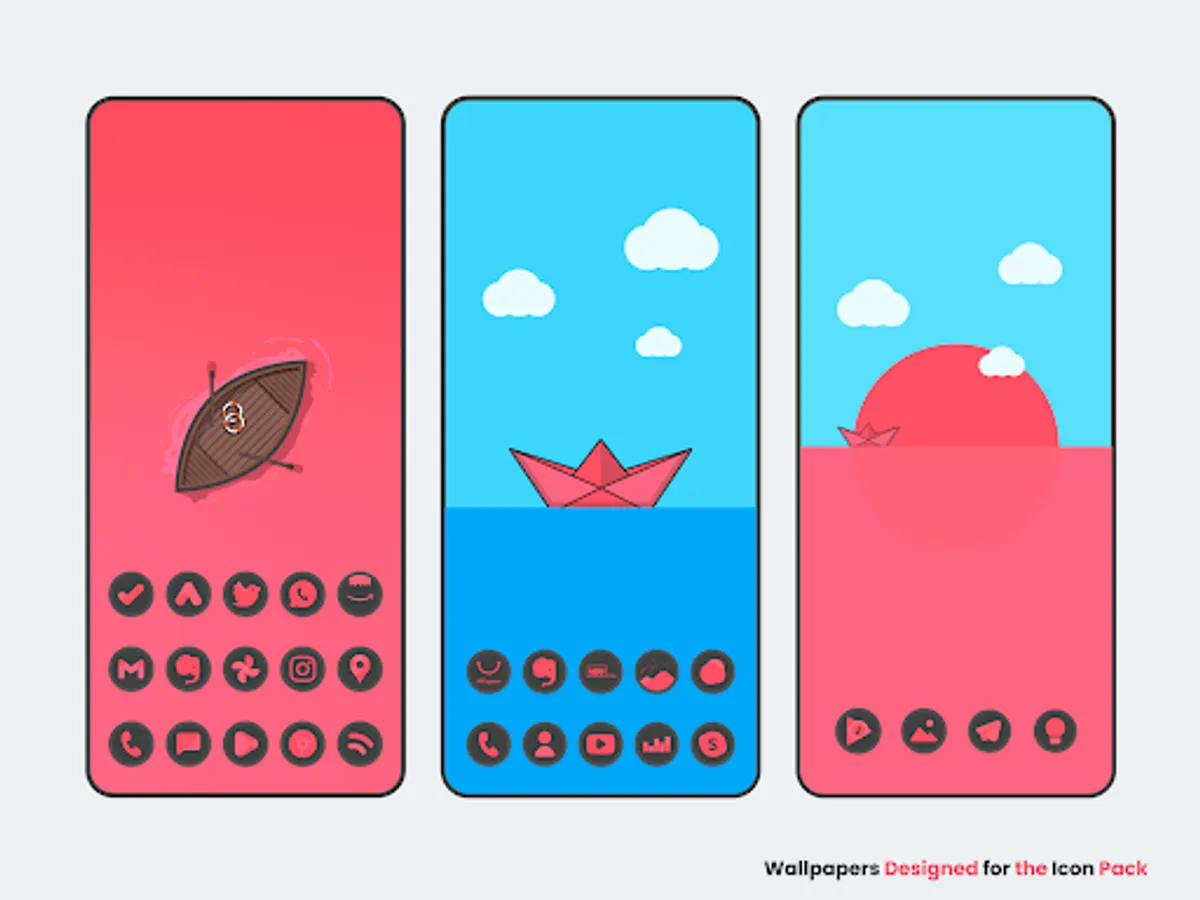
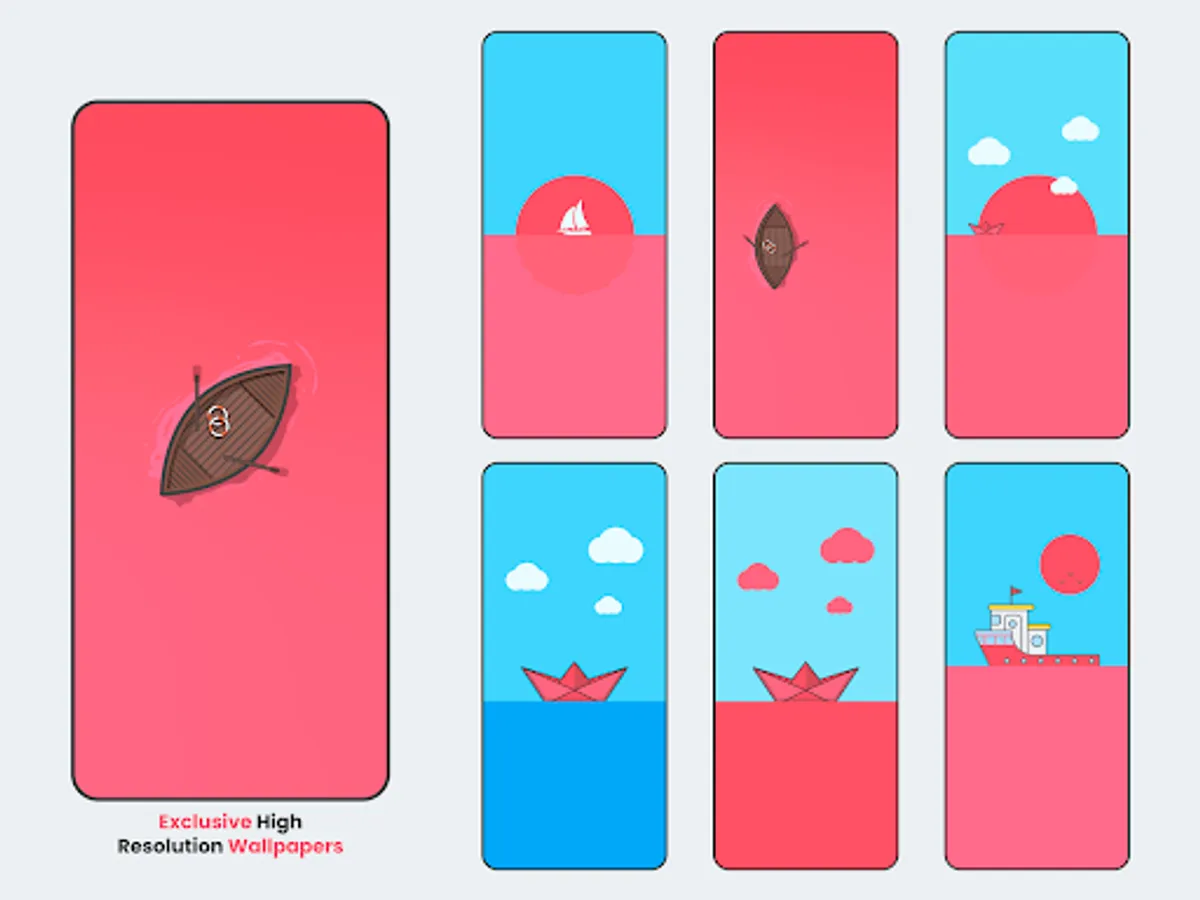
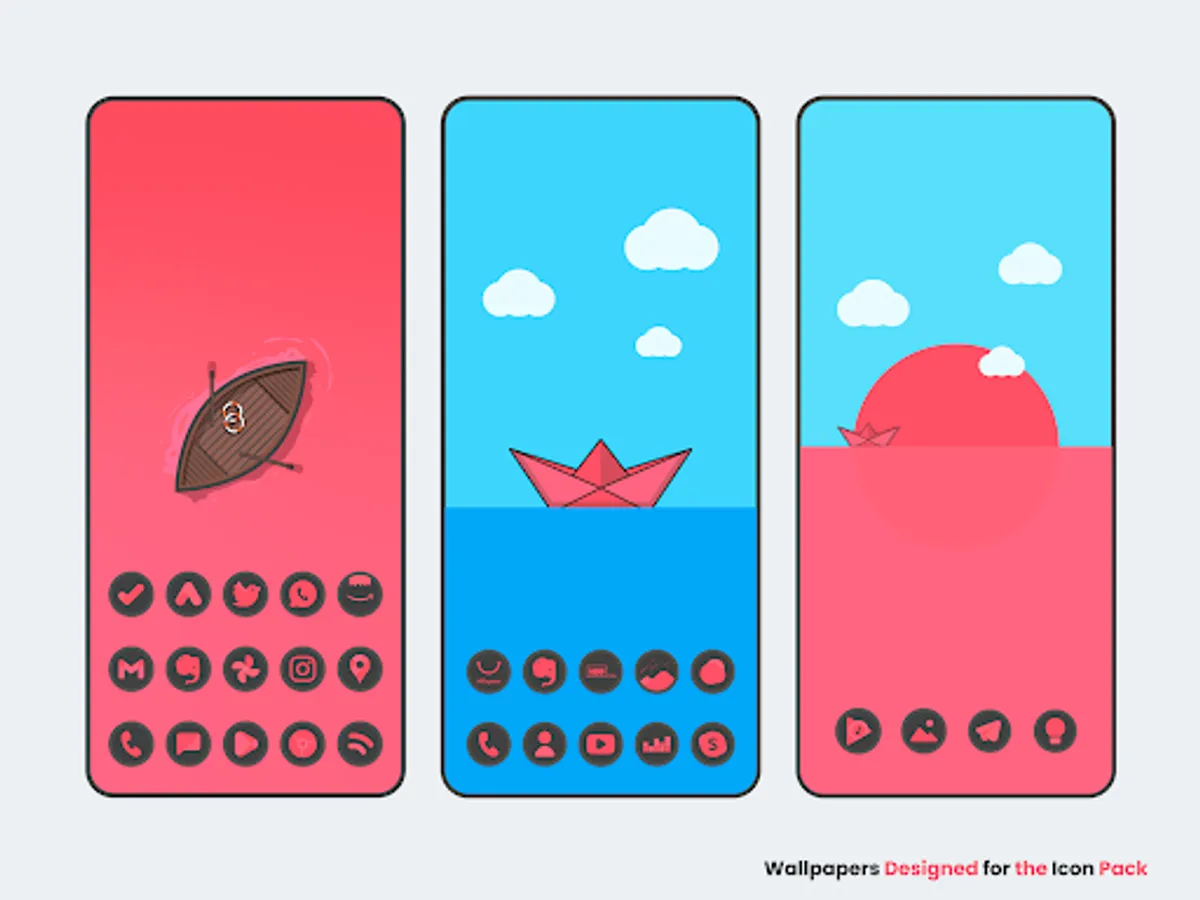
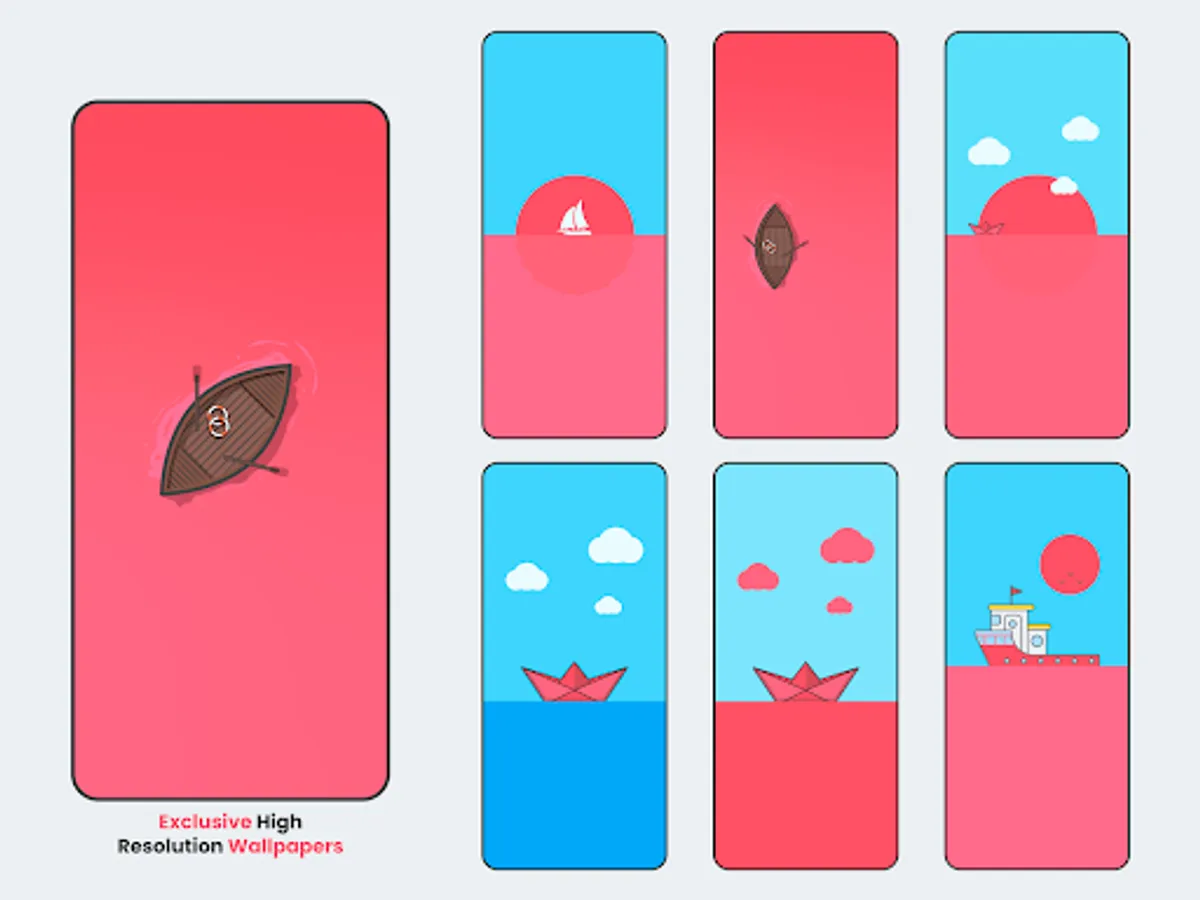
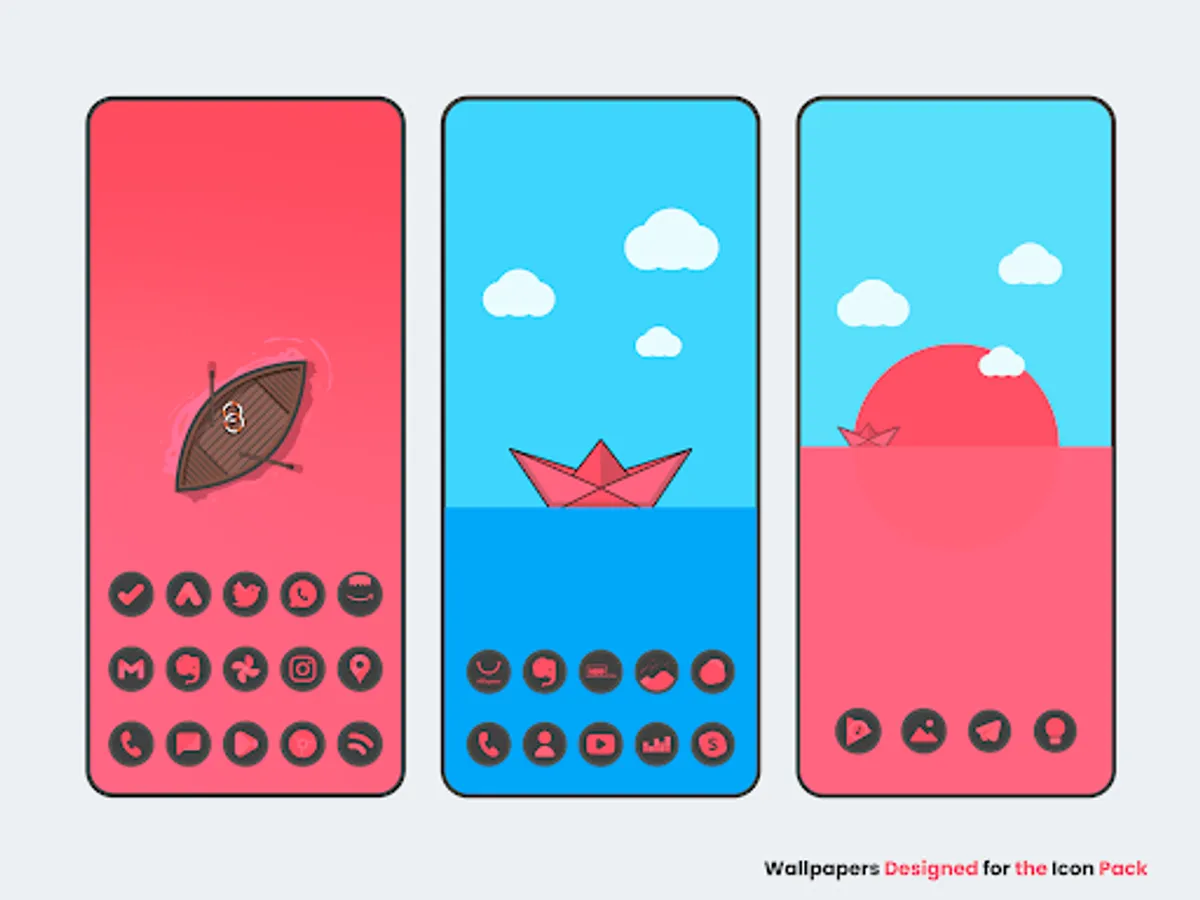
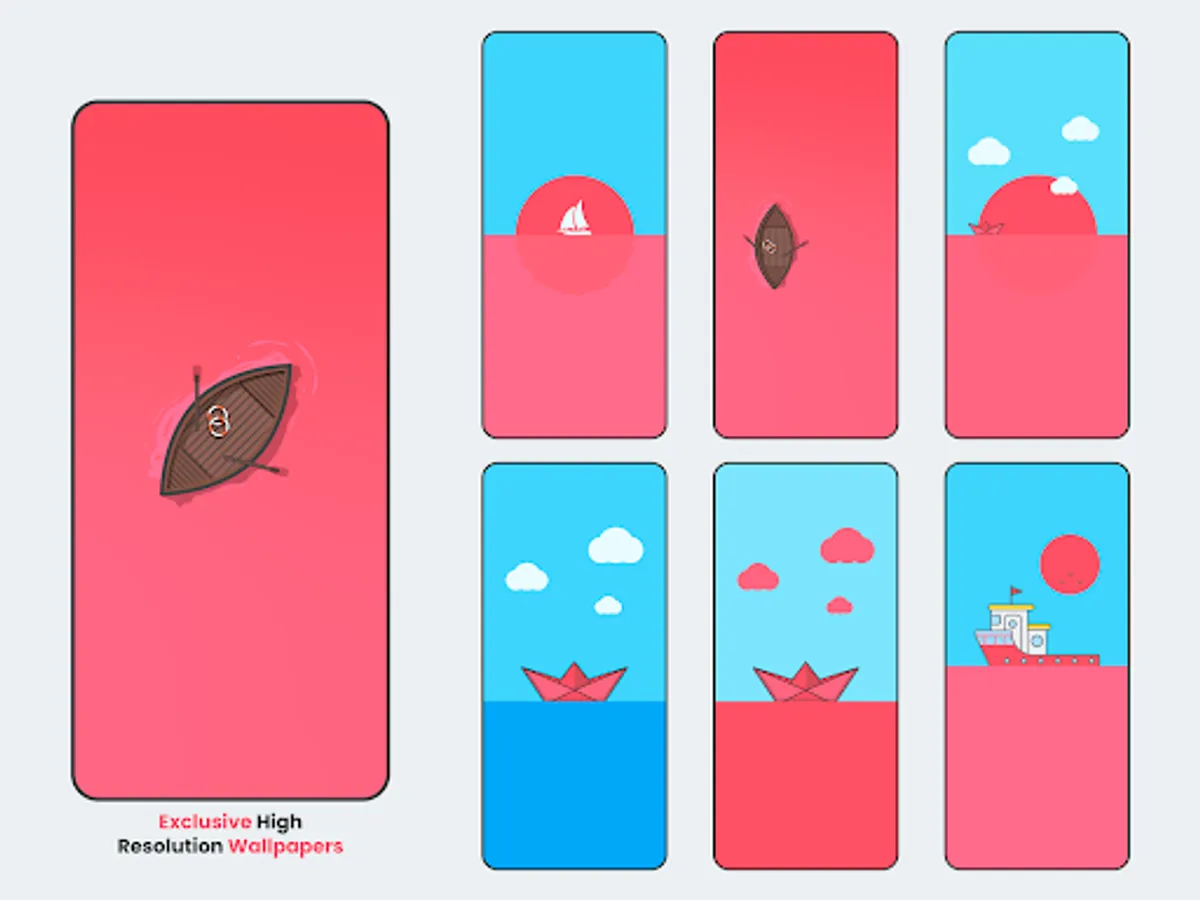
• Wallpapers designed exclusively for the icon pack
• Frequent Updates.
• Alternative Icons.
• Dynamic Calendar support.
• Icon Request Tool.
• Icon Search.
On some launchers you need to enter the launcher settings to activate the icon pack.
If you are using OnePlus launcher just enter the launcher settings: hold your finger on the home screen, then click "icons".
Supports
• Nova Launcher
• Apex Launcher
• OnePlus Launcher
• Go Launcher
• ADW2
• Action Launcher
• Niagara Launcher
• ABC Launcher
• Aviate Launcher
• Evie Launcher
• Holo Launcher
• ICS Holo Launcher
• Lucid Launcher
• M launcher
• Zero launcher
• V Launcher
• Smart Launcher
• One Plus Launcher
• Mix Launcher
• Cool Pixel Launcher
• Lawnchair Launcher
• Super P Launcher
• Rootles Launcher
• Solo Launcher and many more...
Stay in touch:
https://twitter.com/FLDesign5
https://www.instagram.com/fl_icon_design/
How to Apply Icons with Intense Red - Icon Pack
1- Open Intense Red - Icon Pack
2- Navigate to Apply Intense Red
3- Select Your Launcher
4- Enjoy Your New Theme :)
• 2700+ high quality Dark Red Icons.
• Wallpapers designed exclusively for the icon pack
• Frequent Updates.
• Alternative Icons.
• Dynamic Calendar support.
• Icon Request Tool.
• Icon Search.
On some launchers you need to enter the launcher settings to activate the icon pack.
If you are using OnePlus launcher just enter the launcher settings: hold your finger on the home screen, then click "icons".
Supports
• Nova Launcher
• Apex Launcher
• OnePlus Launcher
• Go Launcher
• ADW2
• Action Launcher
• Niagara Launcher
• ABC Launcher
• Aviate Launcher
• Evie Launcher
• Holo Launcher
• ICS Holo Launcher
• Lucid Launcher
• M launcher
• Zero launcher
• V Launcher
• Smart Launcher
• One Plus Launcher
• Mix Launcher
• Cool Pixel Launcher
• Lawnchair Launcher
• Super P Launcher
• Rootles Launcher
• Solo Launcher and many more...
Stay in touch:
https://twitter.com/FLDesign5
https://www.instagram.com/fl_icon_design/
How to Apply Icons with Intense Red - Icon Pack
1- Open Intense Red - Icon Pack
2- Navigate to Apply Intense Red
3- Select Your Launcher
4- Enjoy Your New Theme :)
Intense Red - Icon Pack Screenshots
Tap to Rate:
Reviews for Intense Red - Icon Pack
Chris Sandiford
9/13/2024
As nice as this pack is it lacks basic apps. Everyone has BBC news. Not this pack. Also intense red is a bit of a stretch. It's like a pissy pink colour.
Santosh Kumar
4/12/2022
Nice but not masking all icon pack