AppRecs review analysis
AppRecs rating 4.5. Trustworthiness 74 out of 100. Review manipulation risk 20 out of 100. Based on a review sample analyzed.
★★★★☆
4.5
AppRecs Rating
Ratings breakdown
5 star
100%
4 star
0%
3 star
0%
2 star
0%
1 star
0%
What to know
✓
Low review manipulation risk
20% review manipulation risk
✓
Credible reviews
74% trustworthiness score from analyzed reviews
✓
High user satisfaction
100% of sampled ratings are 5 stars
About Soft - Icon Pack
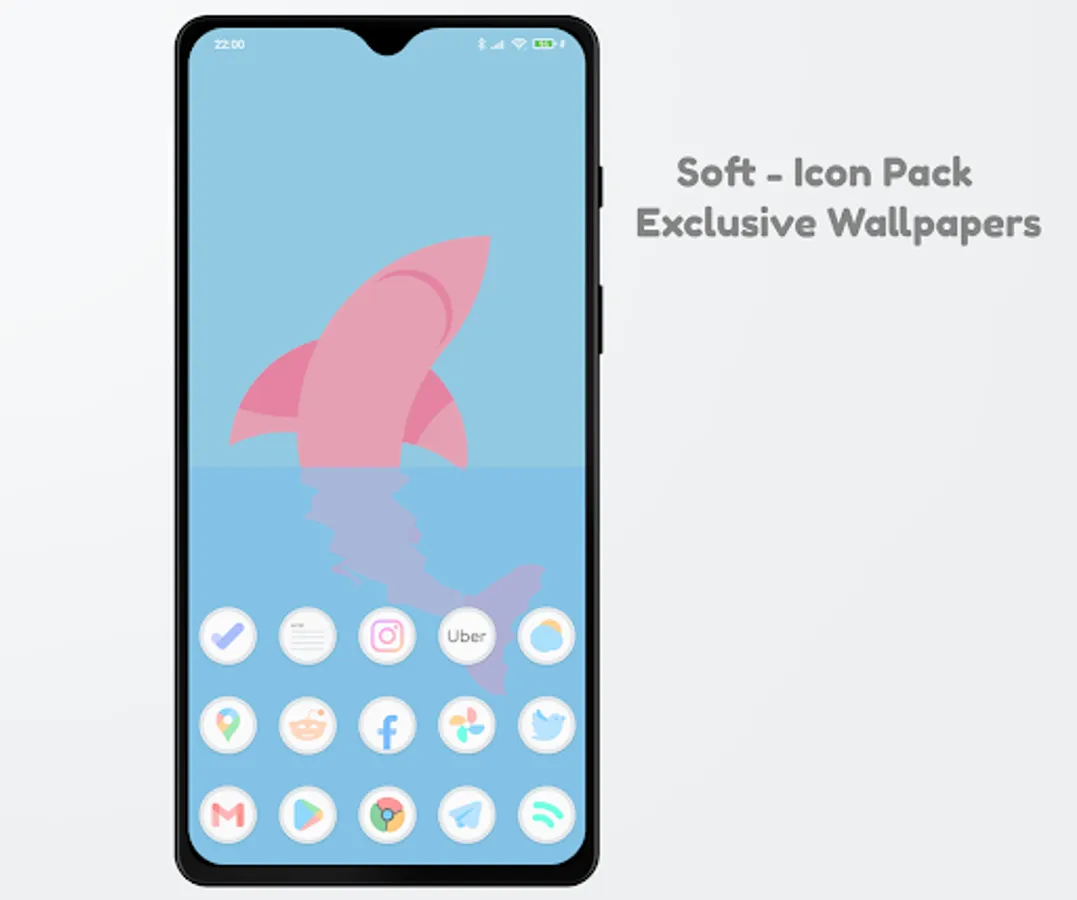
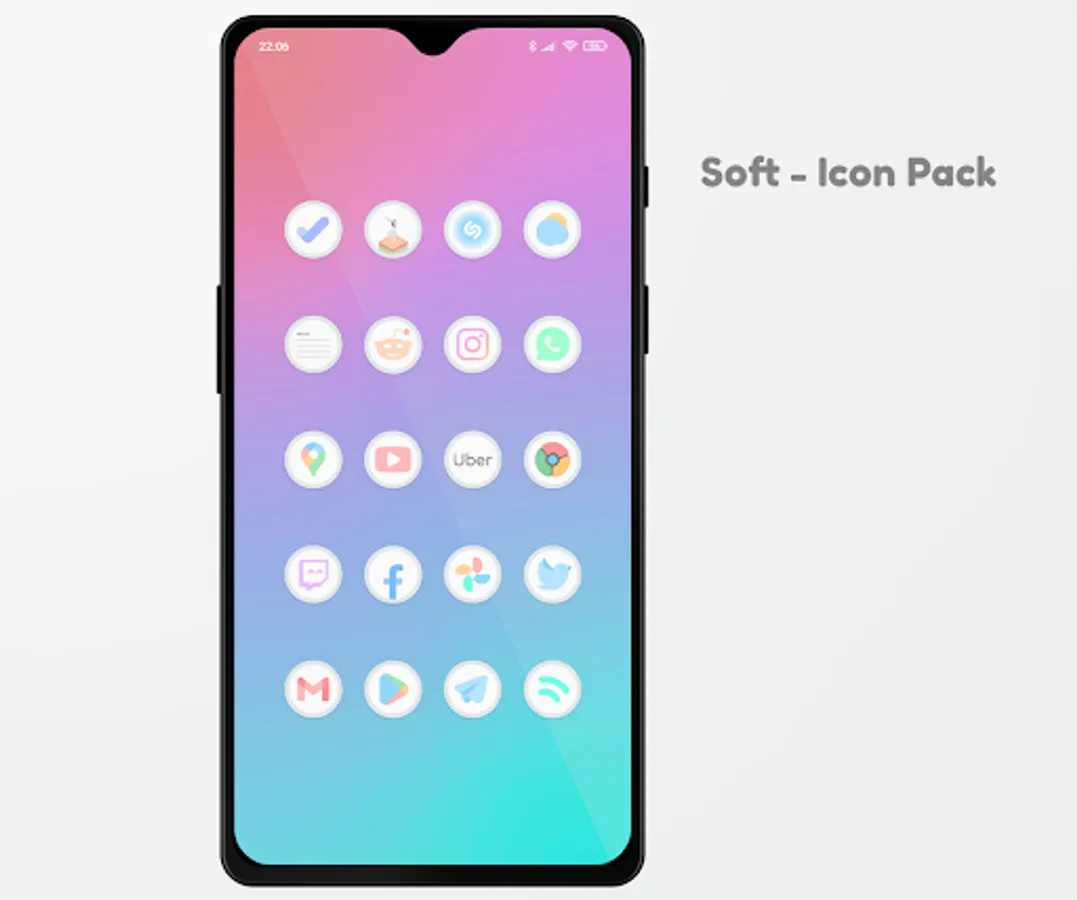
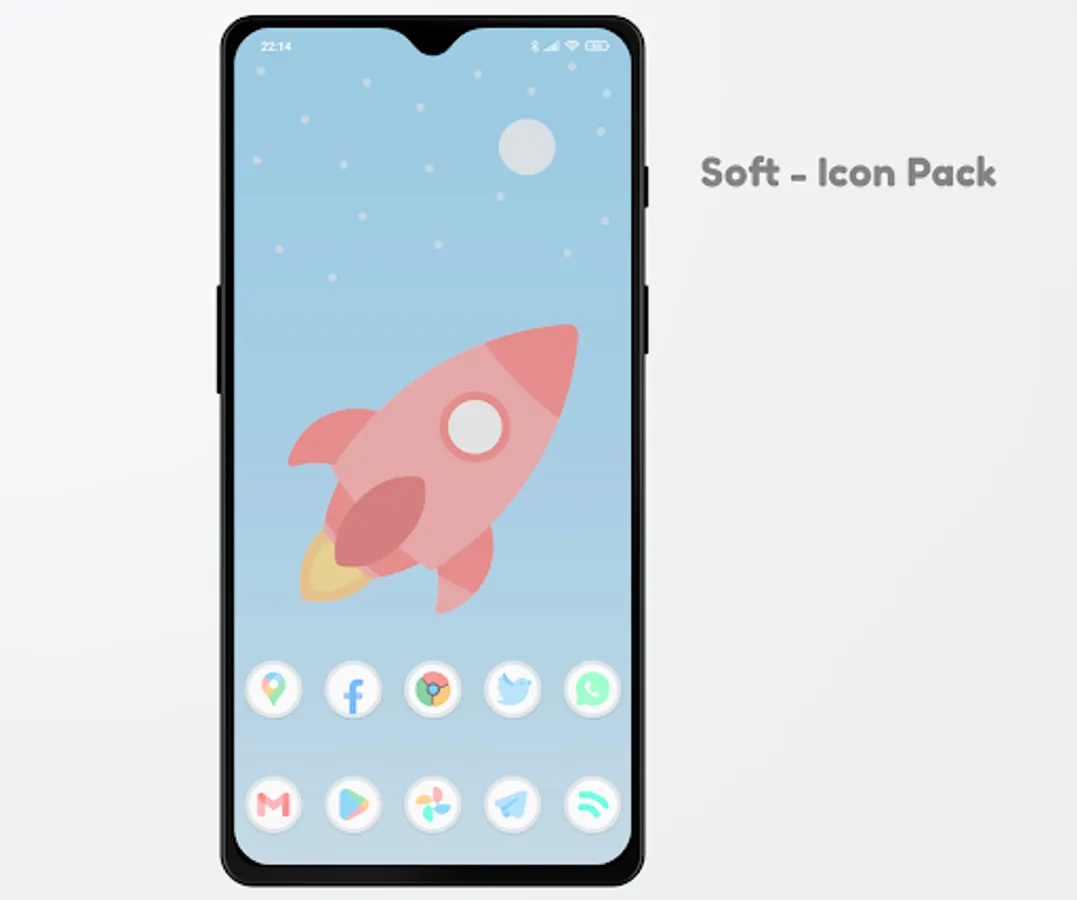
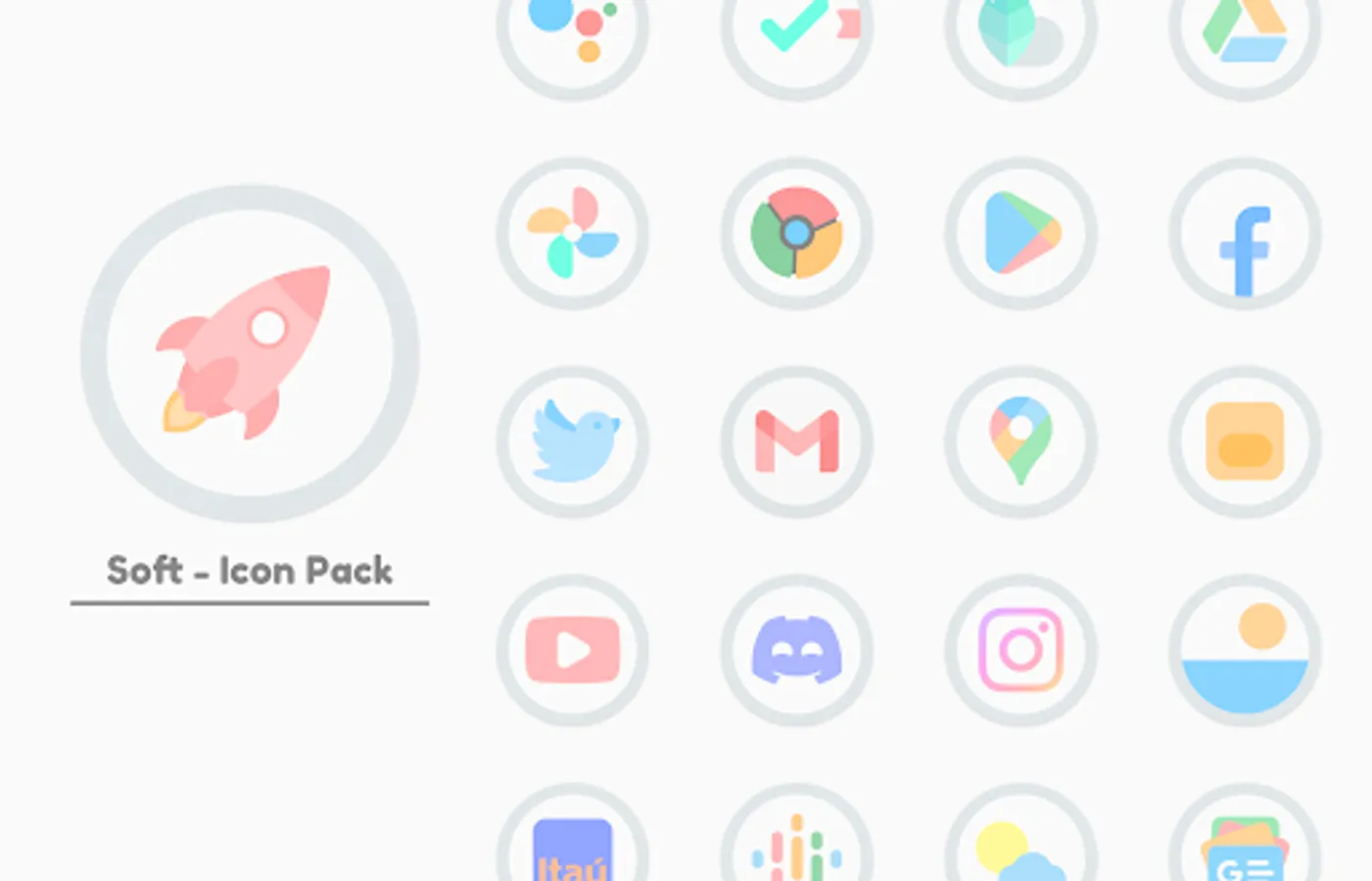
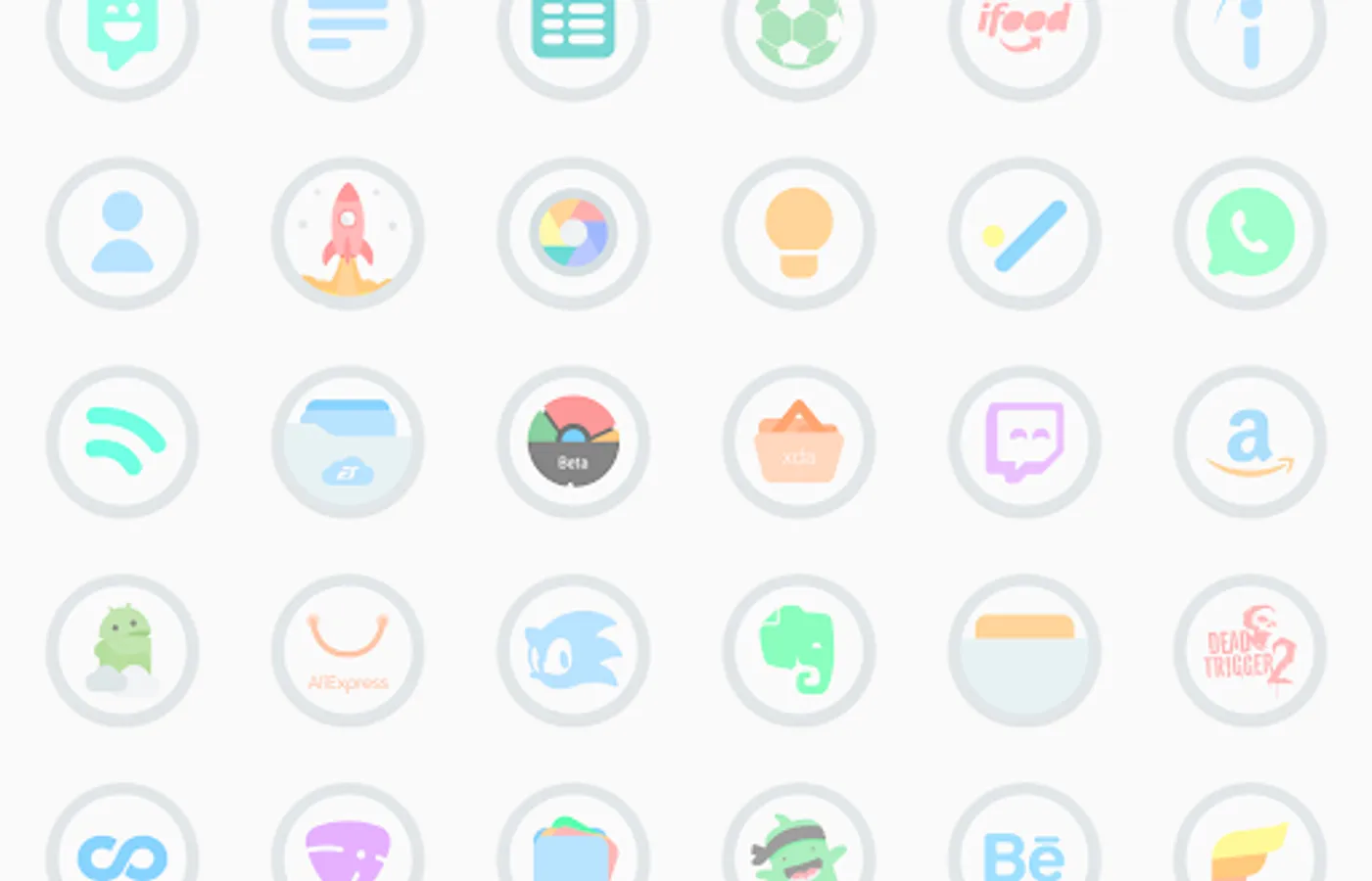
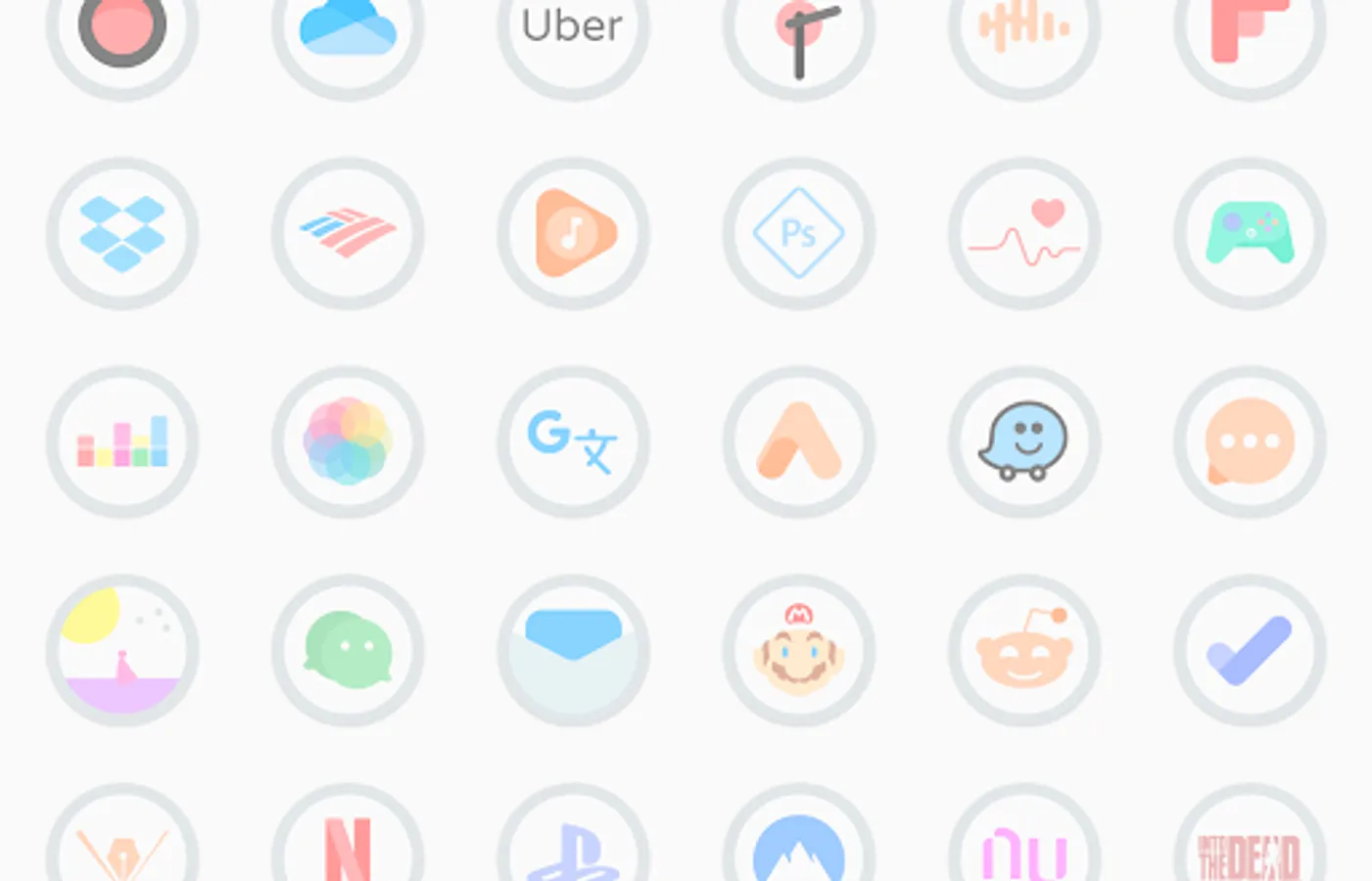
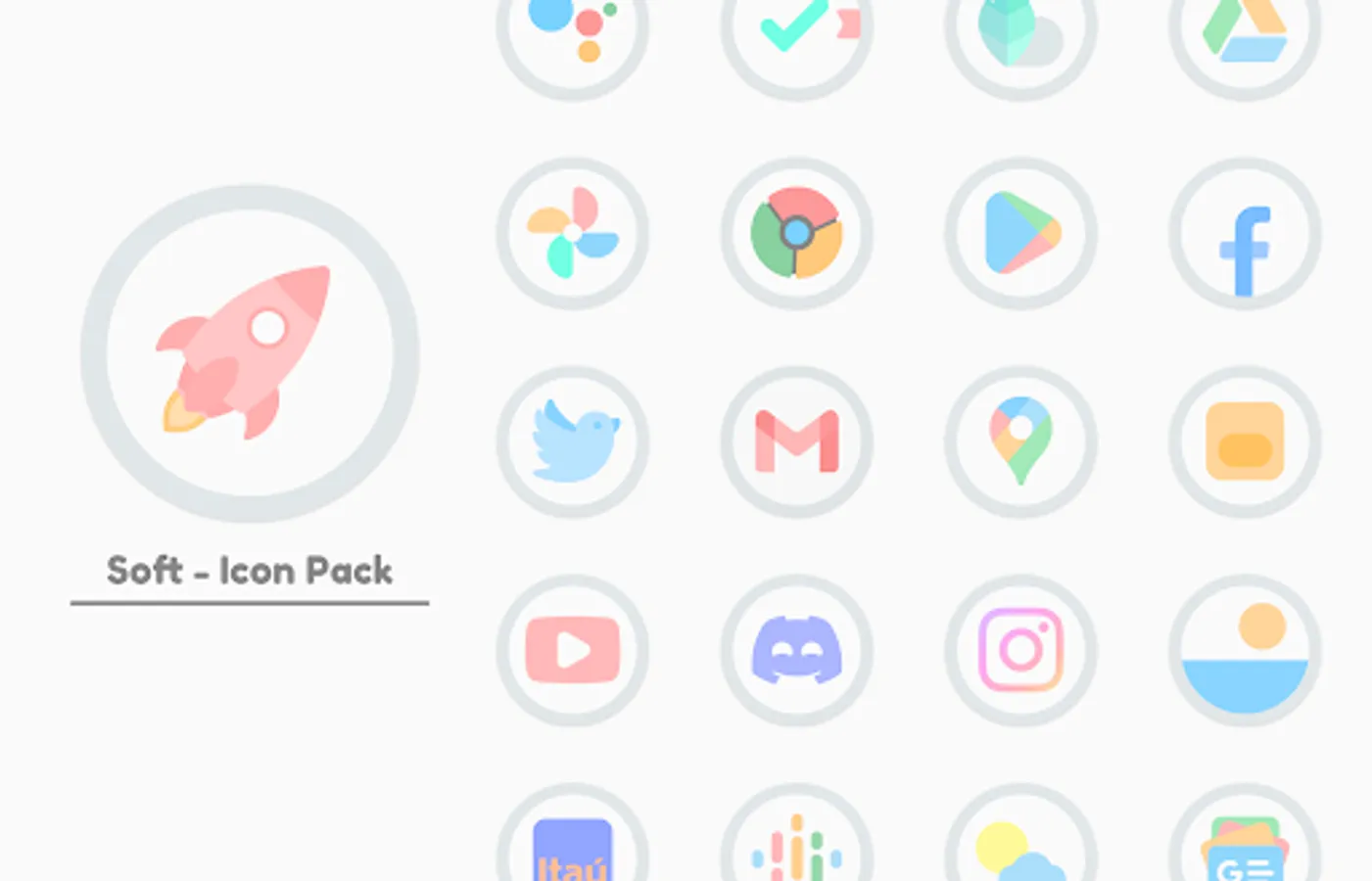
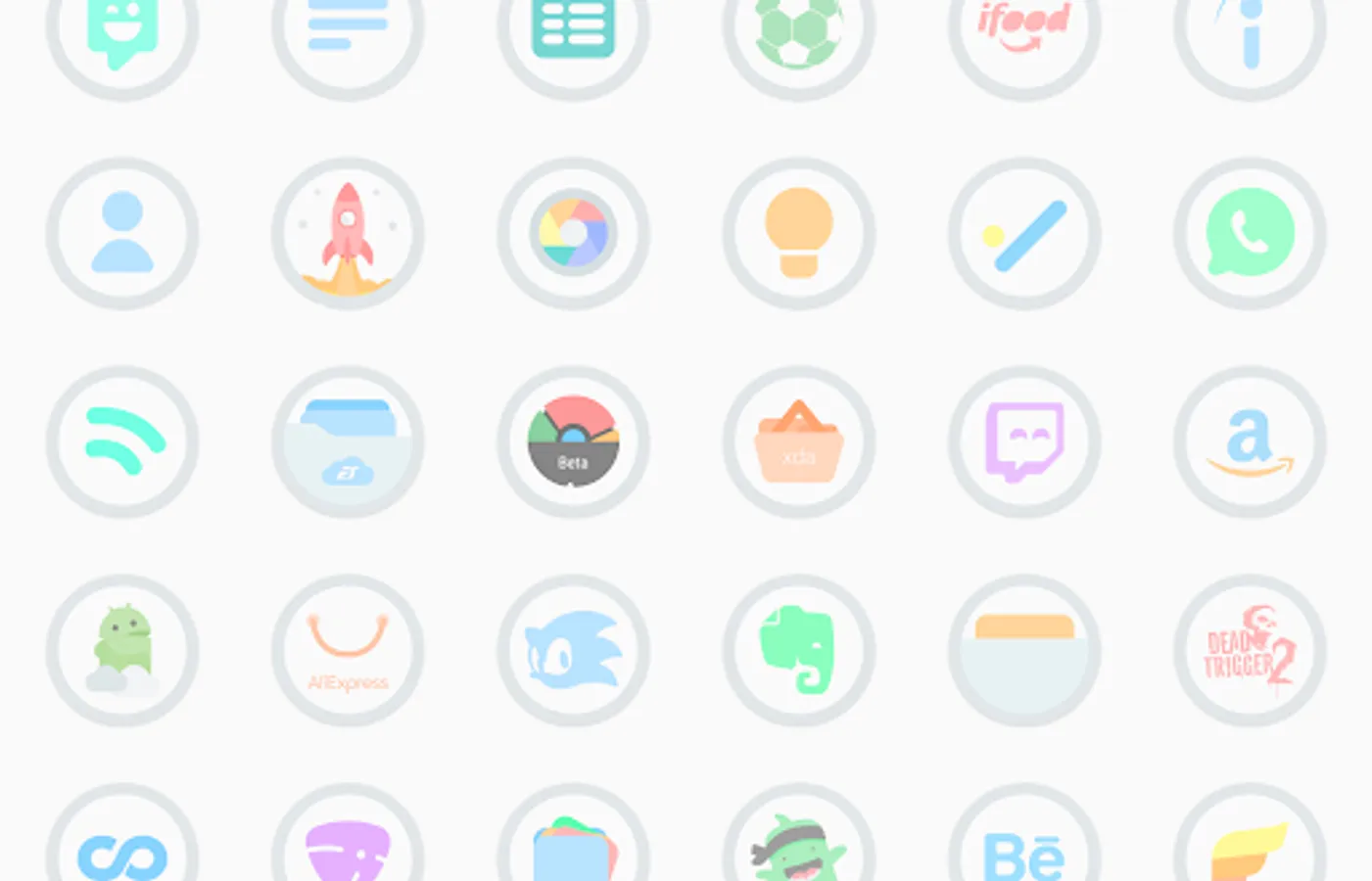
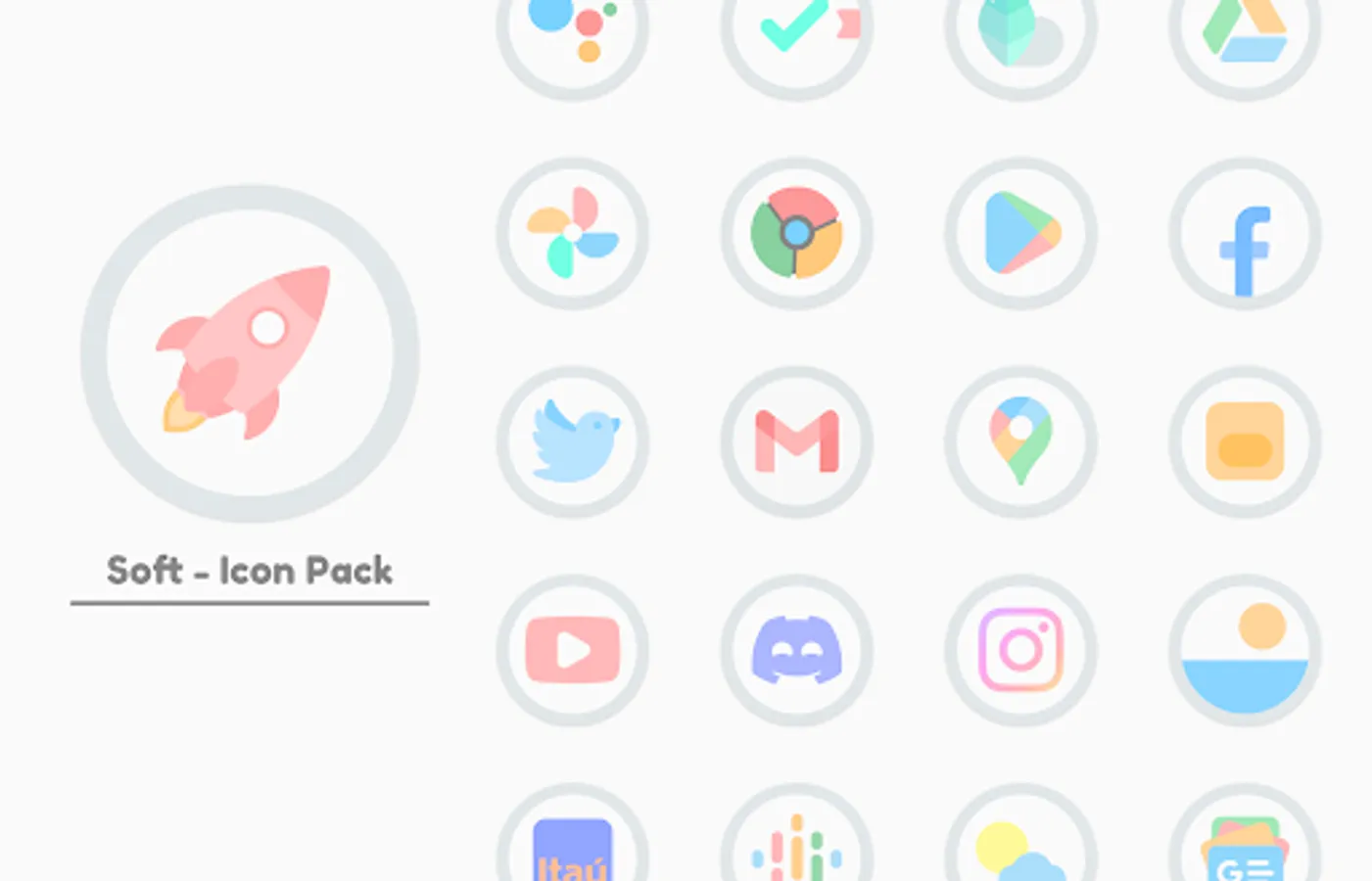
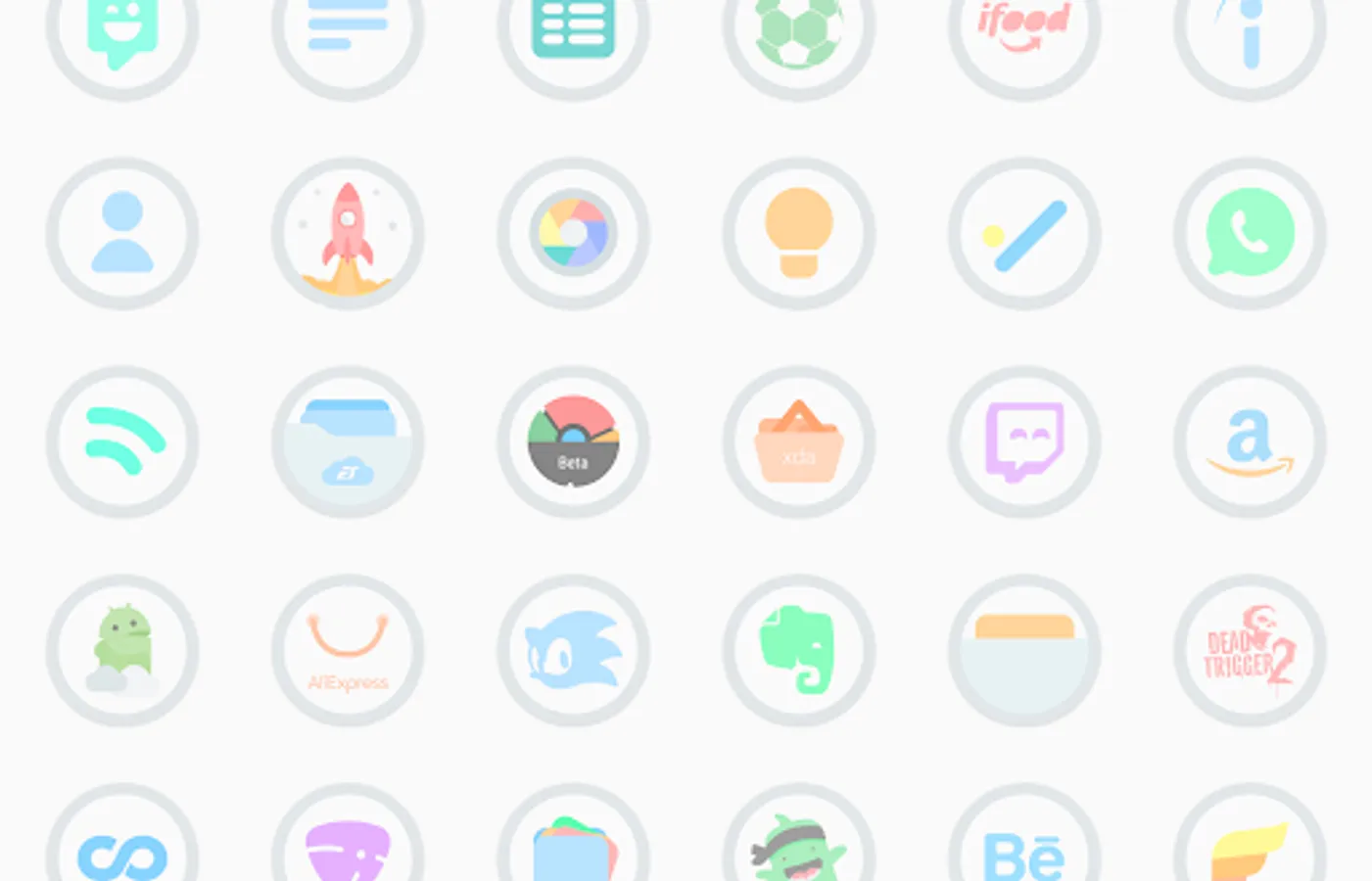
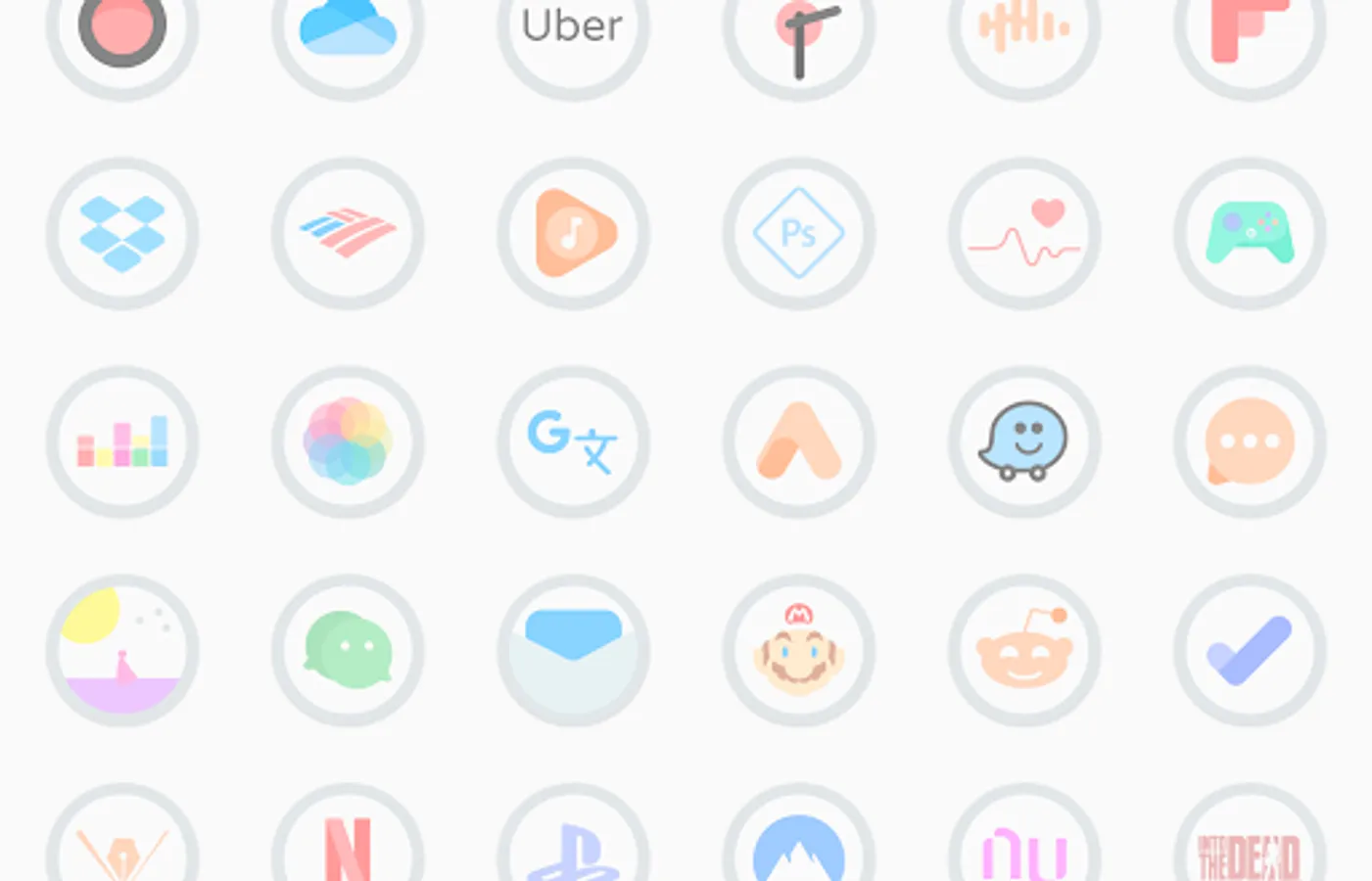
• 2700+ High Quality Pastel Icons.
• Wallpapers designed exclusively for the icon pack
• Frequent Updates.
• Alternative Icons.
• Dynamic Calendar support.
• Icon Request Tool.
• Icon Search.
On some launchers you need to enter the launcher settings to activate the icon pack. :)
Supports
• Nova Launcher
• Apex Launcher
• Hyperion Launcher
• OnePlus Launcher
• Go Launcher
• ADW2
• Action Launcher
• ABC Launcher
• Aviate Launcher
• Evie Launcher
• Holo Launcher
• ICS Holo Launcher
• Lucid Launcher
• M launcher
• Zero launcher
• V Launcher
• Smart Launcher
• Mix Launcher
• Cool Pixel Launcher
• Lawnchair Launcher
• Super P Launcher
• Rootles Launcher
• Solo Launcher and many more...
If you are using OnePlus launcher just enter the launcher settings: hold your finger on the home screen, then click "home settings" and then "icon pack".
How to Apply Icons with Soft - Icon Pack
1- Open Soft - Icon Pack
2- Navigate to Apply Soft
3- Select Your Launcher
4- Enjoy Your New Theme :)
Stay in touch:
https://twitter.com/FLDesign5
https://www.instagram.com/fl_icon_design/
Soft - Icon Pack Screenshots
Tap to Rate:
Reviews for Soft - Icon Pack
Hariharansiddharth (Sidhu)
1/4/2024
The icon packs are really good. Not just this, most other Icon packs from this developer. But updates are very hard to come by. I've purchased close to 13 of his Icon packs. And sent requests from each of it multiple times. But just doesn't seem to cover it. If the updates were quicker and considered. Each one of his Icon packs are a 5 star packs
Amirul Eahsan
10/1/2022
Am ahesthetic design. The smooth look of the icon pack is very unique. It has an unique character. Amazing work of the dev.