Trees
Forest Monitoring Tools
4.0 ★
store rating
100,000+
downloads
Free
AppRecs review analysis
AppRecs rating 3.8. Trustworthiness 79 out of 100. Review manipulation risk 21 out of 100. Based on a review sample analyzed.
★★★☆☆
3.8
AppRecs Rating
Ratings breakdown
5 star
62%
4 star
12%
3 star
6%
2 star
9%
1 star
12%
What to know
✓
Low review manipulation risk
21% review manipulation risk
✓
Credible reviews
79% trustworthiness score from analyzed reviews
✓
High user satisfaction
74% of sampled ratings are 4+ stars (4.0★ average)
About Trees
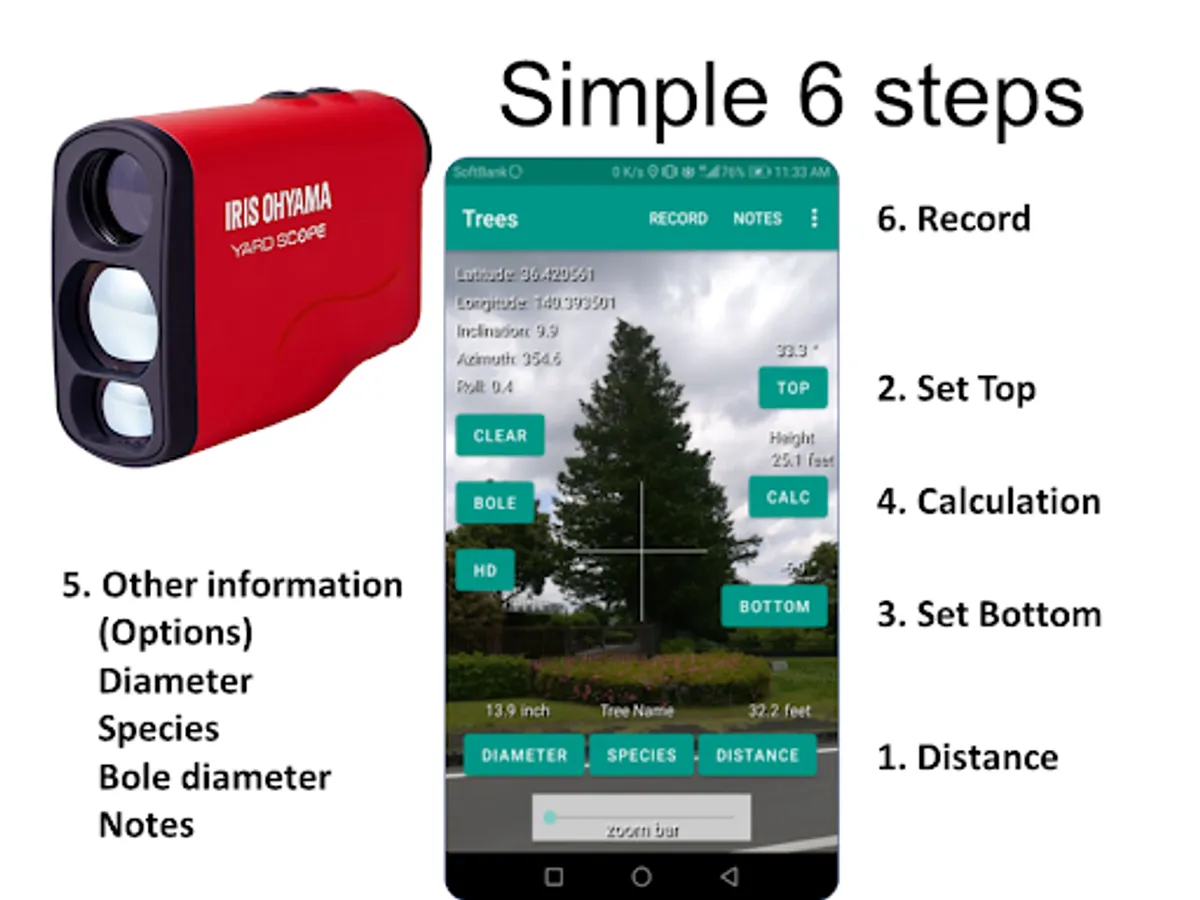
Step 1 - Input distance
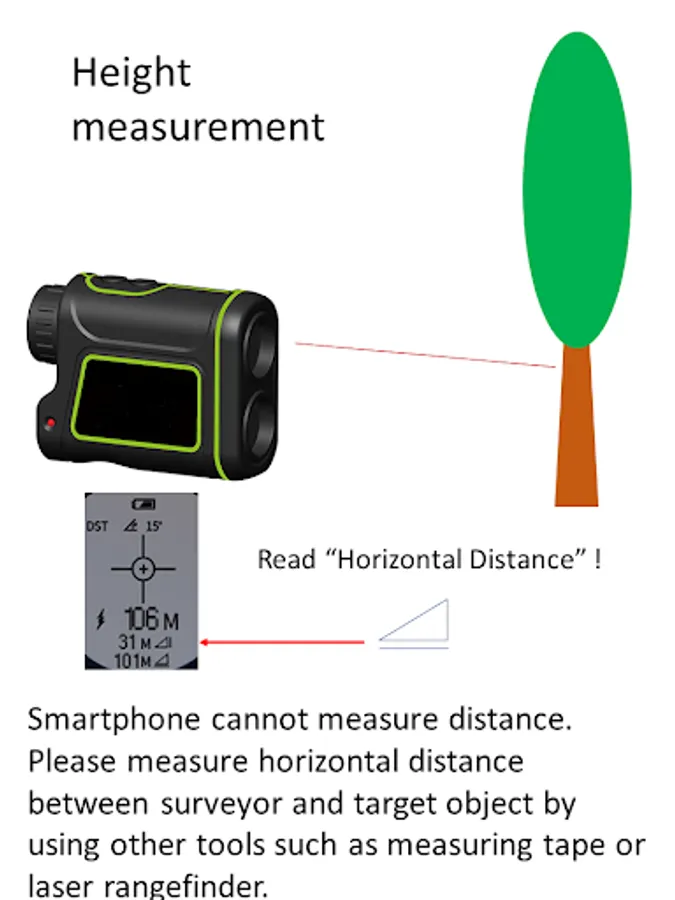
Distance data is obtained by other tools such as yard-tape or rangefinder
Step 2 - Set the top/bottom angle
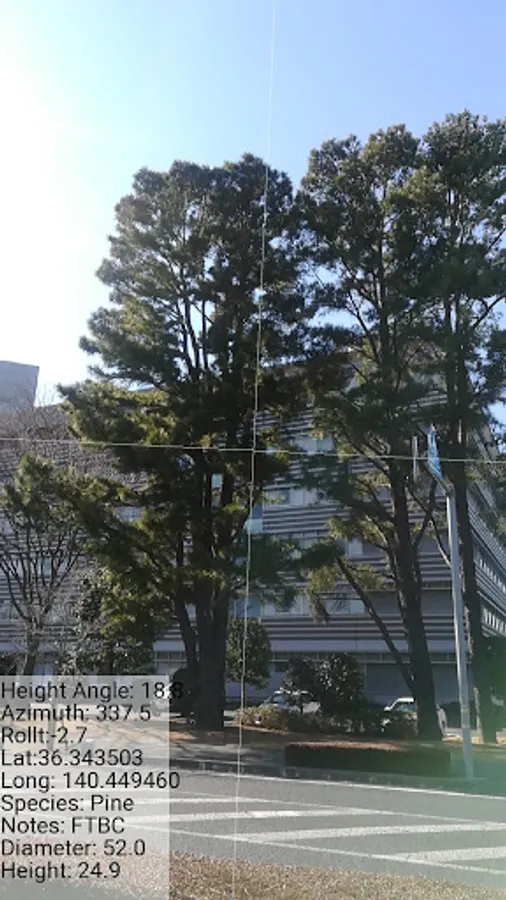
See through the target by Camera
Step 3 - Calculate height
Additional tree data manually collected
1. Horizontal distance – measured by rangefinder or measuring tape
2. Diameter – measuring tape or trunk caliper
3. Tree name -- Select from list
Operation procedure;
1. Start app, and wait several seconds until GPS location is displayed
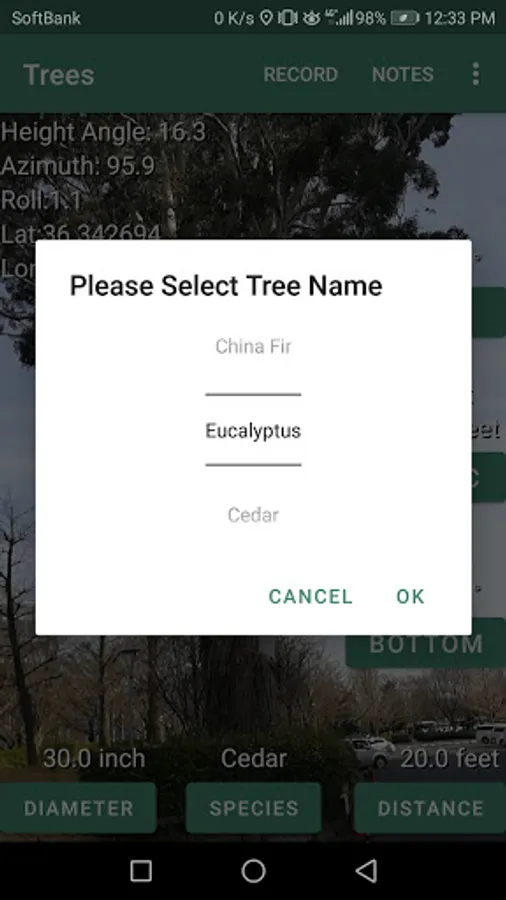
2. Tap tree name for selecting species name
(Tree Name list is editable from menu, and direct editing /Android/Data/com.forest.trees/files/forest/Species_Data.txt as well
3. Input Diameter manually
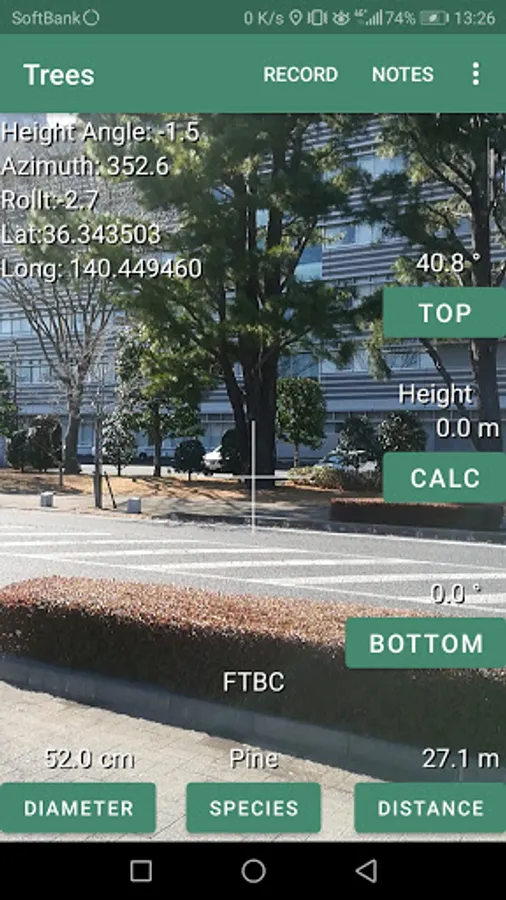
4. Focus on tree top, and tap “Top” for view angle of tree top
5. Focus on center mark with tree bottom, and tap “Bottom” for view angle of tree bottom
(In that time, bearing data and time data is memorized)
6. Tap “Cal” for tree height calculation
7. Check the data, and tap “RECORD” for data recording
Data is stored to Internal storage (Android/Data/com.forest.trees/files/YYYYMMDD_data.csv)
Species List Data is edited by Option Menu - Species Editor