White - Wheel Launcher Theme
fossor coding
3.9 ★
177 ratings
10,000+
downloads
Free
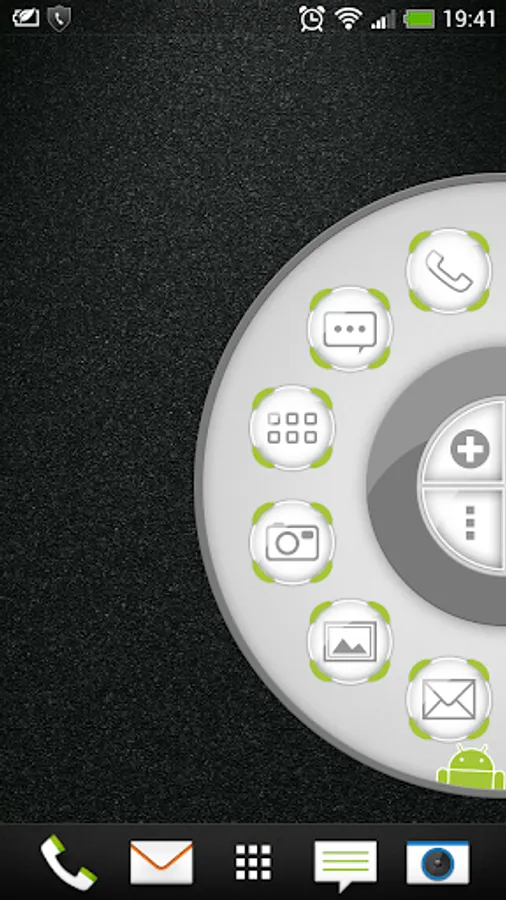
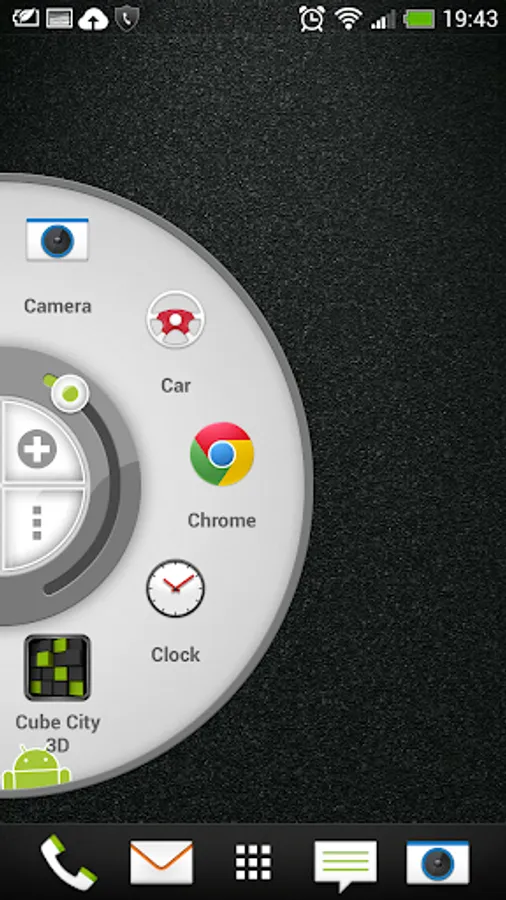
With this app, you can access your favorite apps, contacts, and settings quickly by pulling the wheel icon from the edge of your screen. Includes shortcuts for contacts, settings, toggles, and gesture controls.
AppRecs review analysis
AppRecs rating 3.9. Trustworthiness 0 out of 100. Review manipulation risk 0 out of 100. Based on a review sample analyzed.
★★★☆☆
3.9
AppRecs Rating
Ratings breakdown
5 star
47%
4 star
32%
3 star
5%
2 star
0%
1 star
16%
What to know
✓
Good user ratings
79% positive sampled reviews
✓
Authentic reviews
Natural distribution, no red flags
About White - Wheel Launcher Theme
Wheel Launcher White theme.
https://play.google.com/store/apps/details?id=com.fossor.wheellauncher
https://play.google.com/store/apps/details?id=com.fossor.wheellauncherfull
Tired of side bars and edge screens? Get yourself a wheel!
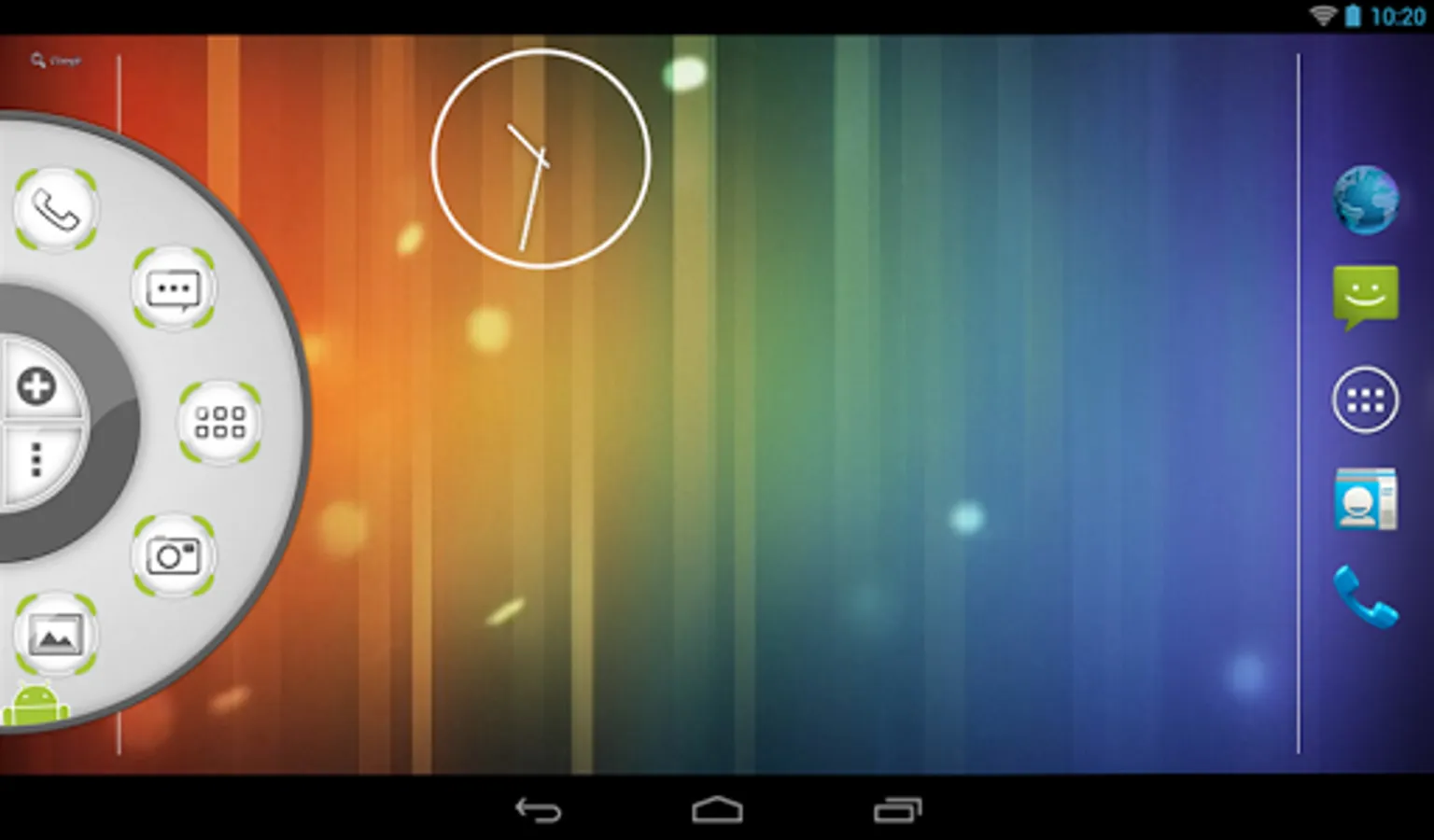
Wheel Launcher is an edge panel/screen that resides on top of everything on your device. Wheel Launcher does not interfere with your main launcher, but provides a fast way to reach your favorite apps, shortcuts, contacts, tools, toggles and settings - just pull the icon on the edge of your screen. To hide the edge panel drag the icon off screen. Wheel Launcher allows you to add any shortcut that is provided by your apps, like direct dial any of your contacts or settings shortcut, like battery, sound, Wi-Fi and so on.
Wheel Launcher is a lightweight app, no unnecessary services and processes that occupy your RAM. Less RAM used - more battery saved!
If you have anything to ask, suggest or if you found a bug - do not hesitate to drop me an email.
Wheel Launcher Features
• Fancy circle design
• Easy one hand navigation
• Quick access to apps and shortcuts
• Contacts
• New! Accessibility shortcuts
• Quick settings toggles
• System settings shortcuts
• Audio controls
• Gestures
• Themes
• Left/Right sided panel
• Icon pack support
• Icon or shape trigger support
• Autostart on boot
• Recent apps.
• Shake! You can open and close the Wheel Launcher by shaking your device.
• The panel is resizable with adjustable item count.
https://play.google.com/store/apps/details?id=com.fossor.wheellauncher
https://play.google.com/store/apps/details?id=com.fossor.wheellauncherfull
Tired of side bars and edge screens? Get yourself a wheel!
Wheel Launcher is an edge panel/screen that resides on top of everything on your device. Wheel Launcher does not interfere with your main launcher, but provides a fast way to reach your favorite apps, shortcuts, contacts, tools, toggles and settings - just pull the icon on the edge of your screen. To hide the edge panel drag the icon off screen. Wheel Launcher allows you to add any shortcut that is provided by your apps, like direct dial any of your contacts or settings shortcut, like battery, sound, Wi-Fi and so on.
Wheel Launcher is a lightweight app, no unnecessary services and processes that occupy your RAM. Less RAM used - more battery saved!
If you have anything to ask, suggest or if you found a bug - do not hesitate to drop me an email.
Wheel Launcher Features
• Fancy circle design
• Easy one hand navigation
• Quick access to apps and shortcuts
• Contacts
• New! Accessibility shortcuts
• Quick settings toggles
• System settings shortcuts
• Audio controls
• Gestures
• Themes
• Left/Right sided panel
• Icon pack support
• Icon or shape trigger support
• Autostart on boot
• Recent apps.
• Shake! You can open and close the Wheel Launcher by shaking your device.
• The panel is resizable with adjustable item count.