FreeStyle Libre 3 - ES
Abbott Diabetes Care Inc.
50,000+
downloads
Free
AppRecs review analysis
AppRecs rating . Trustworthiness 92 out of 100. Review manipulation risk 16 out of 100. Based on a review sample analyzed.
★
AppRecs Rating
Ratings breakdown
5 star
15%
4 star
15%
3 star
15%
2 star
0%
1 star
54%
What to know
✓
Low review manipulation risk
16% review manipulation risk
✓
Credible reviews
92% trustworthiness score from analyzed reviews
⚠
Mixed user feedback
Average 2.4★ rating suggests room for improvement
About FreeStyle Libre 3 - ES
The FreeStyle Libre 3 app is authorized for use with FreeStyle Libre 3 system sensors and FreeStyle Libre Select sensors.
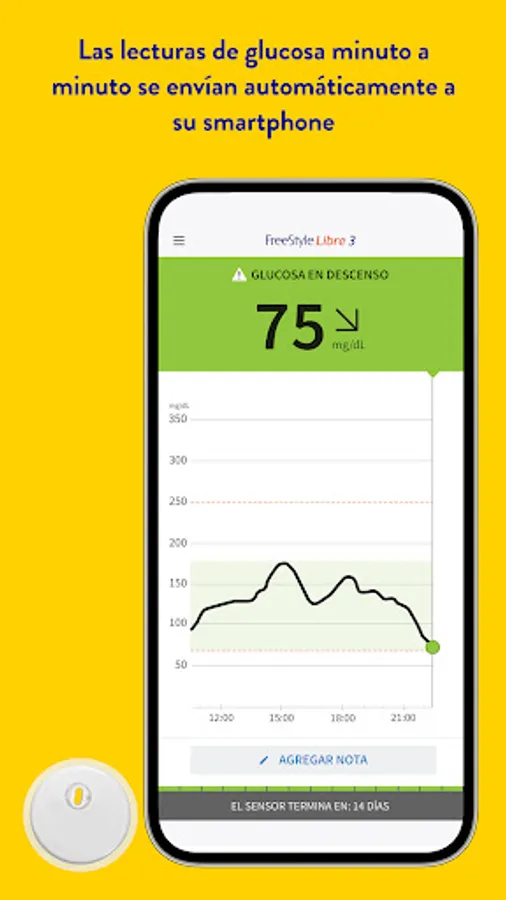
The newest product in the FreeStyle Libre family features advanced continuous glucose monitoring (CGM) technology designed to help you make progress:
• Your glucose in real time, at any time [1].
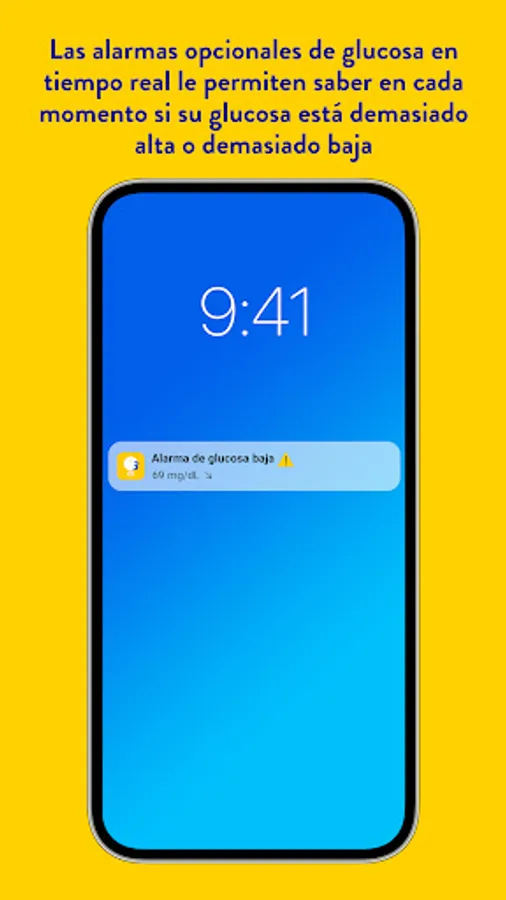
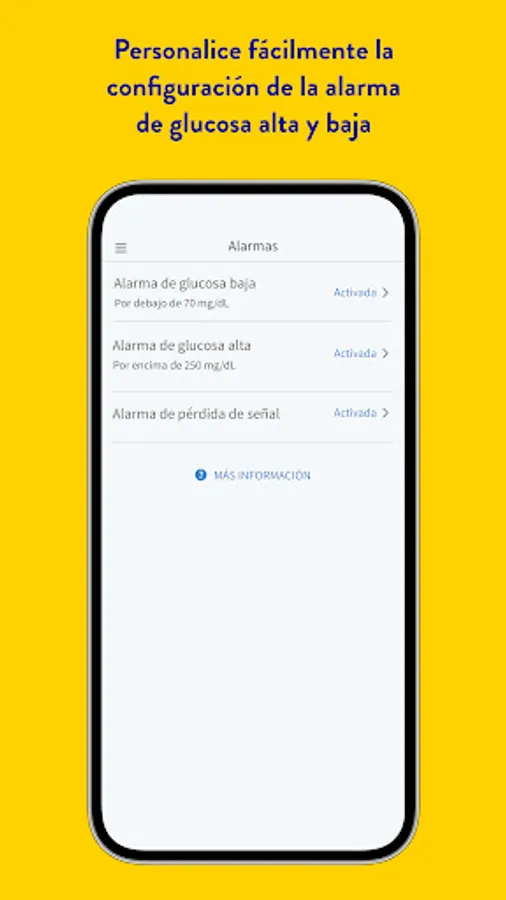
• Receive notifications the moment your glucose is too low or too high. Optional alarms[2] help you know when to take action.
• Real-time readings update every minute, 5 times faster than any other CGM[3].
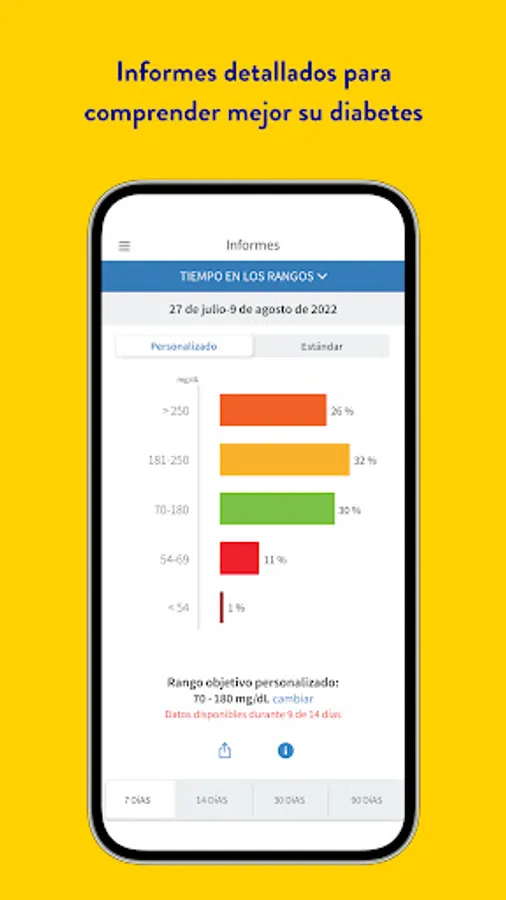
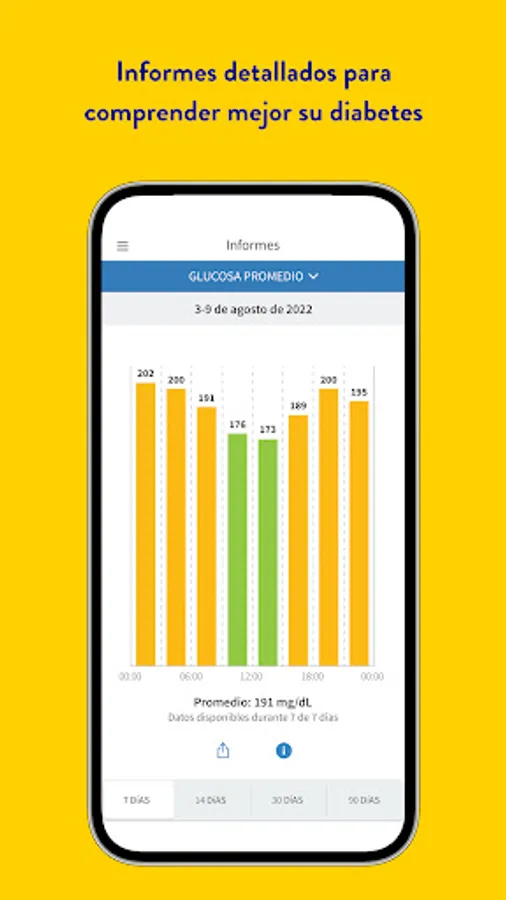
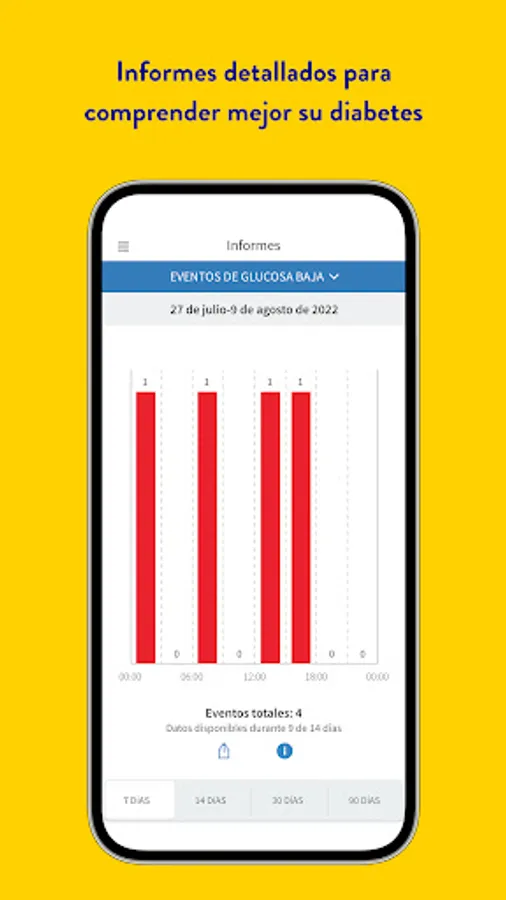
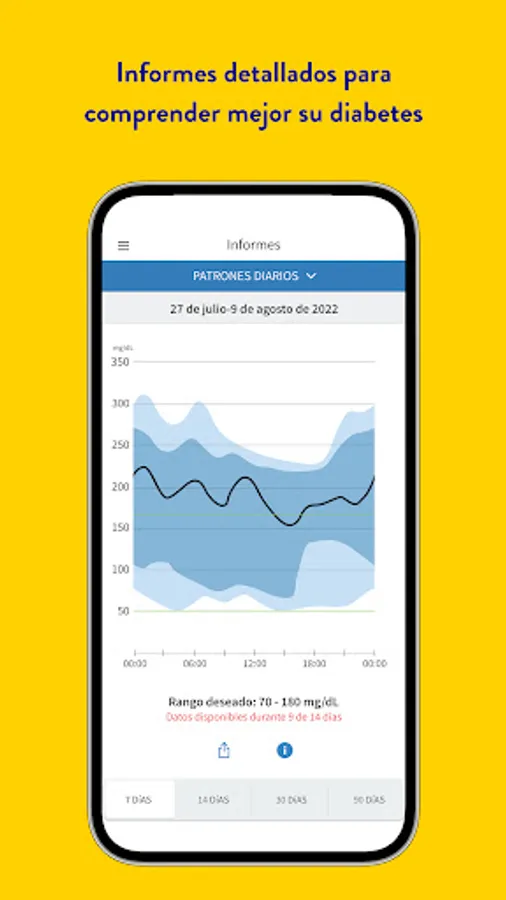
• Get detailed reports, including time in range, to better understand your glucose trends and patterns.
COMPATIBILITY
You can only use the FreeStyle Libre 3 app with the FreeStyle Libre 3 system sensors and the FreeStyle Libre Select sensor. Not compatible with the FreeStyle Libre or FreeStyle Libre 2 family of sensors.
Compatibility may vary between smartphones and operating systems. Learn more about compatible smartphones at www.FreeStyleLibre.com.
INFORMATION ABOUT THE APP
The FreeStyle Libre 3 app has been designed to measure glucose levels in people with diabetes when used with the FreeStyle Libre 3 system sensors or the FreeStyle Libre Select sensor. For more information on how to use the FreeStyle Libre 3 application, please refer to the User Manual.
Please consult a healthcare professional to confirm that this product is appropriate for you or if you have any questions about how to use it to make treatment decisions.
[1] A warm-up period of 60 minutes is needed when the sensor is applied.
[2] Notifications are only received if alarms are activated and the sensor is within [30 feet or 10 meters] of unobstructed distance from the reading device. You must activate the appropriate settings on your smartphone to receive alarms and alerts. See the FreeStyle Libre 3 User Manual for more information.
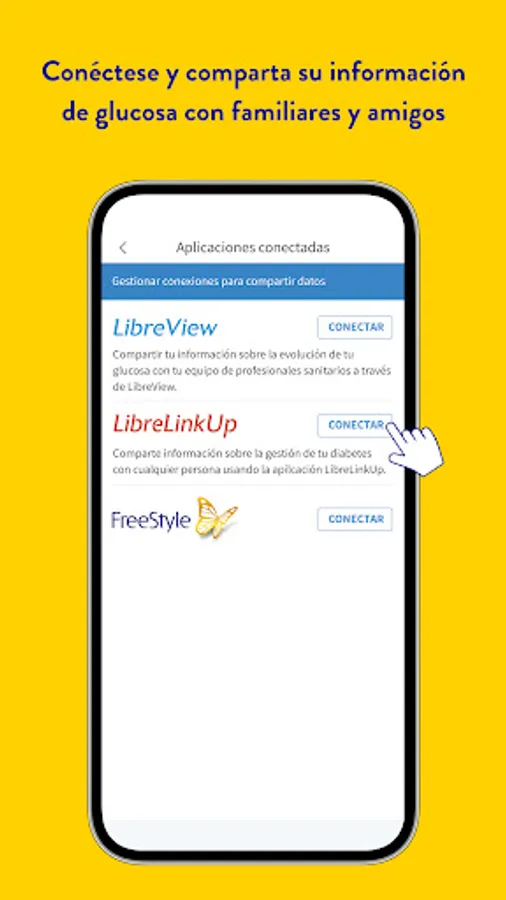
[3] The user's device must have an Internet connection for glucose data to be automatically uploaded to LibreView.
The sensor housing, FreeStyle, Libre, and related brand marks are marks of Abbott. Other trademarks are the property of their respective owners.
For information on other legal notices and conditions of use, please visit www.FreeStyleLibre.com.
========
To resolve any technical or Customer Service issues you may have with a FreeStyle Libre product, please contact the FreeStyle Libre Customer Service Department directly.
The newest product in the FreeStyle Libre family features advanced continuous glucose monitoring (CGM) technology designed to help you make progress:
• Your glucose in real time, at any time [1].
• Receive notifications the moment your glucose is too low or too high. Optional alarms[2] help you know when to take action.
• Real-time readings update every minute, 5 times faster than any other CGM[3].
• Get detailed reports, including time in range, to better understand your glucose trends and patterns.
COMPATIBILITY
You can only use the FreeStyle Libre 3 app with the FreeStyle Libre 3 system sensors and the FreeStyle Libre Select sensor. Not compatible with the FreeStyle Libre or FreeStyle Libre 2 family of sensors.
Compatibility may vary between smartphones and operating systems. Learn more about compatible smartphones at www.FreeStyleLibre.com.
INFORMATION ABOUT THE APP
The FreeStyle Libre 3 app has been designed to measure glucose levels in people with diabetes when used with the FreeStyle Libre 3 system sensors or the FreeStyle Libre Select sensor. For more information on how to use the FreeStyle Libre 3 application, please refer to the User Manual.
Please consult a healthcare professional to confirm that this product is appropriate for you or if you have any questions about how to use it to make treatment decisions.
[1] A warm-up period of 60 minutes is needed when the sensor is applied.
[2] Notifications are only received if alarms are activated and the sensor is within [30 feet or 10 meters] of unobstructed distance from the reading device. You must activate the appropriate settings on your smartphone to receive alarms and alerts. See the FreeStyle Libre 3 User Manual for more information.
[3] The user's device must have an Internet connection for glucose data to be automatically uploaded to LibreView.
The sensor housing, FreeStyle, Libre, and related brand marks are marks of Abbott. Other trademarks are the property of their respective owners.
For information on other legal notices and conditions of use, please visit www.FreeStyleLibre.com.
========
To resolve any technical or Customer Service issues you may have with a FreeStyle Libre product, please contact the FreeStyle Libre Customer Service Department directly.