AppRecs review analysis
AppRecs rating . Trustworthiness 78 out of 100. Review manipulation risk 25 out of 100. Based on a review sample analyzed.
★
AppRecs Rating
Ratings breakdown
5 star
36%
4 star
0%
3 star
7%
2 star
0%
1 star
57%
What to know
✓
Low review manipulation risk
25% review manipulation risk
✓
Credible reviews
78% trustworthiness score from analyzed reviews
⚠
Mixed user feedback
Average 2.6★ rating suggests room for improvement
About Crop Circle
Function:
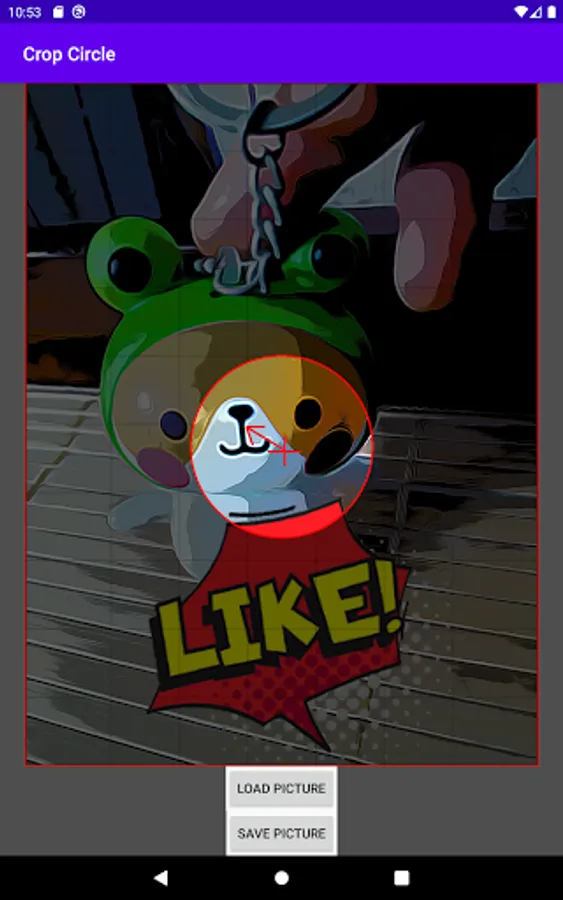
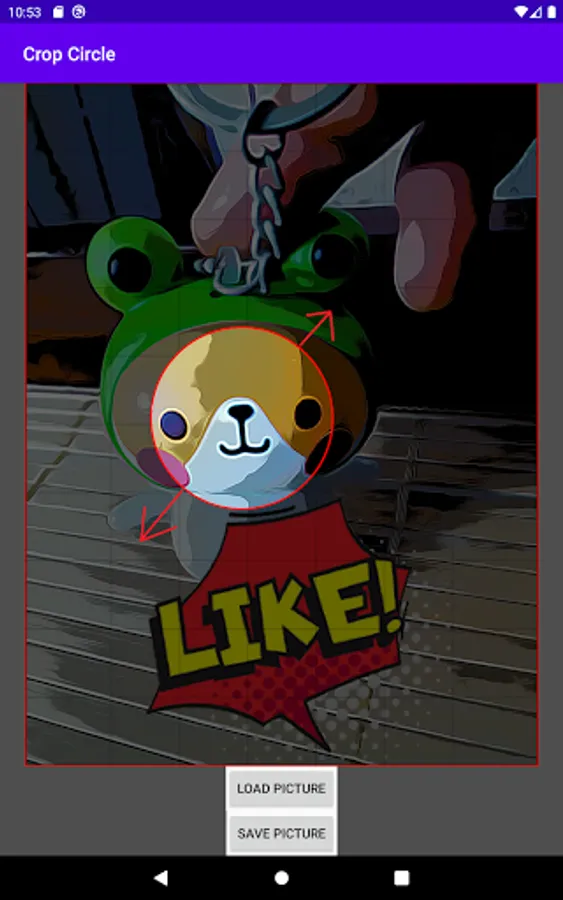
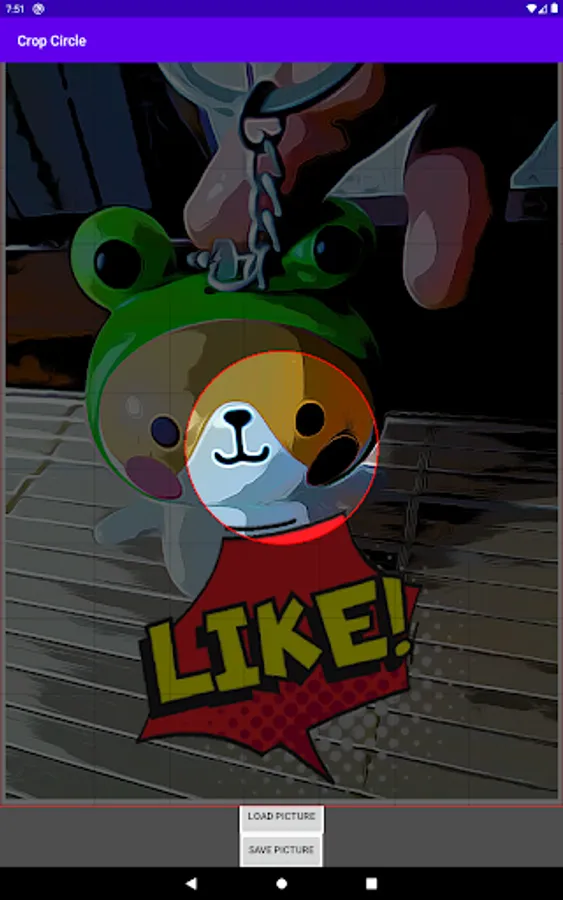
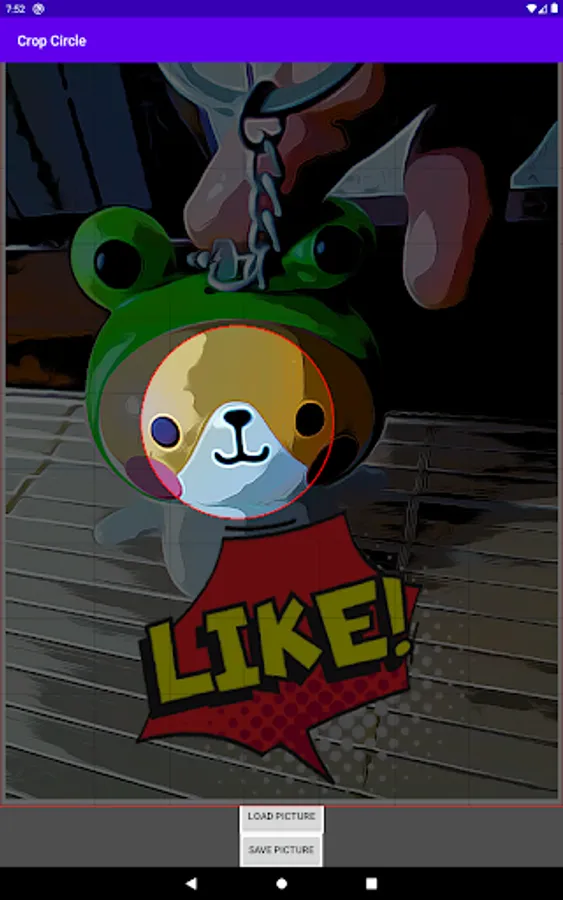
Crop photo into circular shape by fingers.
Instruction:
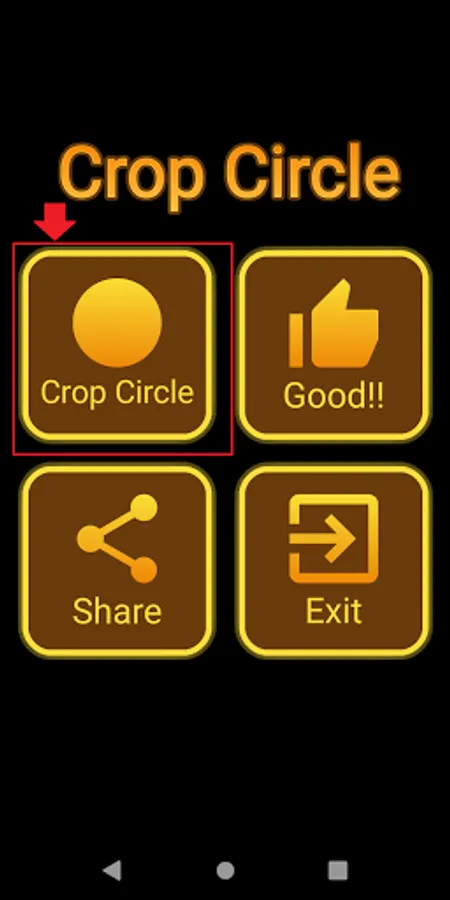
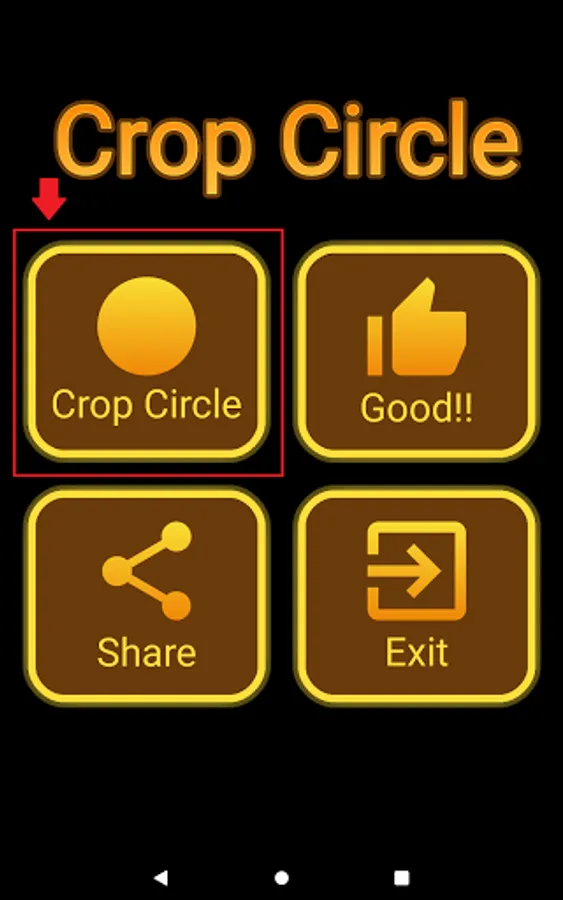
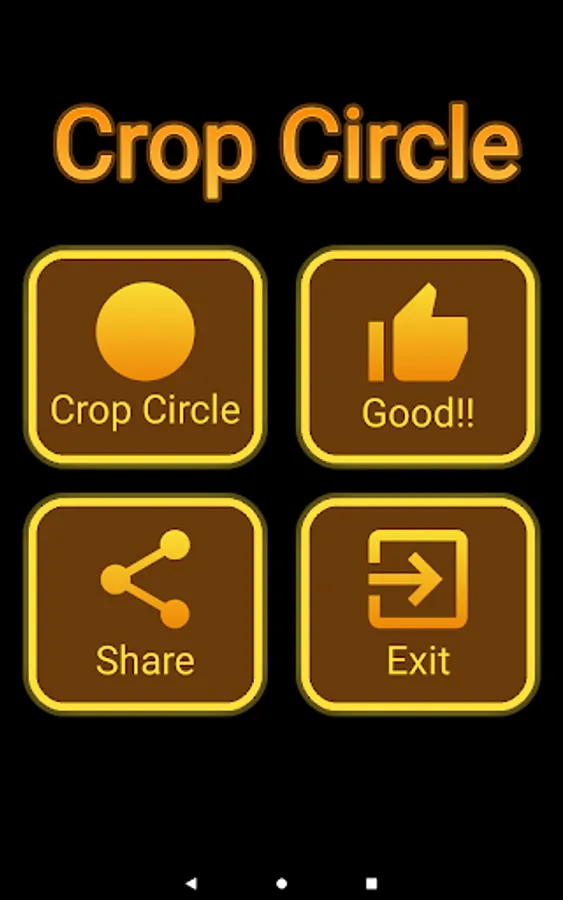
1. Click "Crop Circle" at Menu
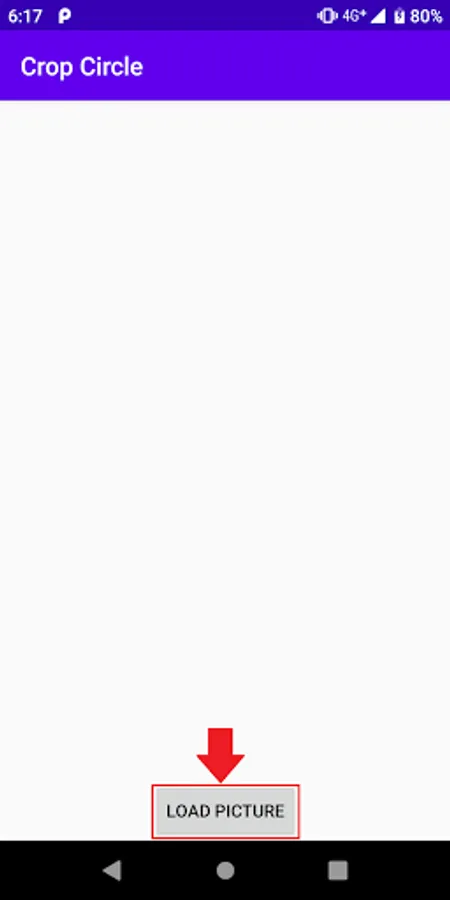
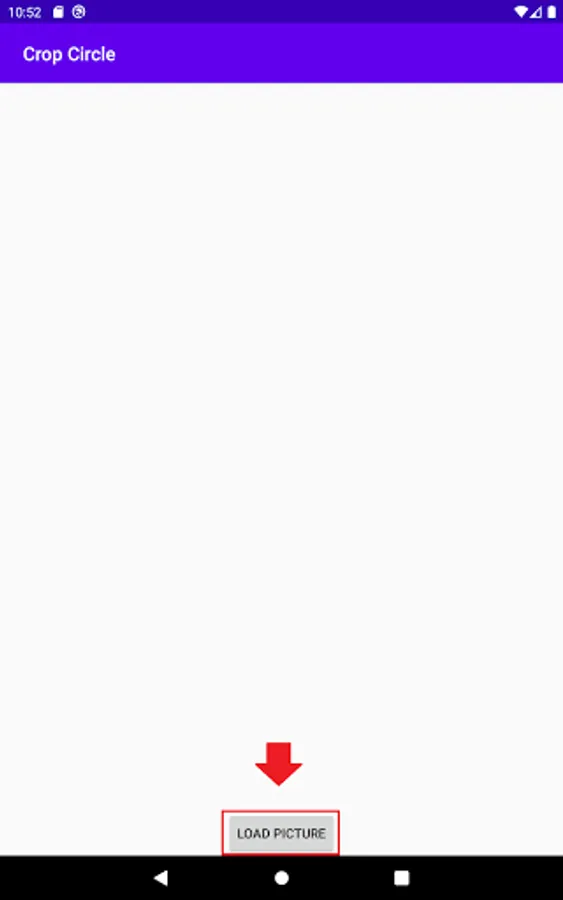
2. Click "Load Photo" Button (Read/Write Permission may be required)
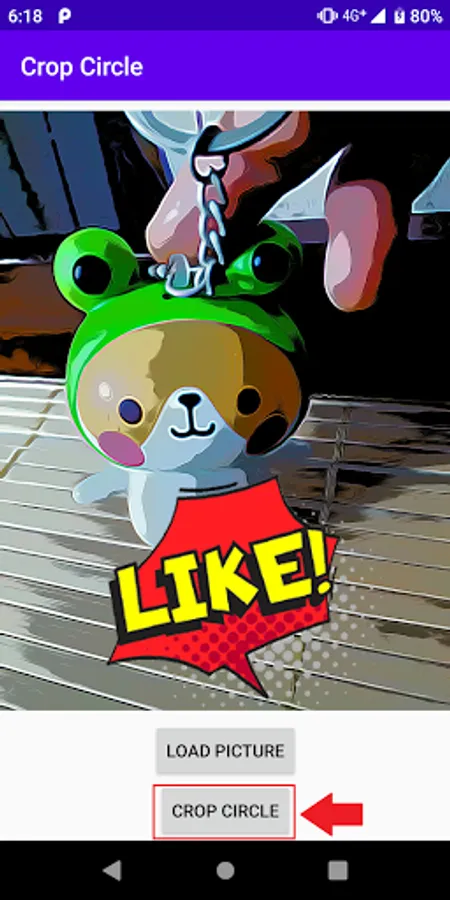
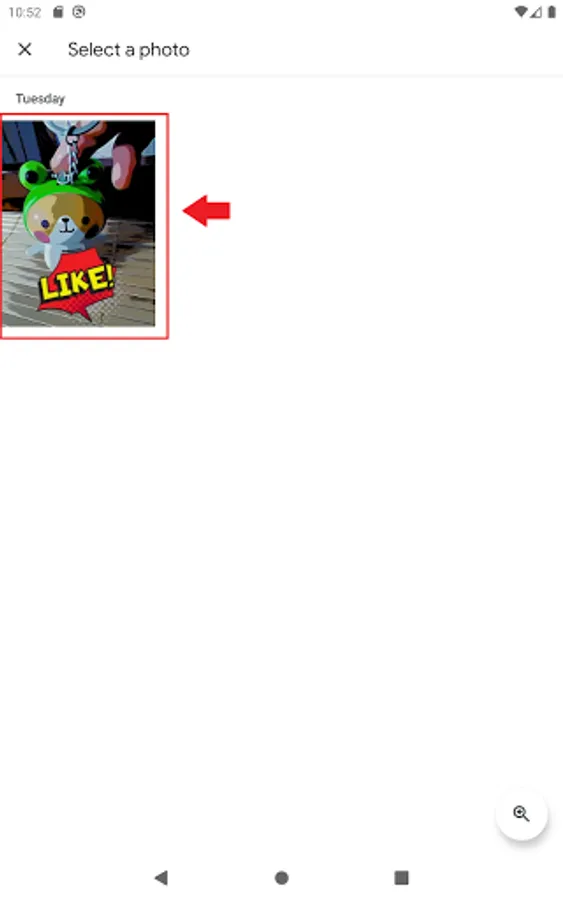
3. Choose a photo to be cropped in circular shape.
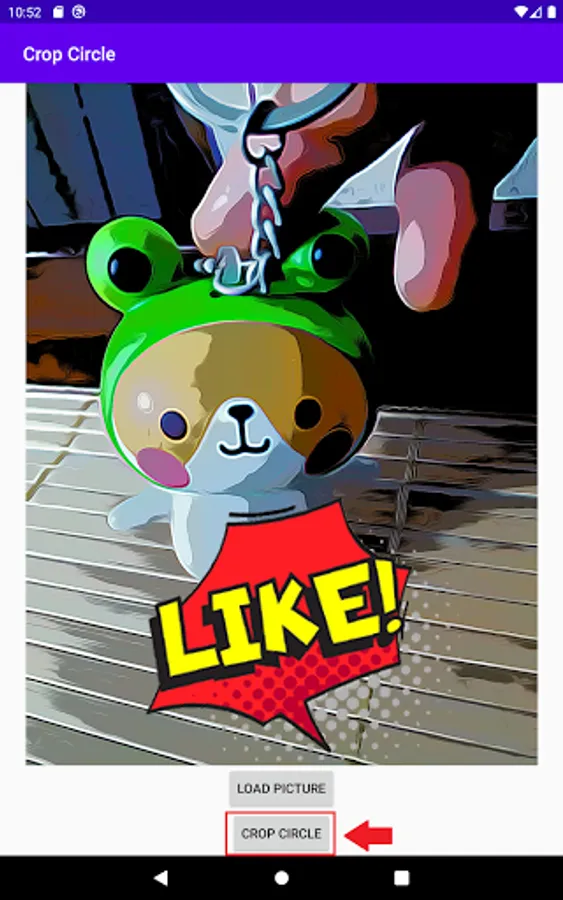
4. Click "Crop Circle" Button
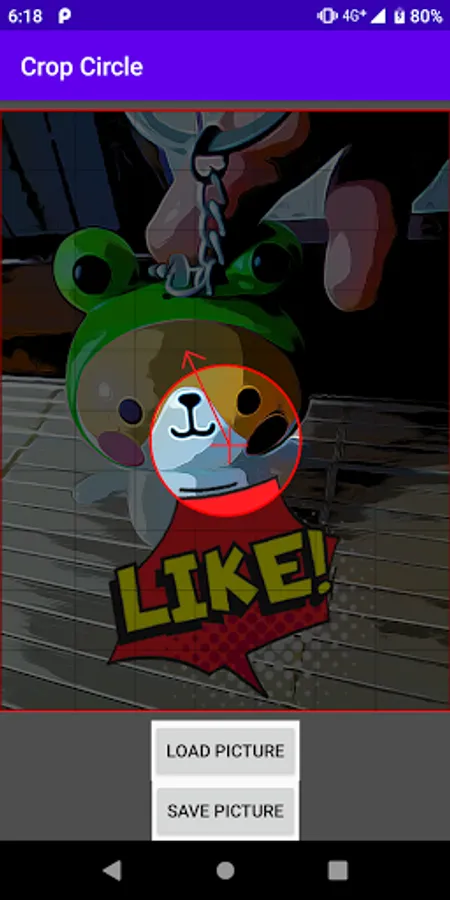
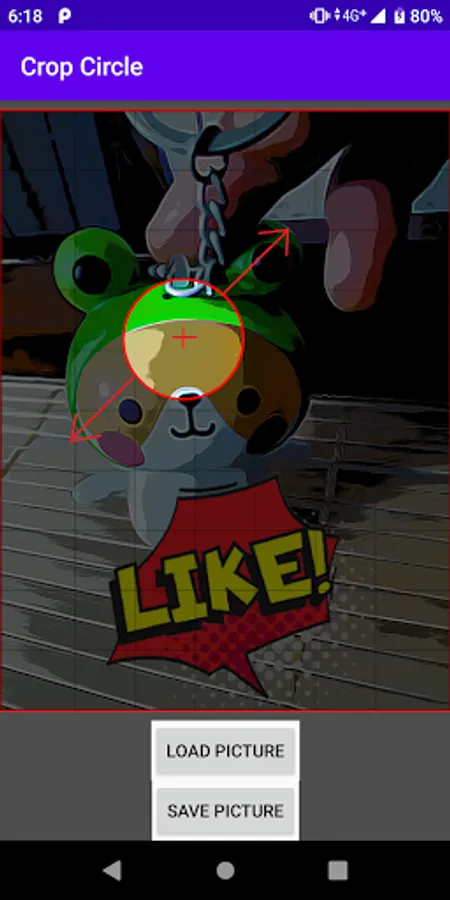
5a. Use single finger to move the circular region in preview.
5b. Use two fingers to stretch the circle to different size in preview.
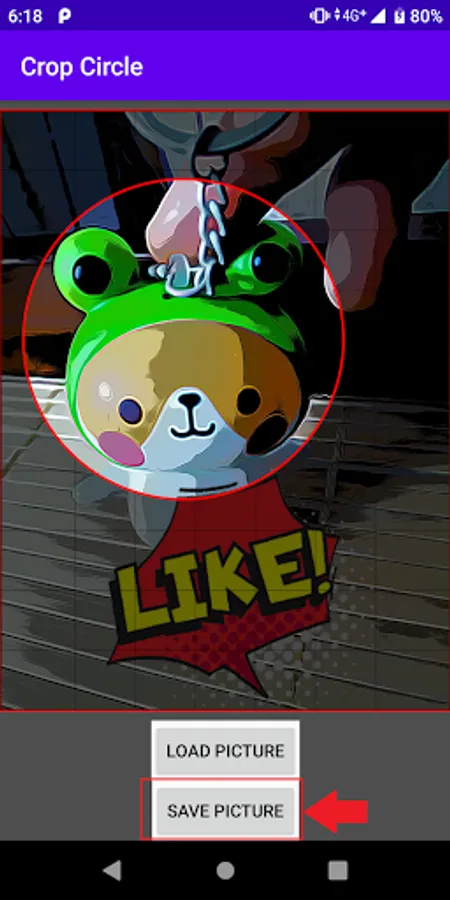
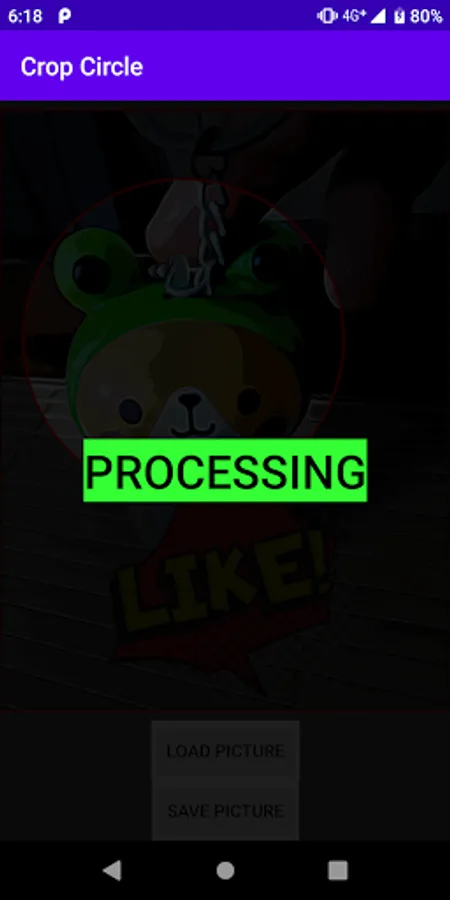
6. Click "Save Photo" and wait for processing and completion.
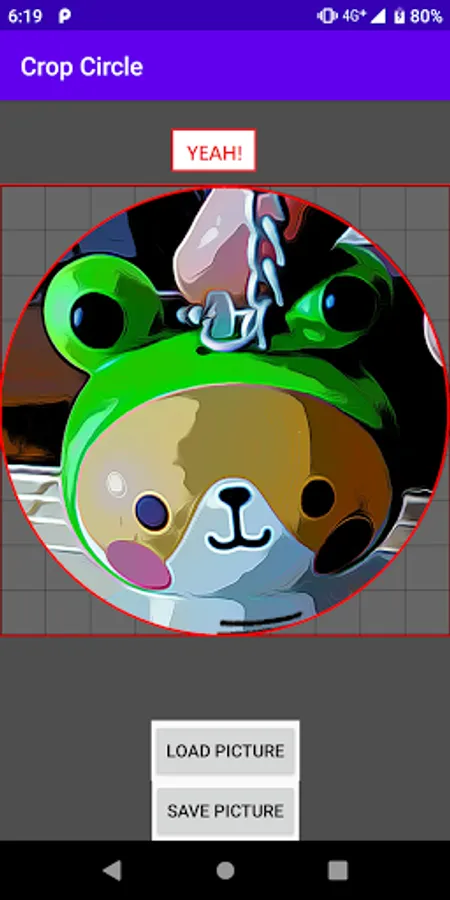
7. When completed, you can find a circular photo in the gallery.
Crop photo into circular shape by fingers.
Instruction:
1. Click "Crop Circle" at Menu
2. Click "Load Photo" Button (Read/Write Permission may be required)
3. Choose a photo to be cropped in circular shape.
4. Click "Crop Circle" Button
5a. Use single finger to move the circular region in preview.
5b. Use two fingers to stretch the circle to different size in preview.
6. Click "Save Photo" and wait for processing and completion.
7. When completed, you can find a circular photo in the gallery.
Crop Circle Screenshots


Tap to Rate:
Reviews for Crop Circle
Deanna Velez
1/29/2023
The button to crop the circle isn't active.
Zinegnaw Mekonnen
1/23/2023
Nice