About Recortar foto circular
Function:
Cut out the photo in a circular shape with your fingers.
Instructions:
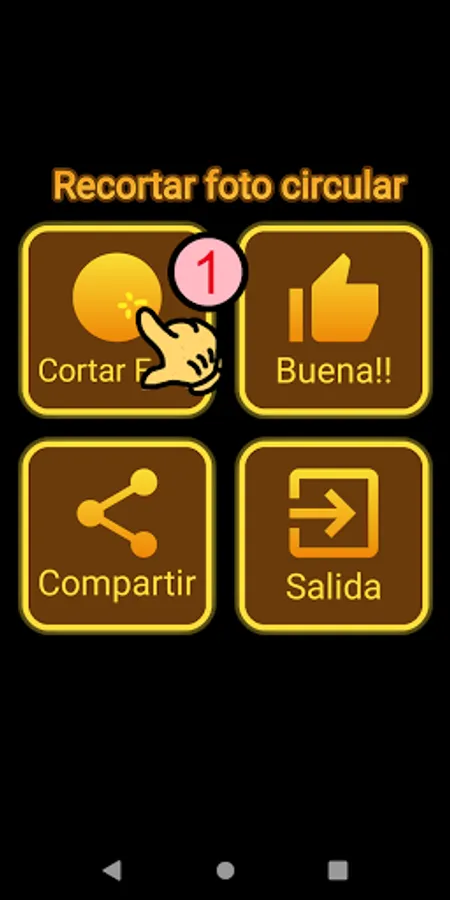
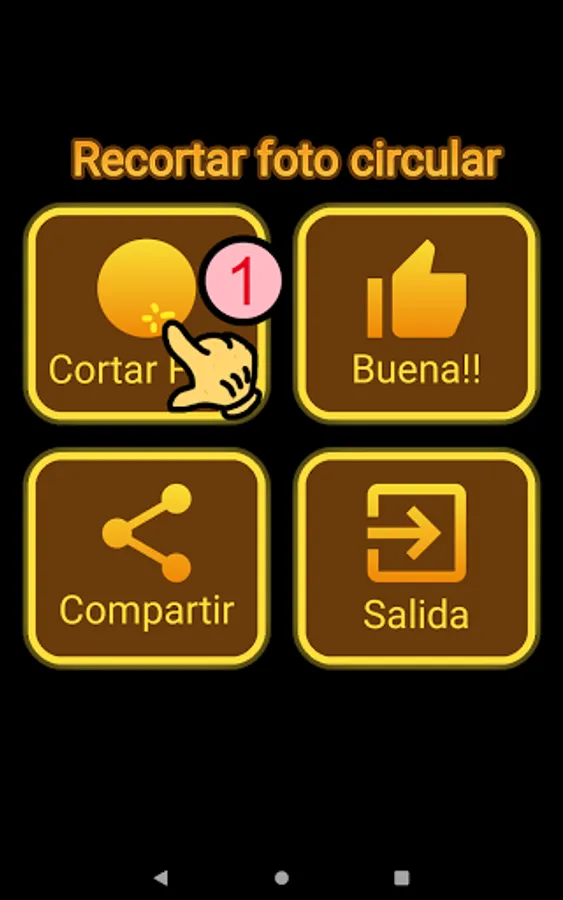
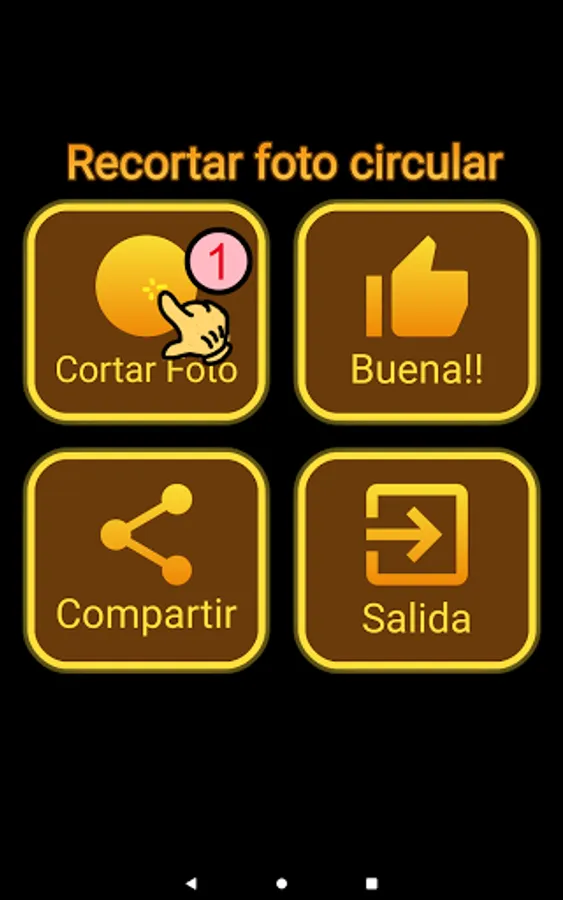
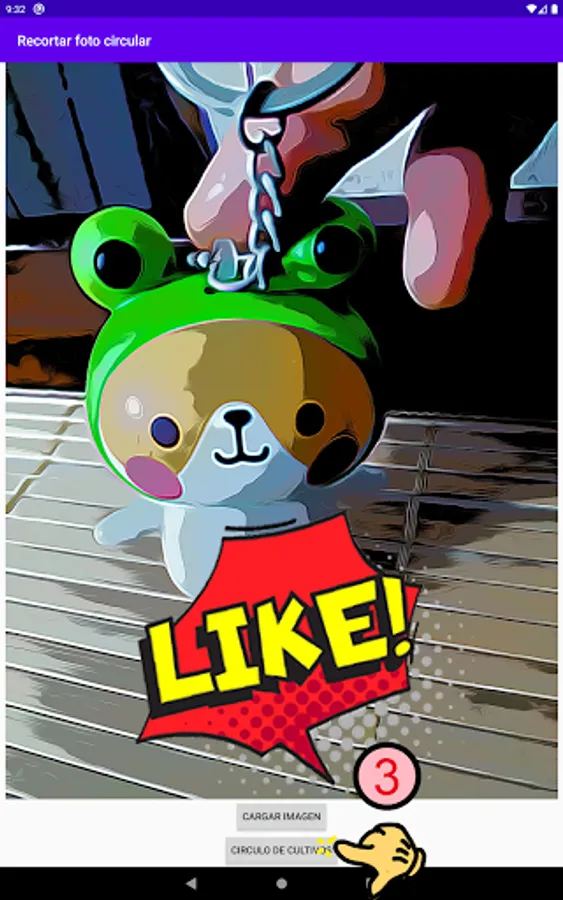
1. Click on "Crop Circle" in the menu.
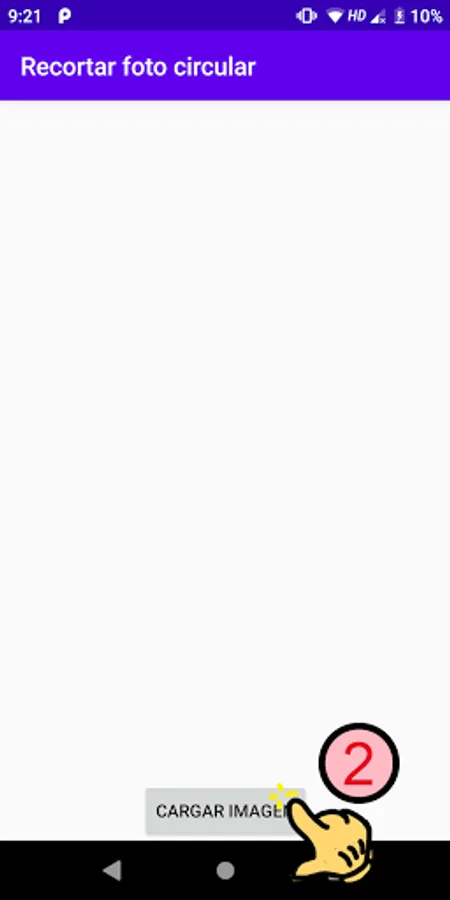
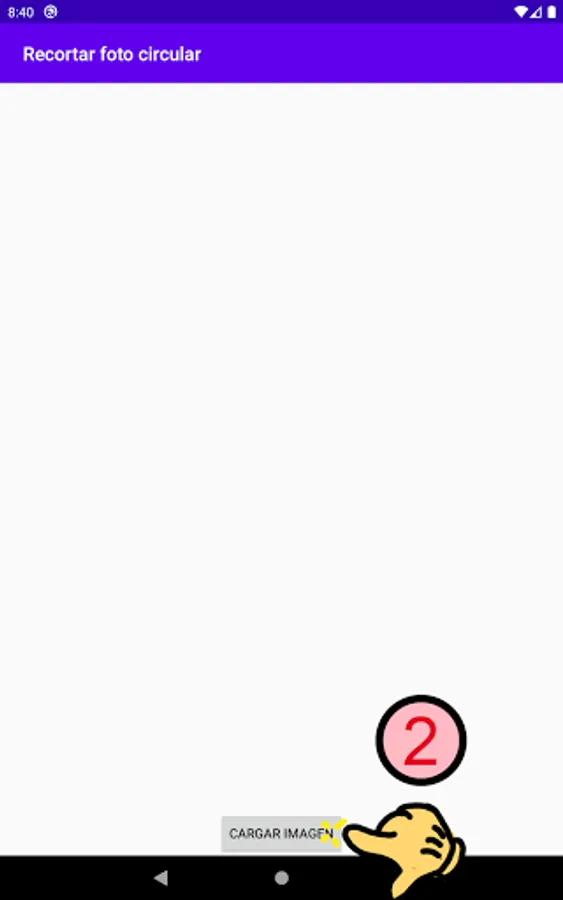
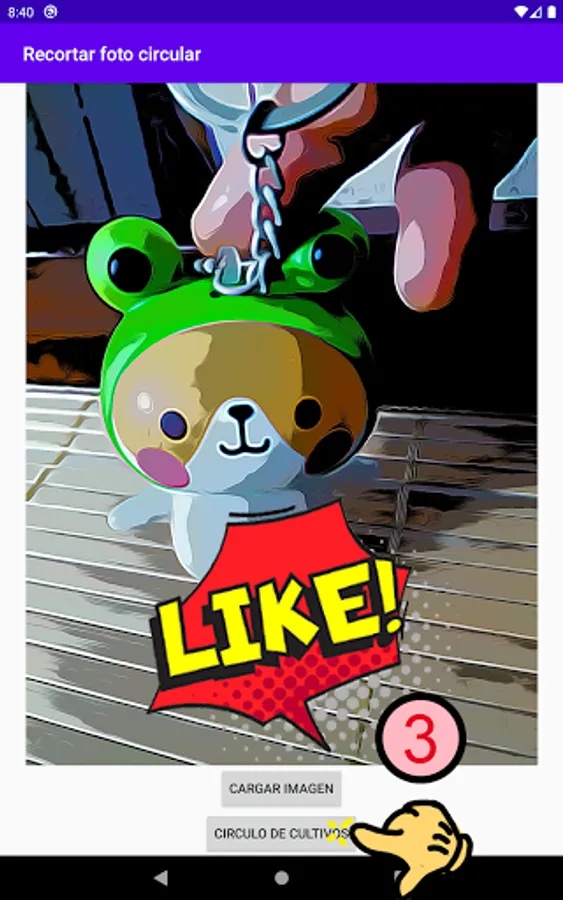
2. Click the "Upload Image" button (read / write permission may be required)
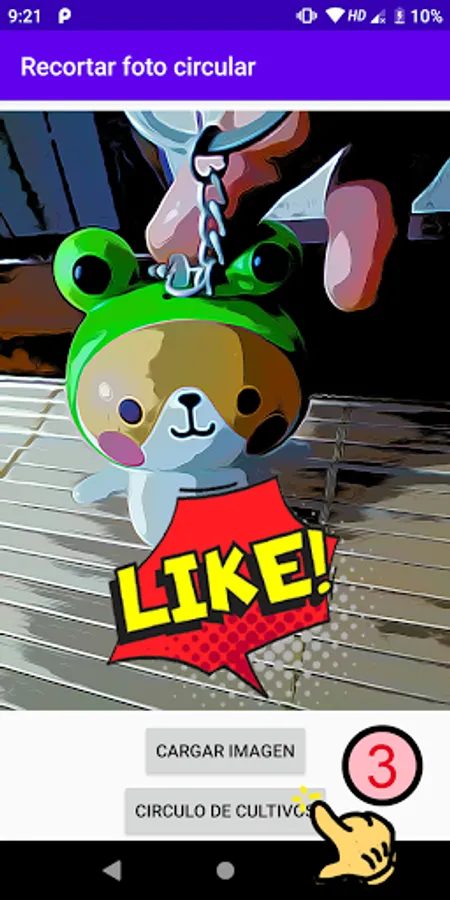
3. Choose a photo to crop it in a circular shape.
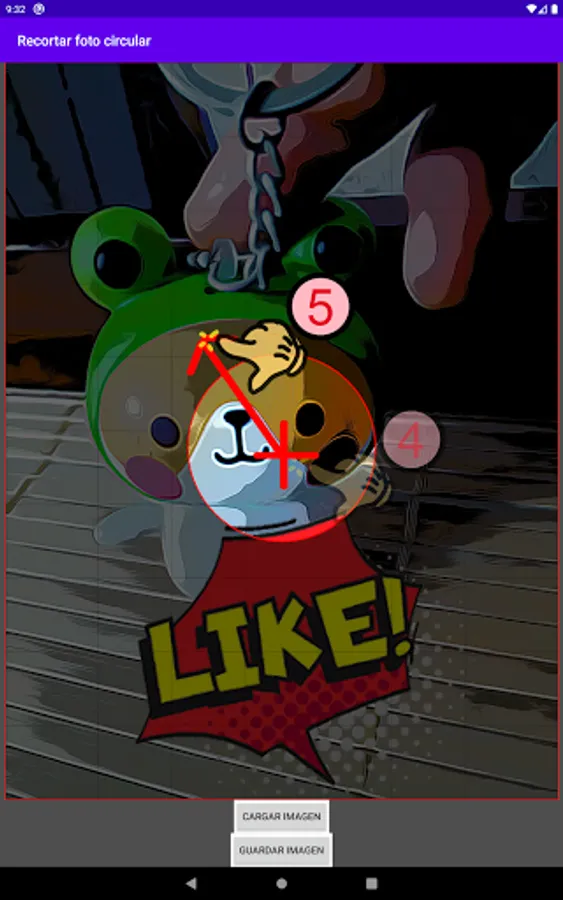
4. Click the button "Crop circle"
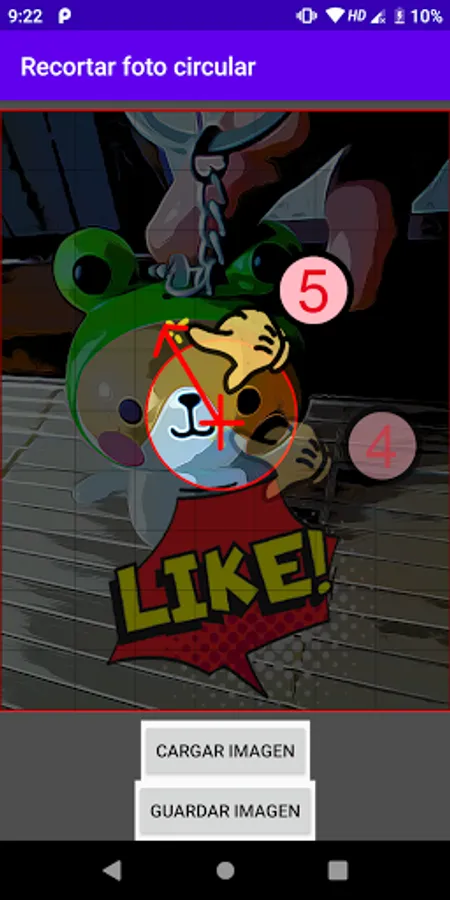
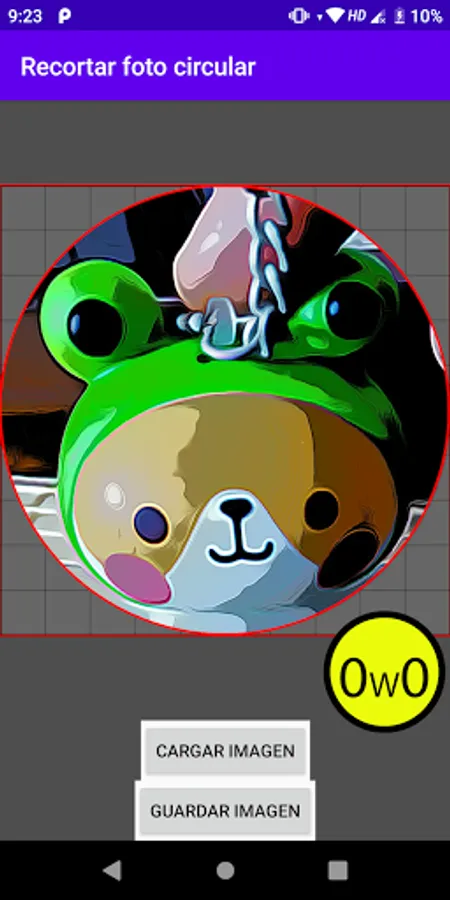
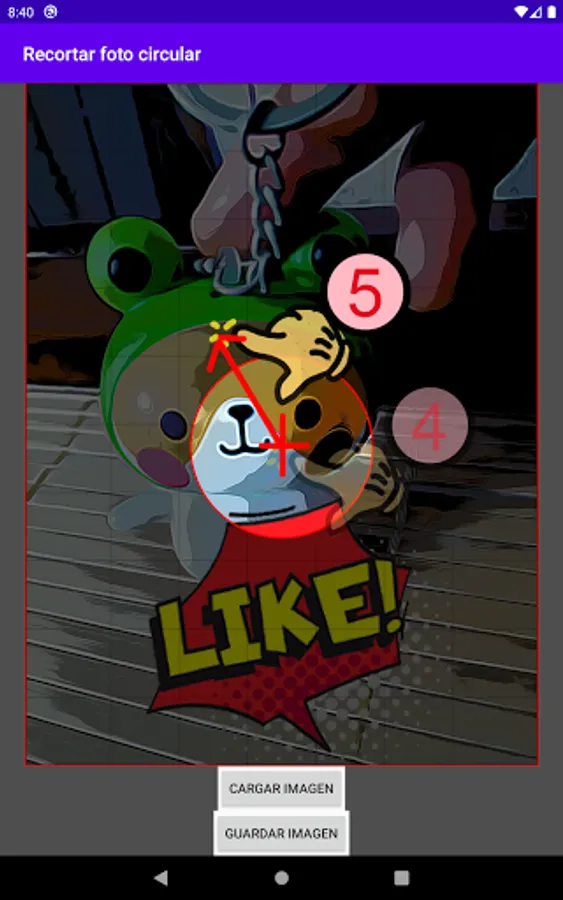
5th. Use a single finger to move the circular region in the preview.
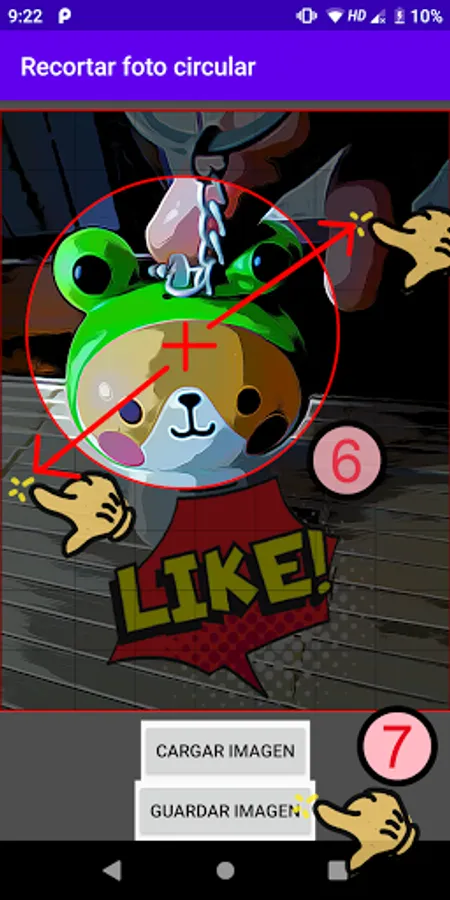
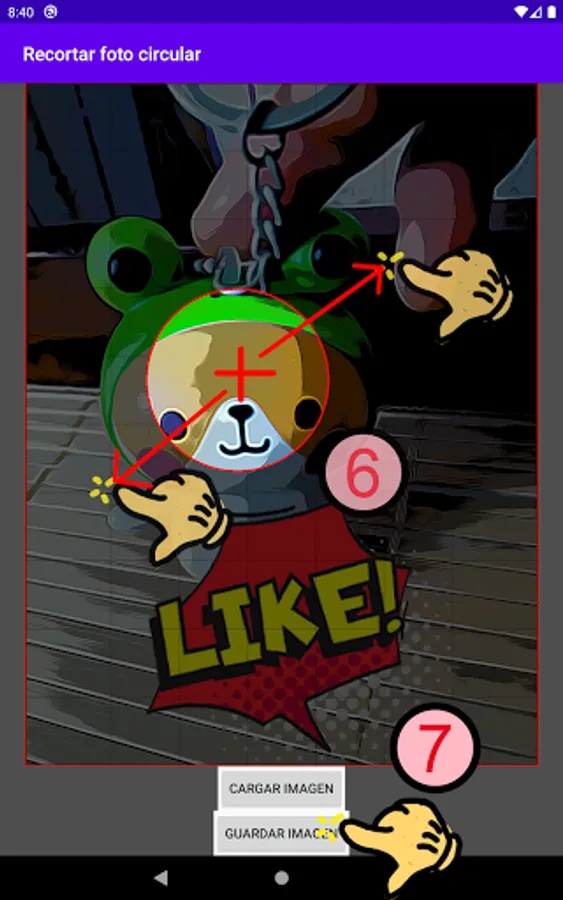
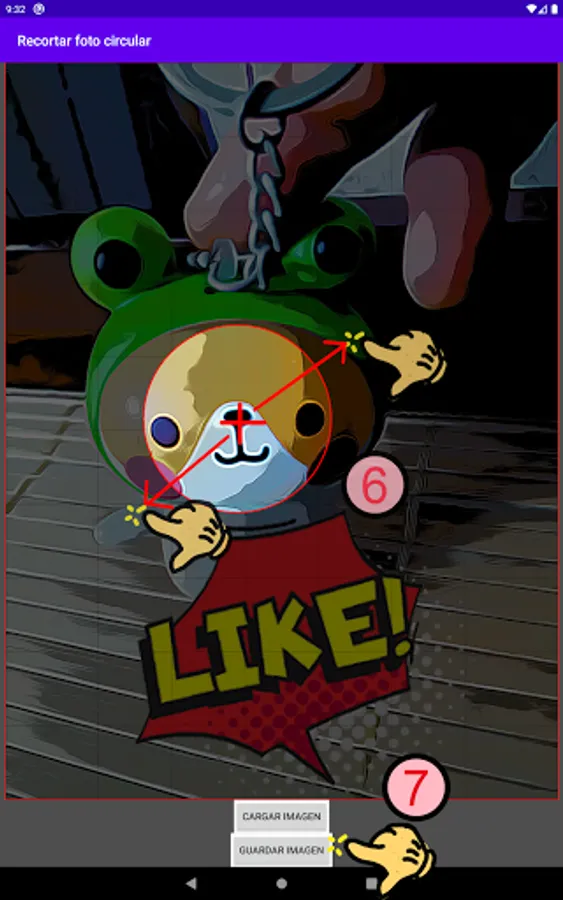
5b. Use two fingers to stretch the circle to a different size in the preview.
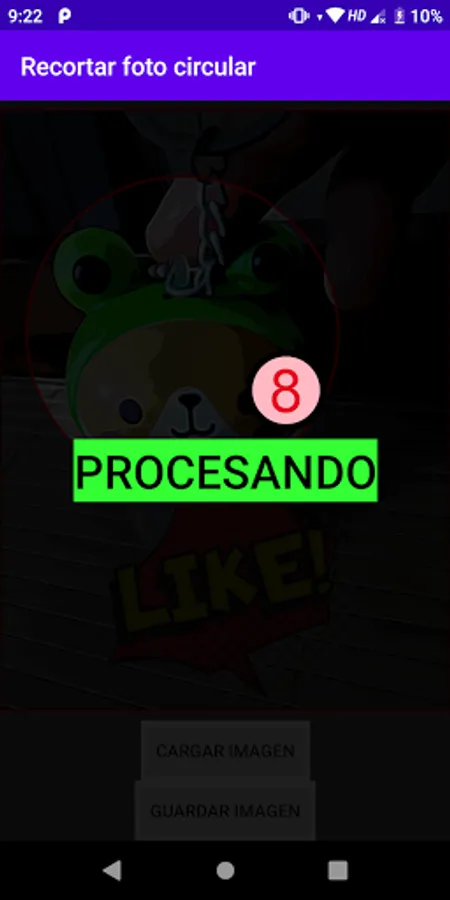
6. Click "Save Image" and wait for it to process and finish.
7. When done, you can find a circular photo in the gallery.
Cut out the photo in a circular shape with your fingers.
Instructions:
1. Click on "Crop Circle" in the menu.
2. Click the "Upload Image" button (read / write permission may be required)
3. Choose a photo to crop it in a circular shape.
4. Click the button "Crop circle"
5th. Use a single finger to move the circular region in the preview.
5b. Use two fingers to stretch the circle to a different size in the preview.
6. Click "Save Image" and wait for it to process and finish.
7. When done, you can find a circular photo in the gallery.
Recortar foto circular Screenshots

Tap to Rate: