GC Plugin for Dropbox
Ghost Squared
4.5 ★
470 ratings
50,000+
downloads
Free
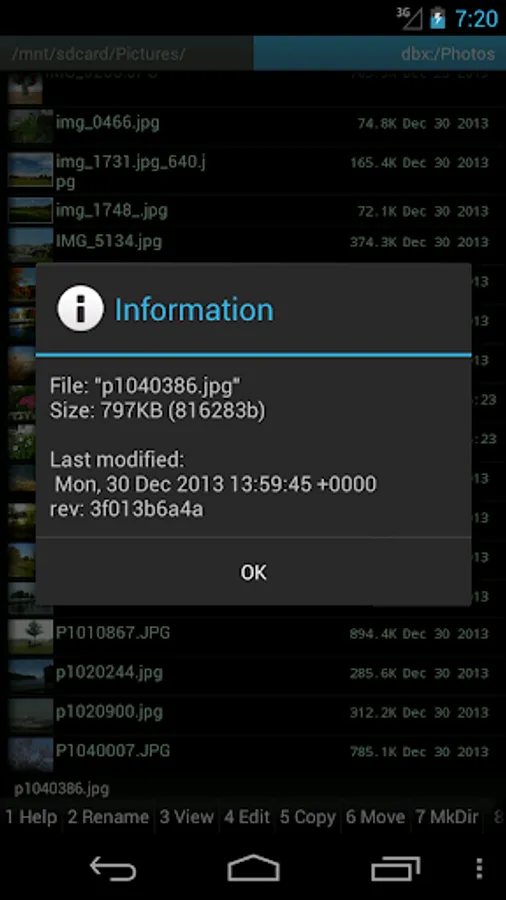
With this plugin, you can access and transfer files between your device and Dropbox through Ghost Commander. Includes authentication setup, file upload and download features.
AppRecs review analysis
AppRecs rating 4.5. Trustworthiness 0 out of 100. Review manipulation risk 0 out of 100. Based on a review sample analyzed.
★★★★☆
4.5
AppRecs Rating
Ratings breakdown
5 star
70%
4 star
17%
3 star
10%
2 star
1%
1 star
2%
What to know
✓
High user satisfaction
87% of sampled ratings are 4+ stars (4.5★ average)
✓
Authentic reviews
Natural distribution, no red flags
About GC Plugin for Dropbox
A plug-in to the "Ghost Commander file manager" application which provides access to the Dropbox cloud storage and then let you to upload and download files to and from the Dropbox.
The plugin does not work without Ghost Commander application itself! Install the main app at first, then download and install this plugin.
To use the plugin, launch Ghost Commander, then find the Dropbox item in the home: list.
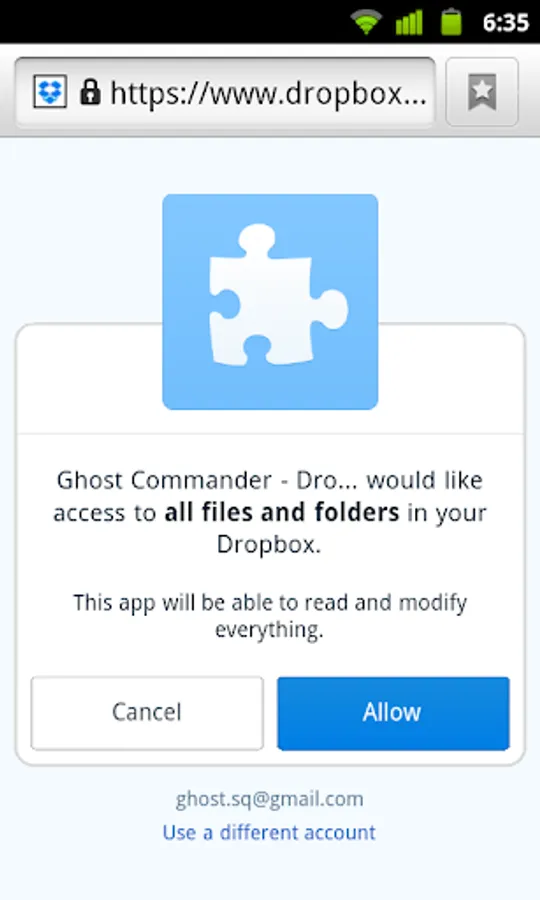
A web browser should open which will be used to authenticate. Ghost Commander will never posses your Dropbox password, it just keeps the security token which will expire after a while.
Please note, when you close the file manager you could see the web browser is still open. It's a known issue of the Dropbox API, please just close the browser.
The plugin does not work without Ghost Commander application itself! Install the main app at first, then download and install this plugin.
To use the plugin, launch Ghost Commander, then find the Dropbox item in the home: list.
A web browser should open which will be used to authenticate. Ghost Commander will never posses your Dropbox password, it just keeps the security token which will expire after a while.
Please note, when you close the file manager you could see the web browser is still open. It's a known issue of the Dropbox API, please just close the browser.
GC Plugin for Dropbox Screenshots
Tap to Rate: