
In this code editing app, users can write and run PHP code with syntax highlighting and autocomplete features. Includes PHP version 3.22, Git integration, and extensions like GD and SQLite.
AppRecs review analysis
AppRecs rating 4.1. Trustworthiness 0 out of 100. Review manipulation risk 0 out of 100. Based on a review sample analyzed.
★★★★☆
4.1
AppRecs Rating
Ratings breakdown
5 star
72%
4 star
0%
3 star
14%
2 star
0%
1 star
14%
What to know
✓
High user satisfaction
72% of sampled ratings are 4+ stars (4.1★ average)
✓
Authentic reviews
No red flags detected
About Zira PHP Editor
Zira Editor is a lightweight PHP Editor for Linux, Android and Raspberry Pi with syntax highlighting and autocomplete.
Zira Editor for Android includes a development pack with PHP 7.3.22, Git 2.28.0 and SassC 3.6.1 binaries.
With this development pack you can clone, pull or push your code to remote repository, run PHP code inside editor or start built-in PHP webserver and test your project in web-browser.
PHP binary has following extensions: OpenSSL, cURL, FTP, Iconv, GD, mbstring, SQLite, XML, Zip and Zlib.
Zira Editor brings almost everything you need to start PHP-coding on Android.
You might want to borrow a hardware keyboard and mouse :)
Important notes:
Disable word prediction in your virtual keyboard settings.
For better experience install Hacker's keyboard or use hardware keyboard and mouse.
Mouse right-click context menu can be opened by long press or from main menu (Tools - Context menu).
To store your project files outside application data folder (i.e. sdcard) you need to give storage permission to Zira Editor in application settings (Android 6+ only). All files saved in application data folder will be lost after uninstall / reinstall if you won't backup your files.
If text is too small you can increase font size in Settings dialog or you can set a proper scale factor for window.
How to run your code on Android without root using Termux (Android 5+):
Install Termux terminal emulator.
Open terminal and run command:
termux-setup-storage
Now you can access your sdcard if you type:
cd storage
Install PHP:
pkg install php
Go to your project home directory:
cd project_home
Start PHP built-in web server:
php -S 127.0.0.1:8000
Open 127.0.0.1:8000 in your browser.
You can check for the latest release on GitHub:
https://github.com/ziracms/editor/releases
Get additional themes for Zira Editor:
https://github.com/ziracms/editor/tree/master/bin/themes
To enable custom themes you need to enter path to themes folder in Settings -> Misc -> Custom themes folder
Main features:
- low memory usage
- fast parser
- syntax highlighting
PHP
JavaScript
CSS
HTML
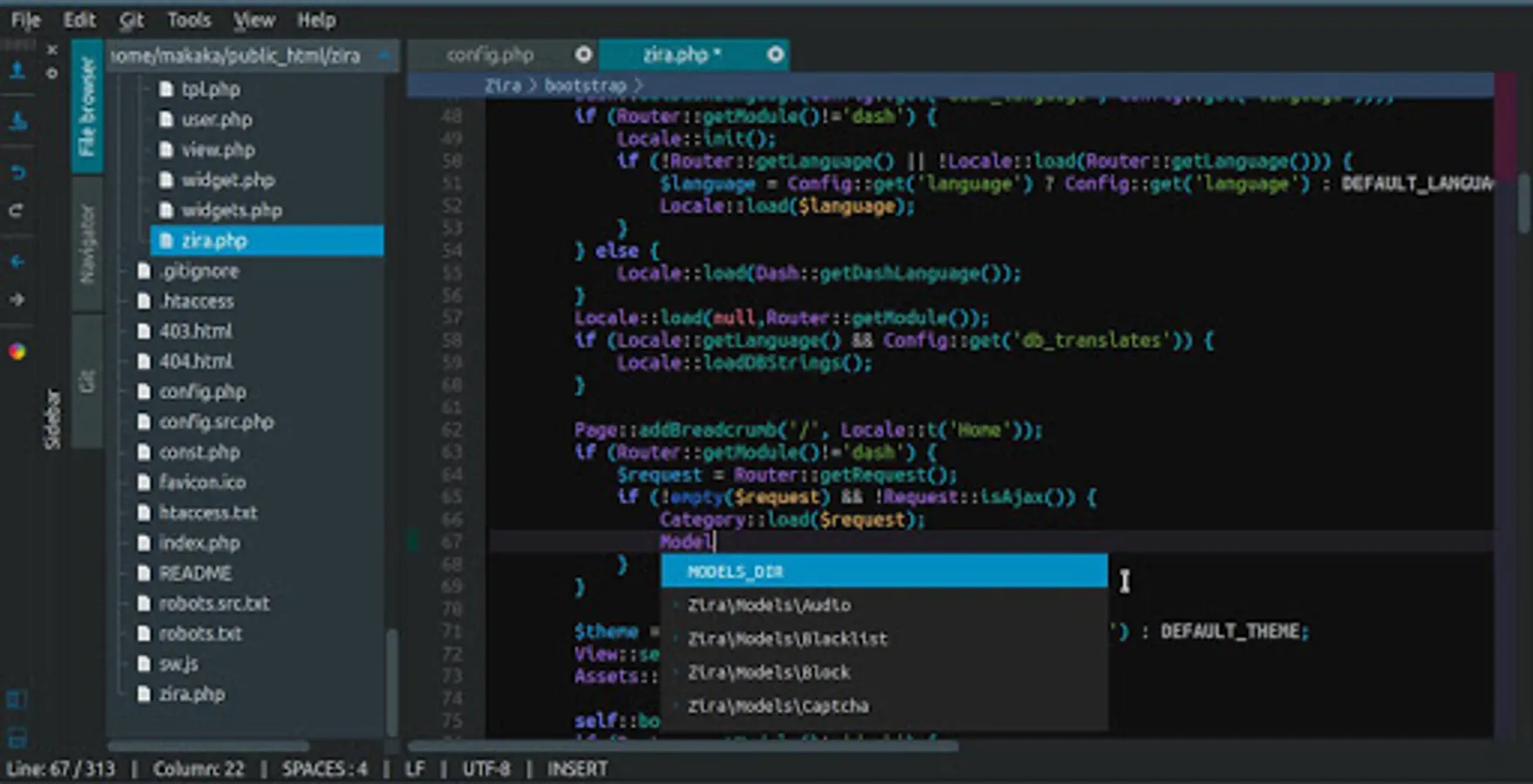
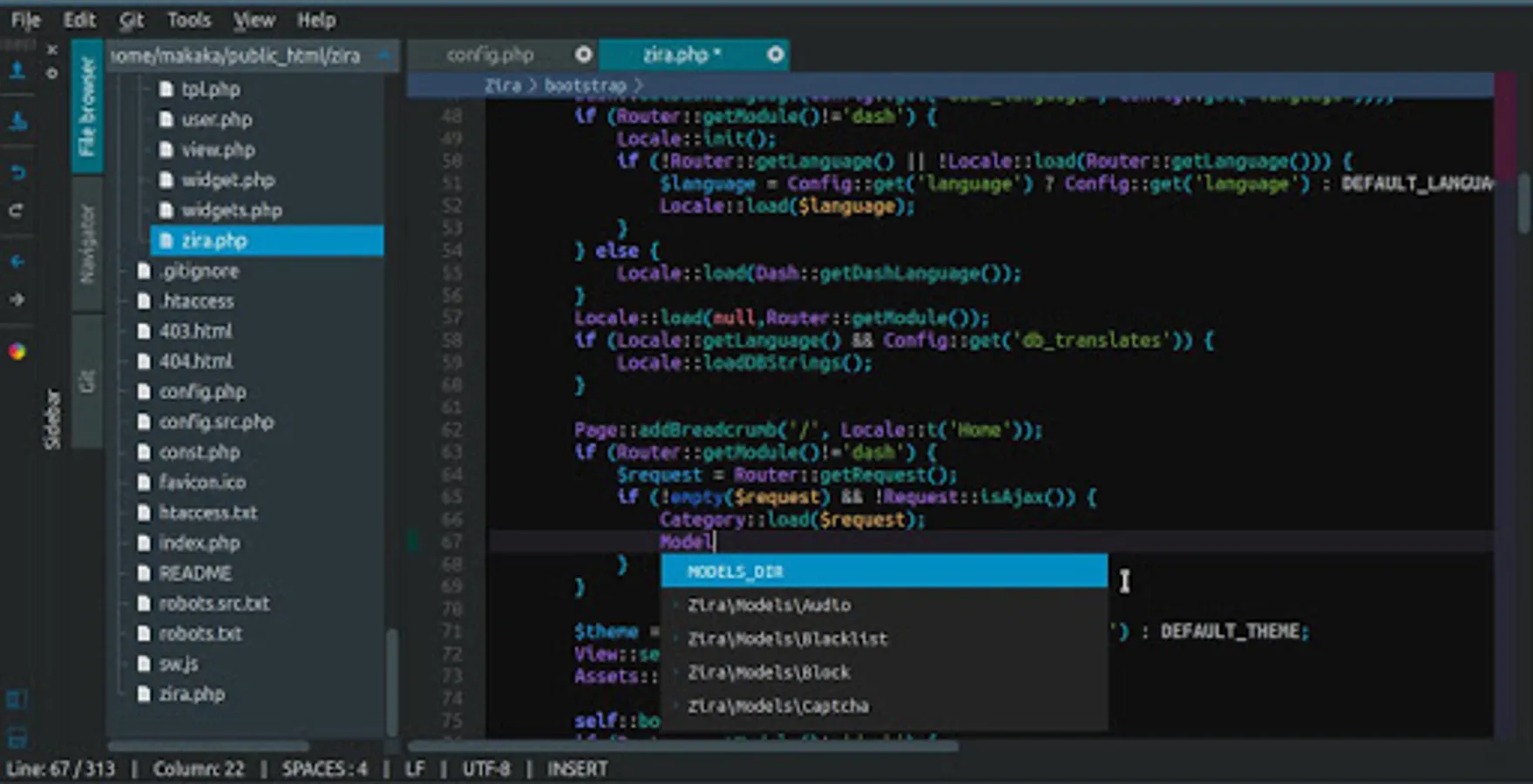
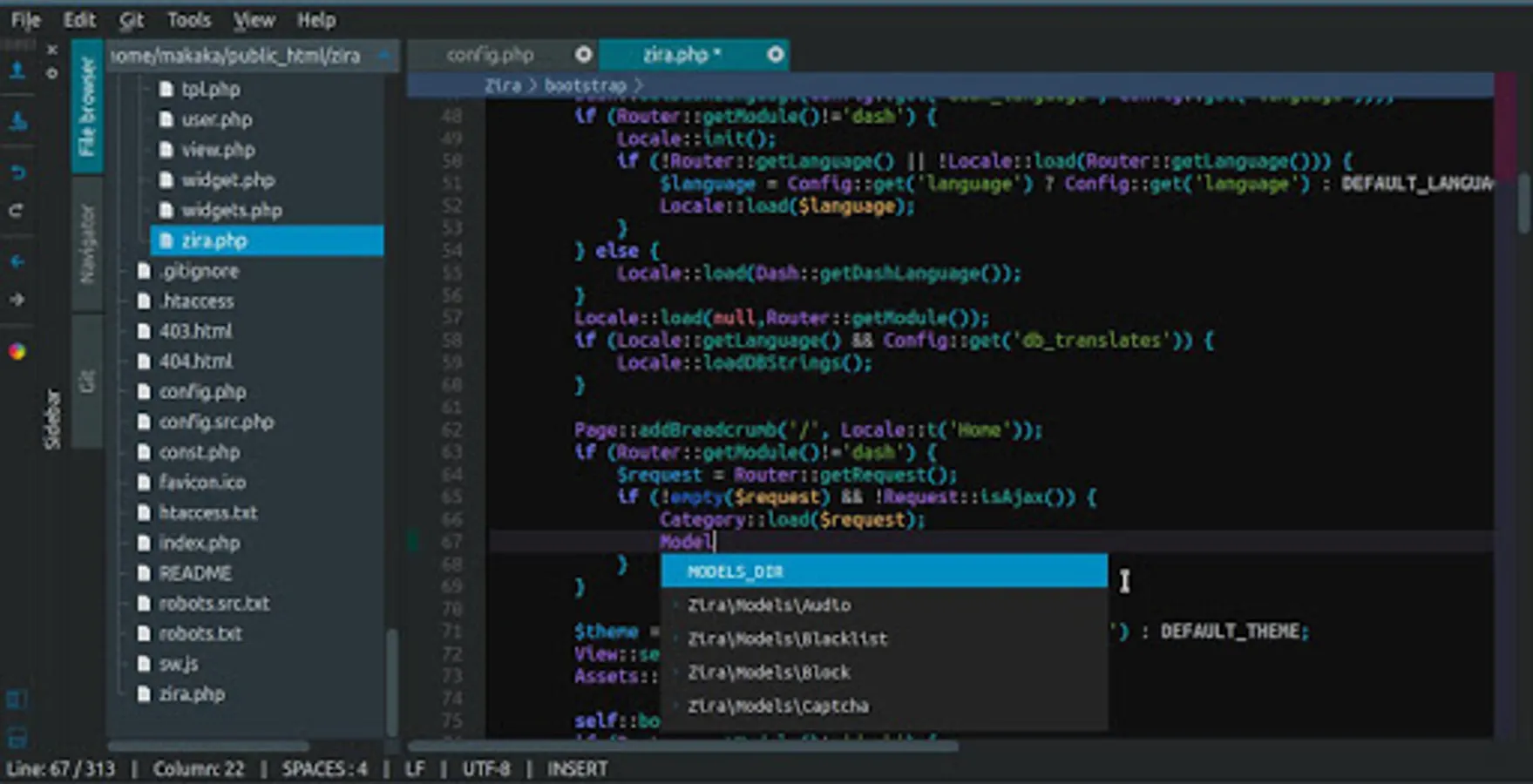
- autocomplete
PHP built-in functions and classes
project classes, functions, variables
JS objects, variables
CSS selectors, properties
HTML tags
- unused variables check
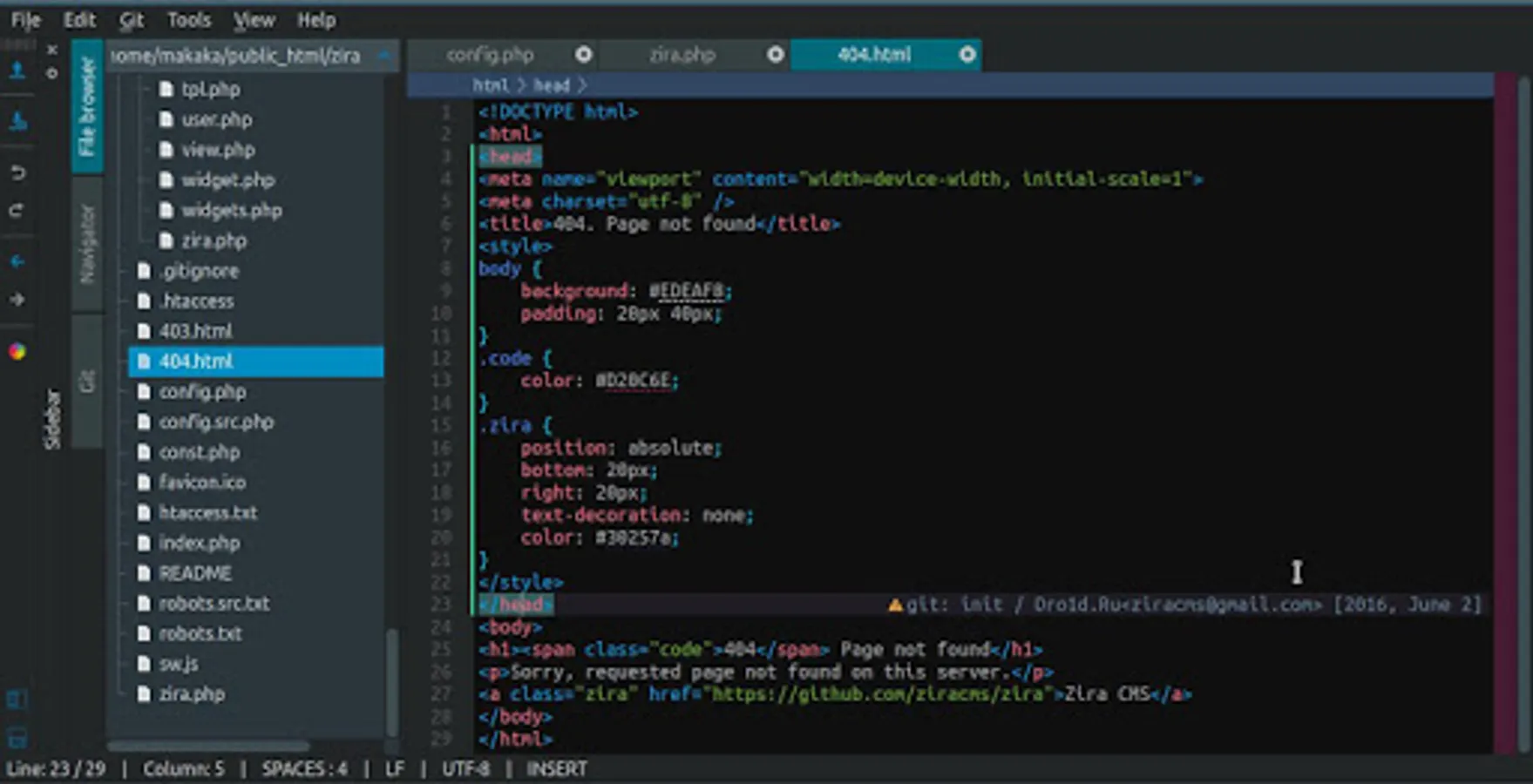
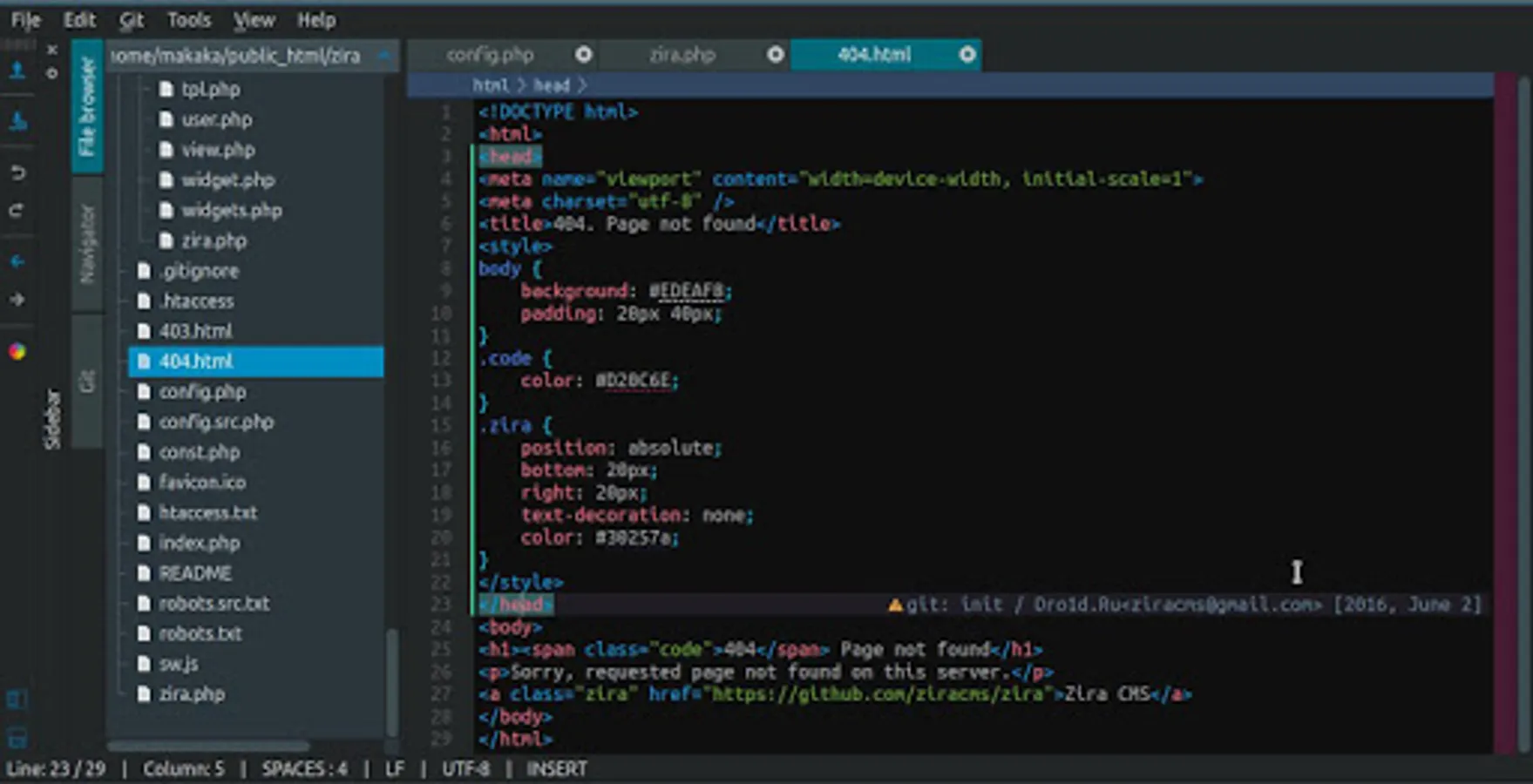
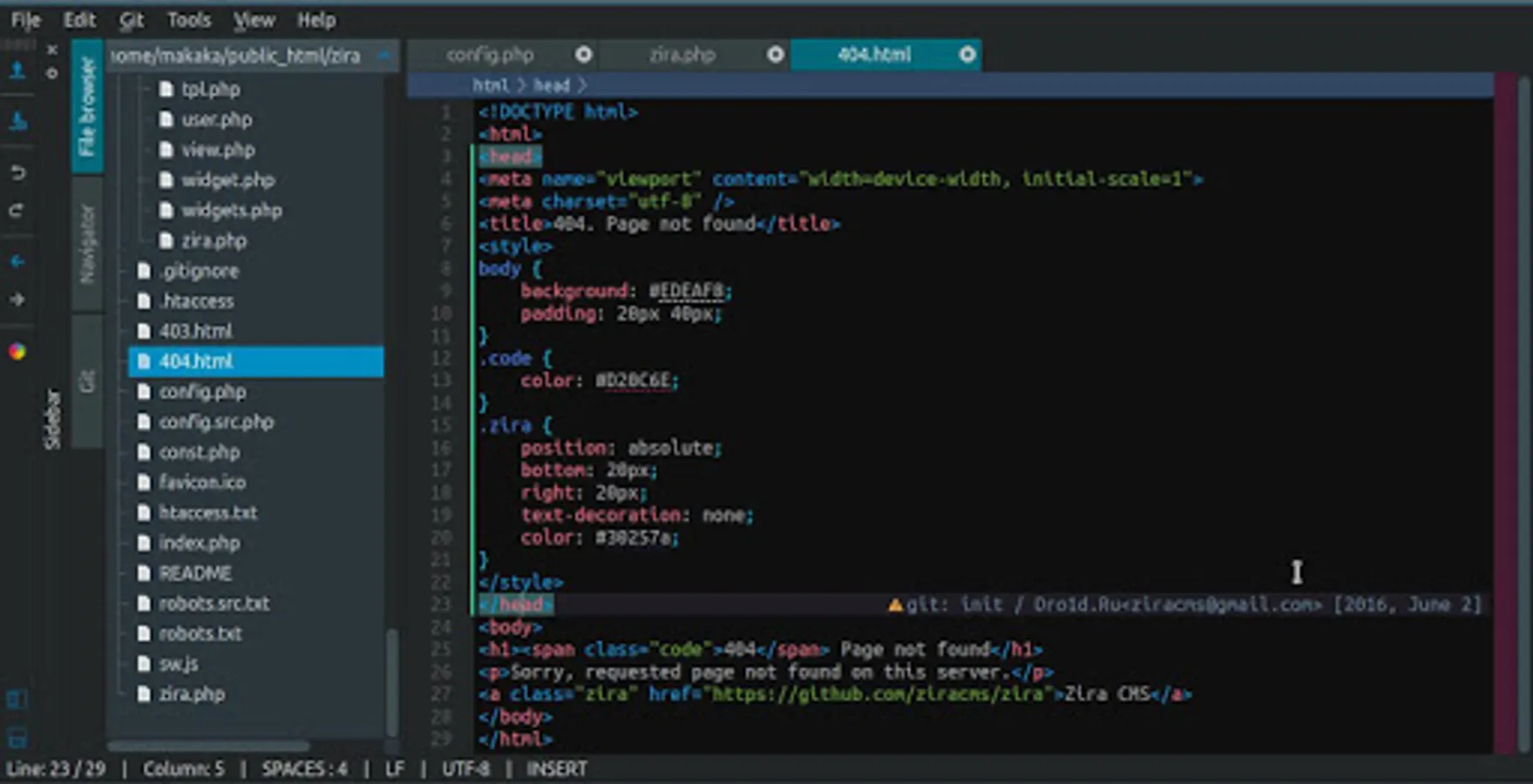
- files browser
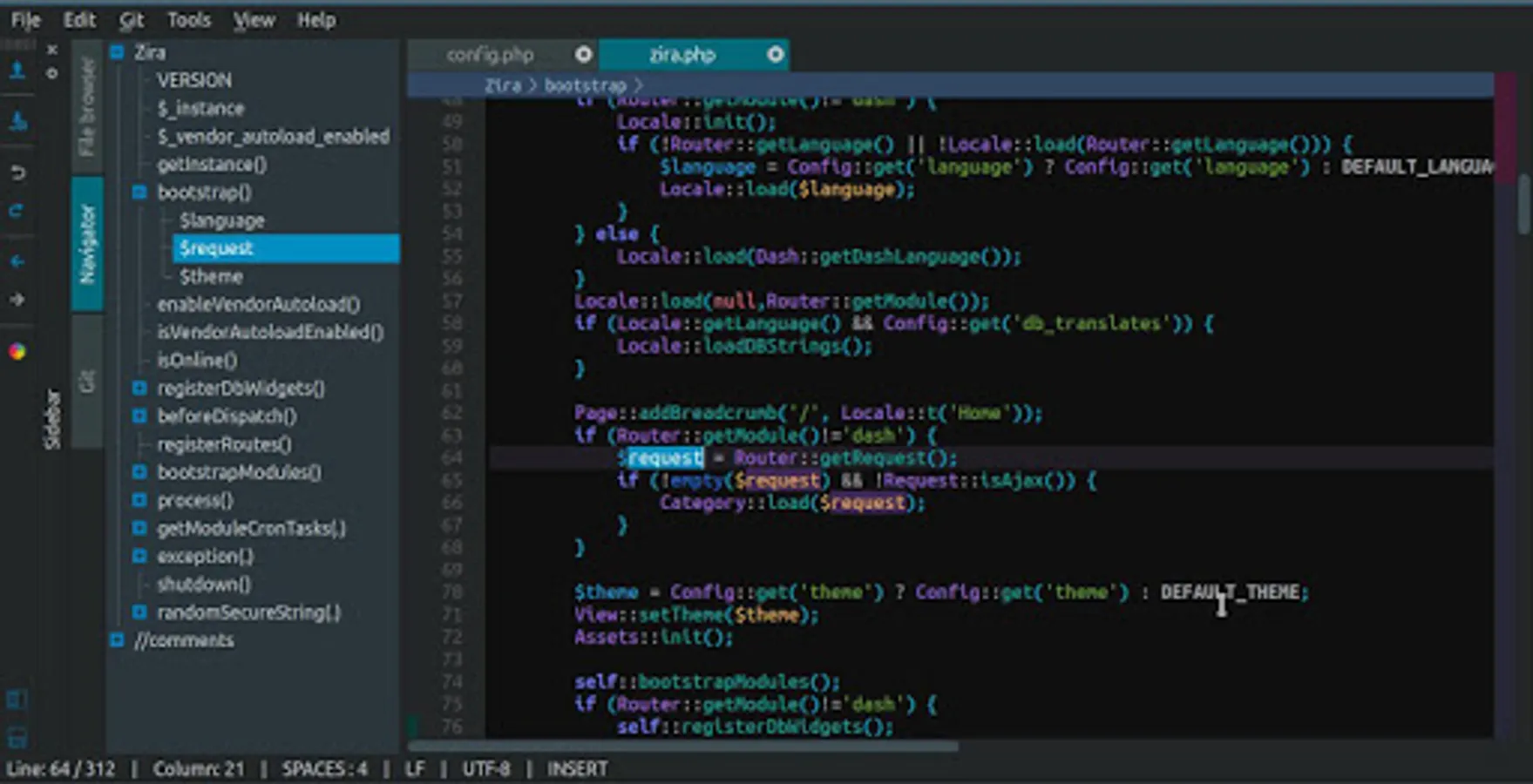
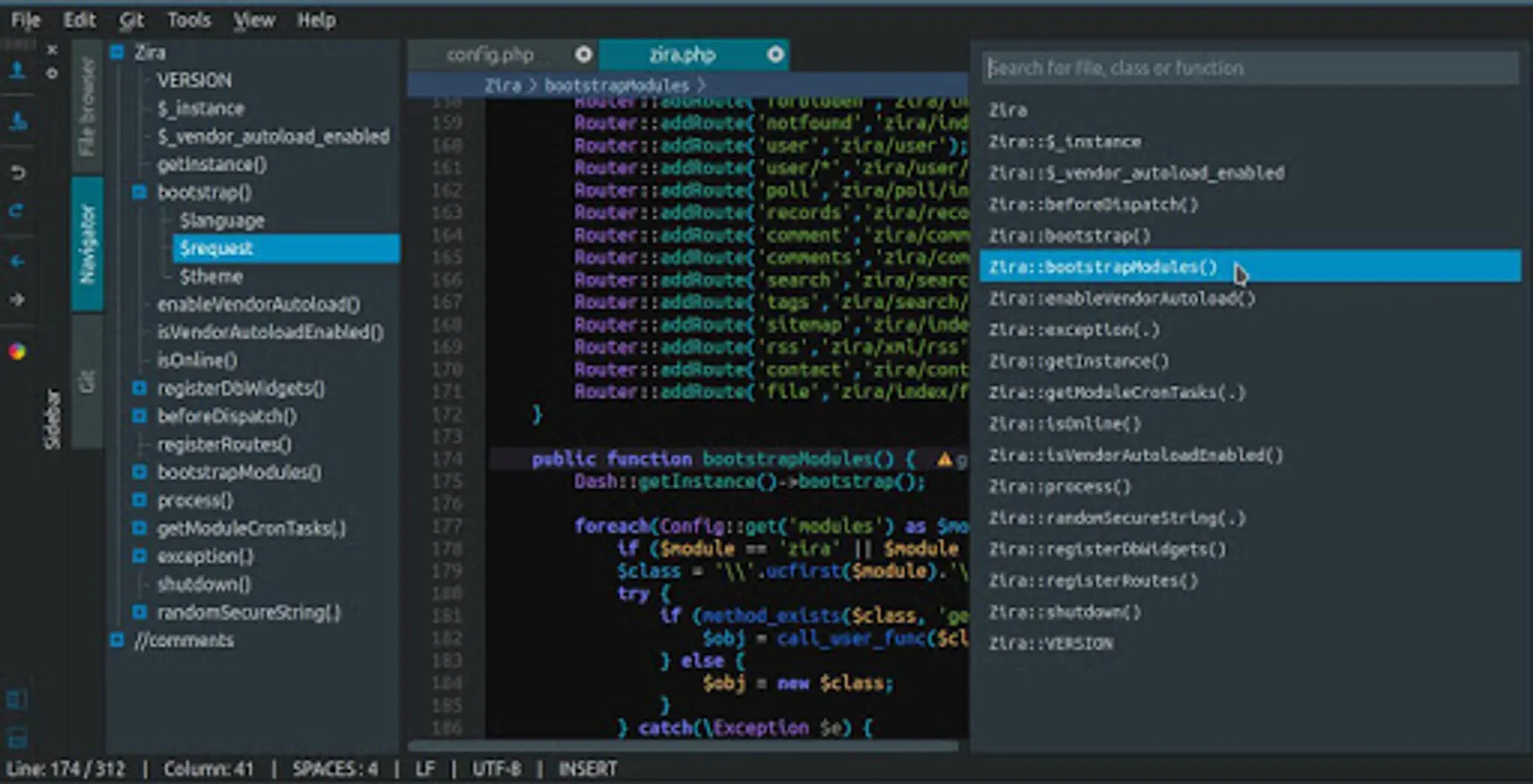
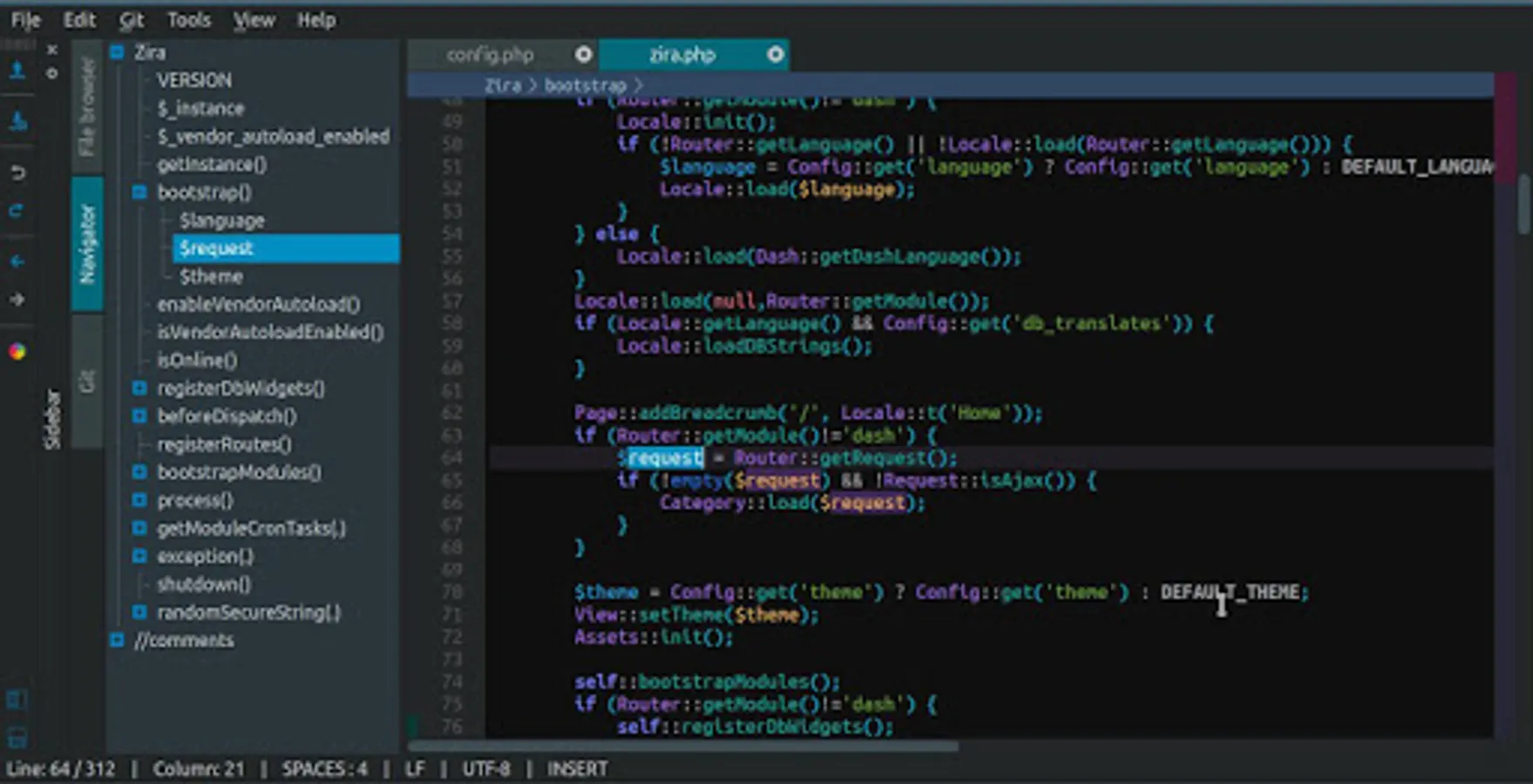
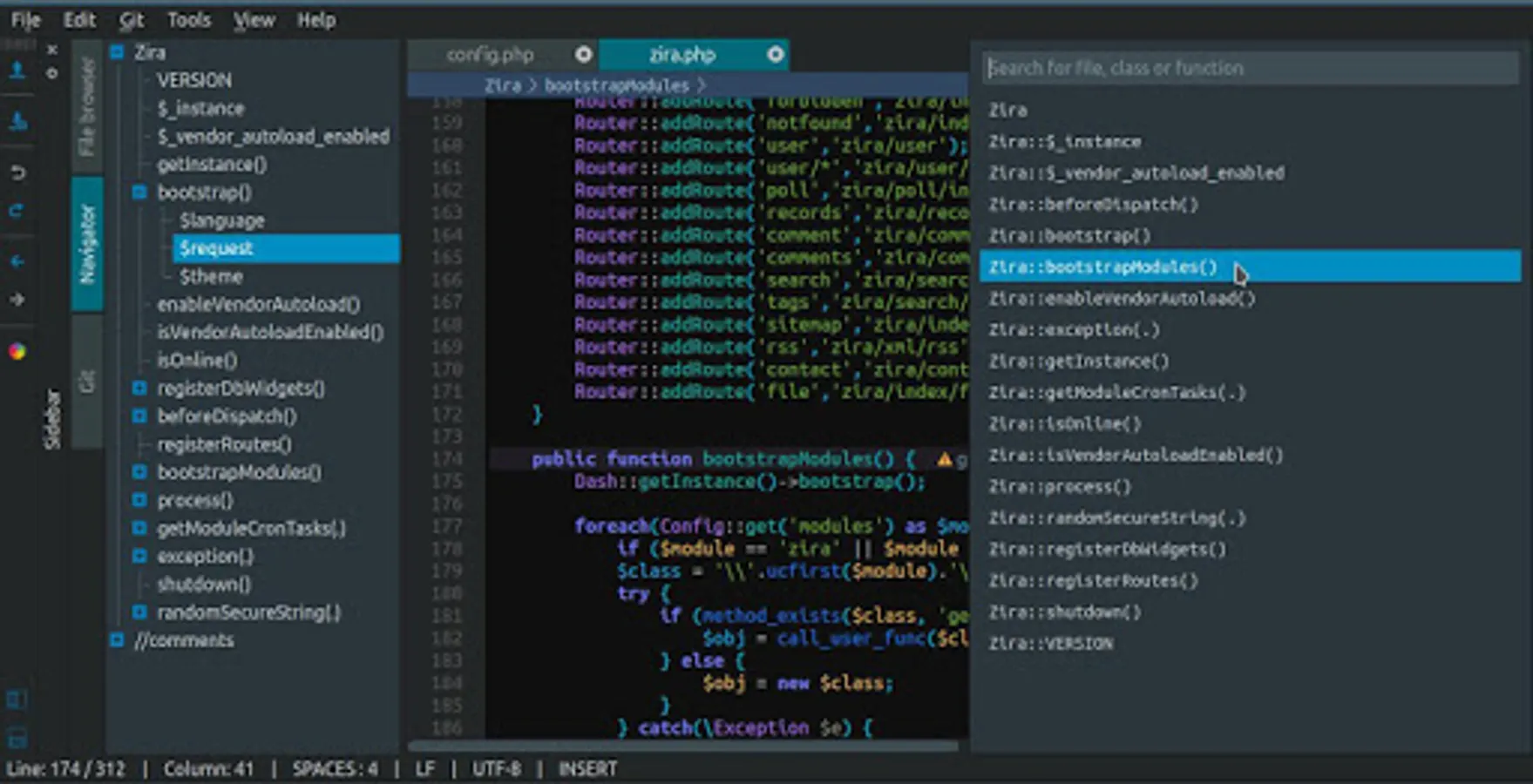
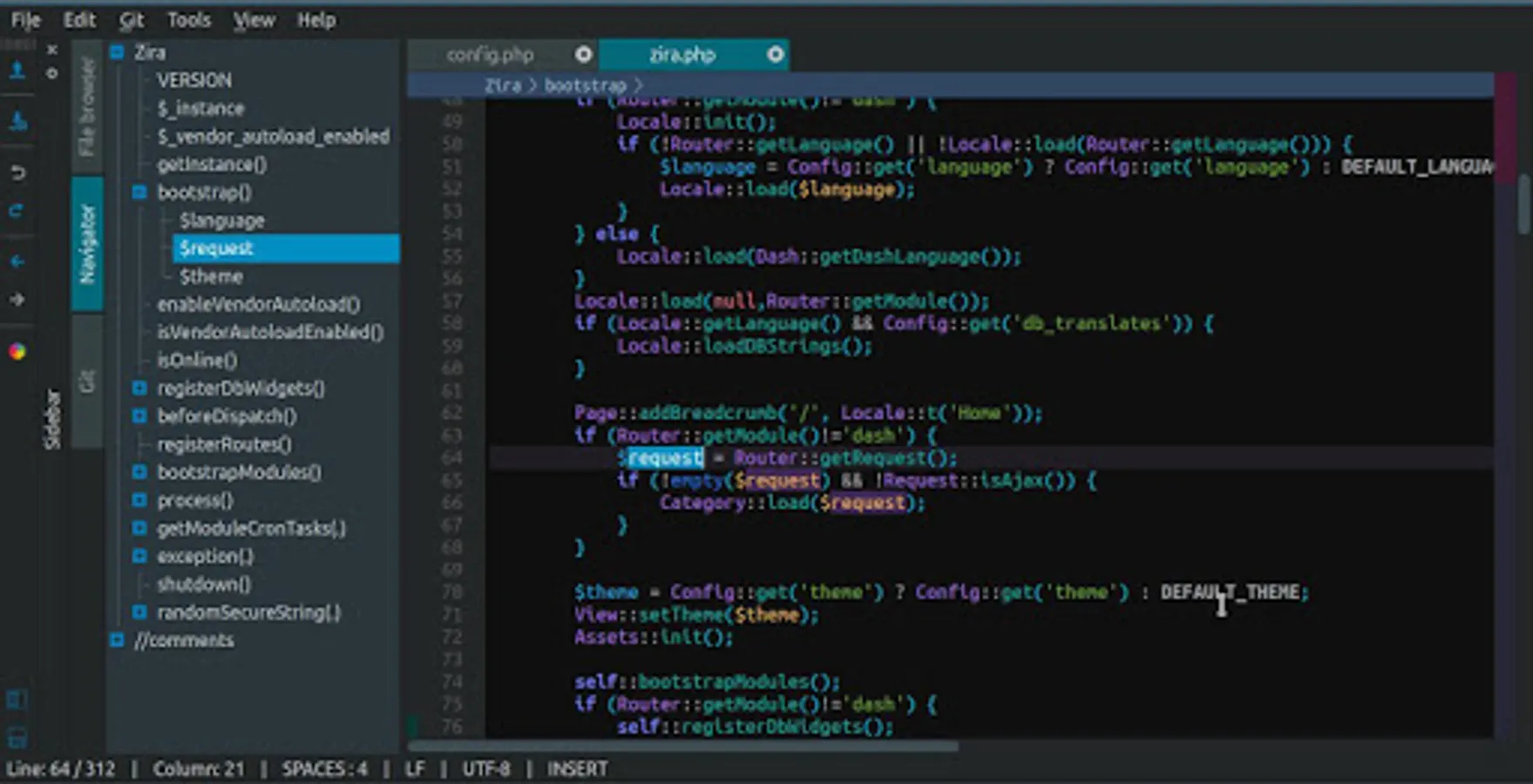
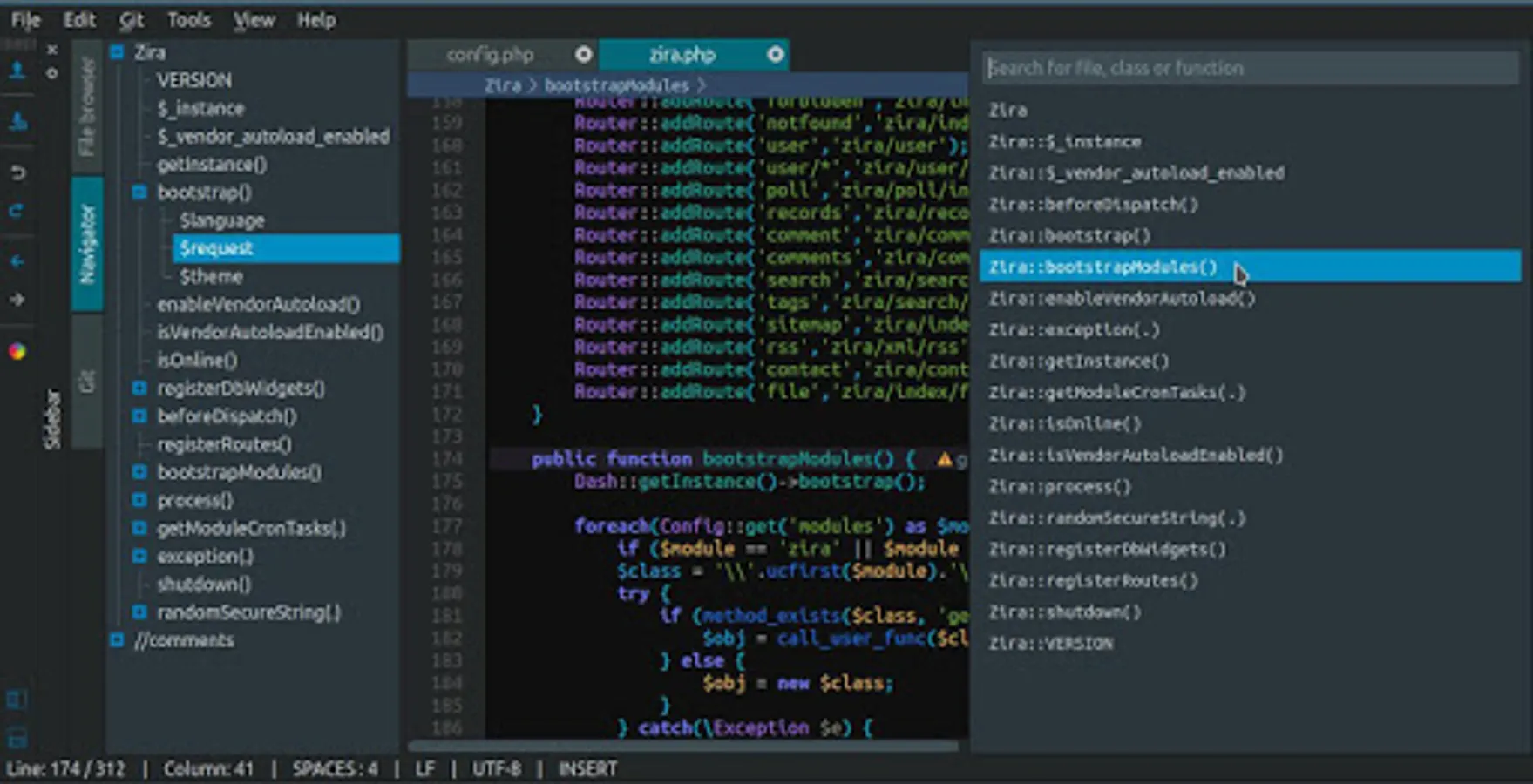
- file symbols navigator
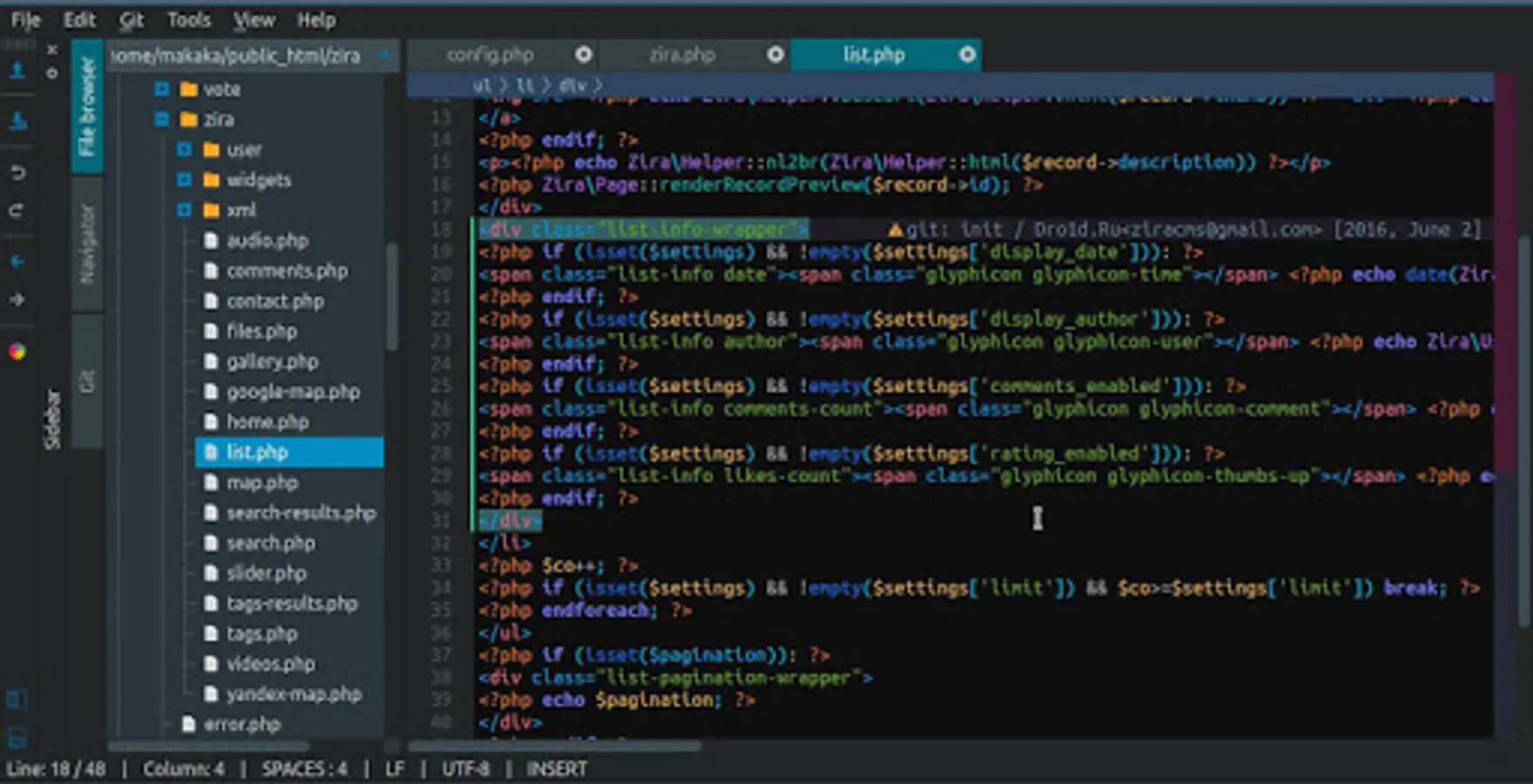
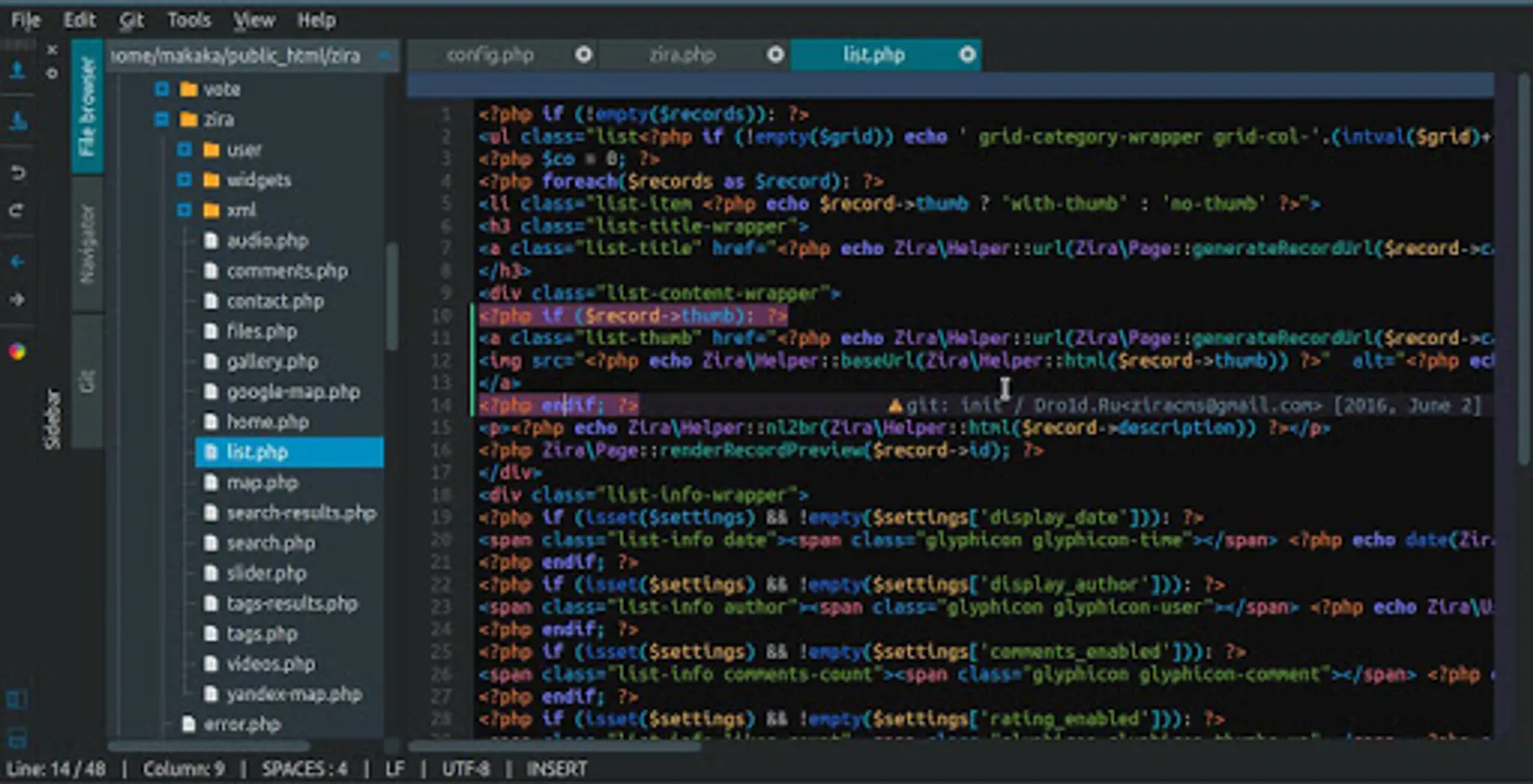
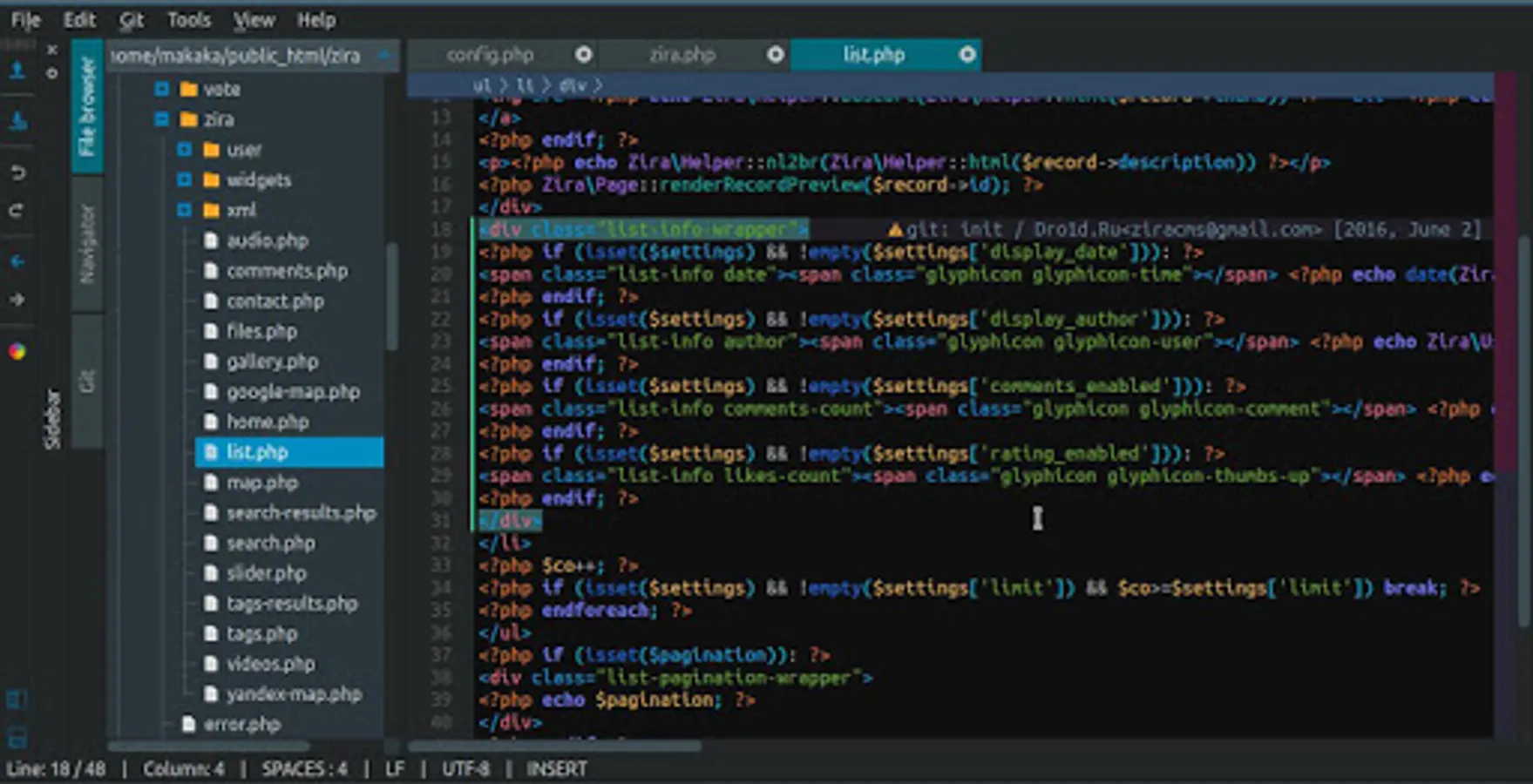
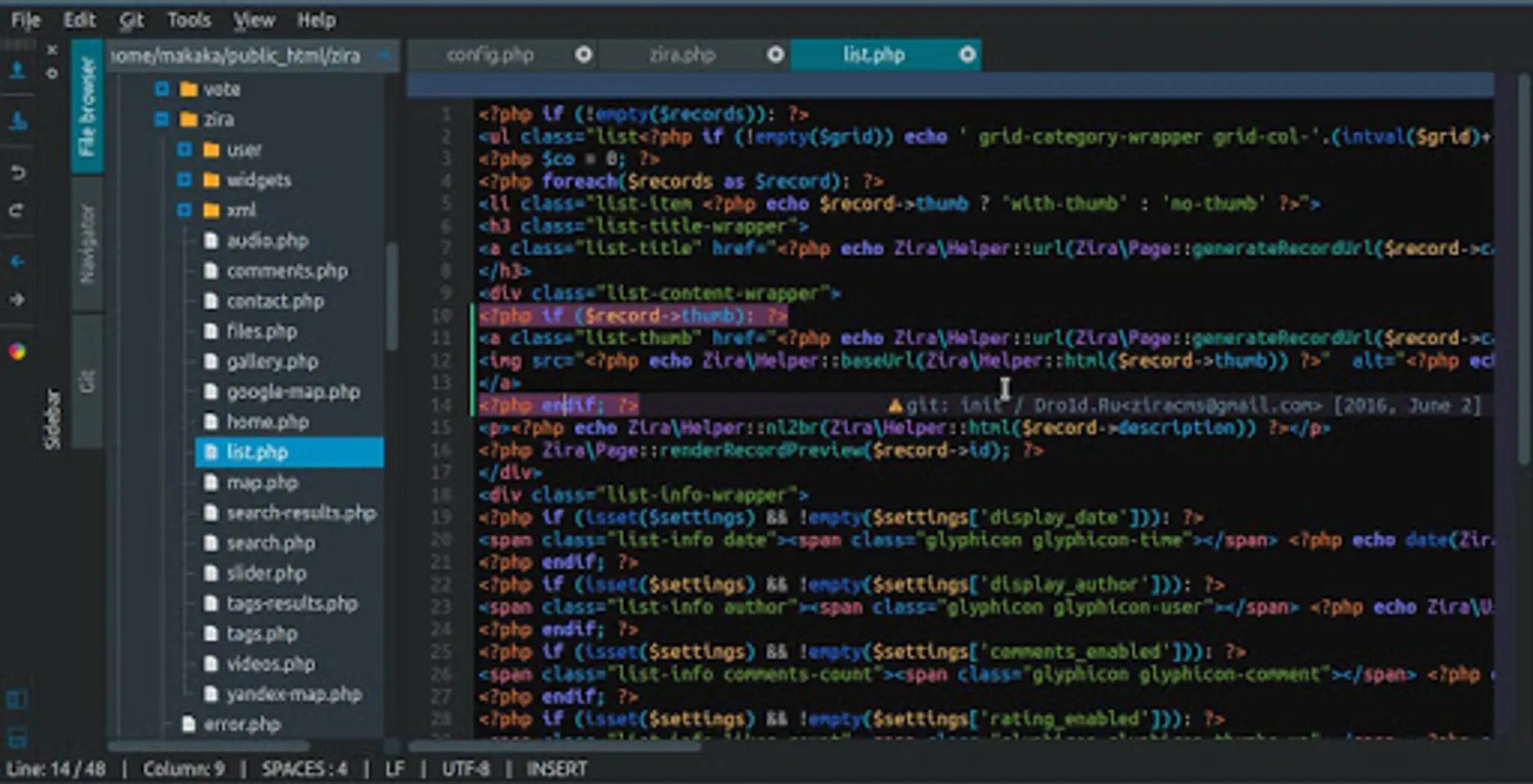
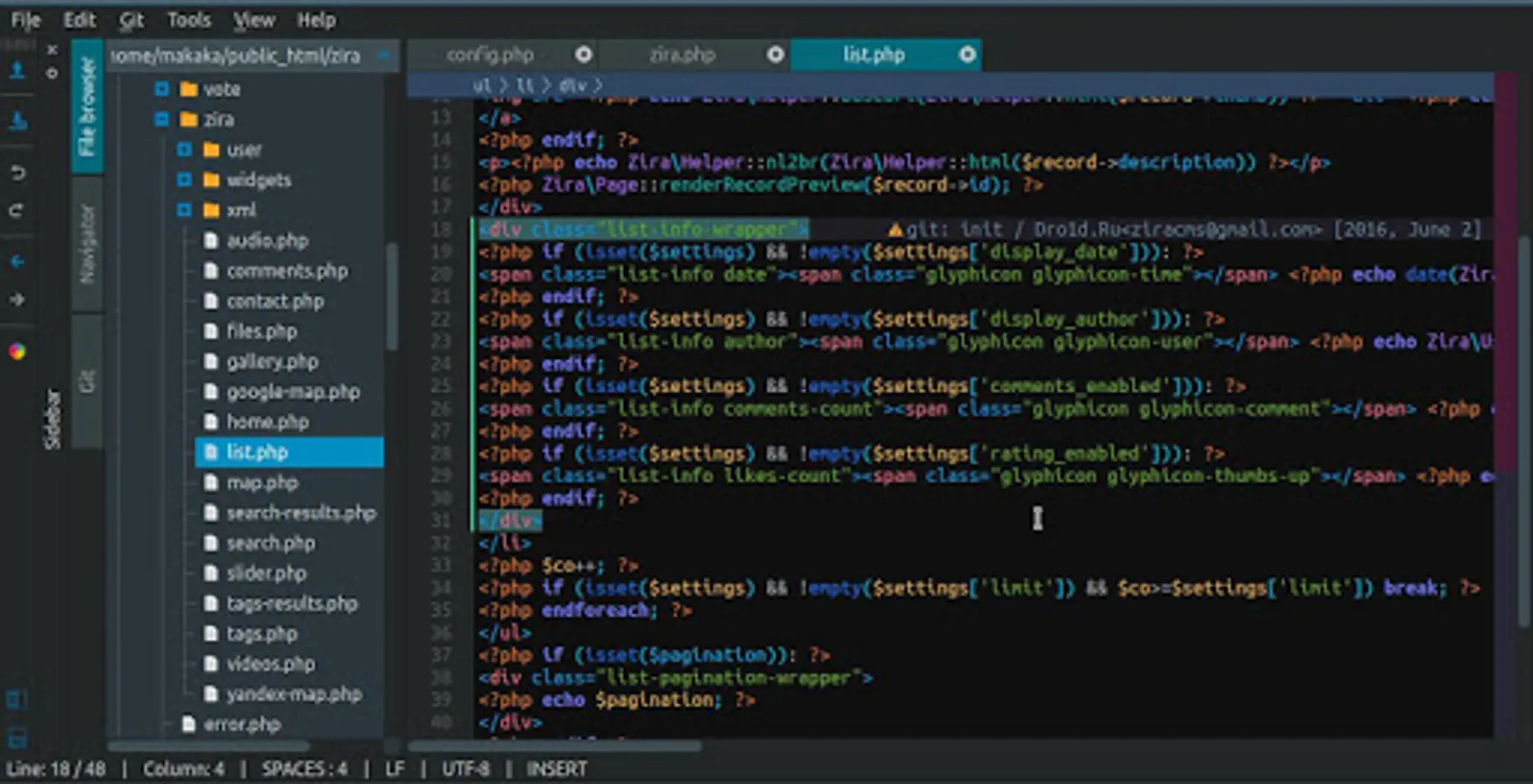
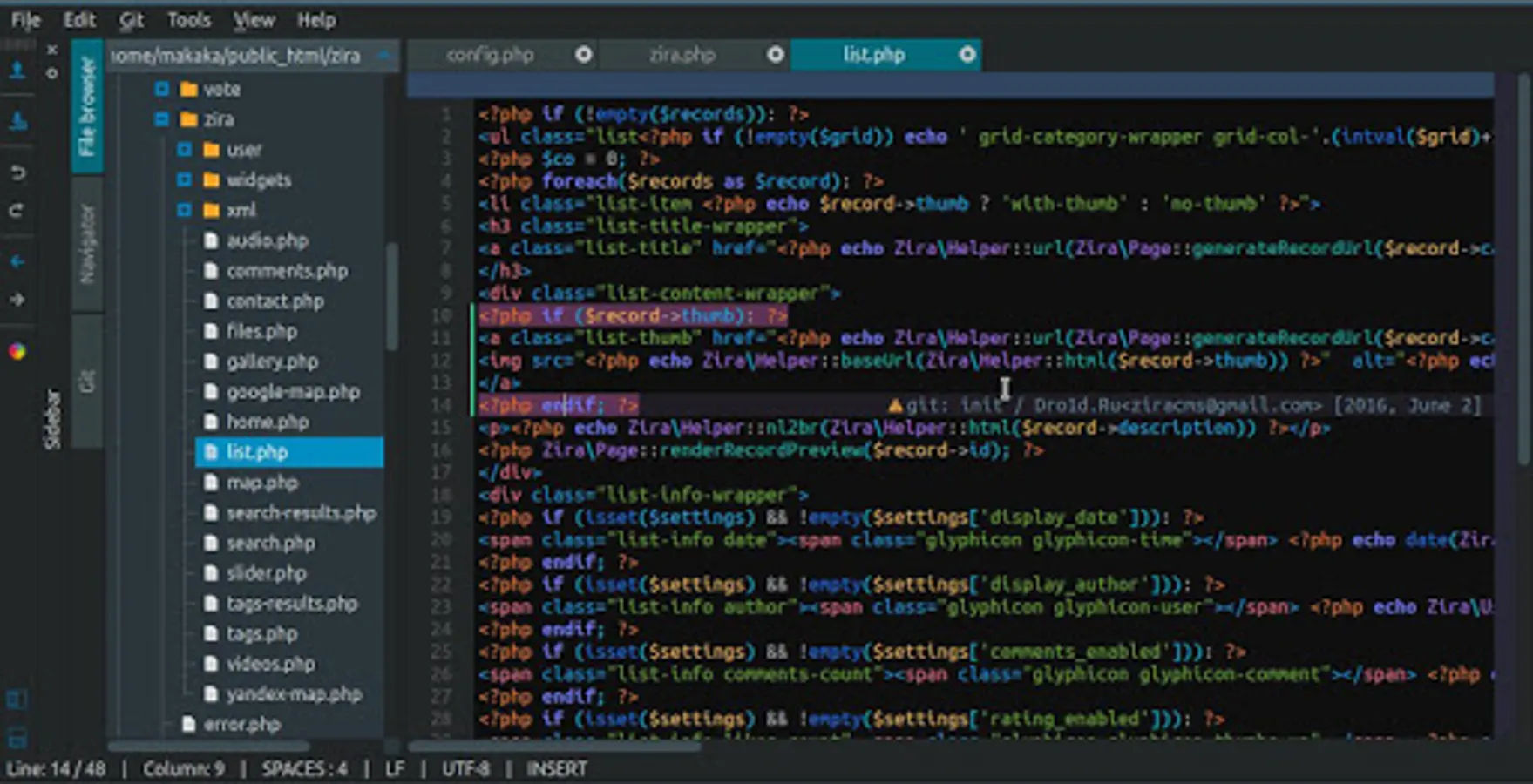
- highlight matching
brackets
tags
php expression (endif; endforeach;)
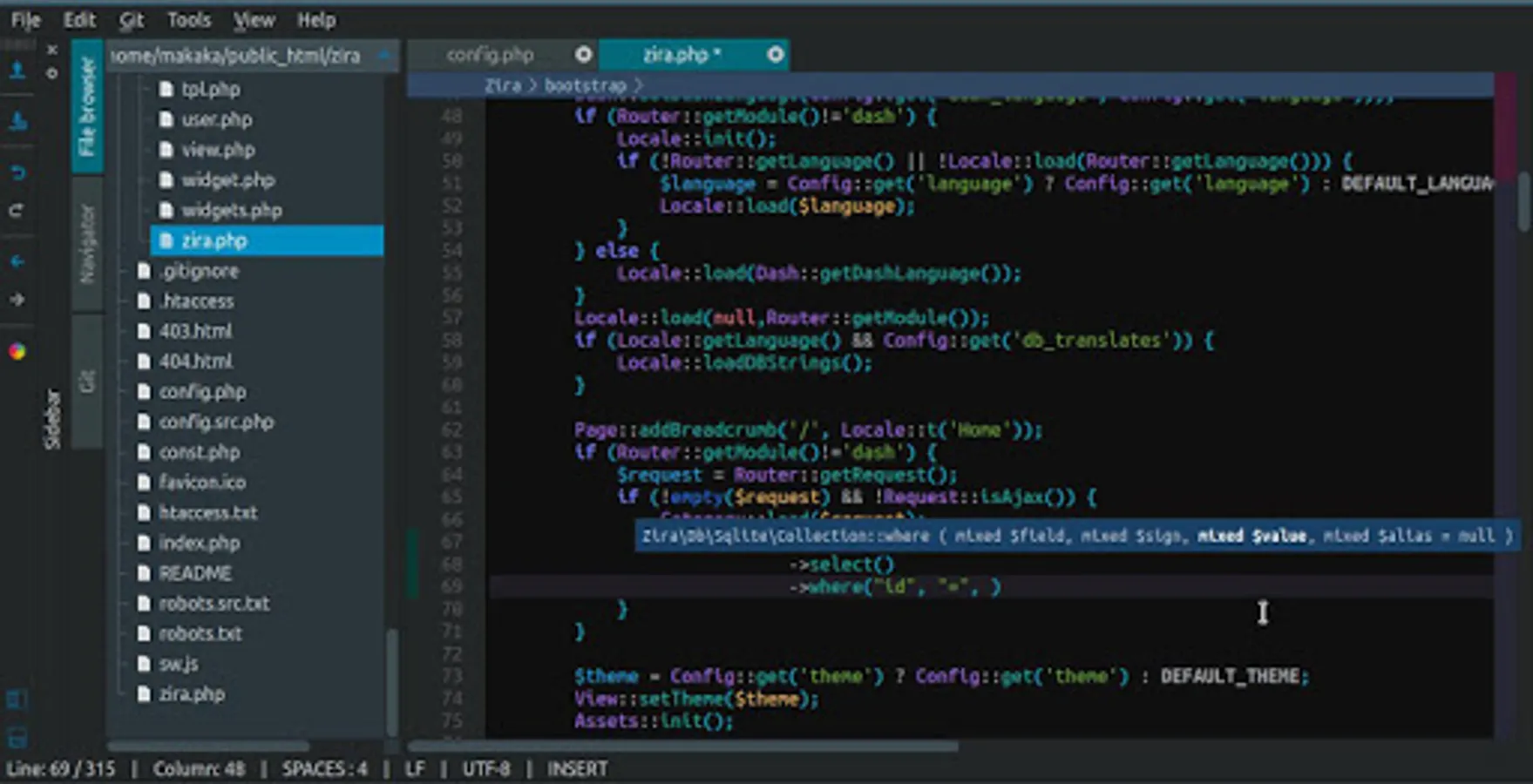
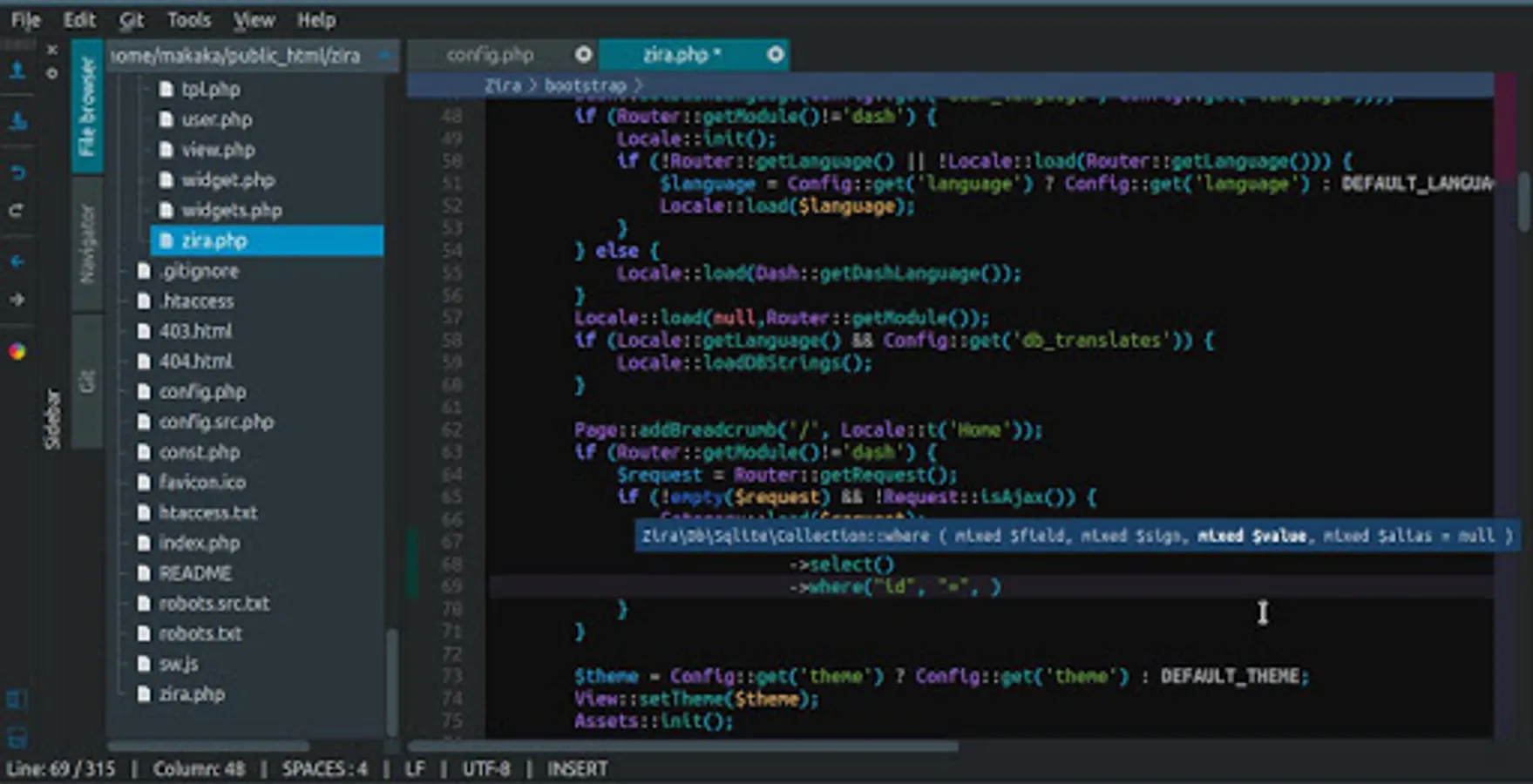
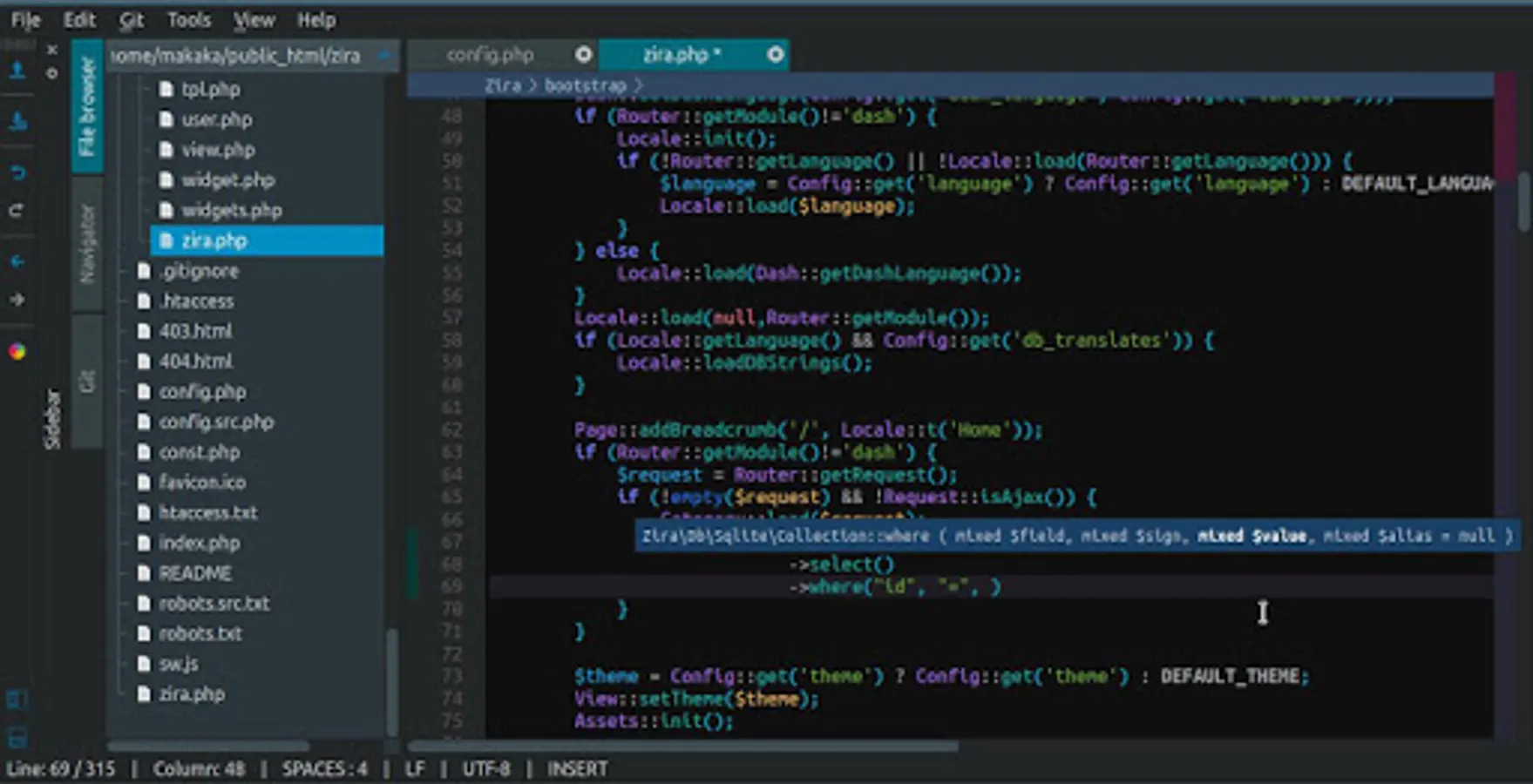
- function arguments display
- class auto import
- bulk comment in/out
- project state saving on exit
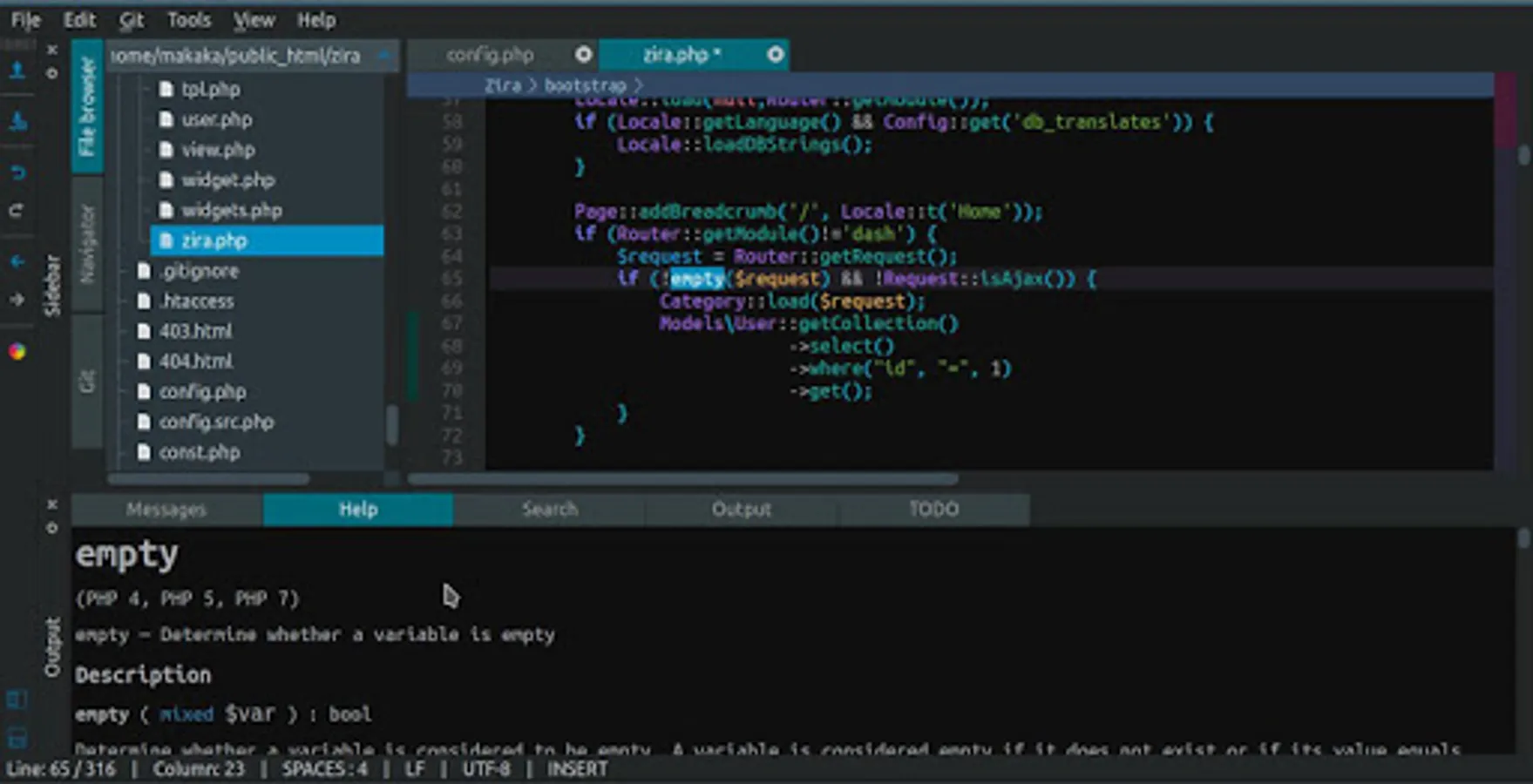
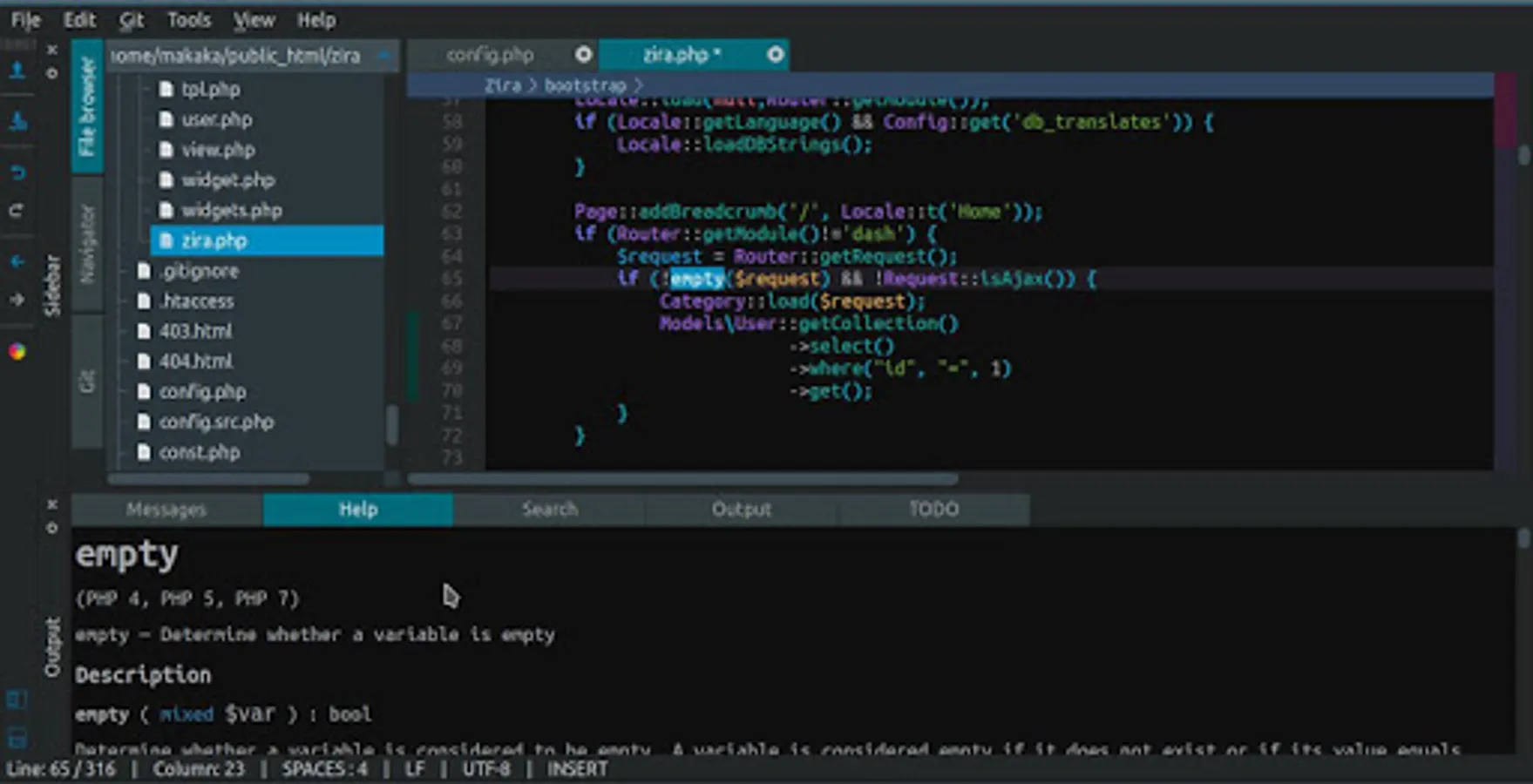
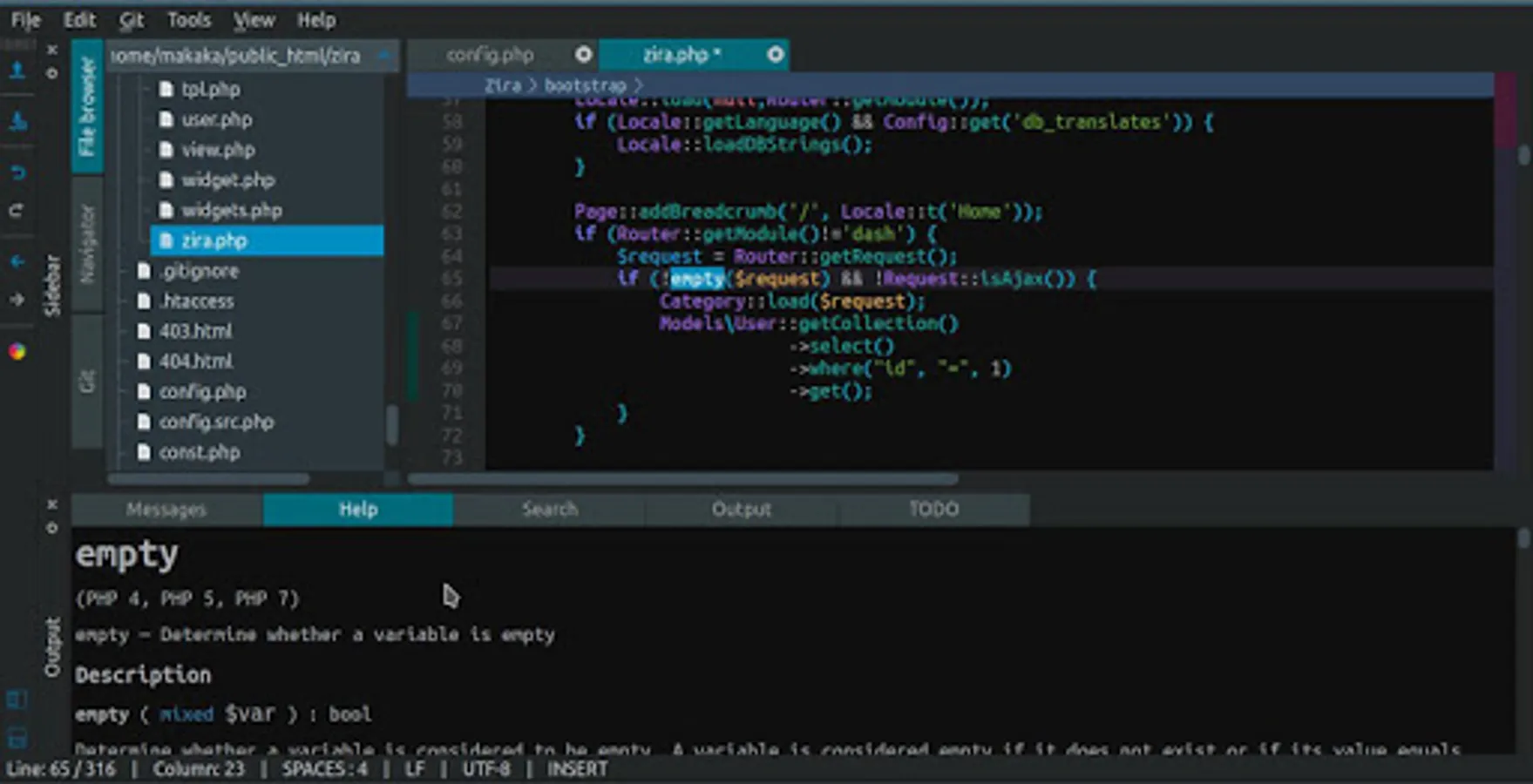
- F1 Help (PHP manual download required)
php function docs
php class docs
php class method docs
- php lint integration (syntax check)
- php code sniffer integration
- git integration
status browser
annotations display
- sass support
- quick access panel (search files + symbols)
- go to declaration
functions
classes
class methods
- search in files
- snippets
- built-in colorpicker
- built-in light and dark themes
- custom themes support
Zira Editor for Android includes a development pack with PHP 7.3.22, Git 2.28.0 and SassC 3.6.1 binaries.
With this development pack you can clone, pull or push your code to remote repository, run PHP code inside editor or start built-in PHP webserver and test your project in web-browser.
PHP binary has following extensions: OpenSSL, cURL, FTP, Iconv, GD, mbstring, SQLite, XML, Zip and Zlib.
Zira Editor brings almost everything you need to start PHP-coding on Android.
You might want to borrow a hardware keyboard and mouse :)
Important notes:
Disable word prediction in your virtual keyboard settings.
For better experience install Hacker's keyboard or use hardware keyboard and mouse.
Mouse right-click context menu can be opened by long press or from main menu (Tools - Context menu).
To store your project files outside application data folder (i.e. sdcard) you need to give storage permission to Zira Editor in application settings (Android 6+ only). All files saved in application data folder will be lost after uninstall / reinstall if you won't backup your files.
If text is too small you can increase font size in Settings dialog or you can set a proper scale factor for window.
How to run your code on Android without root using Termux (Android 5+):
Install Termux terminal emulator.
Open terminal and run command:
termux-setup-storage
Now you can access your sdcard if you type:
cd storage
Install PHP:
pkg install php
Go to your project home directory:
cd project_home
Start PHP built-in web server:
php -S 127.0.0.1:8000
Open 127.0.0.1:8000 in your browser.
You can check for the latest release on GitHub:
https://github.com/ziracms/editor/releases
Get additional themes for Zira Editor:
https://github.com/ziracms/editor/tree/master/bin/themes
To enable custom themes you need to enter path to themes folder in Settings -> Misc -> Custom themes folder
Main features:
- low memory usage
- fast parser
- syntax highlighting
PHP
JavaScript
CSS
HTML
- autocomplete
PHP built-in functions and classes
project classes, functions, variables
JS objects, variables
CSS selectors, properties
HTML tags
- unused variables check
- files browser
- file symbols navigator
- highlight matching
brackets
tags
php expression (endif; endforeach;)
- function arguments display
- class auto import
- bulk comment in/out
- project state saving on exit
- F1 Help (PHP manual download required)
php function docs
php class docs
php class method docs
- php lint integration (syntax check)
- php code sniffer integration
- git integration
status browser
annotations display
- sass support
- quick access panel (search files + symbols)
- go to declaration
functions
classes
class methods
- search in files
- snippets
- built-in colorpicker
- built-in light and dark themes
- custom themes support
Zira PHP Editor Screenshots
Tap to Rate: