
Floating Point Calculator IEEE
Logical Sonic
4.4 ★
30 ratings
1,000+
downloads
Free
+ in-app
AppRecs review analysis
AppRecs rating 4.4. Trustworthiness 75 out of 100. Review manipulation risk 18 out of 100. Based on a review sample analyzed.
★★★★☆
4.4
AppRecs Rating
Ratings breakdown
5 star
64%
4 star
25%
3 star
0%
2 star
11%
1 star
0%
What to know
✓
Low review manipulation risk
18% review manipulation risk
✓
Credible reviews
75% trustworthiness score from analyzed reviews
✓
High user satisfaction
89% of sampled ratings are 4+ stars (4.4★ average)
About Floating Point Calculator IEEE
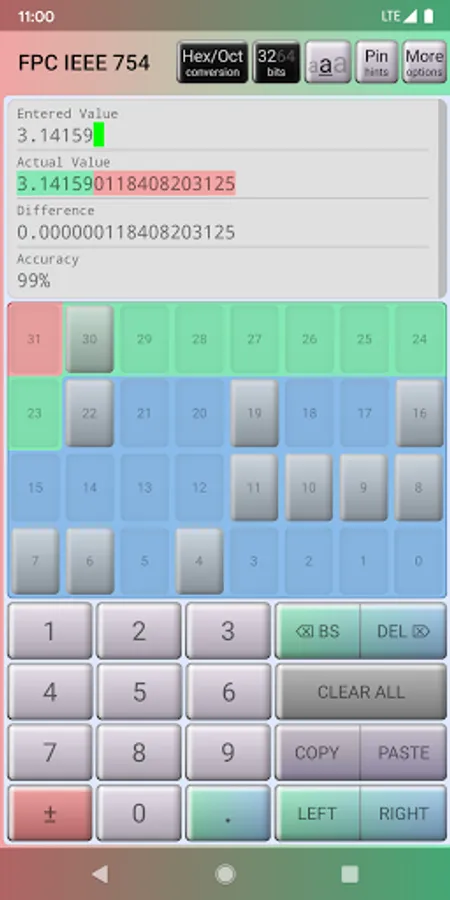
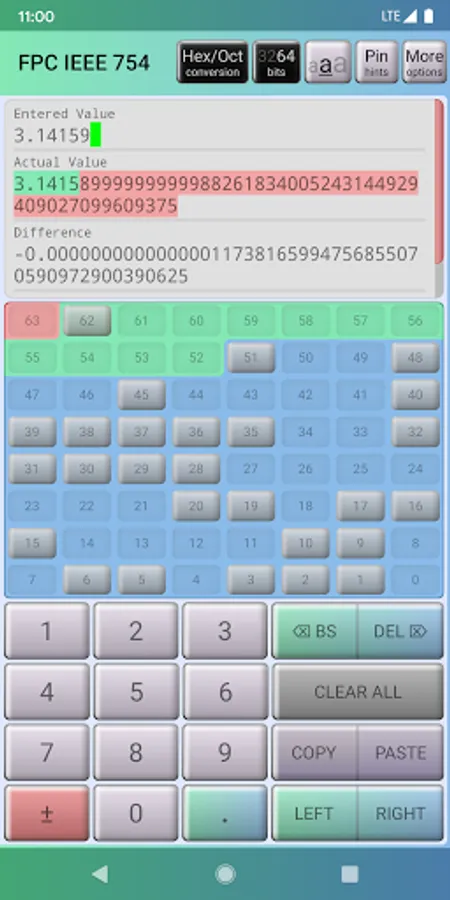
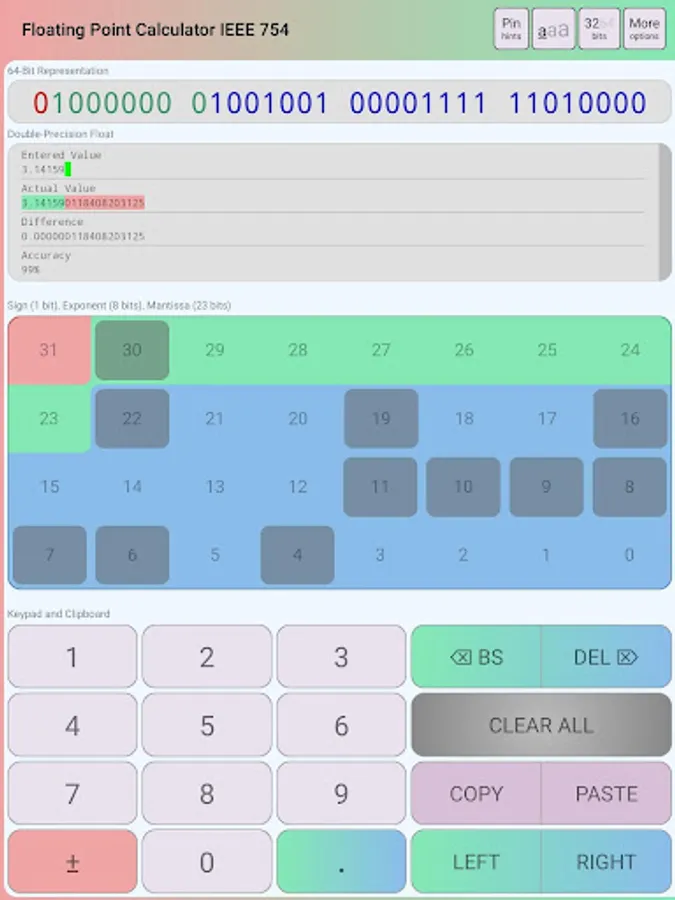
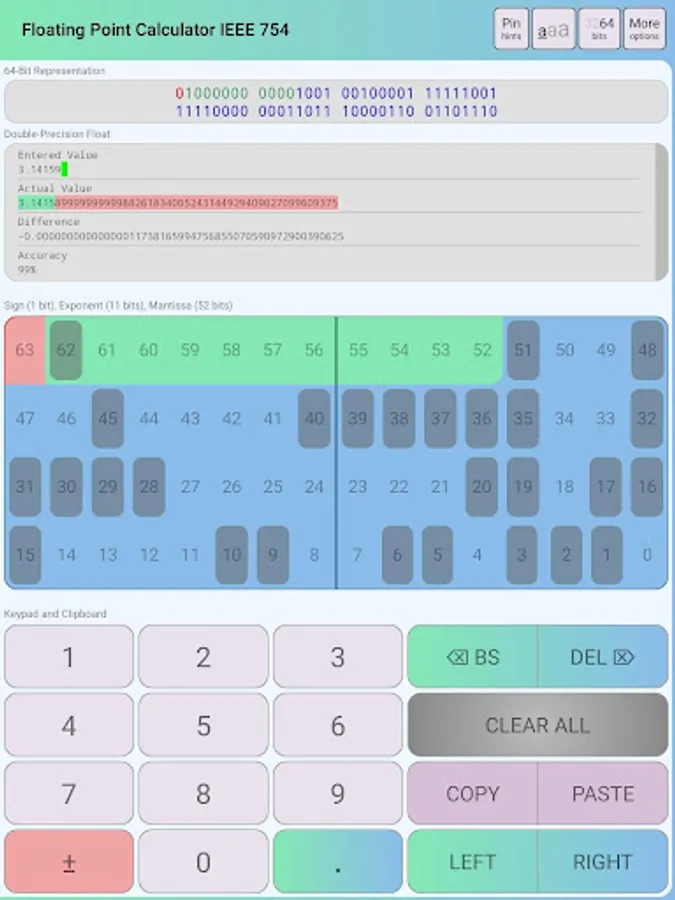
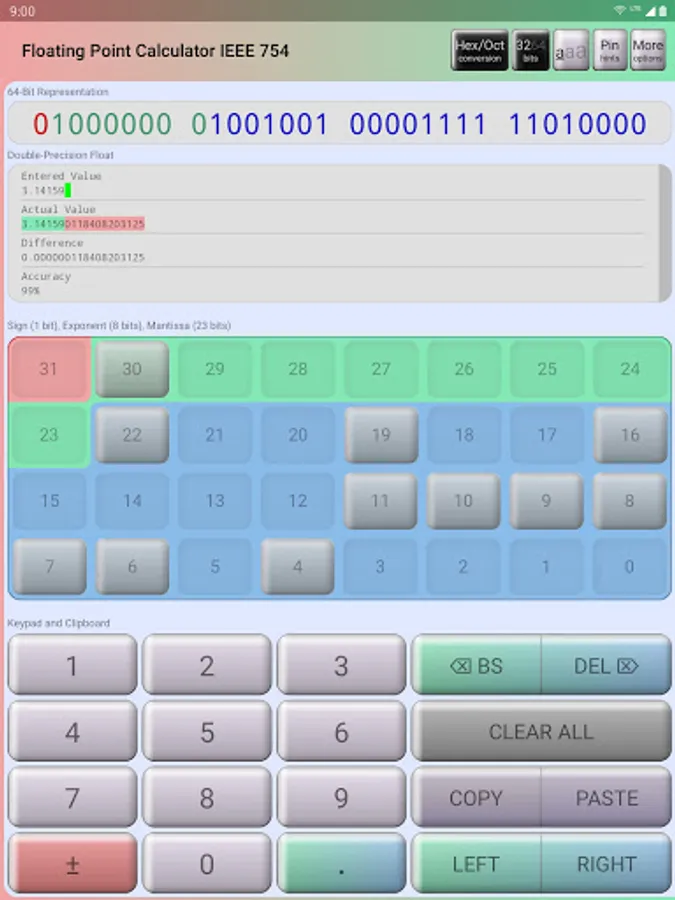
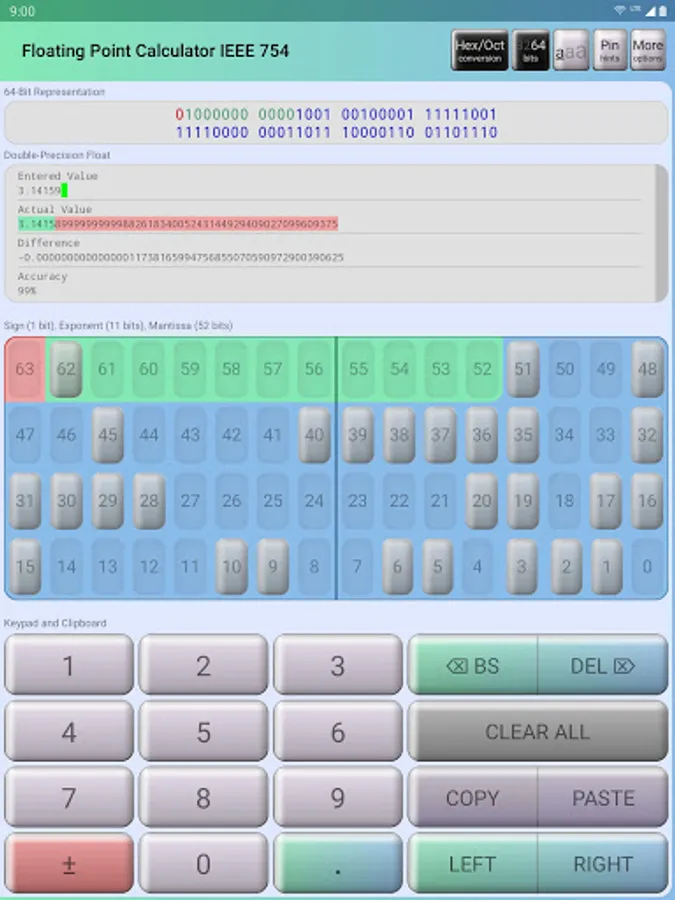
For example, the floating point (decimal) value of Pi is 3.14159...
The binary representation of Pi is therefore:
01000000 01001001 00001111 11010000
This calculator supports two-way conversions. To clarify what that means, here are the conversions it can do:
(1) Float to Binary (3.14159 = 01000000 01001001 00001111 11010000)
(2) Binary to Float (01000000 01001001 00001111 11010000 = 3.14159)
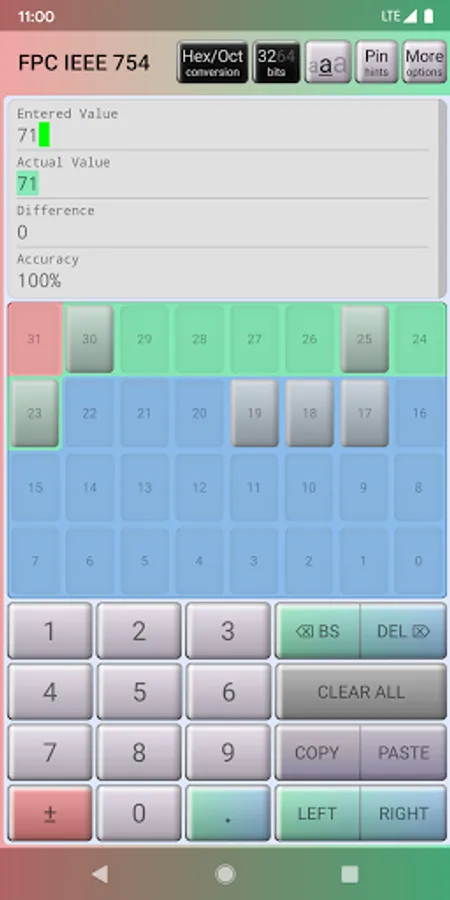
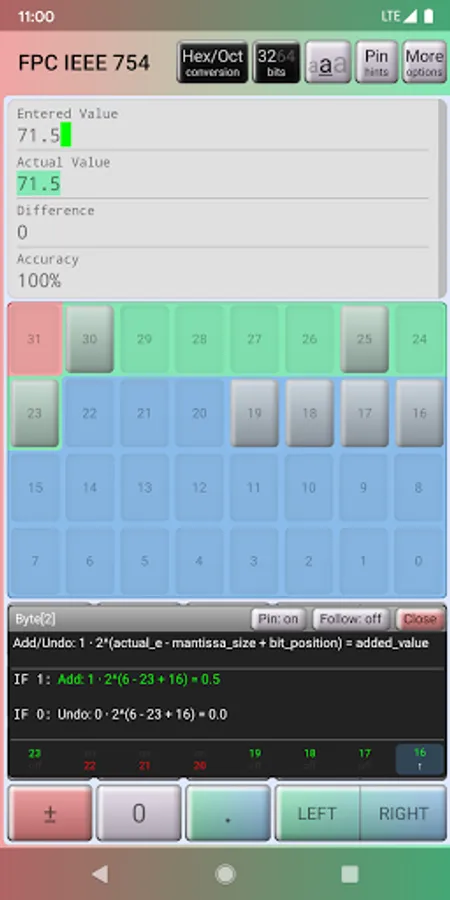
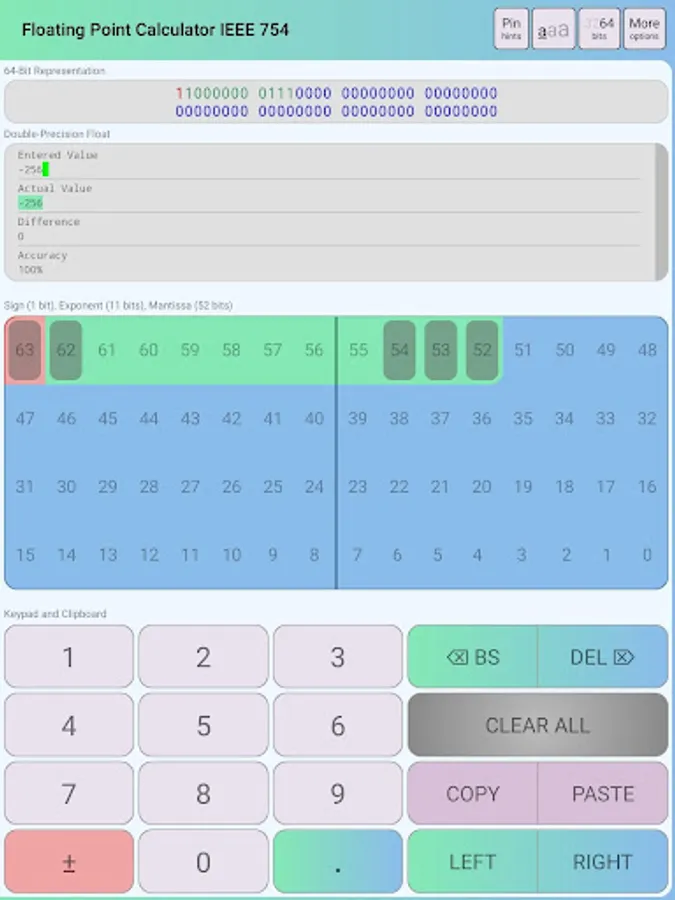
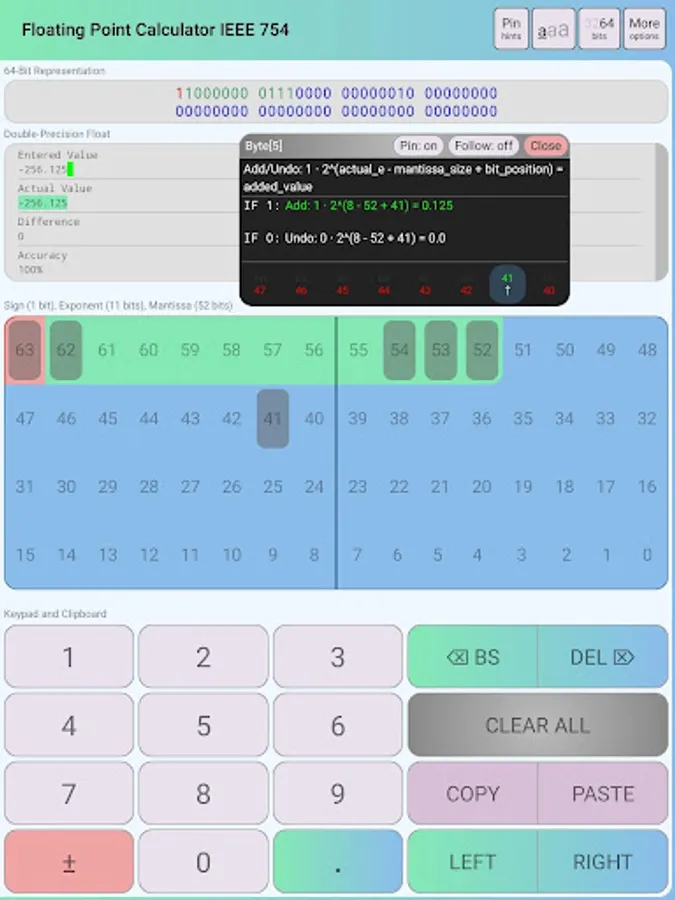
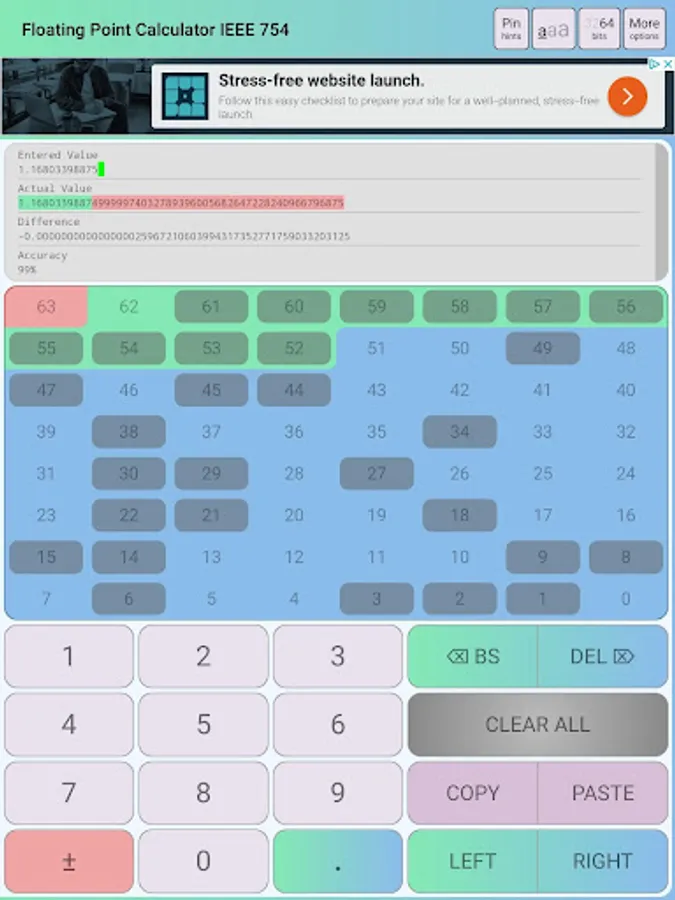
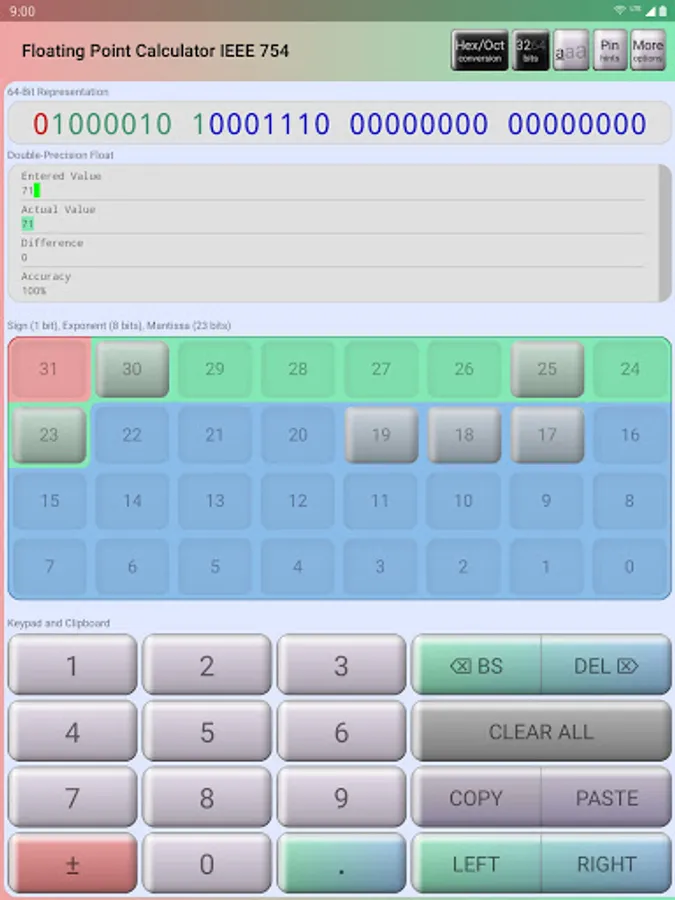
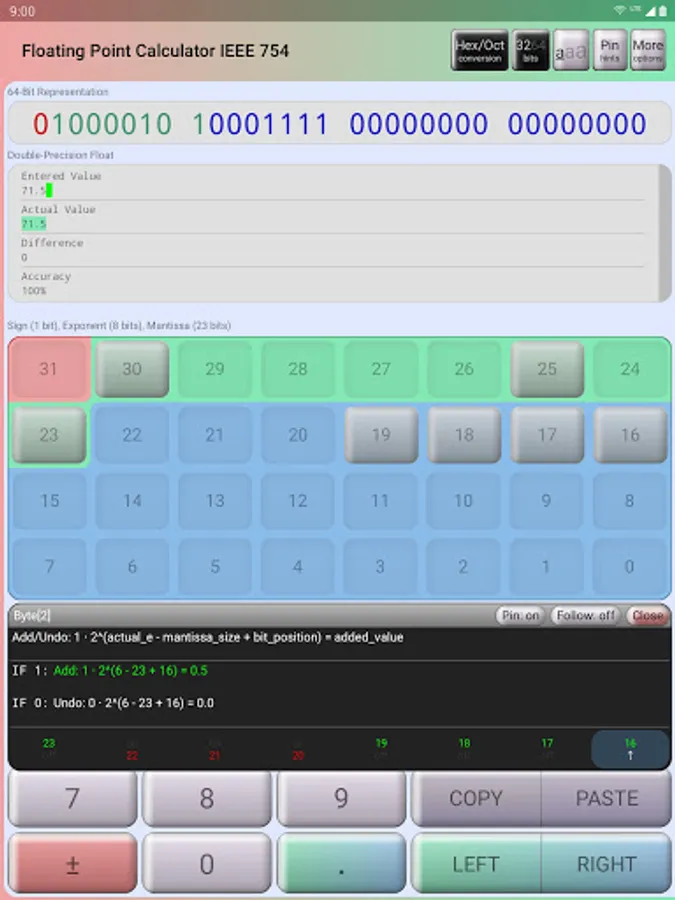
This app is designed to help computer science and computer architecture students easily understand how a floating point value is calculated. For example: the binary string is color coded to help students differentiate between the sign, the exponent, and the mantissa. Another example: by long-pressing on an individual bit, this will activate an overlay that shows the user what happens when that specific bit is toggled on or off (try it out!).
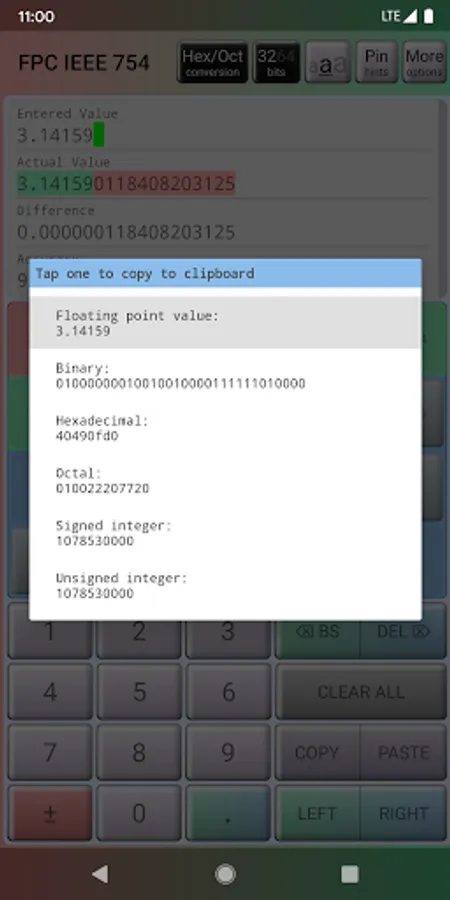
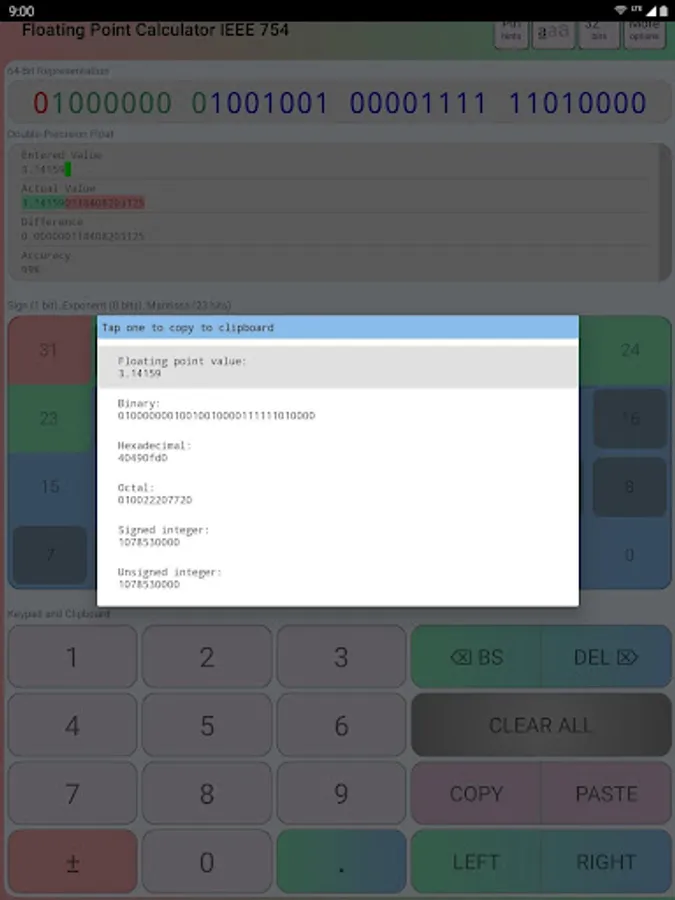
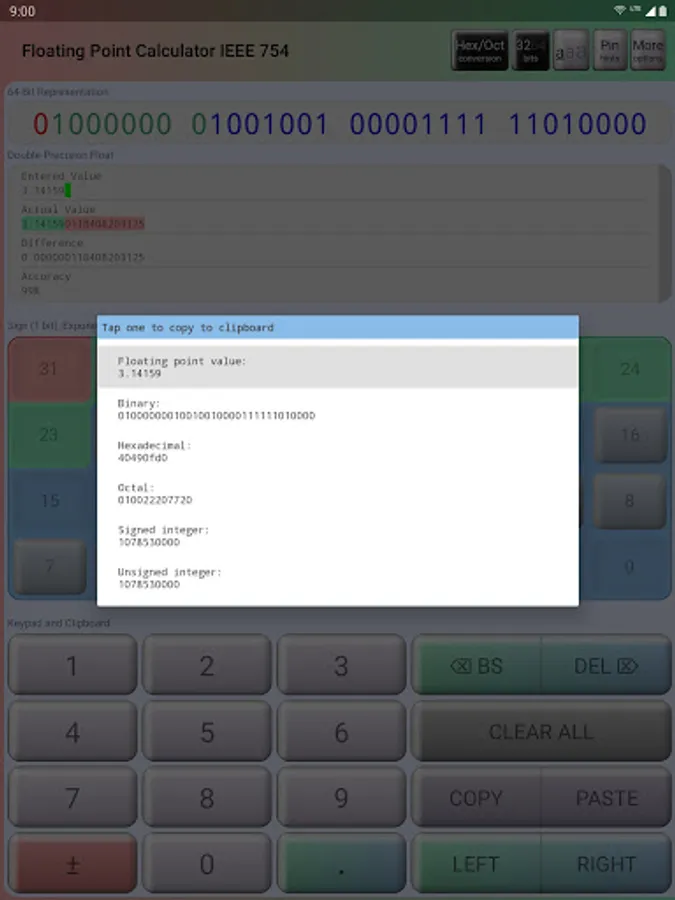
This converter also supports other numerical systems or representations including: floating point, binary, hexadecimal, octal, signed integer, and unsigned integer numbers.
This app has full conversion support for:
(1) single-precision floating point numbers (float ... decimal)
(2) double-precision floating point numbers (double ... decimal)
(3) hexadecimal representations (hex)
(4) octal representations (oct)
This app has limited conversion support for:
(1) signed integers (signed int ... decimal)
(2) unsigned integers (unsigned int ... decimal)
Full support means that you can perform two-way conversations between two numerical representations. Limited support means that you can only perform one-way conversions. I am still working on adding full support for all the major numerical systems/representations in computer science.
There are two modes:
(1) The floating point calculator mode - this is used to explicitly convert between binary and floating point numbers.
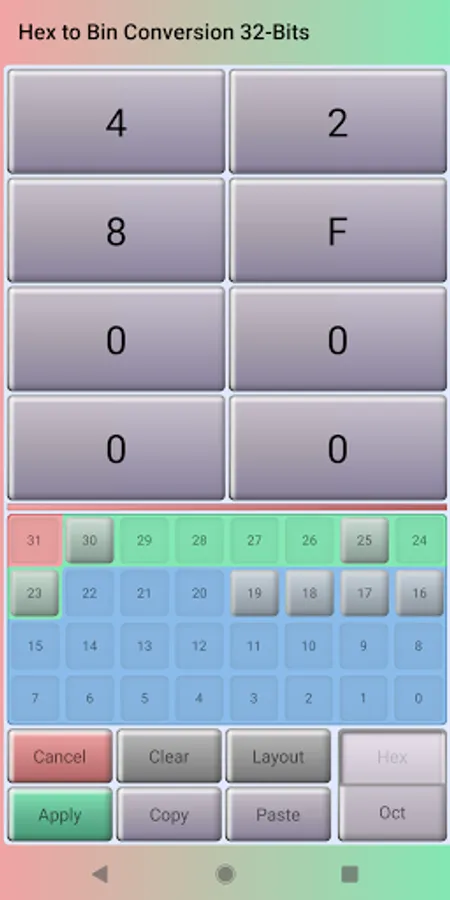
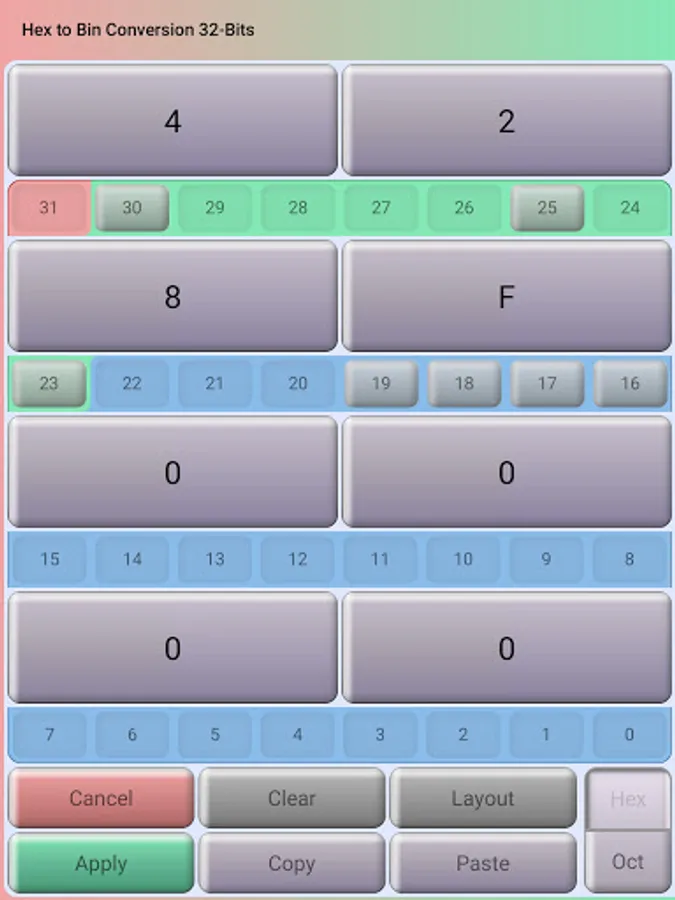
(2) The hexadecimal, octal, and binary conversion mode - this is used to convert between hexadecimal, octal, and binary representations. After converting between these three number systems, you can then press on the "Apply" button to finally convert it to a floating point value.
Please share this app to other students/professors who might benefit from using it. Don't forget to email me your feedback and feature requests. If you would like to send me your words of support and appreciation, please email them to me!
Features:
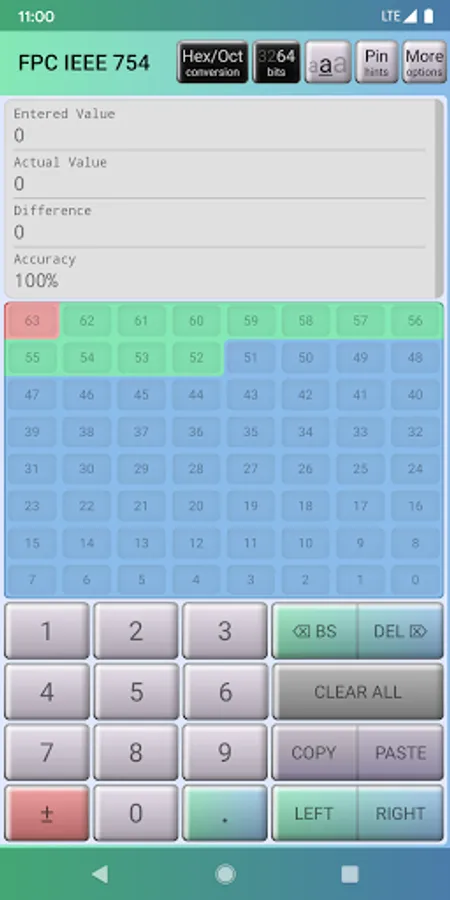
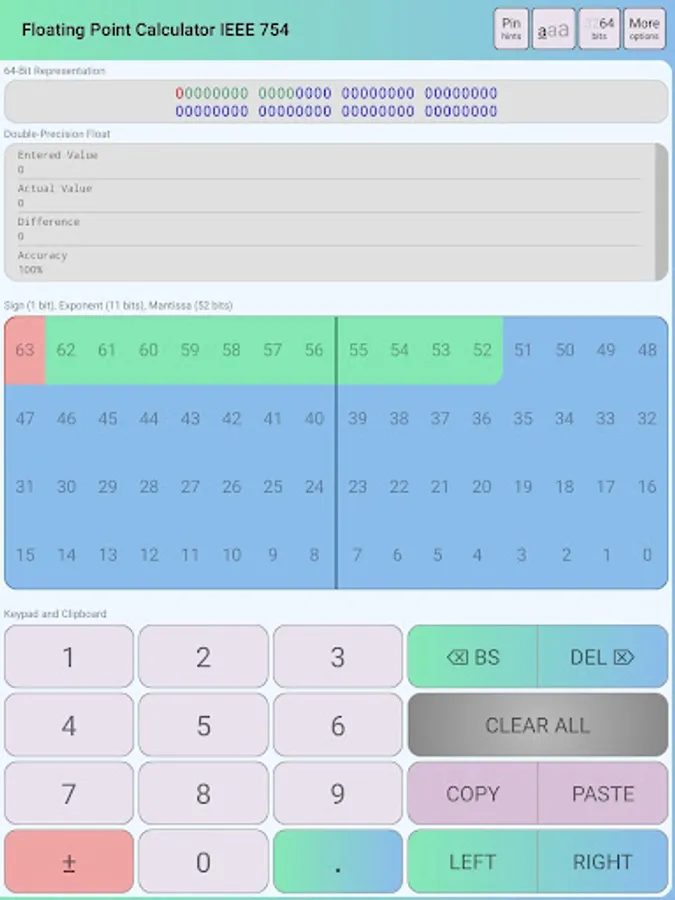
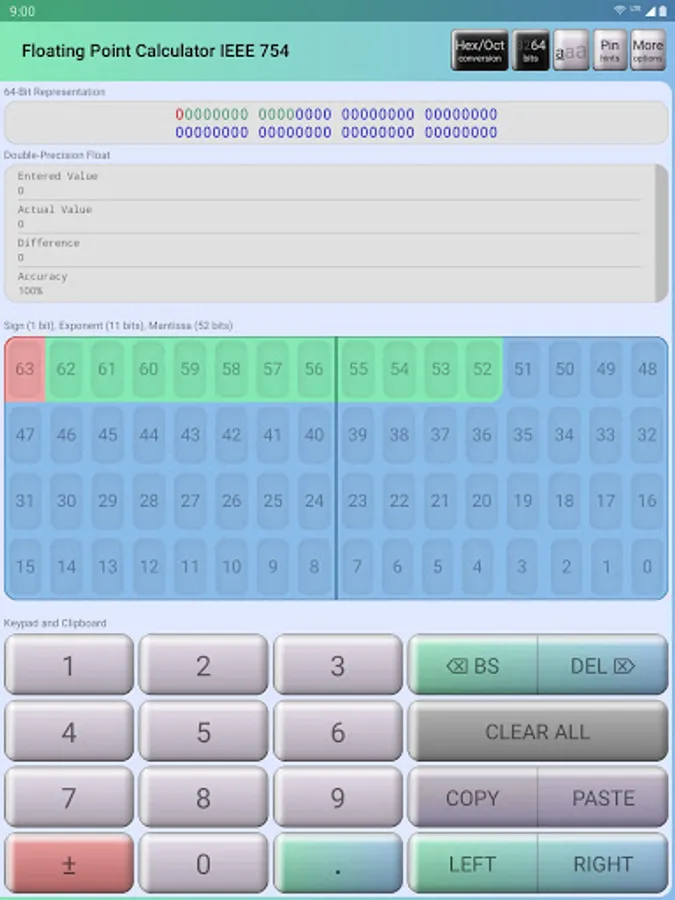
(1) 32-bit and 64-bit precisions.
(2) Convert bin to float.
(3) Convert float to bin.
(4) Convert between hex, oct, and bin.
(5) Convert float to hex, oct, signed int, and unsigned int.
(6) Convert bin to hex, oct, signed int, and unsigned int.
(7) Color coded binary string to familiarize students with the sign, exponent, and mantissa.
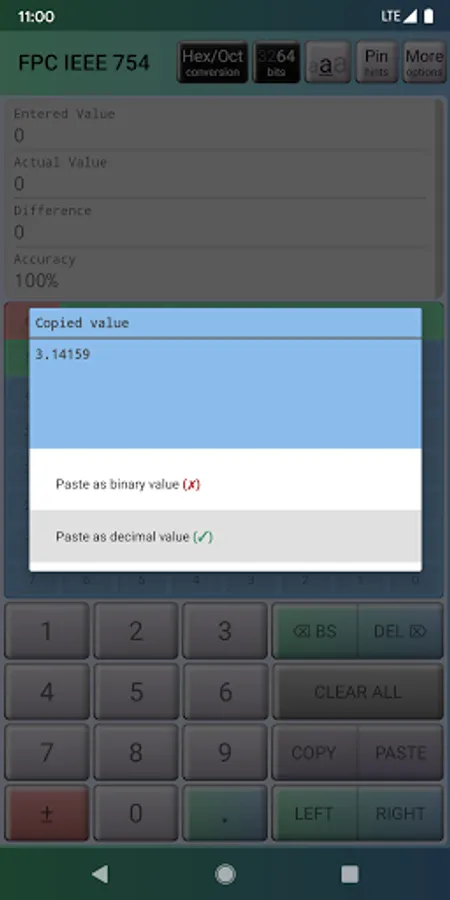
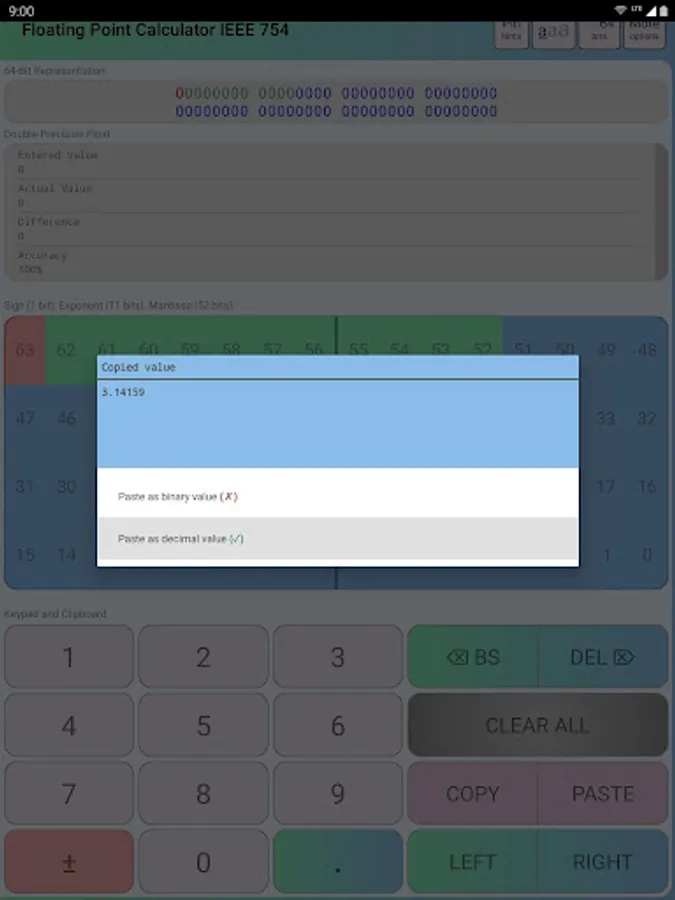
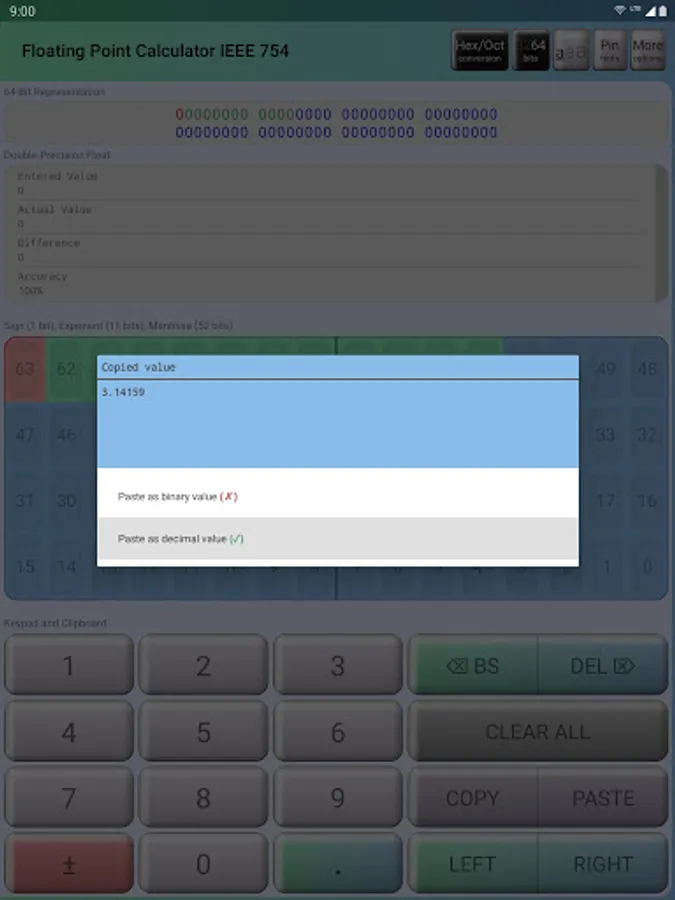
(8) Copy and paste float, bin, hex, oct.
(9) Copy signed/unsigned int conversions to clipboard.
(10) One-way conversion from bin to signed/unsigned int.
(11) The special overlay interface explains how the float is converted (activate it by long-pressing on an individual bit).
(12) Change calculator appearance and behavior in the user settings.
Coming soon in future updates:
(1) Two-way conversions between bin and signed/unsigned int.
(2) Premium Ad-Free version.
(3) Landscape mode.
Visit my official website for more info.
https://peterfelixnguyen.github.io/portfolio#floating-point-calculator-android
Floating Point Calculator IEEE Screenshots
Tap to Rate:
Reviews for Floating Point Calculator IEEE
John G.
9/18/2022
If I can pay to get rid of the adds and some kind of UI themes to simplify the display colors (this type of rainbow coloring is confusing) then I will update to 5 stars. Also as someone else mentioned in the reviews, if we have some decimals on the % error calculation will be a plus....Overall great calculator and very useful.
Marcin Korzonkowski
6/14/2022
It is fine app