GoOff - Media play timer off
GoGo Studio
Free
1+
downloads
About GoOff - Media play timer off
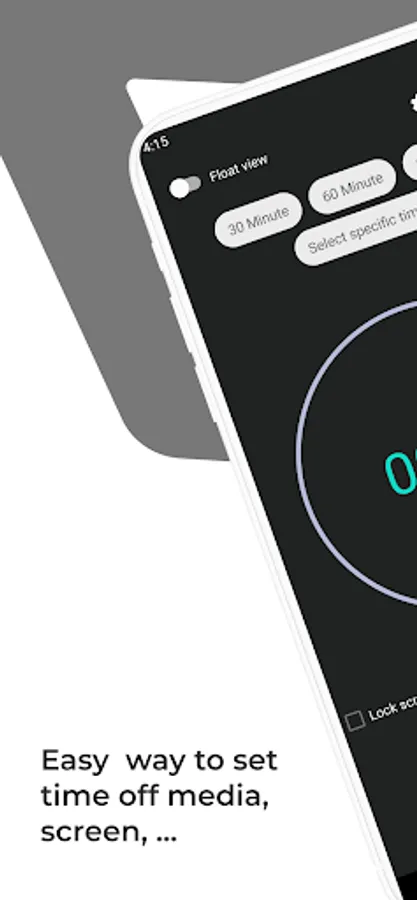
GoOff can stop your music after a certain amount of time and can also turn off your screen.
GoOff slightly lowers the volume, lock screen and then turns off your music, video play. If you watched a stream, GoOff can skip then turn off your screen. This function prevents your battery from being drained.
Simple design and easy to use
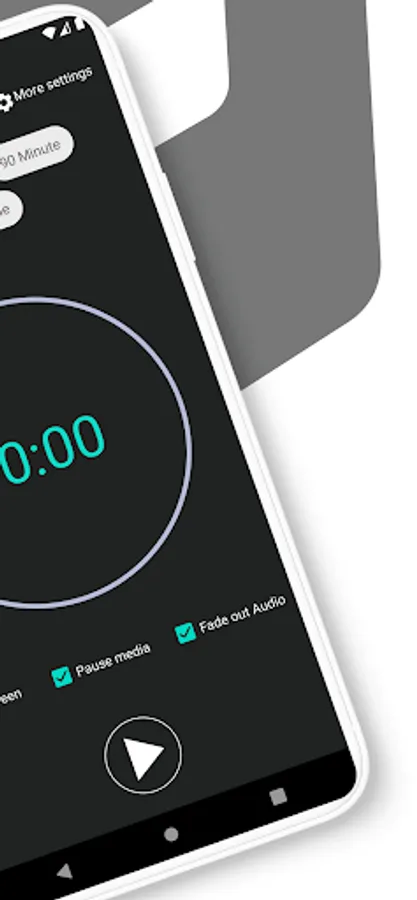
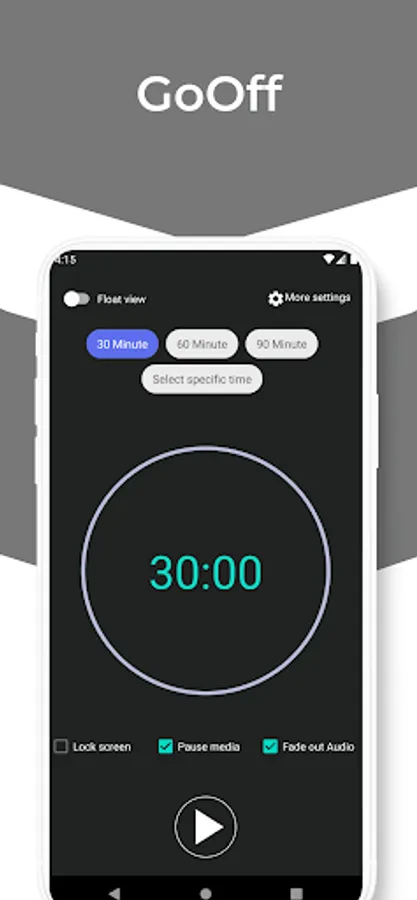
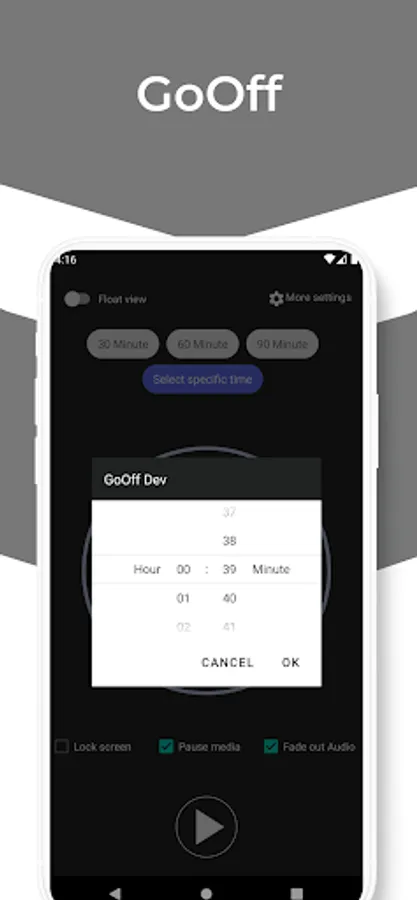
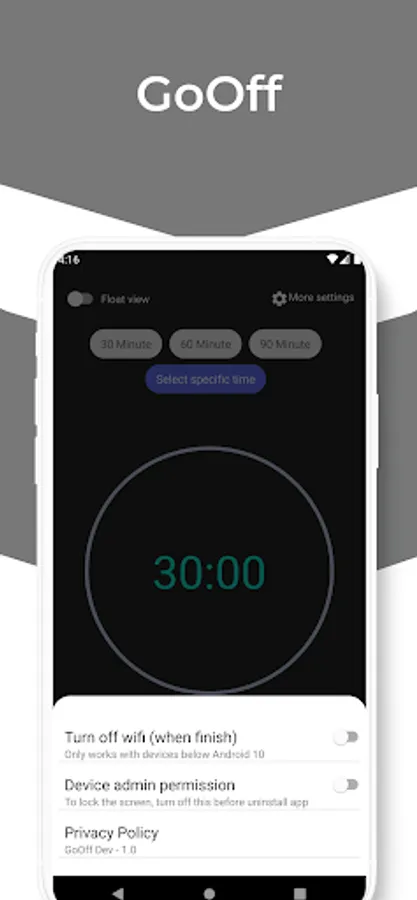
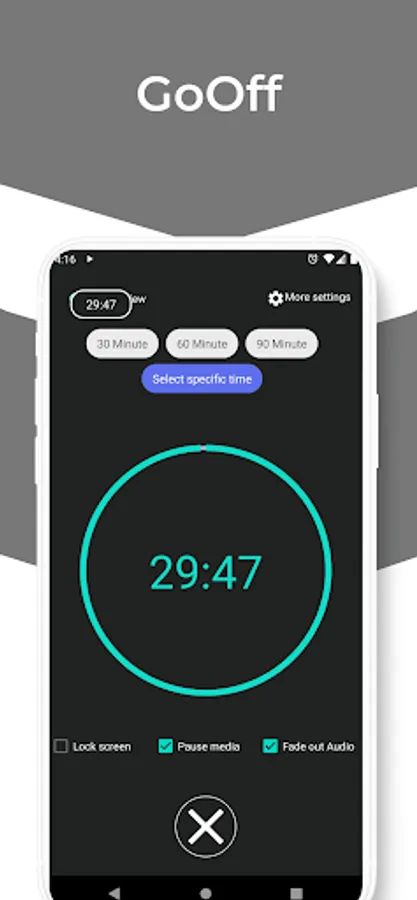
Select how long you want to play music or stream, tick some function you want and press Start button, GoOff timer will appear in the notification bar. You can also show floating count down timer view in your screen.
How to uninstall (IMPORTANT):
GoOff uses the device admin function to turn off your screen. It needs to be deactivated before uninstalling.
Op1: Select More setting/Turn off device admin
Op2: Just go to App Settings > disable "Screen Off" option > uninstall or go to Phone-Settings > Location & Security > Select device administrator > uncheck GoOff > remove Setting.
Permissions explained:
• Internet/network access: Required to access Google Play and report bugs.
• Wi-Fi connection : Enable GoOff to turn off Wi-Fi after your music is stopped.
GoOff slightly lowers the volume, lock screen and then turns off your music, video play. If you watched a stream, GoOff can skip then turn off your screen. This function prevents your battery from being drained.
Simple design and easy to use
Select how long you want to play music or stream, tick some function you want and press Start button, GoOff timer will appear in the notification bar. You can also show floating count down timer view in your screen.
How to uninstall (IMPORTANT):
GoOff uses the device admin function to turn off your screen. It needs to be deactivated before uninstalling.
Op1: Select More setting/Turn off device admin
Op2: Just go to App Settings > disable "Screen Off" option > uninstall or go to Phone-Settings > Location & Security > Select device administrator > uncheck GoOff > remove Setting.
Permissions explained:
• Internet/network access: Required to access Google Play and report bugs.
• Wi-Fi connection : Enable GoOff to turn off Wi-Fi after your music is stopped.