QR Code Reader: QR Scanner
WECHOICE MOBILE
4.2 ★
13K ratings
5,000,000+
downloads
Free
+ in-app
In this QR code reader app, you can scan barcodes and QR codes to access product information and URLs. Includes support for quick scanning, low-light conditions, and generating custom codes.
AppRecs review analysis
AppRecs rating 4.0. Trustworthiness 78 out of 100. Review manipulation risk 36 out of 100. Based on a review sample analyzed.
★★★★☆
4.0
AppRecs Rating
Ratings breakdown
5 star
75%
4 star
4%
3 star
4%
2 star
4%
1 star
13%
What to know
✓
Credible reviews
78% trustworthiness score from analyzed reviews
✓
High user satisfaction
79% of sampled ratings are 4+ stars (4.2★ average)
⚠
Ad complaints
Many low ratings mention excessive ads
About QR Code Reader: QR Scanner
BarCode reader is one of the fast qr code scanner for android, url scanner and scanner app free on the market
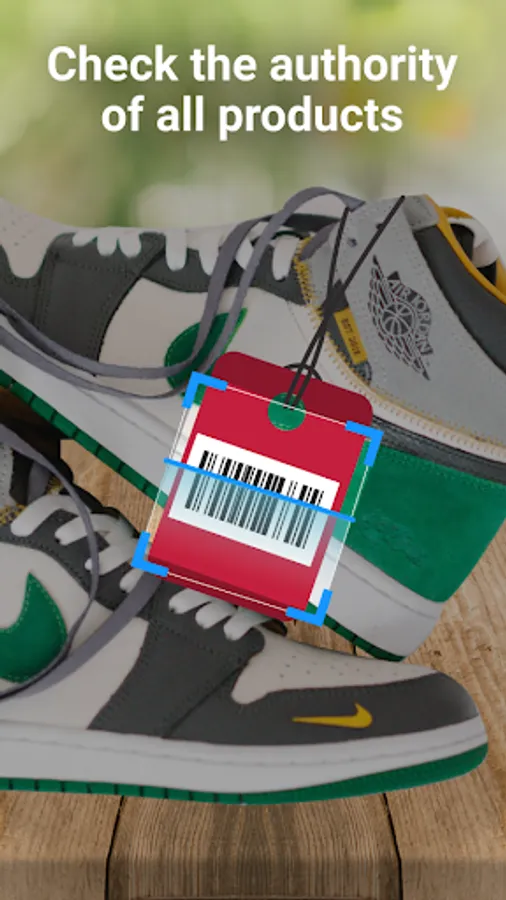
You want to find information about products, you want to check the origin and related information about the product? You want to see if the product information displayed on the packaging is consistent with what’s retrieved digitally? Or simply want to get basic data for reference before making a purchase? All of this becomes convenient if you use our bar-code app application.
qr code scanner for android is the fast scanner app free for android and url scanner available on market so you can access product information easily.
【Main features of the app】
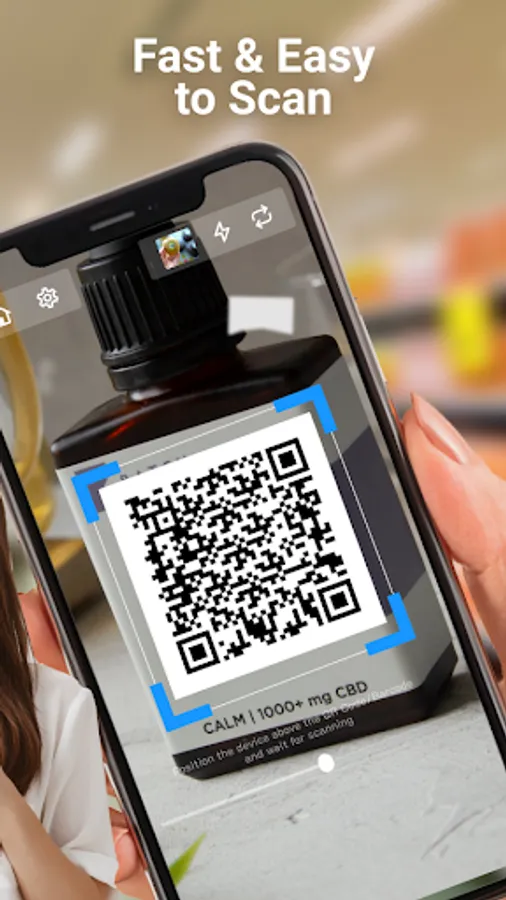
✔️ Support reading bar-code and qr code scanner for android quickly and efficiently
✔️ This is a smart application that identifies the scanner app free code as url scanner for android reader and scanner
✔️ Support light in cases of bar-code and qr code scanner for android in low light environments or insufficient light
✔️ Helps display basic product information where available from the scanned code
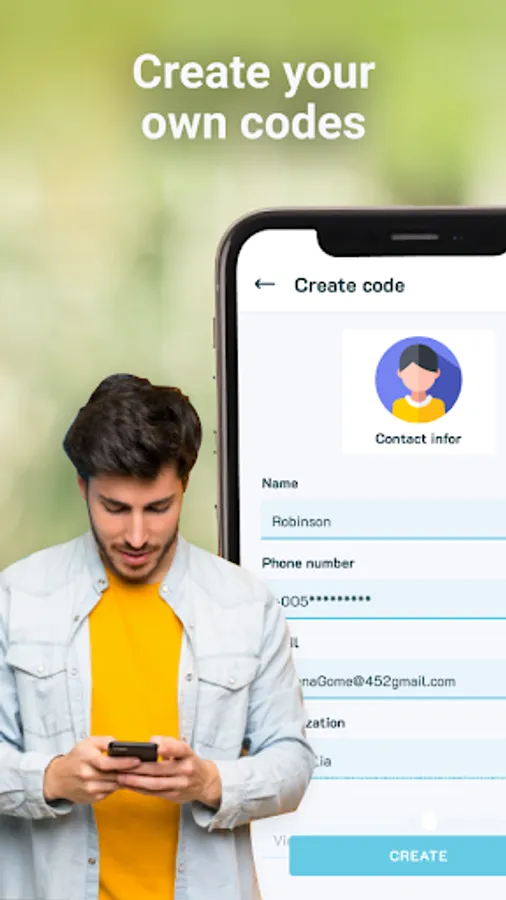
✔️ In addition, you can create your own scanner app free easily
【Exceptional Features】
✔️ Automatically identify url scanner
✔️ Returns product-related data quickly (if available online)
✔️ Supports smart shopping by giving you reference data from the code
✔️ Create your own bar-code for your product, making it easy for others to access details using a qr code scanner for android app
【Instructions for using qr code reader】
You can use our scanner app free application easily if the phone you are using is a smartphone that supports camera shooting.
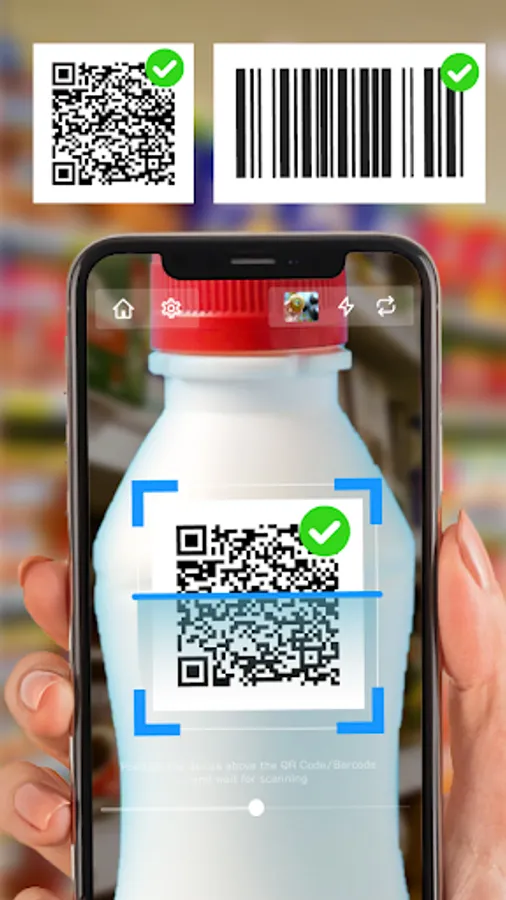
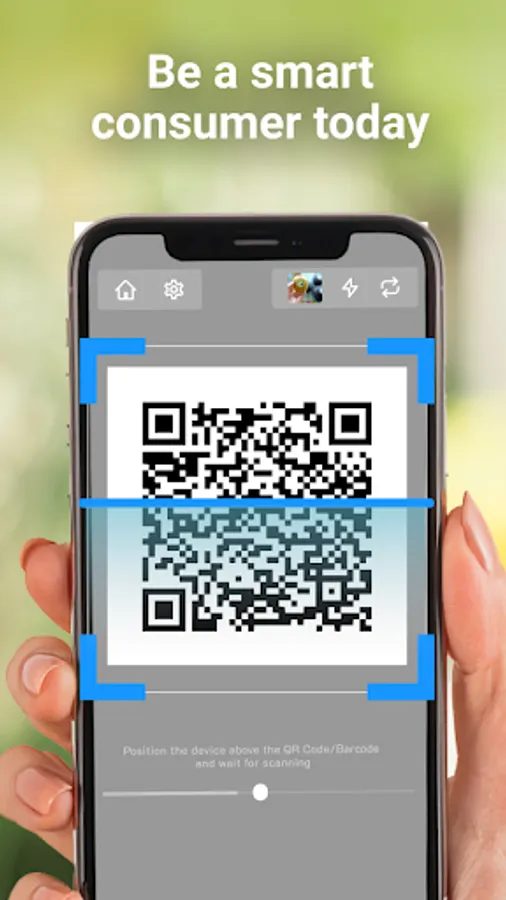
You just need to open the application, scan the product and our bar-code app will automatically recognize any qr code scanner for android.
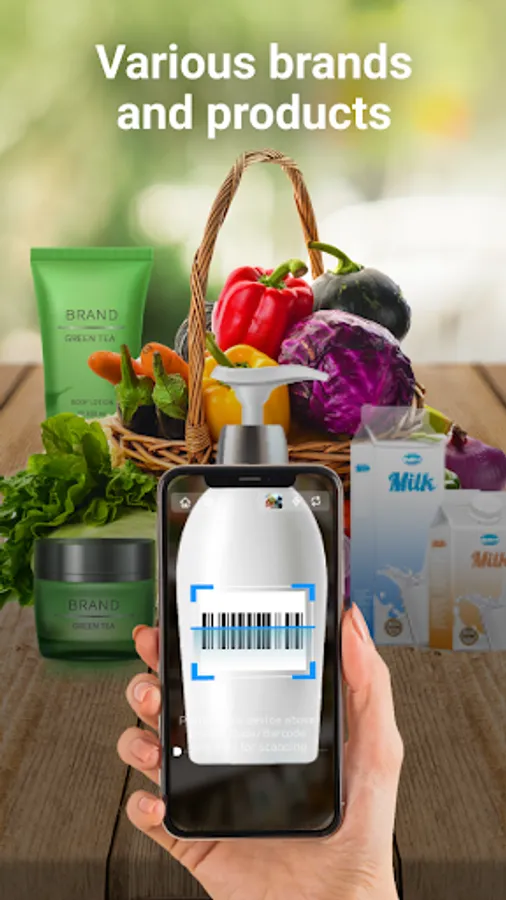
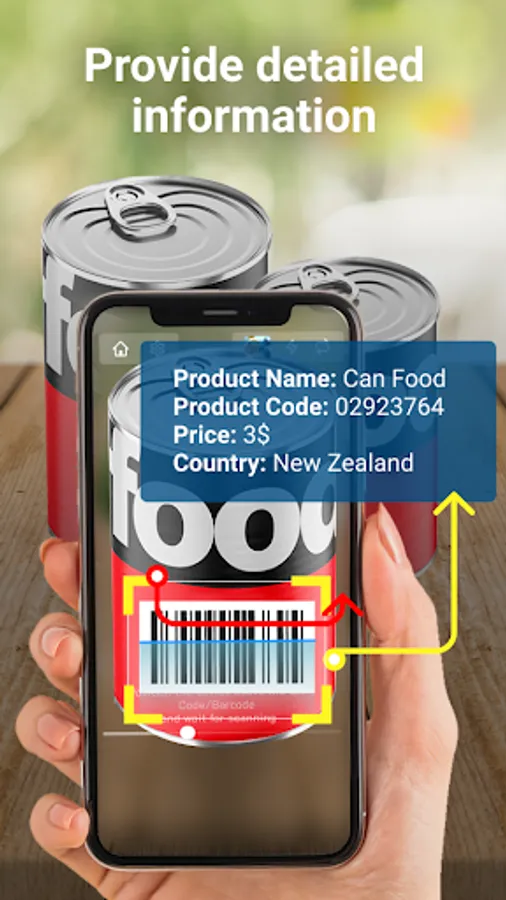
Immediately after scanning the scanner app free codes, the application will return available information about the product, such as the manufacturer, product name, price, or country of origin—based on the data encoded in the code.
You want to find information about products, you want to check the origin and related information about the product? You want to see if the product information displayed on the packaging is consistent with what’s retrieved digitally? Or simply want to get basic data for reference before making a purchase? All of this becomes convenient if you use our bar-code app application.
qr code scanner for android is the fast scanner app free for android and url scanner available on market so you can access product information easily.
【Main features of the app】
✔️ Support reading bar-code and qr code scanner for android quickly and efficiently
✔️ This is a smart application that identifies the scanner app free code as url scanner for android reader and scanner
✔️ Support light in cases of bar-code and qr code scanner for android in low light environments or insufficient light
✔️ Helps display basic product information where available from the scanned code
✔️ In addition, you can create your own scanner app free easily
【Exceptional Features】
✔️ Automatically identify url scanner
✔️ Returns product-related data quickly (if available online)
✔️ Supports smart shopping by giving you reference data from the code
✔️ Create your own bar-code for your product, making it easy for others to access details using a qr code scanner for android app
【Instructions for using qr code reader】
You can use our scanner app free application easily if the phone you are using is a smartphone that supports camera shooting.
You just need to open the application, scan the product and our bar-code app will automatically recognize any qr code scanner for android.
Immediately after scanning the scanner app free codes, the application will return available information about the product, such as the manufacturer, product name, price, or country of origin—based on the data encoded in the code.
QR Code Reader: QR Scanner Screenshots
Tap to Rate:
Reviews for QR Code Reader: QR Scanner
Takudzwa Cosmas Rukwere
11/13/2025
Brilliant
Adults playground “Insatiable hands” Sensual massage plus much more
9/1/2025
awesome