
Google Authenticator
Google LLC
3.8 ★
632K ratings
100,000,000+
downloads
Free
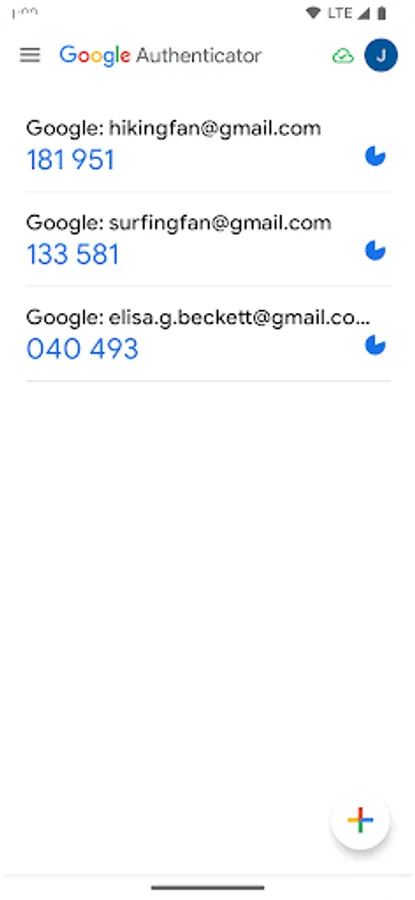
In this authentication app, you can generate time-based or counter-based codes to secure your accounts. Includes support for multiple accounts, QR code setup, and device transfer features.
AppRecs review analysis
AppRecs rating 3.7. Trustworthiness 61 out of 100. Review manipulation risk 36 out of 100. Based on a review sample analyzed.
★★★☆☆
3.7
AppRecs Rating
Ratings breakdown
5 star
59%
4 star
9%
3 star
7%
2 star
4%
1 star
21%
What to know
✓
Good user ratings
69% positive sampled reviews
✓
Authentic reviews
Natural distribution, no red flags
About Google Authenticator
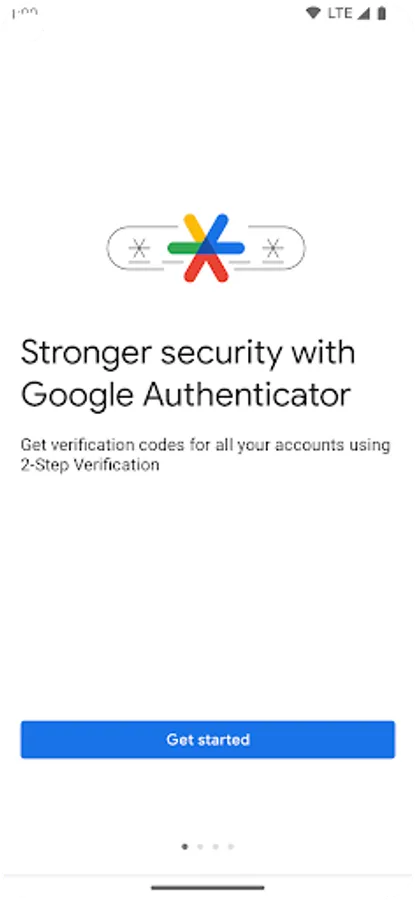
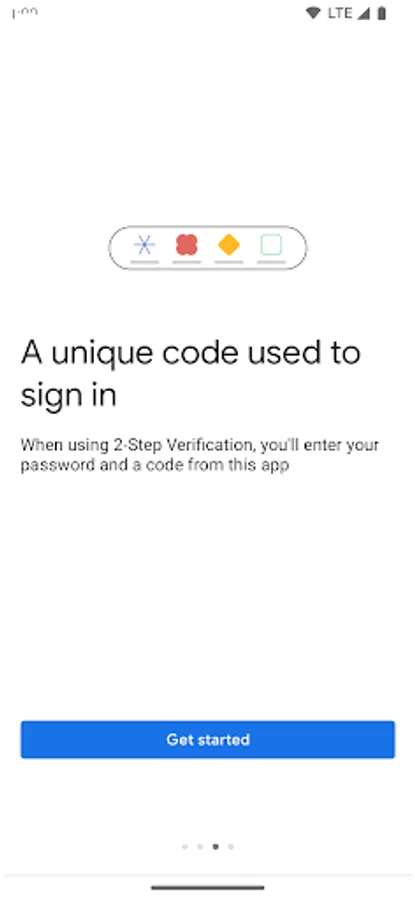
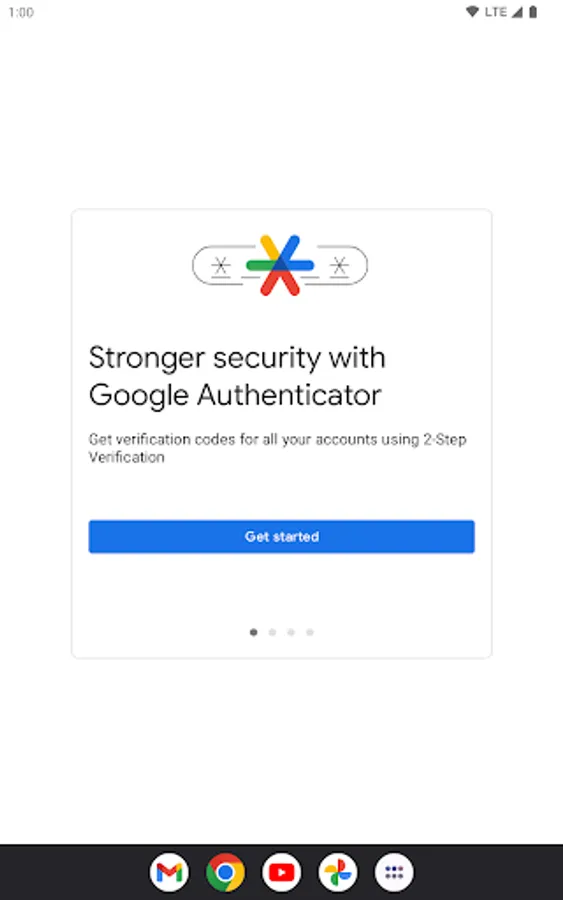
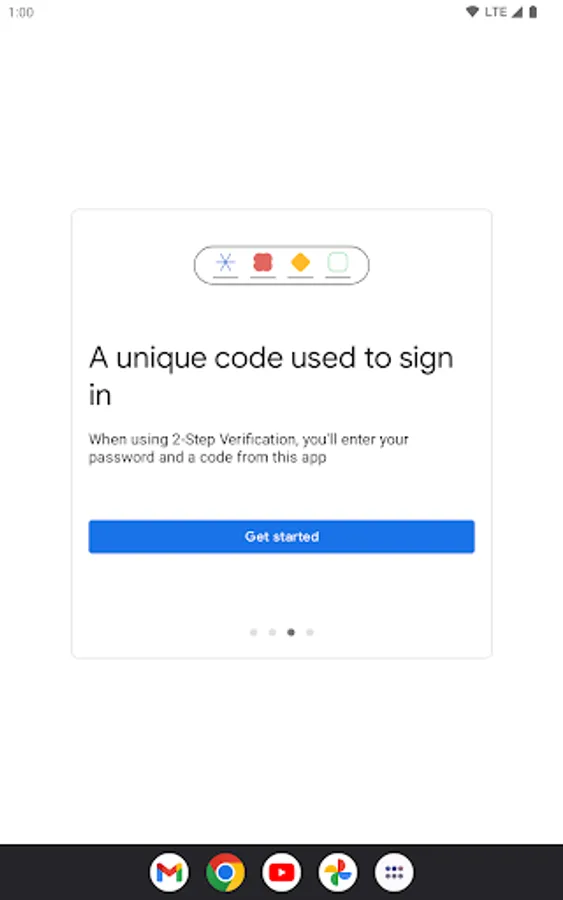
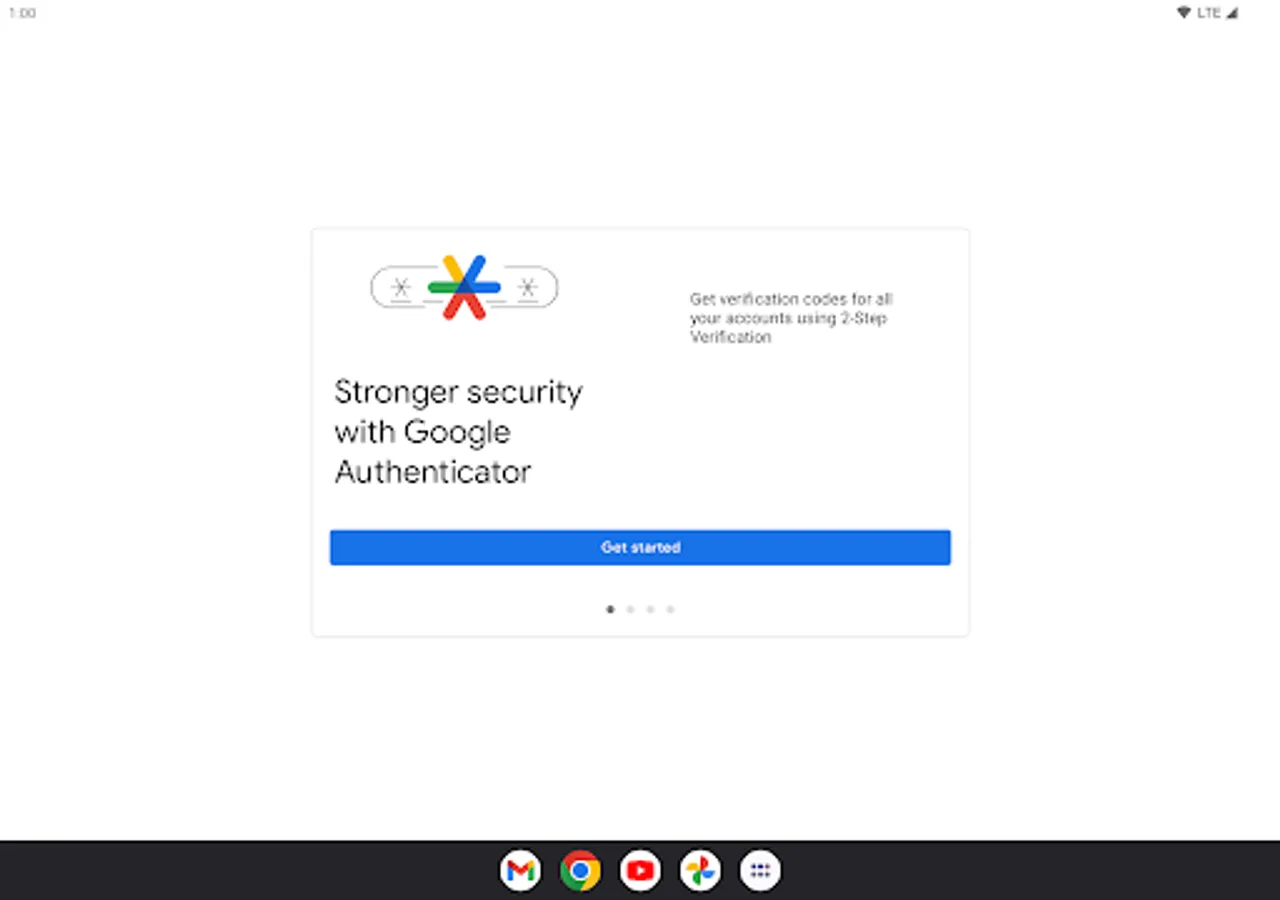
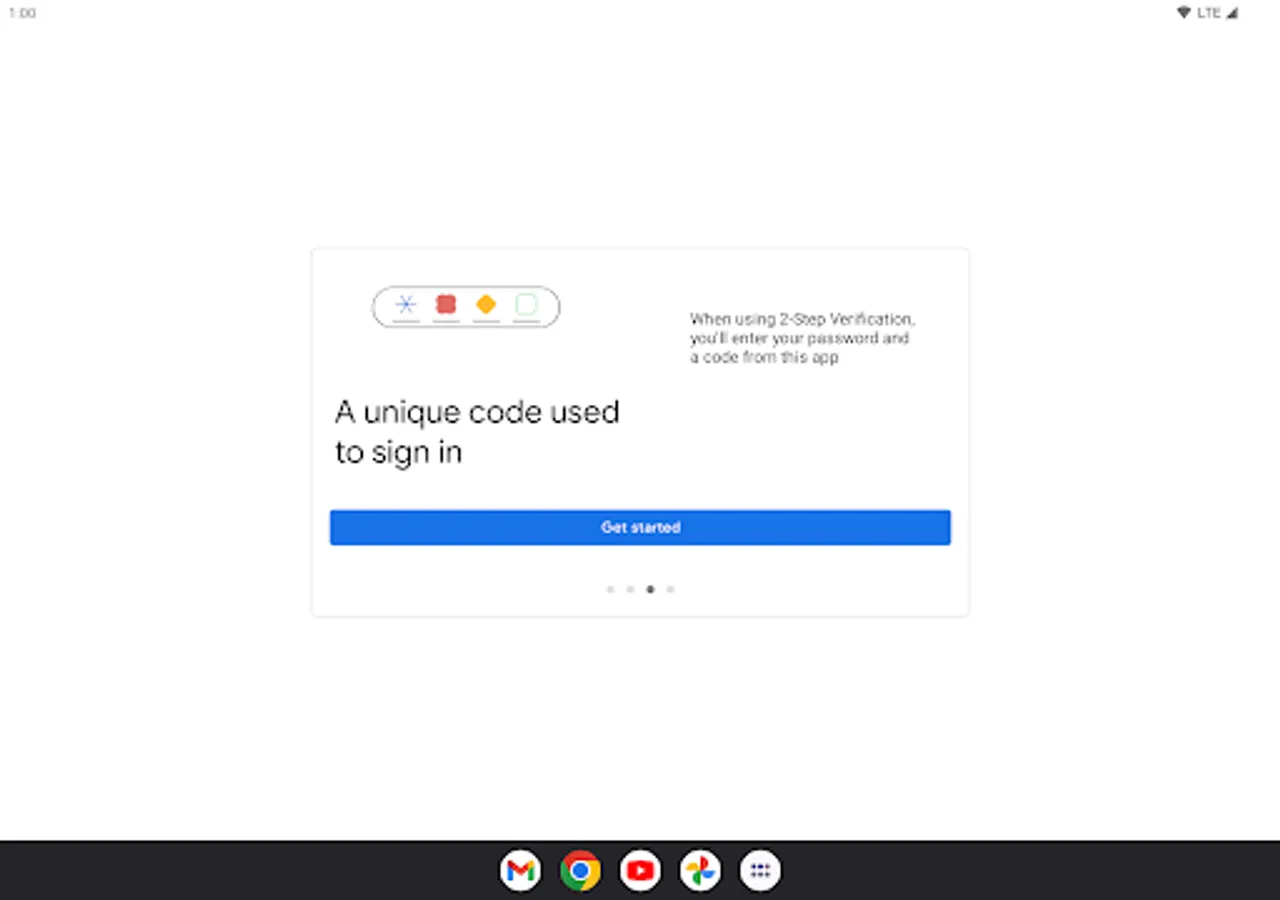
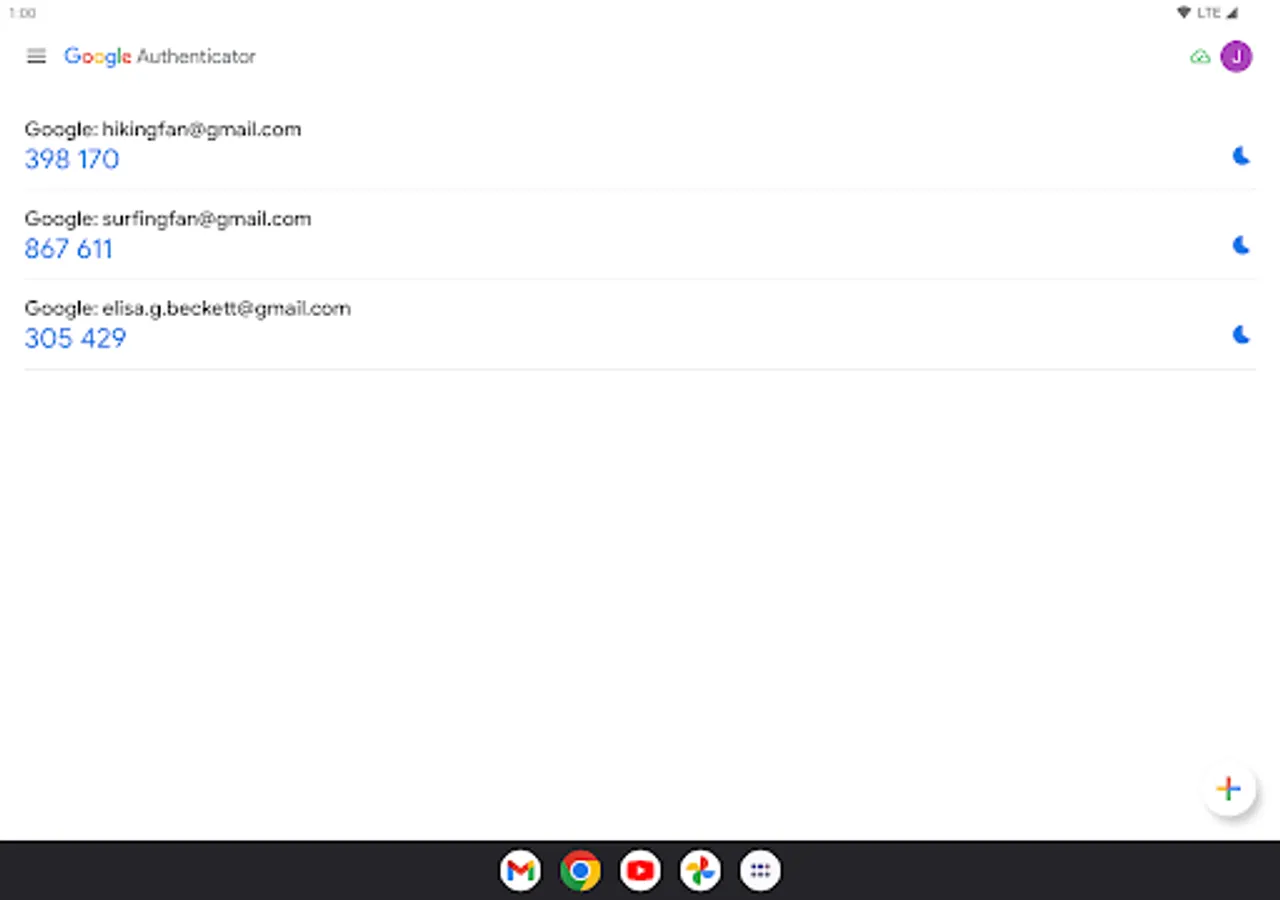
Google Authenticator adds an extra layer of security to your online accounts by adding a second step of verification when you sign in. This means that in addition to your password, you'll also need to enter a code that is generated by the Google Authenticator app on your phone. The verification code can be generated by the Google Authenticator app on your phone, even if you don't have a network or cellular connection.
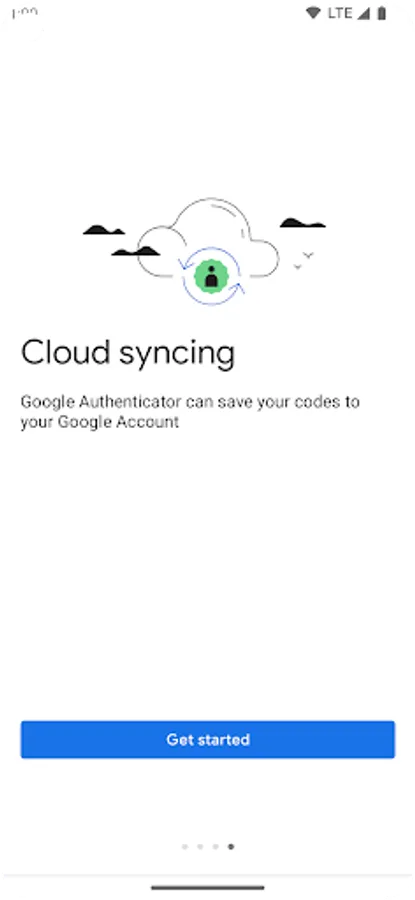
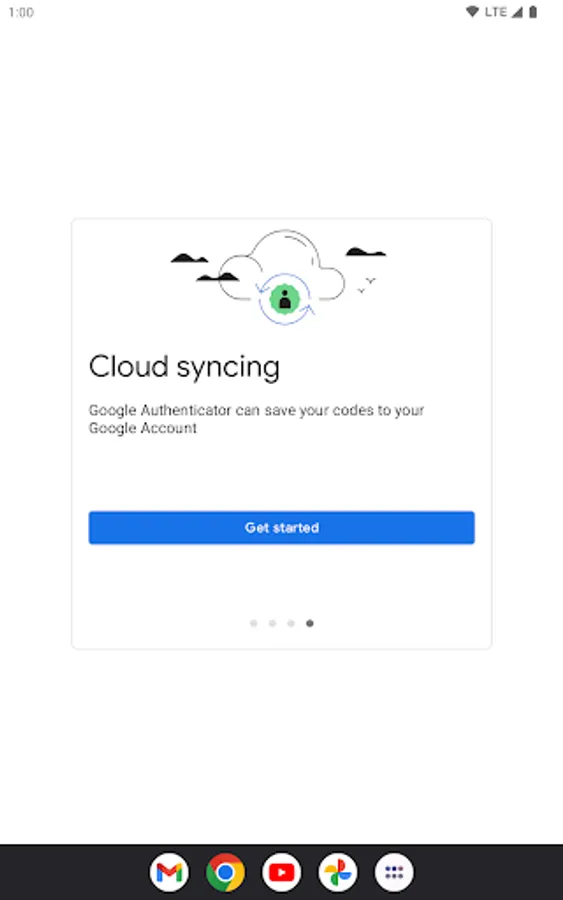
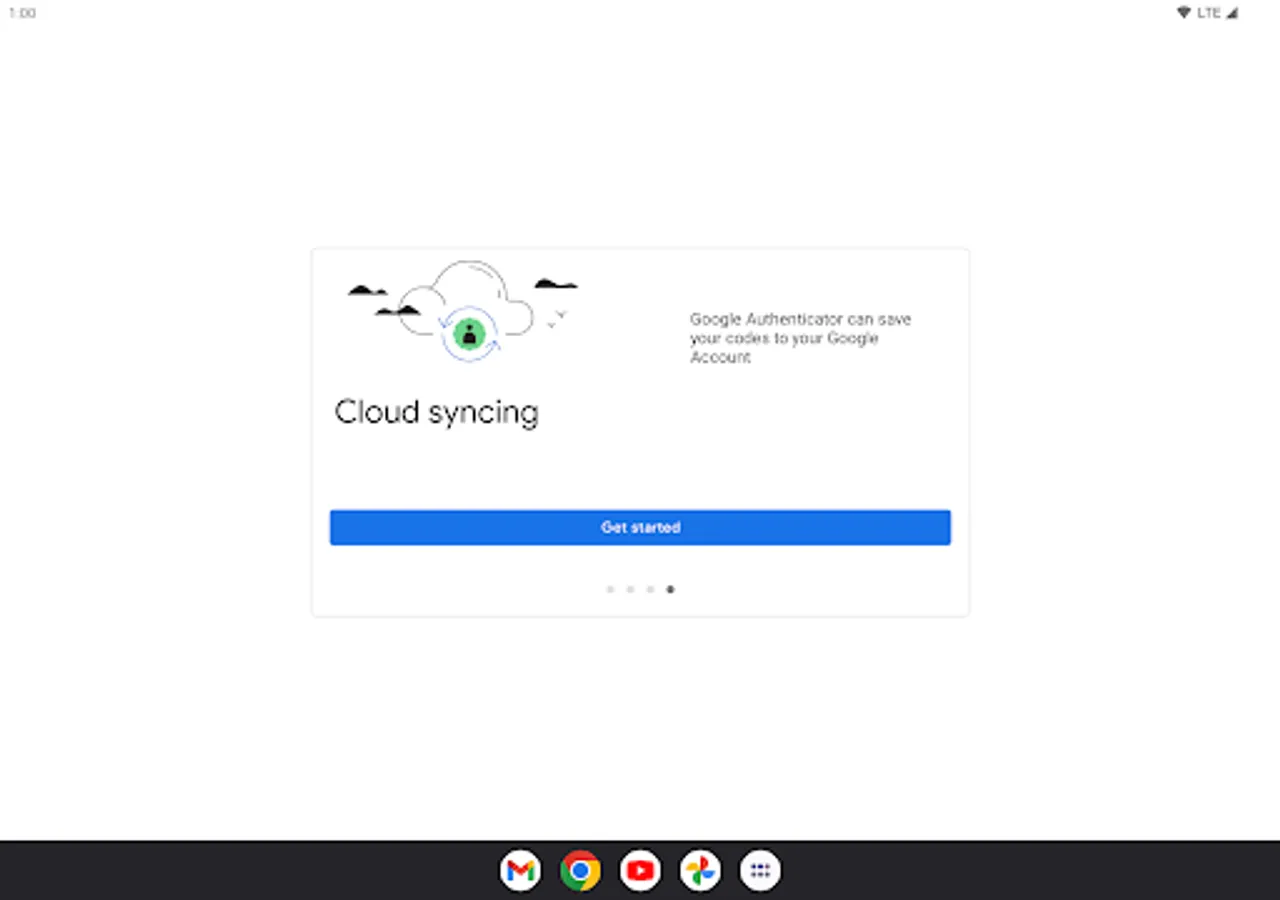
* Sync your Authenticator codes to your Google Account and across your devices. This way, you can always access them even if you lose your phone.
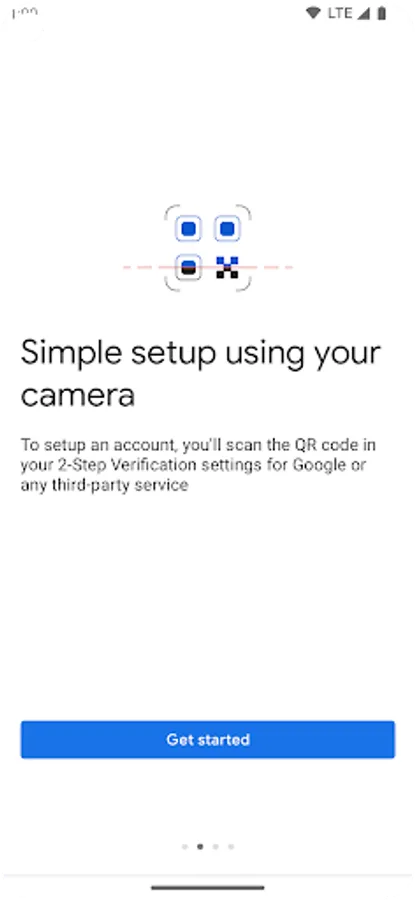
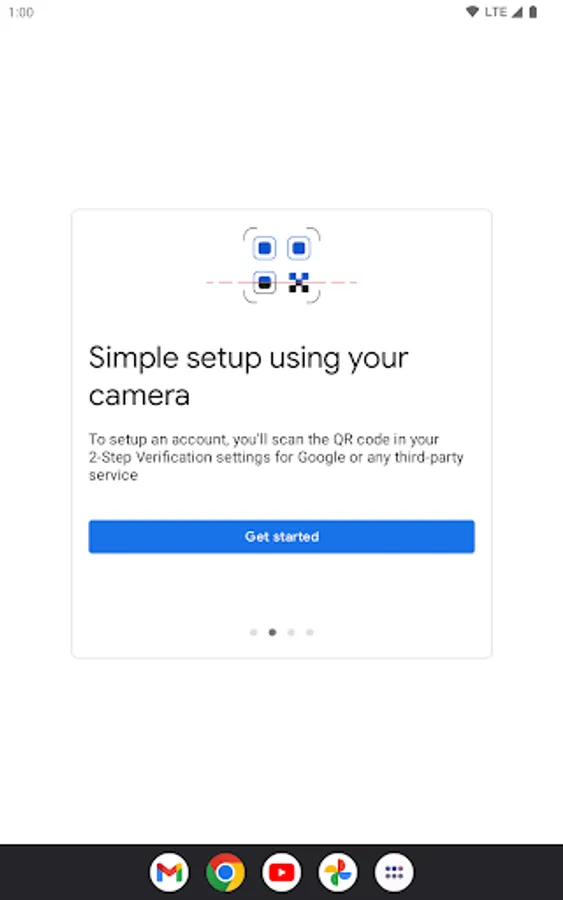
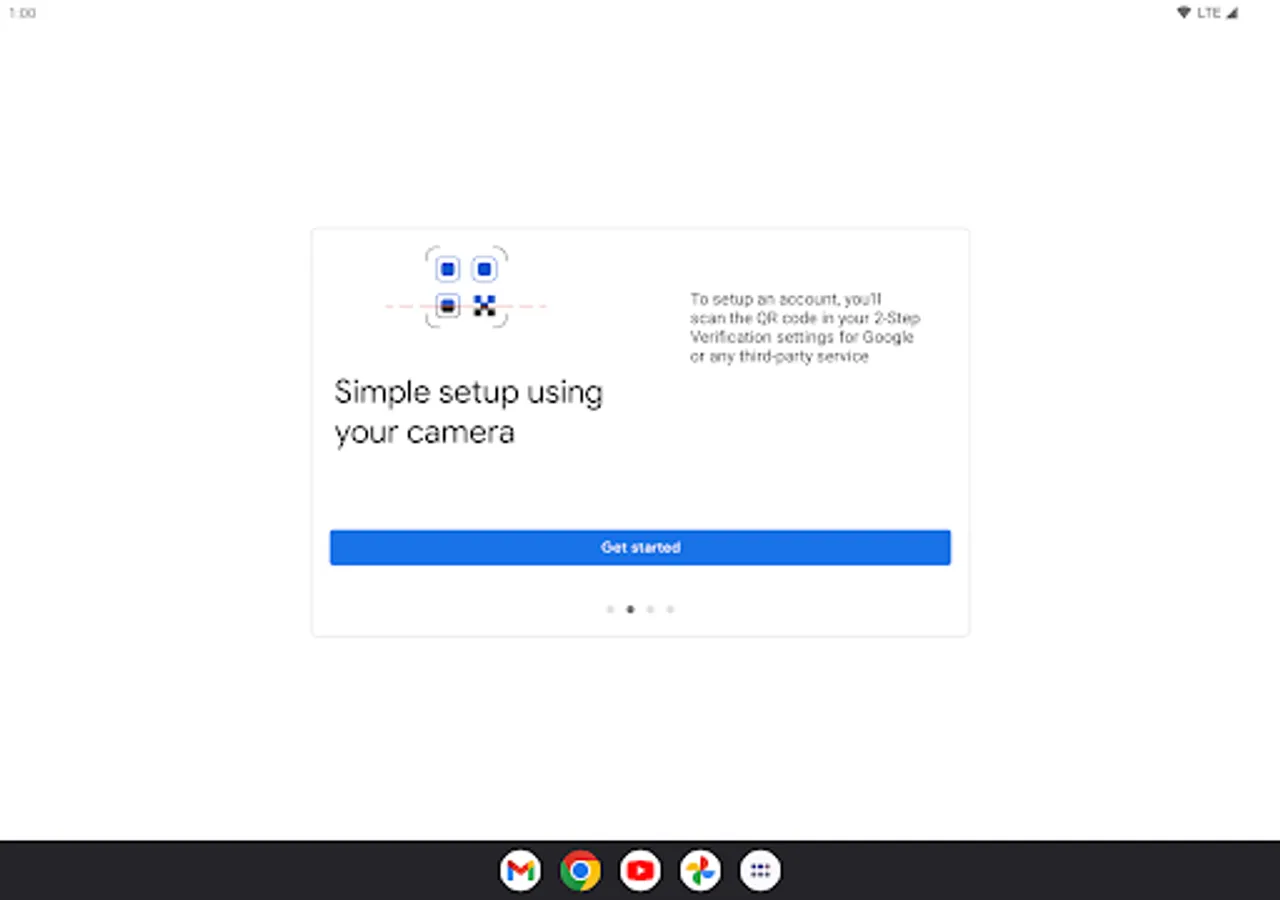
* Set up your Authenticator accounts automatically with a QR code. This is quick and easy, and it helps to ensure that your codes are set up correctly.
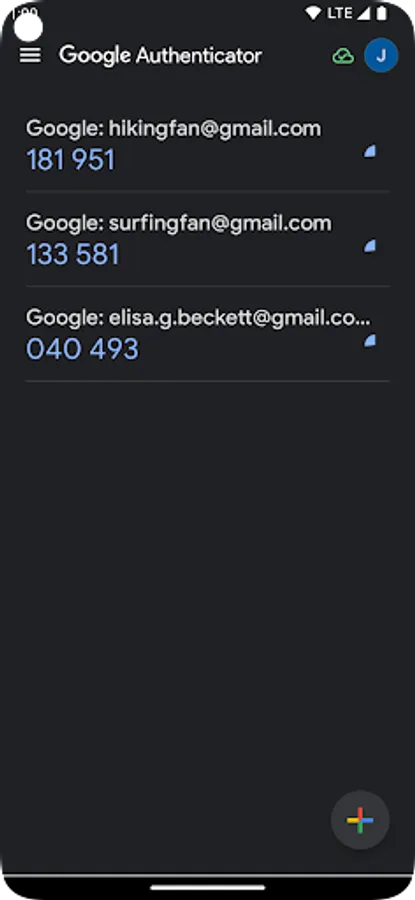
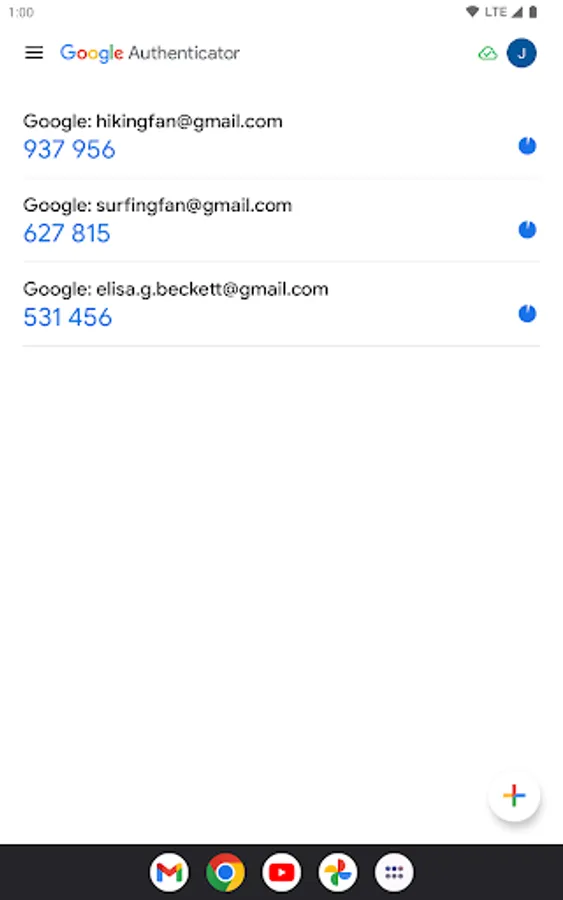
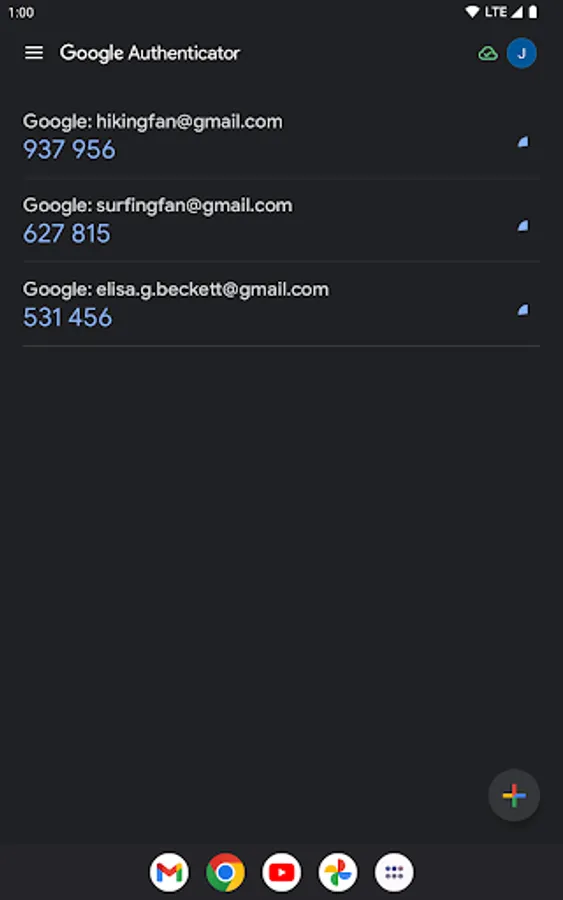
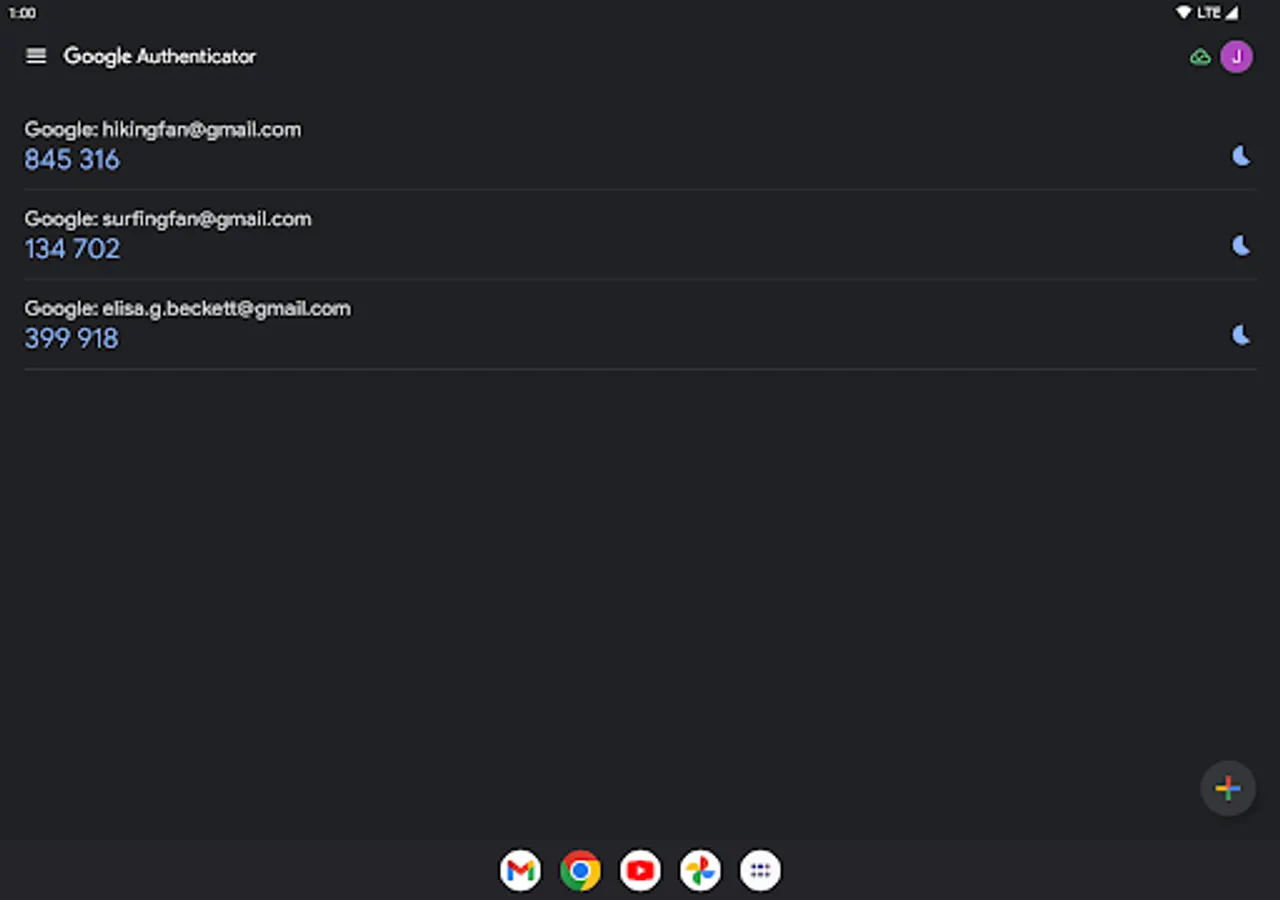
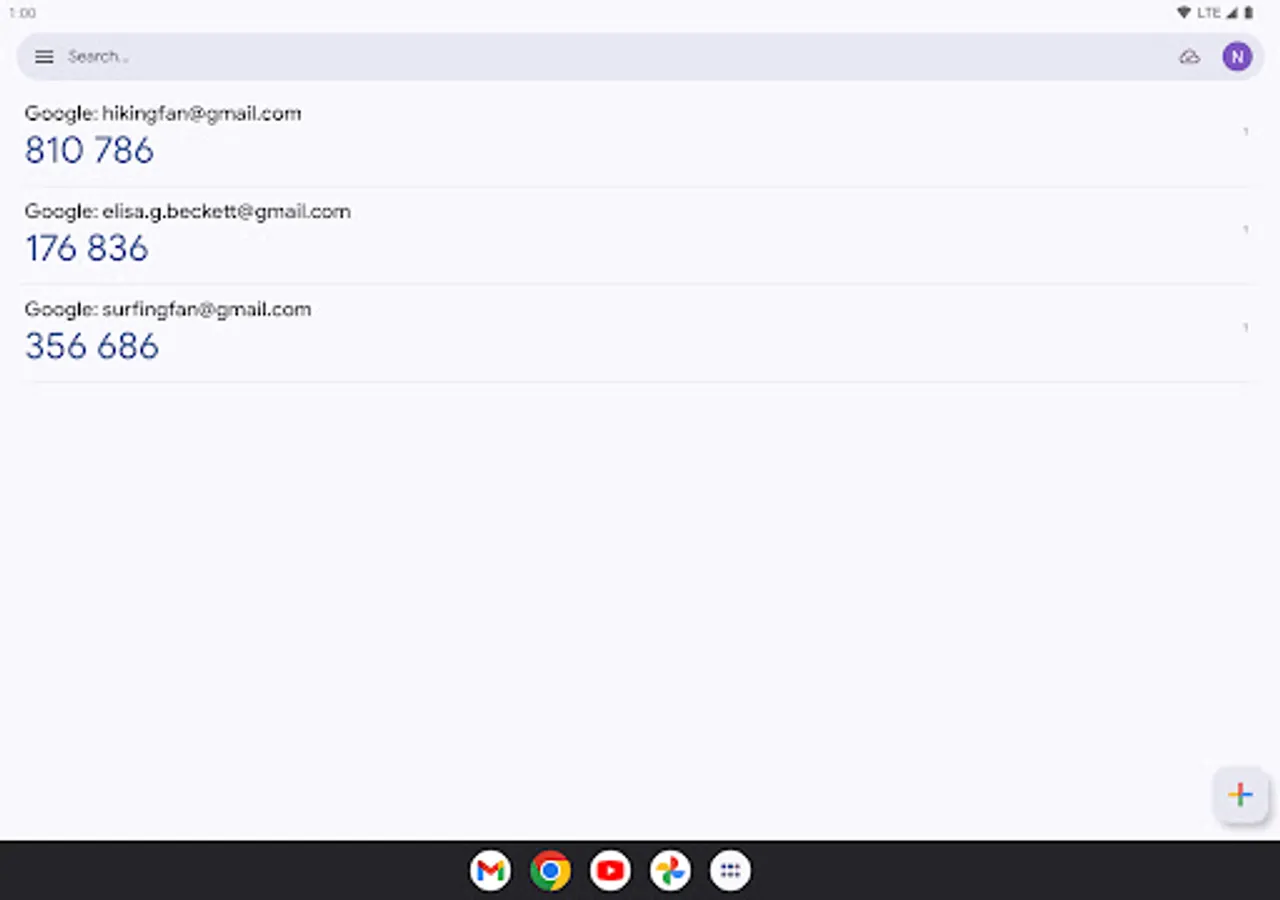
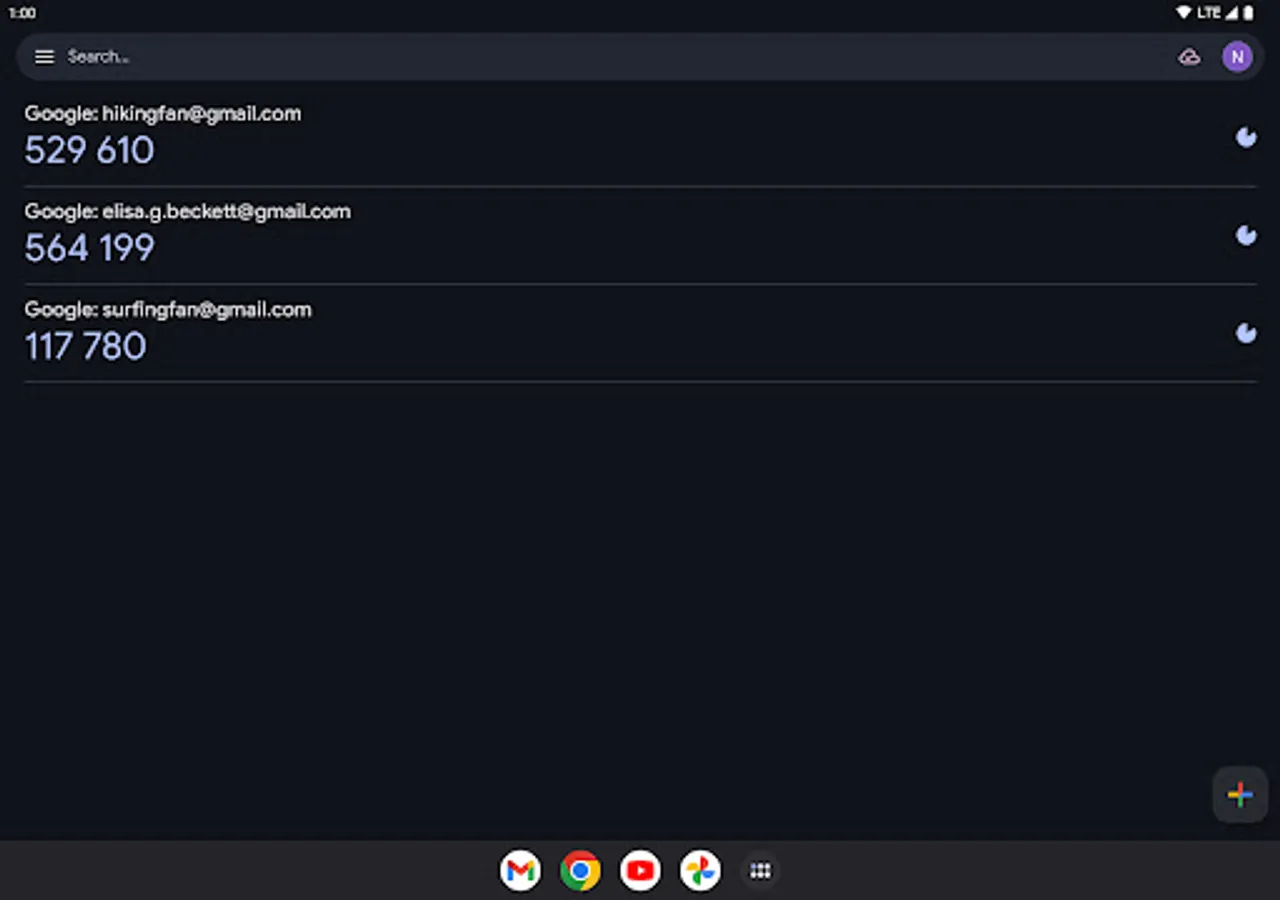
* Support for multiple accounts. You can use the Authenticator app to manage multiple accounts, so you don't have to switch between apps every time you need to sign in.
* Support for time-based and counter-based code generation. You can choose the type of code generation that best suits your needs.
* Transfer accounts between devices with a QR code. This is a convenient way to move your accounts to a new device.
* To use Google Authenticator with Google, you need to enable 2-Step Verification on your Google Account. To get started visit http://www.google.com/2step Permission notice: Camera: Needed to add accounts using QR codes
* Sync your Authenticator codes to your Google Account and across your devices. This way, you can always access them even if you lose your phone.
* Set up your Authenticator accounts automatically with a QR code. This is quick and easy, and it helps to ensure that your codes are set up correctly.
* Support for multiple accounts. You can use the Authenticator app to manage multiple accounts, so you don't have to switch between apps every time you need to sign in.
* Support for time-based and counter-based code generation. You can choose the type of code generation that best suits your needs.
* Transfer accounts between devices with a QR code. This is a convenient way to move your accounts to a new device.
* To use Google Authenticator with Google, you need to enable 2-Step Verification on your Google Account. To get started visit http://www.google.com/2step Permission notice: Camera: Needed to add accounts using QR codes
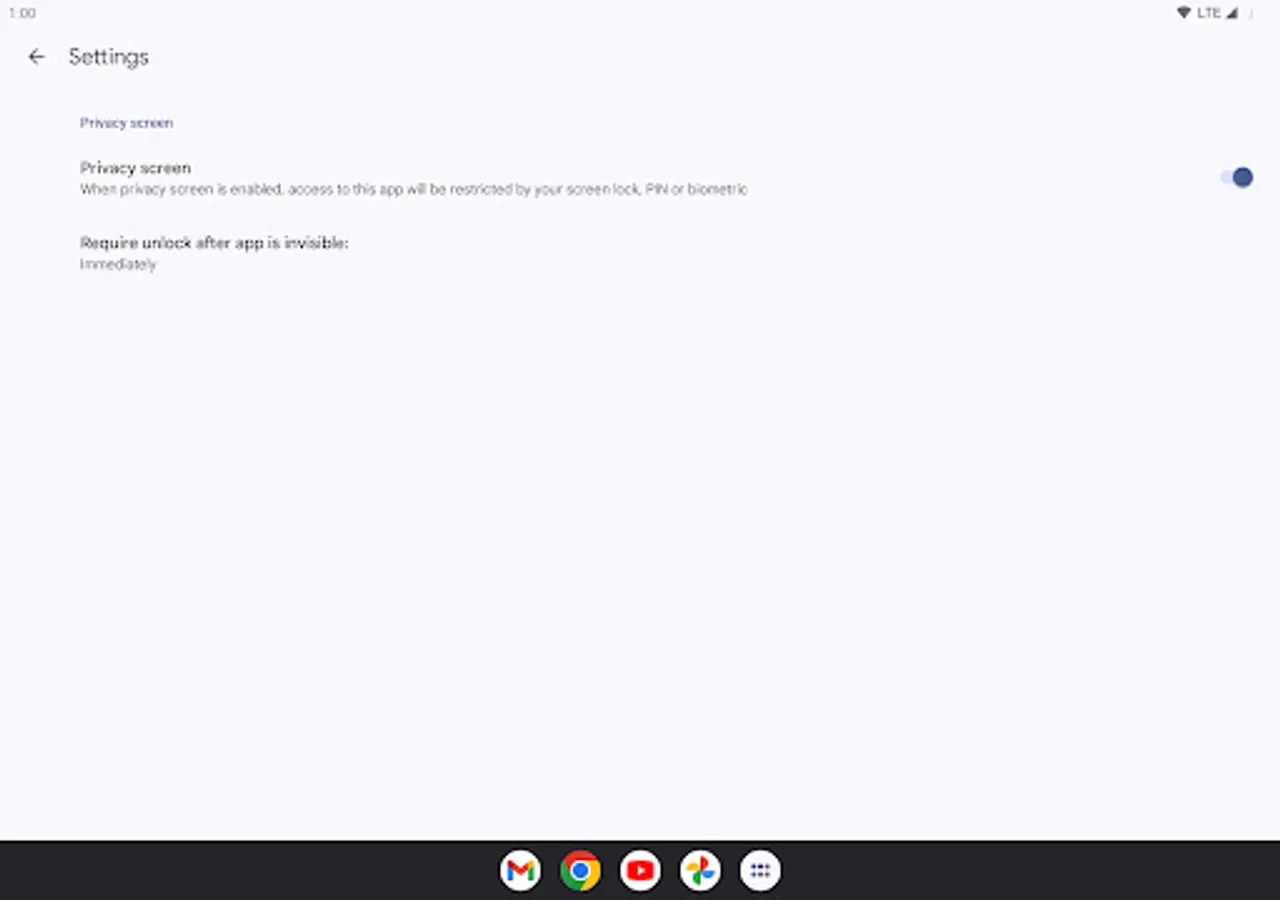
Google Authenticator Screenshots
Tap to Rate:
Reviews for Google Authenticator
Shahil Ali
12/29/2025
best authentic app
Prema Enterprise
12/29/2025
Thank you