In this document editing app, you can create, modify, and collaborate on files in real time. Includes offline mode, file compatibility, and template features.
AppRecs review analysis
AppRecs rating 4.1. Trustworthiness 61 out of 100. Review manipulation risk 29 out of 100. Based on a review sample analyzed.
★★★★☆
4.1
AppRecs Rating
Ratings breakdown
5 star
68%
4 star
11%
3 star
6%
2 star
3%
1 star
11%
What to know
✓
Low review manipulation risk
29% review manipulation risk
✓
High user satisfaction
79% of sampled ratings are 4+ stars (4.2★ average)
✓
Authentic reviews
Natural distribution, no red flags
About Google Docs
Create, edit, and collaborate with others on documents from your Android phone or tablet with the Google Docs app.
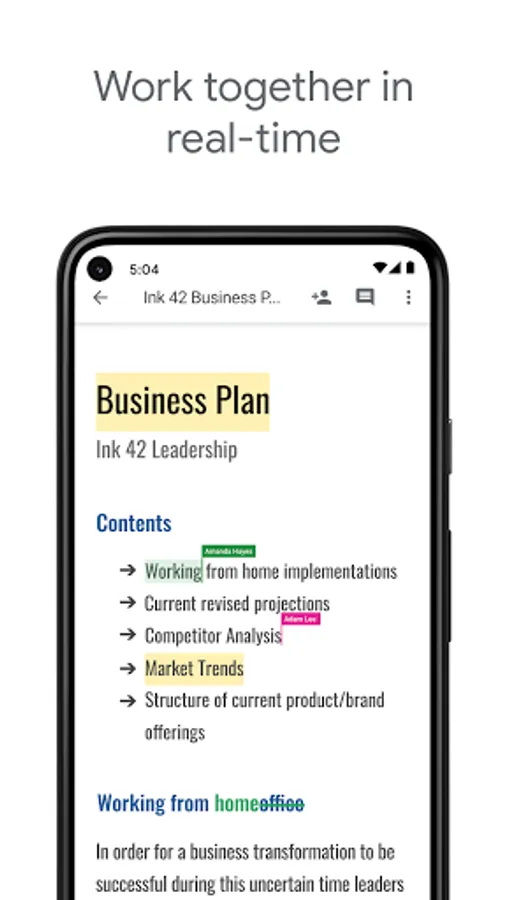
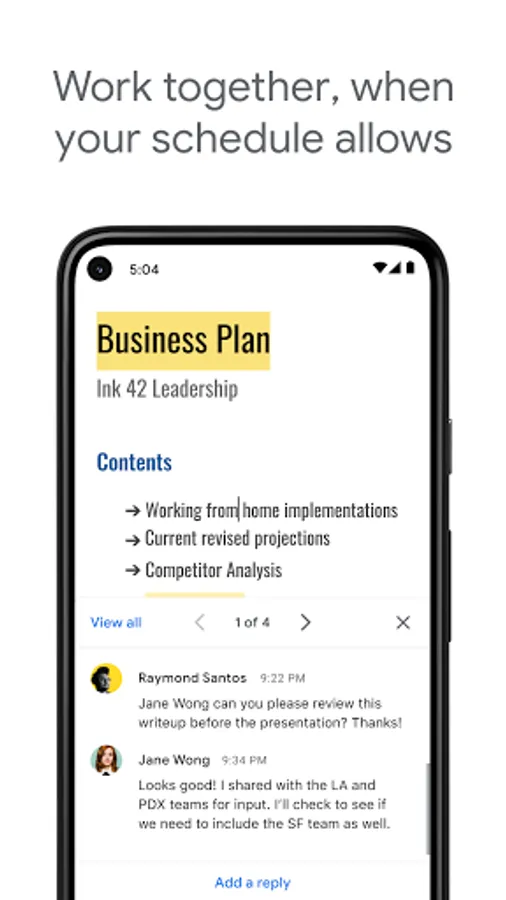
Work together in real time
• Share documents with your team
• Edit, comment, and add action items in real time
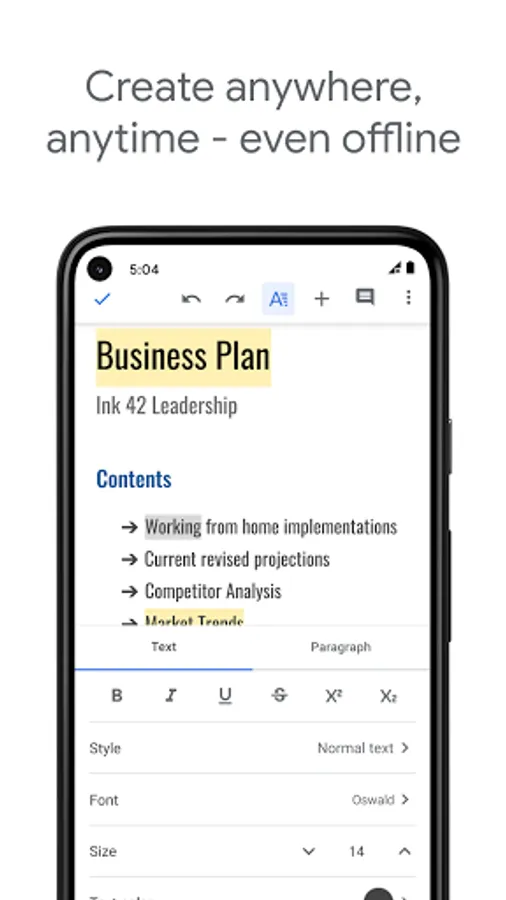
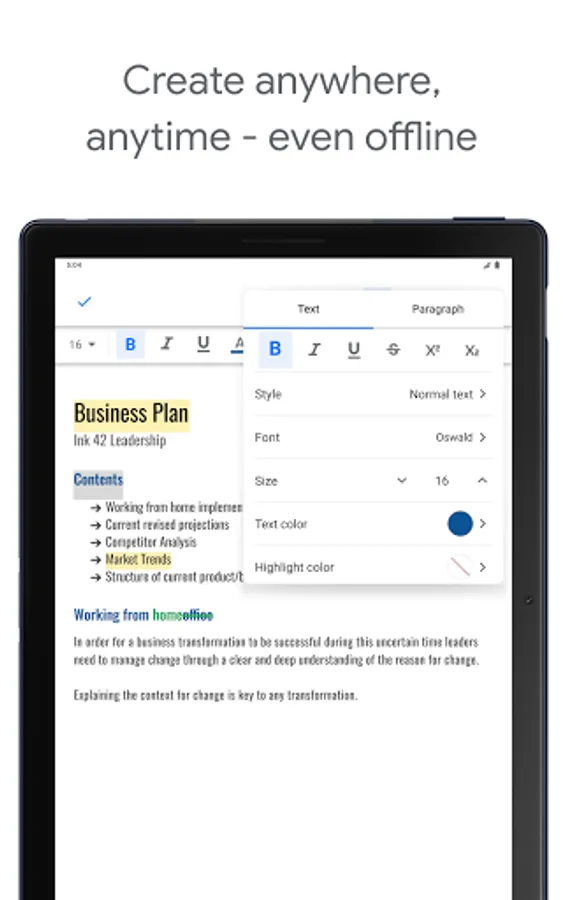
Create anywhere, anytime—even offline
• Capture spontaneous ideas on the fly
• Get things done, even on the go, with offline mode
• Save time and add polish with easy-to-use templates
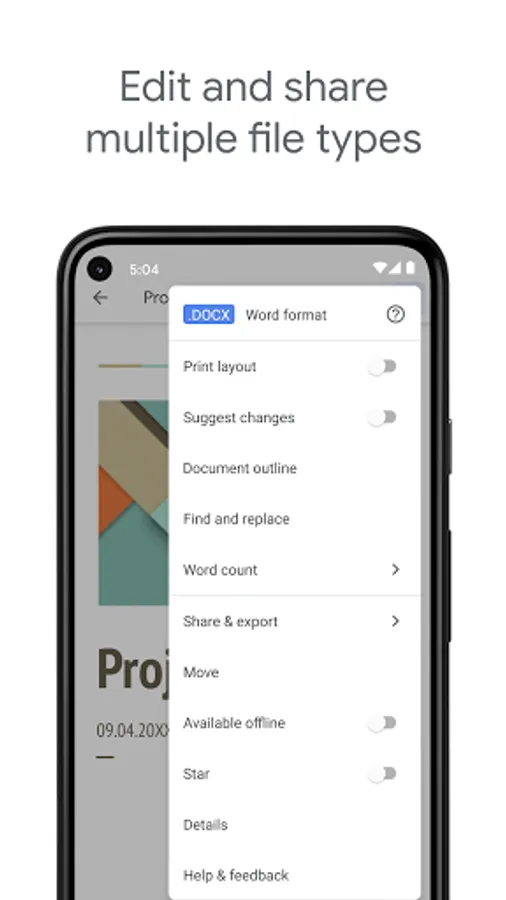
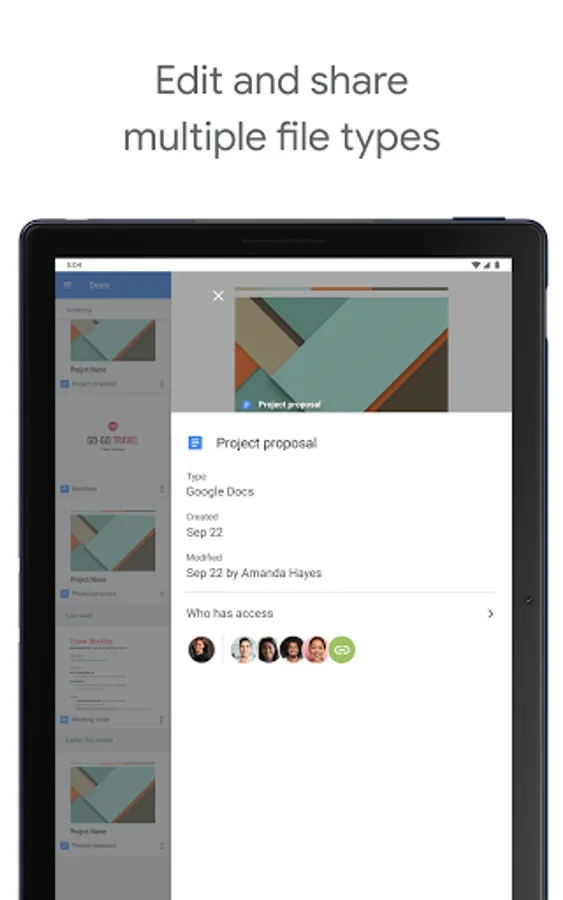
Edit and share multiple file types
• Open a variety of files, including Microsoft Word files, right in Google Docs
• Frictionless collaboration, no matter which application your teammates use
• Convert and export files seamlessly
Google Docs is part of Google Workspace: where teams of any size can chat, create, and collaborate.
Google Workspace paid subscribers have access to additional Google Docs features, including:
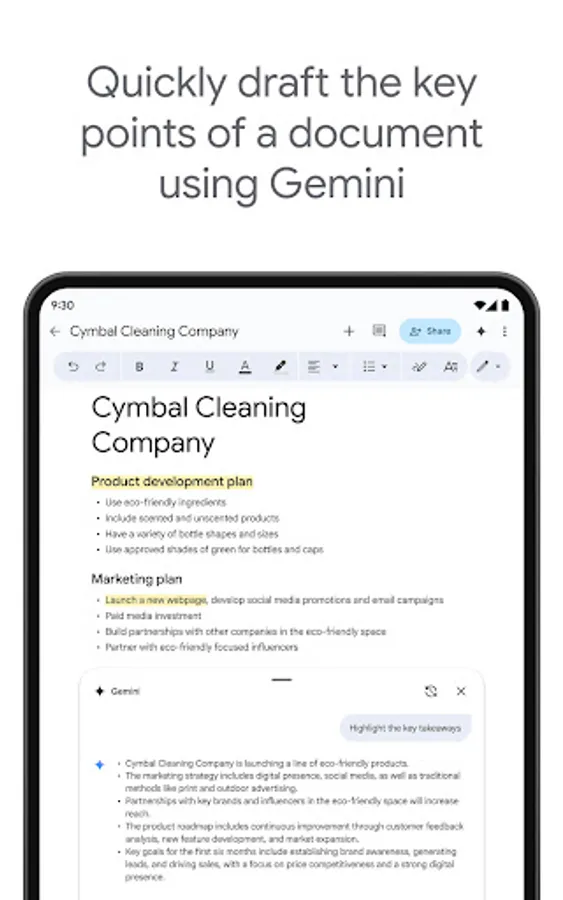
• Use Gemini in Docs to quickly draft and edit content
• Draft outlines, blog posts, briefs, and more on the go
• Create unique images to customize your documents
• Improve your writing with AI-powered suggestions
Learn more about Google Docs: https://workspace.google.com/products/docs/
Follow us for more:
• X: https://x.com/googleworkspace
• Linkedin: https://www.linkedin.com/showcase/googleworkspace
• Facebook: https://www.facebook.com/googleworkspace
Work together in real time
• Share documents with your team
• Edit, comment, and add action items in real time
Create anywhere, anytime—even offline
• Capture spontaneous ideas on the fly
• Get things done, even on the go, with offline mode
• Save time and add polish with easy-to-use templates
Edit and share multiple file types
• Open a variety of files, including Microsoft Word files, right in Google Docs
• Frictionless collaboration, no matter which application your teammates use
• Convert and export files seamlessly
Google Docs is part of Google Workspace: where teams of any size can chat, create, and collaborate.
Google Workspace paid subscribers have access to additional Google Docs features, including:
• Use Gemini in Docs to quickly draft and edit content
• Draft outlines, blog posts, briefs, and more on the go
• Create unique images to customize your documents
• Improve your writing with AI-powered suggestions
Learn more about Google Docs: https://workspace.google.com/products/docs/
Follow us for more:
• X: https://x.com/googleworkspace
• Linkedin: https://www.linkedin.com/showcase/googleworkspace
• Facebook: https://www.facebook.com/googleworkspace
Google Docs Screenshots
Tap to Rate:
Reviews for Google Docs
Sarita Banshod
12/29/2025
Good
RISKY Boy
12/29/2025
good