With this task management app, you can create, edit, and organize your to-do lists with deadlines and reminders. Includes task prioritization, subtasks, and email integration.
AppRecs review analysis
AppRecs rating 4.5. Trustworthiness 63 out of 100. Review manipulation risk 25 out of 100. Based on a review sample analyzed.
★★★★☆
4.5
AppRecs Rating
Ratings breakdown
5 star
79%
4 star
11%
3 star
4%
2 star
2%
1 star
4%
What to know
✓
Low review manipulation risk
25% review manipulation risk
✓
High user satisfaction
79% of sampled ratings are 5 stars
✓
Authentic reviews
Natural distribution, no red flags
About Google Tasks
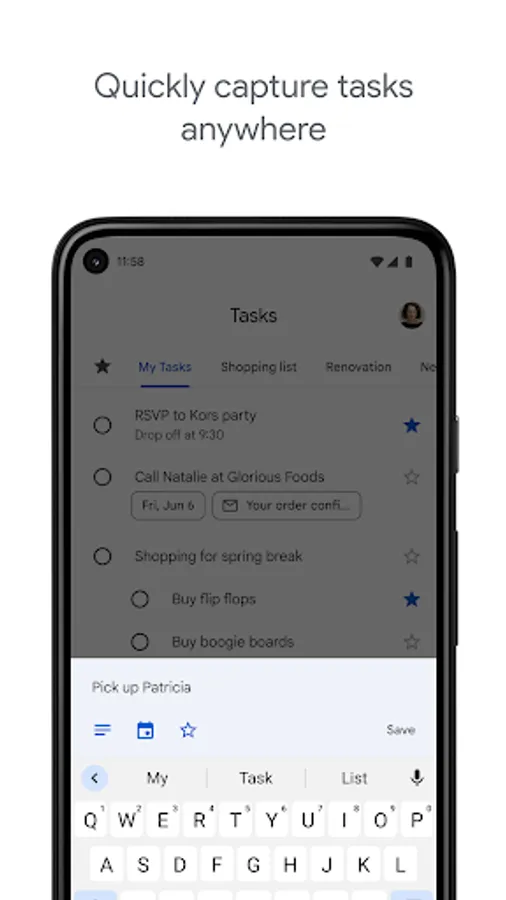
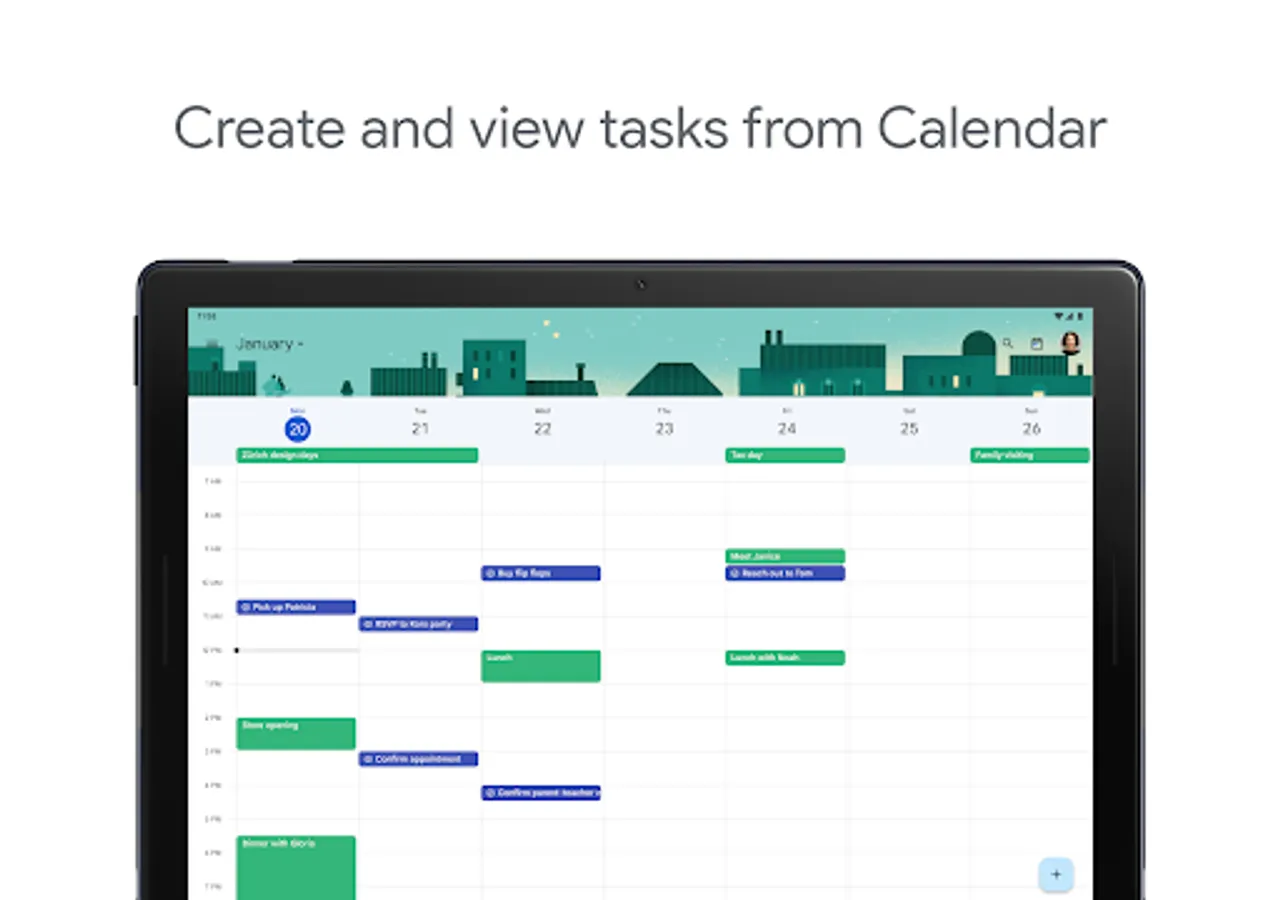
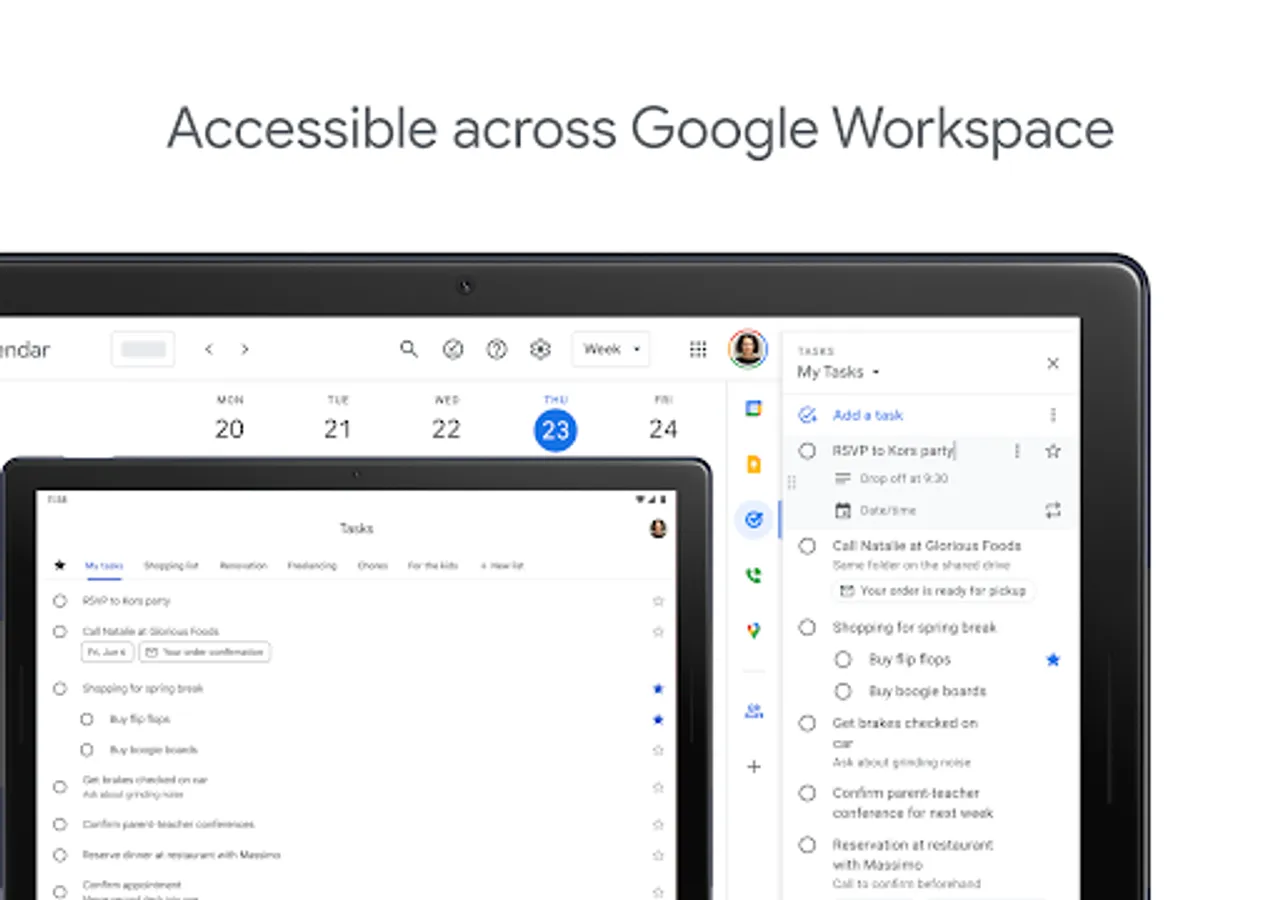
Stay on top of your to-dos with the Google Tasks mobile app. Easily capture, manage and get reminded about your tasks from anywhere, at any time. Your to-dos sync across all your devices, and integrations with Gmail and Google Tasks help you get tasks done— faster.
With Google Tasks, you can:
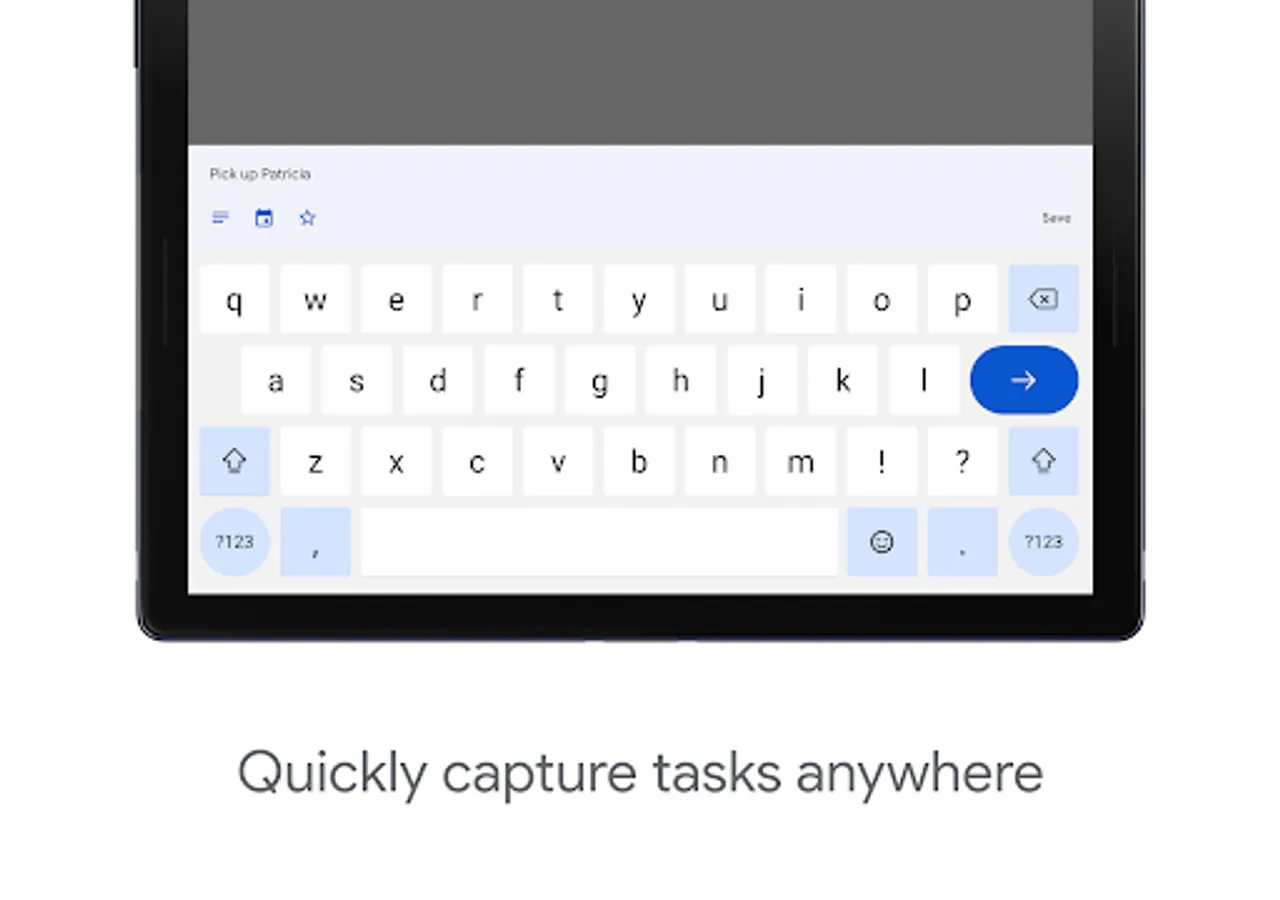
• View, create, edit, and manage tasks while you’re on the go
• Stay organized by creating tasks lists for different topics or priorities
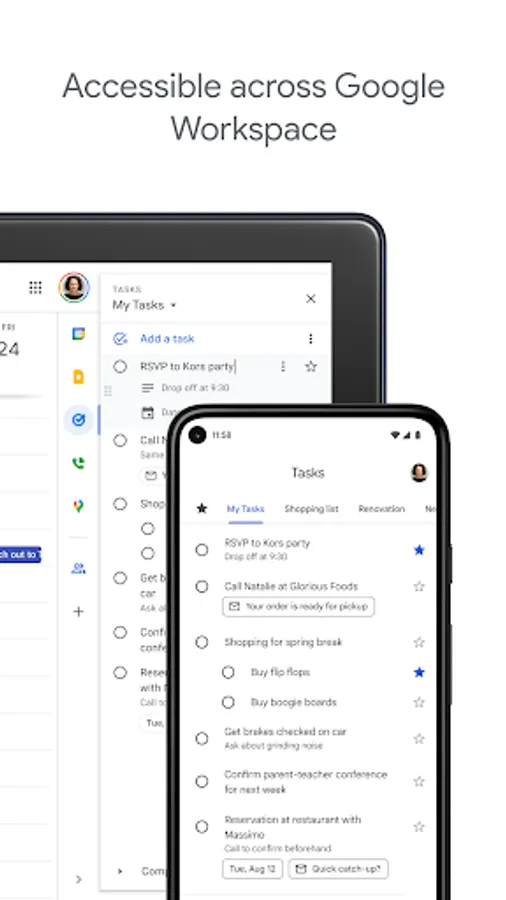
• Prioritize your tasks by using drag-and-drop to reorder them or by marking your most important tasks with a star
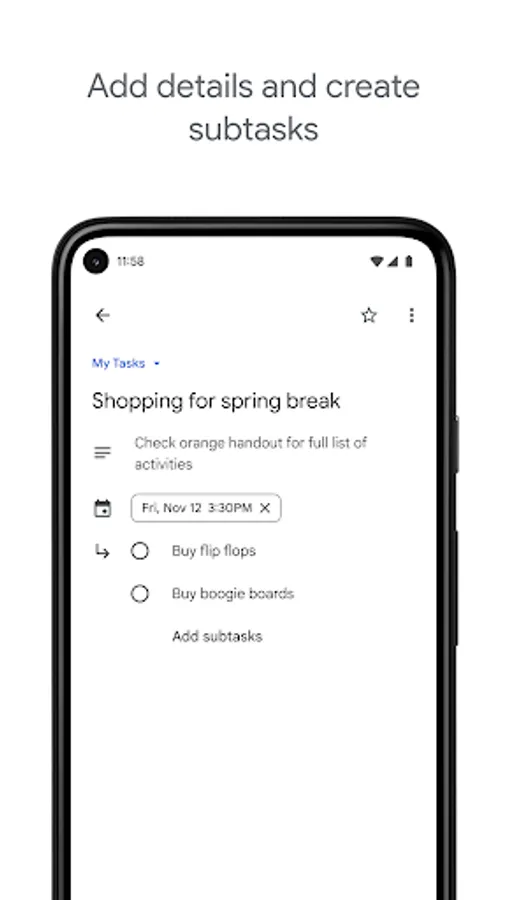
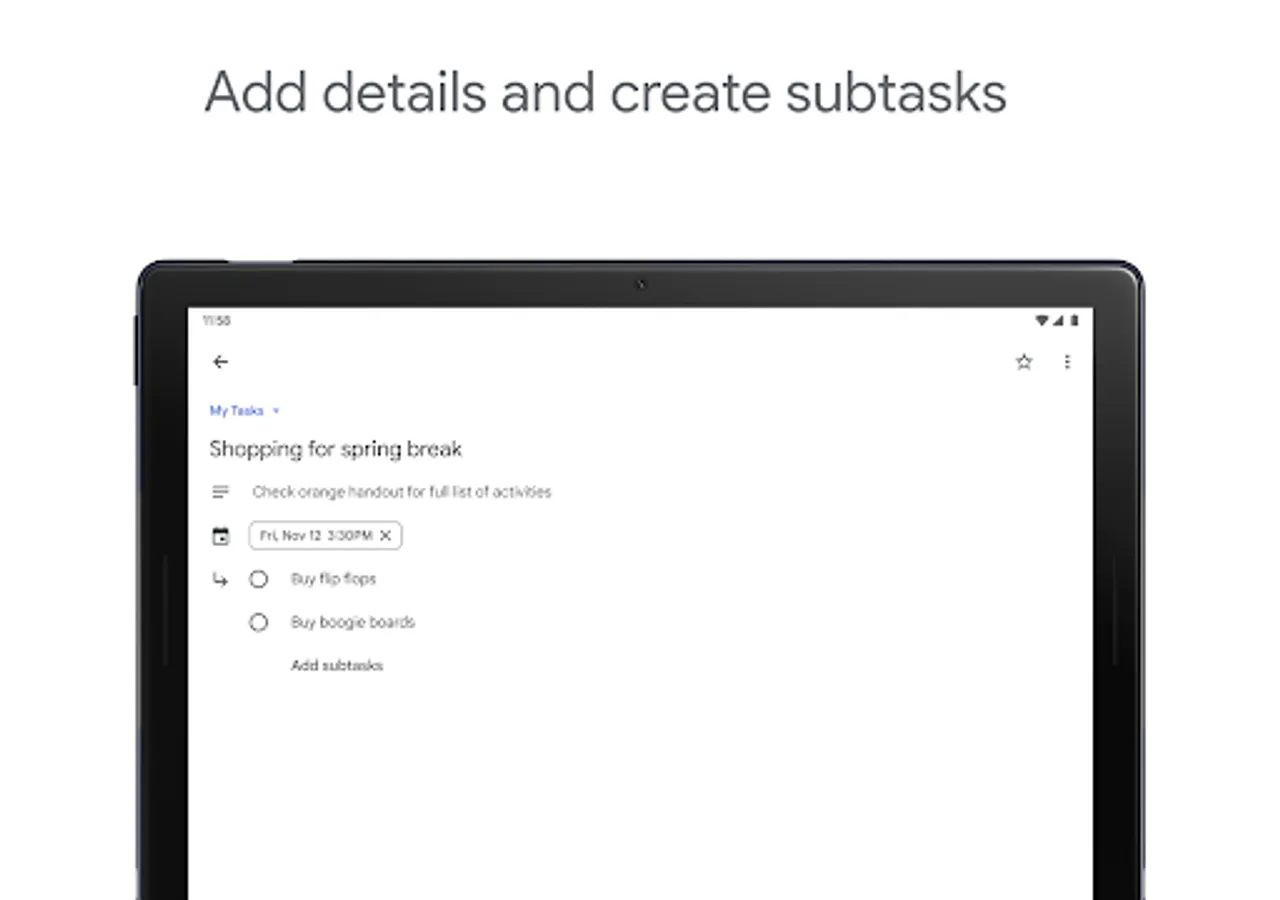
• Track multi-step tasks with subtasks, helping you break down to-dos into smaller components
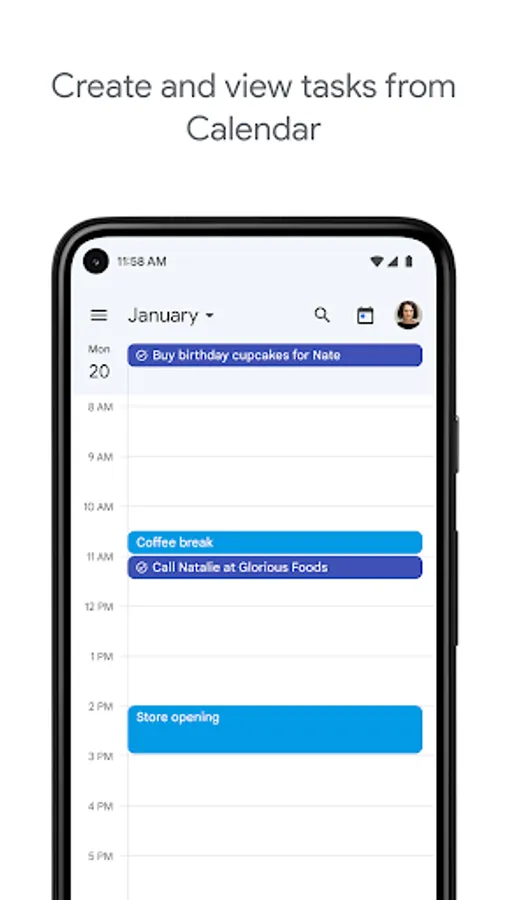
• Set dates and get notifications to ensure you complete tasks on time.
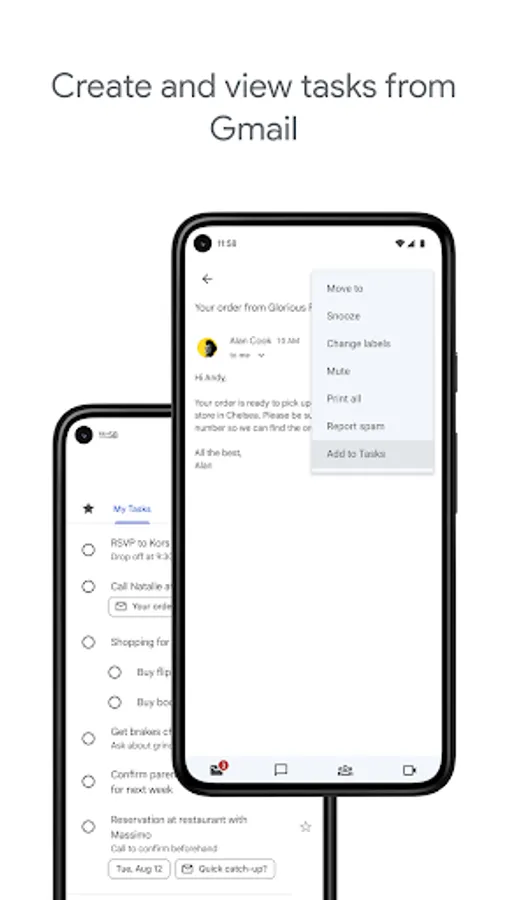
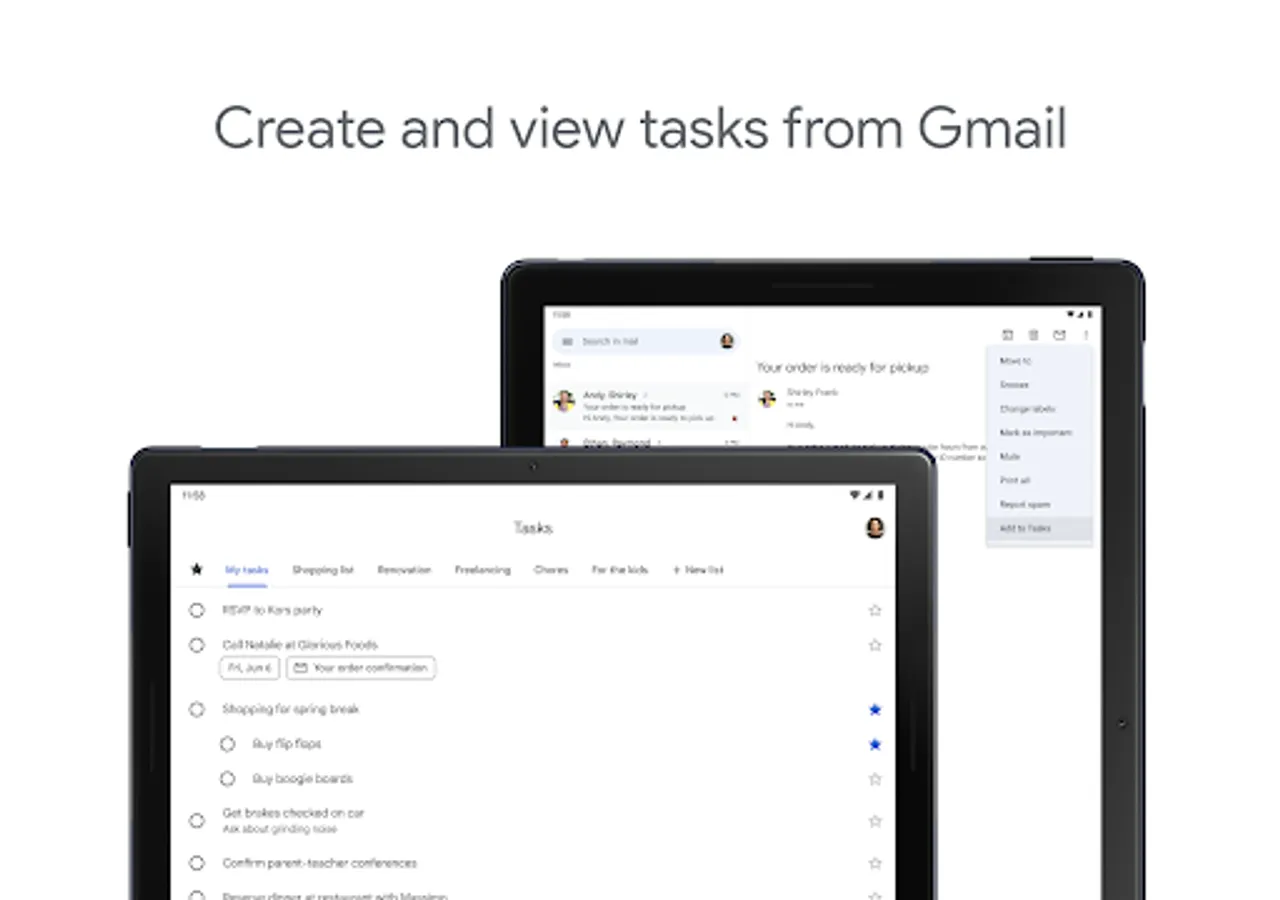
• Create tasks directly from emails in Gmail, with a convenient link back to the original message for easy reference
Learn more about Google Workspace: https://workspace.google.com/products/tasks/
Follow us for more:
X: https://x.com/googleworkspace
Linkedin: https://www.linkedin.com/showcase/googleworkspace
Facebook: https://www.facebook.com/googleworkspace/
With Google Tasks, you can:
• View, create, edit, and manage tasks while you’re on the go
• Stay organized by creating tasks lists for different topics or priorities
• Prioritize your tasks by using drag-and-drop to reorder them or by marking your most important tasks with a star
• Track multi-step tasks with subtasks, helping you break down to-dos into smaller components
• Set dates and get notifications to ensure you complete tasks on time.
• Create tasks directly from emails in Gmail, with a convenient link back to the original message for easy reference
Learn more about Google Workspace: https://workspace.google.com/products/tasks/
Follow us for more:
X: https://x.com/googleworkspace
Linkedin: https://www.linkedin.com/showcase/googleworkspace
Facebook: https://www.facebook.com/googleworkspace/
Google Tasks Screenshots
Tap to Rate:
Reviews for Google Tasks
Grant Ephraims
12/29/2025
there are times that it doesn't give off an alarm(notification) until much later or not at all after I have made a task with a allocated reminder time. defeats the purpose of using this
Ferdous Al Hussaini
12/29/2025
Should be better looking. Otherwise works very well.