
Android Device Policy
Google LLC
3.2 ★
38K ratings
100,000,000+
downloads
Free
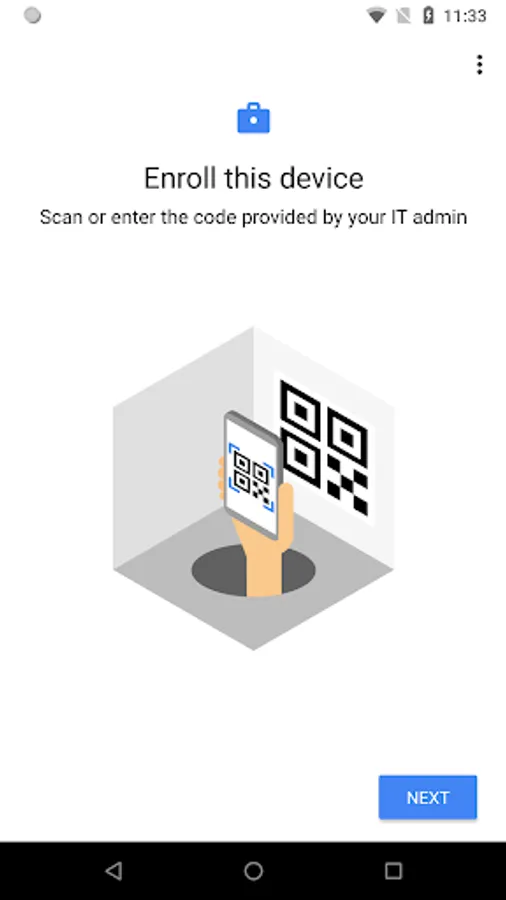
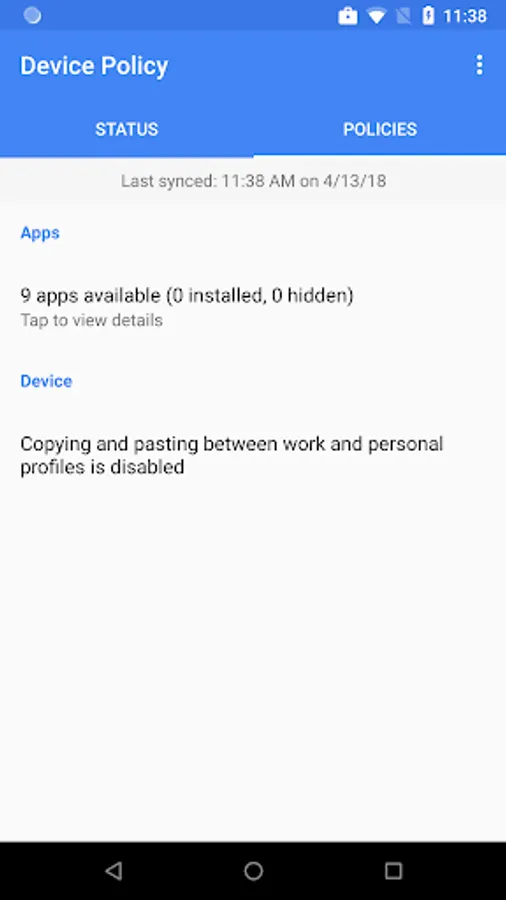
With this device management app, you can enroll devices, configure security policies, and access work resources. Includes managed Google Play, email access, and security settings management.
AppRecs review analysis
AppRecs rating 3.3. Trustworthiness 76 out of 100. Review manipulation risk 28 out of 100. Based on a review sample analyzed.
★★★☆☆
3.3
AppRecs Rating
Ratings breakdown
5 star
46%
4 star
5%
3 star
6%
2 star
3%
1 star
40%
What to know
✓
Low review manipulation risk
28% review manipulation risk
✓
Credible reviews
76% trustworthiness score from analyzed reviews
⚠
High negative review ratio
42% of sampled ratings are 1–2 stars
About Android Device Policy
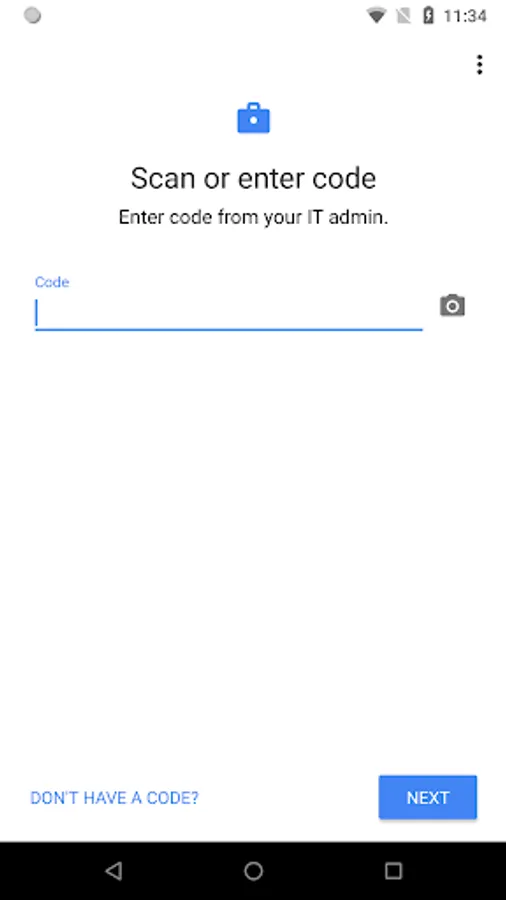
Android Device Policy helps your IT admin keep your organization's data secure. Your admin can use the app to manage security policies and settings. Use the Android Enterprise demo (https://android.com/enterprise/demo) to generate a demo code.
Android Device Policy offers:
• Easy enrollment
• Access to managed Google Play
• Access to email and work resources
Developers, use the Android Management API (https://g.co/dev/androidmanagement) to manage devices with Android Device Policy.
Permissions Notice
• Camera: optionally used to scan QR codes for enterprise enrollment
• Contacts: used to add your work account to the device, required for access to managed Google Play
• Phone: used for device registration, to report device identifiers to your IT admin
• Location: used to query available WiFi networks, to align with IT policy and offer a new network if current configuration is broken
You can opt out of optional permission requests and still use the app.
Android Device Policy offers:
• Easy enrollment
• Access to managed Google Play
• Access to email and work resources
Developers, use the Android Management API (https://g.co/dev/androidmanagement) to manage devices with Android Device Policy.
Permissions Notice
• Camera: optionally used to scan QR codes for enterprise enrollment
• Contacts: used to add your work account to the device, required for access to managed Google Play
• Phone: used for device registration, to report device identifiers to your IT admin
• Location: used to query available WiFi networks, to align with IT policy and offer a new network if current configuration is broken
You can opt out of optional permission requests and still use the app.
Android Device Policy Screenshots
Tap to Rate:
Reviews for Android Device Policy
Punnu Malik (Dragster)
12/31/2025
Kitna ghatiya bakwas experience app Nahin Dekha Maine Jindagi Mein Mere phone kharab ho gaya uski vajah se
Sheka misuka
12/30/2025
It's harmfull for my device