Android System Intelligence
Google LLC
3.9 ★
store rating
5,000,000,000+
downloads
Free
With this system component, you can access features like live captions and smart predictions. Includes privacy controls, system permissions, and feature customization options.
AppRecs review analysis
AppRecs rating 3.5. Trustworthiness 60 out of 100. Review manipulation risk 35 out of 100. Based on a review sample analyzed.
★★★☆☆
3.5
AppRecs Rating
Ratings breakdown
5 star
62%
4 star
9%
3 star
8%
2 star
4%
1 star
18%
What to know
✓
Good user ratings
71% positive sampled reviews
✓
Improving trend
Recent updates receiving more positive feedback
✓
Authentic reviews
Natural distribution, no red flags
About Android System Intelligence
Android System Intelligence is a system component which powers intelligent features across Android, whilst keeping your data private:
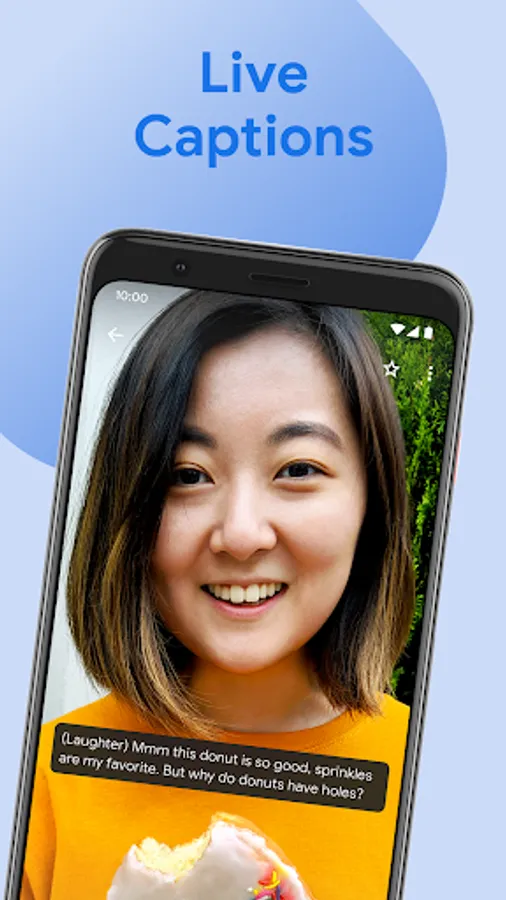
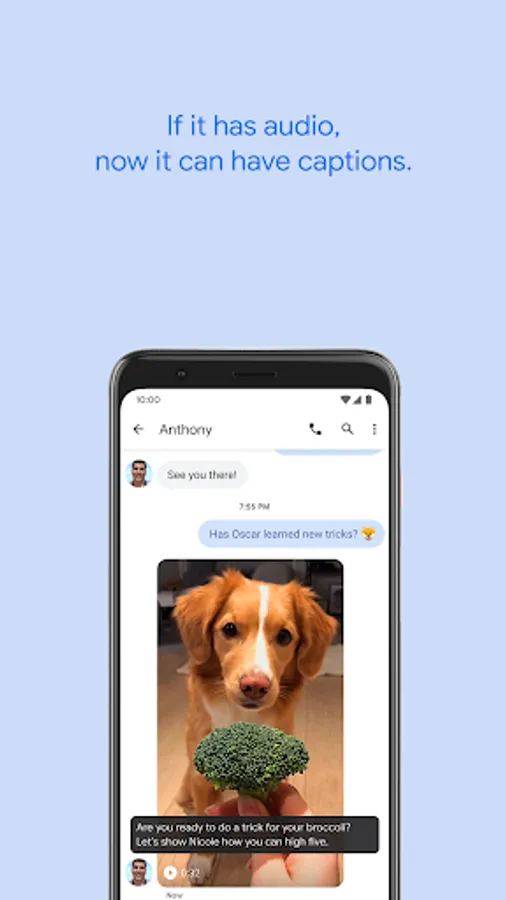
• Live Caption, which automatically captions media playing on your Pixel.
• Screen Attention, which prevents the screen from turning off if you are looking at it, without having to touch it.
• Improved Copy and Paste that makes it easier to move text from one app to another.
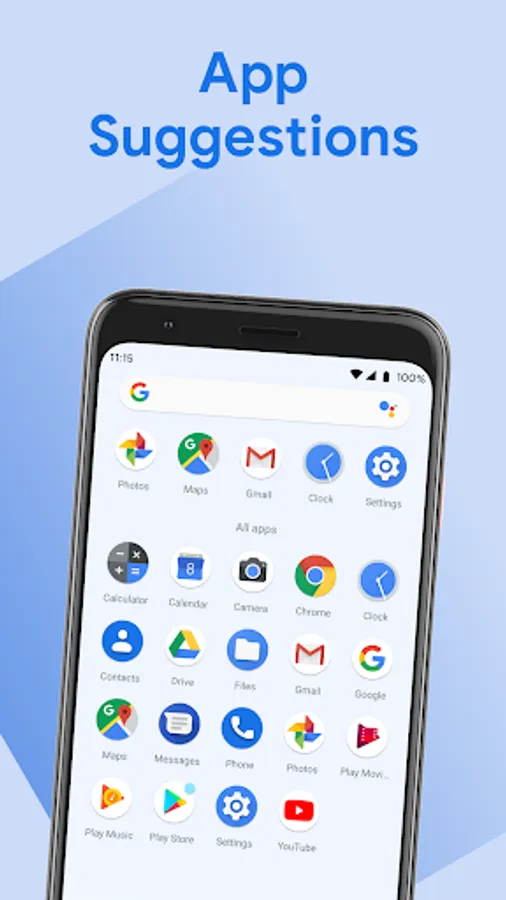
• App Predictions in the launcher, which suggest the app you may need next.
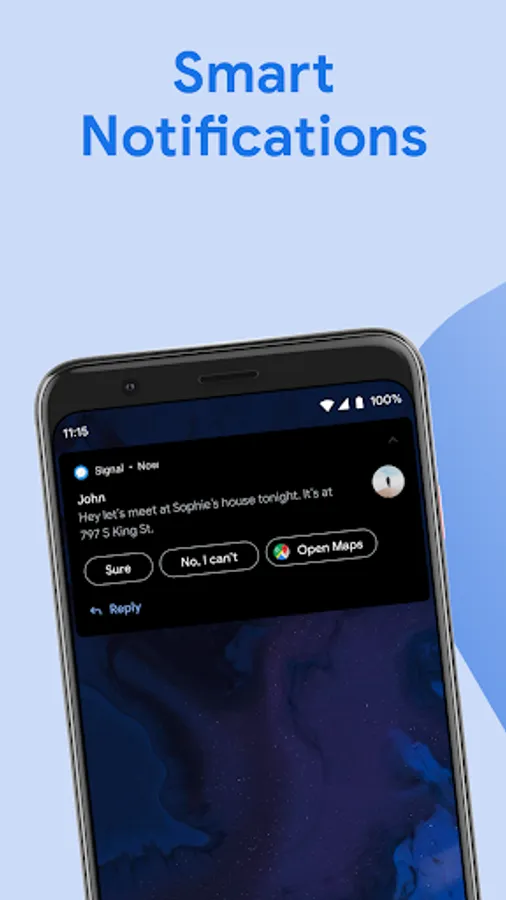
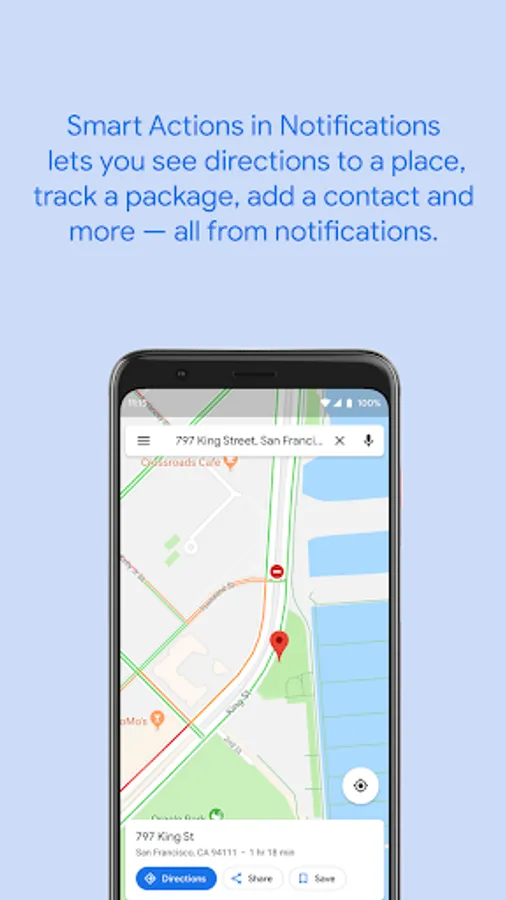
• Smart Actions in Notifications, which adds action buttons to notifications which let you see directions to a place, track a package, add a contact and more.
• Smart Text Selection across the system, which makes it easier to select and act on text; for instance, you can long-click on an address to select it and tap to see directions to it.
• Linkifying of text in apps.
Android System Intelligence uses system permissions to provide smart predictions. For instance, it has permission to see your contacts so that it can show you suggestions to call a frequent contact. You can learn more about Android System Intelligence, the features it provides and how it uses and protects your data at g.co/device-personalization-privacy
• Live Caption, which automatically captions media playing on your Pixel.
• Screen Attention, which prevents the screen from turning off if you are looking at it, without having to touch it.
• Improved Copy and Paste that makes it easier to move text from one app to another.
• App Predictions in the launcher, which suggest the app you may need next.
• Smart Actions in Notifications, which adds action buttons to notifications which let you see directions to a place, track a package, add a contact and more.
• Smart Text Selection across the system, which makes it easier to select and act on text; for instance, you can long-click on an address to select it and tap to see directions to it.
• Linkifying of text in apps.
Android System Intelligence uses system permissions to provide smart predictions. For instance, it has permission to see your contacts so that it can show you suggestions to call a frequent contact. You can learn more about Android System Intelligence, the features it provides and how it uses and protects your data at g.co/device-personalization-privacy