
In this chess app, you can play against a built-in engine or external engines, and analyze games with navigation features. Includes engine import/export, game editing, and online play options.
AppRecs review analysis
AppRecs rating 4.1. Trustworthiness 78 out of 100. Review manipulation risk 27 out of 100. Based on a review sample analyzed.
★★★★☆
4.1
AppRecs Rating
Ratings breakdown
5 star
62%
4 star
9%
3 star
9%
2 star
3%
1 star
17%
What to know
✓
Low review manipulation risk
27% review manipulation risk
✓
Credible reviews
78% trustworthiness score from analyzed reviews
✓
Good user ratings
71% positive sampled reviews
About Chess for Android
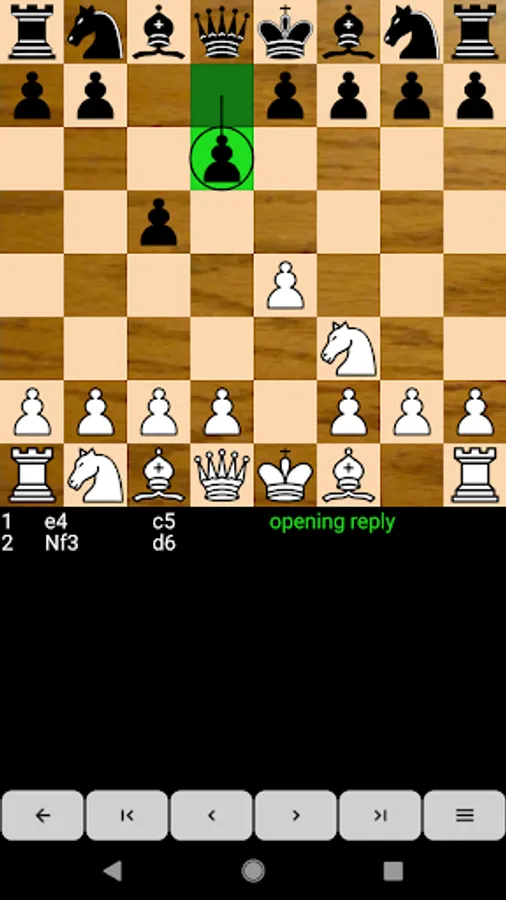
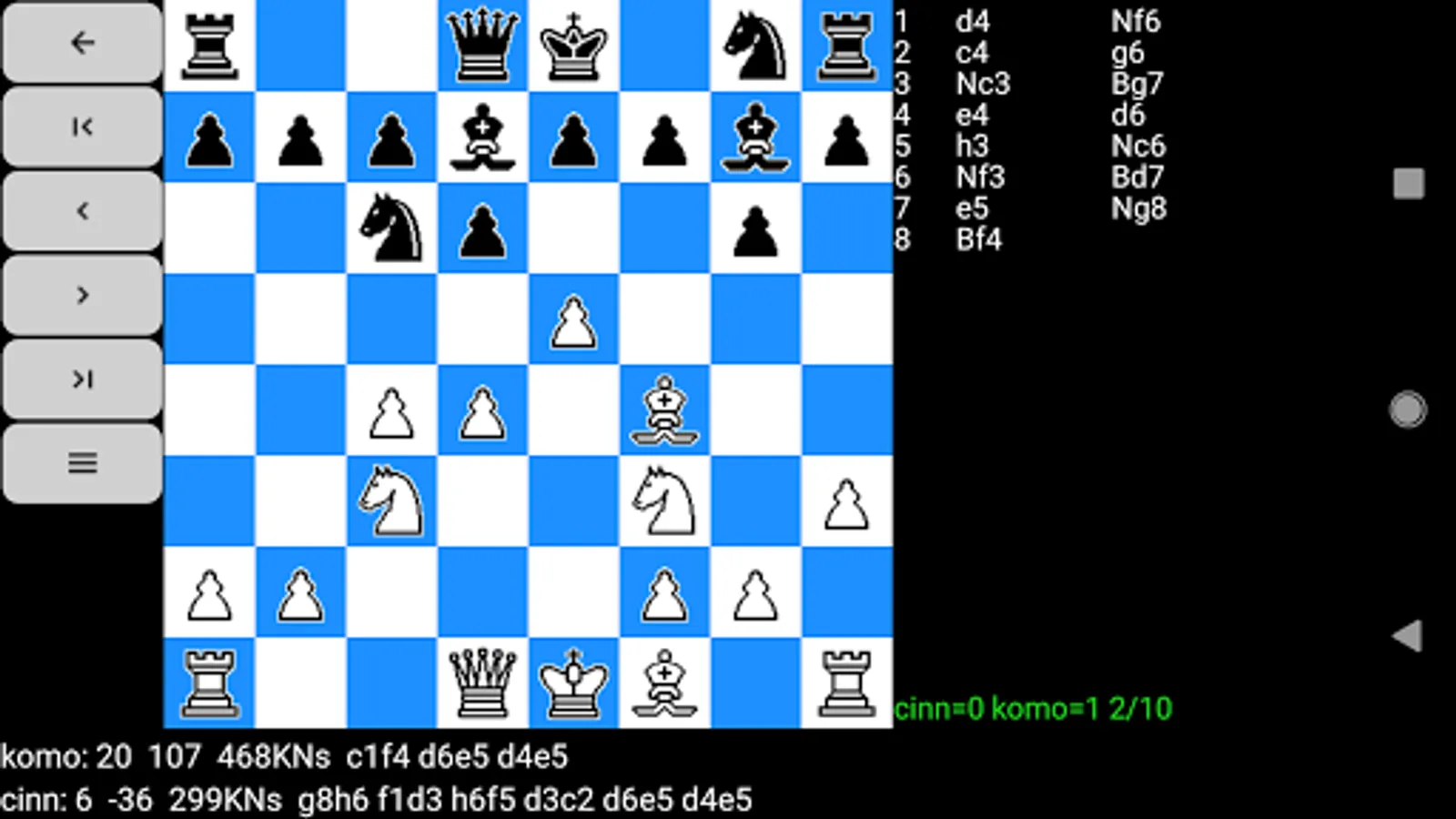
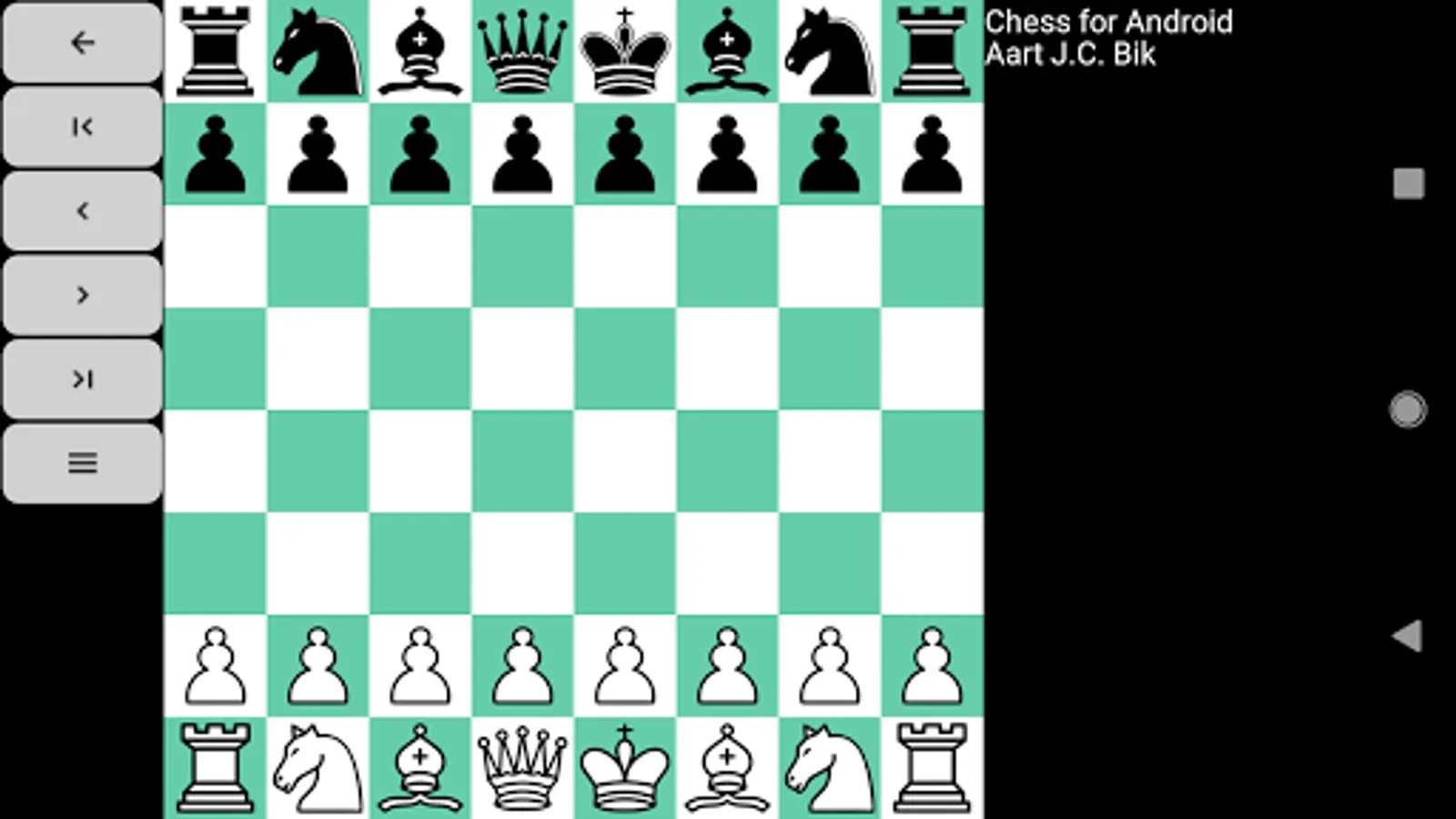
Chess for Android consists of a chess engine and a GUI. The application accepts moves through the touch screen, trackball, or keyboard (e2e4 pushes the king pawn, e1g1 castles king side, etc.). An optional "move coach" highlights valid user moves during input and last played engine move. Full game navigation enables users to correct mistakes or analyze games. Games import and export as FEN/PGN to and from the clipboard or via sharing, load and save as file, or are set up through a position editor. A draw by stalemate, insufficient material, the fifty move rule, or threefold repetition is recognized. The engine plays at various levels (including random, against itself in auto-play, or free-play, where the game can be used as a "magnetic chessboard"). The user can play either side and, independently, view the board from the perspective of white or black.
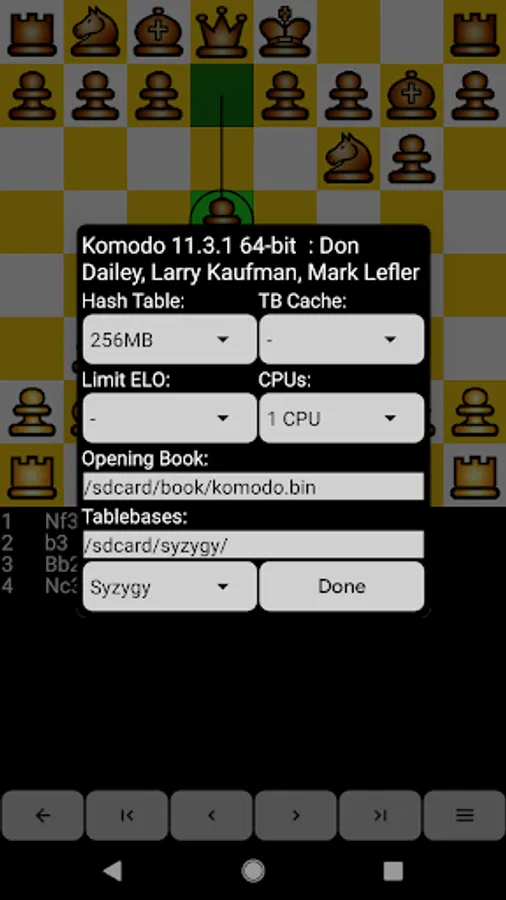
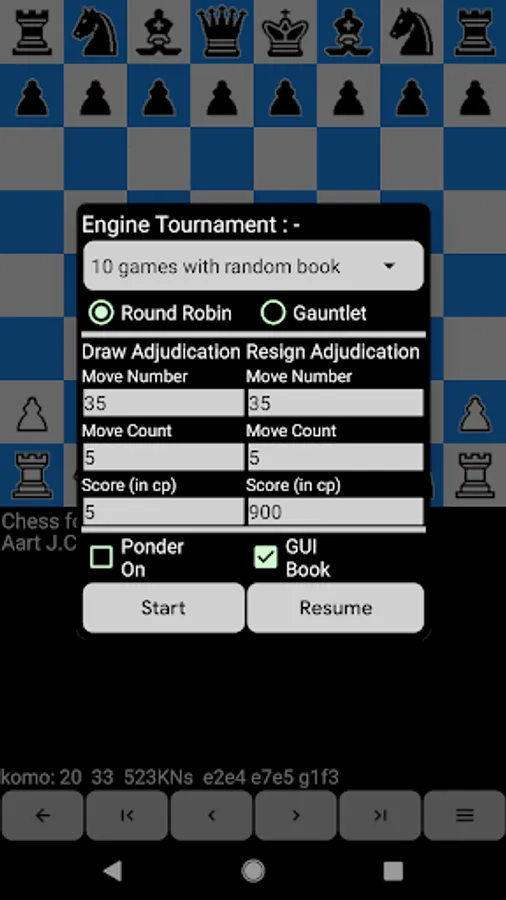
The application supports the Universal Chess Interface (UCI) and Chess Engine Communication Protocol (WinBoard and XBoard), which allows users to play against more powerful third party engines or even play tournaments between engines. Engines are imported in Android Open Exchange format (OEX), in Android Chessbase compatible format, or directly from SD card. Engine setup features time control, pondering, infinite analysis, hash tables, multiple threads, endgame tablebases, and opening test suites.
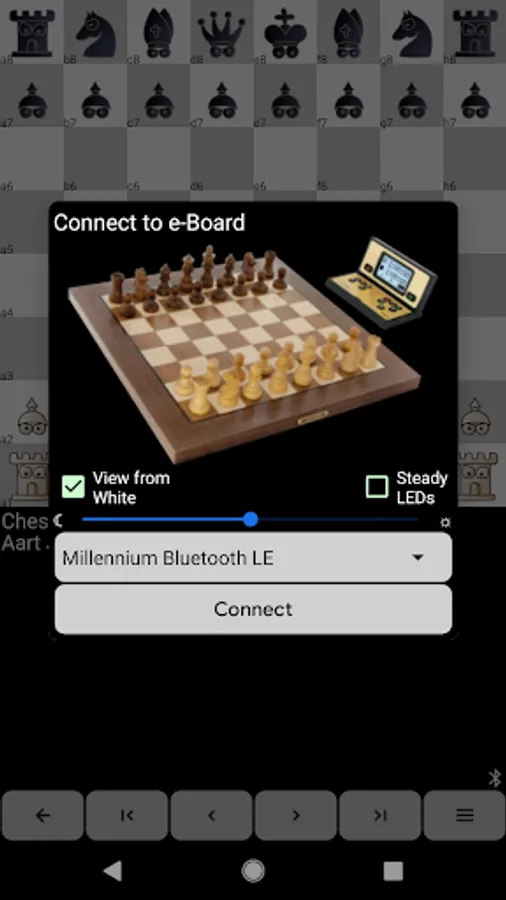
The application connects to an external electronic chessboard (Certabo, Chessnut, ChessUp, DGT, House of Staunton, or Millennium) and supports online play on FICS (Free Internet Chess Server) or ICC (Internet Chess Club).
Online manual at:
https://www.aartbik.com/android_manual.php
PERMISSION NOTES:
You can freely disable permissions you don't want to grant, the rest of the application will continue to work:
+ Storage (Files and Media): only required when you want to load and save games to SD Card
+ Location: only required if you want to connect to DGT Pegasus/Chessnut Air, which requires a Bluetooth LE scan
The application supports the Universal Chess Interface (UCI) and Chess Engine Communication Protocol (WinBoard and XBoard), which allows users to play against more powerful third party engines or even play tournaments between engines. Engines are imported in Android Open Exchange format (OEX), in Android Chessbase compatible format, or directly from SD card. Engine setup features time control, pondering, infinite analysis, hash tables, multiple threads, endgame tablebases, and opening test suites.
The application connects to an external electronic chessboard (Certabo, Chessnut, ChessUp, DGT, House of Staunton, or Millennium) and supports online play on FICS (Free Internet Chess Server) or ICC (Internet Chess Club).
Online manual at:
https://www.aartbik.com/android_manual.php
PERMISSION NOTES:
You can freely disable permissions you don't want to grant, the rest of the application will continue to work:
+ Storage (Files and Media): only required when you want to load and save games to SD Card
+ Location: only required if you want to connect to DGT Pegasus/Chessnut Air, which requires a Bluetooth LE scan
Chess for Android Screenshots



Tap to Rate:
Reviews for Chess for Android
Geejo Joy
12/29/2025
I thought I found my favorite chess app. The UI is a mess. I'm unable to play the game in the floating window on OnePlus, because there is no gap at the top (a status bar for the app) and when you try to select the queen or king, it goes to drop down options instead
yuri yudzinsky
12/14/2025
great game