
Android Accessibility Suite
Google LLC
4.0 ★
4M ratings
10,000,000,000+
downloads
Free
With this accessibility app, you can control your device using gestures, hear screen content read aloud, and access an on-screen menu for quick actions. Includes features like an accessibility menu, select-to-speak, and TalkBack screen reader.
AppRecs review analysis
AppRecs rating 4.0. Trustworthiness 49 out of 100. Review manipulation risk 40 out of 100. Based on a review sample analyzed.
★★★★☆
4.0
AppRecs Rating
Ratings breakdown
5 star
65%
4 star
9%
3 star
7%
2 star
4%
1 star
16%
What to know
✓
Authentic reviews
Natural distribution, no red flags
✓
Proven track record
Strong volume of user ratings
⚠
Review quality concerns
80% of sampled 5-star reviews are very short
About Android Accessibility Suite
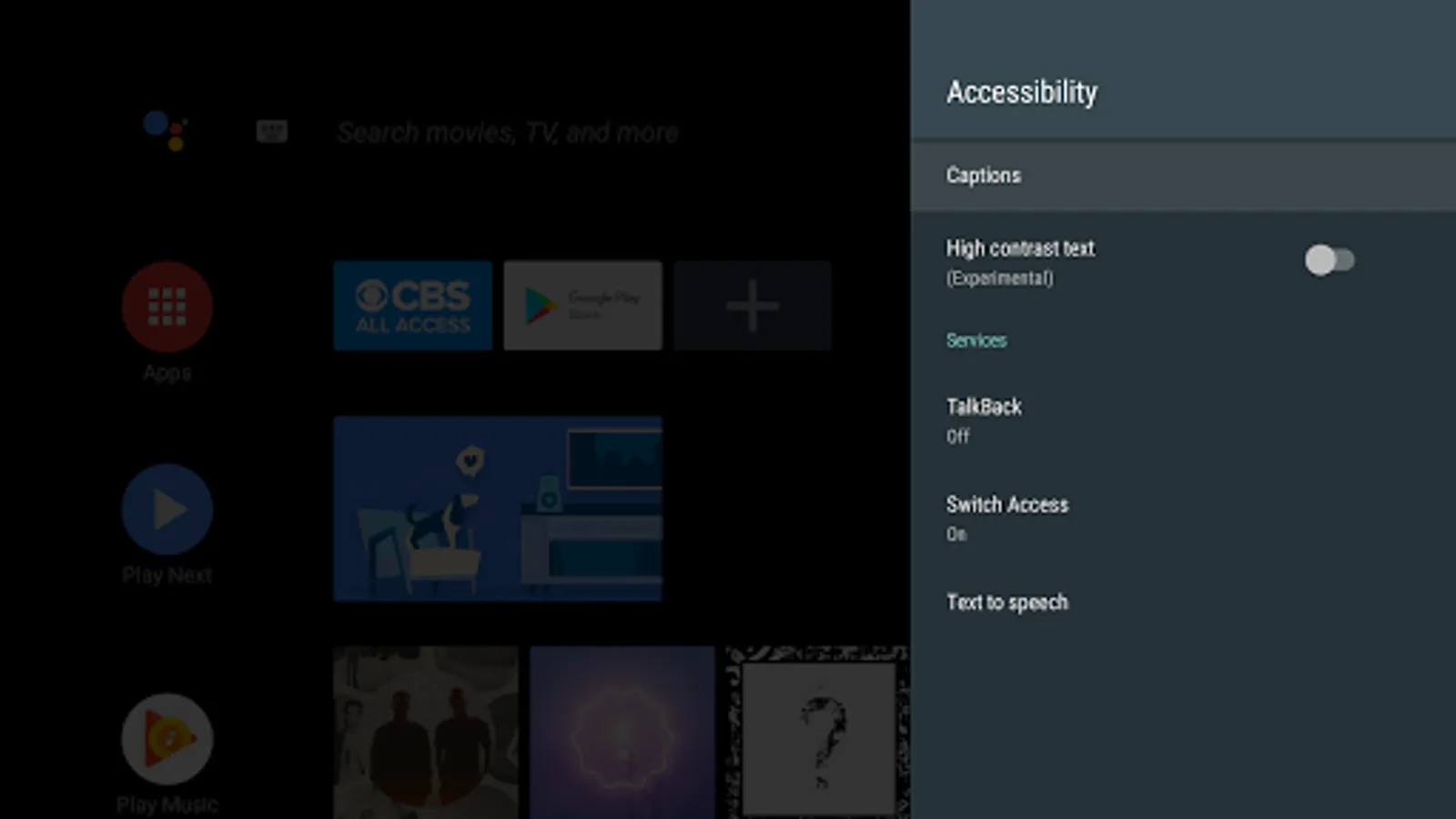
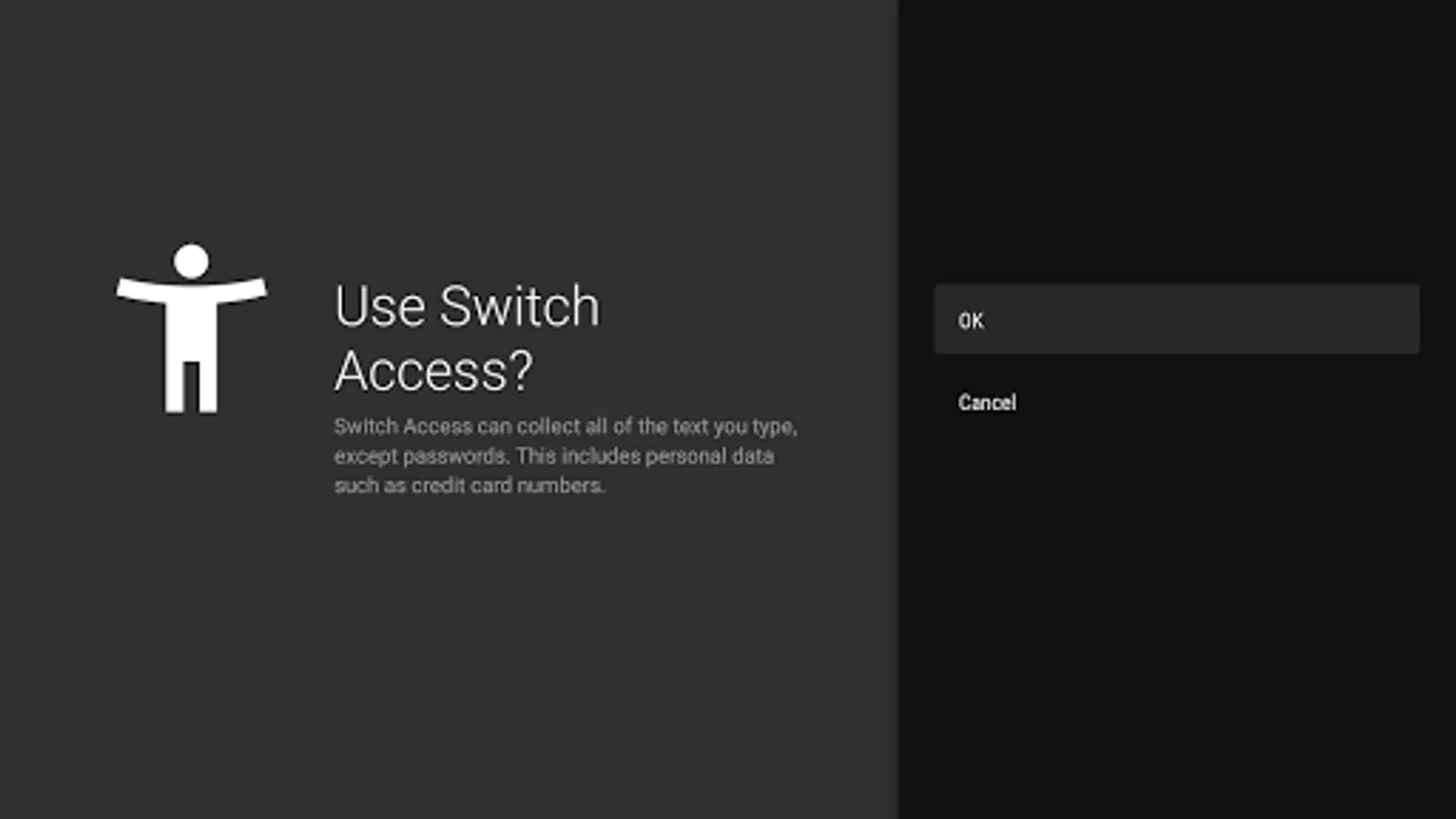
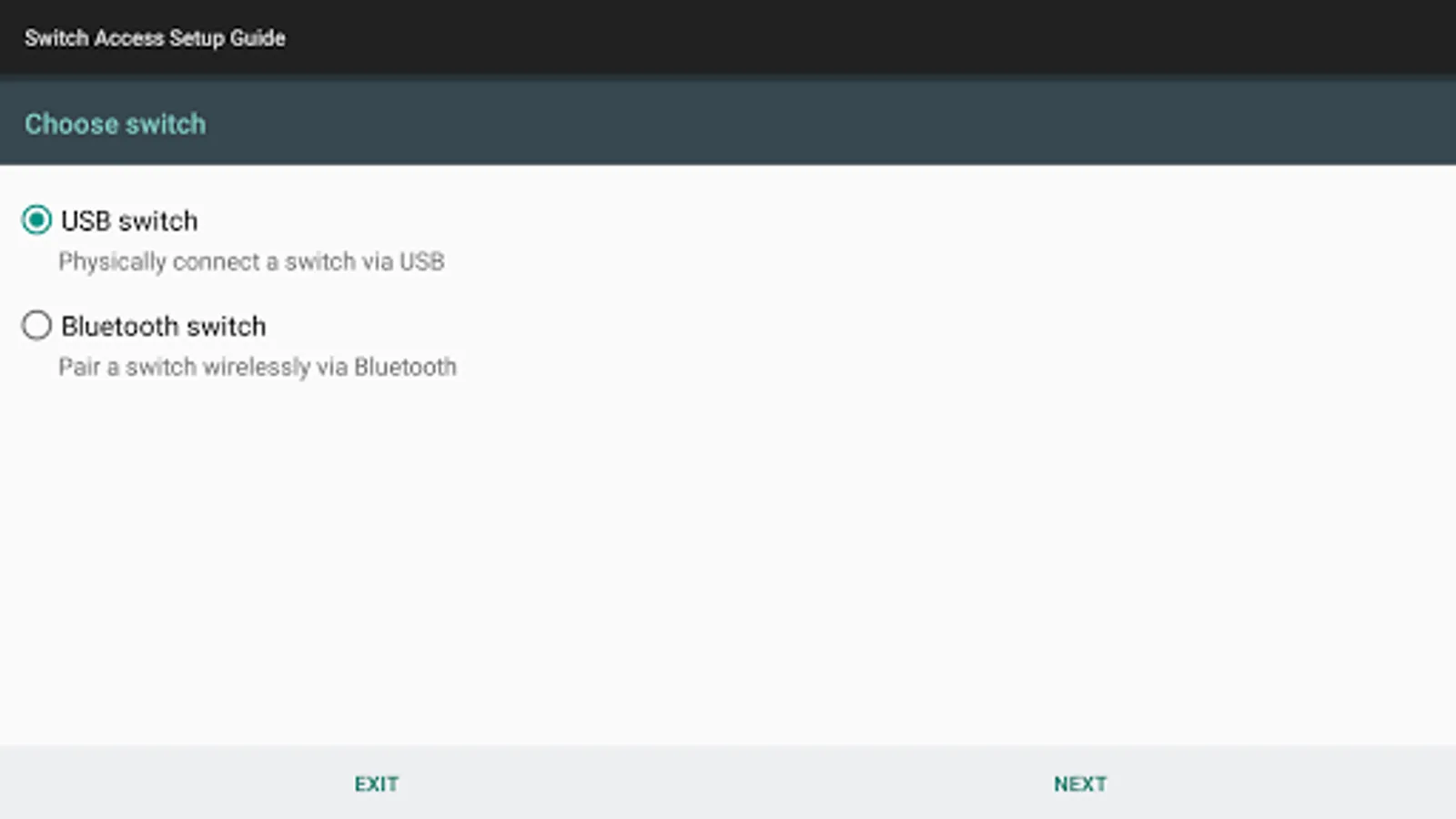
Android Accessibility Suite is a collection of accessibility apps that help you use your Android device eyes-free or with a switch device.
Android Accessibility Suite includes:
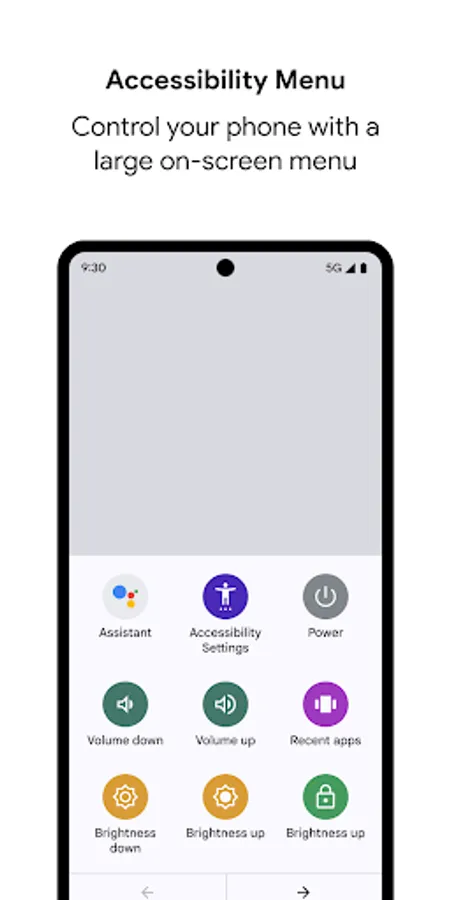
• Accessibility Menu: Use this large on-screen menu to lock your phone, control volume and brightness, take screenshots, and more.
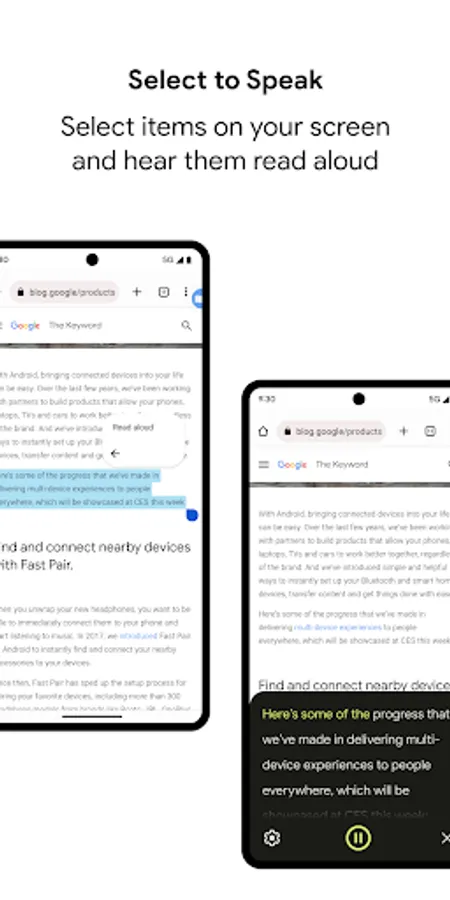
• Select to Speak: Select items on your screen and hear them read aloud.
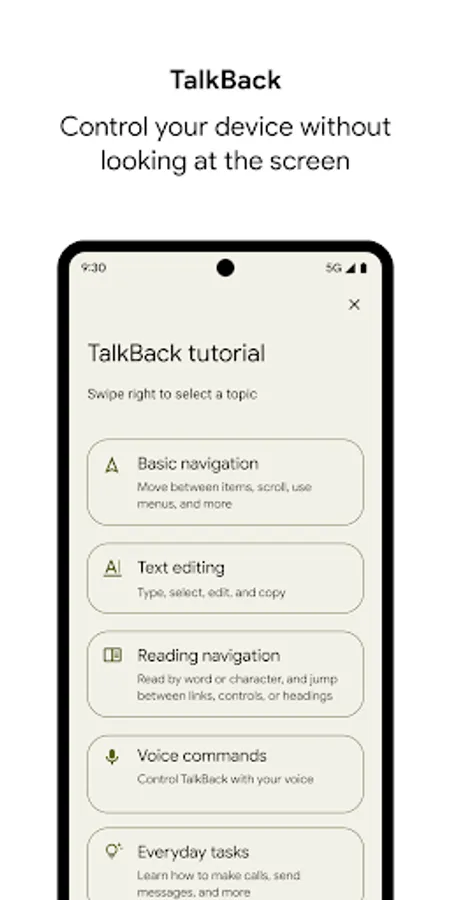
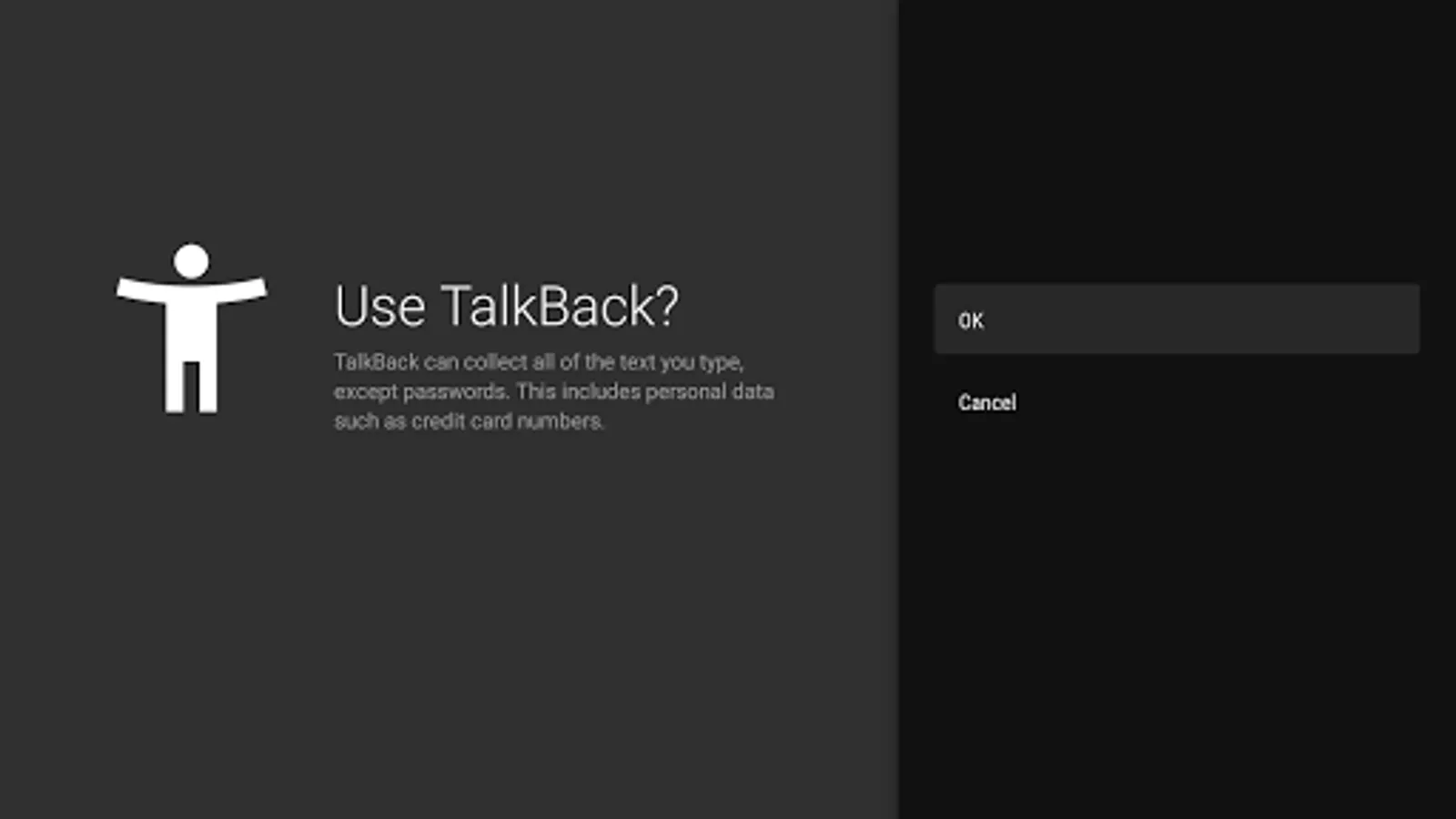
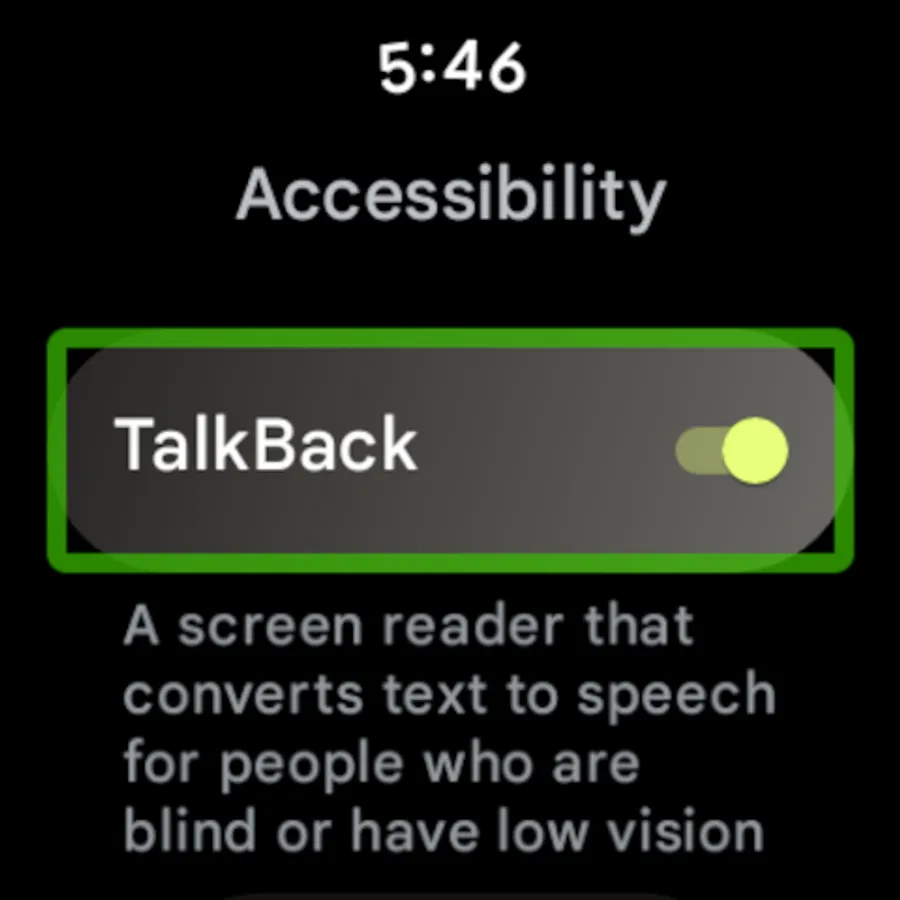
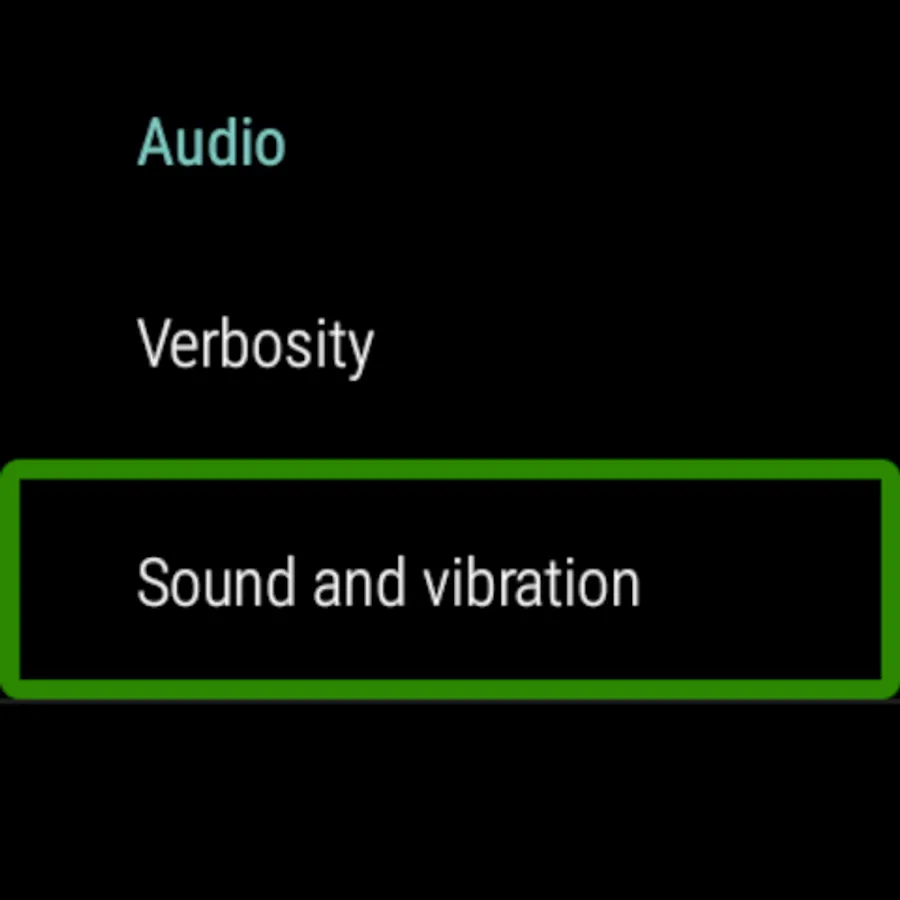
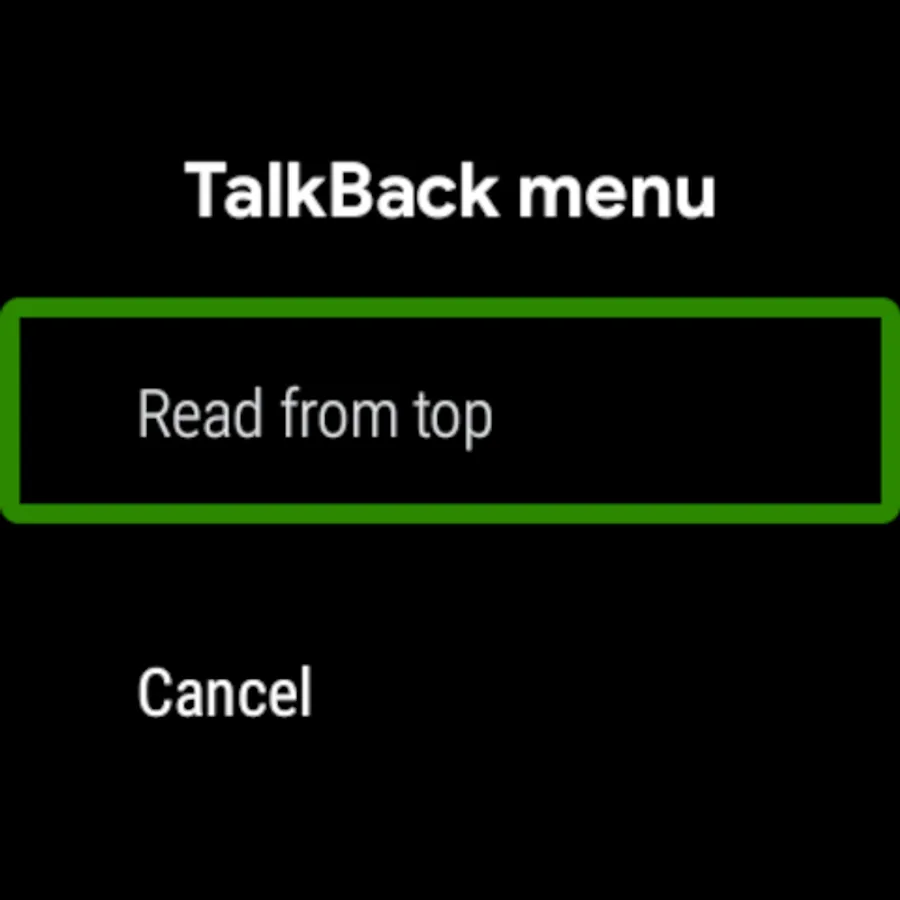
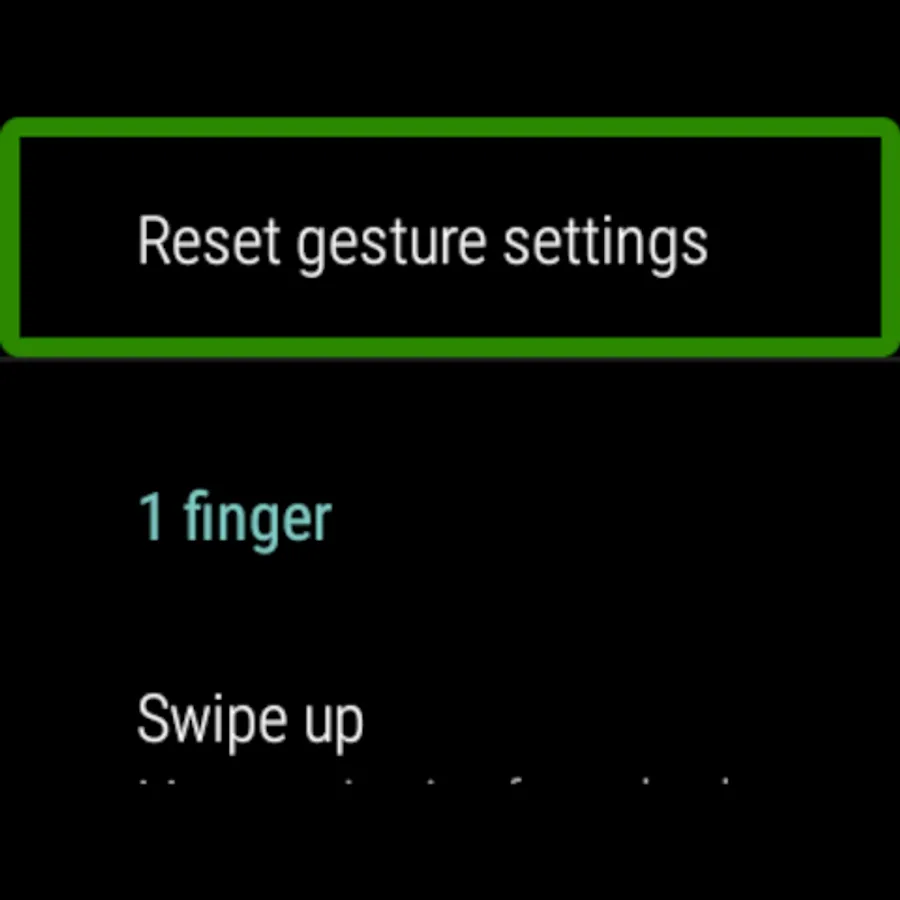
• TalkBack screen reader: Get spoken feedback, control your device with gestures, and type with the on-screen braille keyboard.
To get started:
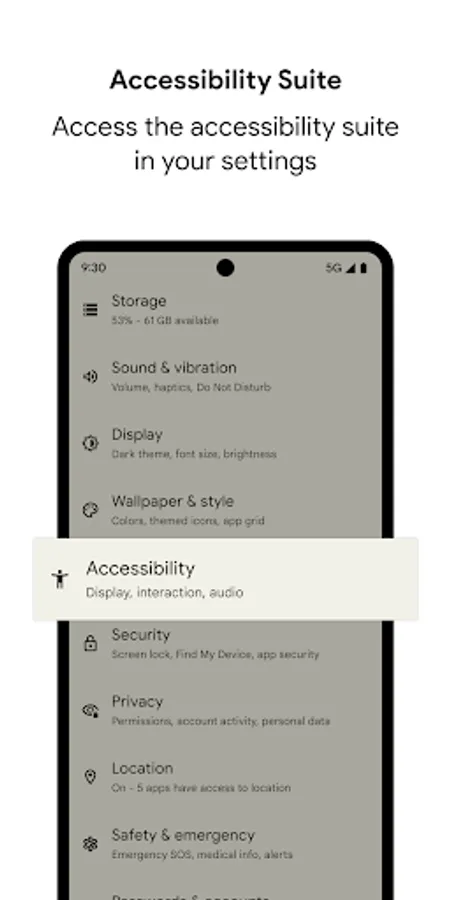
1. Open your device's Settings app.
2. Select Accessibility.
3. Select Accessibility Menu, Select to Speak, or TalkBack.
Permissions Notice
• Phone: Android Accessibility Suite observes the phone state so it can adapt announcements to your call status.
• Accessibility Service: Because this app is an accessibility service, it can observe your actions, retrieve window content, and observe text that you type.
• Notifications: When you allow this permission, TalkBack can notify you about updates.
Android Accessibility Suite includes:
• Accessibility Menu: Use this large on-screen menu to lock your phone, control volume and brightness, take screenshots, and more.
• Select to Speak: Select items on your screen and hear them read aloud.
• TalkBack screen reader: Get spoken feedback, control your device with gestures, and type with the on-screen braille keyboard.
To get started:
1. Open your device's Settings app.
2. Select Accessibility.
3. Select Accessibility Menu, Select to Speak, or TalkBack.
Permissions Notice
• Phone: Android Accessibility Suite observes the phone state so it can adapt announcements to your call status.
• Accessibility Service: Because this app is an accessibility service, it can observe your actions, retrieve window content, and observe text that you type.
• Notifications: When you allow this permission, TalkBack can notify you about updates.
Android Accessibility Suite Screenshots
Tap to Rate:
Reviews for Android Accessibility Suite
Wilson Ngugi
12/31/2025
Good
Bravo Bravo
12/30/2025
rsa is a piece of junk that does working good even let you delete it after using it the first time, be careful