Chrome Remote Desktop
Google LLC
2.5 ★
store rating
10,000,000+
downloads
Free
AppRecs review analysis
AppRecs rating 1.8. Trustworthiness 81 out of 100. Review manipulation risk 24 out of 100. Based on a review sample analyzed.
★☆☆☆☆
1.8
AppRecs Rating
Ratings breakdown
5 star
27%
4 star
7%
3 star
5%
2 star
6%
1 star
55%
What to know
⚠
Mixed user feedback
Average 2.5★ rating suggests room for improvement
⚠
Review quality concerns
42% of sampled 5-star reviews are very short
⚠
High negative review ratio
61% of sampled ratings are 1–2 stars
About Chrome Remote Desktop
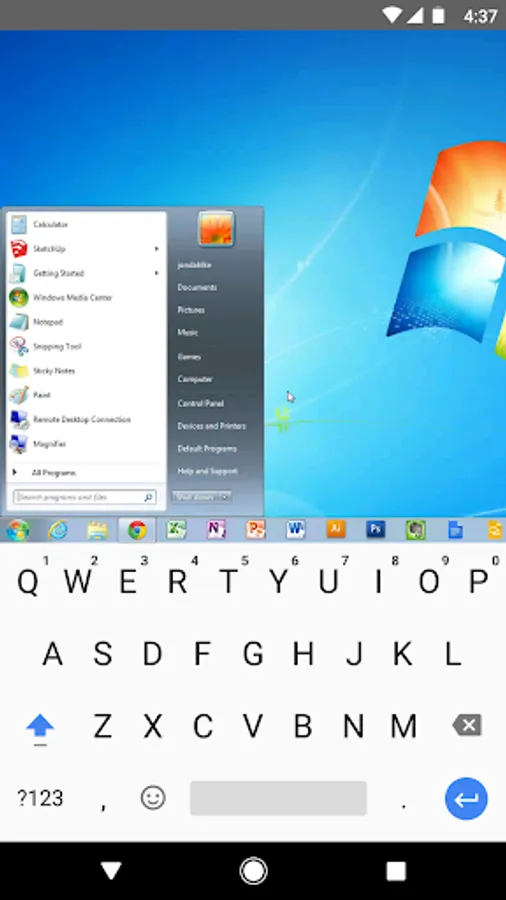
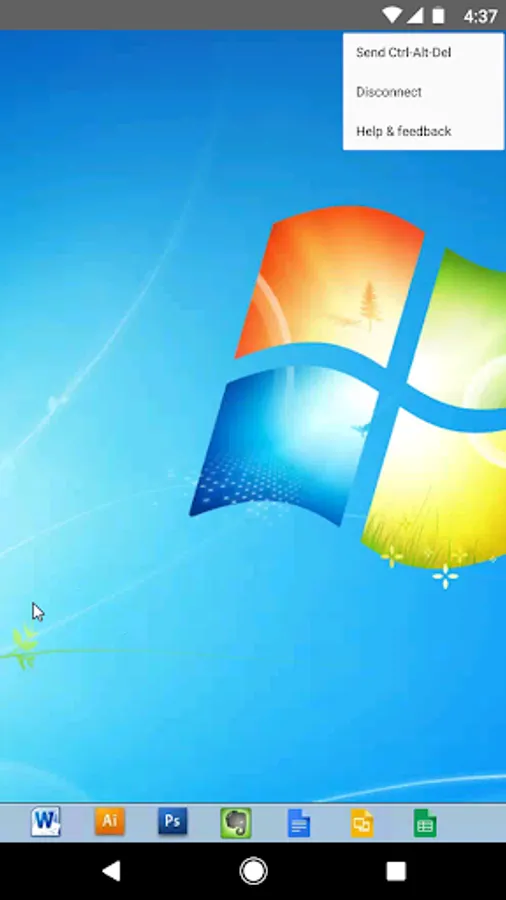
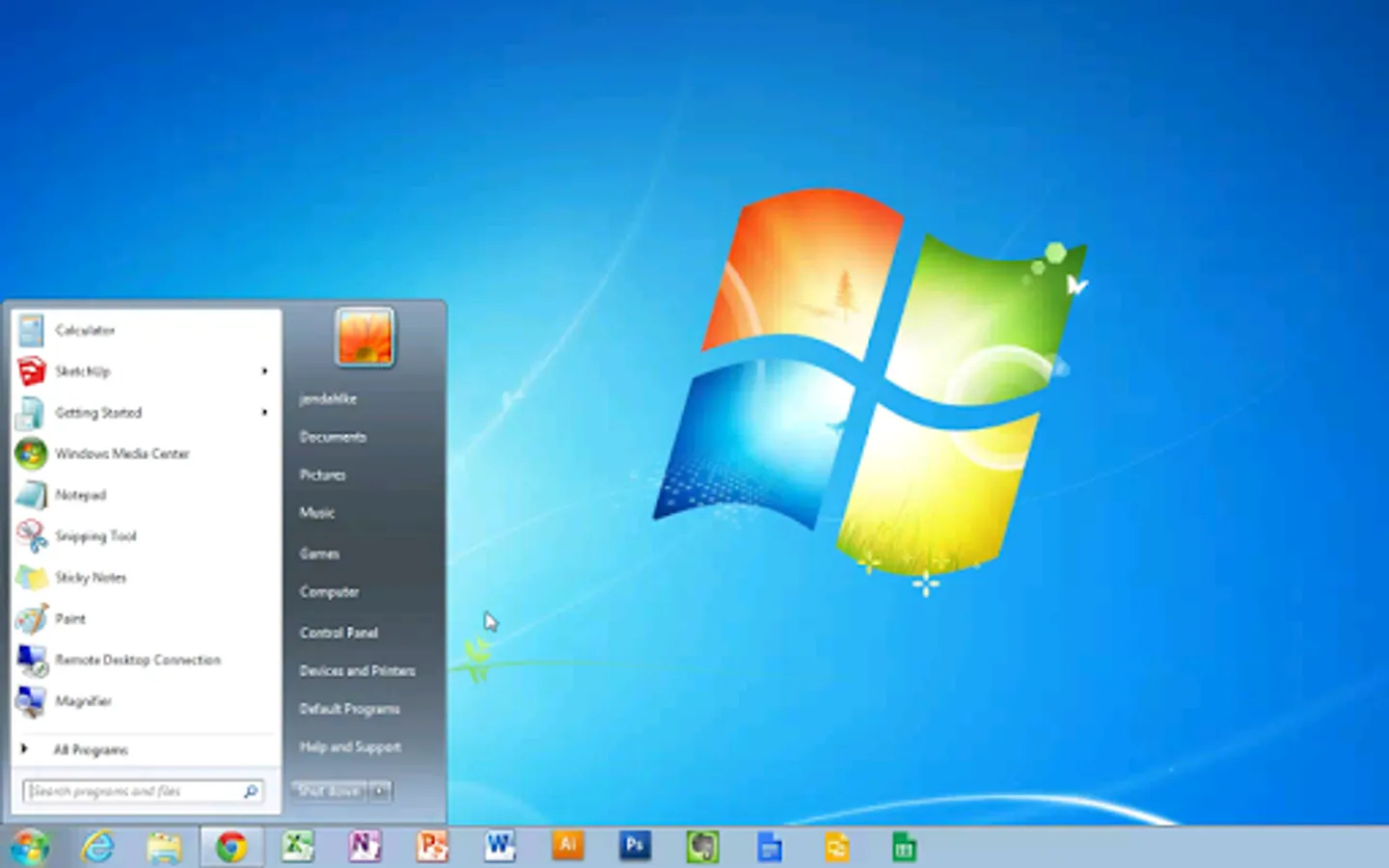
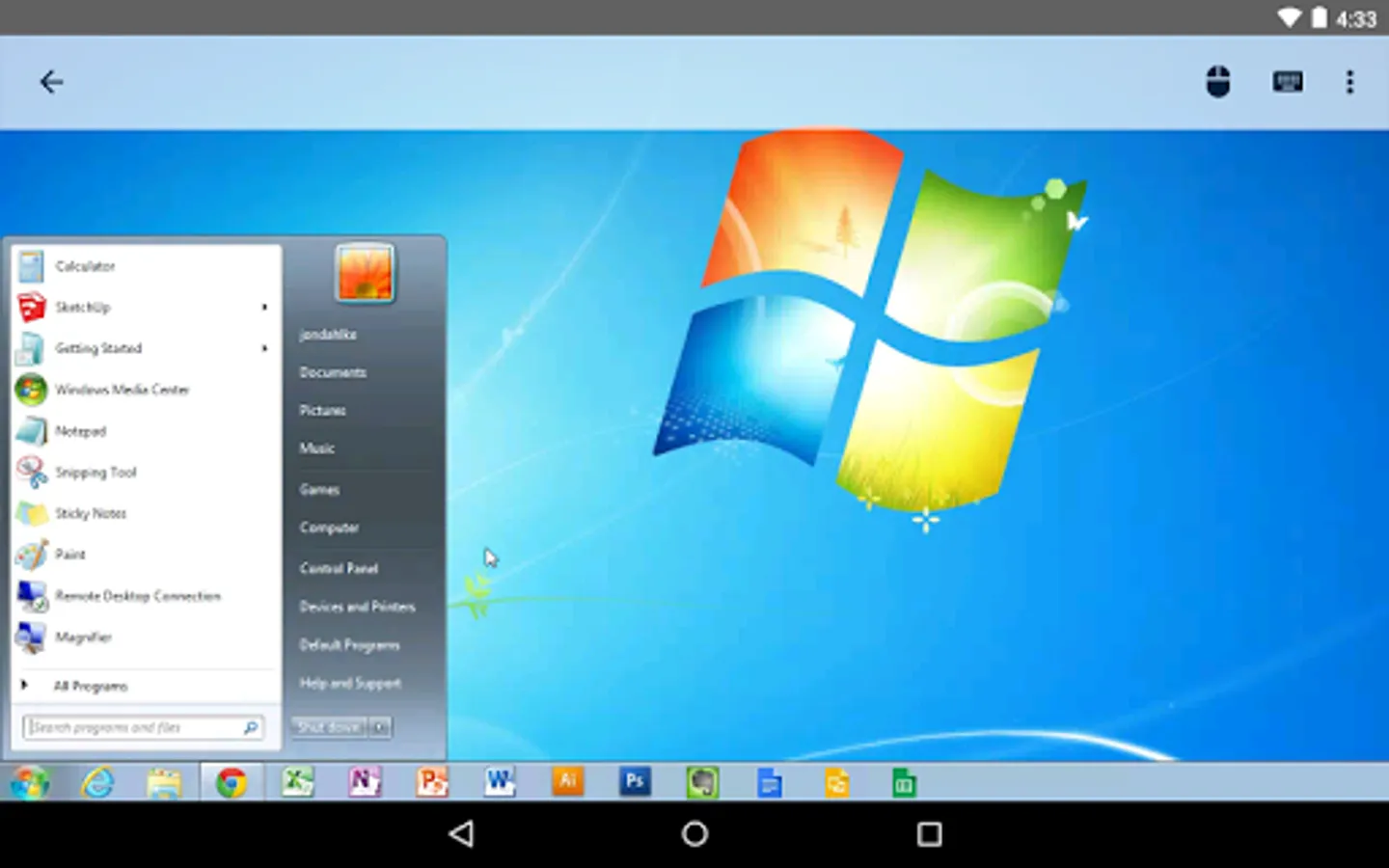
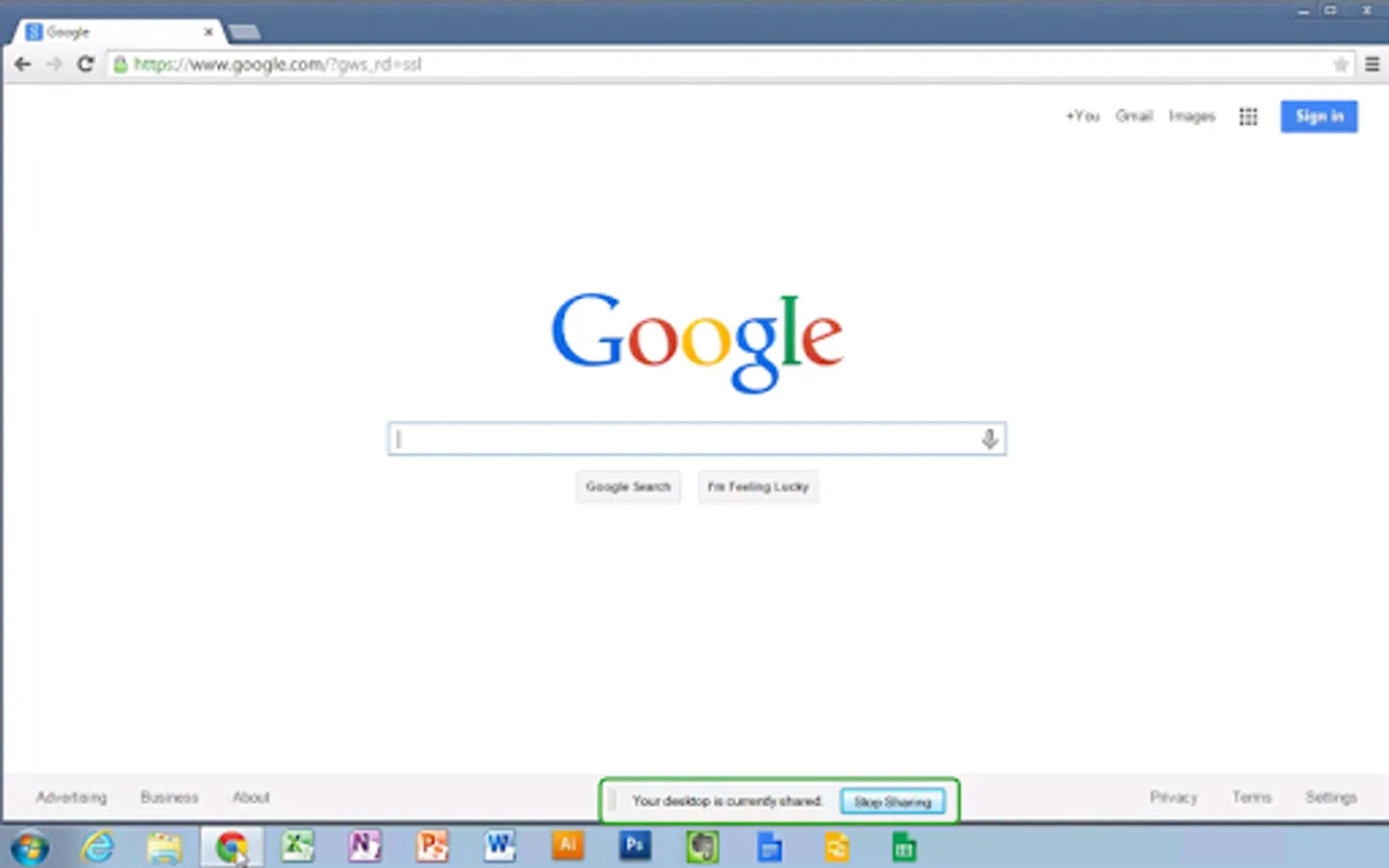
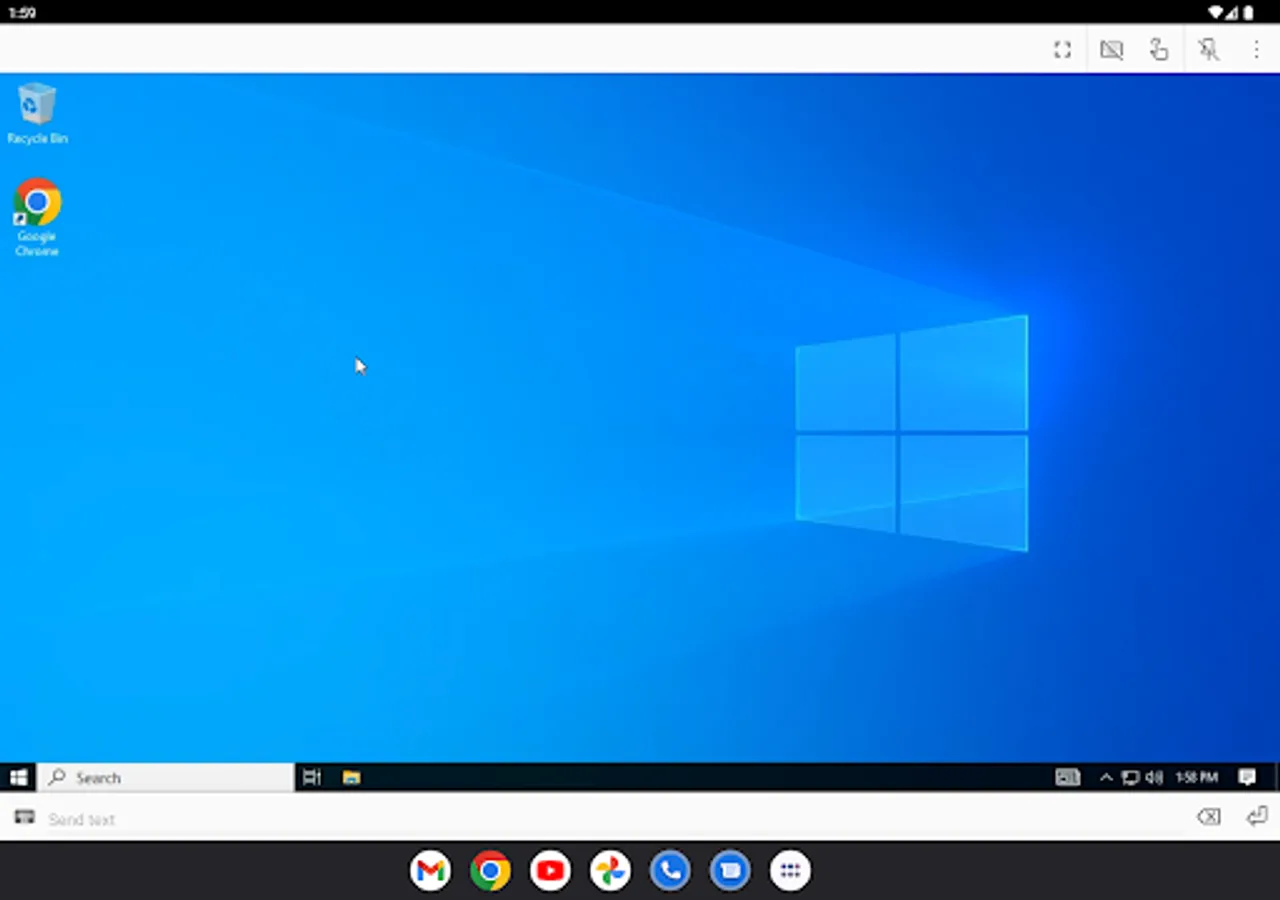
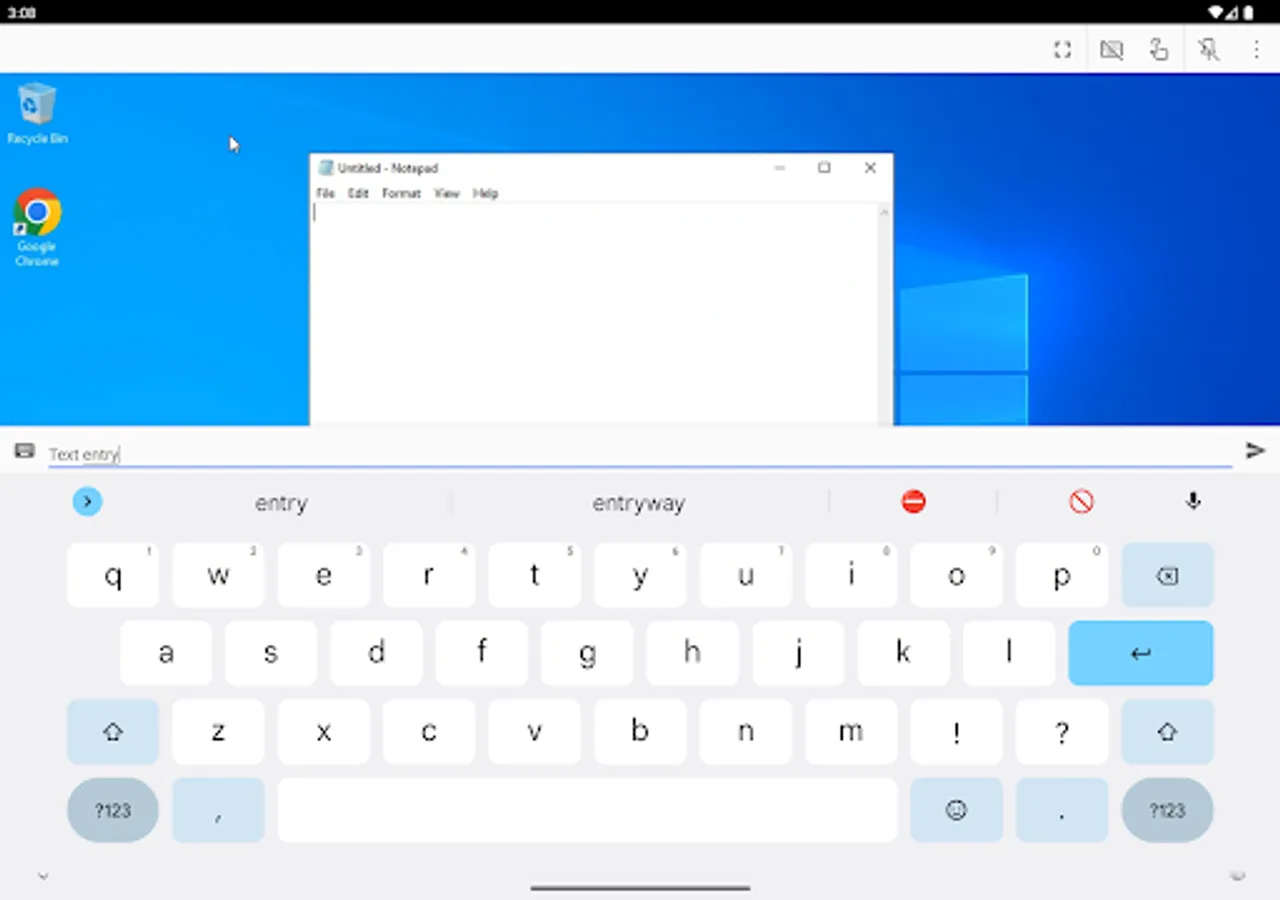
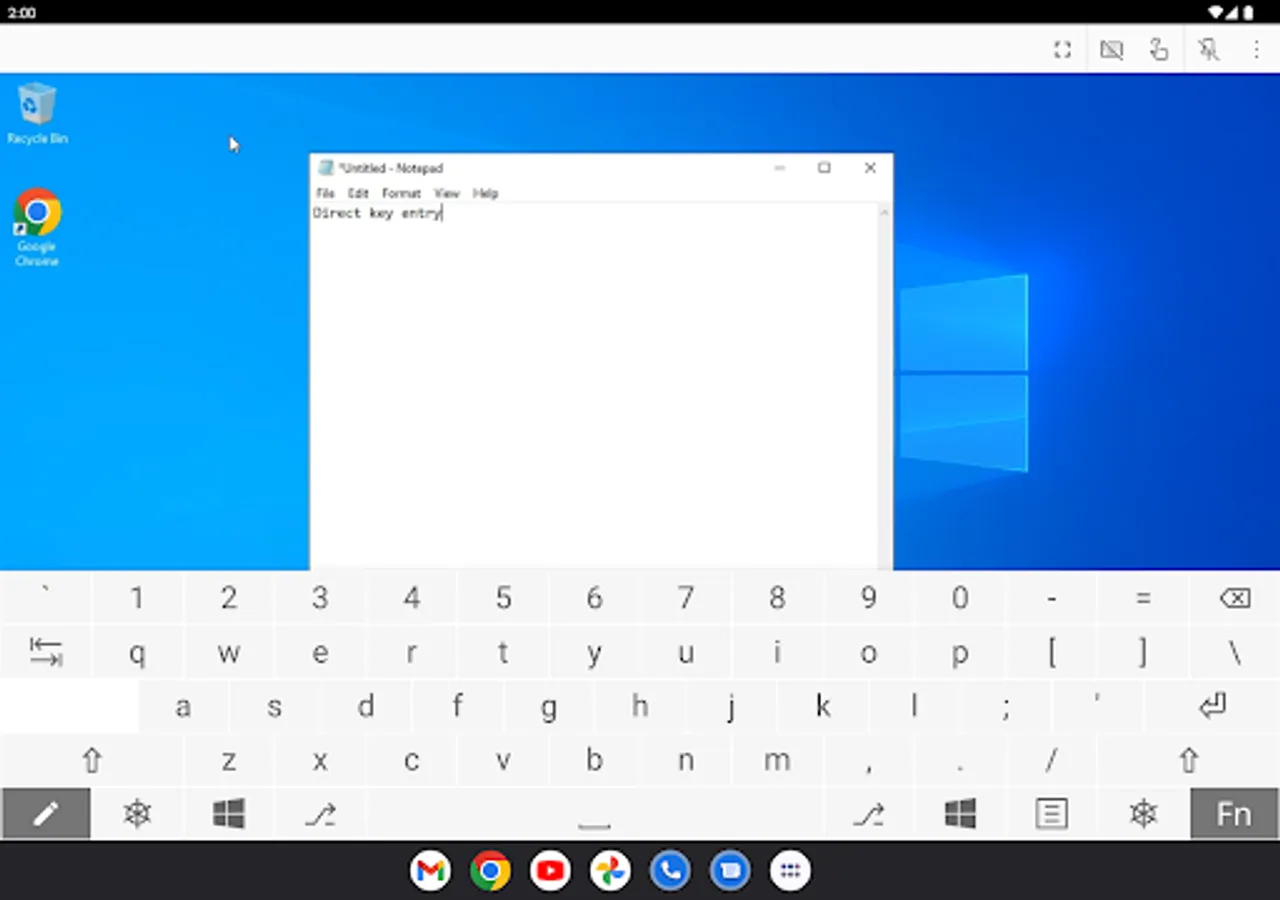
Securely access your computers from your Android device.
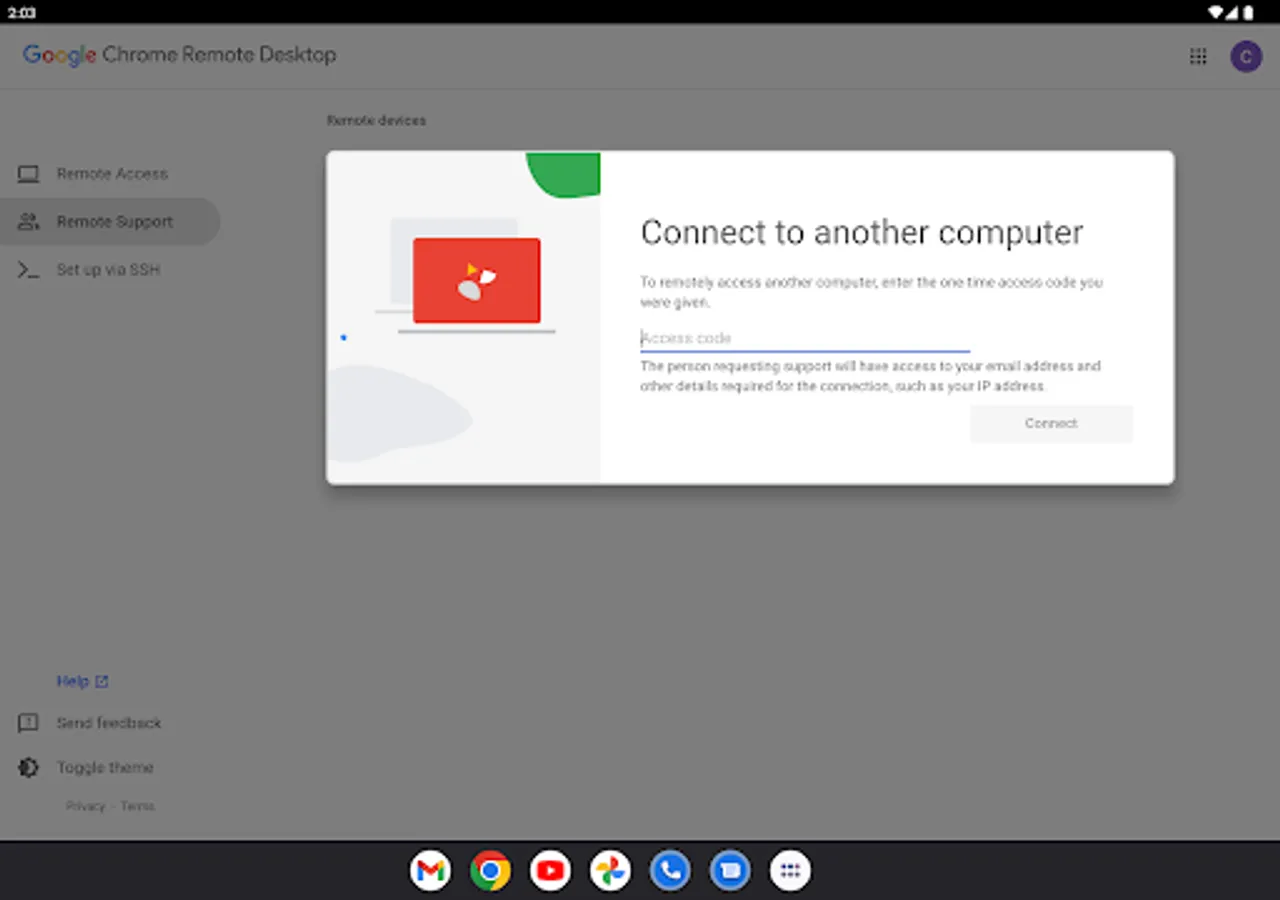
• On each of your computers, set up remote access using the Chrome Remote Desktop app from Chrome Web Store: https://chrome.google.com/remotedesktop
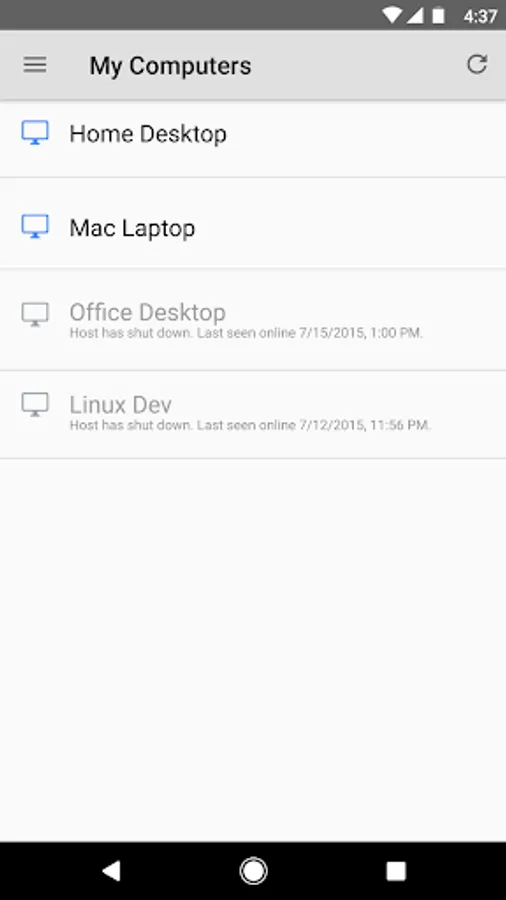
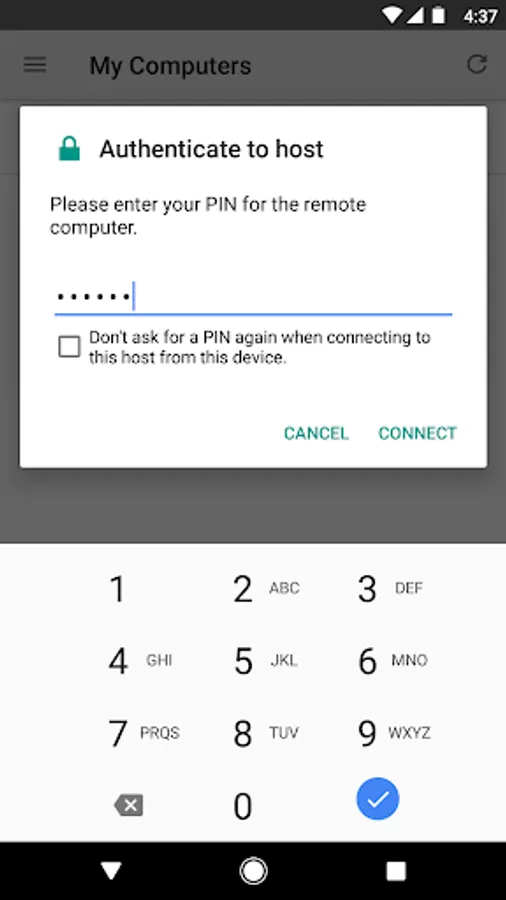
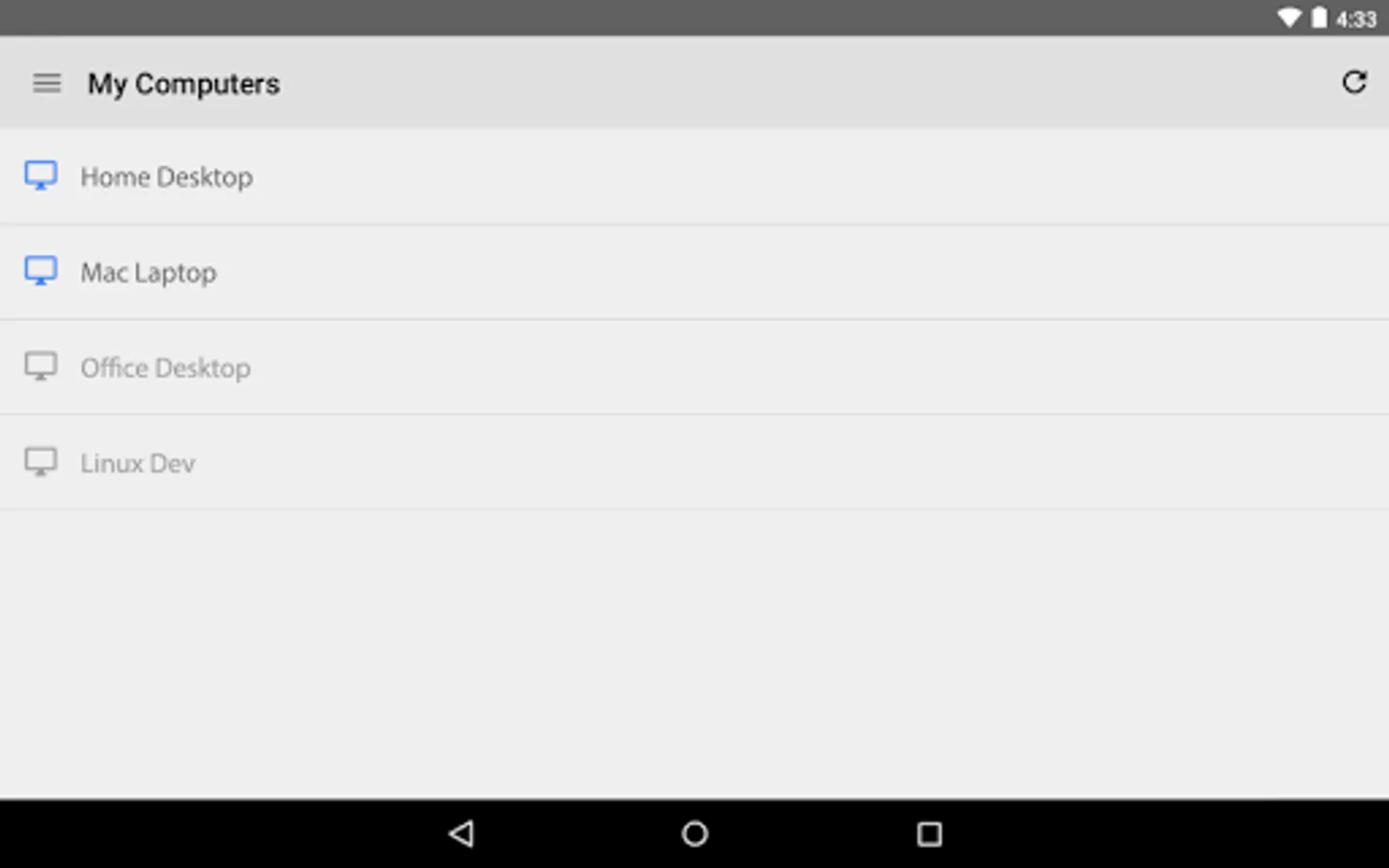
• On your Android device, open the app and tap on any of your online computers to connect.
For information about privacy, please see the Google Privacy Policy (http://goo.gl/SyrVzj) and the Chrome Privacy Policy (http://goo.gl/0uXE5d).
• On each of your computers, set up remote access using the Chrome Remote Desktop app from Chrome Web Store: https://chrome.google.com/remotedesktop
• On your Android device, open the app and tap on any of your online computers to connect.
For information about privacy, please see the Google Privacy Policy (http://goo.gl/SyrVzj) and the Chrome Privacy Policy (http://goo.gl/0uXE5d).