GS Hybrid 6 Watch Face
GS Watchfaces
1,000+
downloads
Free
AppRecs review analysis
AppRecs rating 4.8. Trustworthiness 75 out of 100. Review manipulation risk 21 out of 100. Based on a review sample analyzed.
★★★★☆
4.8
AppRecs Rating
Ratings breakdown
5 star
100%
4 star
0%
3 star
0%
2 star
0%
1 star
0%
What to know
✓
Low review manipulation risk
21% review manipulation risk
✓
Credible reviews
75% trustworthiness score from analyzed reviews
✓
High user satisfaction
100% of sampled ratings are 5 stars
About GS Hybrid 6 Watch Face
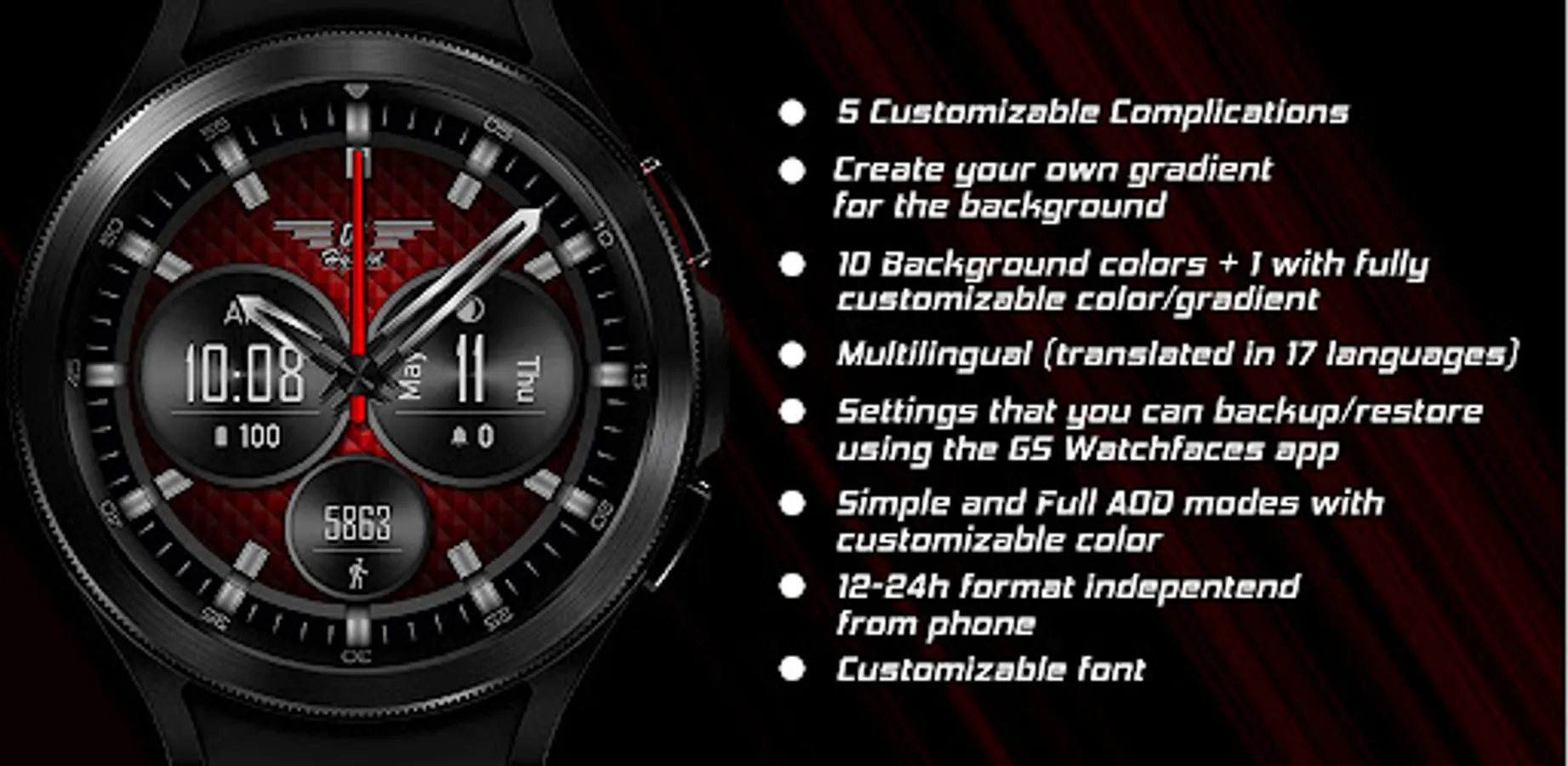
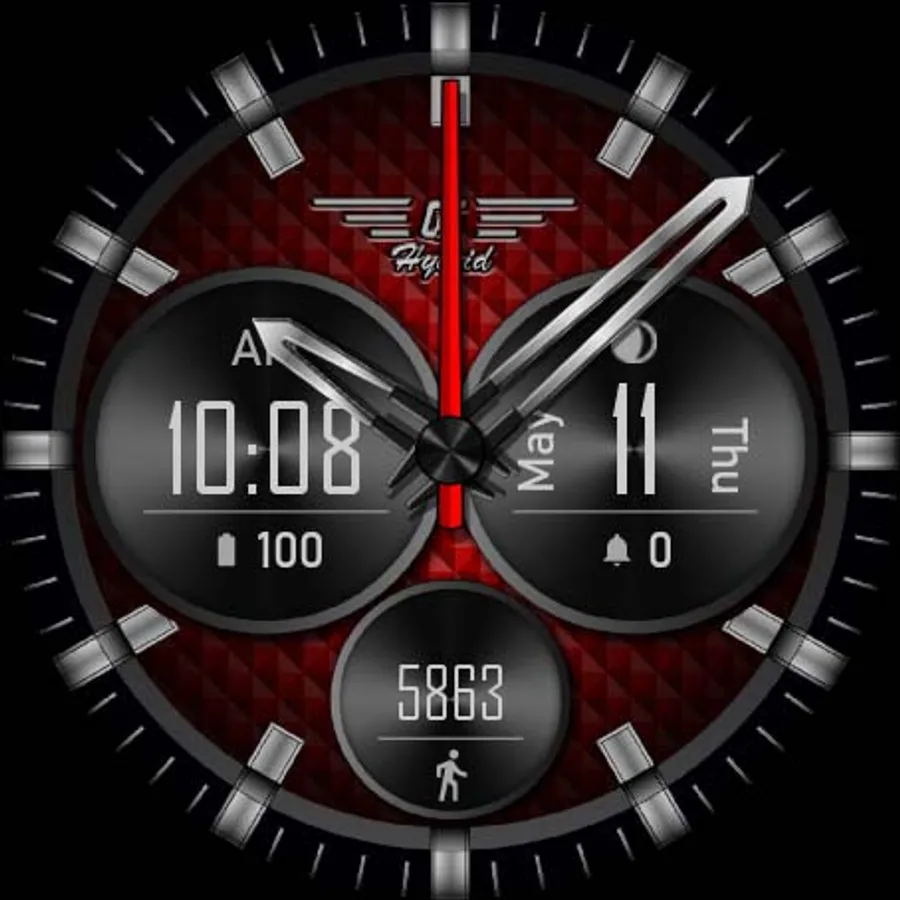
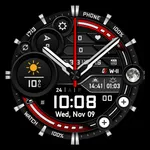
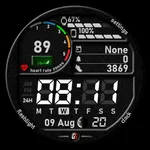
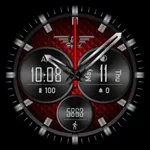
A hybrid Wear OS watch face translated into 17 languages.
Features:
- Analog and digital time
- 5 editable complications
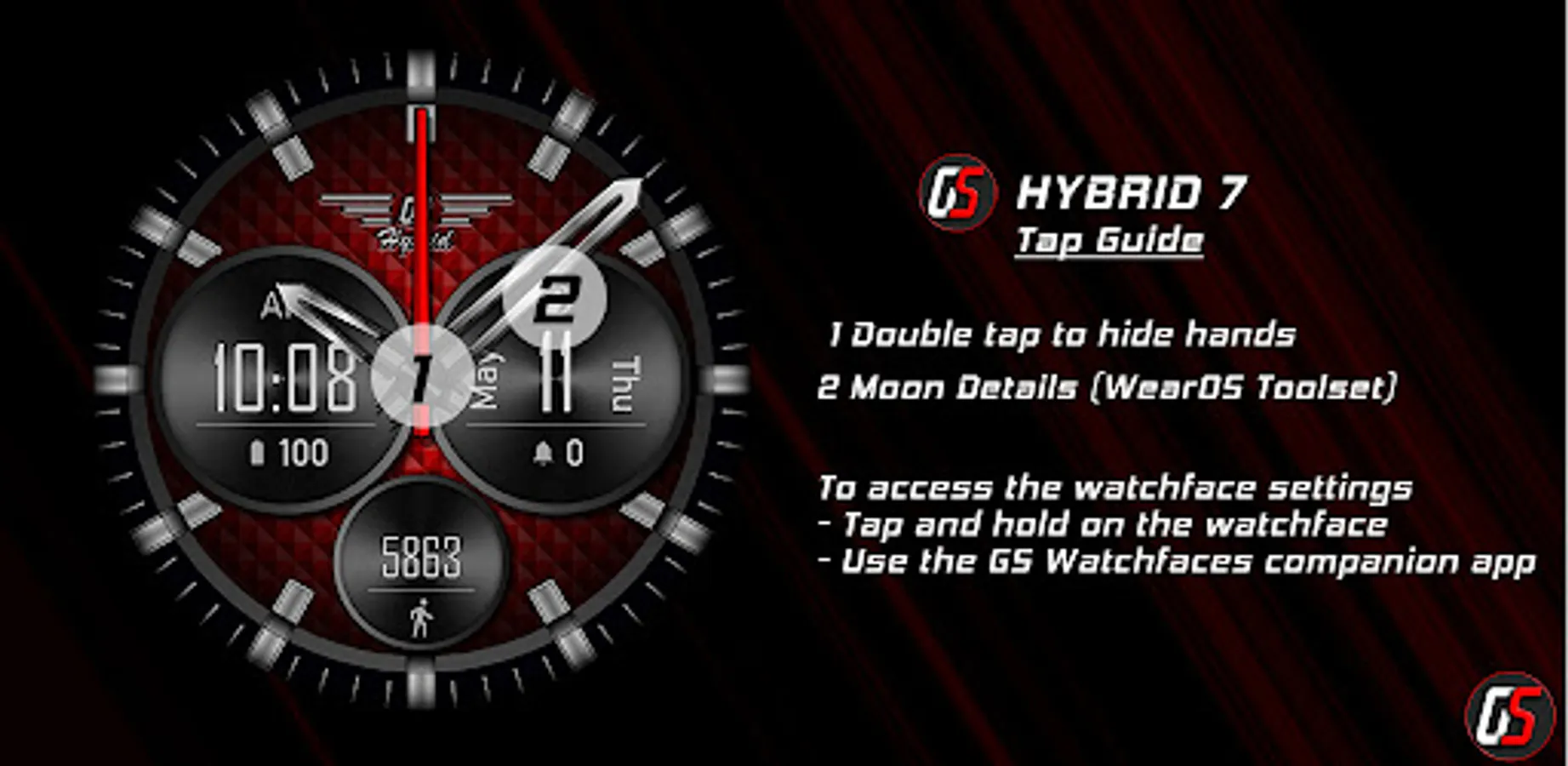
- Moon phase (tapping will launch WearOS Toolset moon details if it's installed)
- 10 backgrounds +1 with fully customizable color/gradient
- 9 Circles colors
- Animated circles flare (on/off in settings)
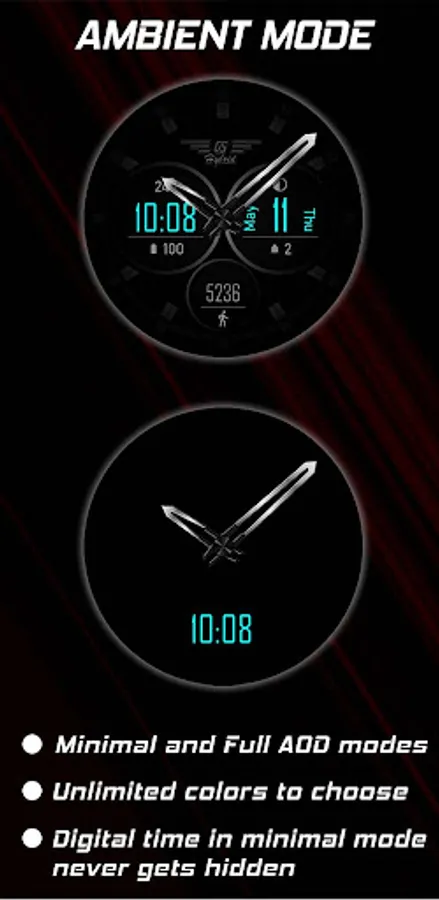
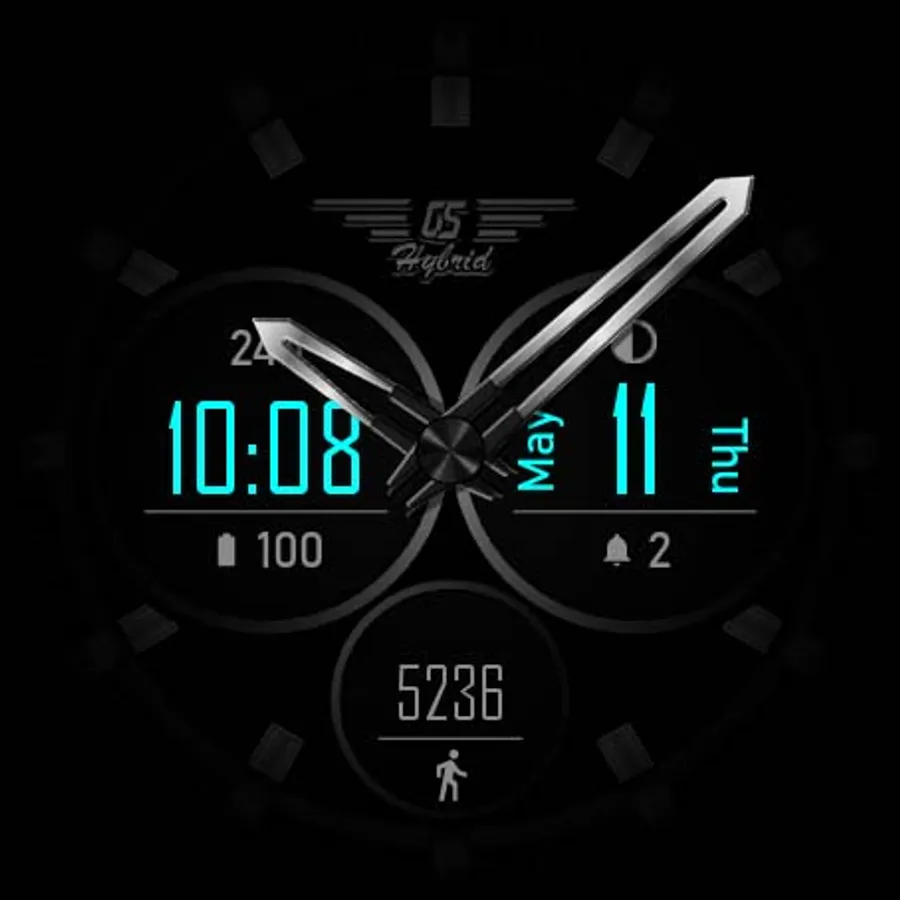
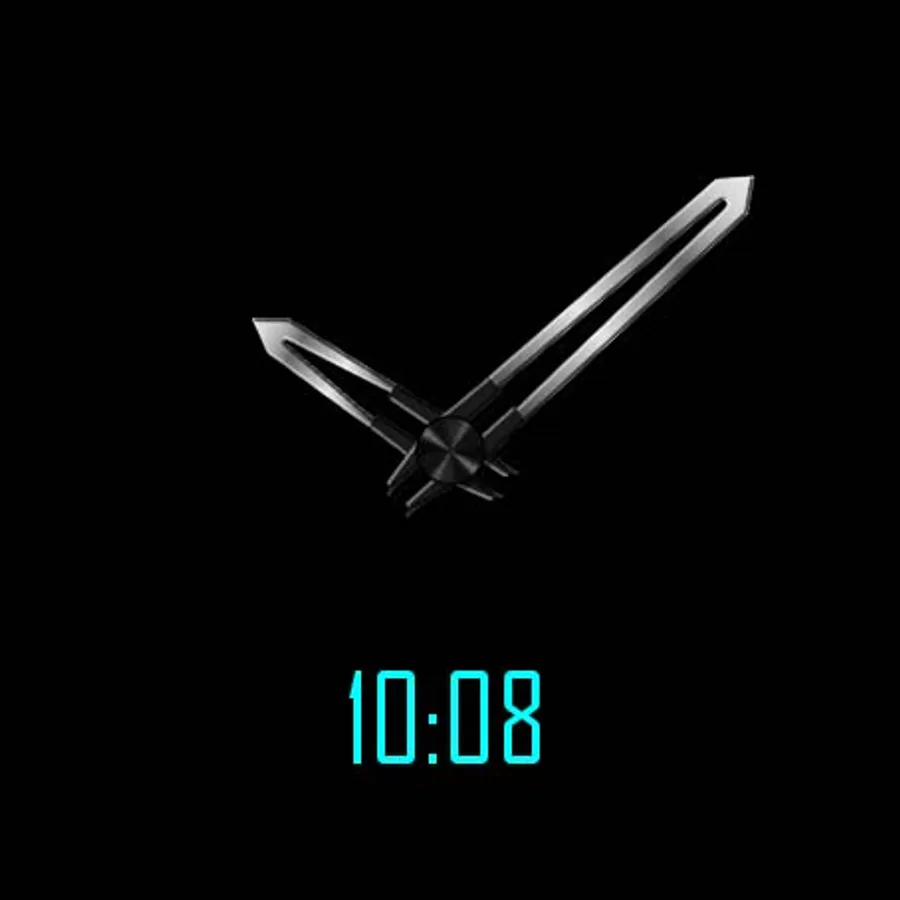
- Simple and full AOD modes
- 3 fonts to choose from
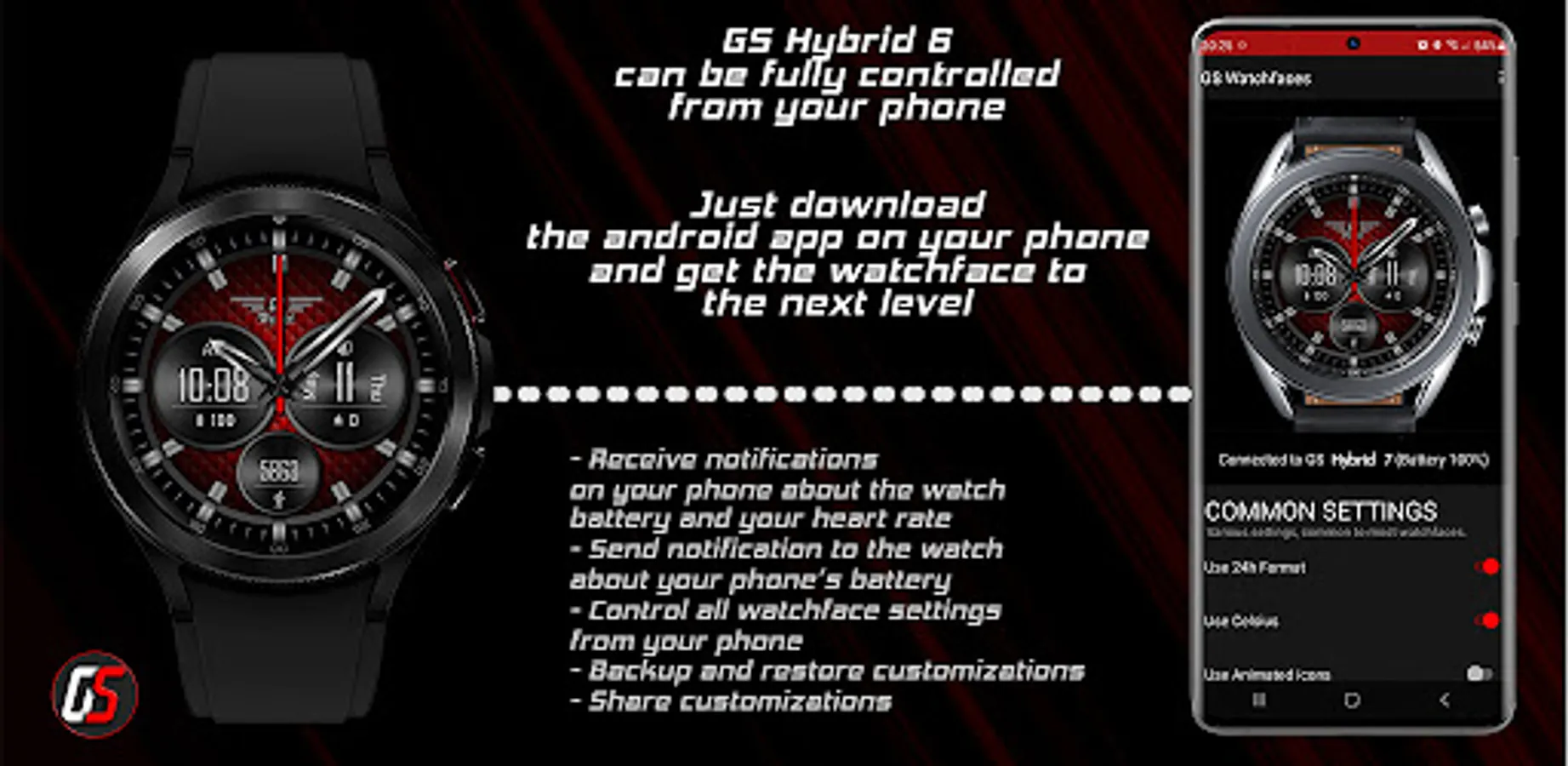
To access the watch face settings tap and hold on the screen or use the GS Watchfaces companion app found here https://play.google.com/store/apps/details?id=com.gs.watchfaces
The above app gives you the ability to control all watchface settings, backup and restore customizations, and receive notifications from the watchface when the battery drops to the level you have set.
To reset the complications to the original values, select none or empty on the selection screen.
WearOS Toolset
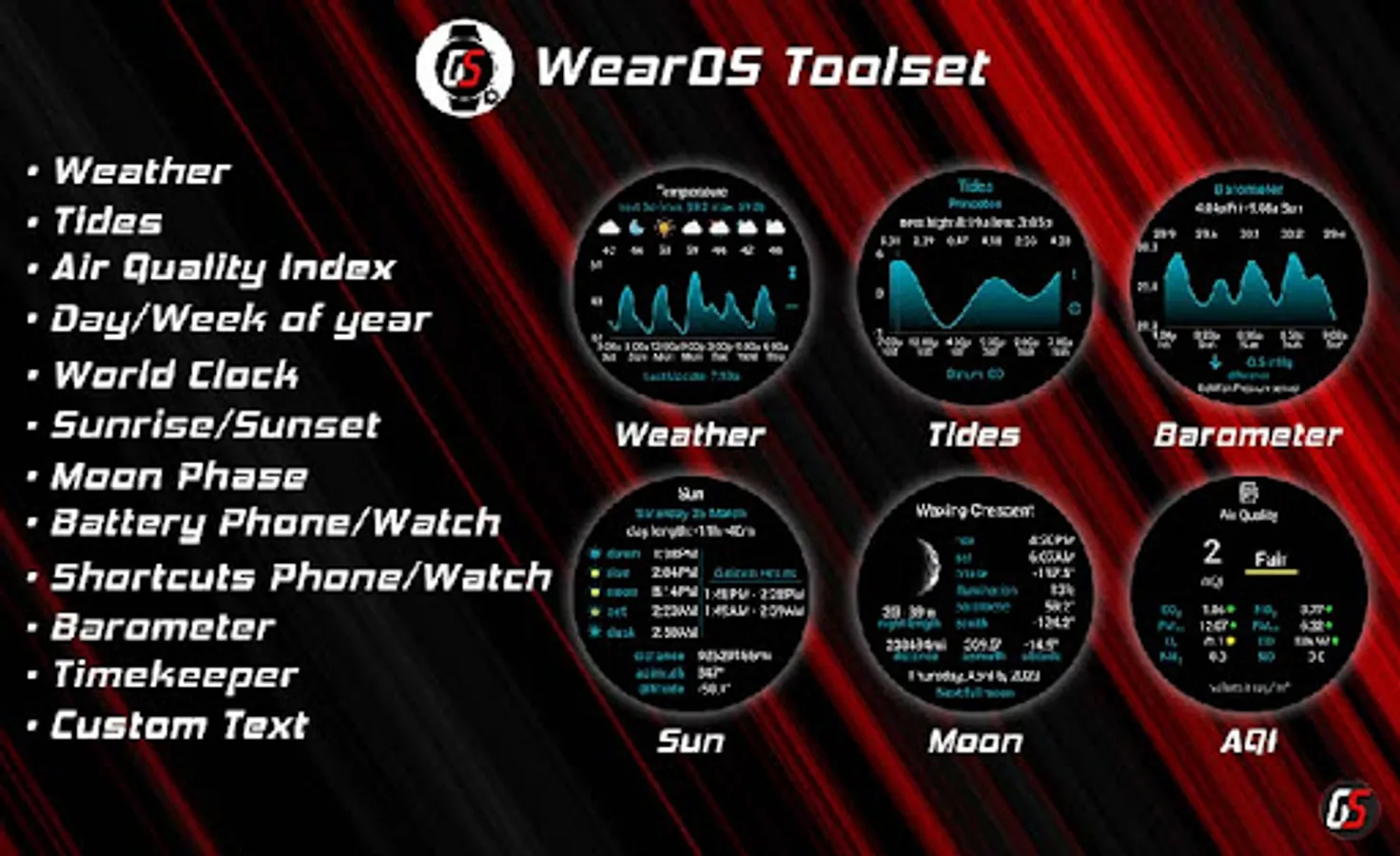
Install the Wear OS Toolset to enhance any watch face (and this one), it offers a wide range of complications from custom text to barometer, tides, and weather.
https://play.google.com/store/apps/details?id=com.gs.complications.suite
Features:
- Analog and digital time
- 5 editable complications
- Moon phase (tapping will launch WearOS Toolset moon details if it's installed)
- 10 backgrounds +1 with fully customizable color/gradient
- 9 Circles colors
- Animated circles flare (on/off in settings)
- Simple and full AOD modes
- 3 fonts to choose from
To access the watch face settings tap and hold on the screen or use the GS Watchfaces companion app found here https://play.google.com/store/apps/details?id=com.gs.watchfaces
The above app gives you the ability to control all watchface settings, backup and restore customizations, and receive notifications from the watchface when the battery drops to the level you have set.
To reset the complications to the original values, select none or empty on the selection screen.
WearOS Toolset
Install the Wear OS Toolset to enhance any watch face (and this one), it offers a wide range of complications from custom text to barometer, tides, and weather.
https://play.google.com/store/apps/details?id=com.gs.complications.suite