
Add Text Watermark to Photos
Video Screen Recorder, Voice Audio Editor, Cut MP3
4.3 ★
3K ratings
100,000+
downloads
Free
+ in-app
In this photo editing app, you can add watermarks to images using customizable templates and text options. Includes batch processing, template management, and sharing features.
AppRecs review analysis
AppRecs rating 4.4. Trustworthiness 74 out of 100. Review manipulation risk 41 out of 100. Based on a review sample analyzed.
★★★★☆
4.4
AppRecs Rating
Ratings breakdown
5 star
76%
4 star
7%
3 star
3%
2 star
3%
1 star
11%
What to know
⚠
Questionable review patterns
41% review manipulation risk - some review patterns appear unusual
⚠
Review quality concerns
76% of sampled 5-star reviews are very short
About Add Text Watermark to Photos
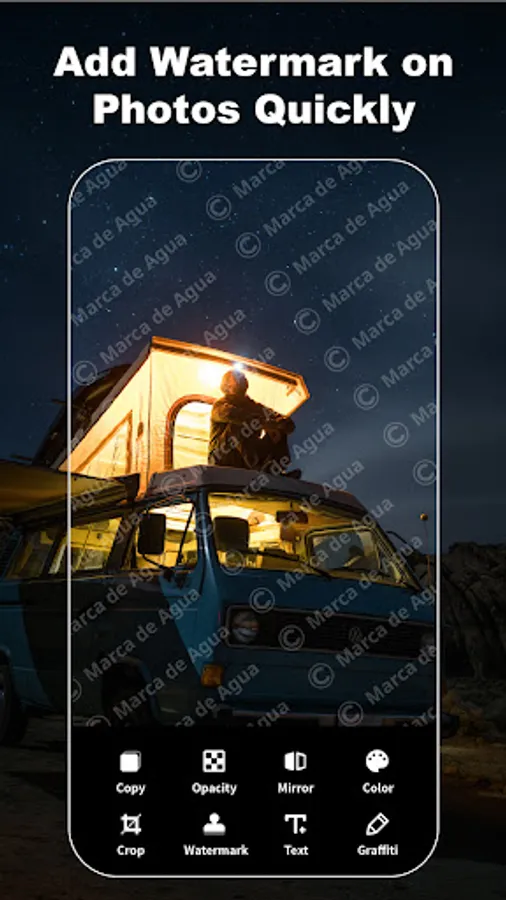
Super Watermark is a professional watermark camera app. With super watermark, you can add watermarks on photos quickly. Life is a gift, love it!
With the super watermark, you can turn an ordinary selfie into an artistic portrait too easily and instantly by adding beautiful watermarks. Be a cool guy in the circle of your friends!
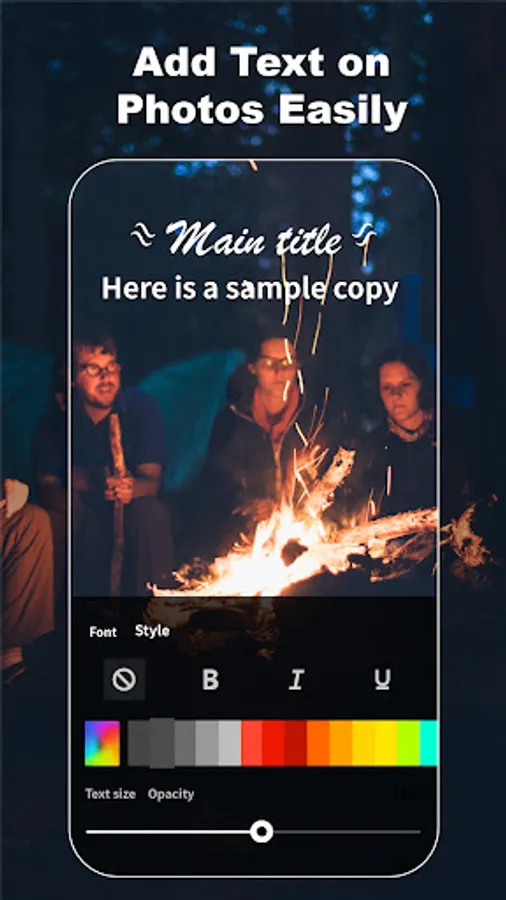
With a watermark camera, you can quickly make beautiful pictures in batches. By adding interesting text and doodles on photos, you can make distinctive and exquisite poster, flyer and banner, customize their respective watermarks for business, and create your own brand, label and logo.
Features:
▪ Adding watermarks in batches:
With the super watermark app, you can add watermarks in batches easily to make beautiful signature, enjoying a great watermark camera.
▪ Providing multi-style templates:
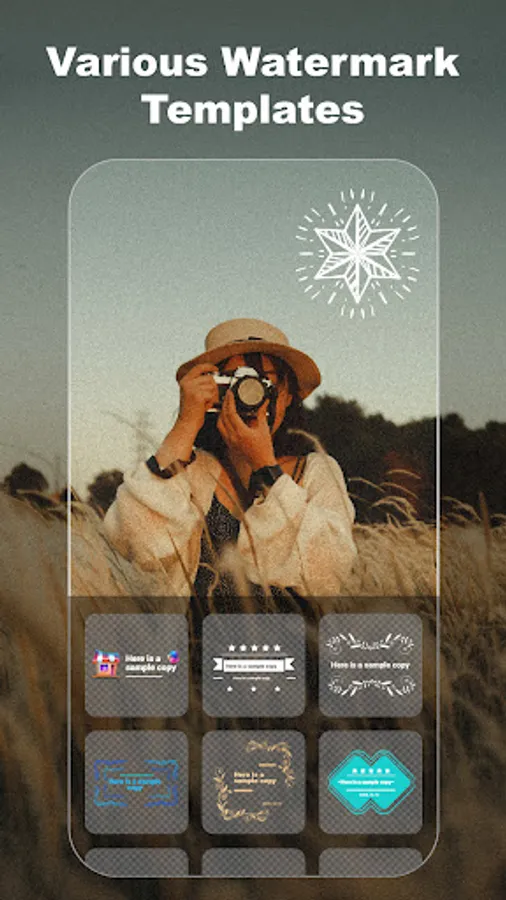
Dozens of watermark templates are available for fine posters regardless of foodies, fashion shoppers, young artists, and talented tourists.
▪ Achieving personalized design:
You can customize and modify watermarks to add personalized text and interesting doodles, and make your own watermark templates.
▪ Achieving third-party watermarks:
If you don't like our watermark shop's templates, you can add a watermark template from a third party.
▪ Saving templates automatically:
After a watermark picture is completed, the designed template is saved automatically. When starting the app next time, you can view your templates at the “My” item.
▪ Mark your copyright:
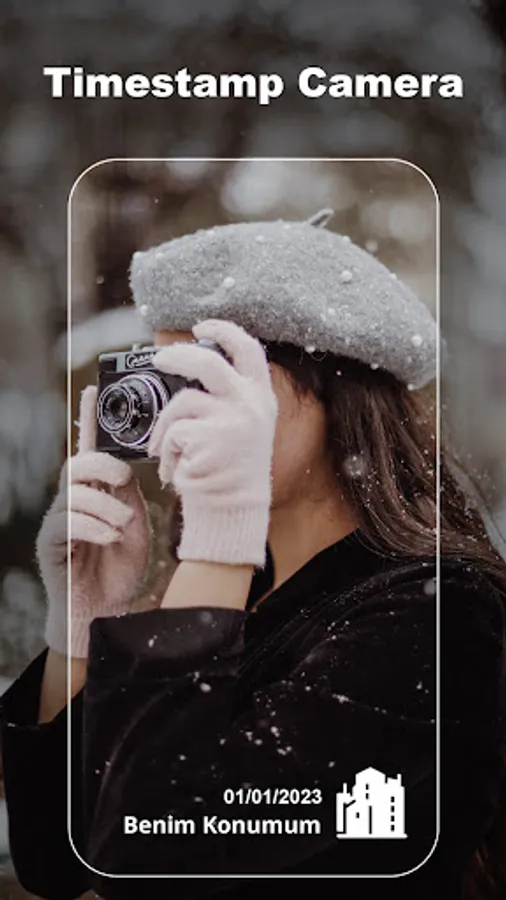
You can use super watermark mark your copyright by adding timestamp, symbol, icon. It's a great free watermark maker to design hallmark and sticker.
▪ Sharing with your friends quickly:
After making a beautiful watermark picture with a super watermark camera, you can share the picture with friends easily.
Useful Tips:
▪ The text in the dashed boxes of a watermark template can be edited.
▪ The size and direction of a watermark template can be adjusted with the spin button in the bottom-right corner of the template.
▪ The transparency of a watermark template can be adjusted with the up and down slide button on the right side of the picture.
▪ You can hold a watermark template and drag it to adjust the position of the watermark in a picture.
▪ You can adjust the definition for outputting a watermark picture in the app settings.
You can contact us through the feedback column in app, we'll be glad to hear from you.
With the super watermark, you can turn an ordinary selfie into an artistic portrait too easily and instantly by adding beautiful watermarks. Be a cool guy in the circle of your friends!
With a watermark camera, you can quickly make beautiful pictures in batches. By adding interesting text and doodles on photos, you can make distinctive and exquisite poster, flyer and banner, customize their respective watermarks for business, and create your own brand, label and logo.
Features:
▪ Adding watermarks in batches:
With the super watermark app, you can add watermarks in batches easily to make beautiful signature, enjoying a great watermark camera.
▪ Providing multi-style templates:
Dozens of watermark templates are available for fine posters regardless of foodies, fashion shoppers, young artists, and talented tourists.
▪ Achieving personalized design:
You can customize and modify watermarks to add personalized text and interesting doodles, and make your own watermark templates.
▪ Achieving third-party watermarks:
If you don't like our watermark shop's templates, you can add a watermark template from a third party.
▪ Saving templates automatically:
After a watermark picture is completed, the designed template is saved automatically. When starting the app next time, you can view your templates at the “My” item.
▪ Mark your copyright:
You can use super watermark mark your copyright by adding timestamp, symbol, icon. It's a great free watermark maker to design hallmark and sticker.
▪ Sharing with your friends quickly:
After making a beautiful watermark picture with a super watermark camera, you can share the picture with friends easily.
Useful Tips:
▪ The text in the dashed boxes of a watermark template can be edited.
▪ The size and direction of a watermark template can be adjusted with the spin button in the bottom-right corner of the template.
▪ The transparency of a watermark template can be adjusted with the up and down slide button on the right side of the picture.
▪ You can hold a watermark template and drag it to adjust the position of the watermark in a picture.
▪ You can adjust the definition for outputting a watermark picture in the app settings.
You can contact us through the feedback column in app, we'll be glad to hear from you.
Add Text Watermark to Photos Screenshots
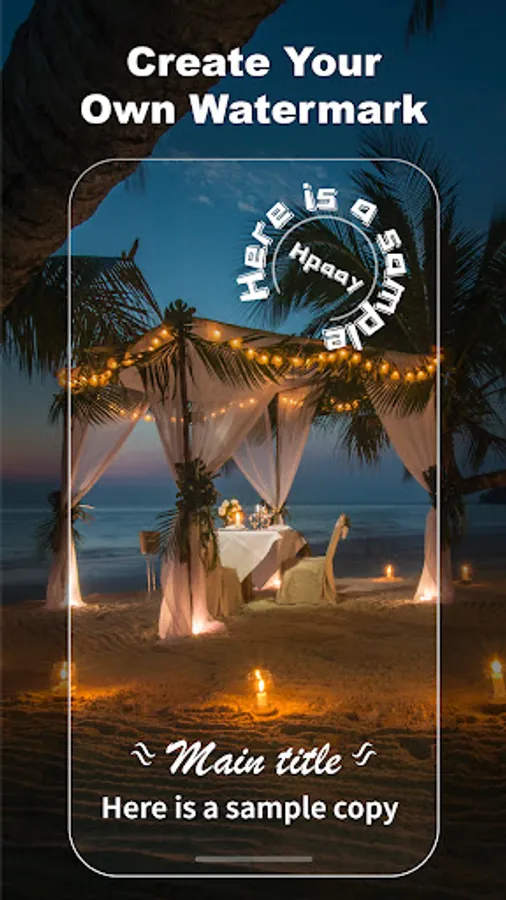
Tap to Rate:
Reviews for Add Text Watermark to Photos
Deepu 810
12/23/2025
thank
Tom Lent
11/18/2025
good