RGB Settings
Hardy-infinity
3.2 ★
314 ratings
100,000+
downloads
Free
+ in-app
In this screen filter app, you can adjust your smartphone's display colors using an RGB palette and set schedules for automatic changes. Includes options for notification area filters, lock screens, Auto Mode, and shortcut access.
AppRecs review analysis
AppRecs rating 3.3. Trustworthiness 81 out of 100. Review manipulation risk 23 out of 100. Based on a review sample analyzed.
★★★☆☆
3.3
AppRecs Rating
Ratings breakdown
5 star
40%
4 star
6%
3 star
20%
2 star
0%
1 star
33%
What to know
✓
Low review manipulation risk
23% review manipulation risk
✓
Credible reviews
81% trustworthiness score from analyzed reviews
⚠
High negative review ratio
33% of sampled ratings are 1–2 stars
About RGB Settings
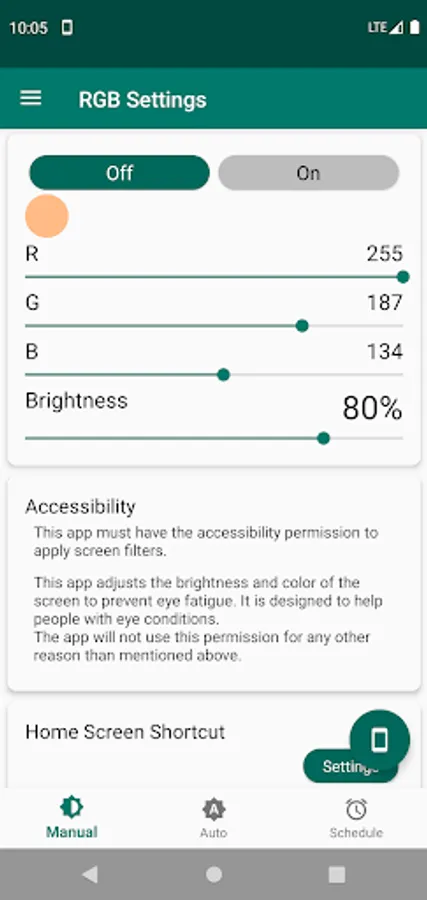
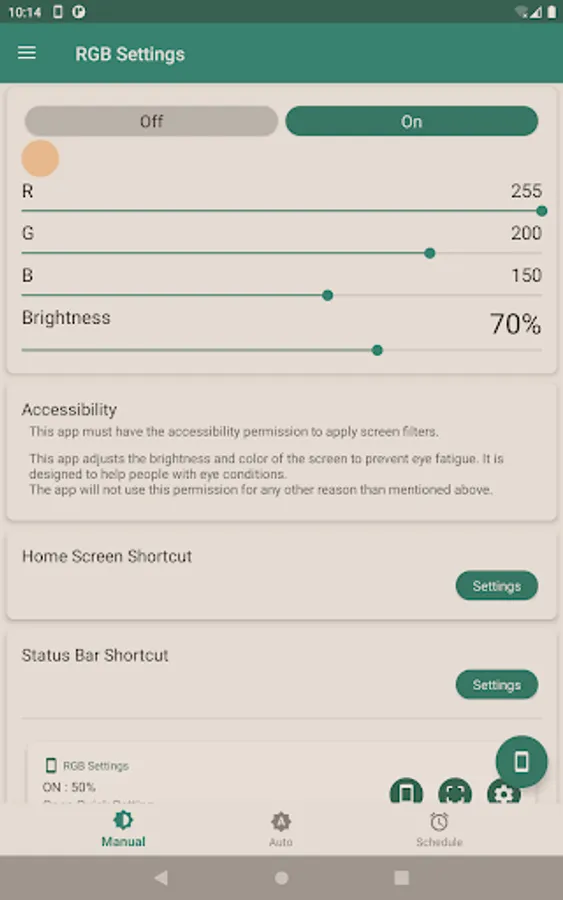
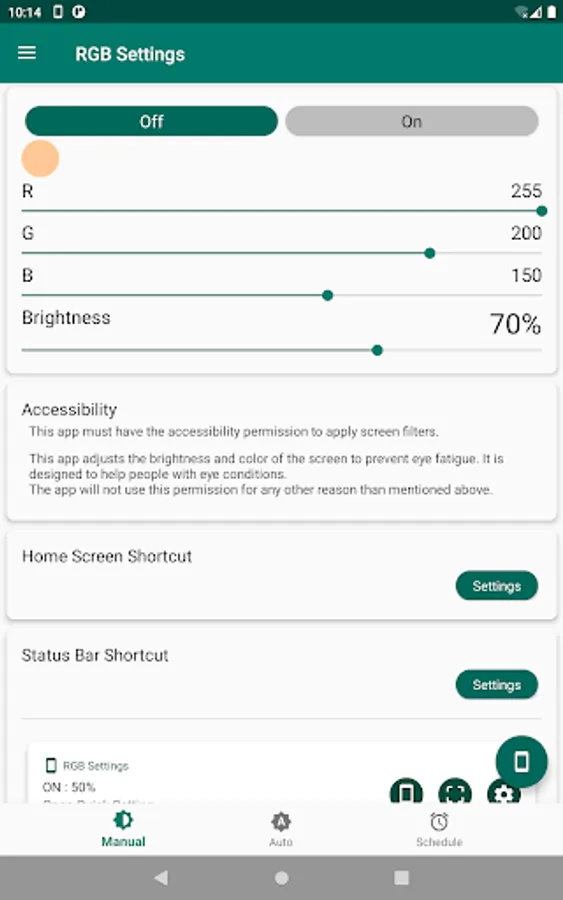
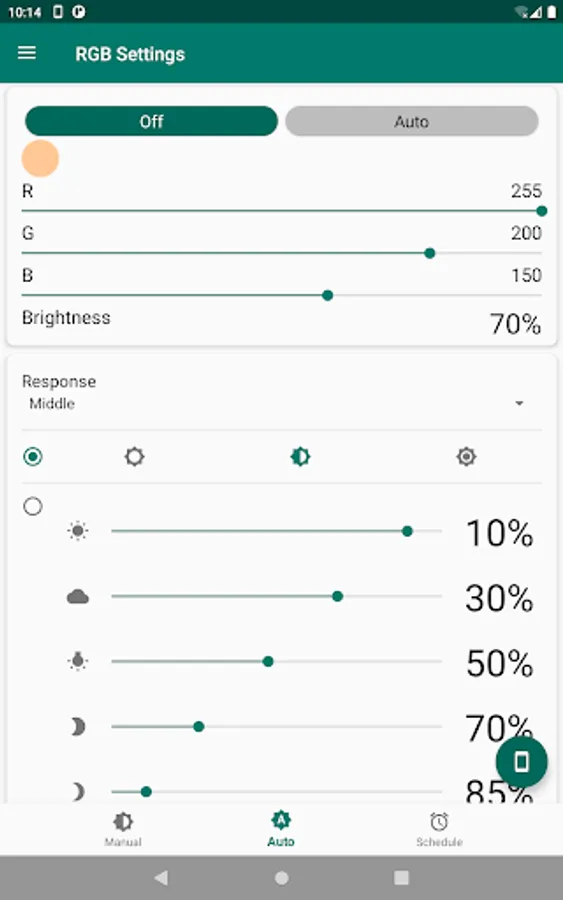
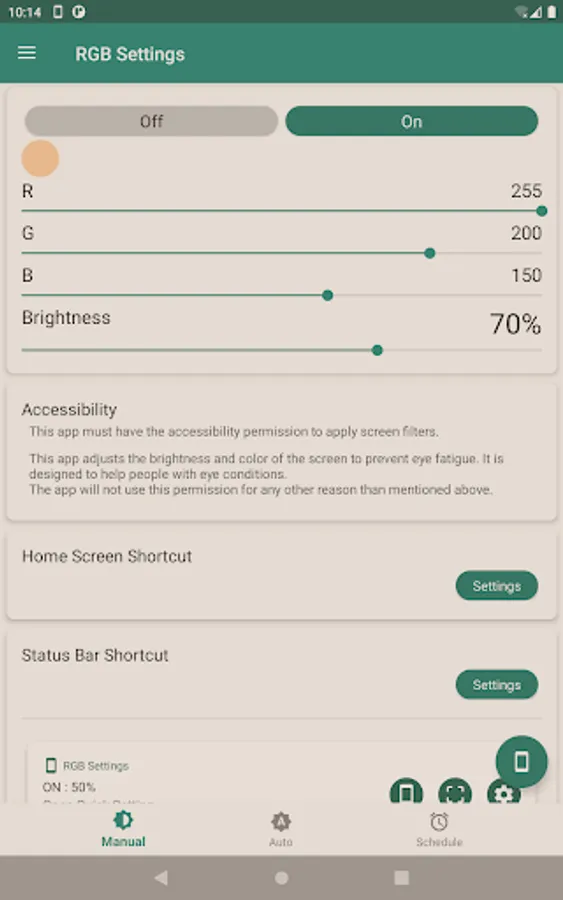
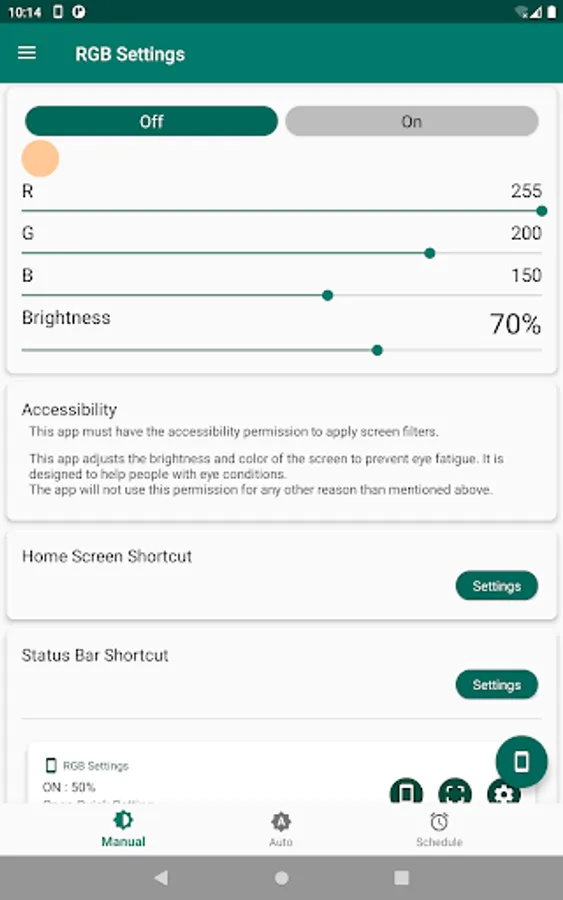
Welcome to RGB Settings, the comprehensive screen filter app that enables you to transform your smartphone's screen color with full control. RGB Settings lets you set the hue of your smartphone screen using an RGB color palette, allowing limitless possibilities for customization.
You can adjust your screen filter to orange or yellow to reduce blue light, set it to black for a darker screen than system settings allow, or even set it to blue to increase your focus. With an infinite RGB color palette, you can experiment with a variety of combinations to suit your needs and mood.
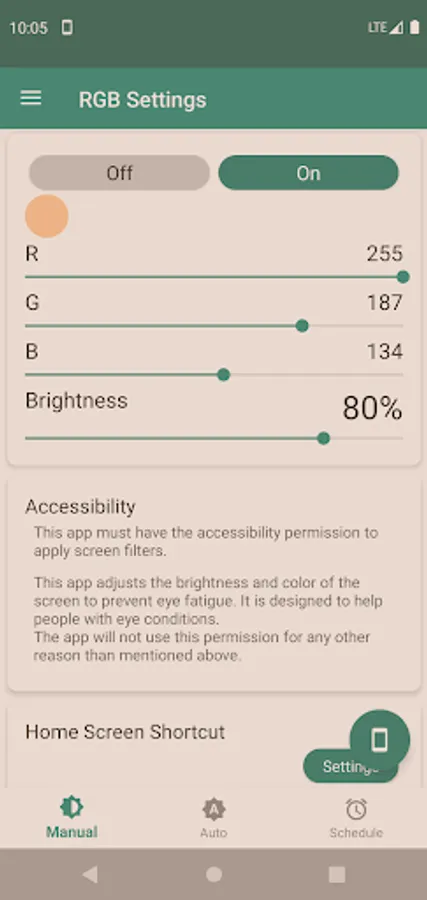
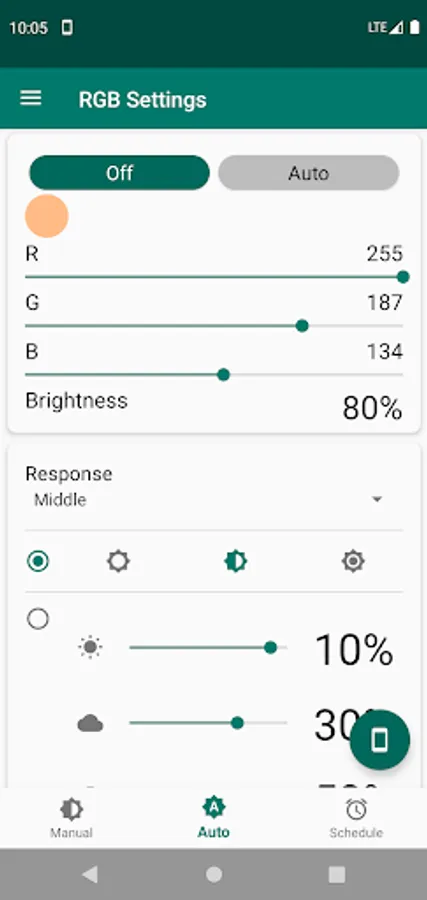
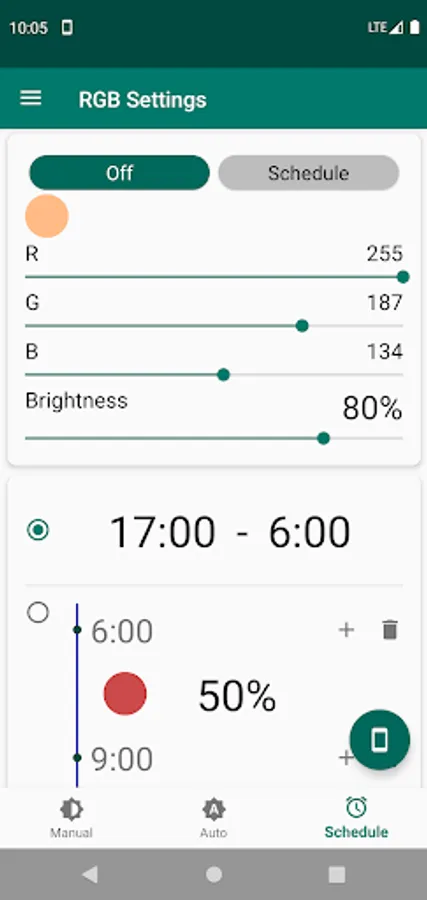
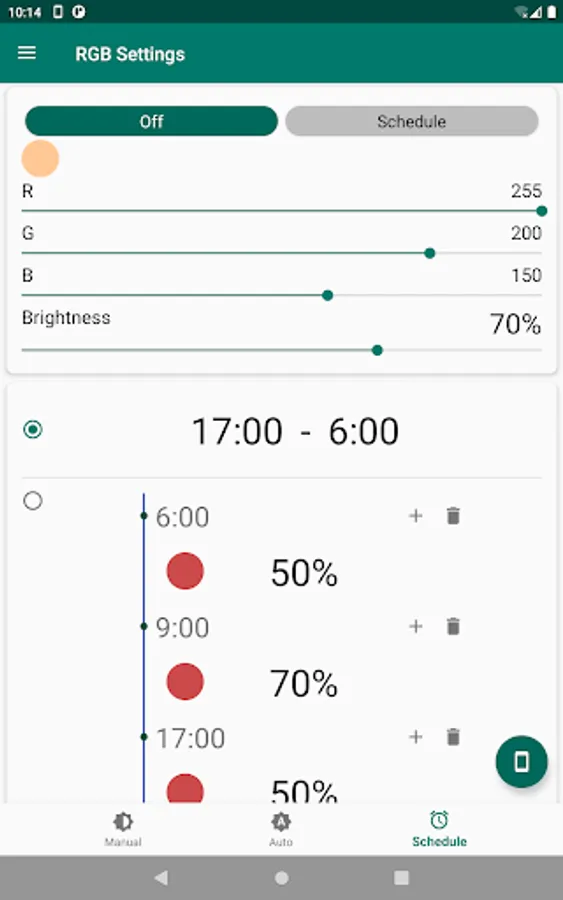
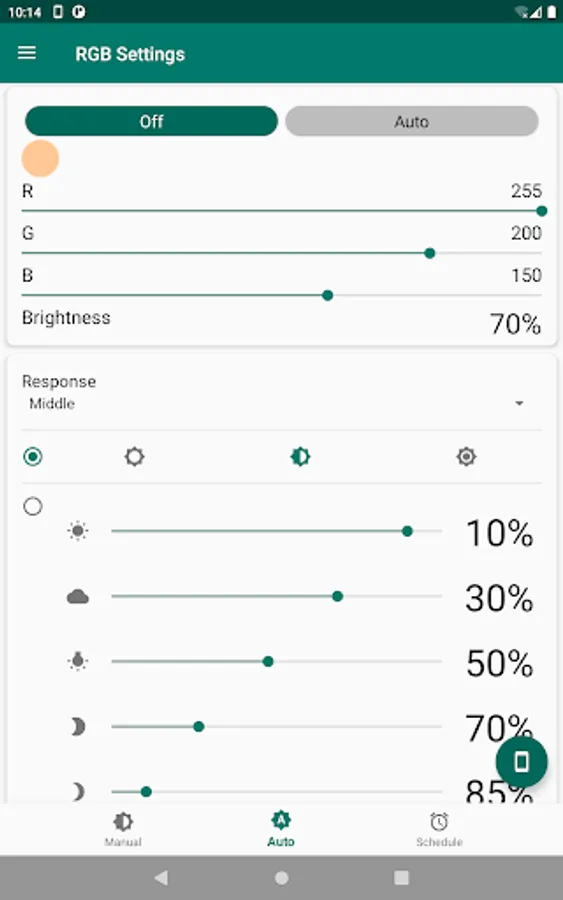
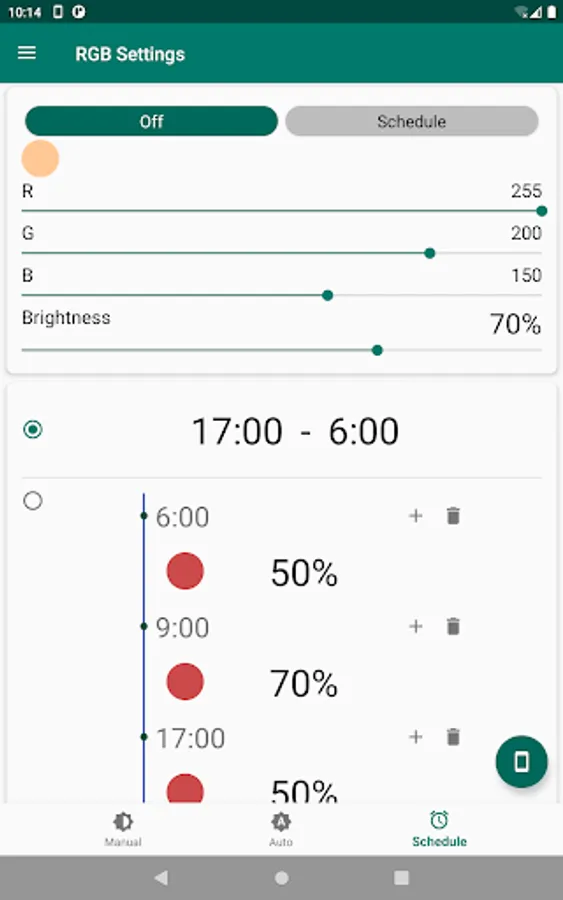
The basic functionalities of RGB Settings are free to use. For those wanting to unlock the full suite of features, we offer a premium version. Our premium features include the ability to apply the screen filter to notification areas, lock screens, and navigation bars. We also provide an Auto Mode that automatically adjusts the screen color based on external brightness, and a Schedule Mode that allows for automatic setting of screen color and brightness according to specific times.
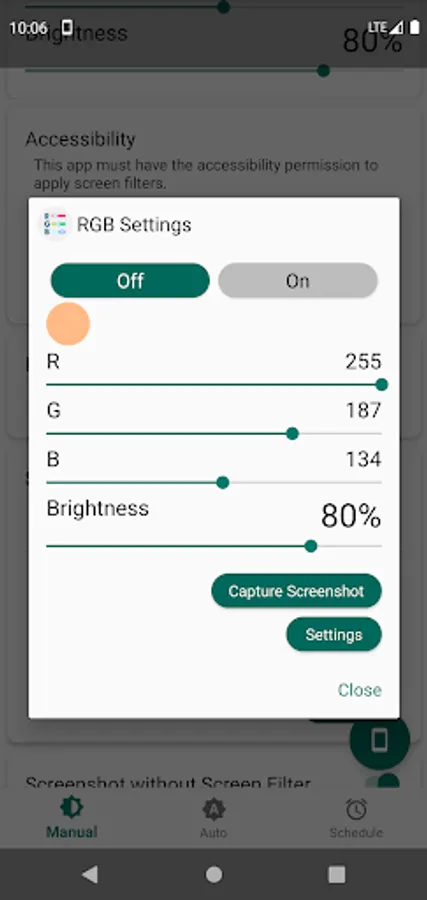
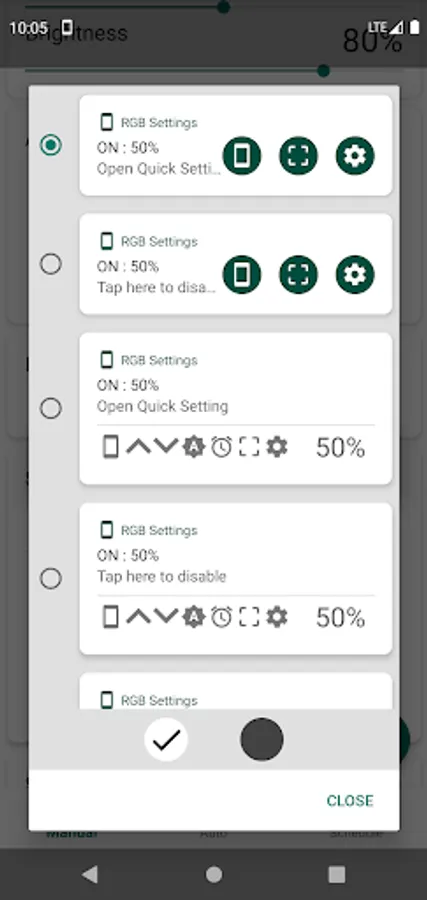
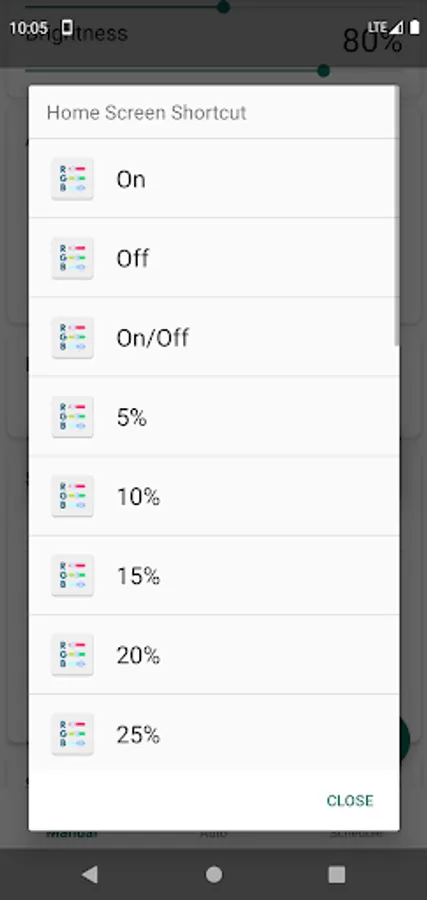
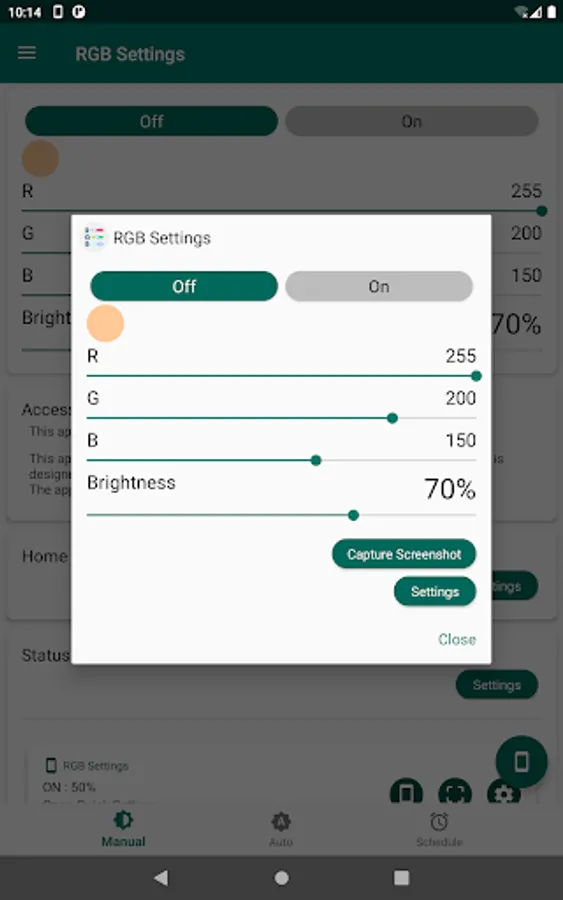
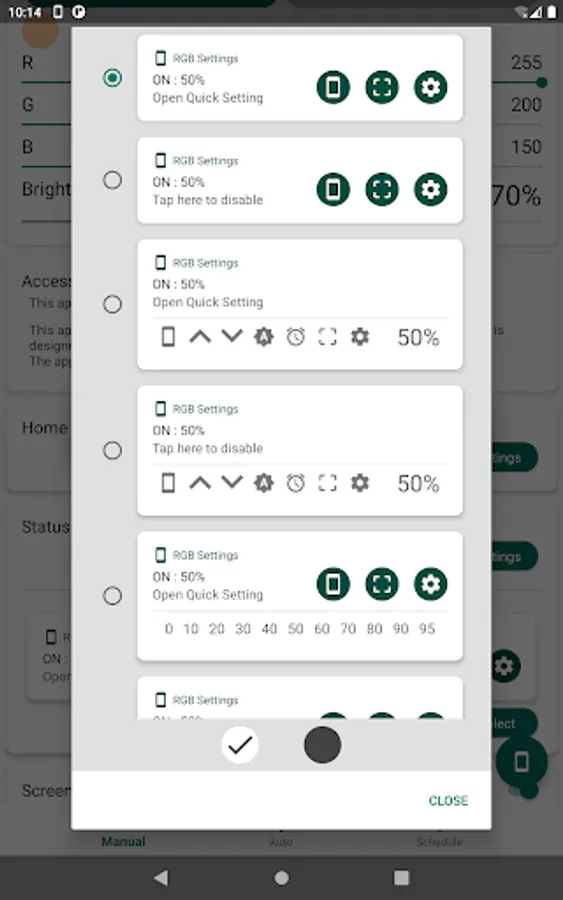
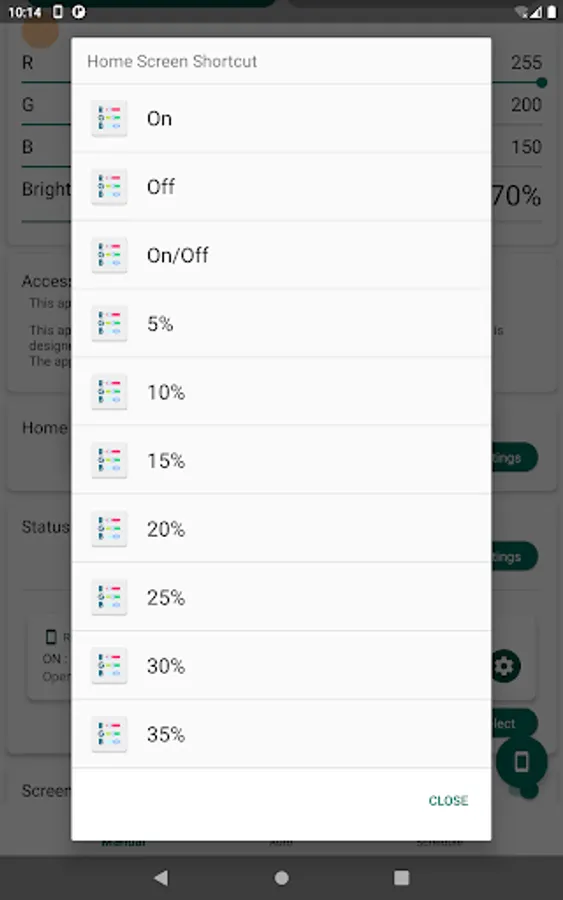
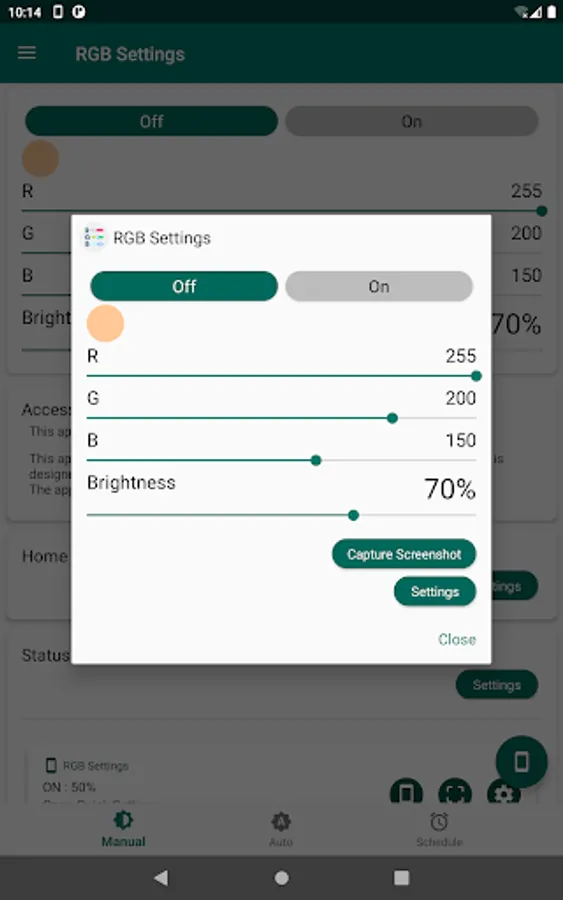
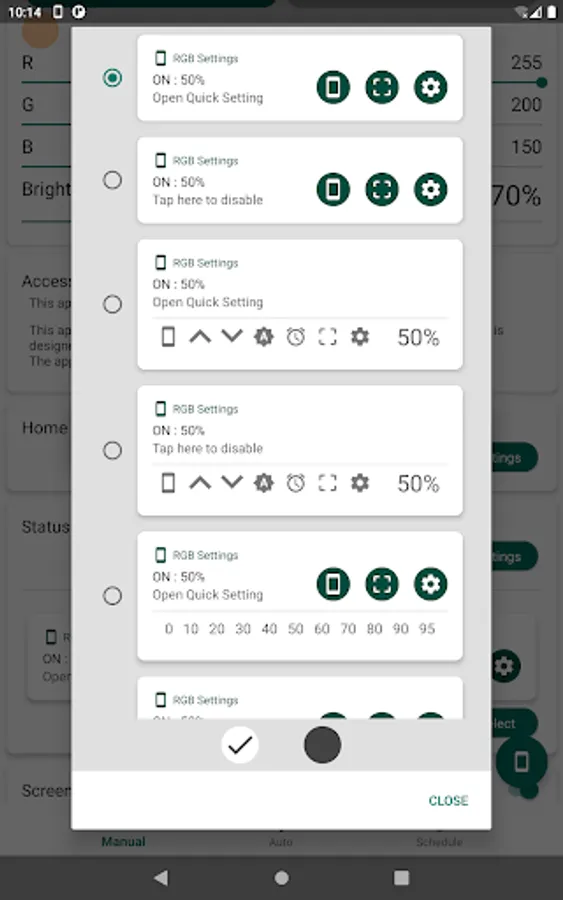
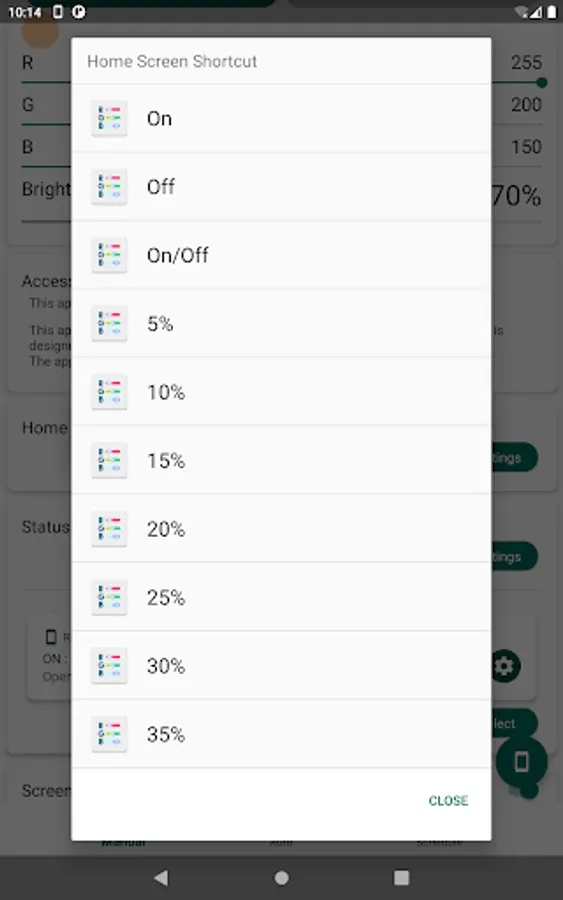
You can access various operations from shortcuts in the notification area, with a variety of shortcut types to choose from. The home screen shortcut also allows for quick and easy operation. The app is designed to be simple and user-friendly, with a Quick Setting Window for speedy color adjustments.
One unique feature of RGB Settings is the ability to take screenshots without the screen filter appearing, providing clean and true-to-color images. Additionally, RGB Settings is designed to be efficient, performing no unnecessary operations. This means that, compared to other screen filter apps, it helps conserve your battery life.
Elevate your smartphone experience with RGB Settings. Try out the basic features for free and explore the unlimited potential this app brings. If you desire more advanced features, the premium version provides full access to all capabilities.
Make your smartphone more personalized and convenient with RGB Settings. Discover your unique color settings today!
* This app must have the accessibility permission to apply screen filters.
This app adjusts the brightness and color of the screen to prevent eye fatigue. It is designed to help people with eye conditions.
The app will not use this permission for any other reason than mentioned above.
You can adjust your screen filter to orange or yellow to reduce blue light, set it to black for a darker screen than system settings allow, or even set it to blue to increase your focus. With an infinite RGB color palette, you can experiment with a variety of combinations to suit your needs and mood.
The basic functionalities of RGB Settings are free to use. For those wanting to unlock the full suite of features, we offer a premium version. Our premium features include the ability to apply the screen filter to notification areas, lock screens, and navigation bars. We also provide an Auto Mode that automatically adjusts the screen color based on external brightness, and a Schedule Mode that allows for automatic setting of screen color and brightness according to specific times.
You can access various operations from shortcuts in the notification area, with a variety of shortcut types to choose from. The home screen shortcut also allows for quick and easy operation. The app is designed to be simple and user-friendly, with a Quick Setting Window for speedy color adjustments.
One unique feature of RGB Settings is the ability to take screenshots without the screen filter appearing, providing clean and true-to-color images. Additionally, RGB Settings is designed to be efficient, performing no unnecessary operations. This means that, compared to other screen filter apps, it helps conserve your battery life.
Elevate your smartphone experience with RGB Settings. Try out the basic features for free and explore the unlimited potential this app brings. If you desire more advanced features, the premium version provides full access to all capabilities.
Make your smartphone more personalized and convenient with RGB Settings. Discover your unique color settings today!
* This app must have the accessibility permission to apply screen filters.
This app adjusts the brightness and color of the screen to prevent eye fatigue. It is designed to help people with eye conditions.
The app will not use this permission for any other reason than mentioned above.
RGB Settings Screenshots
Tap to Rate:
Reviews for RGB Settings
Sahil Lingwal
12/17/2025
crashes all the time
mkr 00
12/15/2025
not good